



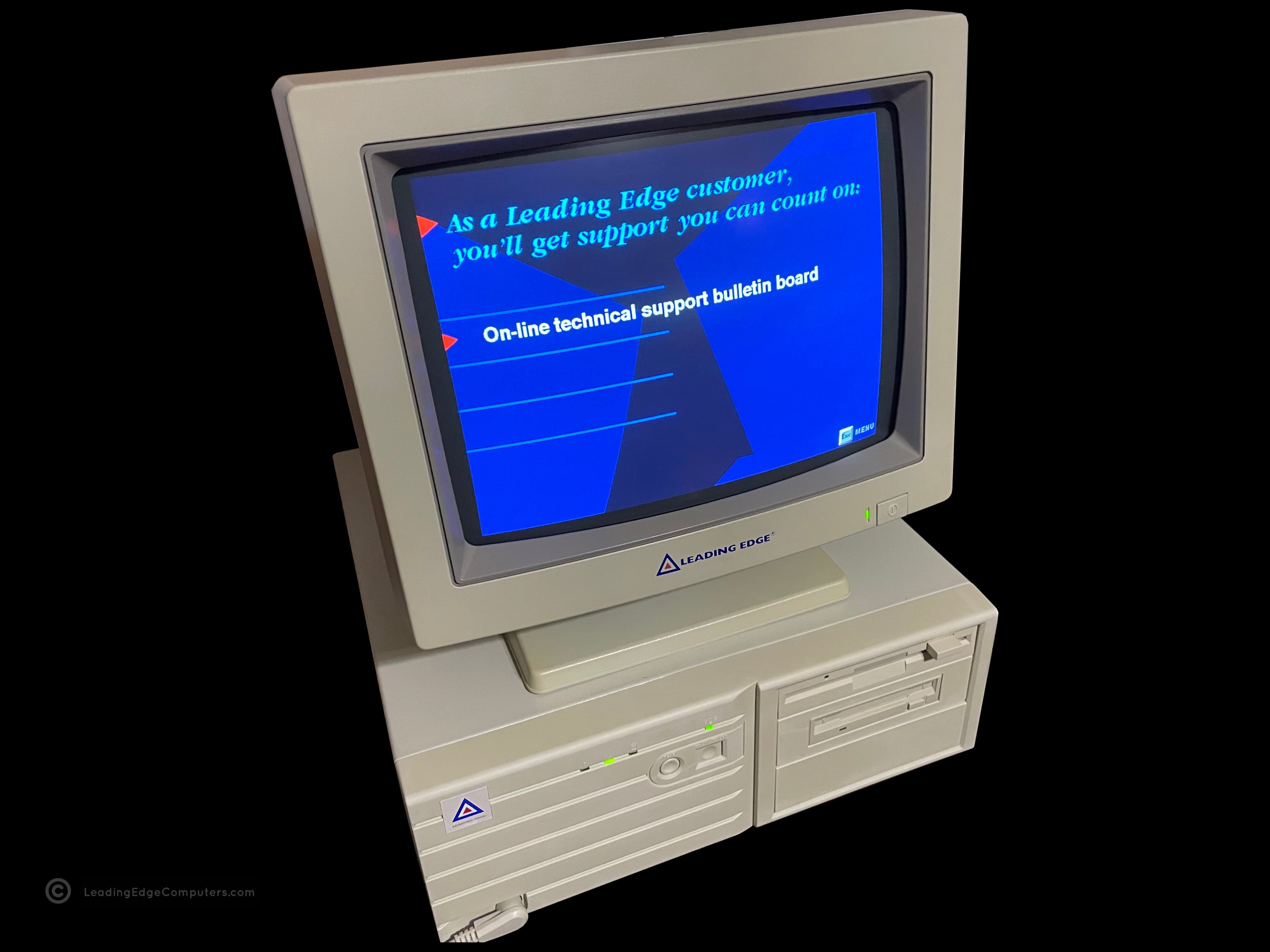





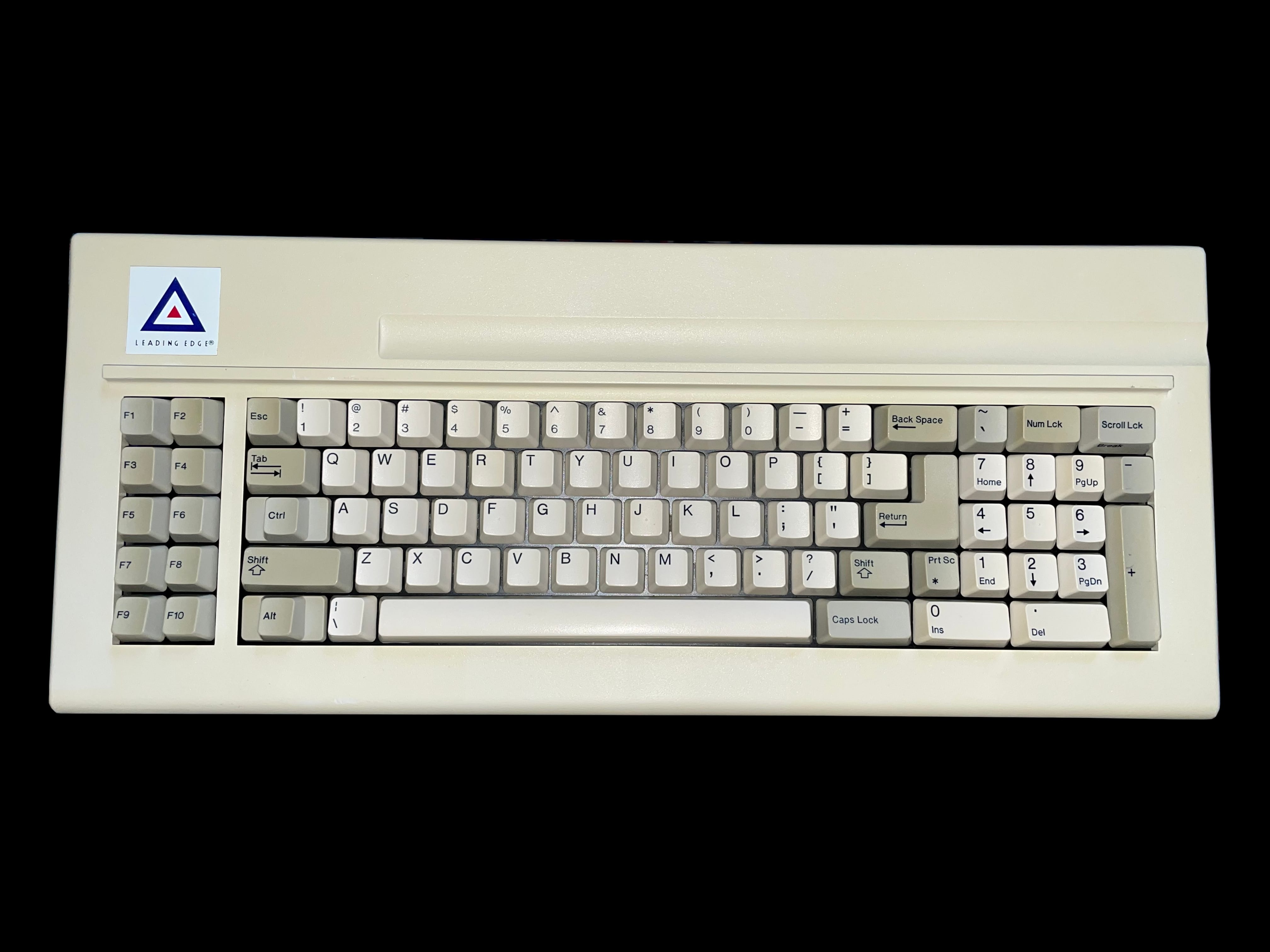
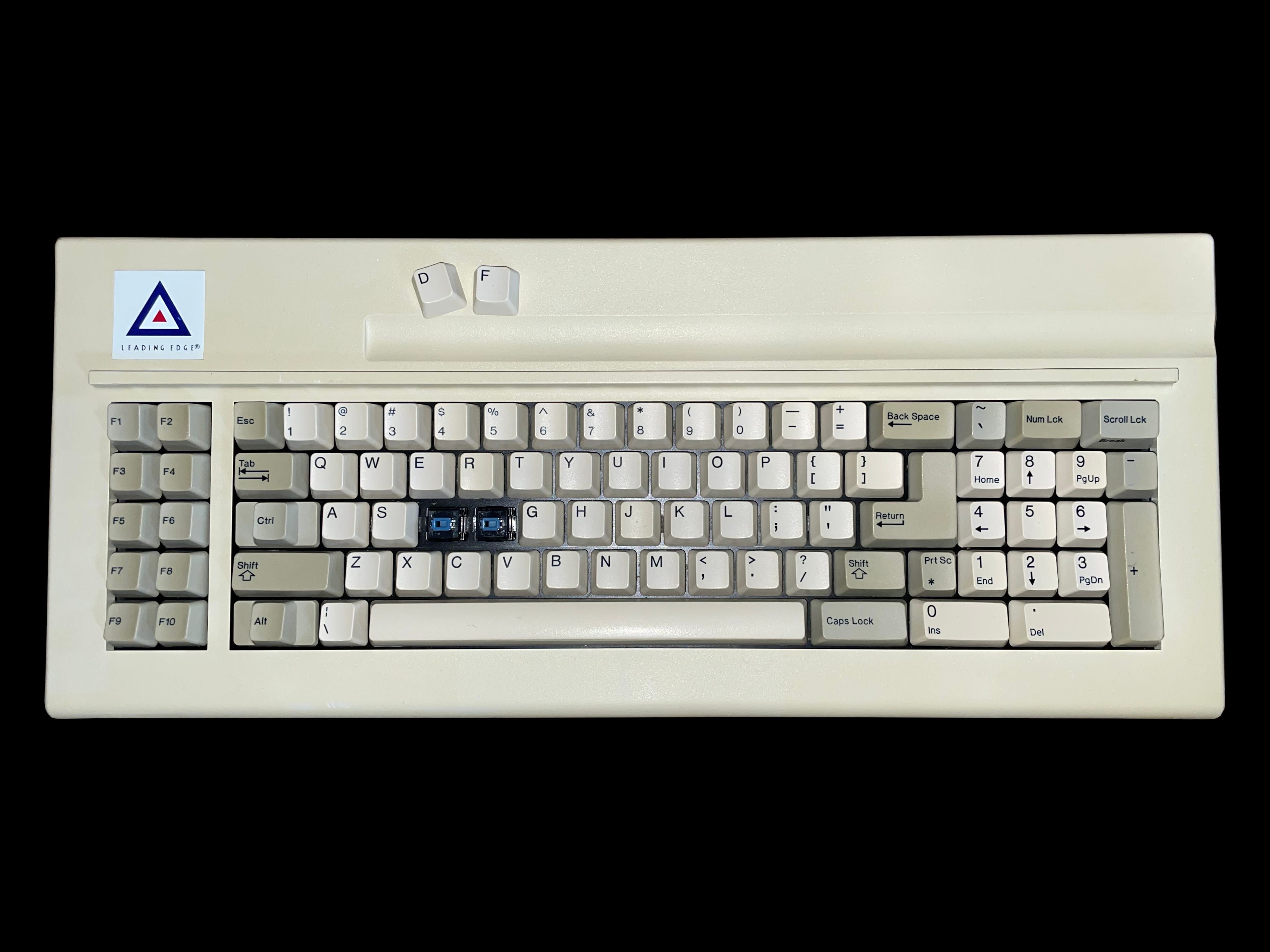
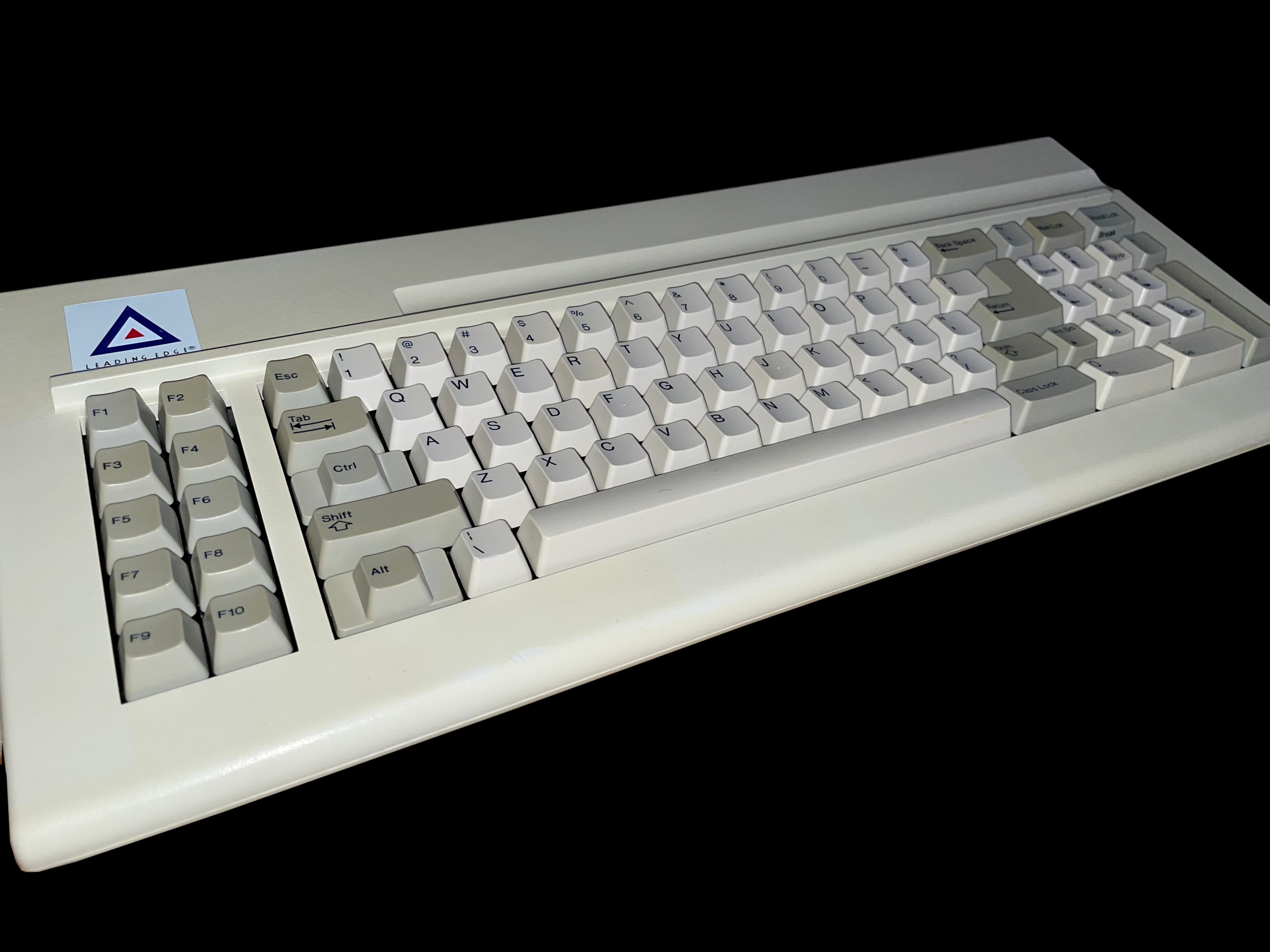








































































Leading Edge
  1. LeadingEdgeComputers
  2. Photo Gallery Index
  3. Photo Gallery
  1. home
  2. photo gallery index
  3. photo gallery
S1 DISPLAY CONFIG
ON
DIP
LEC photo gallery


Photo Gallery


Page:

     386SX Notebook

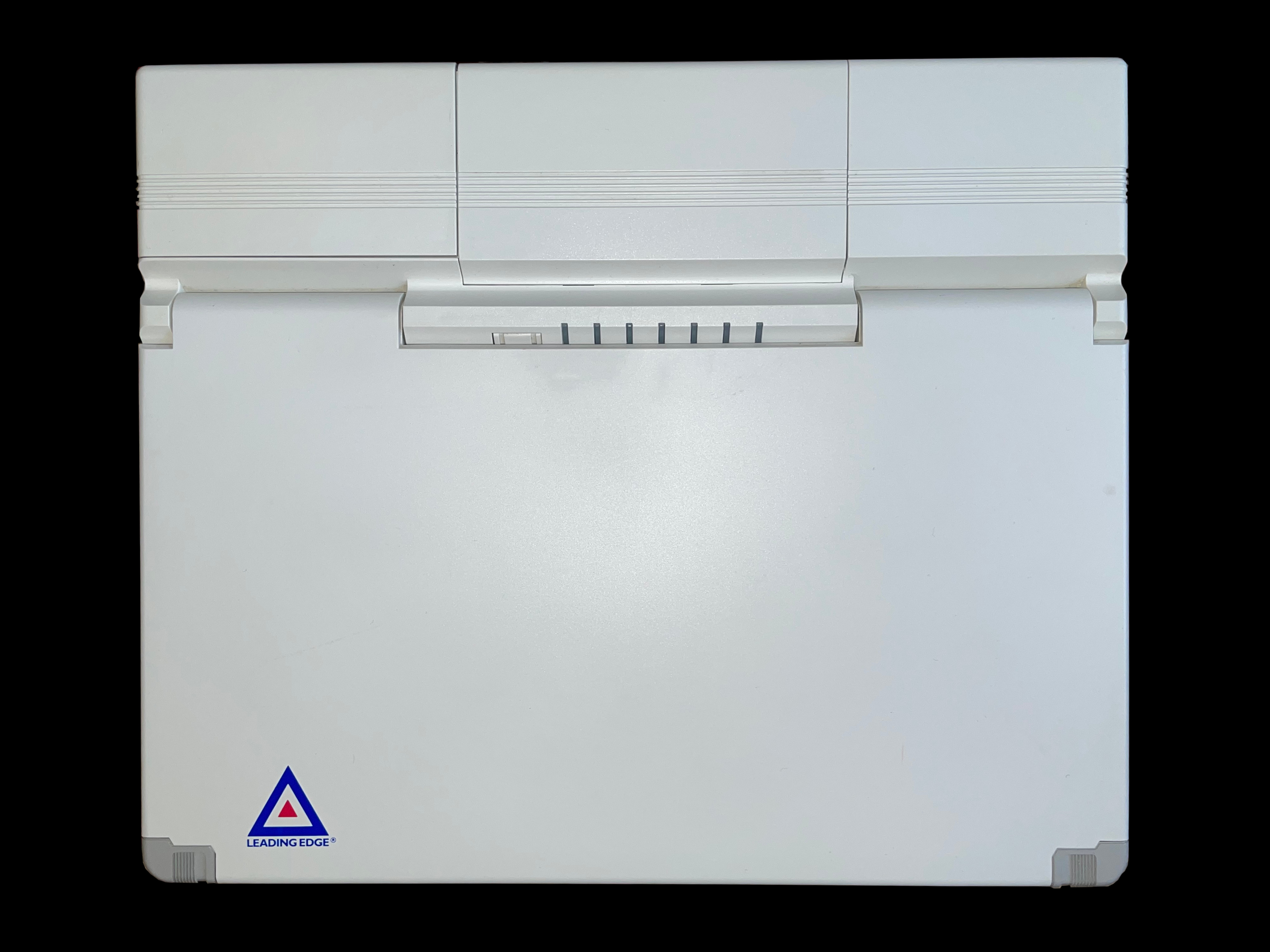
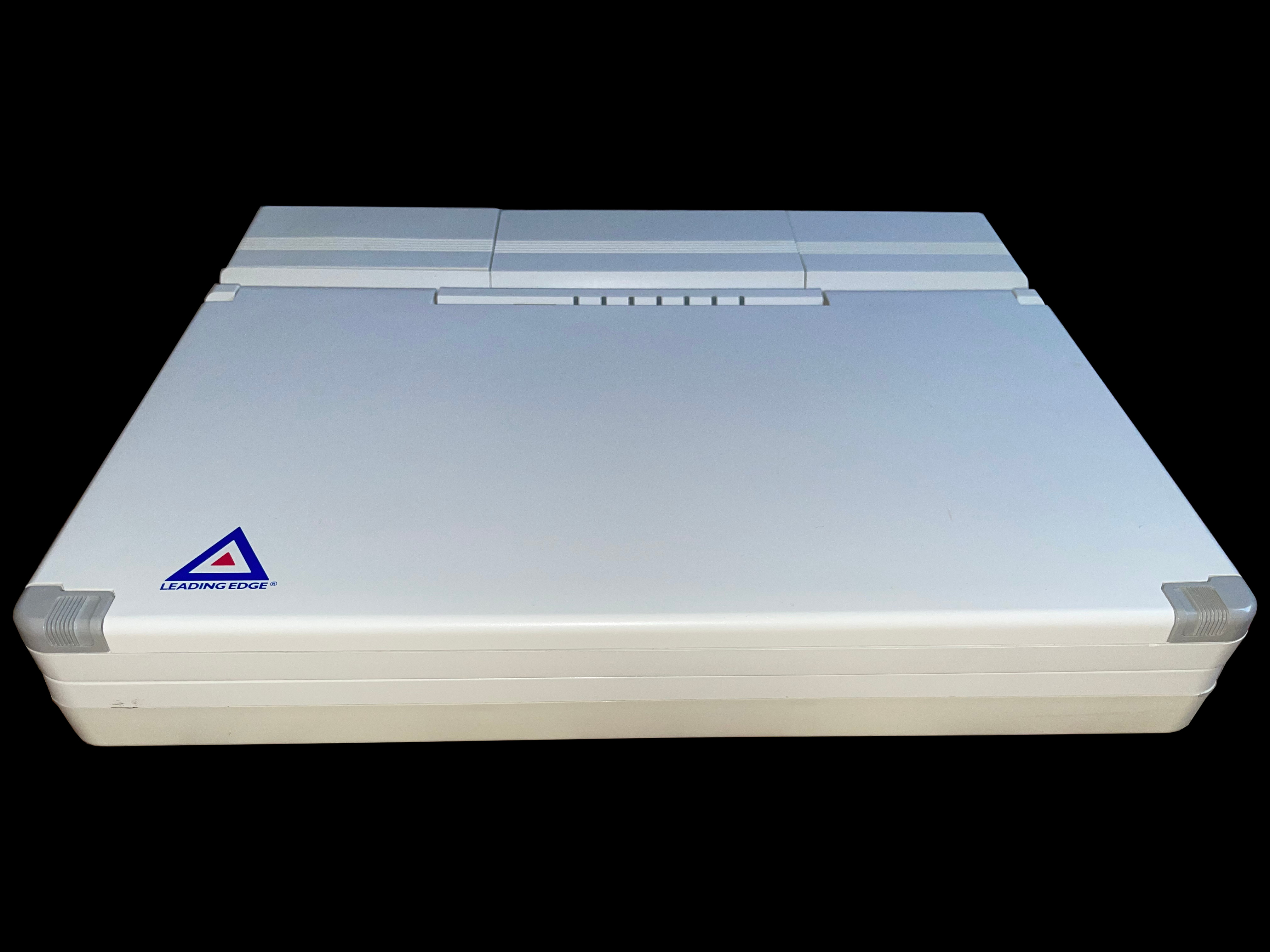
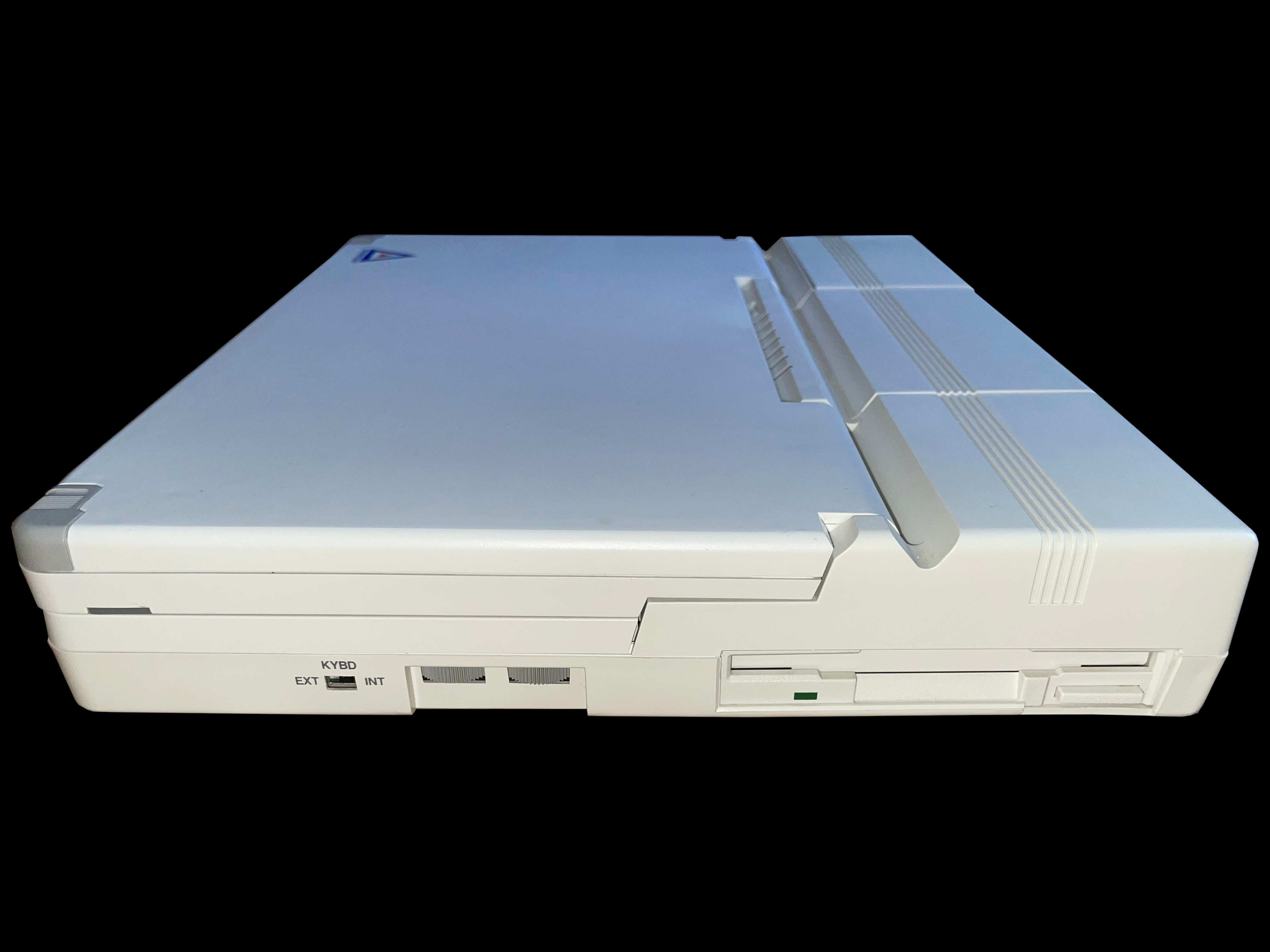
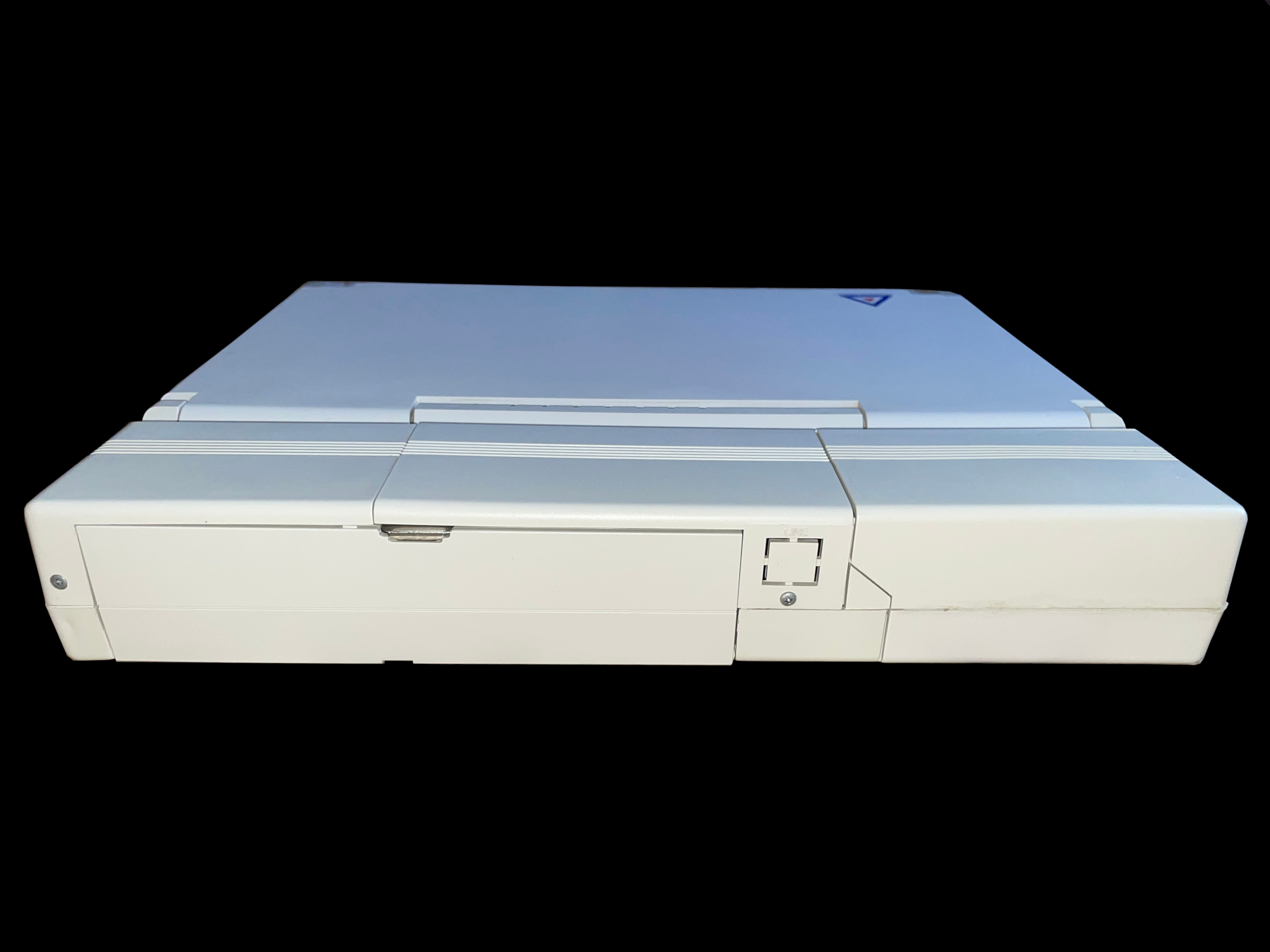
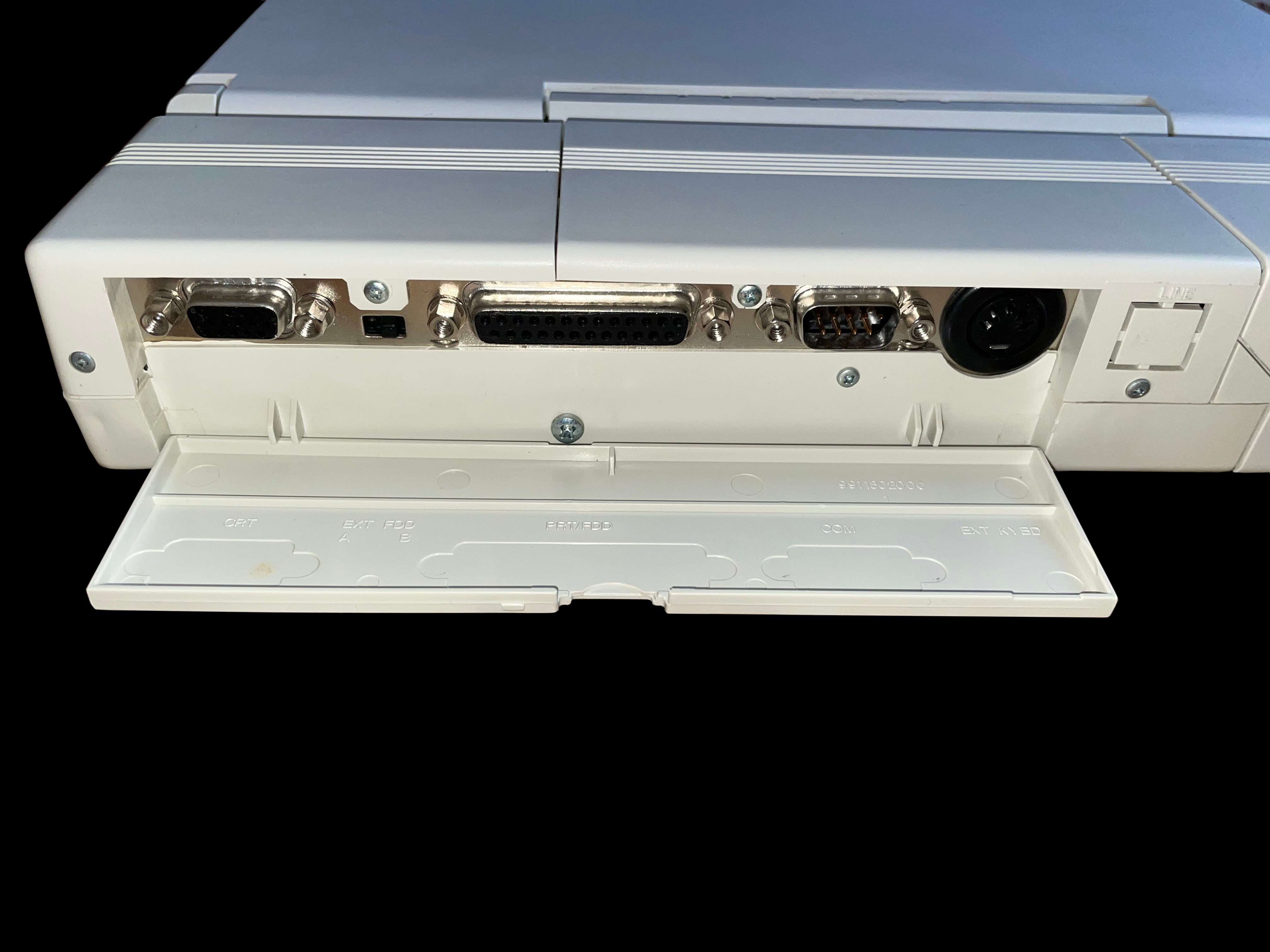
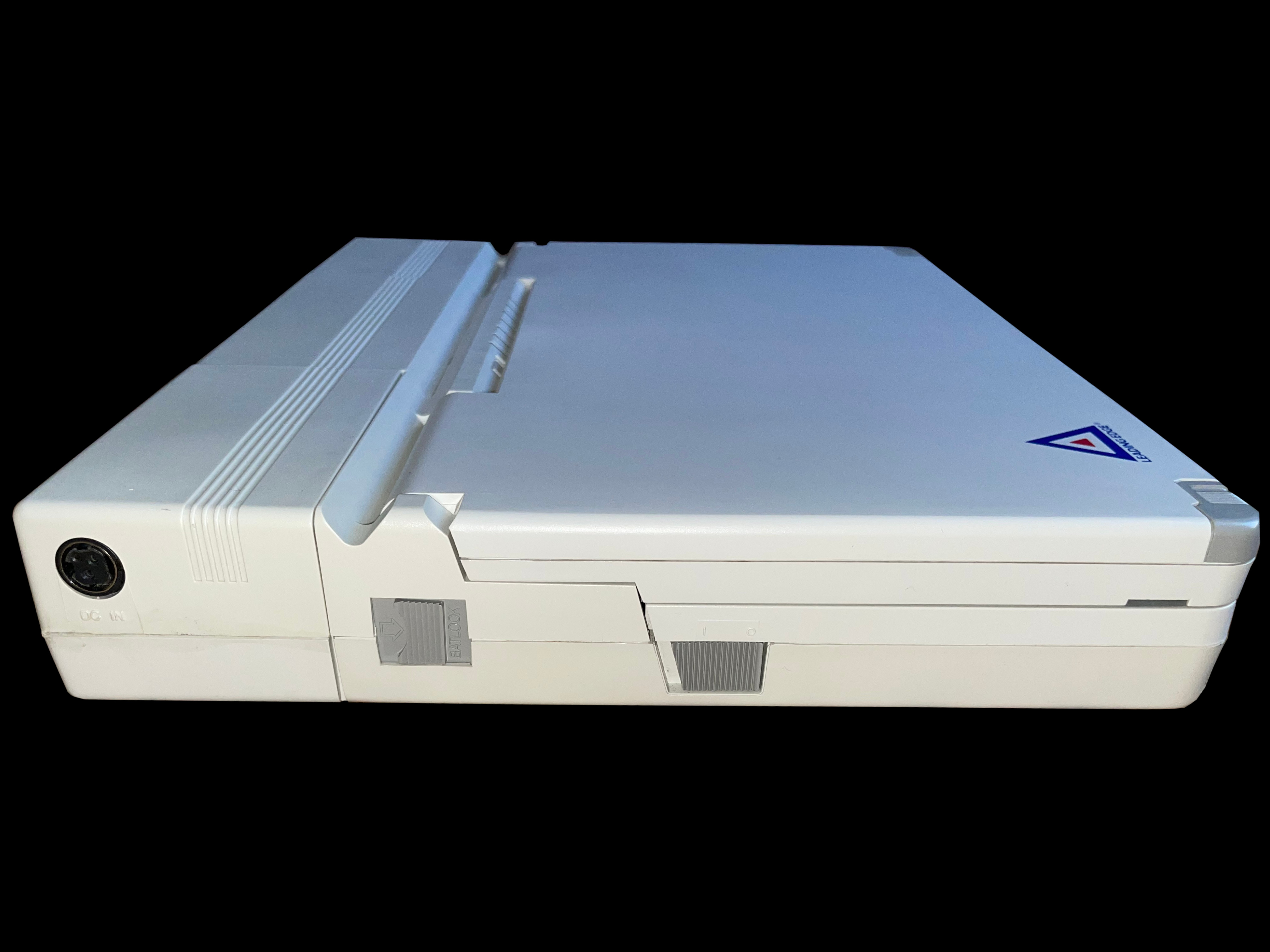
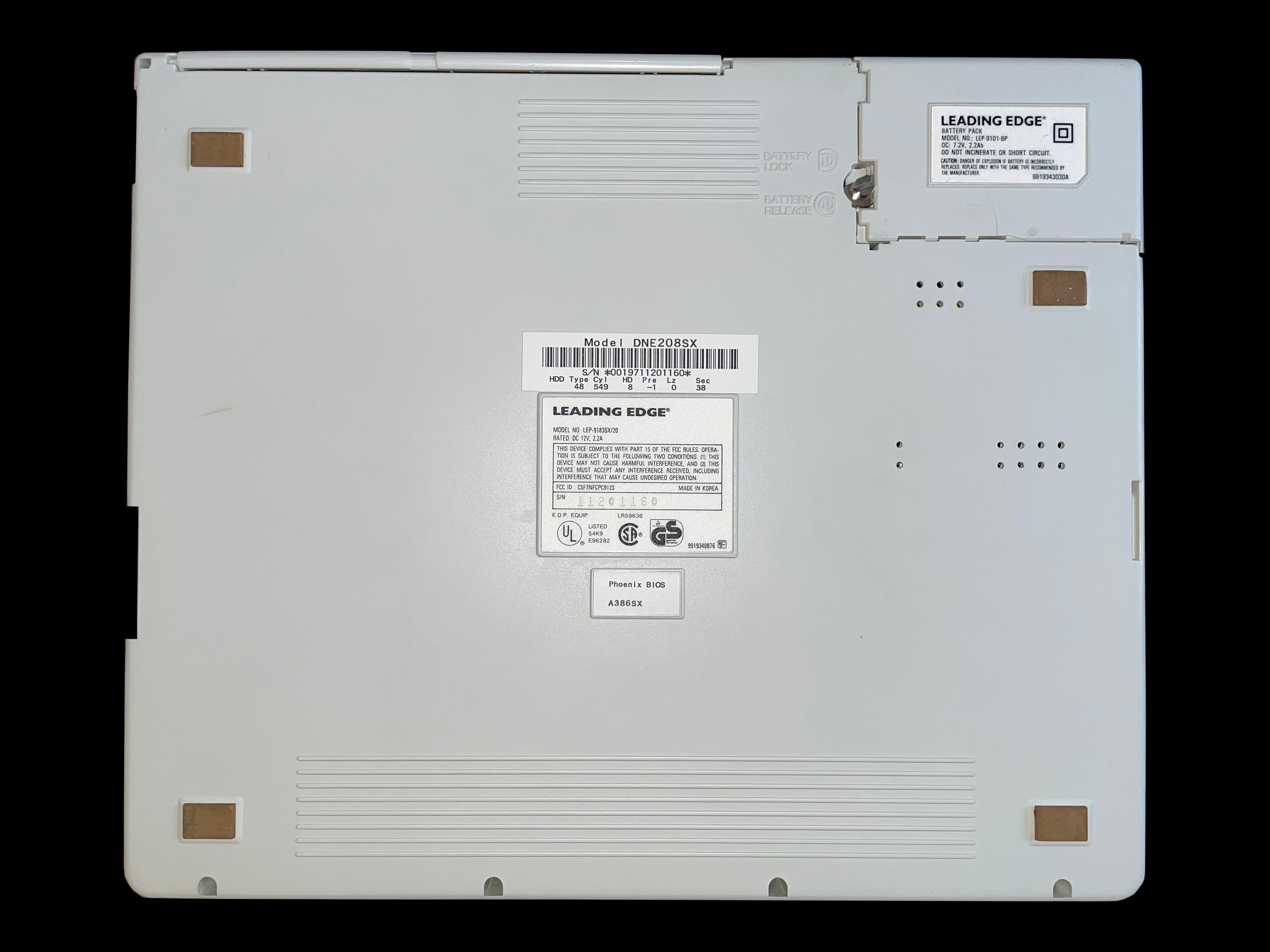
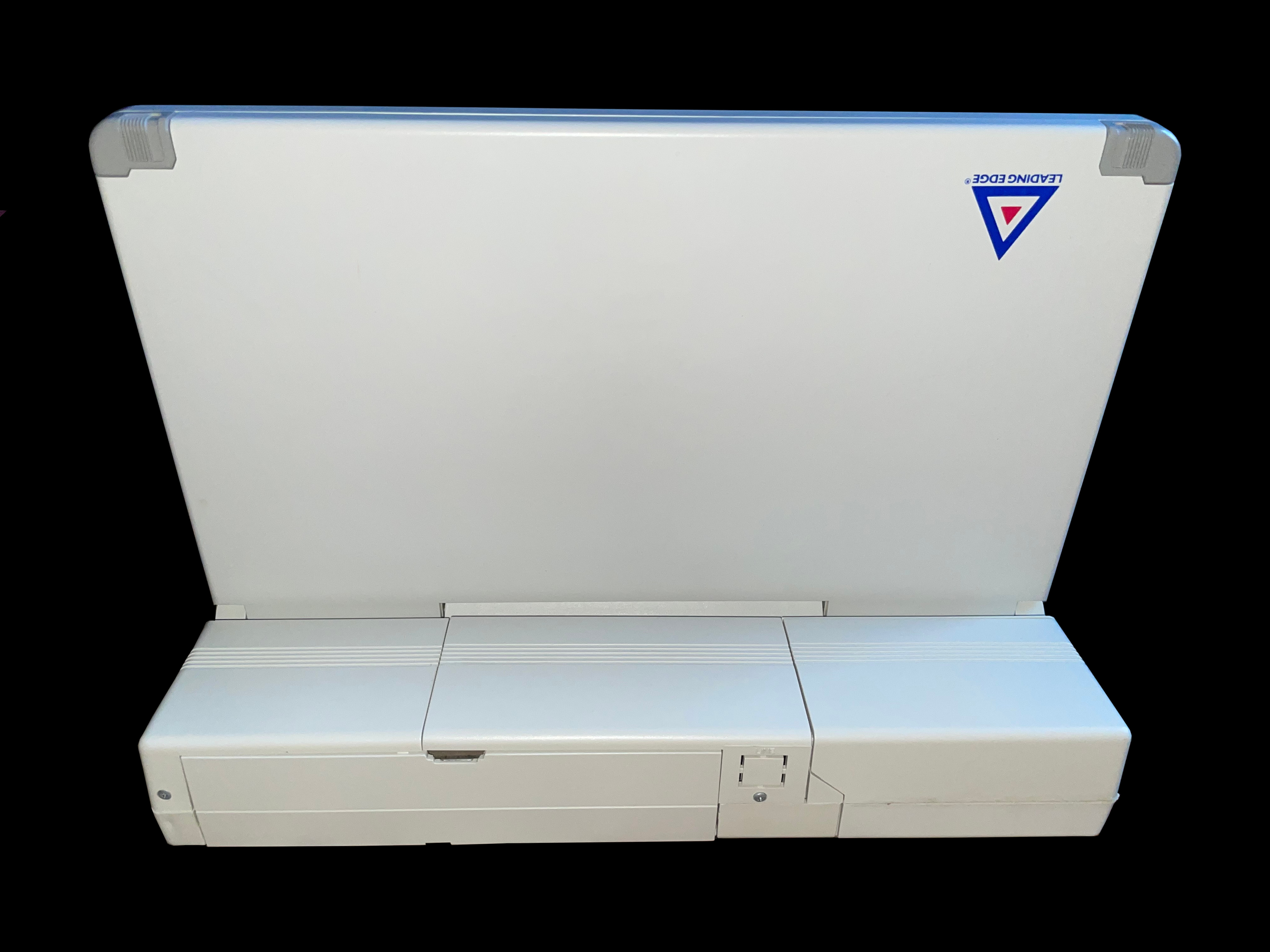
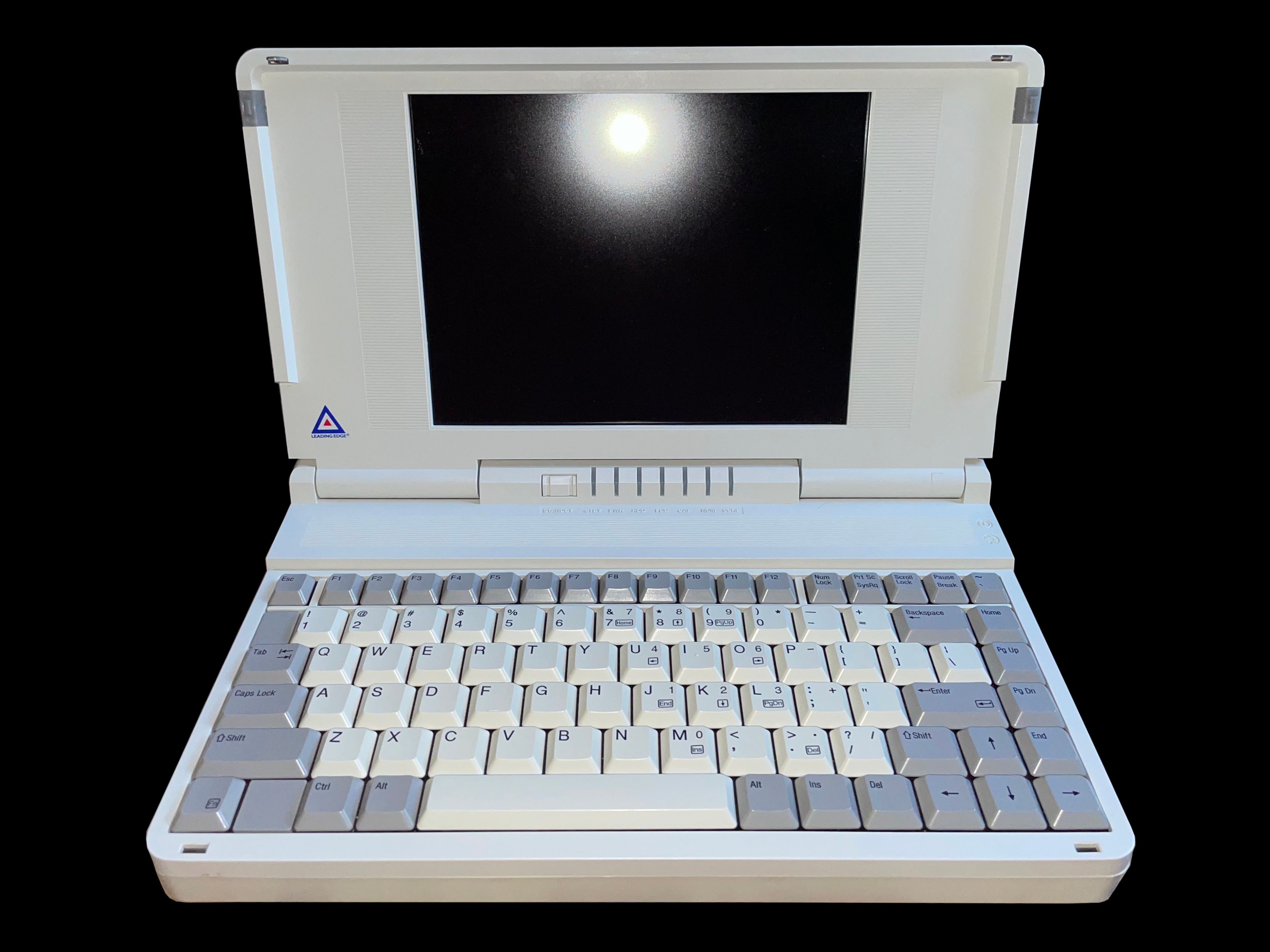
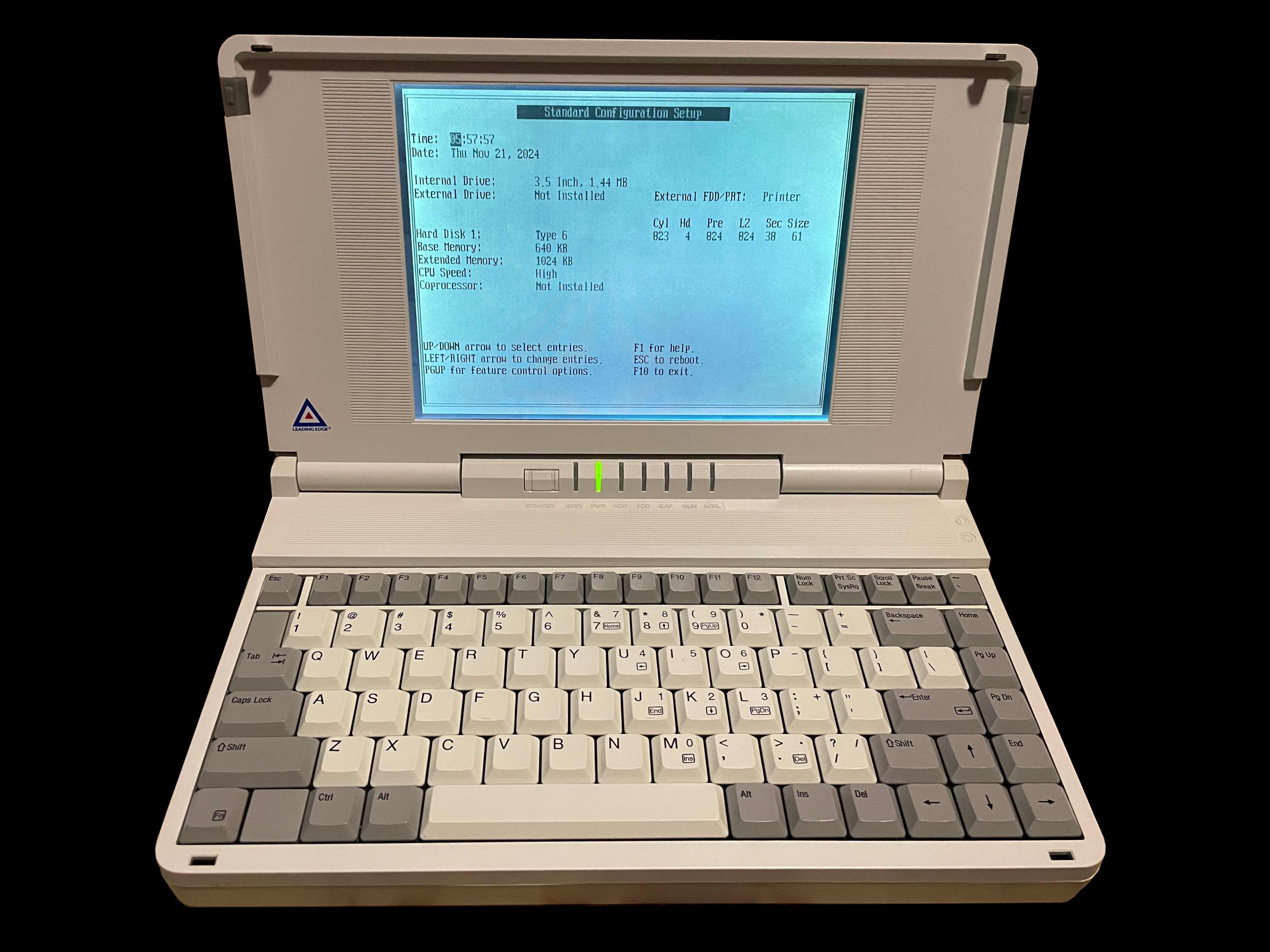
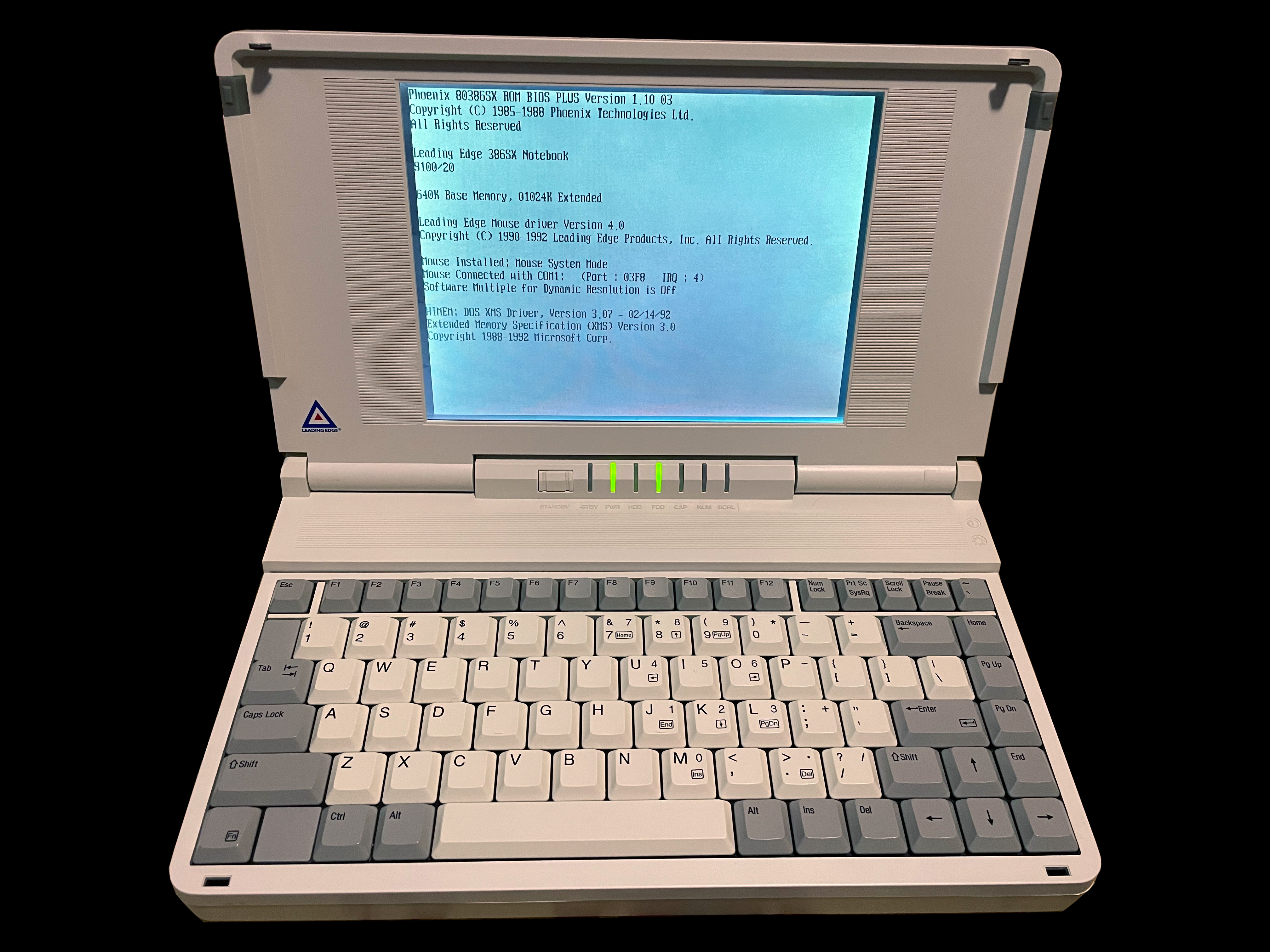
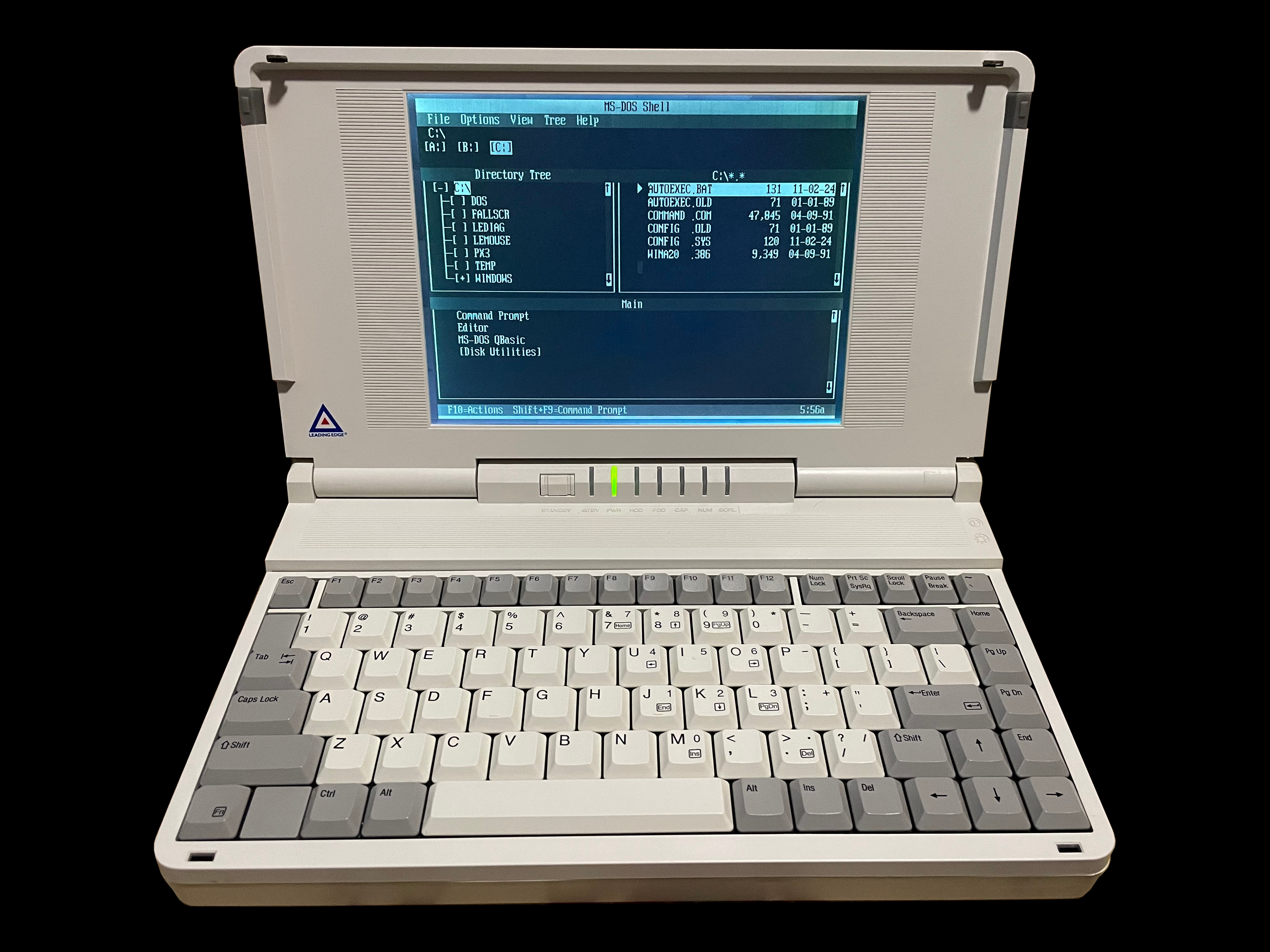
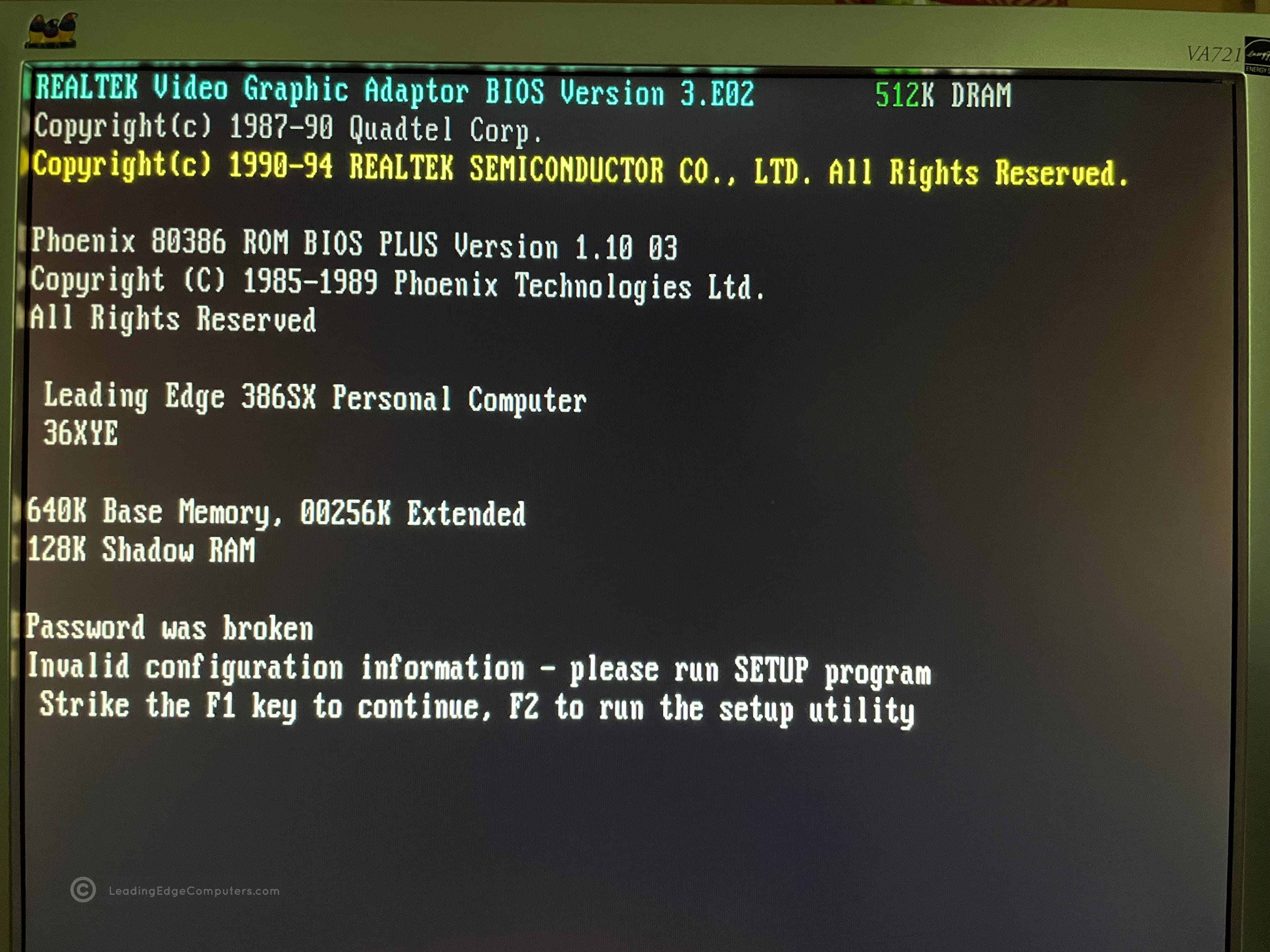
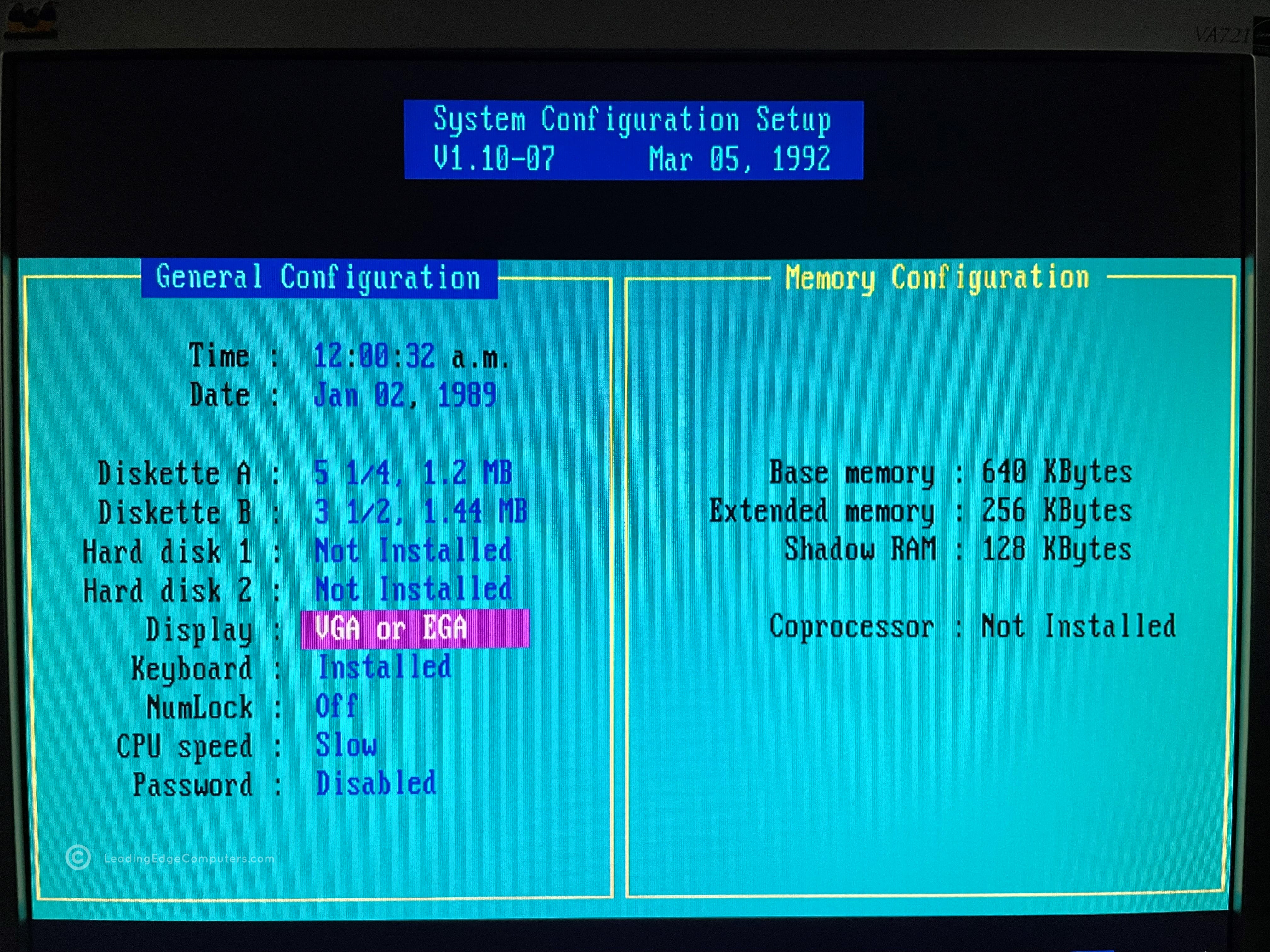
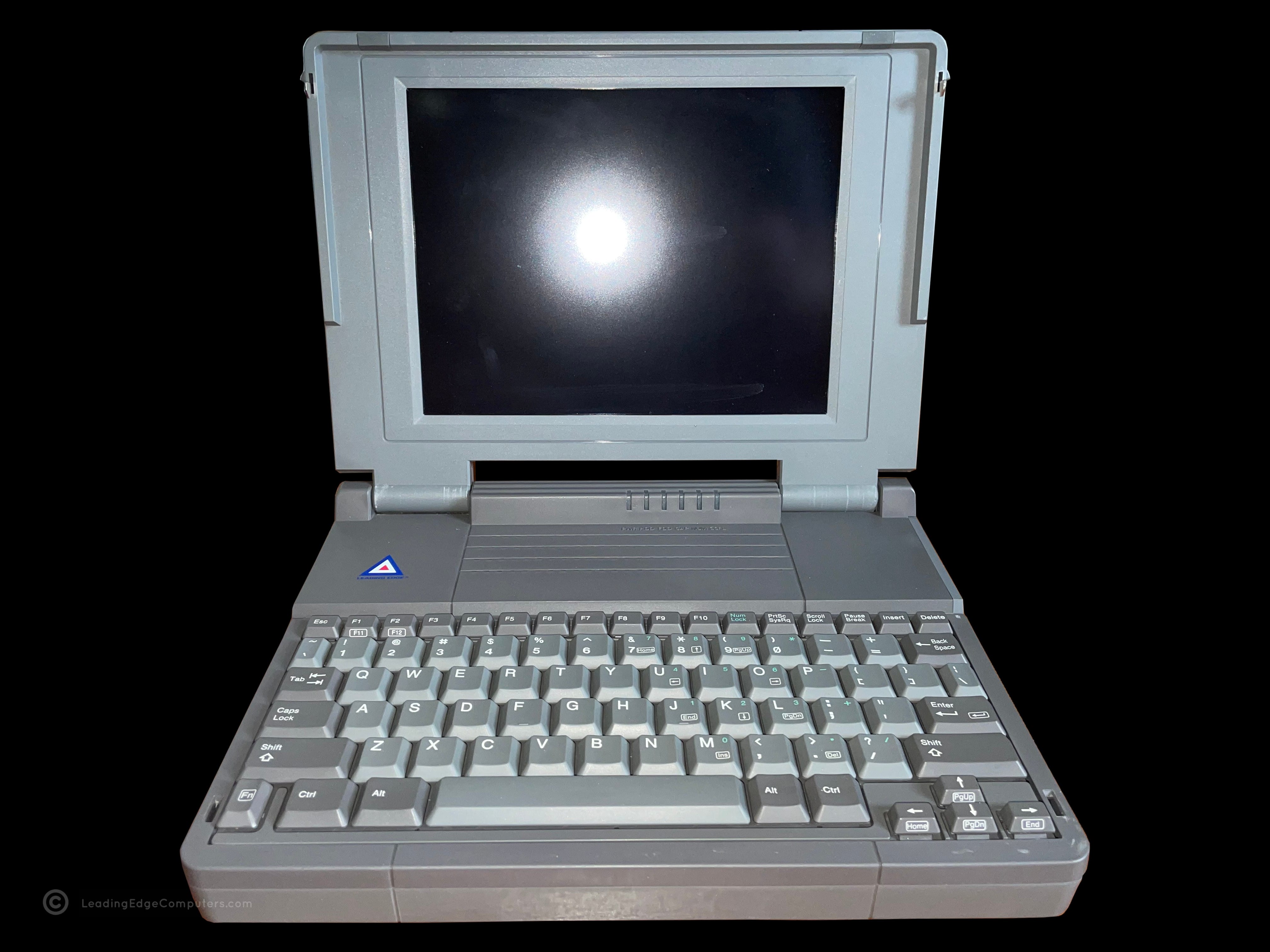
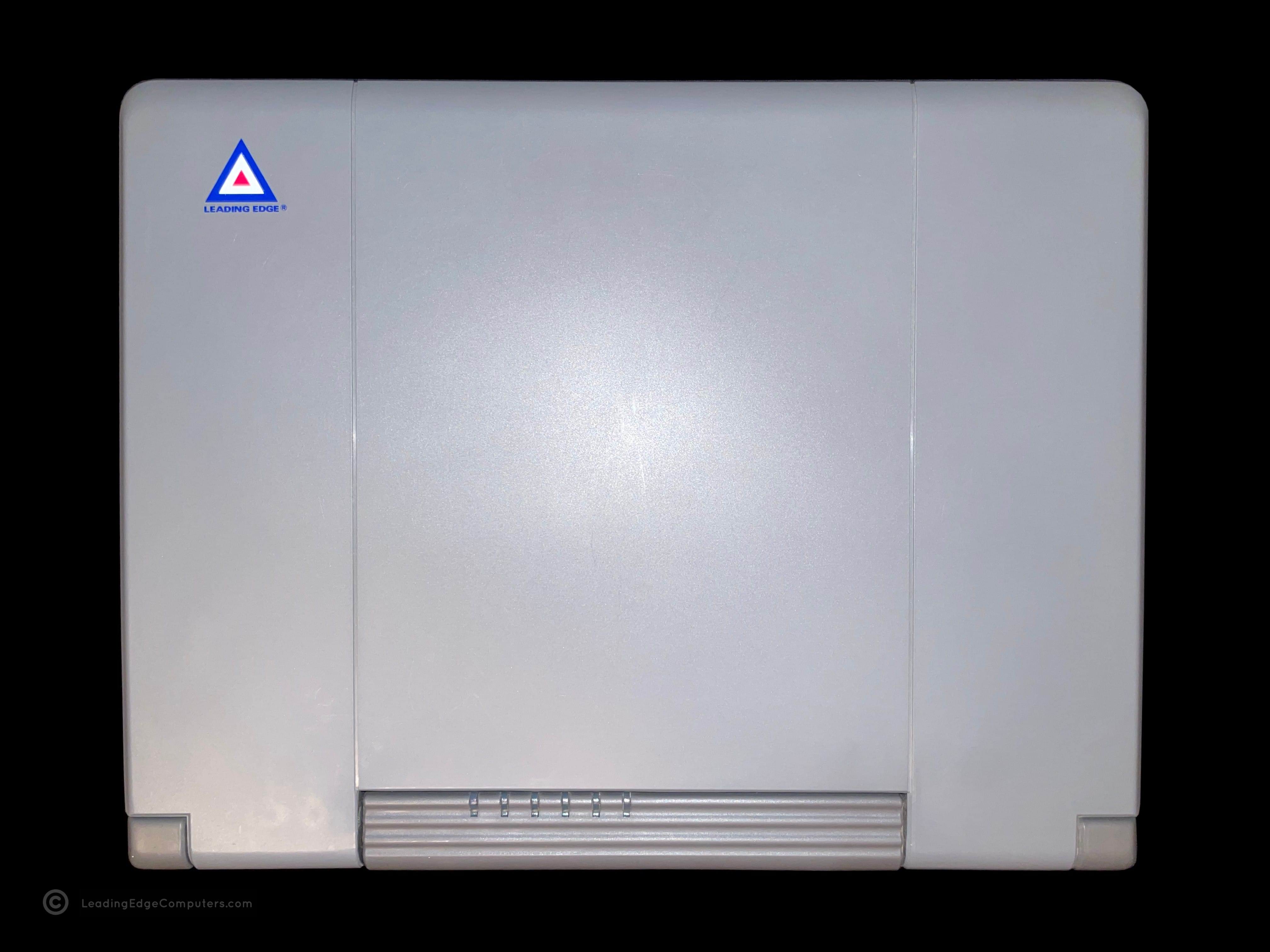
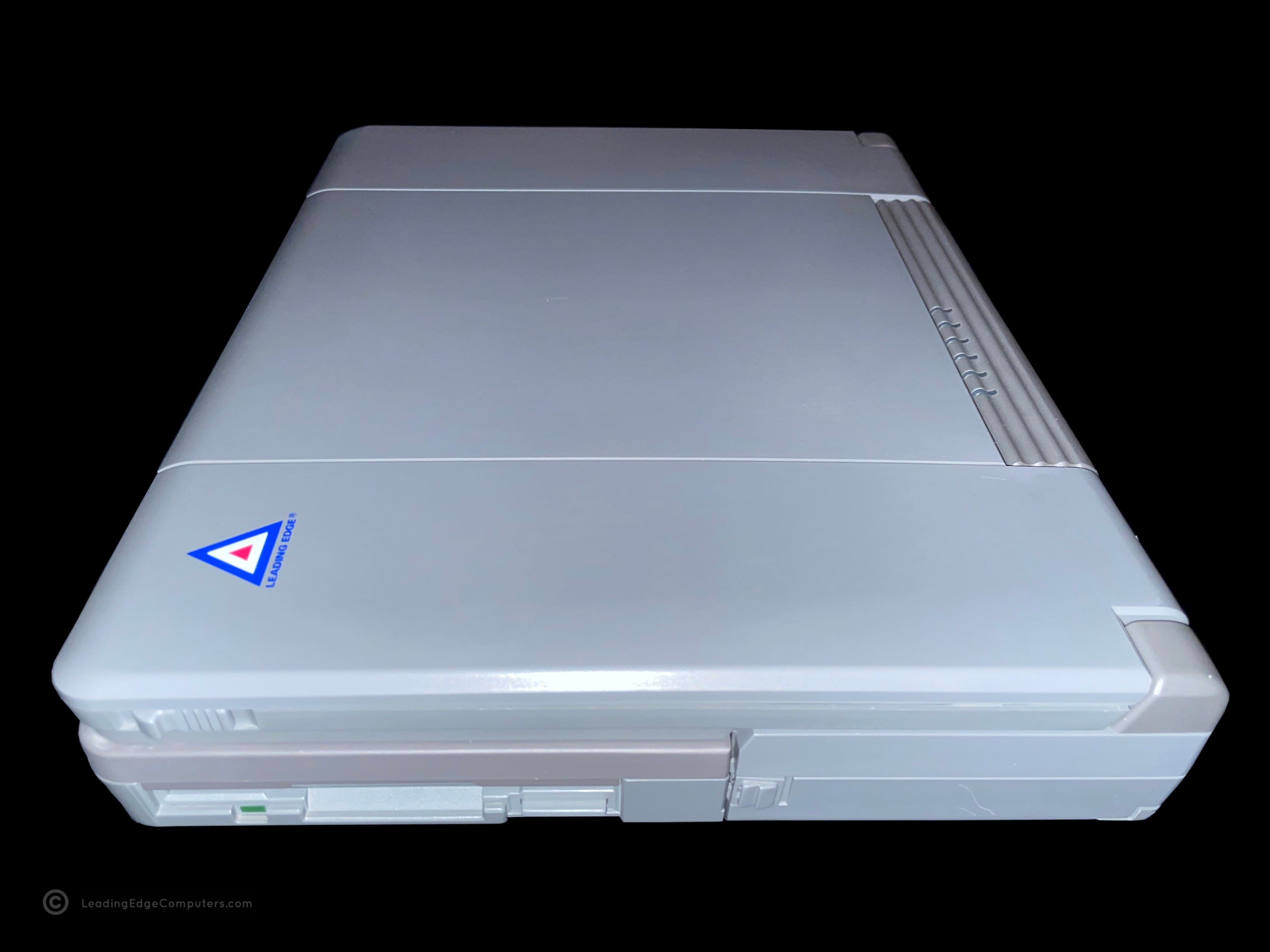
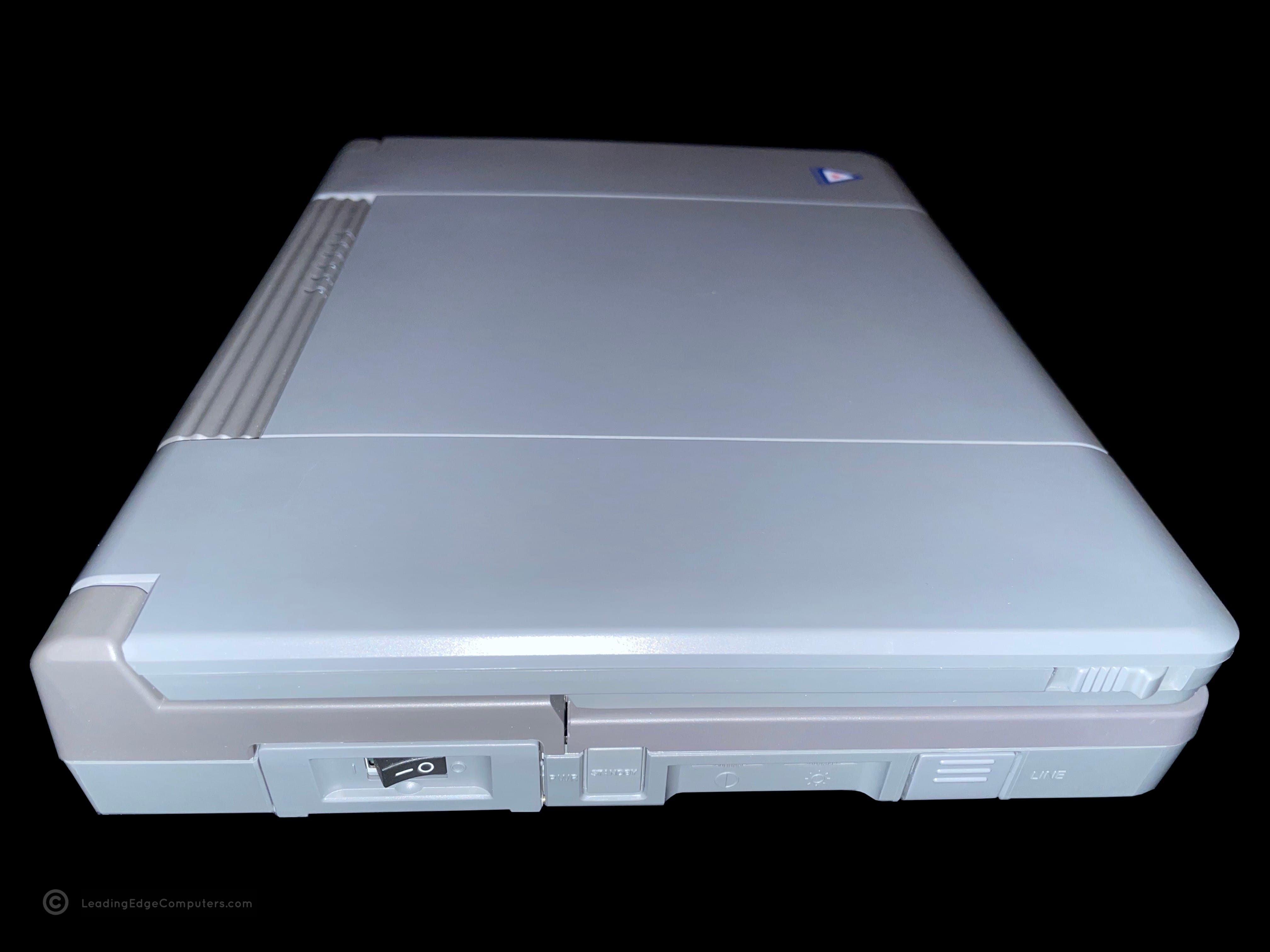
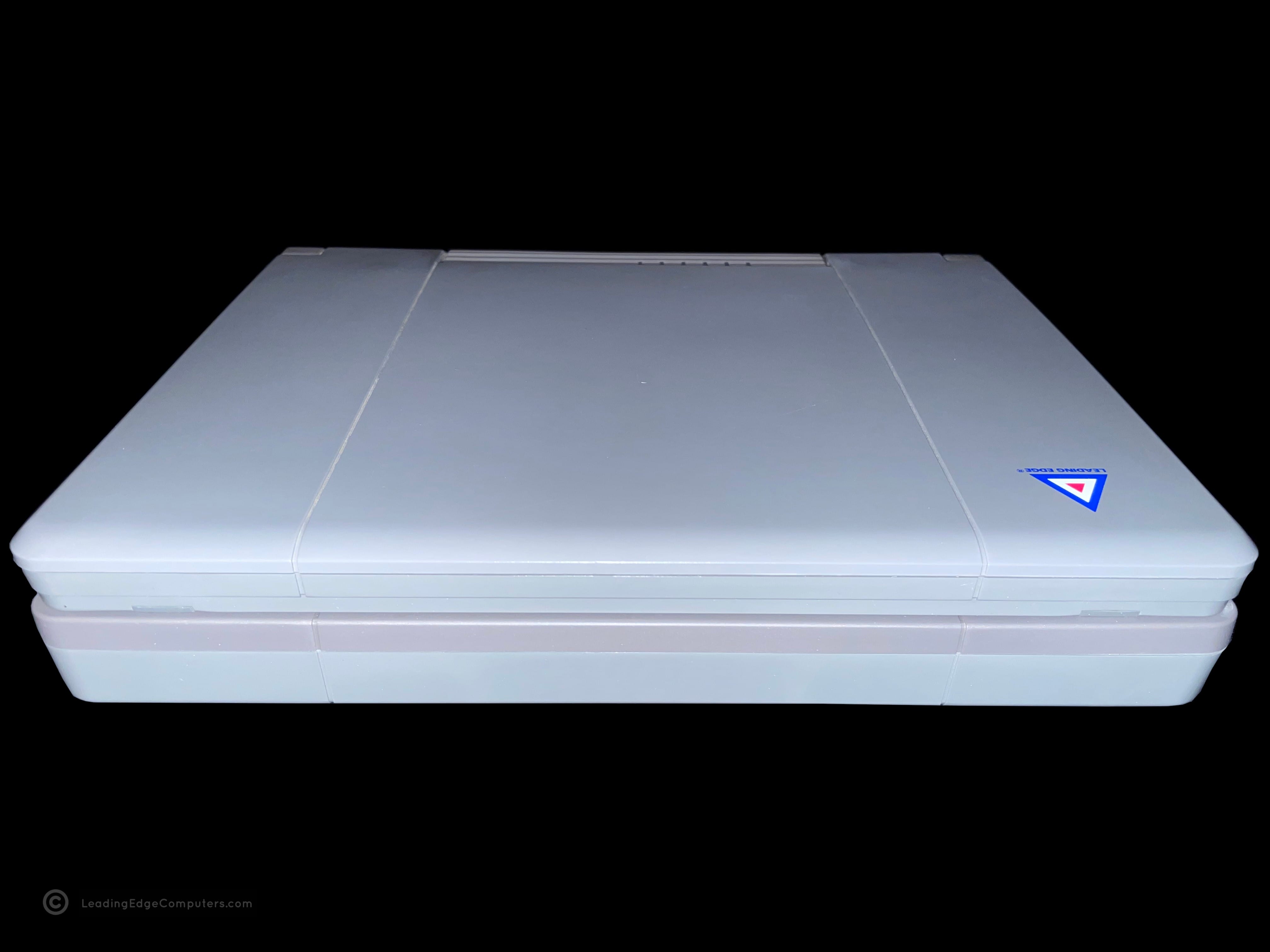
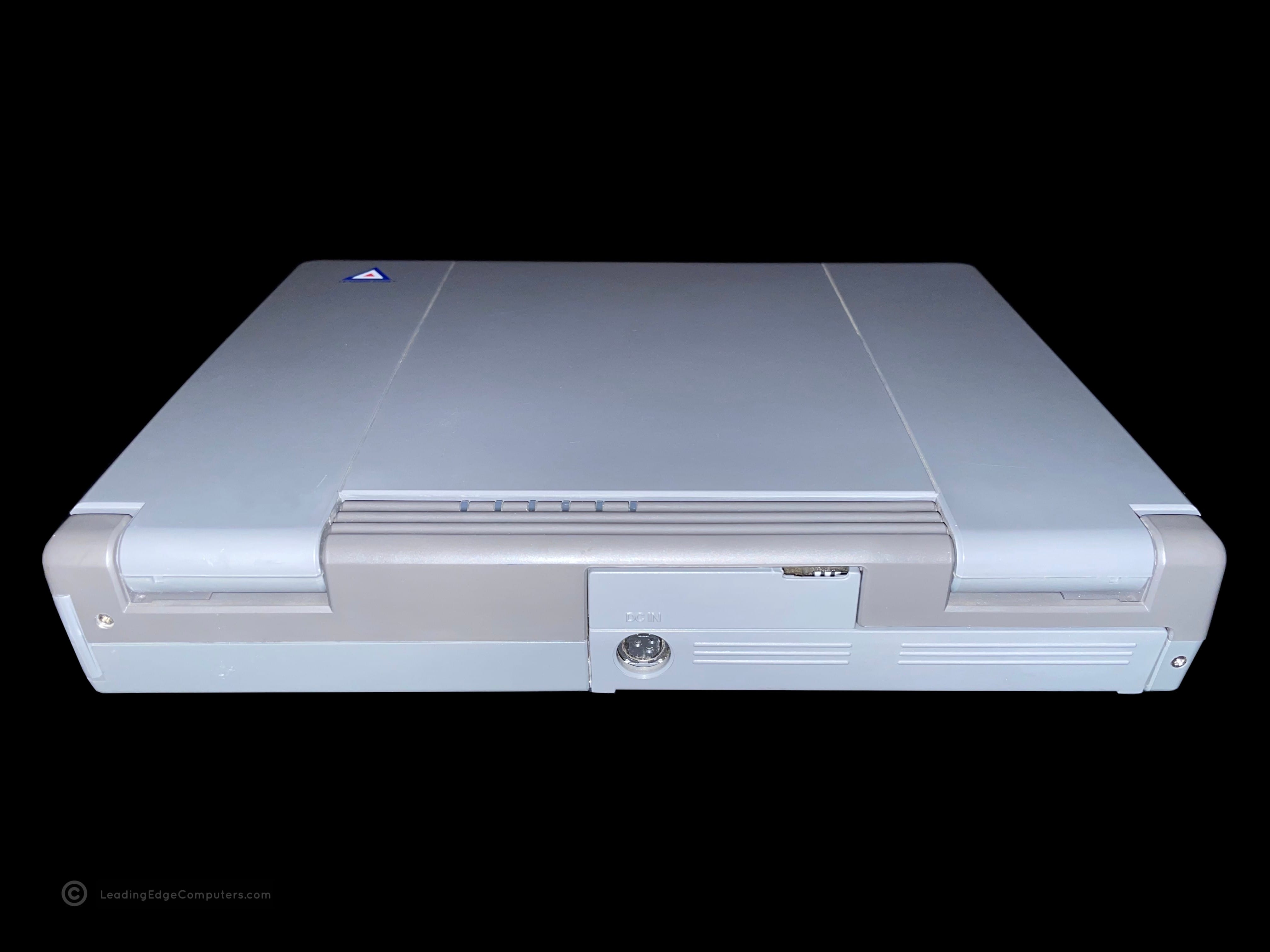
    Top-down view of the 386SX Notebook Front side top-down view of the 386SX Notebook Side view of the 386SX Notebook showing the floppy drive Rear view of the 386SX Notebook showing the cable port flap closed Rear view of the 386SX Notebook showing the cable port flap opened Side view of the 386SX Notebook showing the DC in power port Bottom view of the 386SX Notebook showing its manufacture labels View of the 386SX Notebook open from the back Front view of 386SX Notebook showing the screen and keyboard View of the 386SX Notebook running in its setup BIOS Open view of the 386SX Notebook running at bootup View of the 386SX Notebook running with MS-DOS Shell open

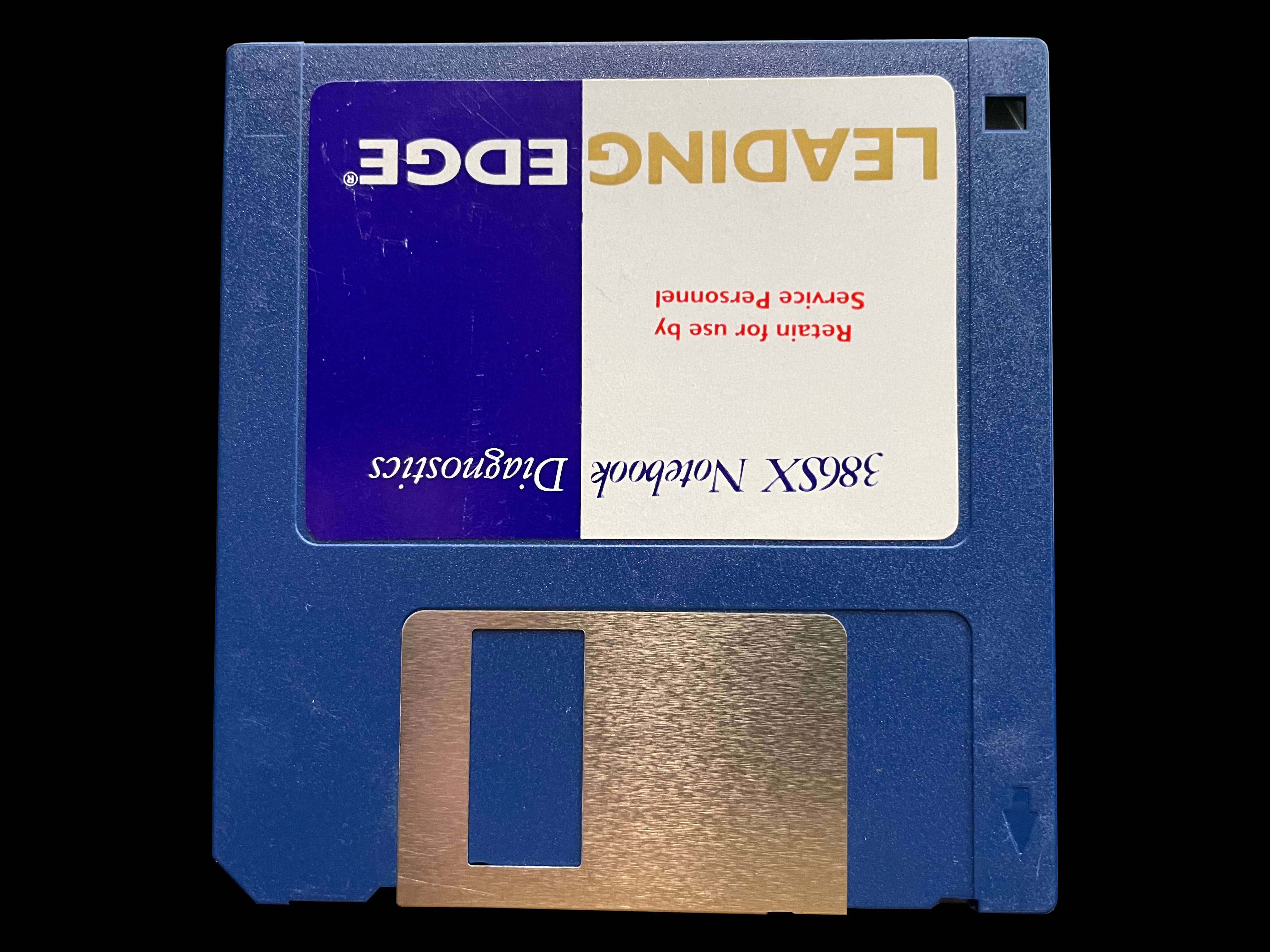
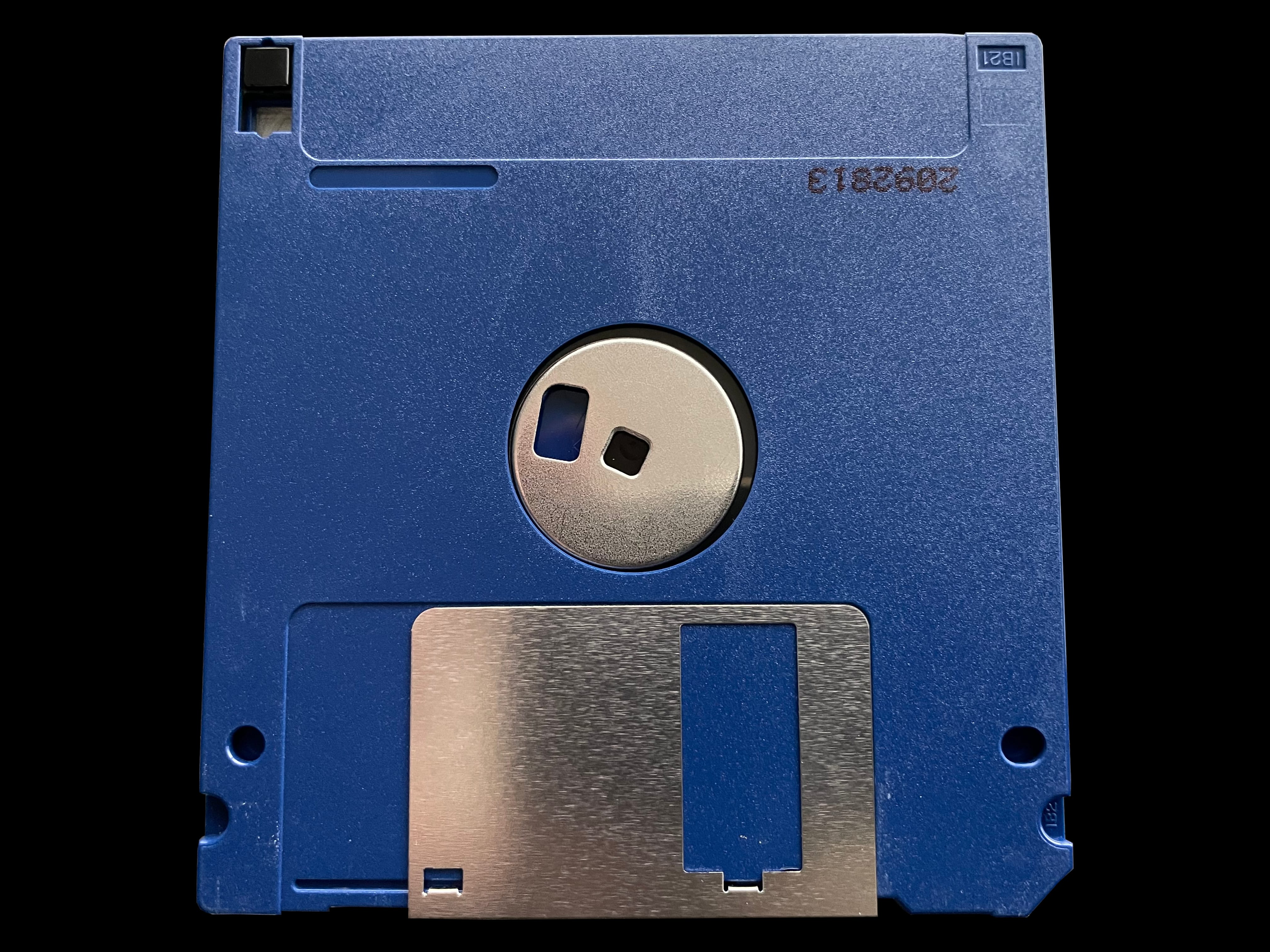
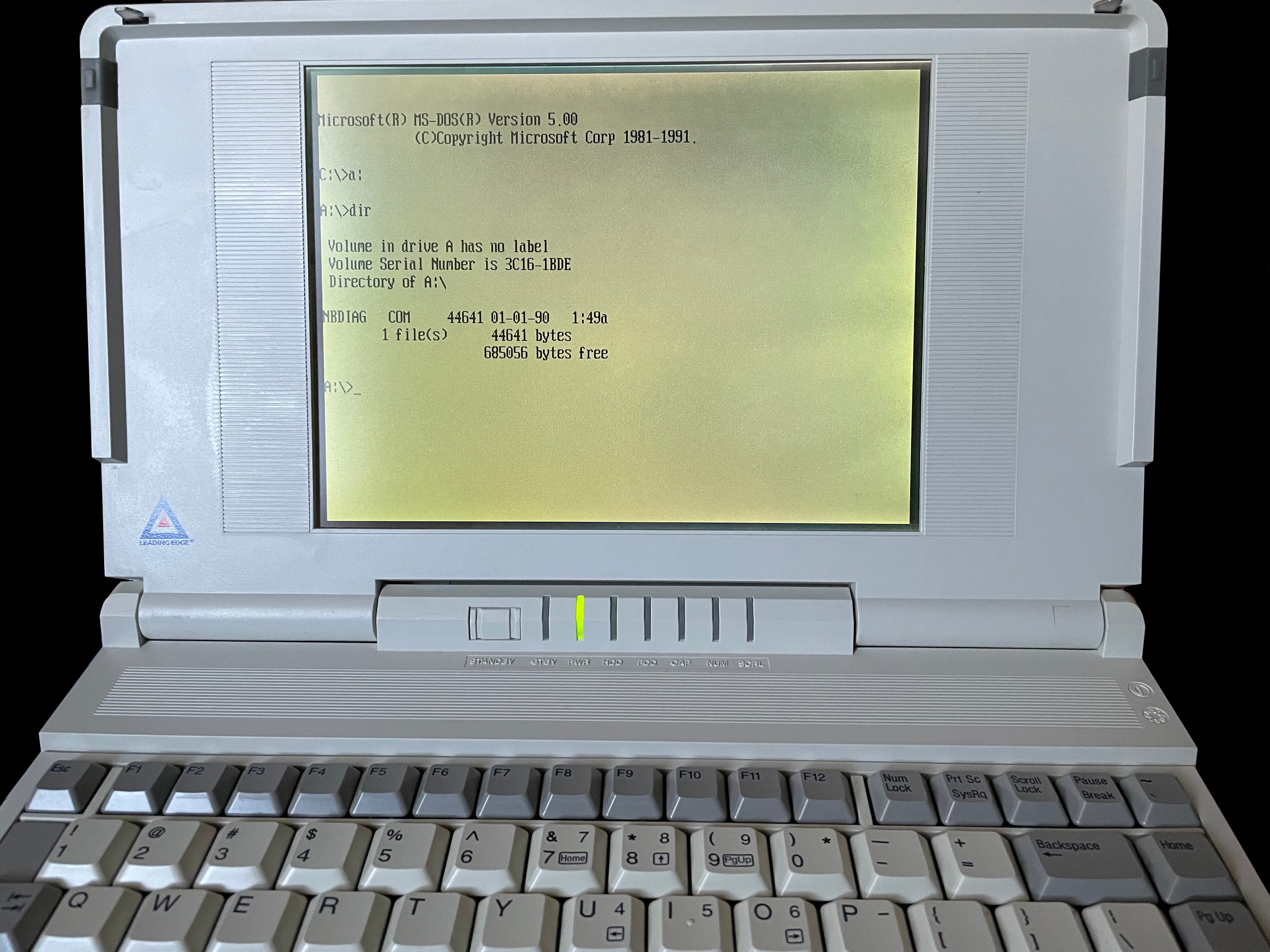
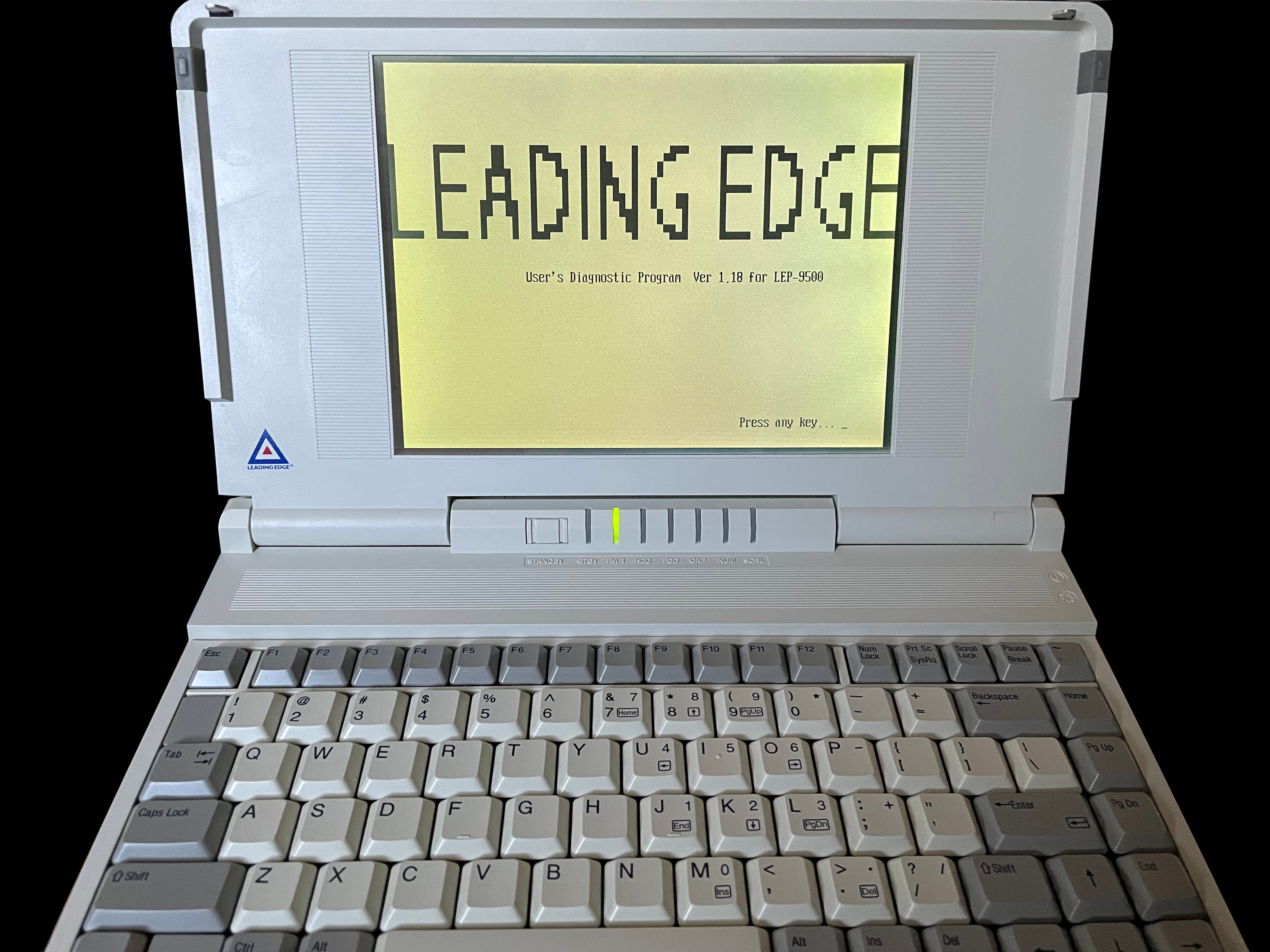
     386SX Notebook Diagnostics

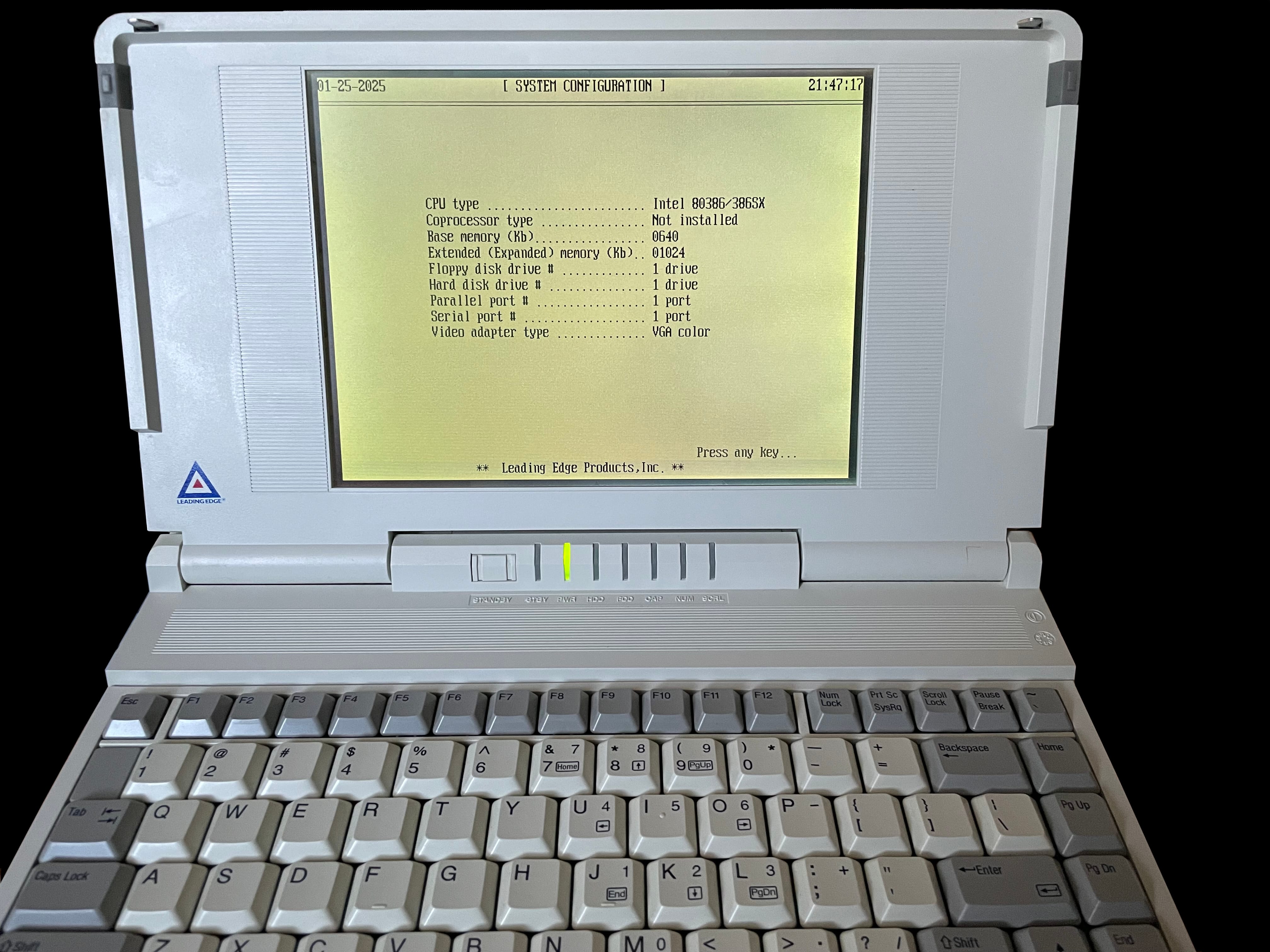
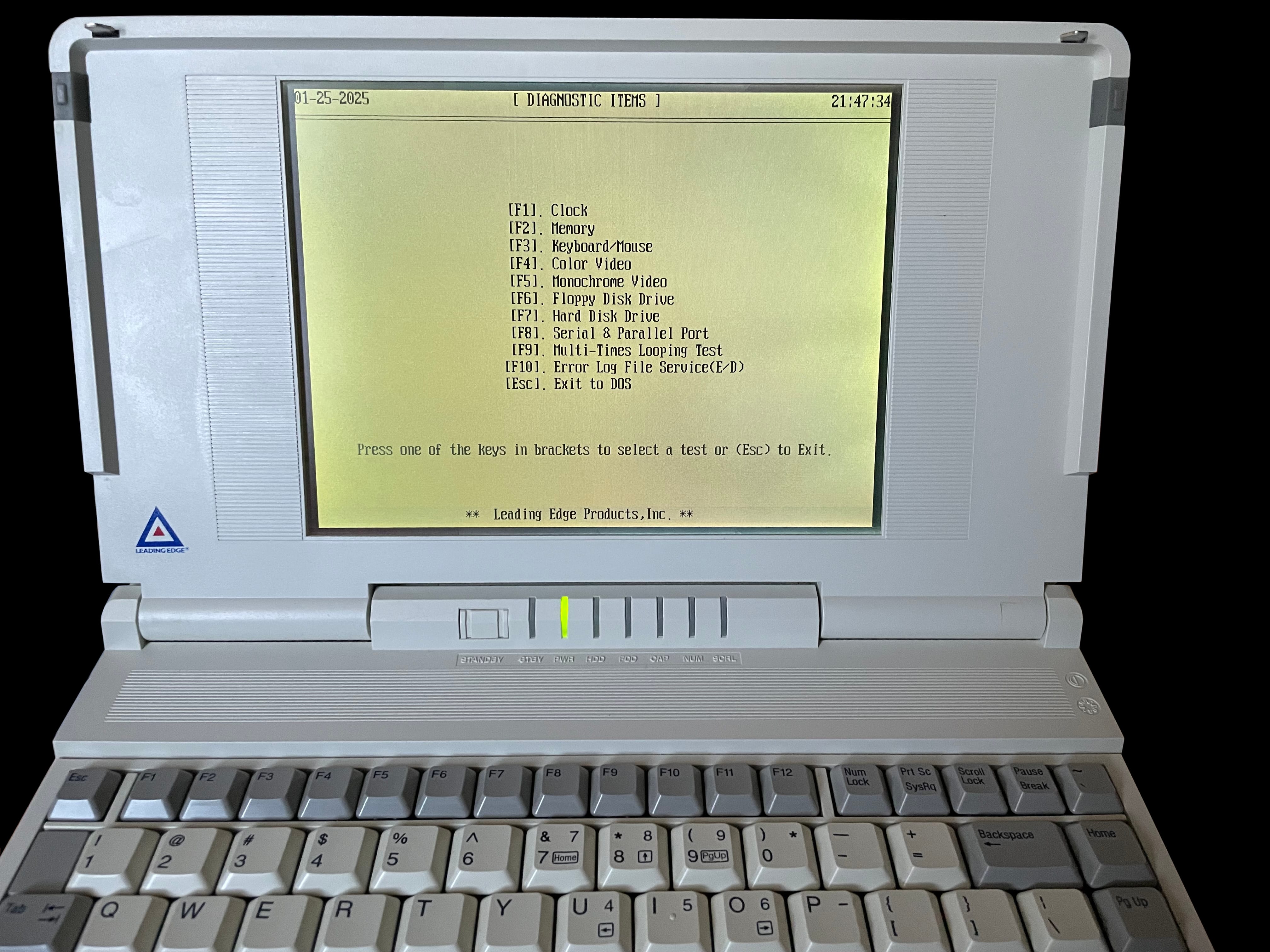
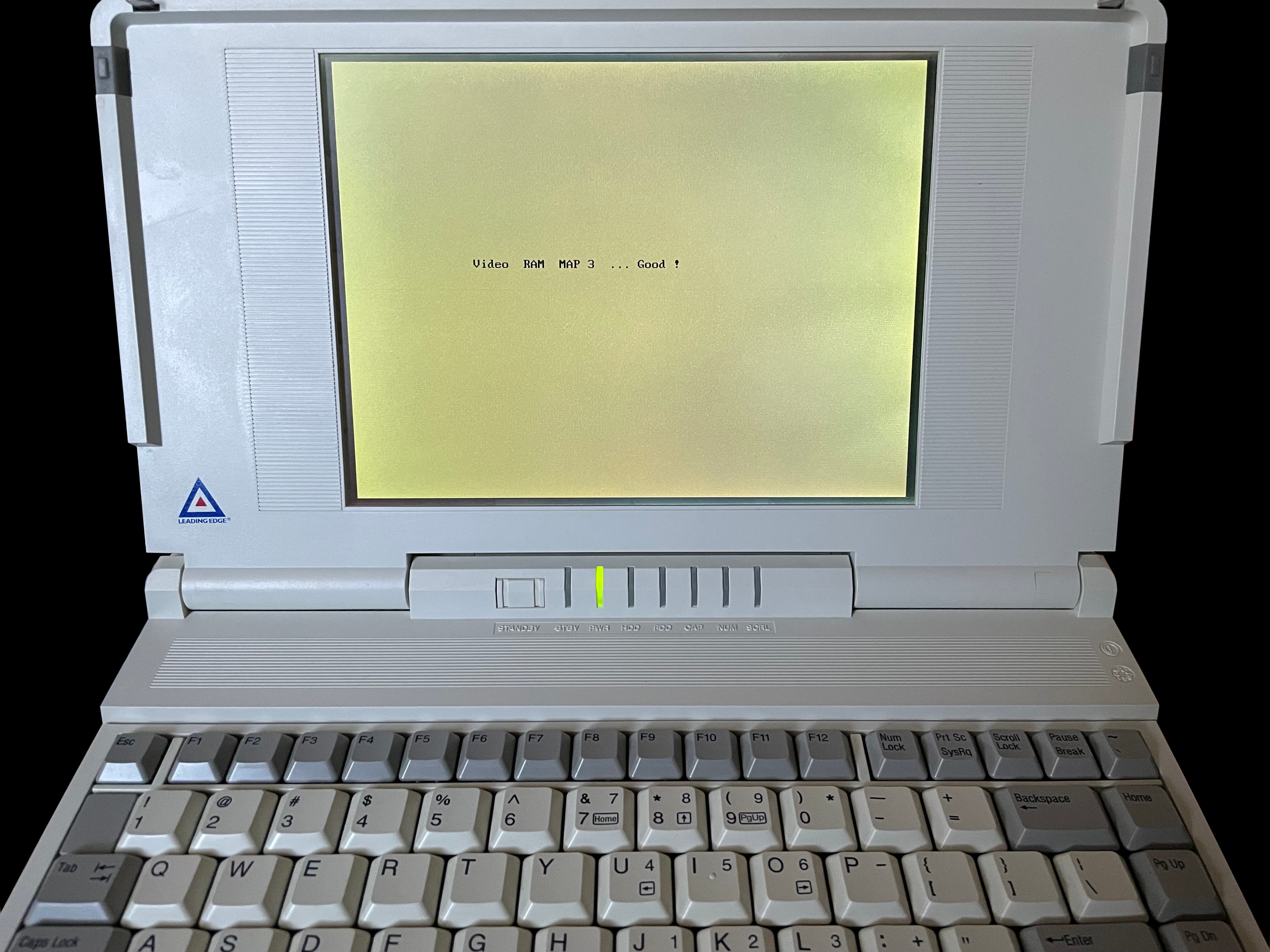
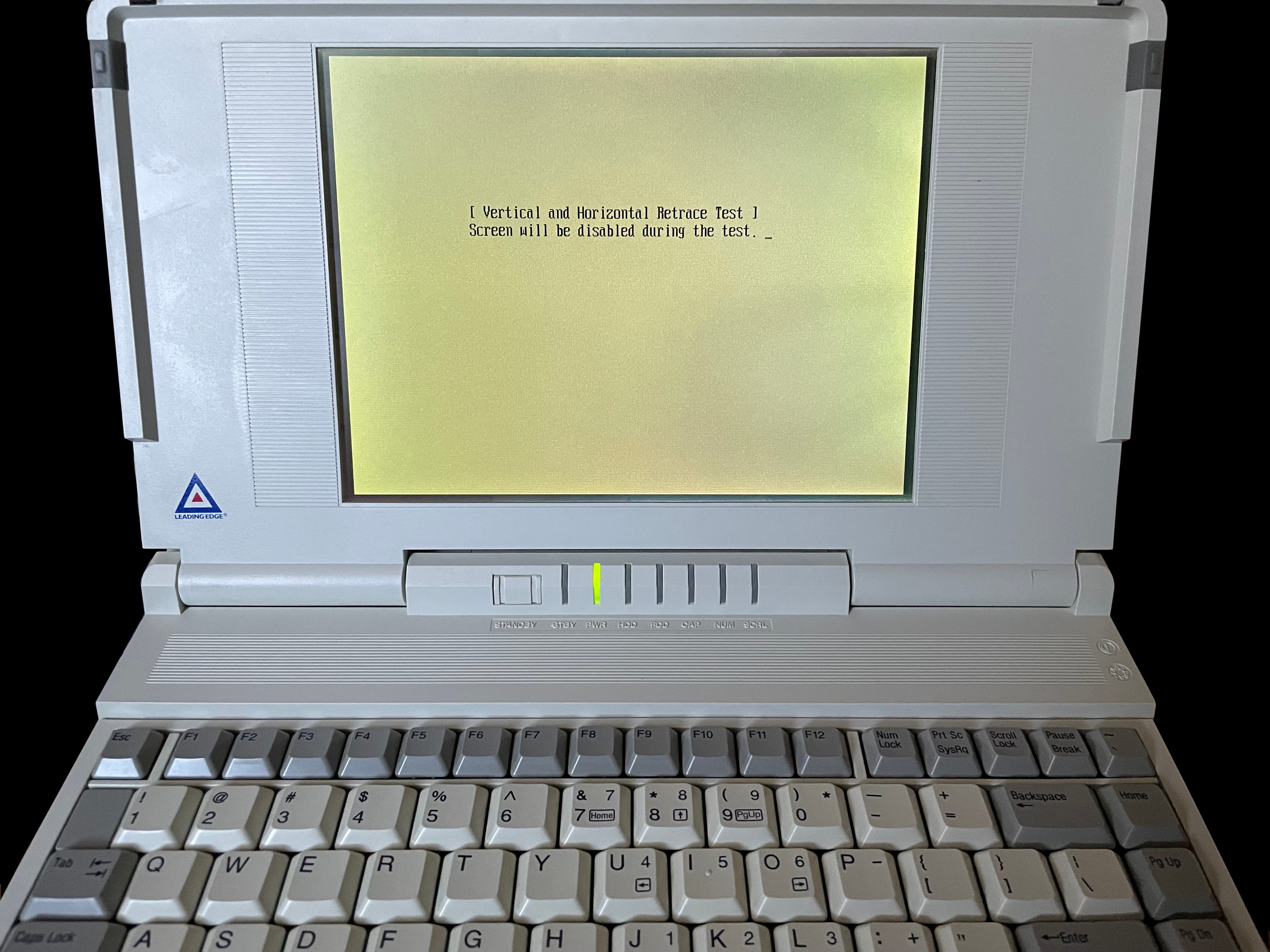
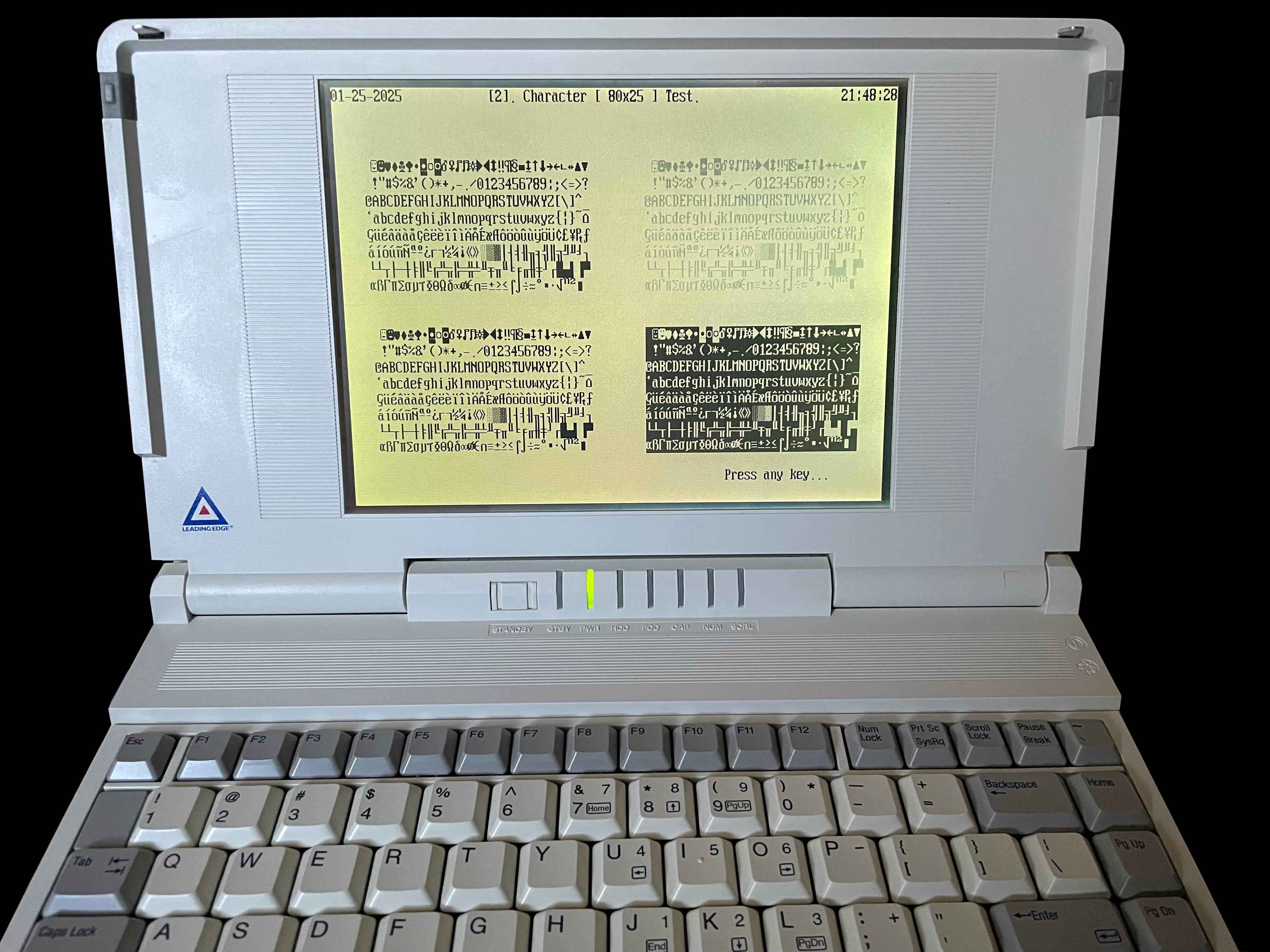
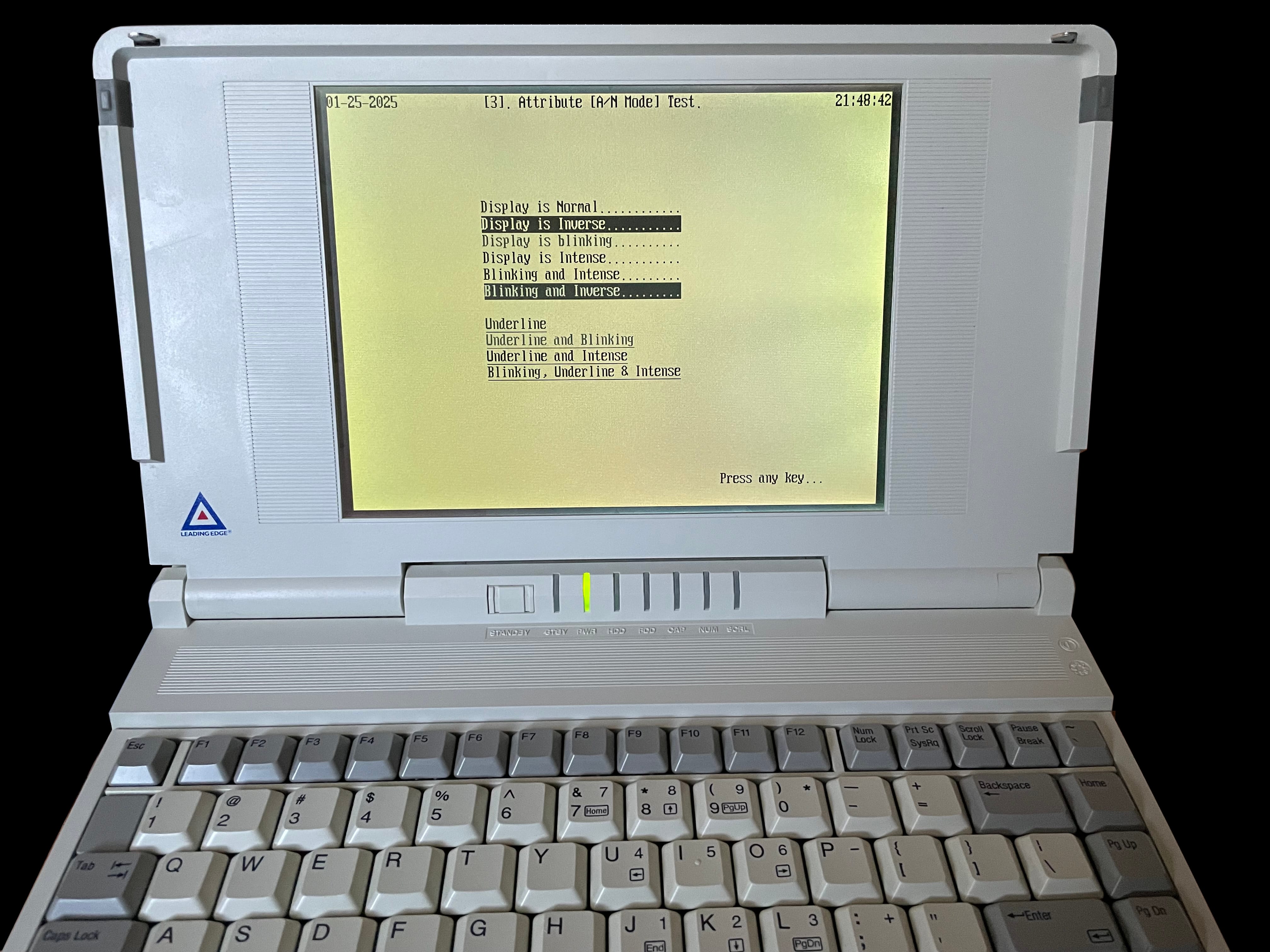
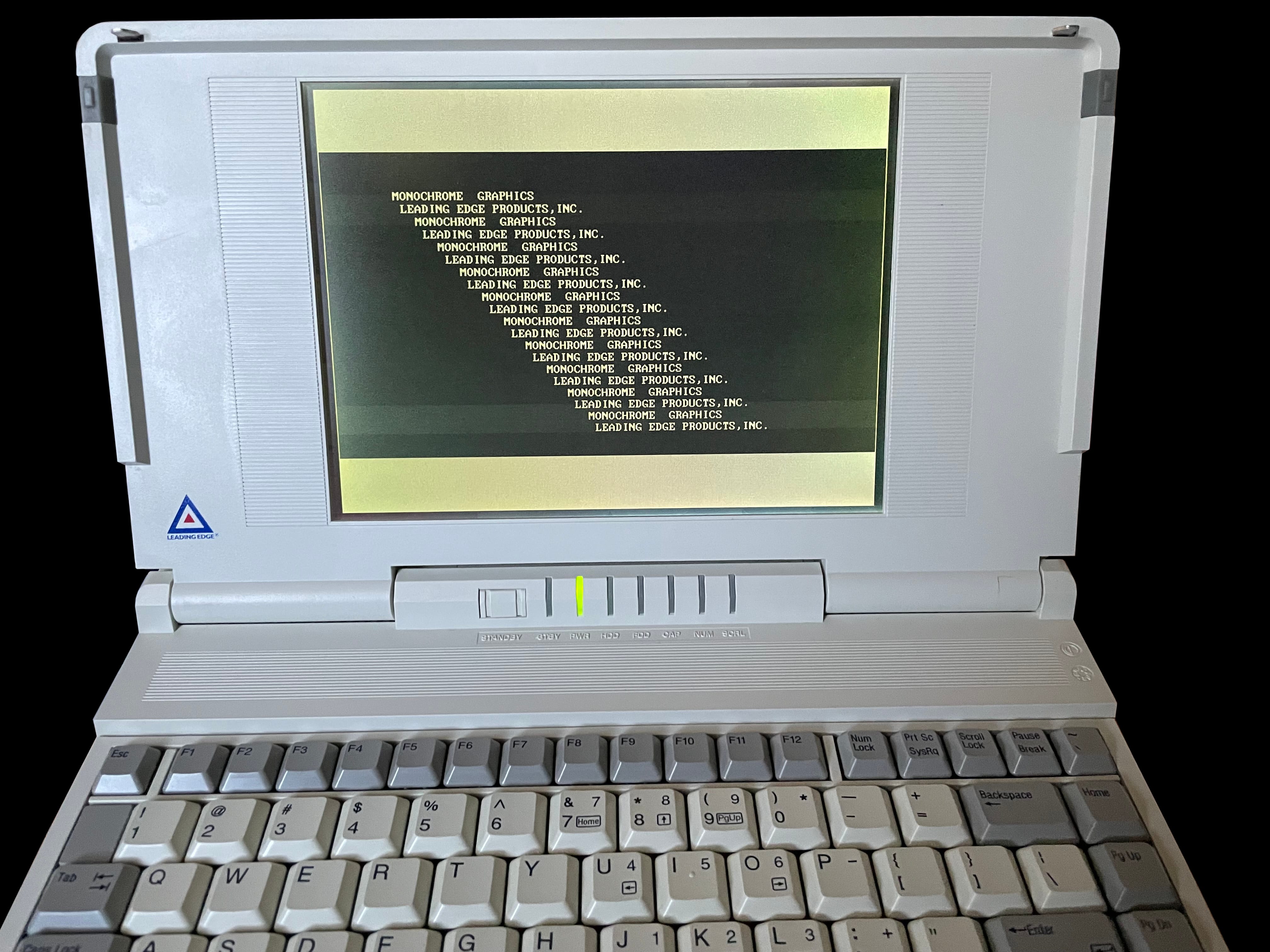
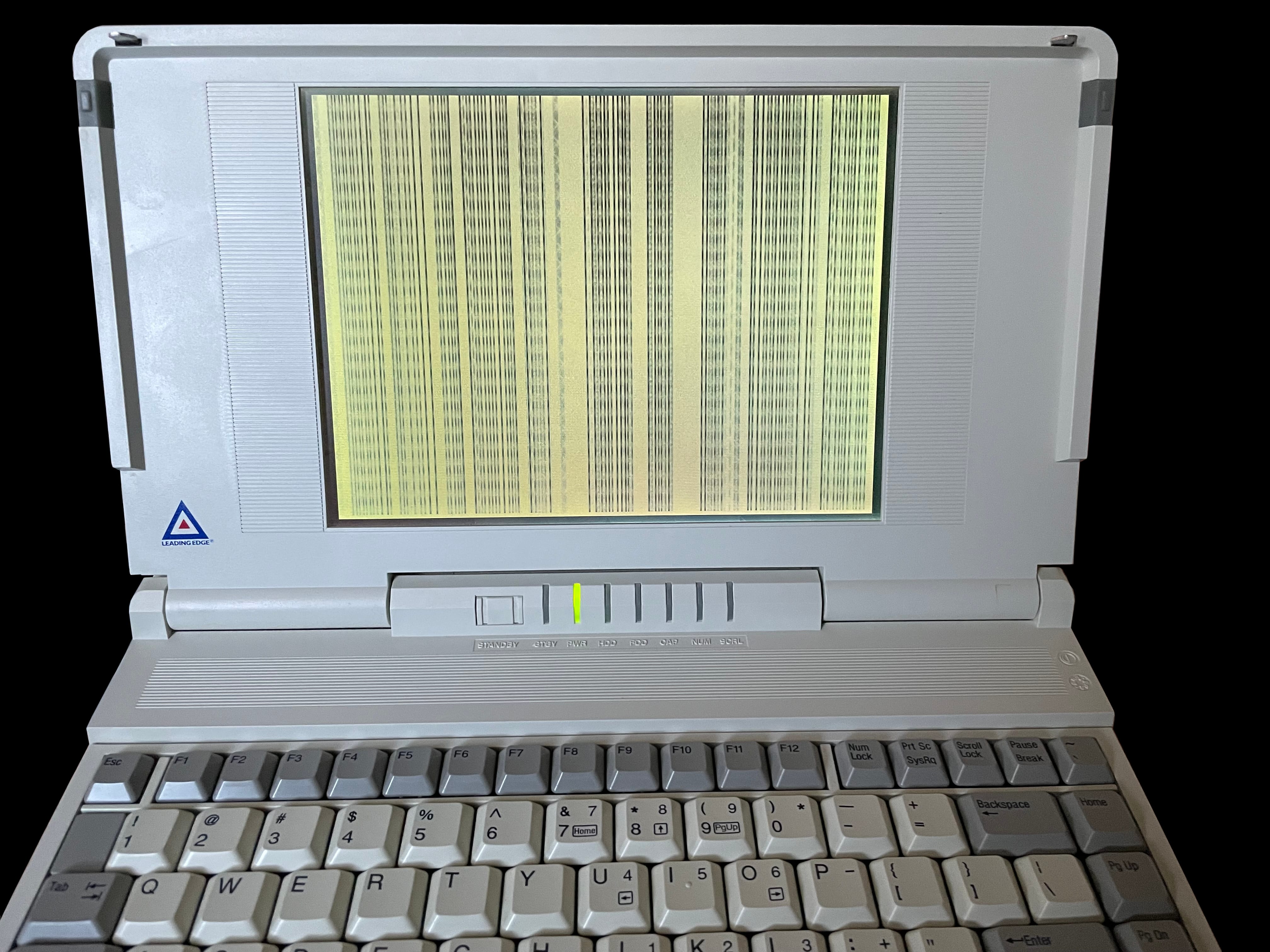
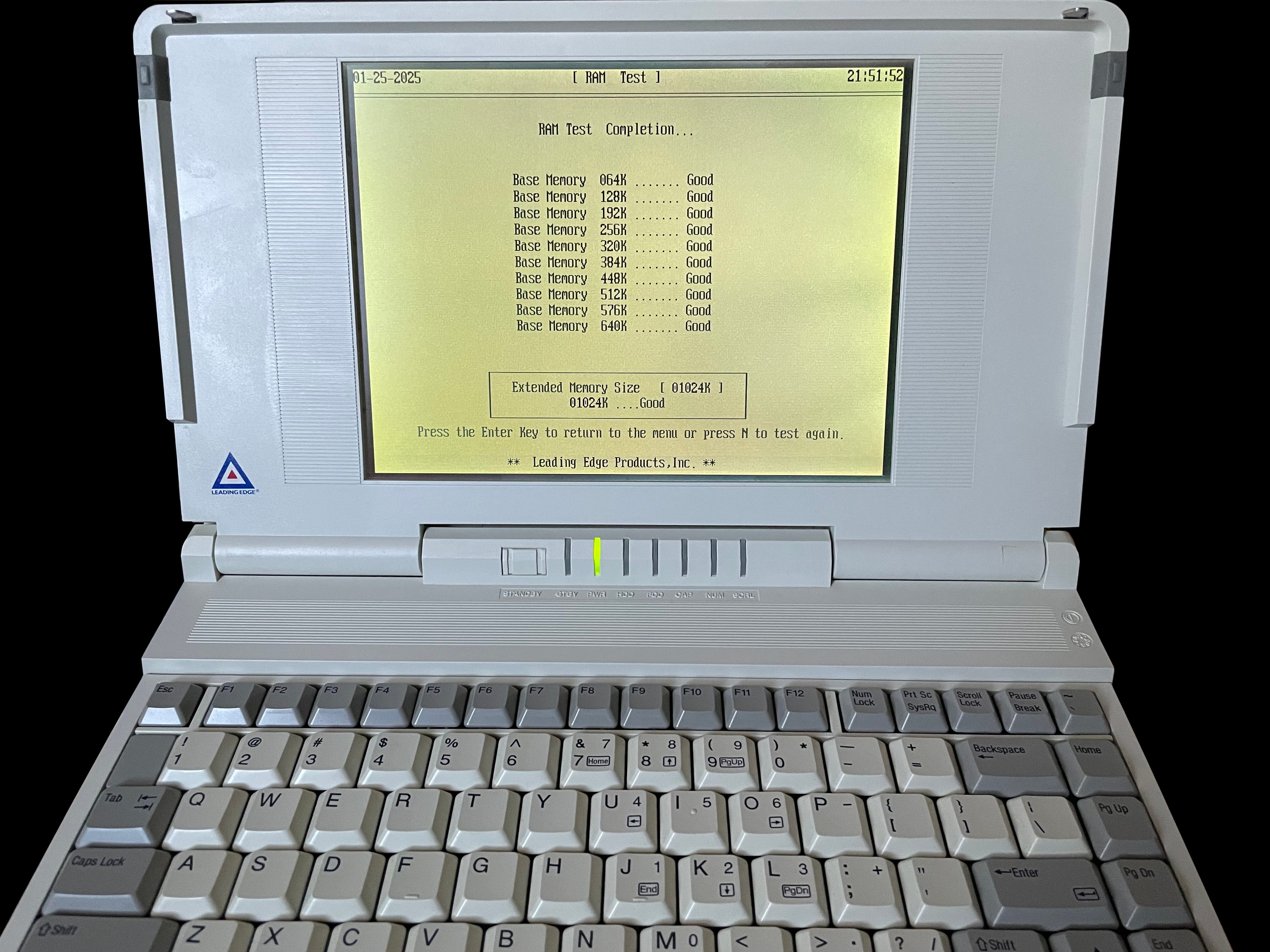
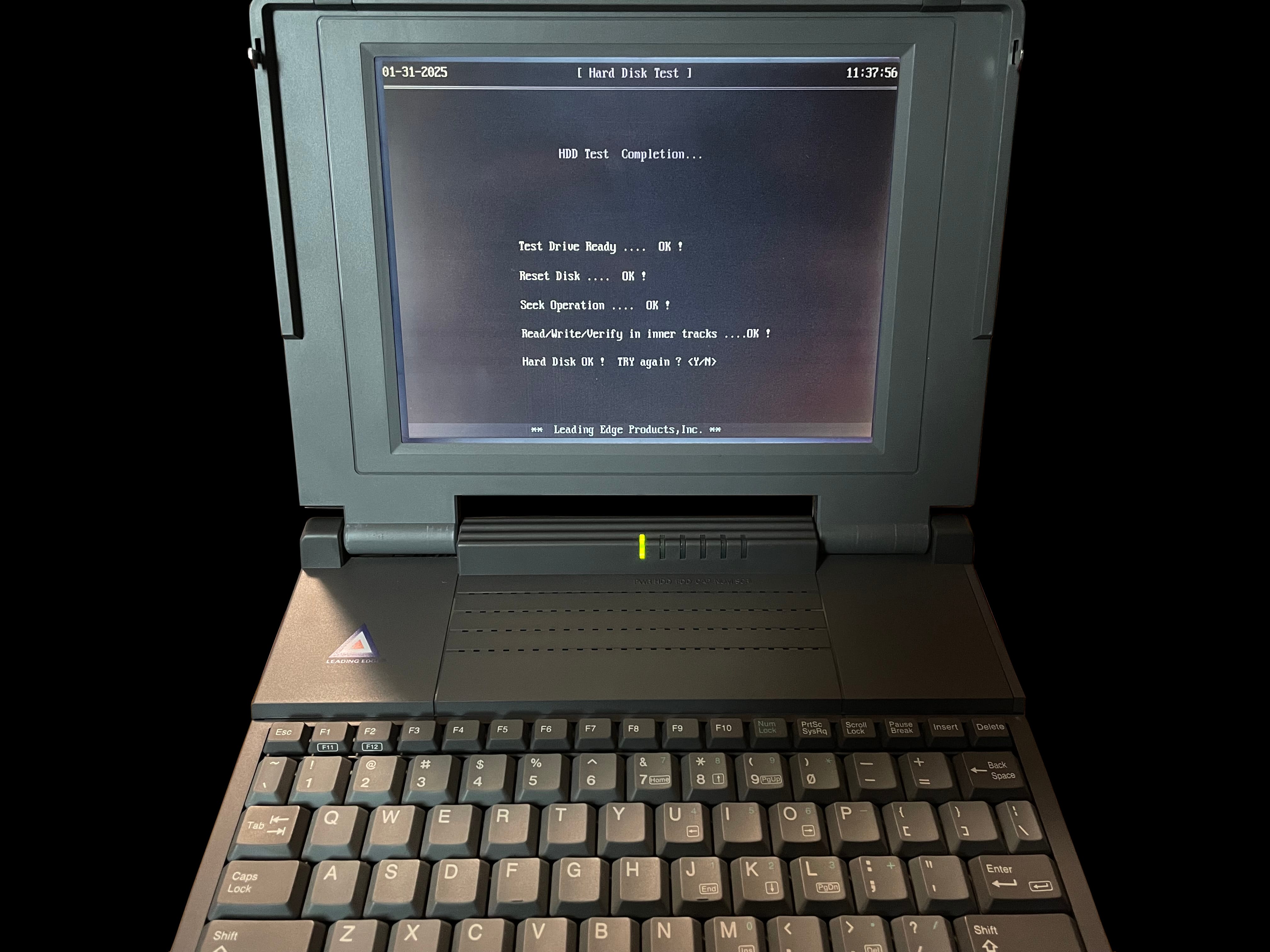
    Front view of the 386SX Notebook Diagnostics disk Rear view of the 386SX Notebook Diagnostics disk Screenshot of 386SX Notebook Diagnostics directory listing in DOS Screenshot of the 386SX Notebook Diagnostics splash screen Screenshot of 386SX Notebook Diagnostics' system configuration page Screenshot of 386SX Notebook Diagnostics main menu Screenshot of the 386SX Notebook Diagnostics completed test of video ram Screenshot of the 386SX Notebook Diagnostics testing a laptop's vertical and horizontal retrace Screenshot of the 386SX Notebook Diagnostics testing a notebook's vertical and horizontal sync Screenshot of the 386SX Notebook Diagnostics character test Screenshot of the 386SX Notebook Diagnostics video test in process Screenshot of the 386SX Notebook Diagnostics testing a laptop's monochrome graphics Screenshot of the 386SX Notebook Diagnostics blurring the screen with data Screenshot of the 386SX Notebook Diagnostics successfully testing the system's ram Screenshot of the 386SX Notebook Diagnostics' completed hard drive test

     386SX PC Manual

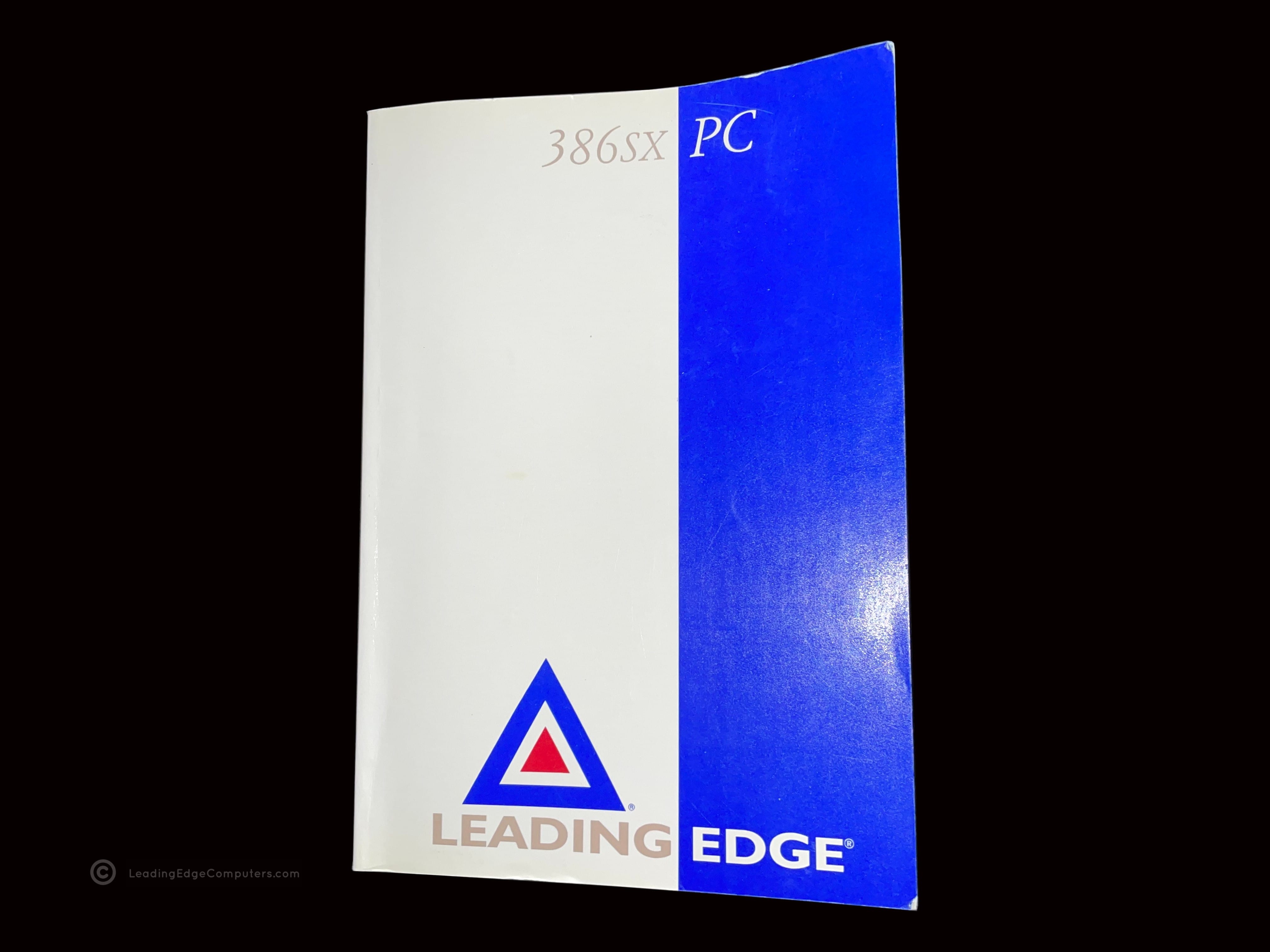
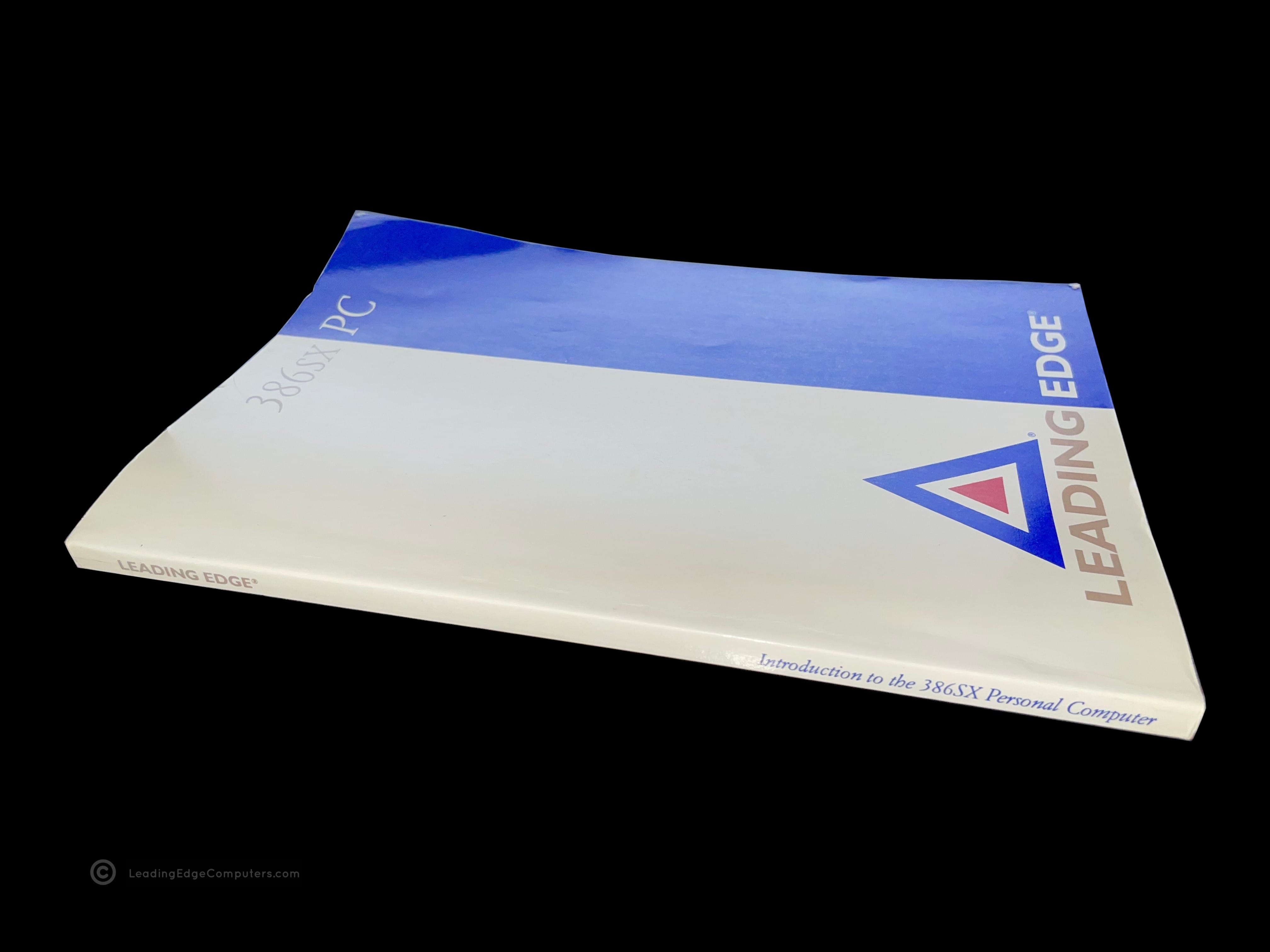
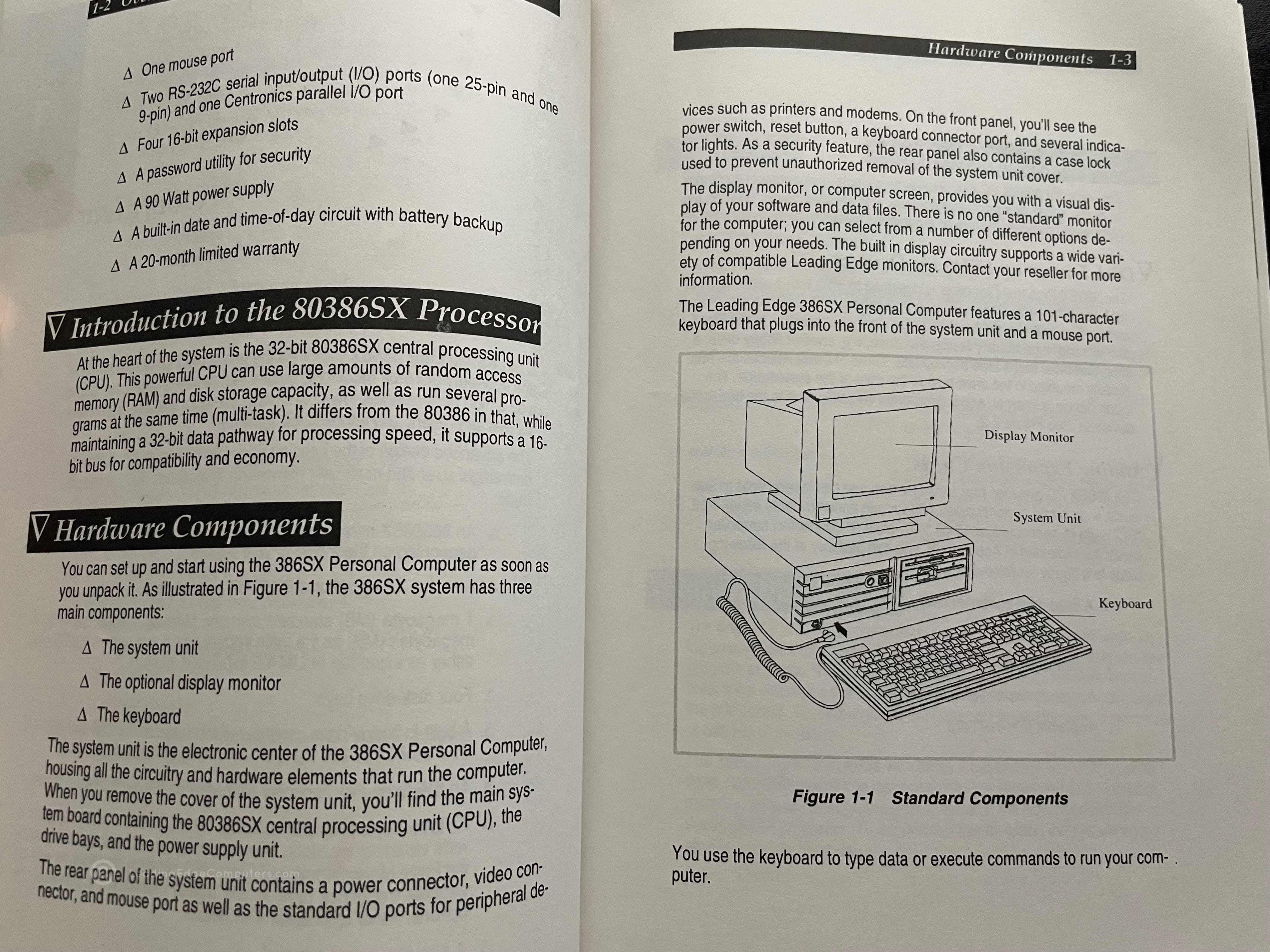
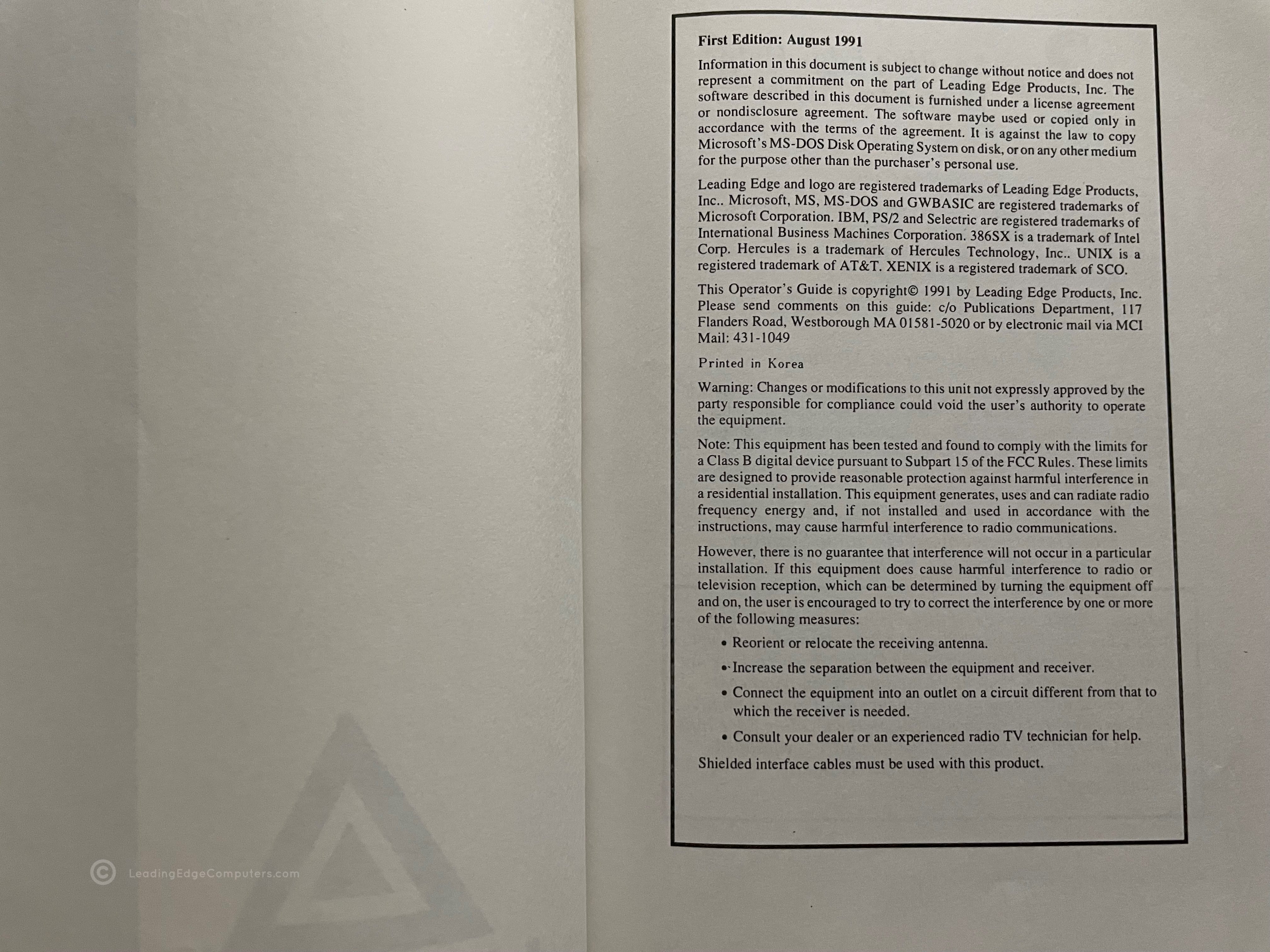
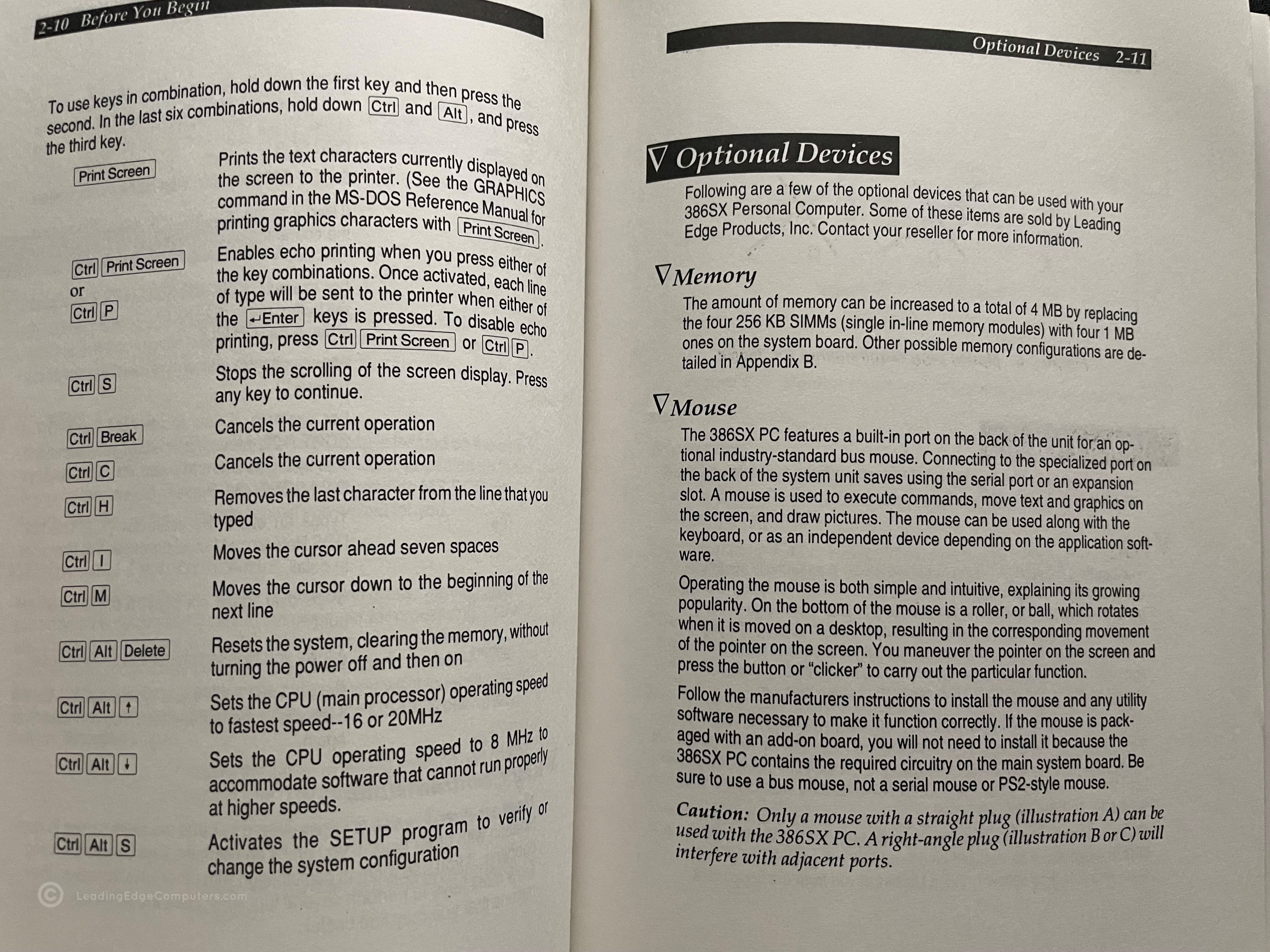
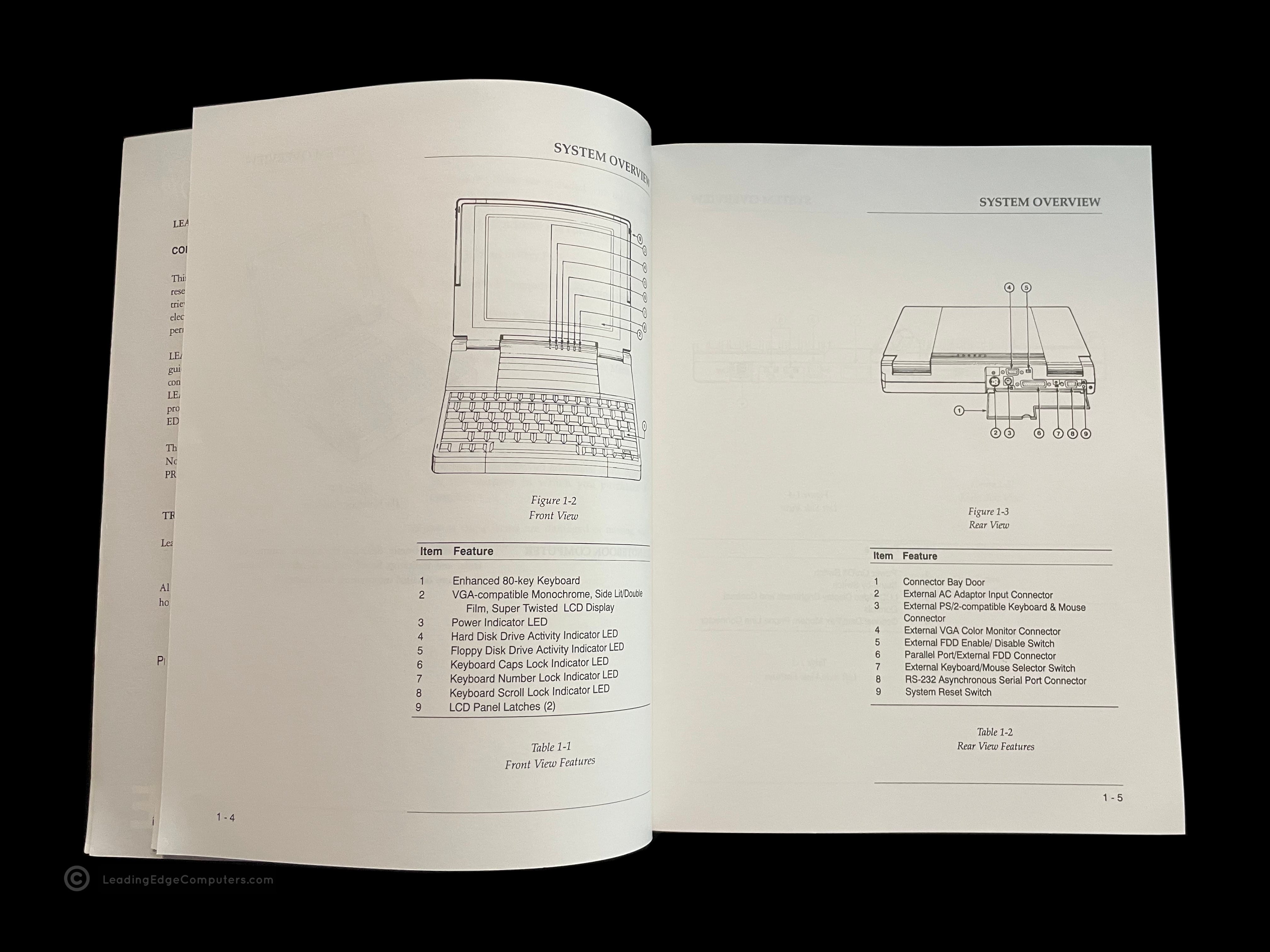
    Photo of the front cover of the 386SX PC Manual Back cover of the 386SX PC Manual Angled view of the 386SX PC Manual showing the spine of the manual Teaser photo showing inside of the 386SX PC Manual, featuring the system overview diagram Inside photo of the 386SX PC Manual's legal pages Teaser photo showing inside of the 386SX PC Manual's optional devices pages

     386SX PC Model DC‐3621

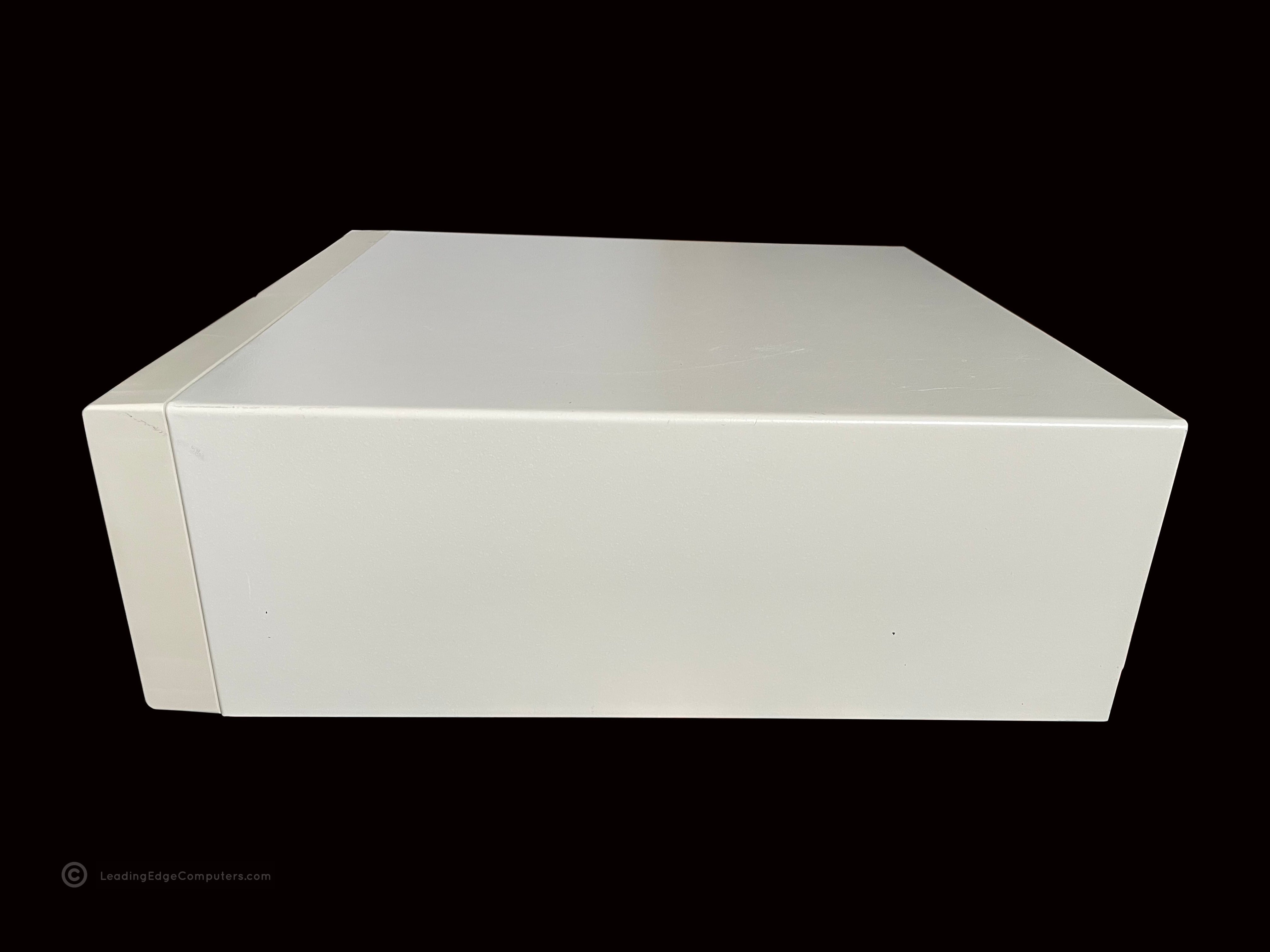
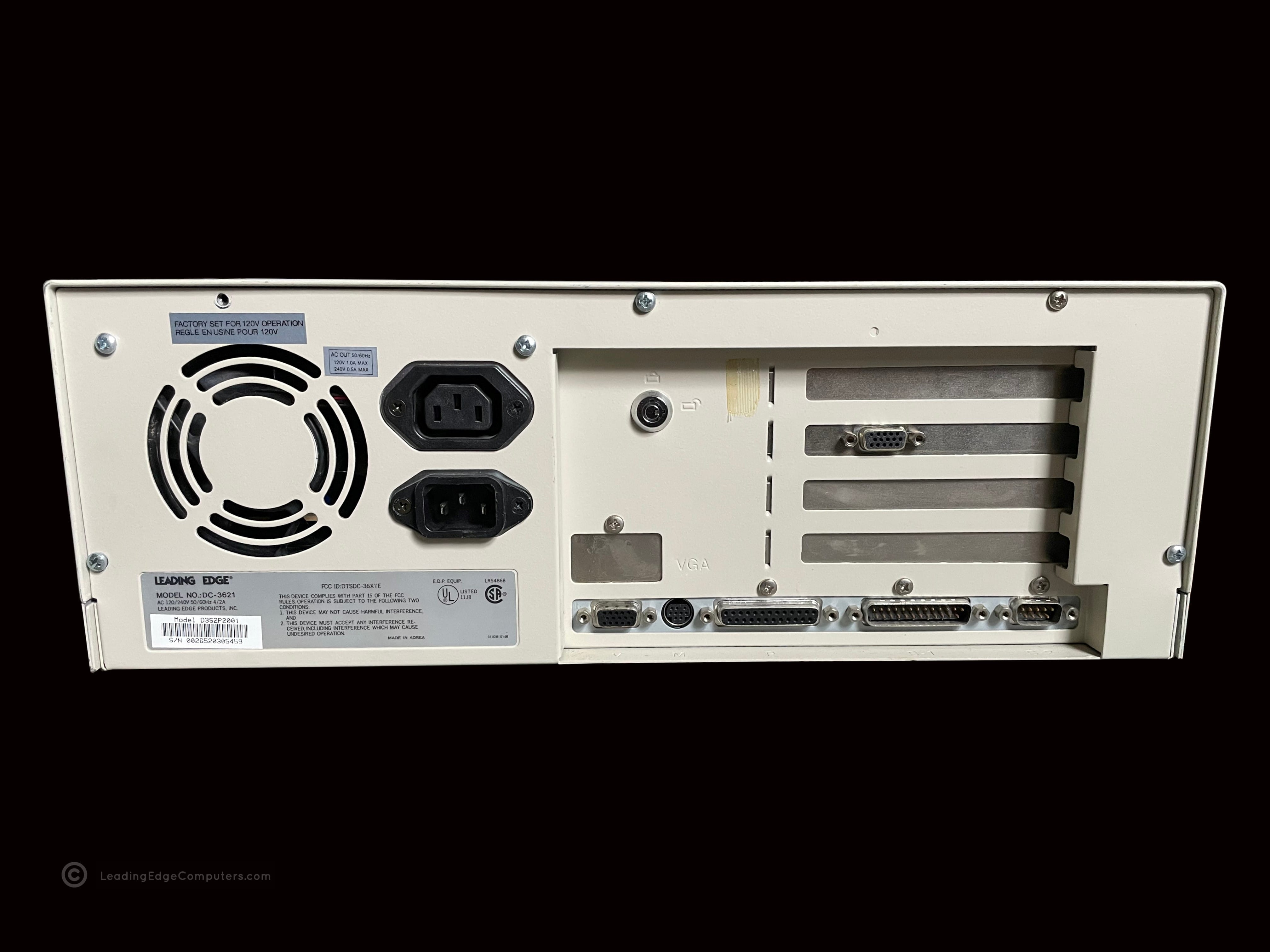
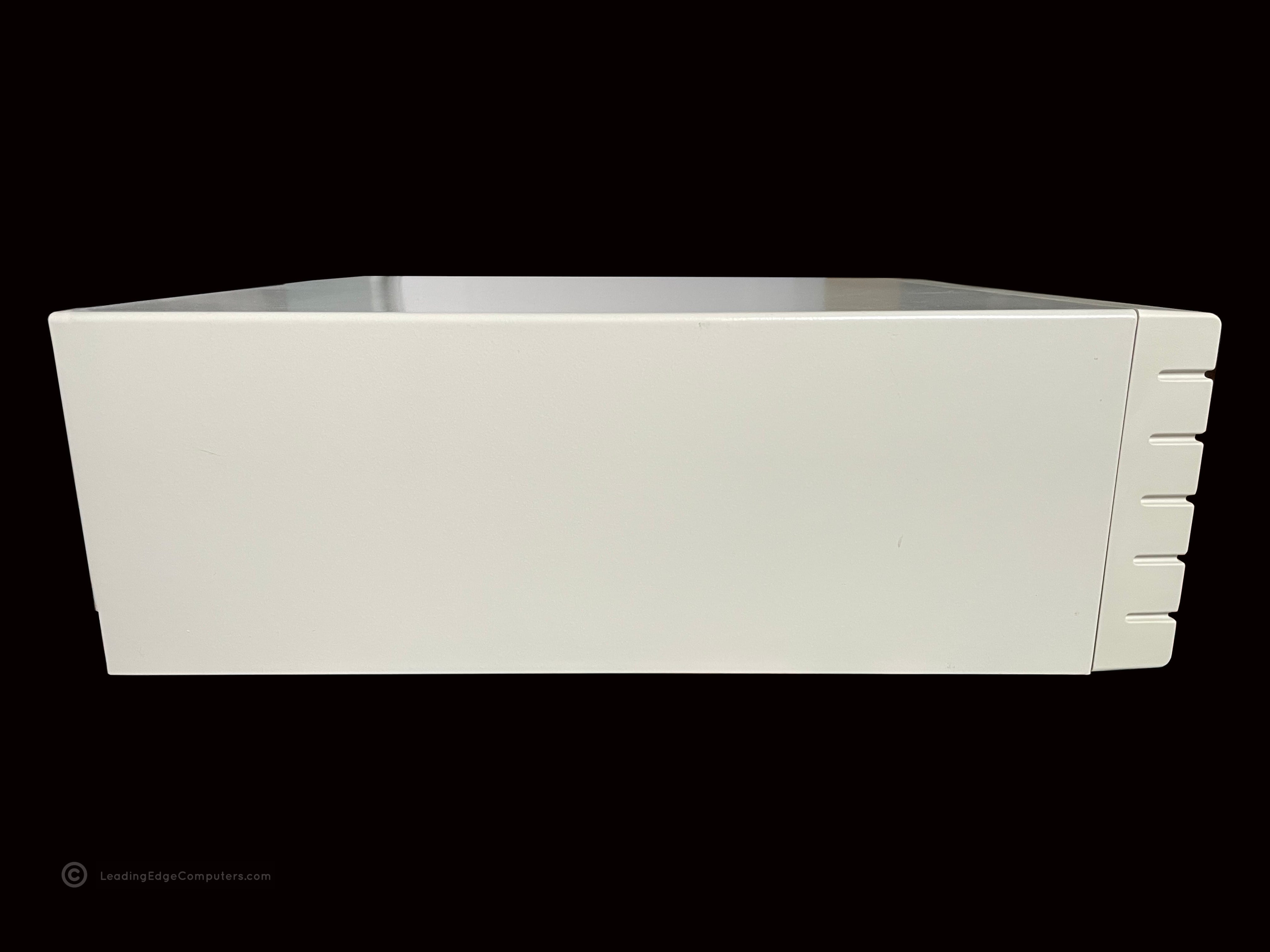
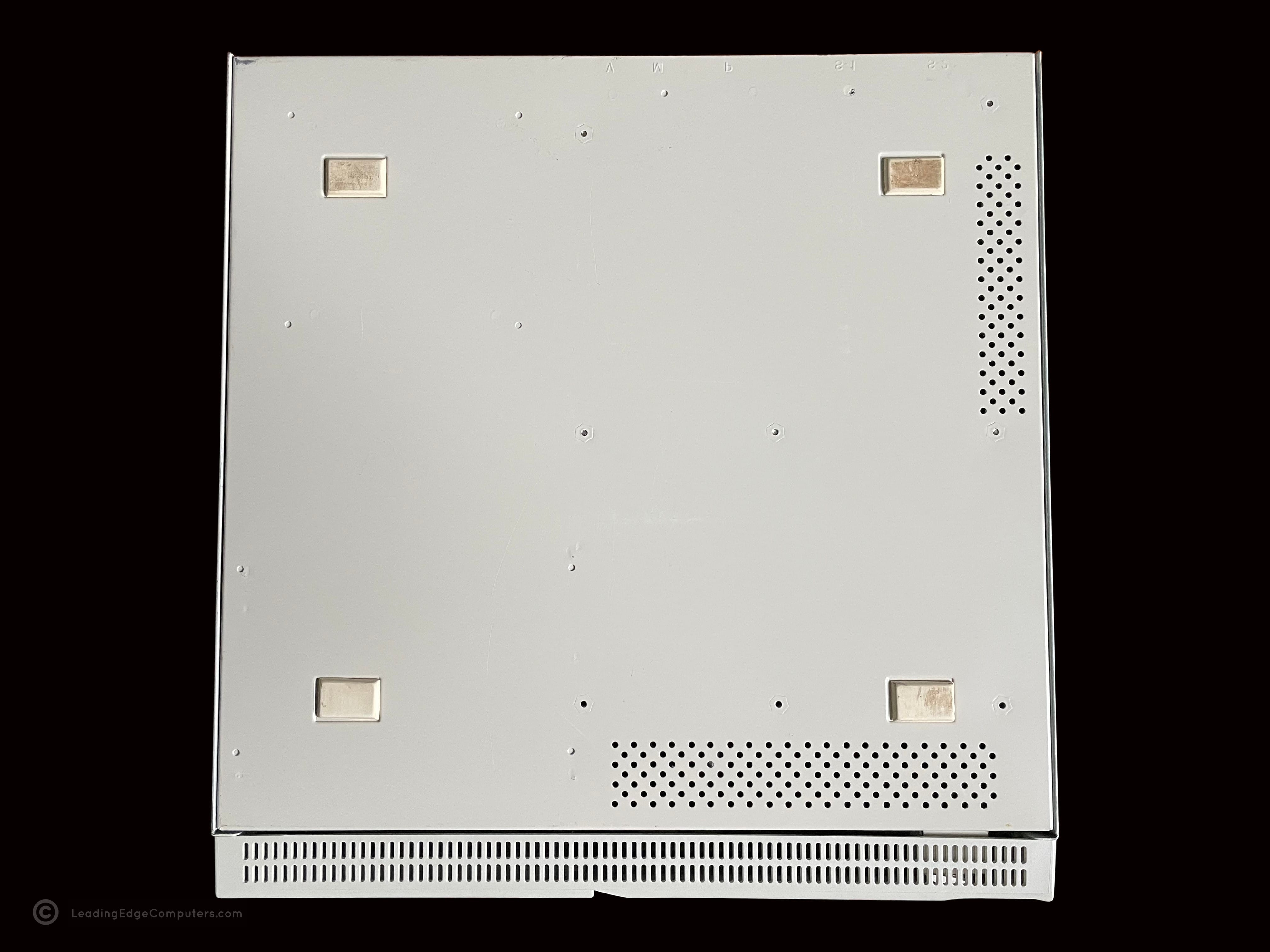
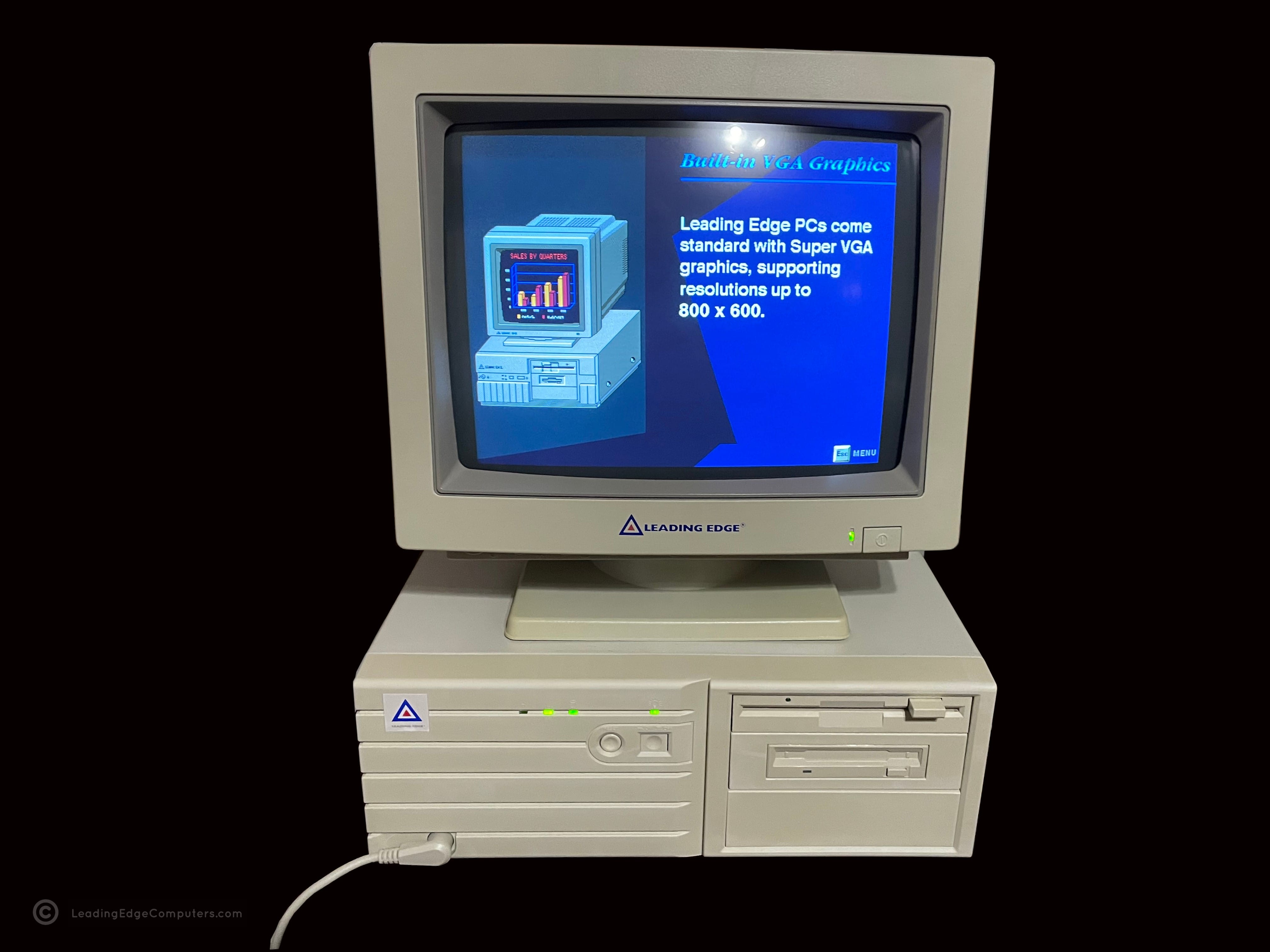
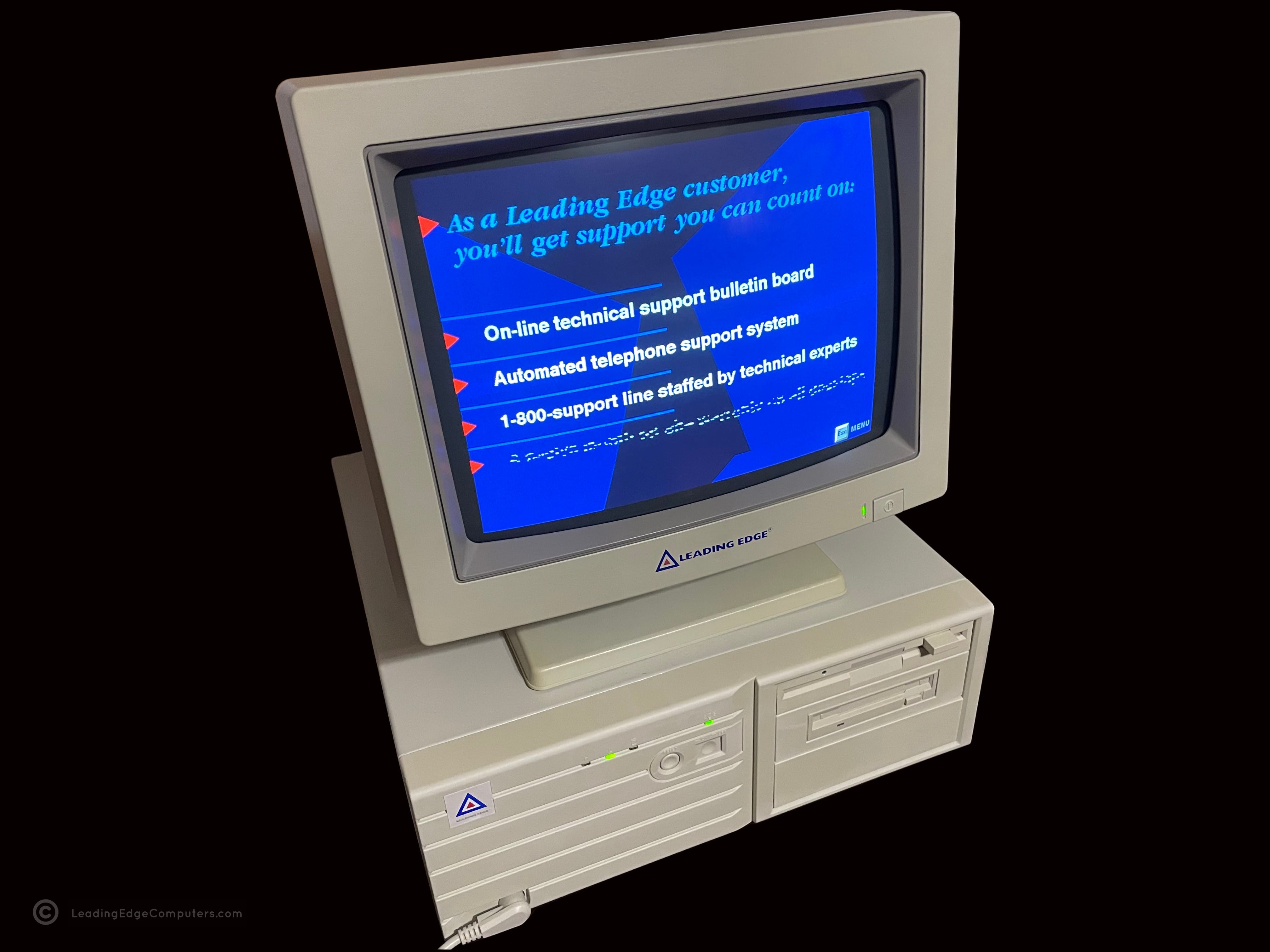
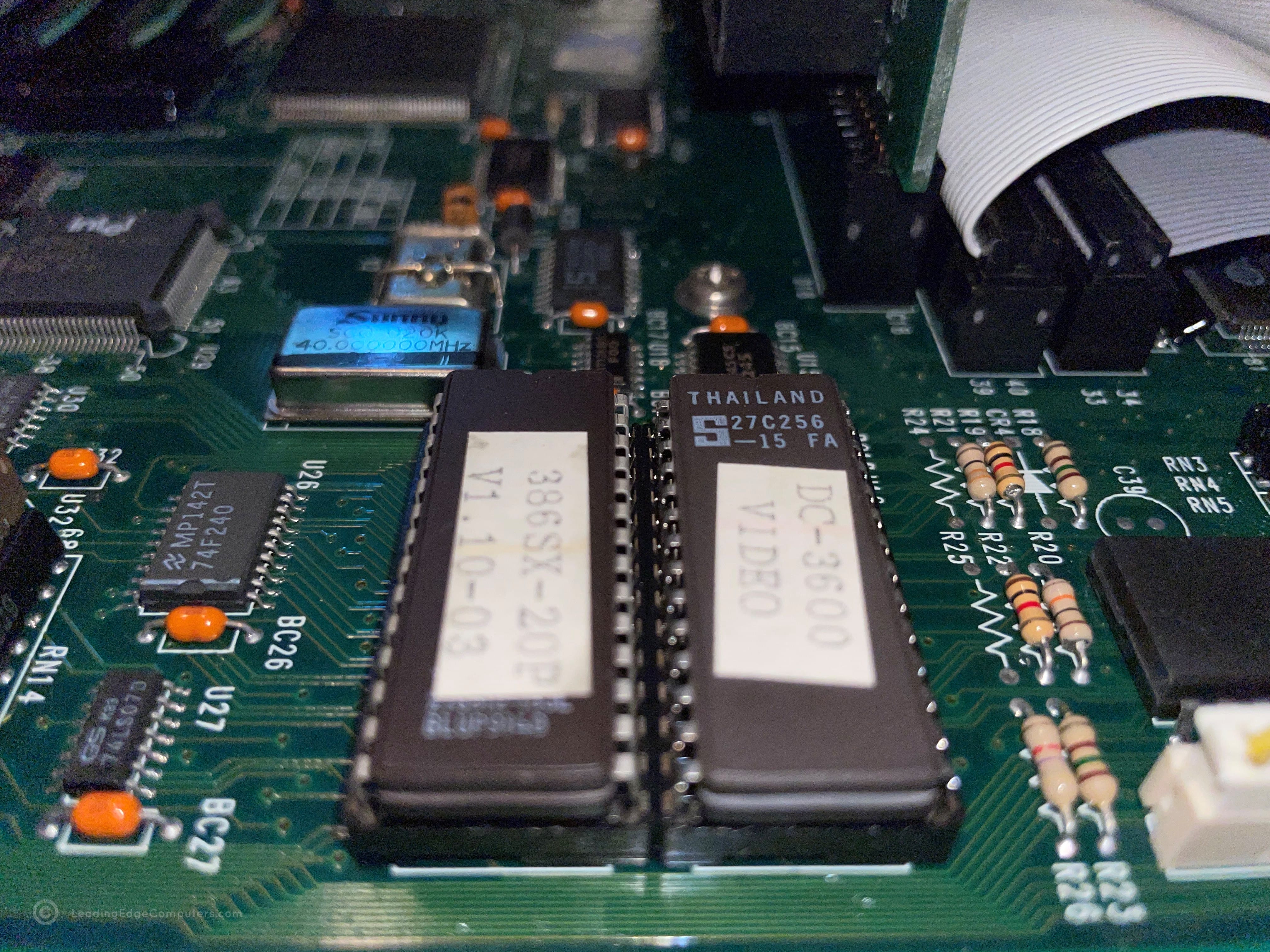
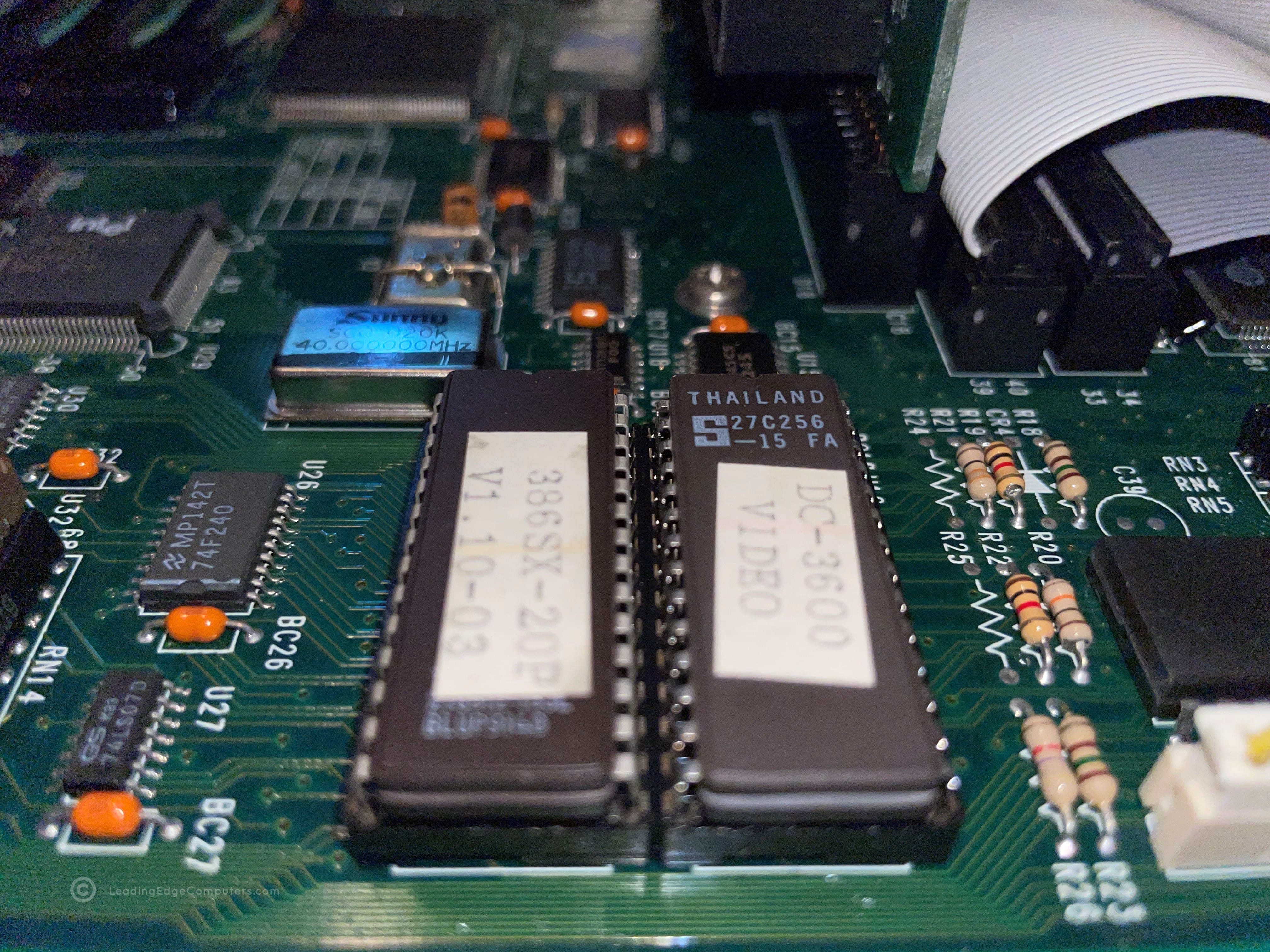
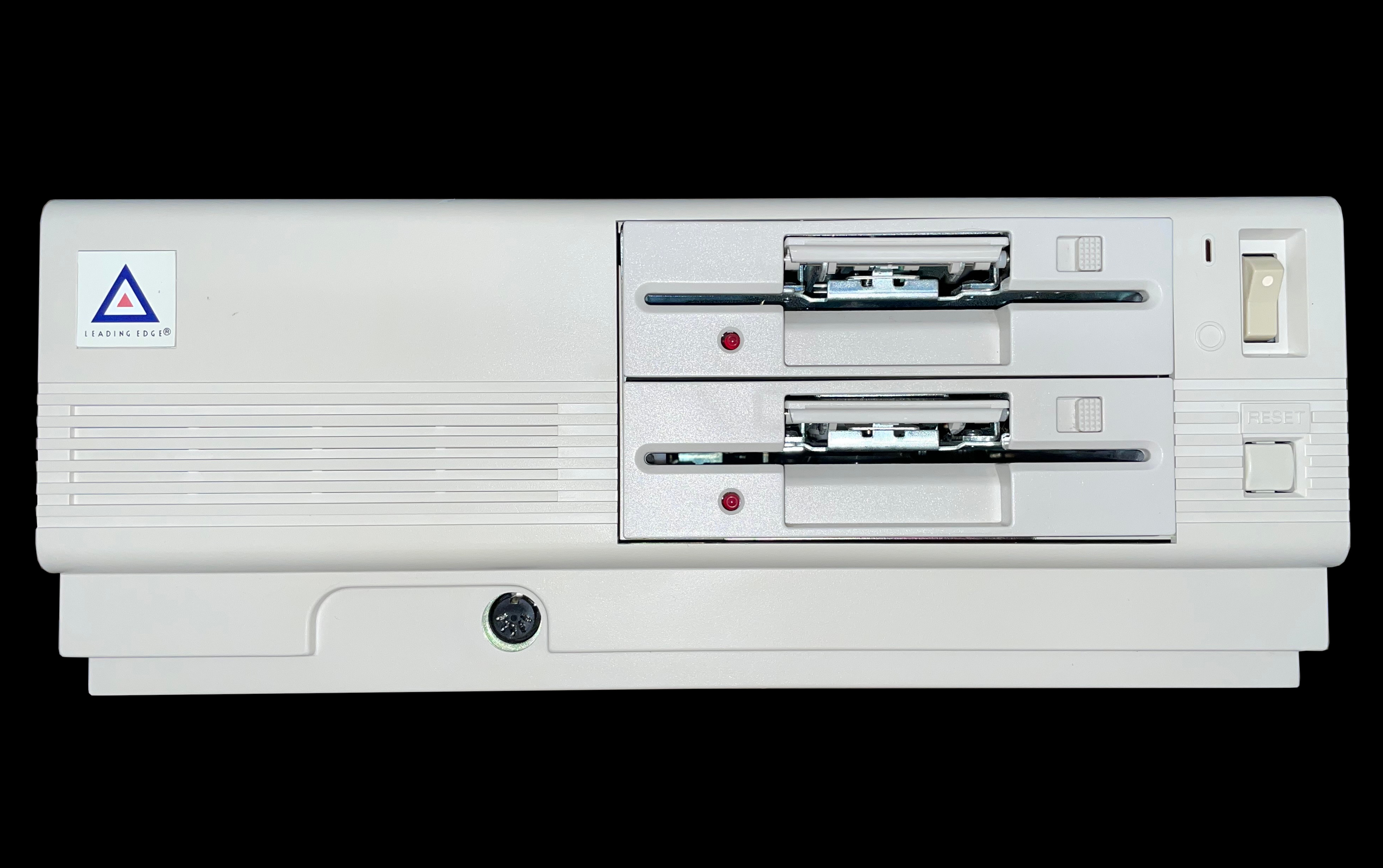
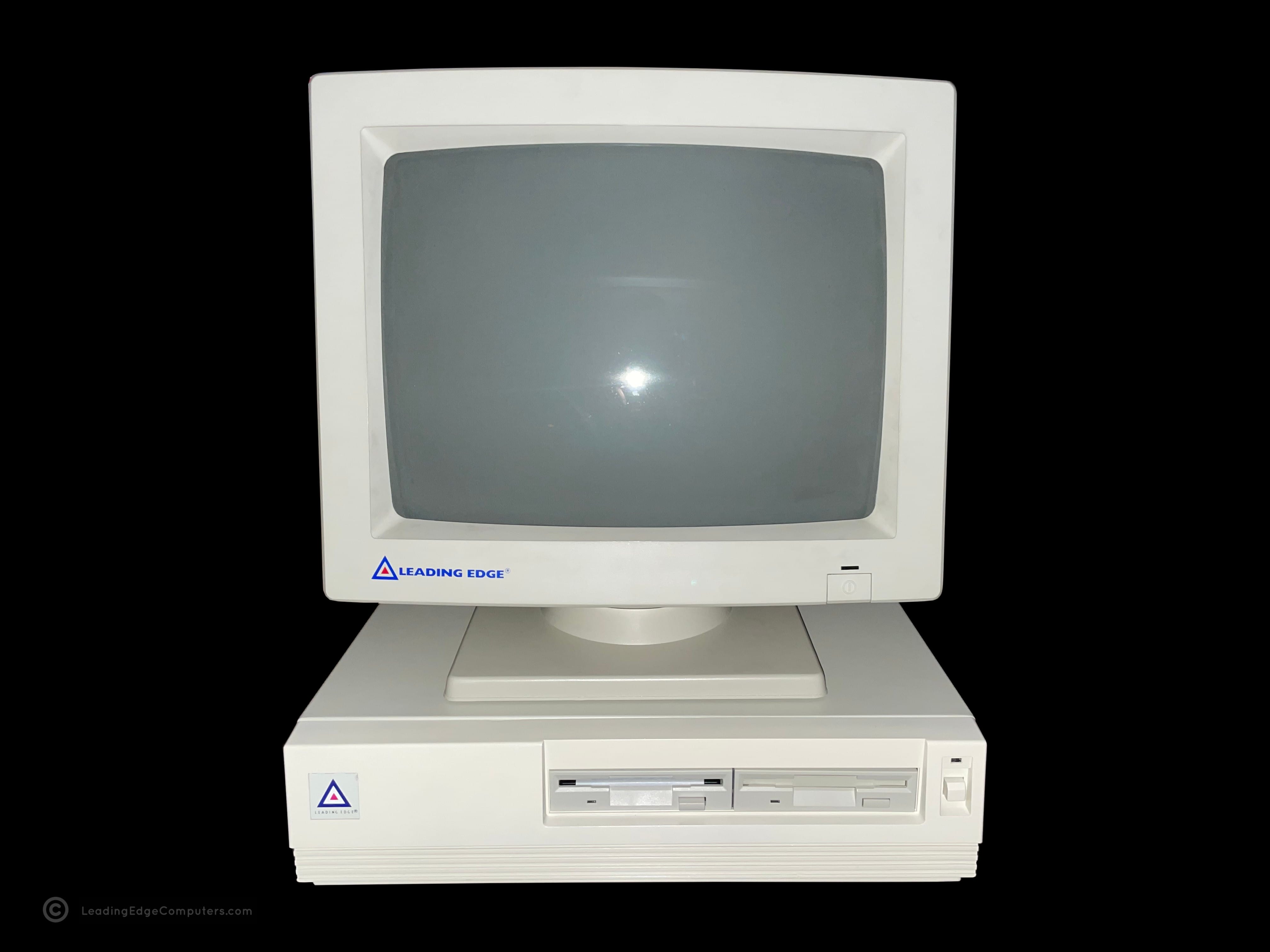
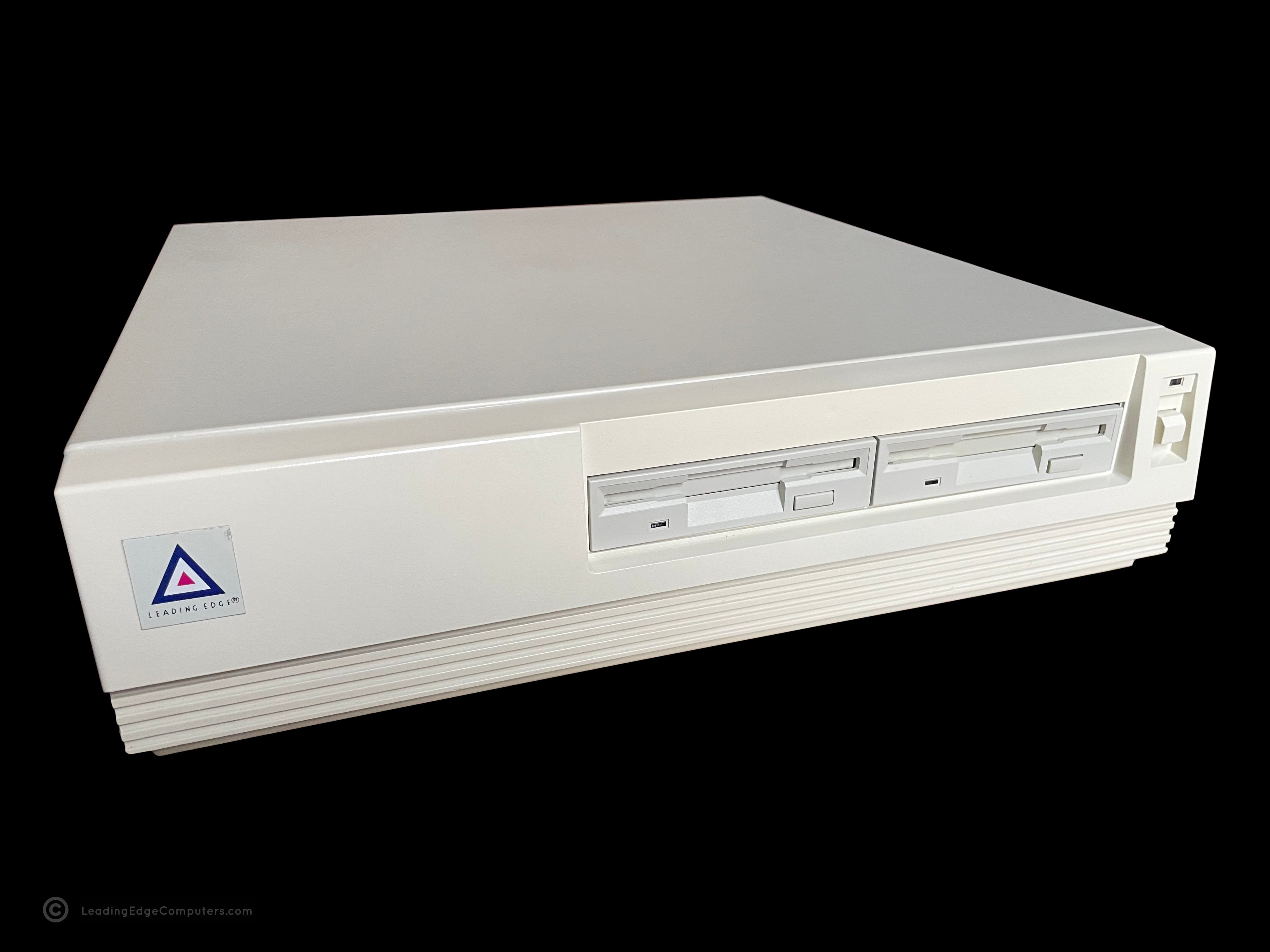
    A photo of a 386SX PC Model DC-3621 from the front featuring two floppy drives A picture of the right-hand side of a 386SX PC Model DC-3621 A rear photo of the 386SX PC Model DC-3621 showing the exhaust fan and cable interfaces A top down view of the 386SX PC Model DC-3621 A picture of the left-hand side of a 386SX PC Model DC-3621 A photo of the bottom of the 386SX PC Model DC-3621 A photo of the 386SX PC Model DC-3621 running the LE Tutorial program An alternate angle photo of the 386SX PC Model DC-3621 running the LE Tutorial program A closeup view of the 386SX PC Model DC-3621's two BIOS ROM chips

     386SX PC Model DC‐3621 BIOS V1.0 10‐03

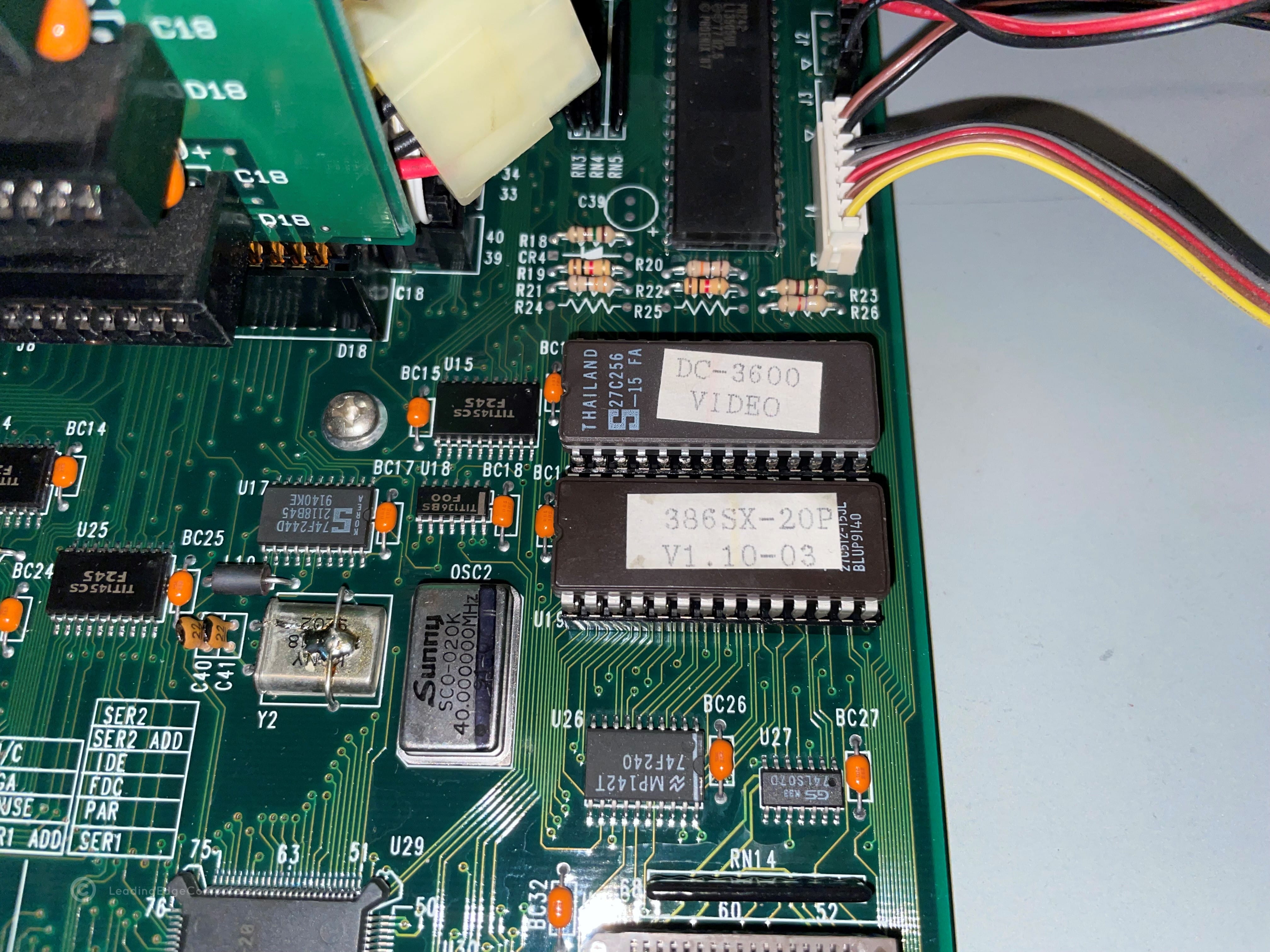
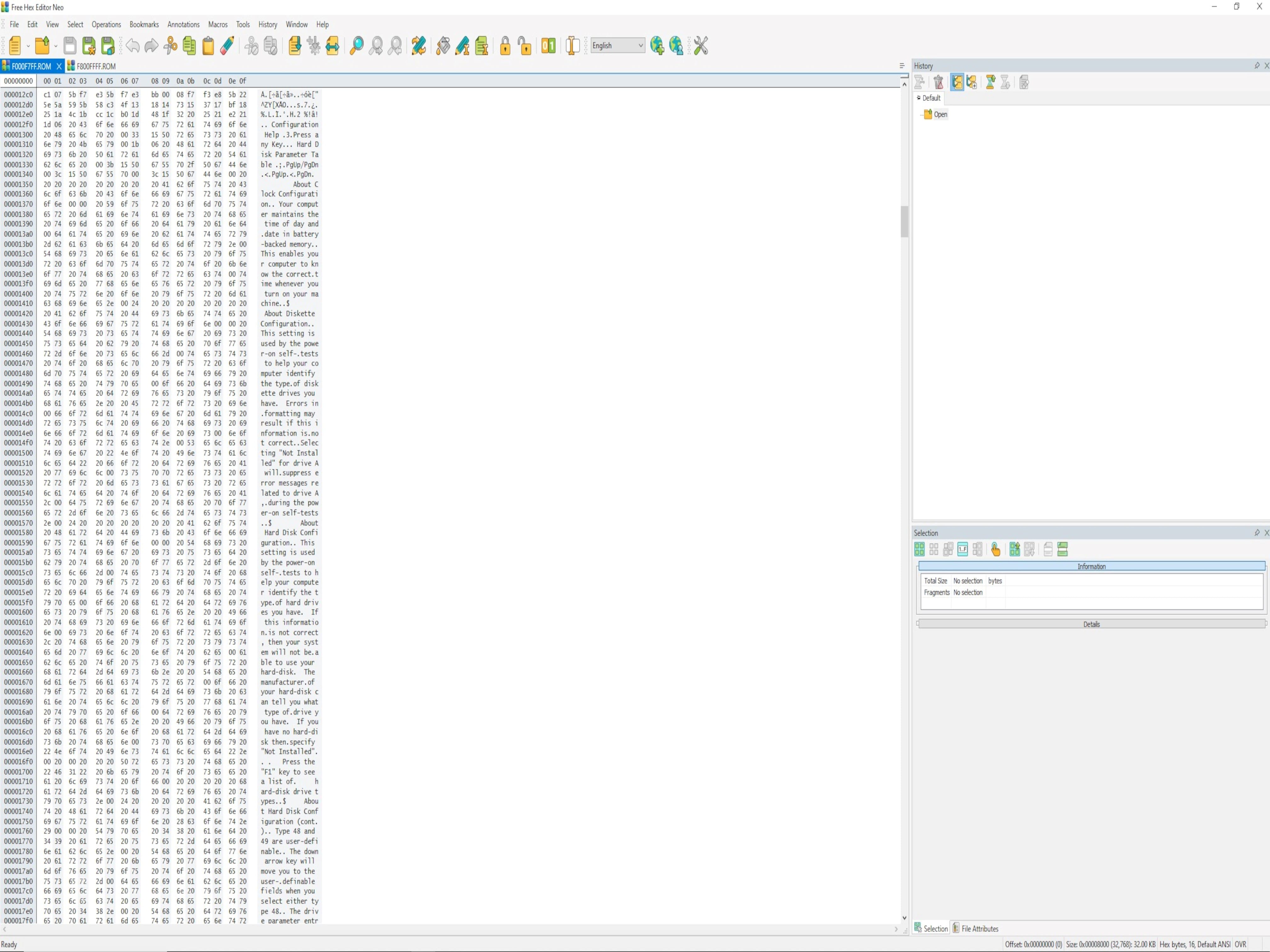
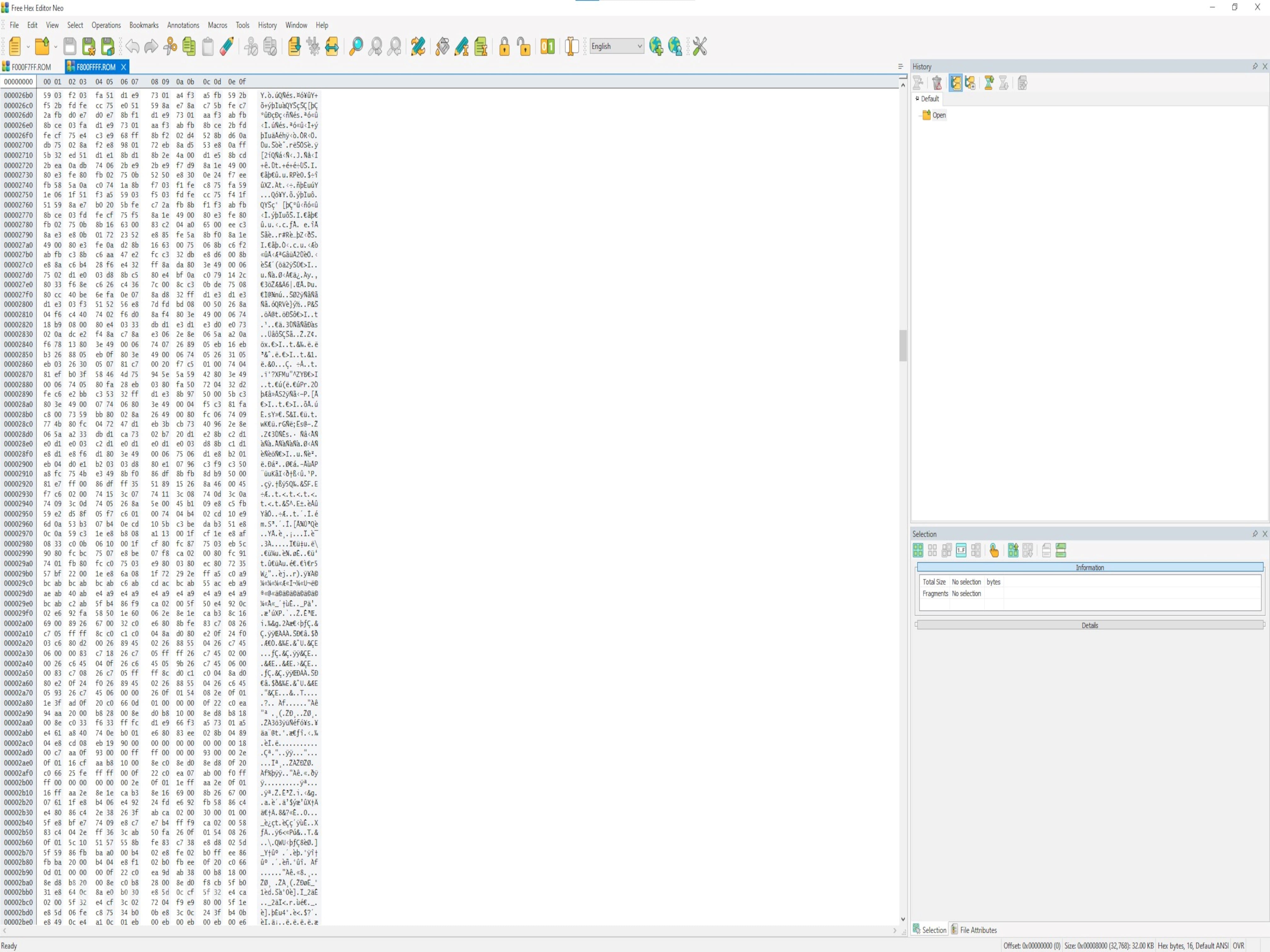
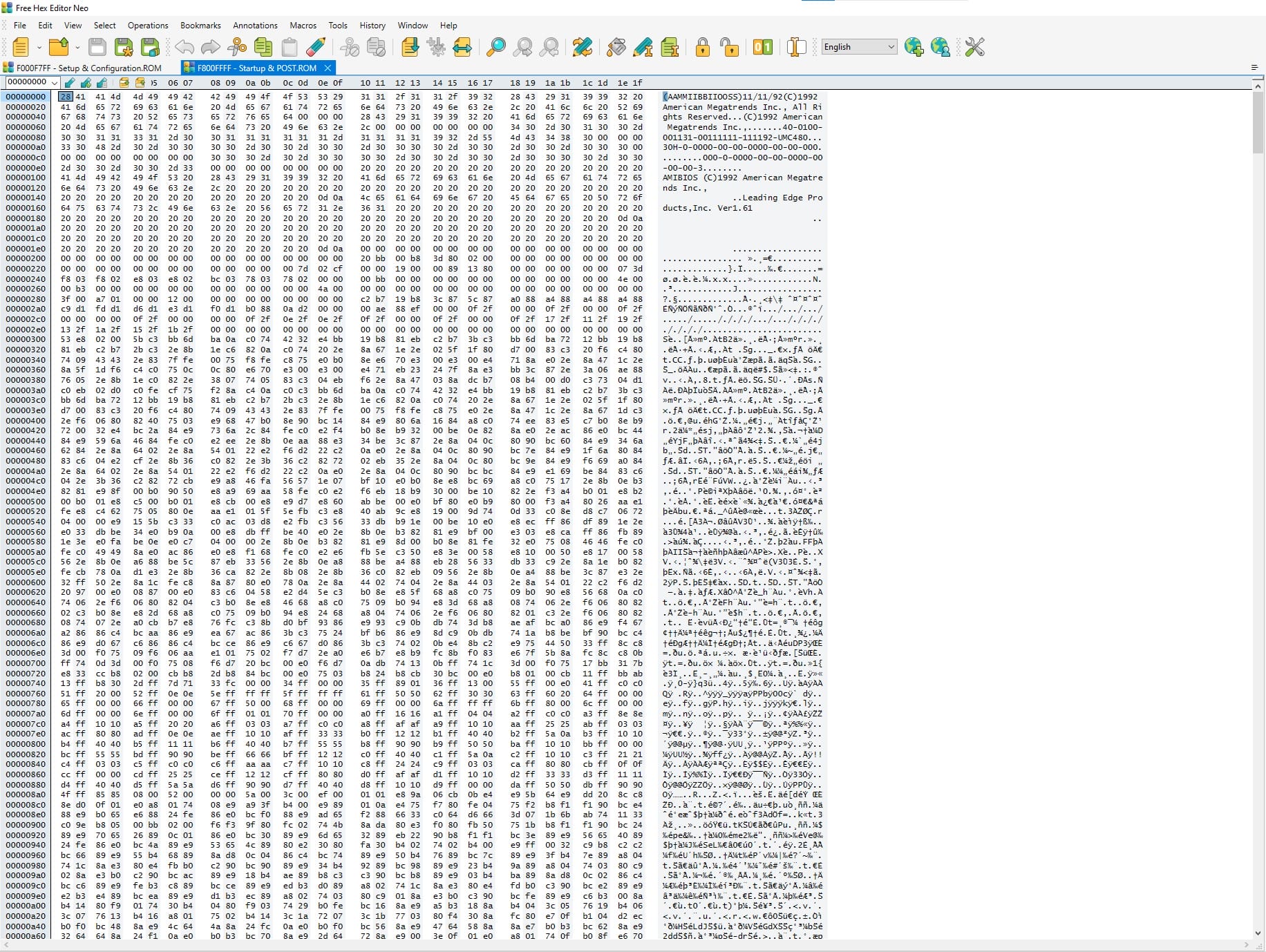
    A photo of a Leading Edge 386SX DC-3621 BIOS chip on the motherboard An photo showing an alternate view of a Leading Edge 386SX DC-3621 BIOS chip installed on the mainboard A screenshot of a Leading Edge 386SX DC-3621 ROM file for BIOS setup A screenshot of a Leading Edge 386SX DC-3621 ROM file for BIOS POST A picture of a 386SX PC as it boots up and shows the start up / POST BIOS screen An image of the system configuration BIOS with key configuration selections available

     386SX Plus Notebook

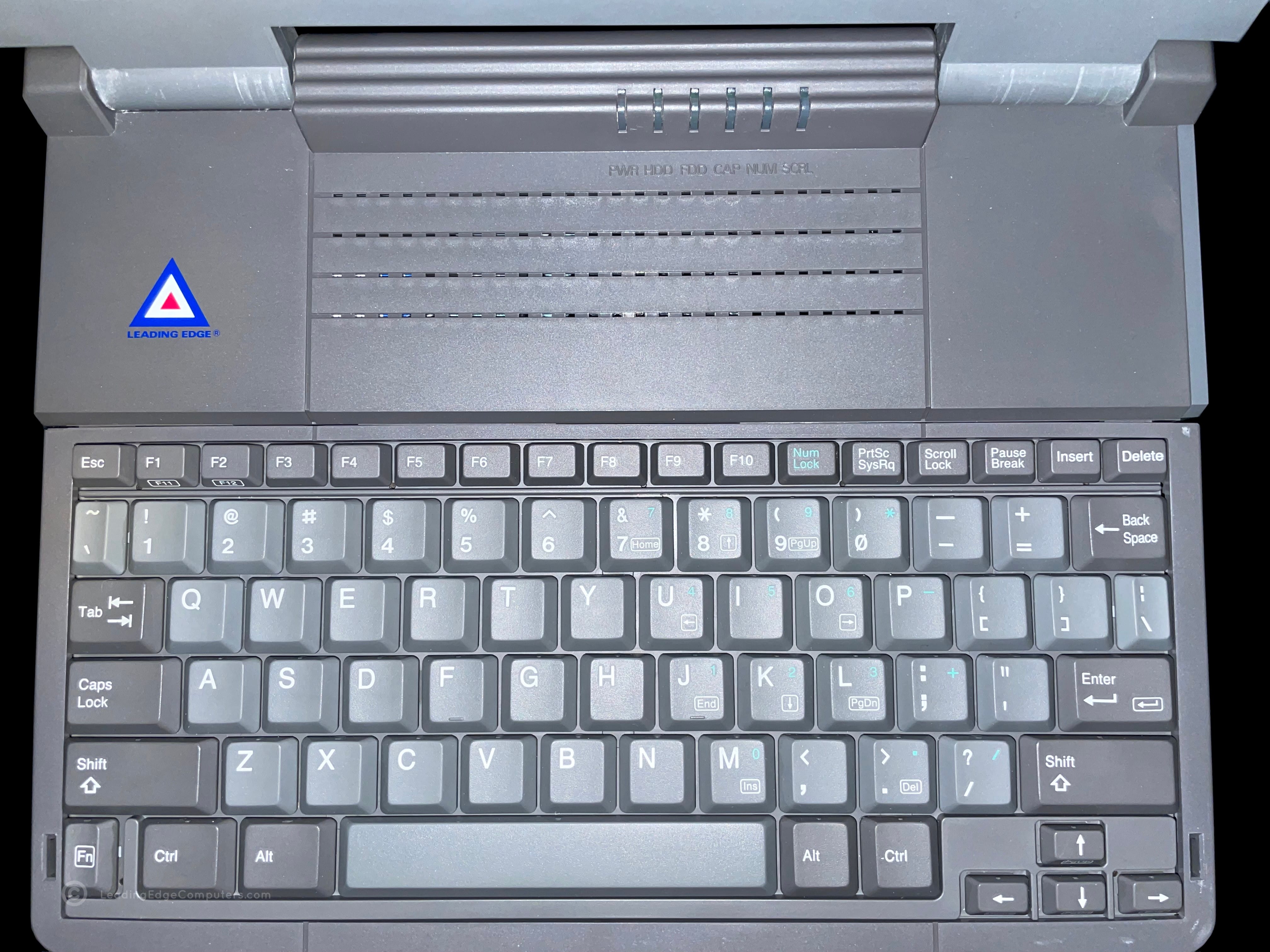
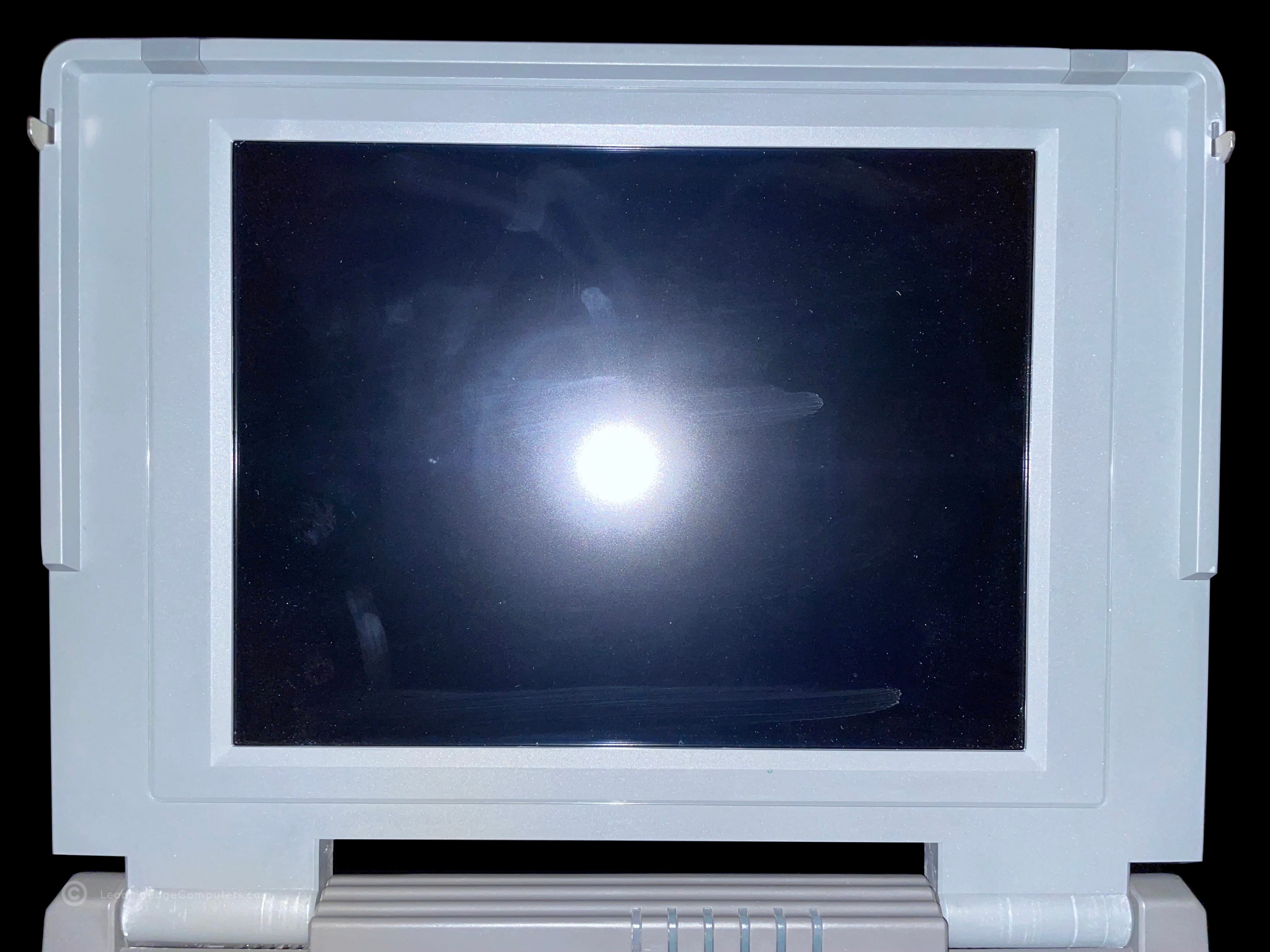
    Picture of an open 386SX Plus Notebook showing the keyboard and LCD screen Closed 386SX Plus Notebook with the Leading Edge logo Side view photo of the 386SX Plus Notebook showing the floppy drive Side view photo of the 386SX Plus Notebook showing the power switch and LCD bright and contrast controls Closed 386SX Plus Notebook computer from the user's perspective Rear view of the 386SX Plus Notebook with the cable interface door closed Bottom view photo of the 386SX Plus Notebook showing manufacturer labels A top down photo of the 386SX Plus Notebook keyboard A closer view of the 386SX Plus Notebook's LCD showing finger smudges

     386SX Plus Notebook Manual

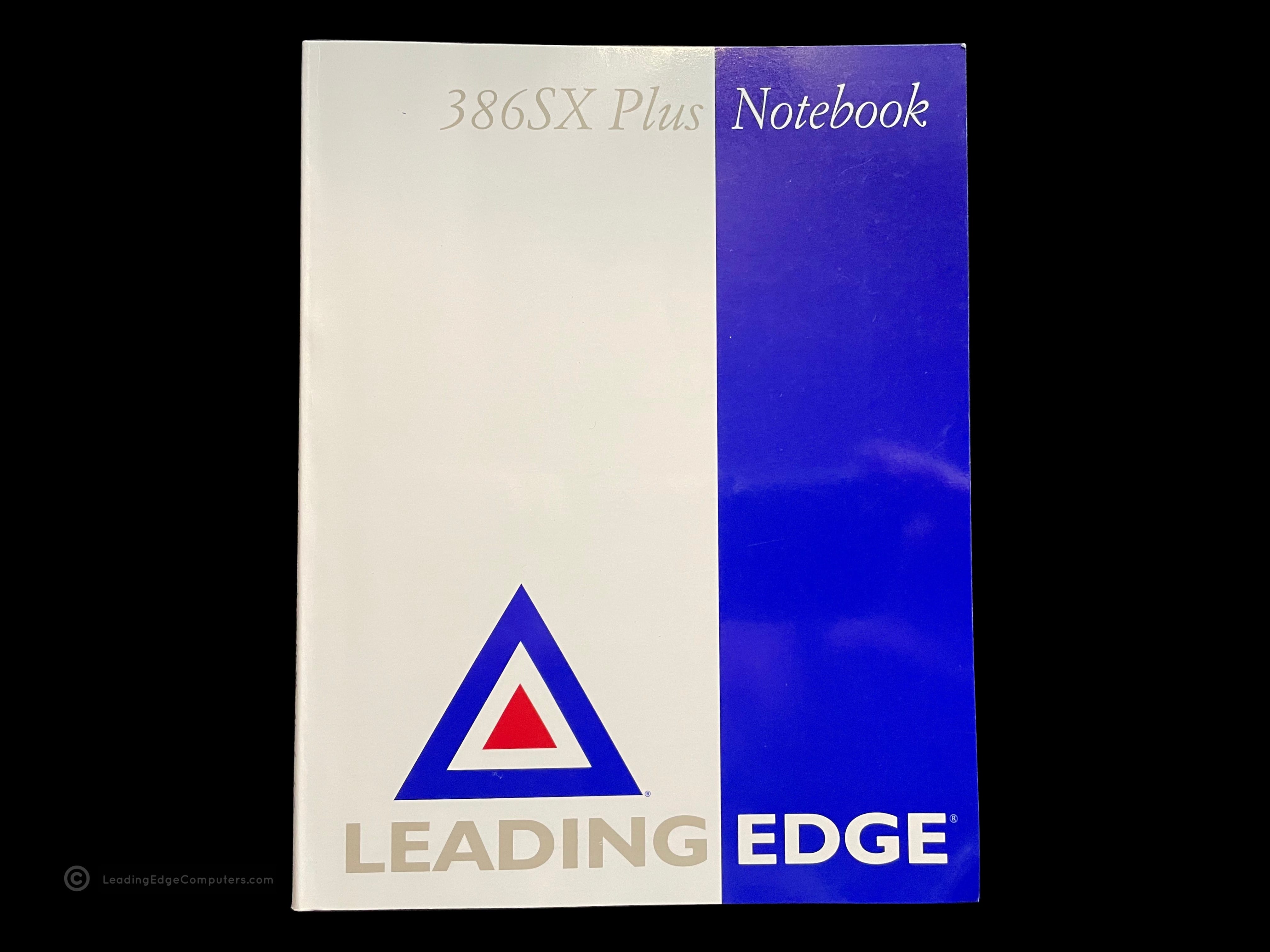
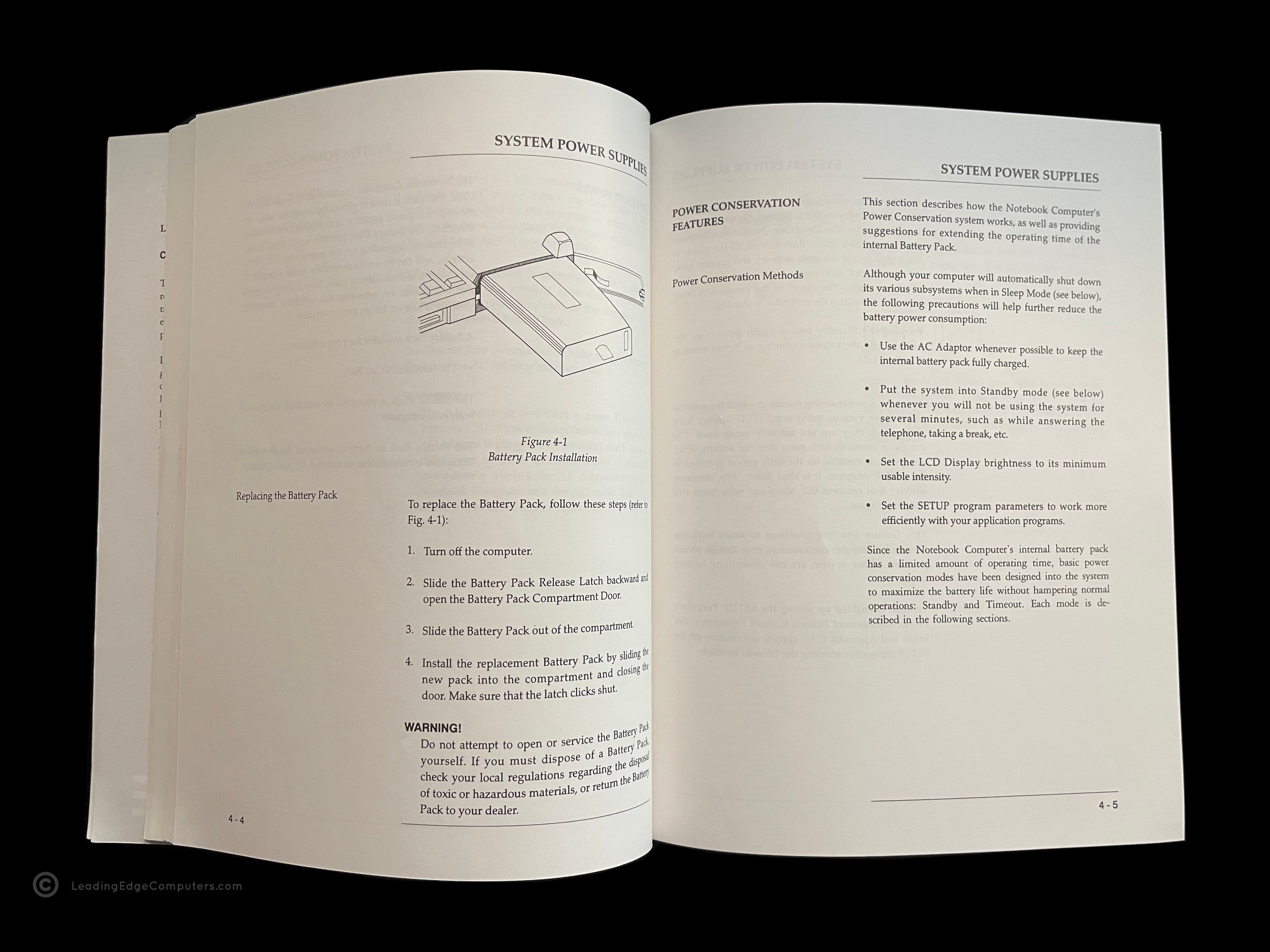
    Photo of the front cover of the 386SX Plus Notebook Manual Back cover of the 386SX Plus Notebook Manual Angled view of the 386SX Plus Notebook Manual showing the spine of the manual Teaser photo showing inside of the 386SX Plus Notebook Manual, featuring the system overview diagram Inside photo of the 386SX Plus Notebook Manual's legal pages Teaser photo showing inside of the 386SX Plus Notebook Manual's system power supply pages

     AT 1332‐AL

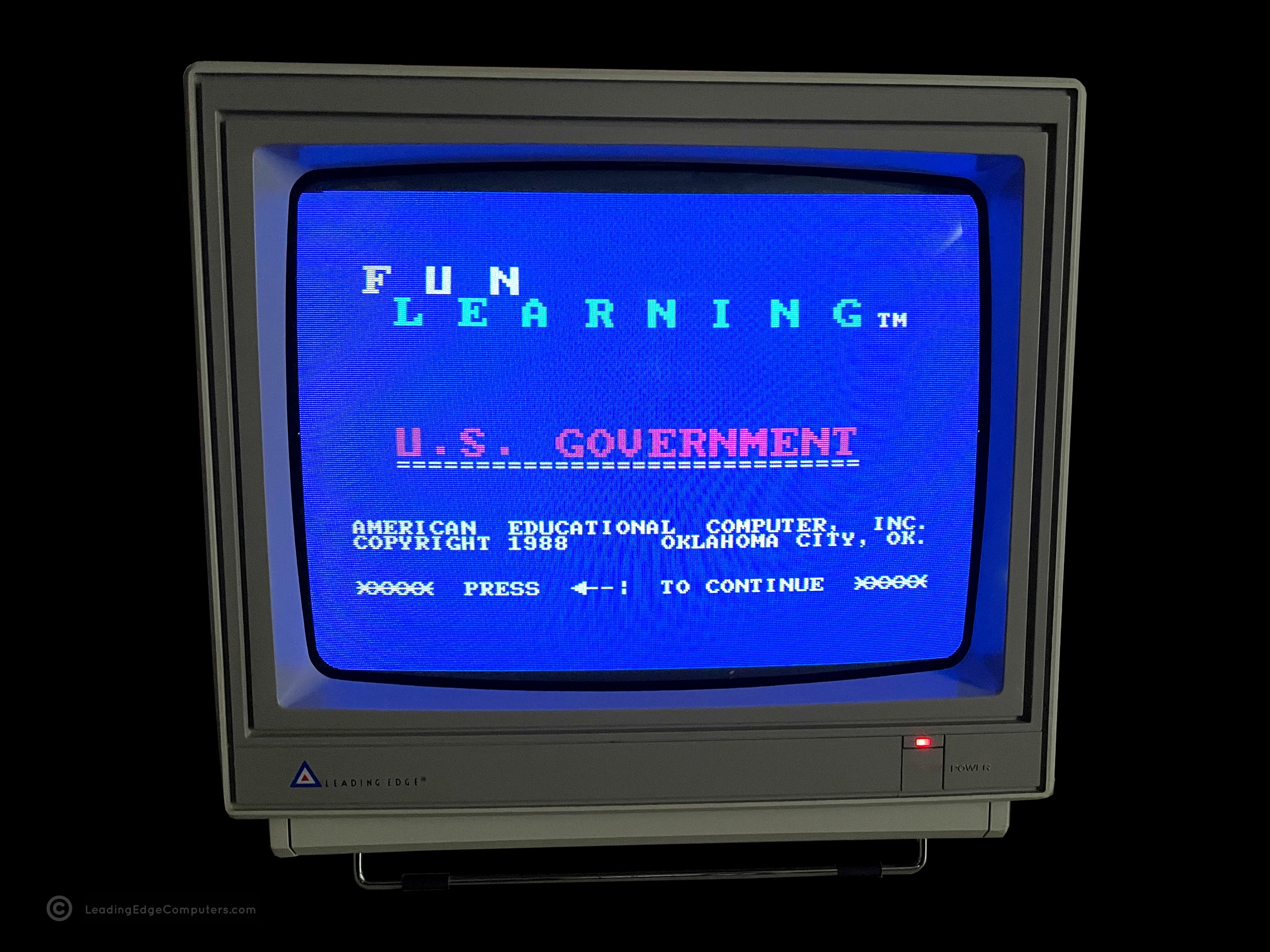
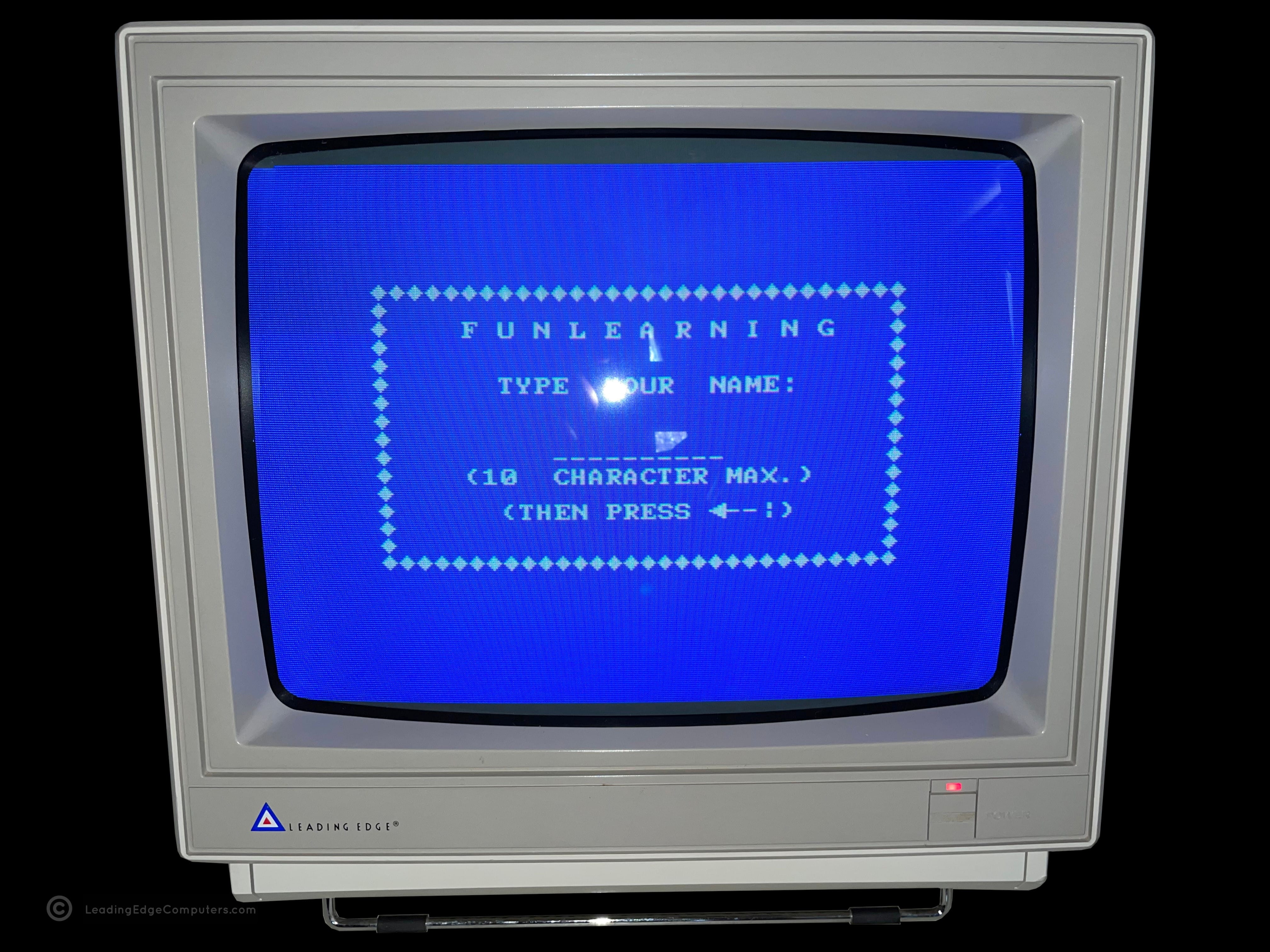
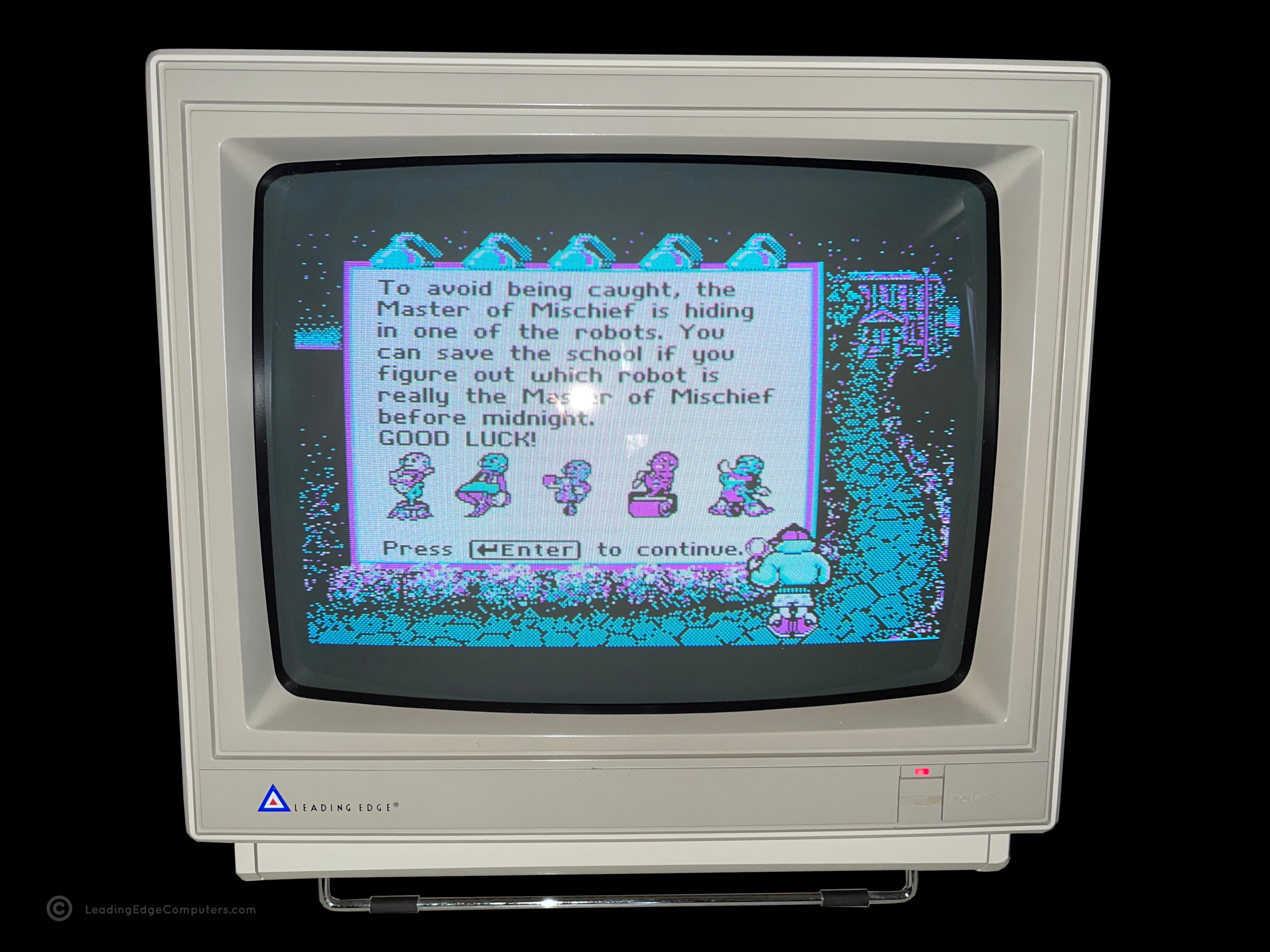
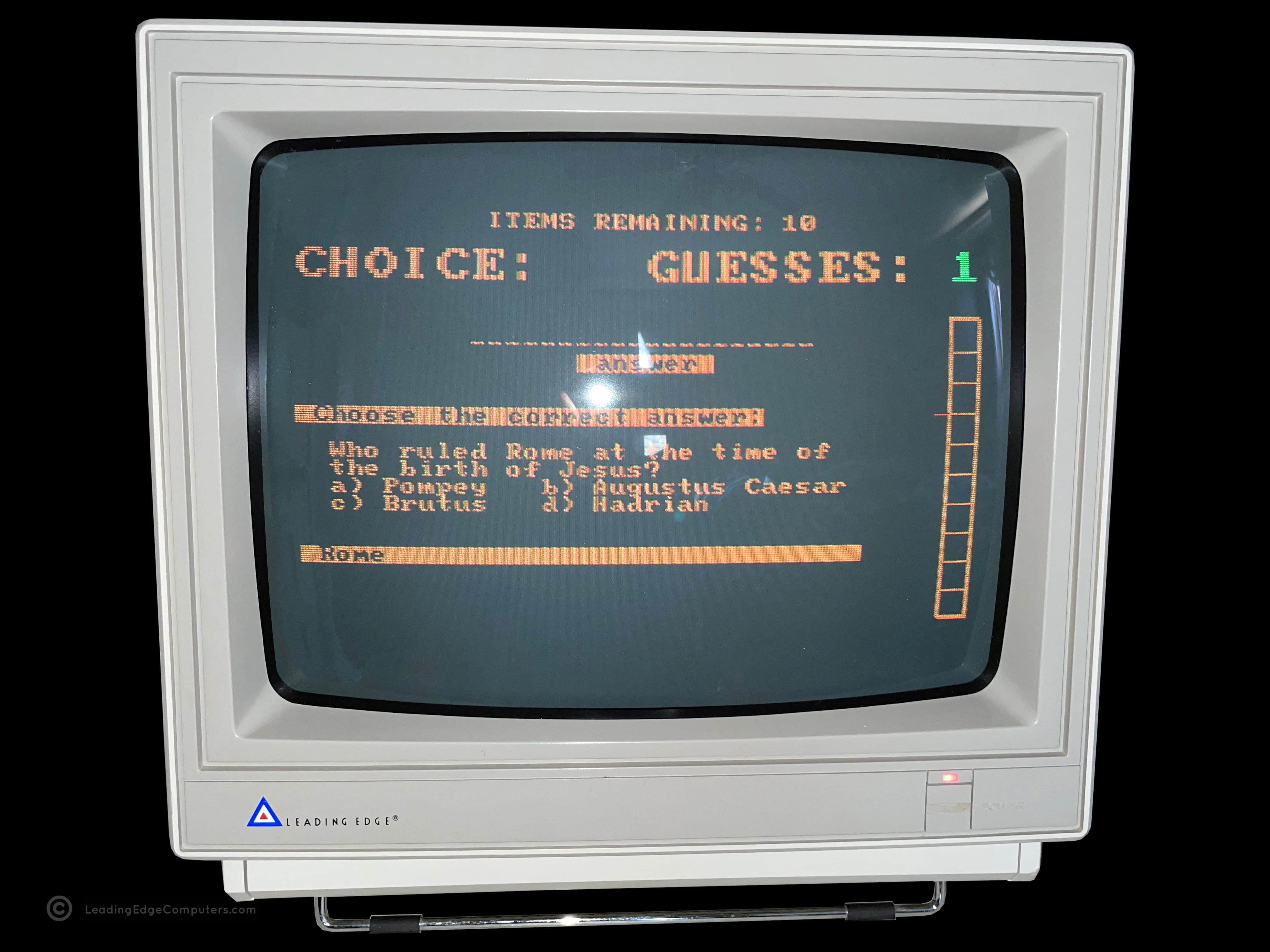
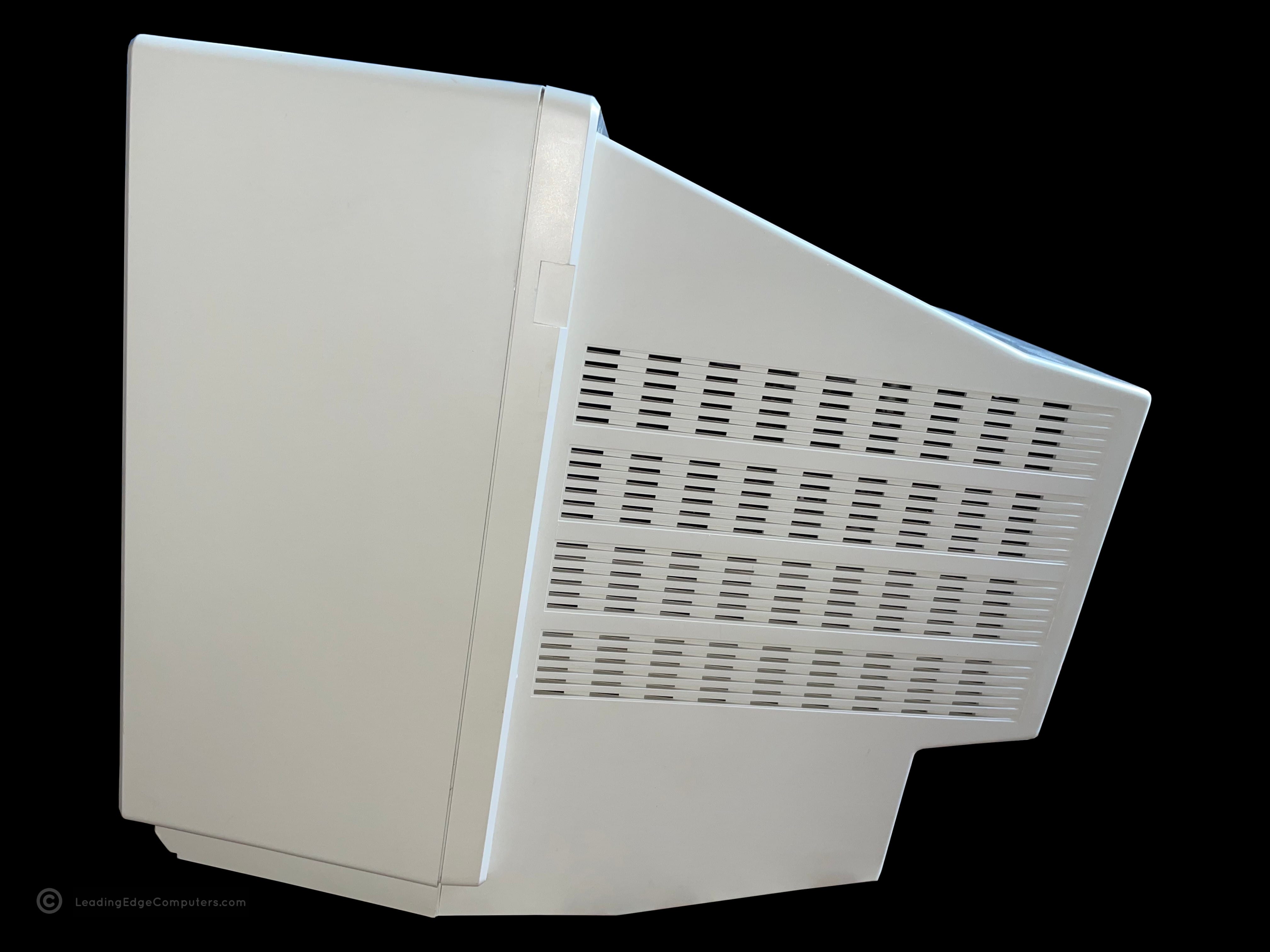
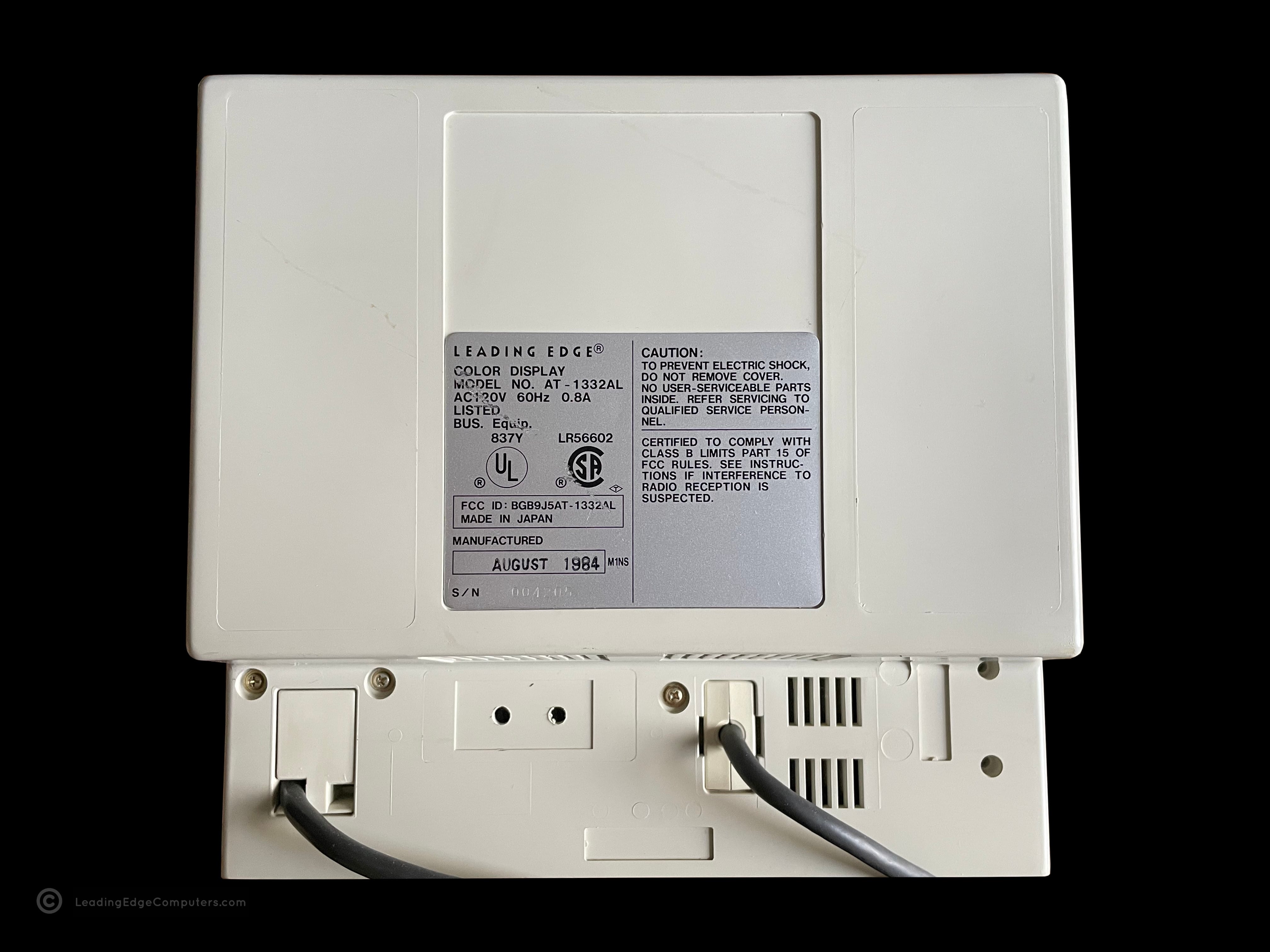
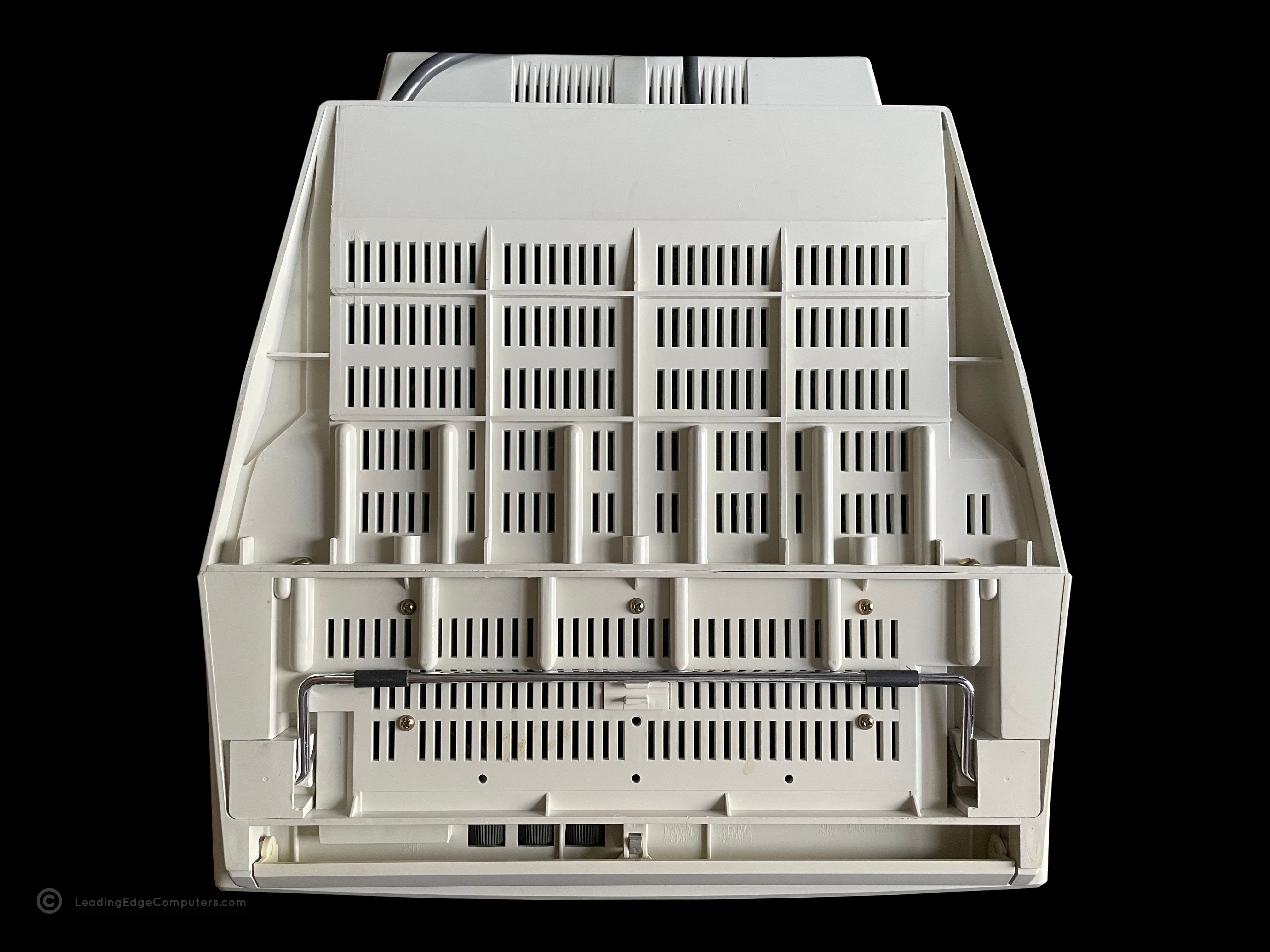
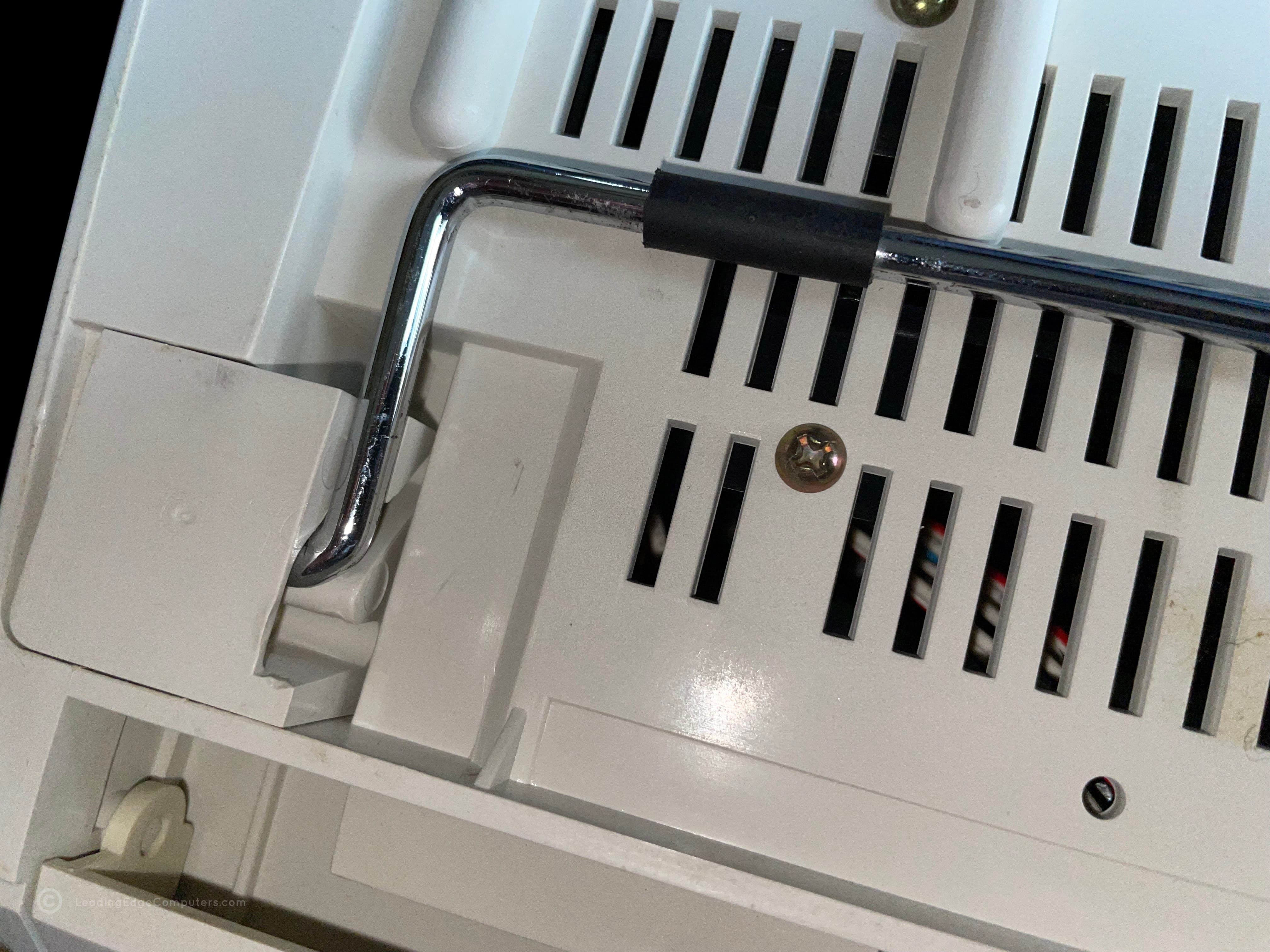
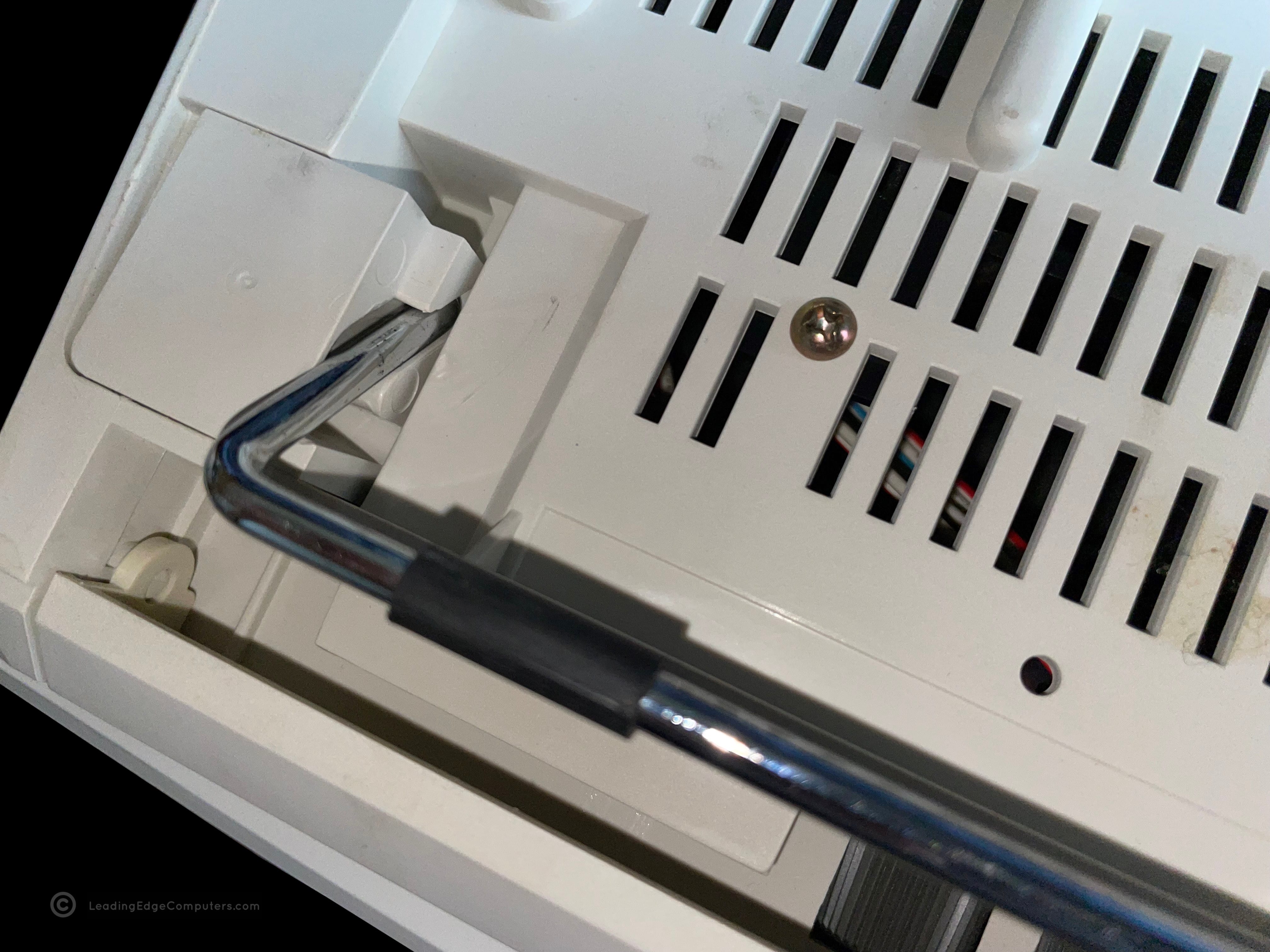
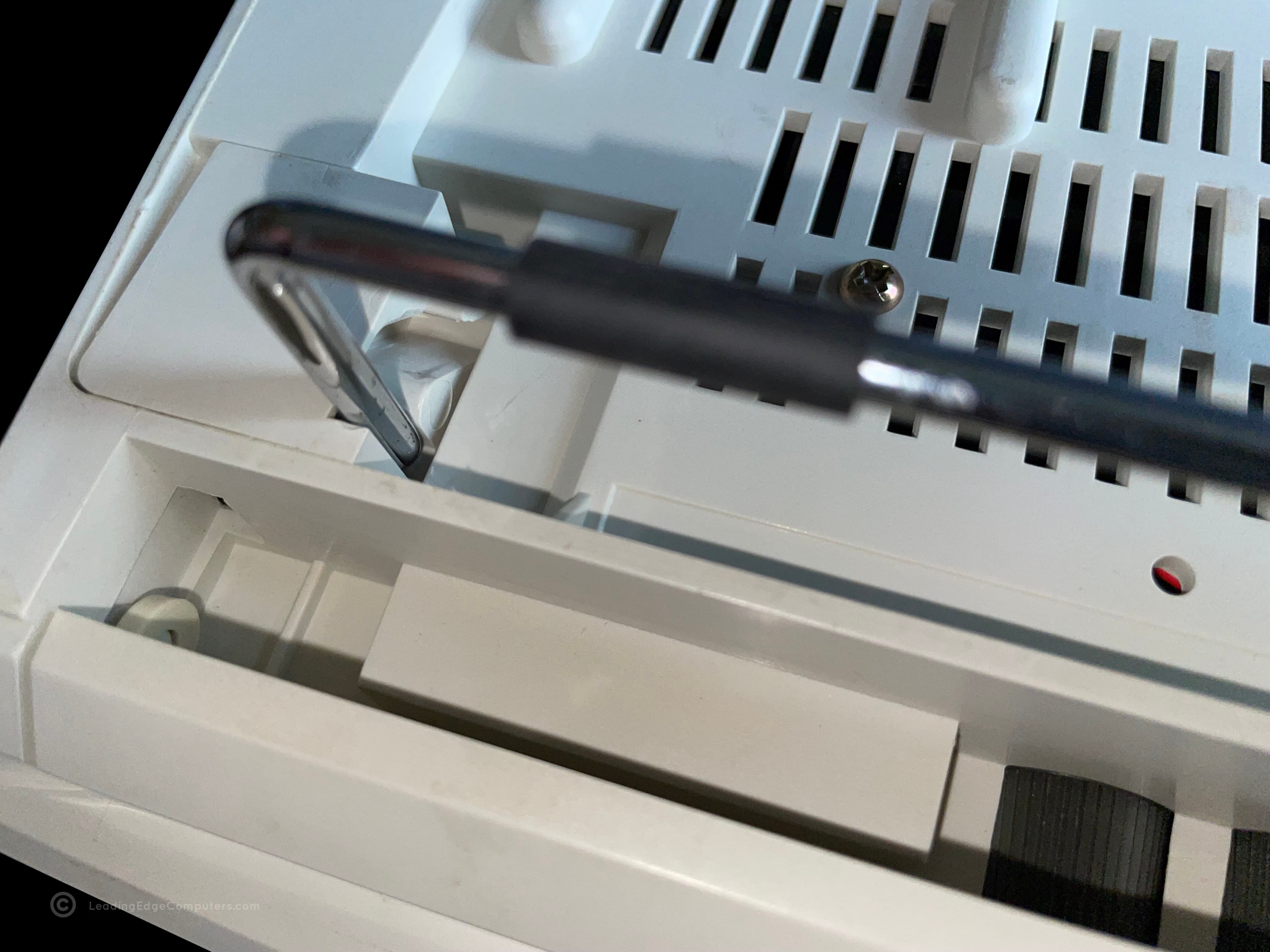
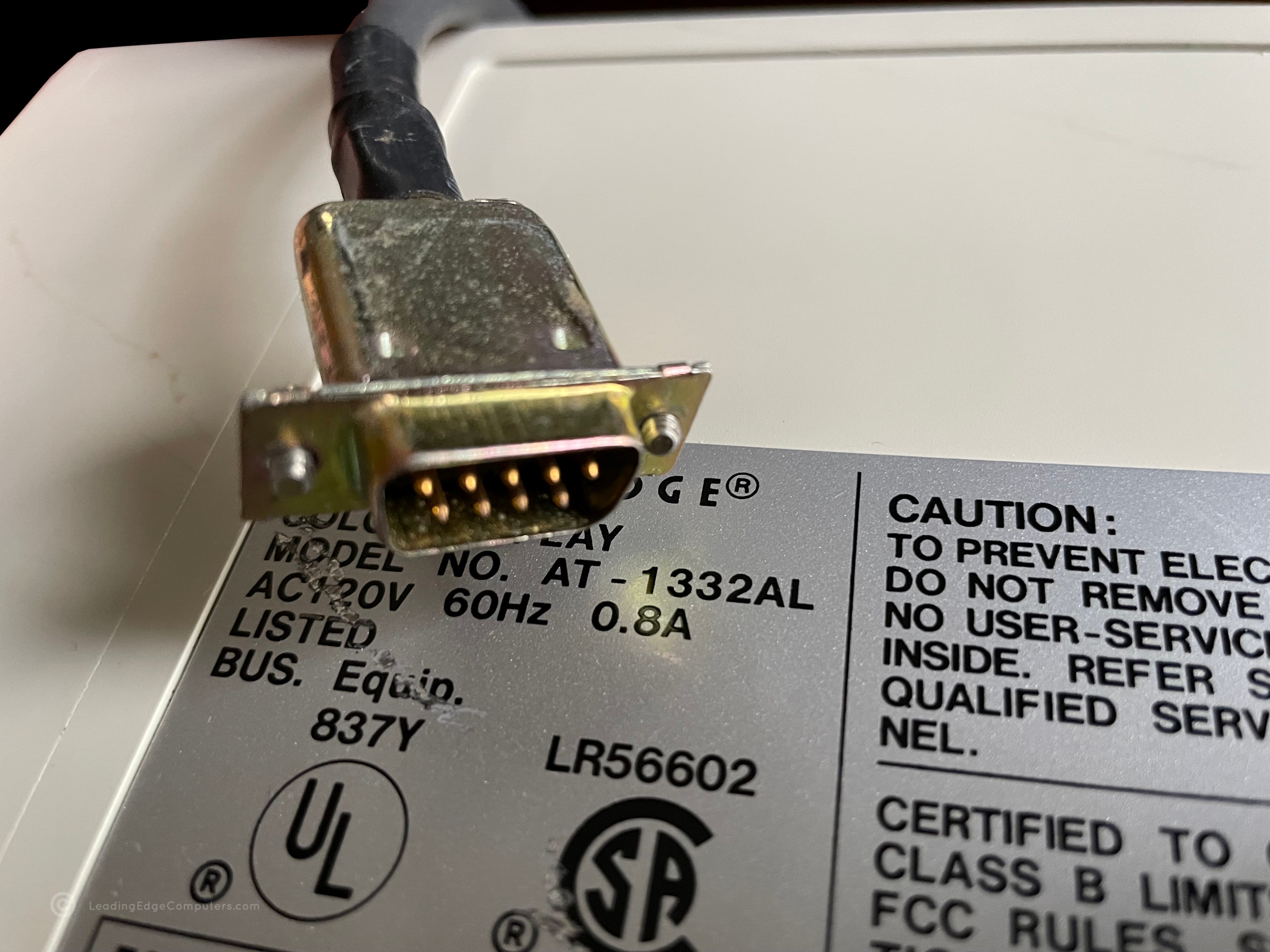
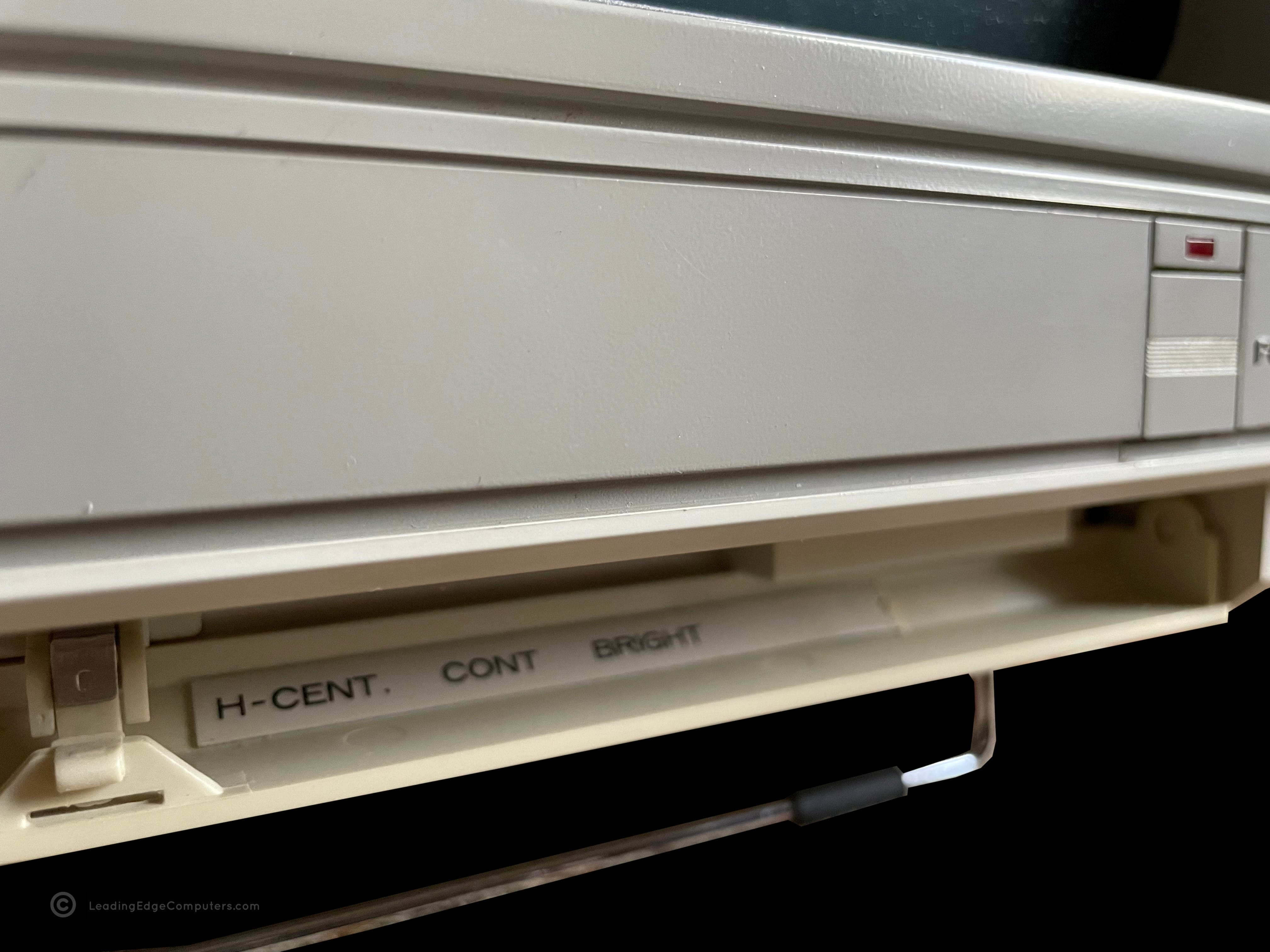
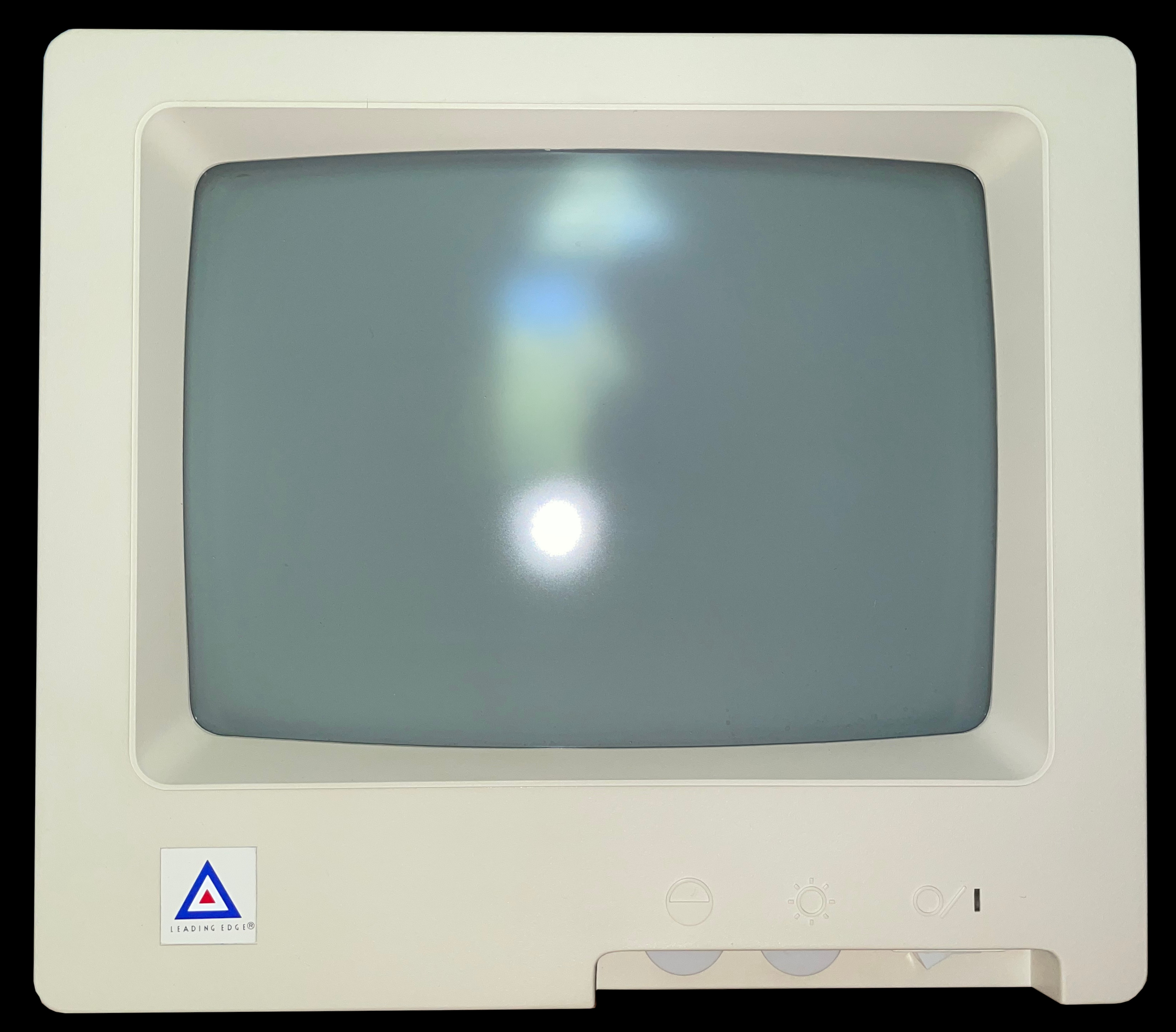
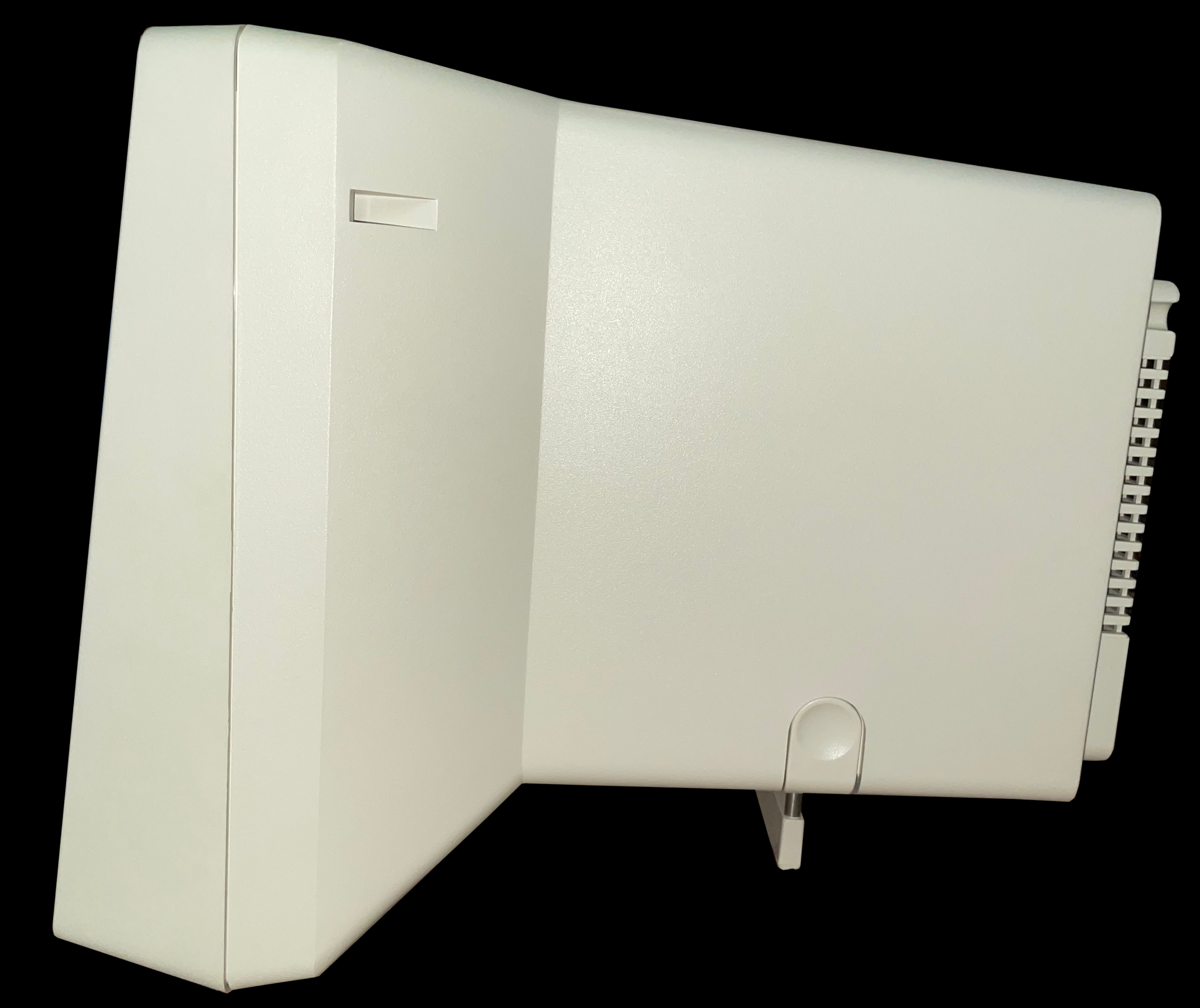
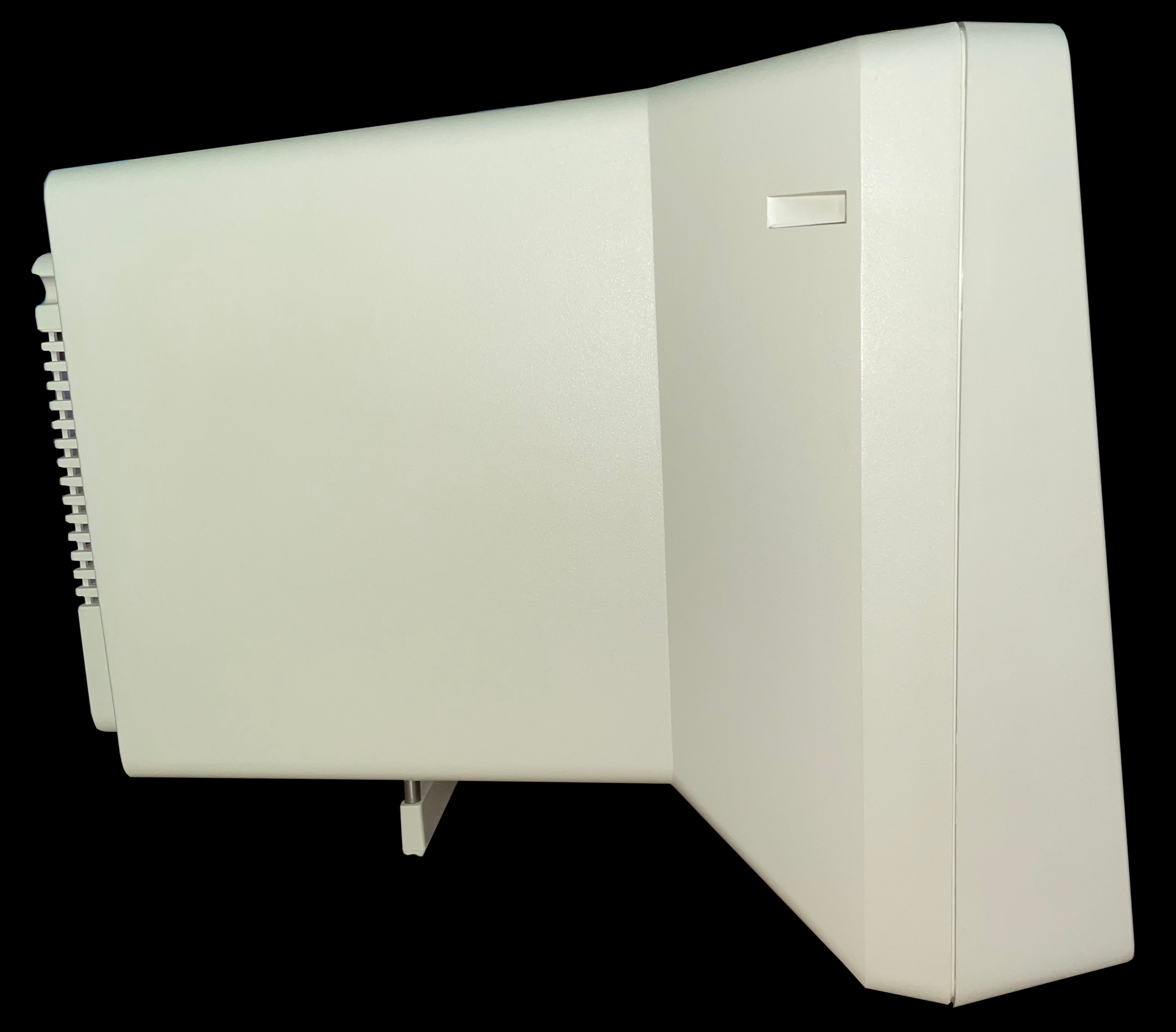
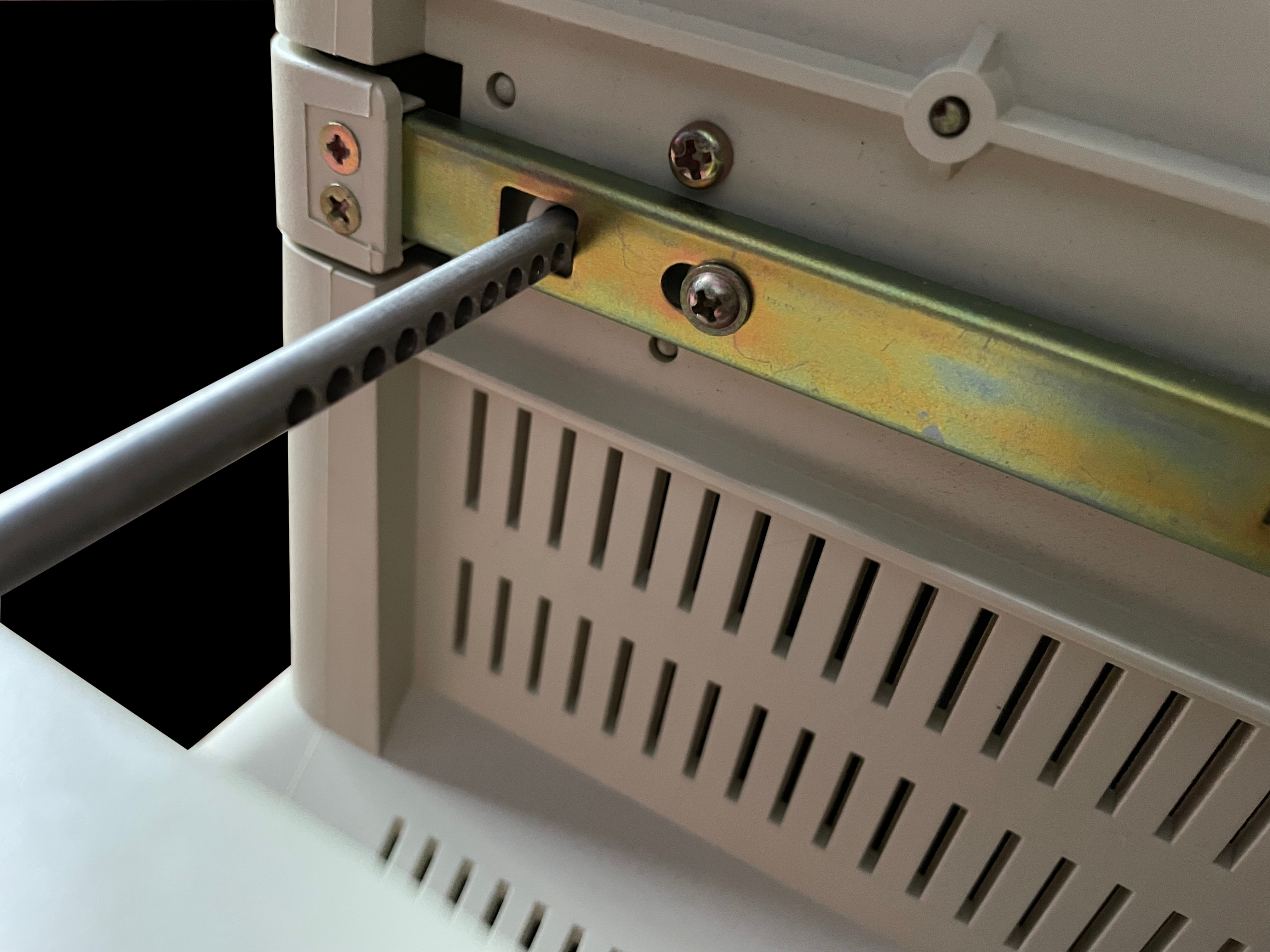
    Front facing photo of the Leading Edge AT 1332-AL monitor displaying a running program Front facing photo of the Leading Edge AT 1332-AL monitor displaying a running program asking for a user name Front facing photo of the Leading Edge AT 1332-AL monitor displaying a running game Front facing photo of the Leading Edge AT 1332-AL monitor displaying an educational game Top down view of the Leading Edge AT 1332-AL monitor Side left-hand view from the user's perspective of the Leading Edge AT 1332-AL monitor Side right-hand view from the user's perspective of the Leading Edge AT 1332-AL monitor Rear view of the Leading Edge AT 1332-AL monitor showing the factory labels Bottom view of the Leading Edge AT 1332-AL monitor showing the monitor stand Detail of the Leading Edge AT 1332-AL monitor's stand Detail of the Leading Edge AT 1332-AL monitor's stand partly extended out Detail of the Leading Edge AT 1332-AL monitor's stand fully extended out Close-up detail of the Leading Edge AT 1332-AL monitor CGA cable View of the open front panel to the Leading Edge AT 1332-AL monitor View of the closed front panel to the Leading Edge AT 1332-AL monitor

     BTC‐5369 Keyboard

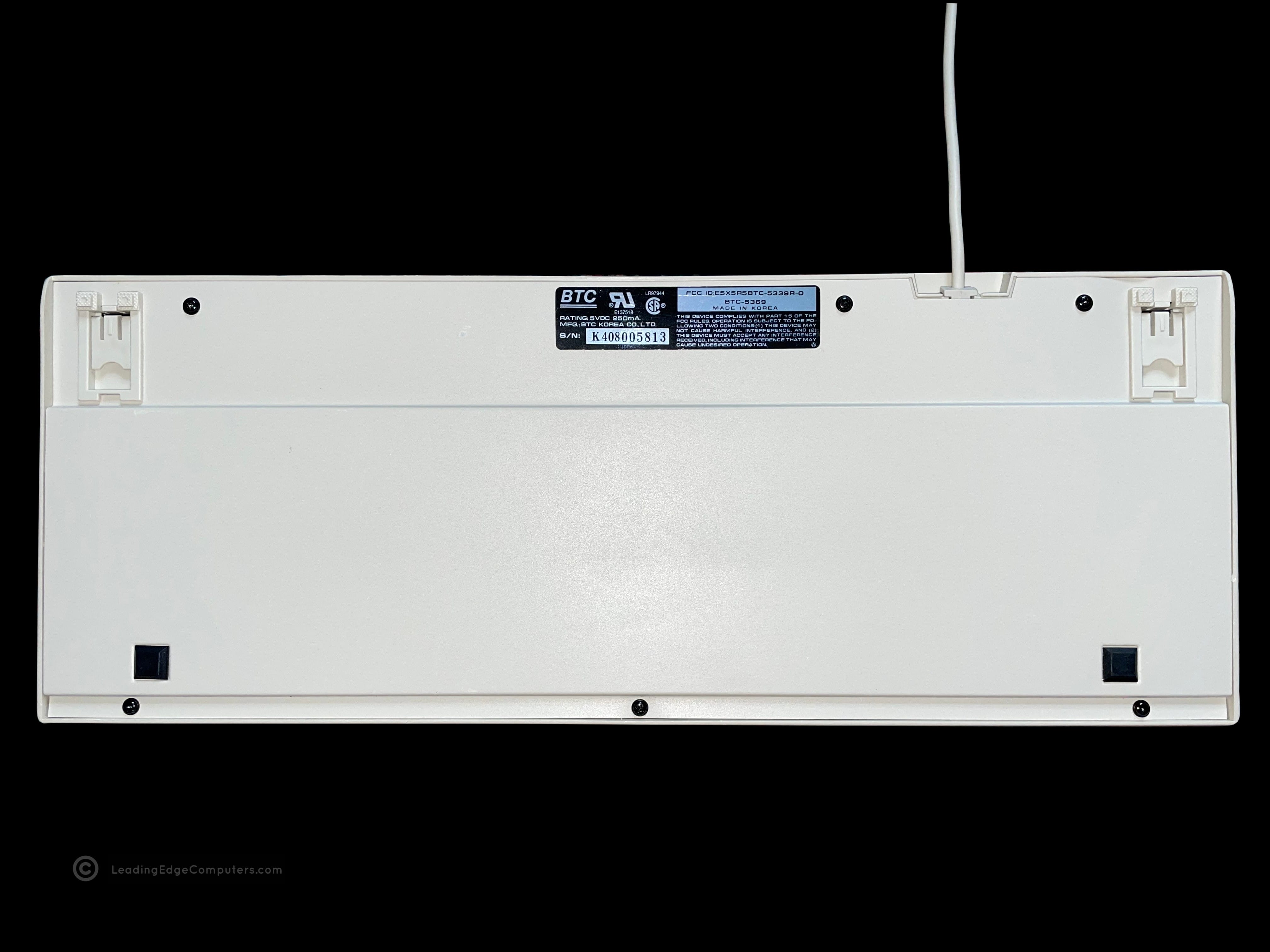
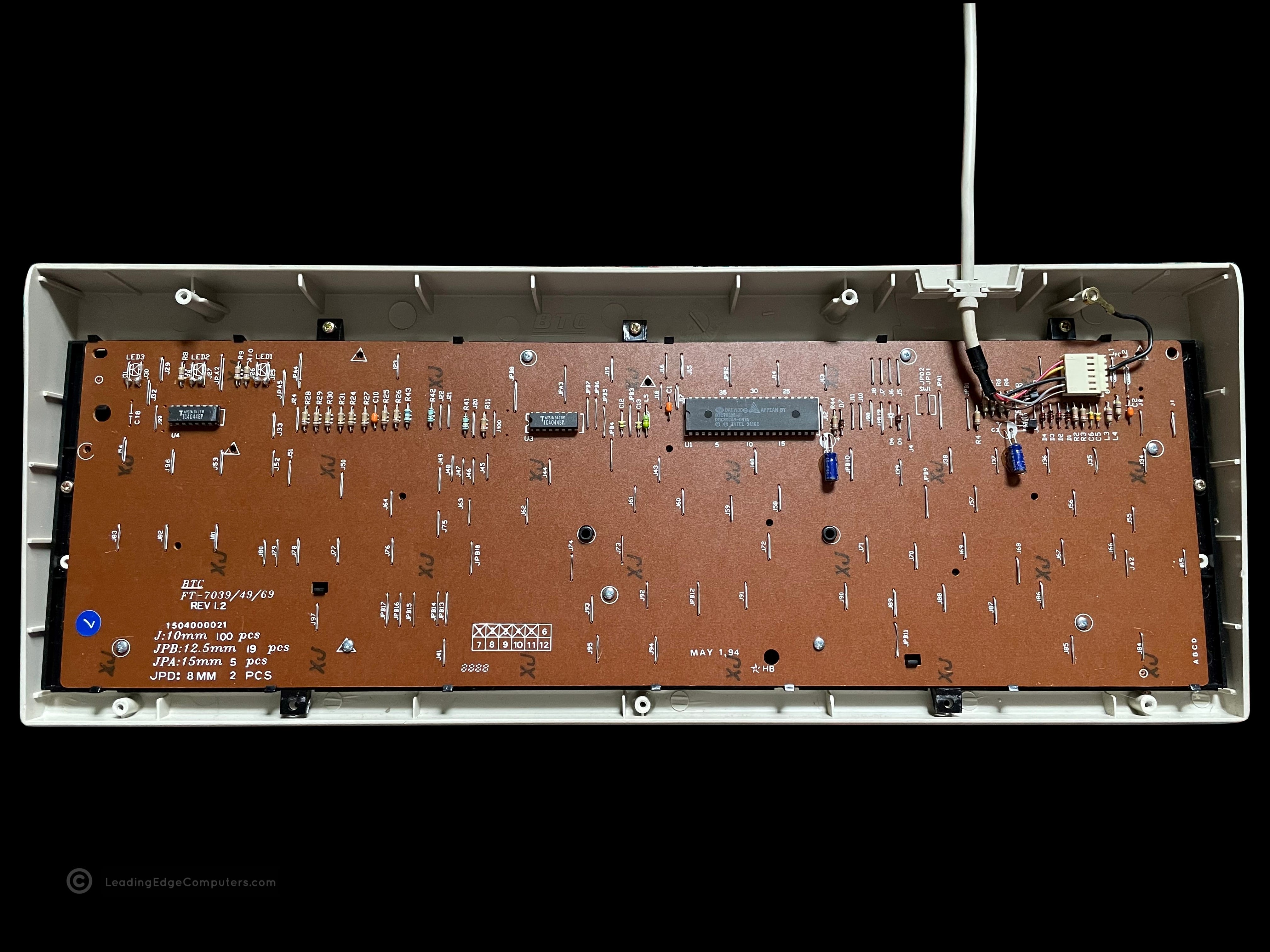
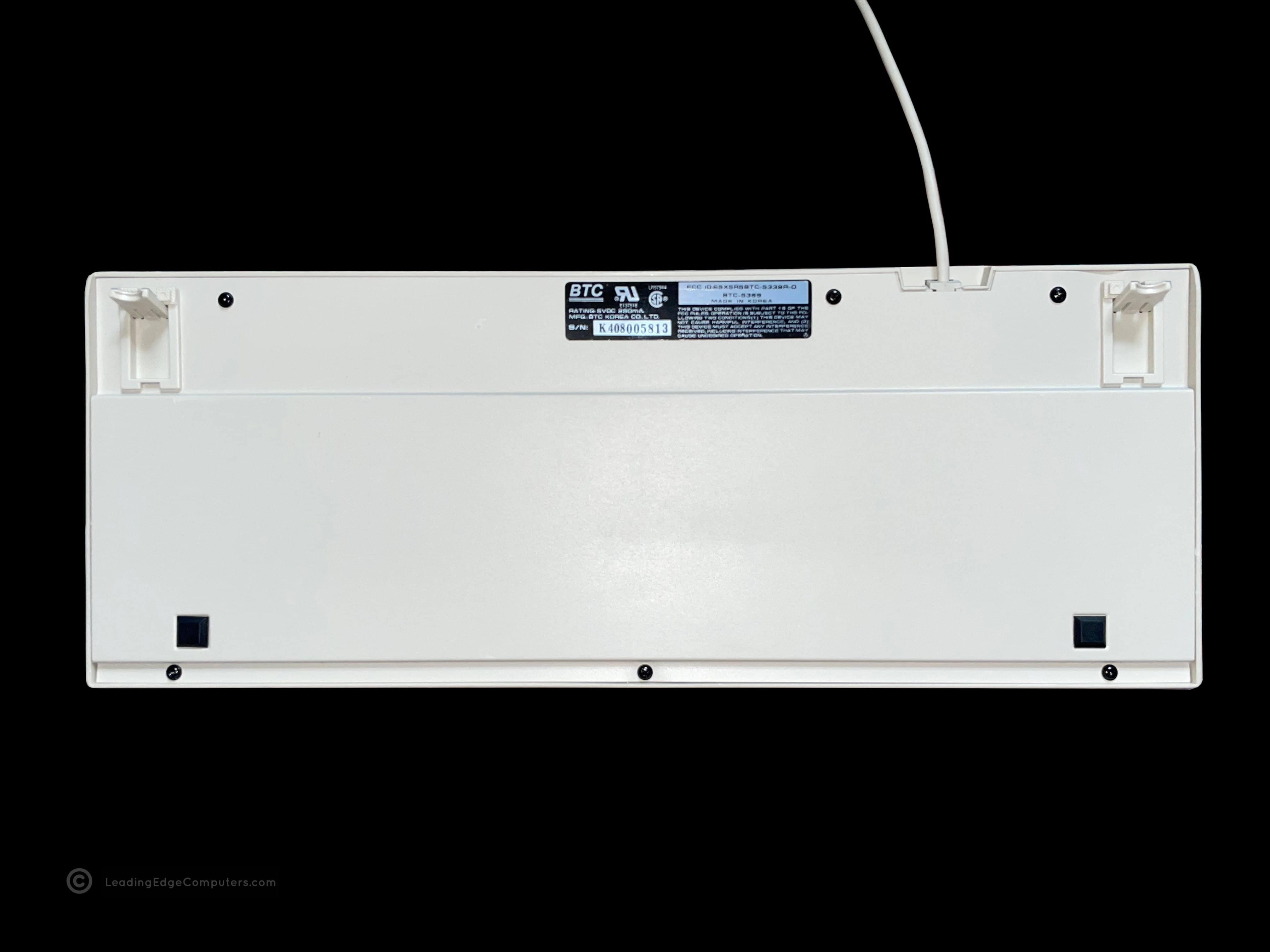
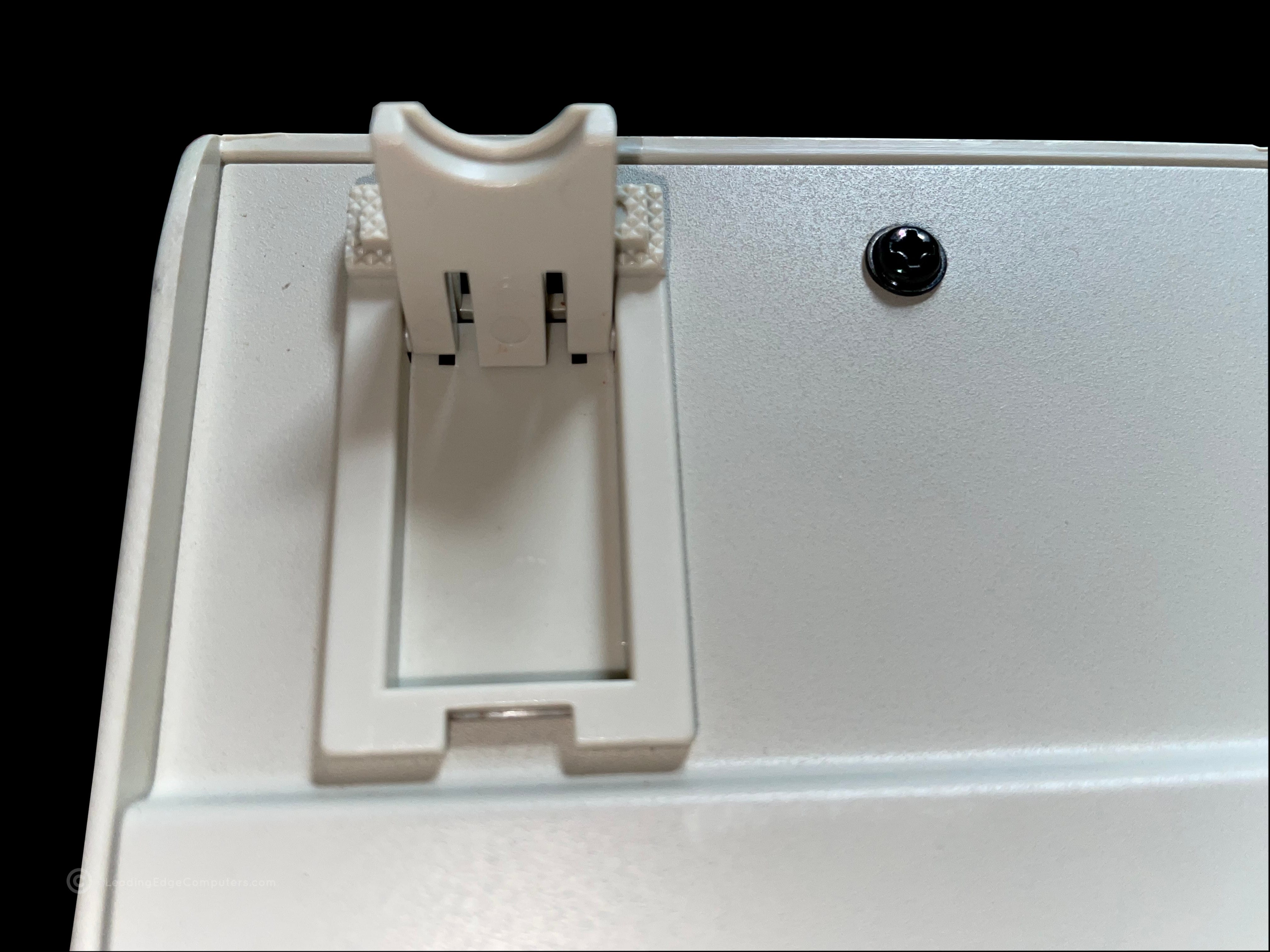
    Top down view of the BTC 5369 keyboard Top down view of the BTC 5369 keyboard including the PS/2 cable Stylized side view of the BTC 5369 keyboard Bottom view of the BTC 5369 keyboard showing the manufacturer label Close up of BTC 5369 keyboard with a keycap removed Inside the BTC 5369 keyboard, showing the back of the PCB Bottom view of the BTC 5369 keyboard with its feet extended Close up view of BTC 5369 keyboard foot extended Another stylized side-view of the BTC 5369 keyboard from the number side

     CMC‐1412A

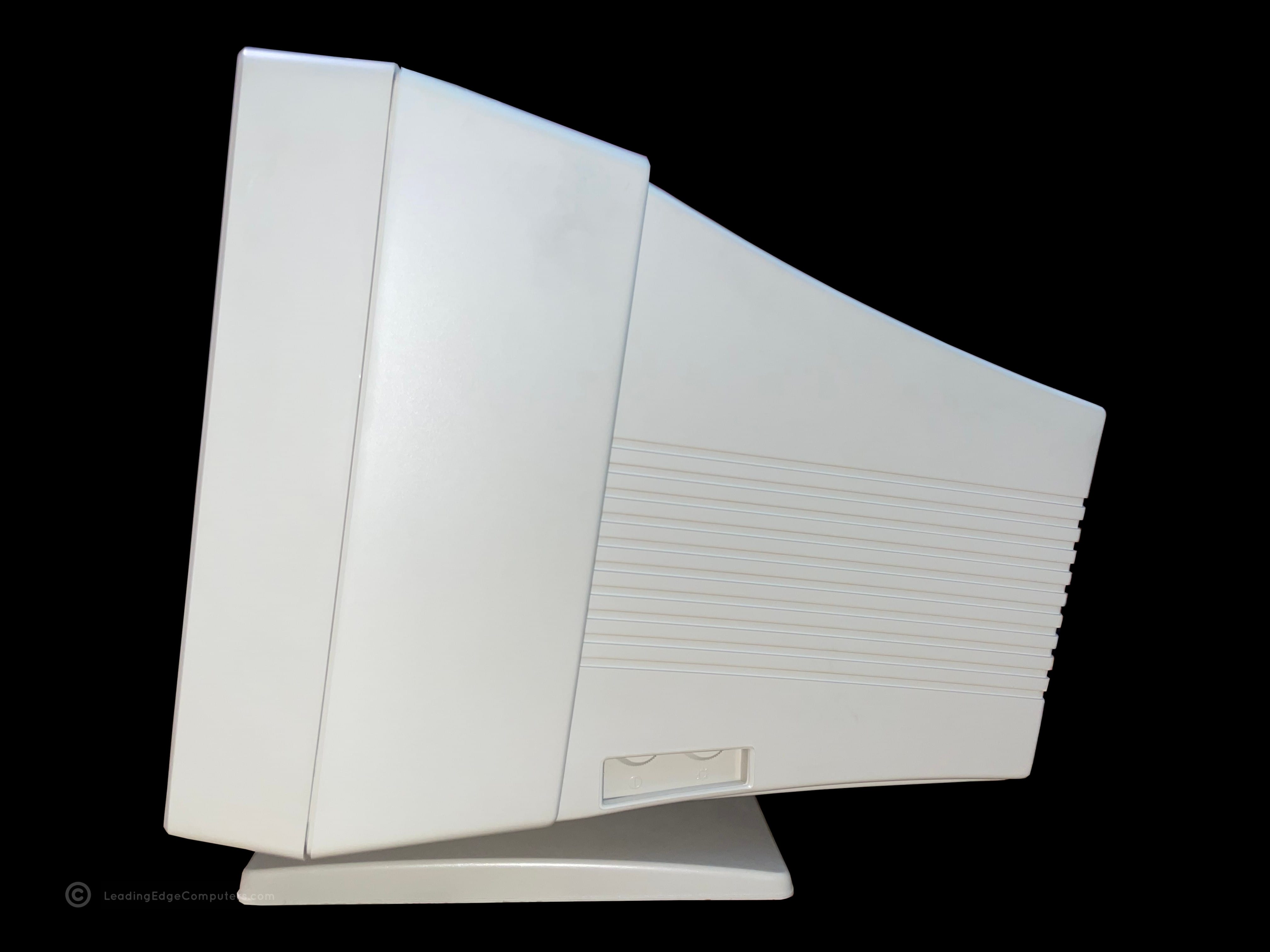
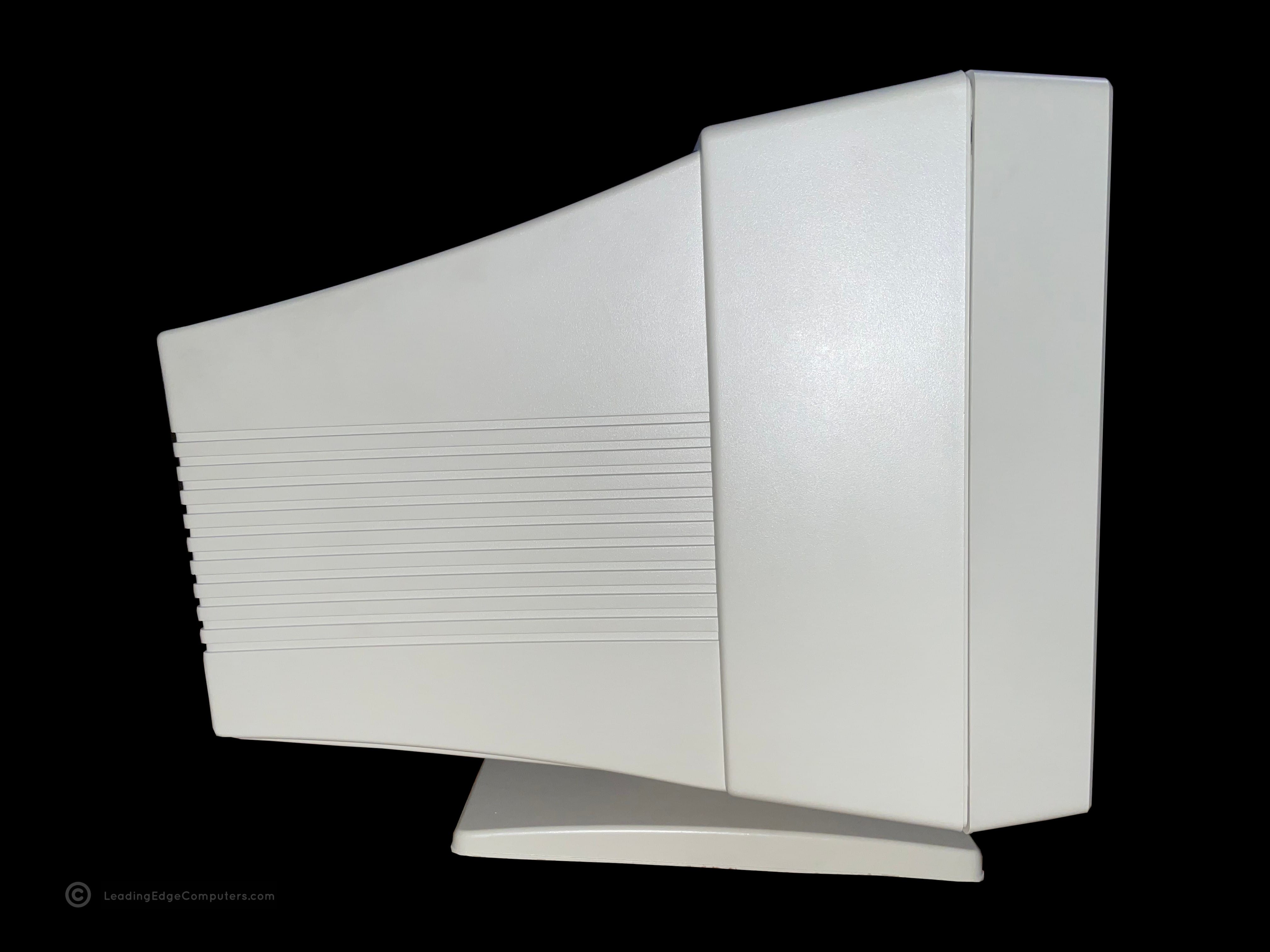
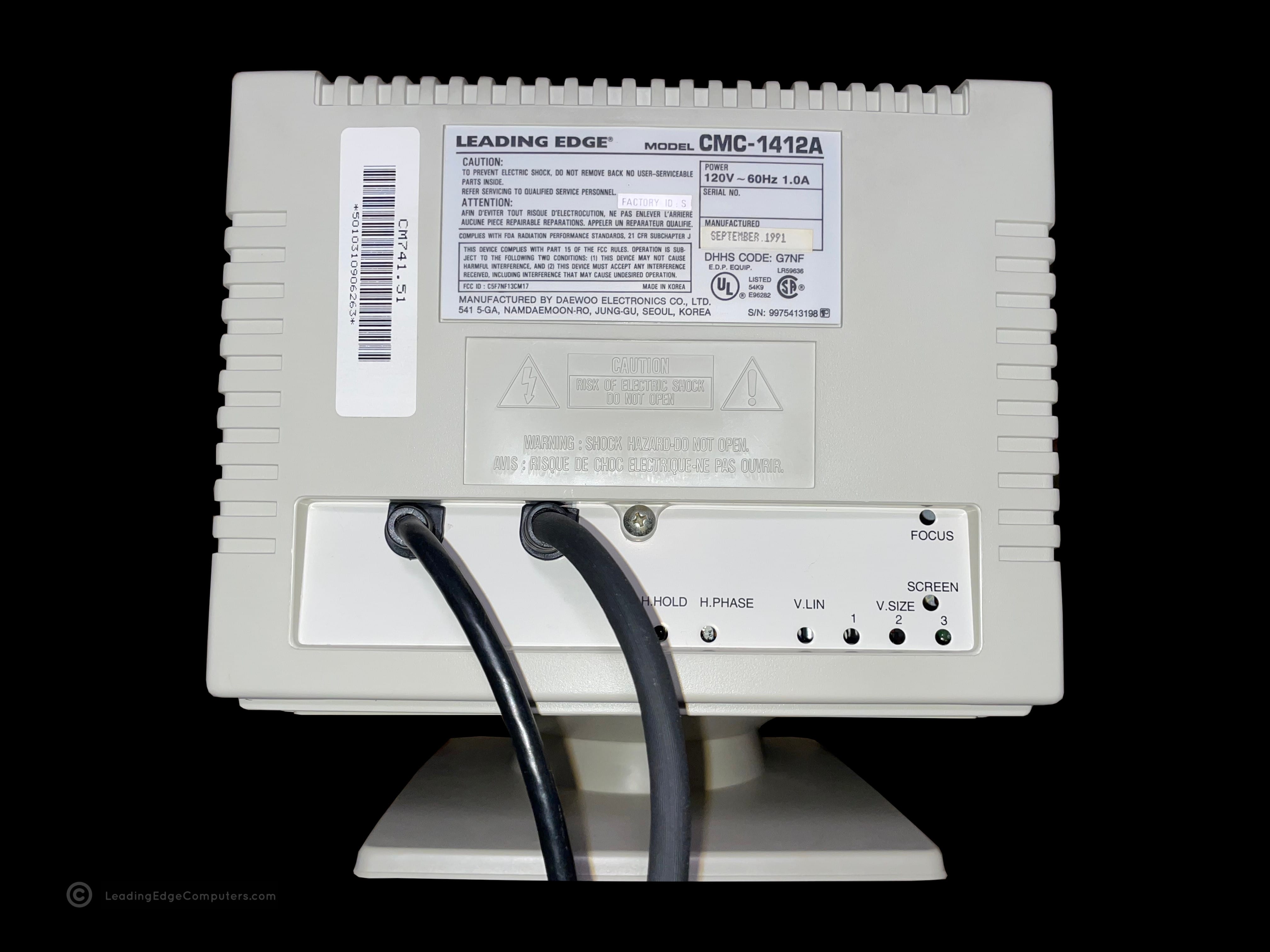
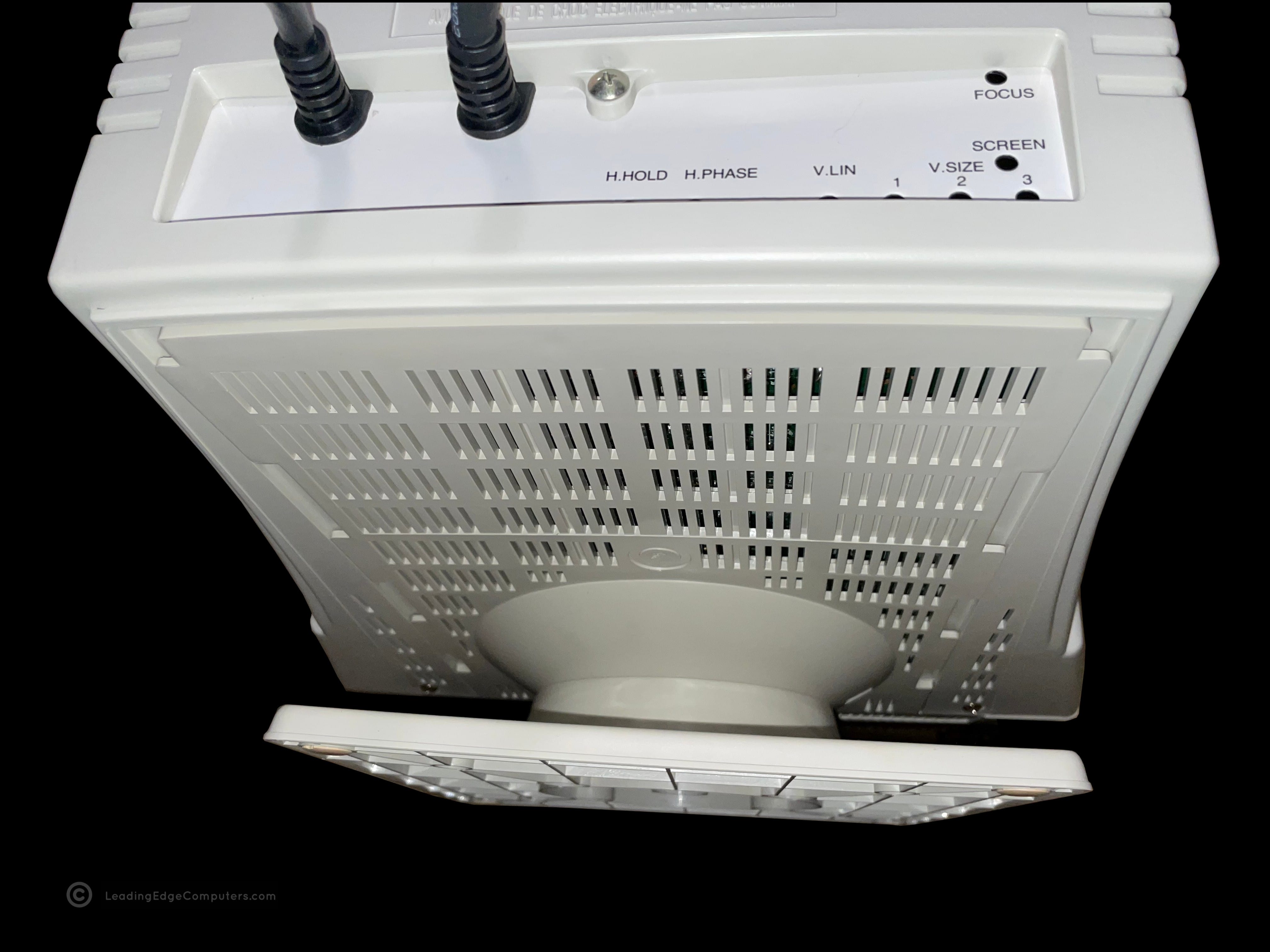
    Front, slightly angled view of the Leading Edge CMC-1412A monitor Front, alternate angled view of the Leading Edge CMC-1412A monitor Top down view of the Leading Edge CMC-1412A monitor Side view of the Leading Edge CMC-1412A monitor showing the brightness and contrast controls Opposite side view of the Leading Edge CMC-1412A monitor Rear view of the Leading Edge CMC-1412A monitor showing the manufacturer labels and adjustment knobs Rear bottom view of the Leading Edge CMC-1412A monitor showing details of the monitor's stand Bottom view of the Leading Edge CMC-1412A monitor showing the rubber feet Strait on front view of the Leading Edge CMC-1412A monitor Front view of the Leading Edge CMC-1412A monitor Leading Edge CMC-1412A monitor displaying the computer's operating system loading page Leading Edge CMC-1412A monitor displaying the computer's current operating system session status

     CMC‐1414AV

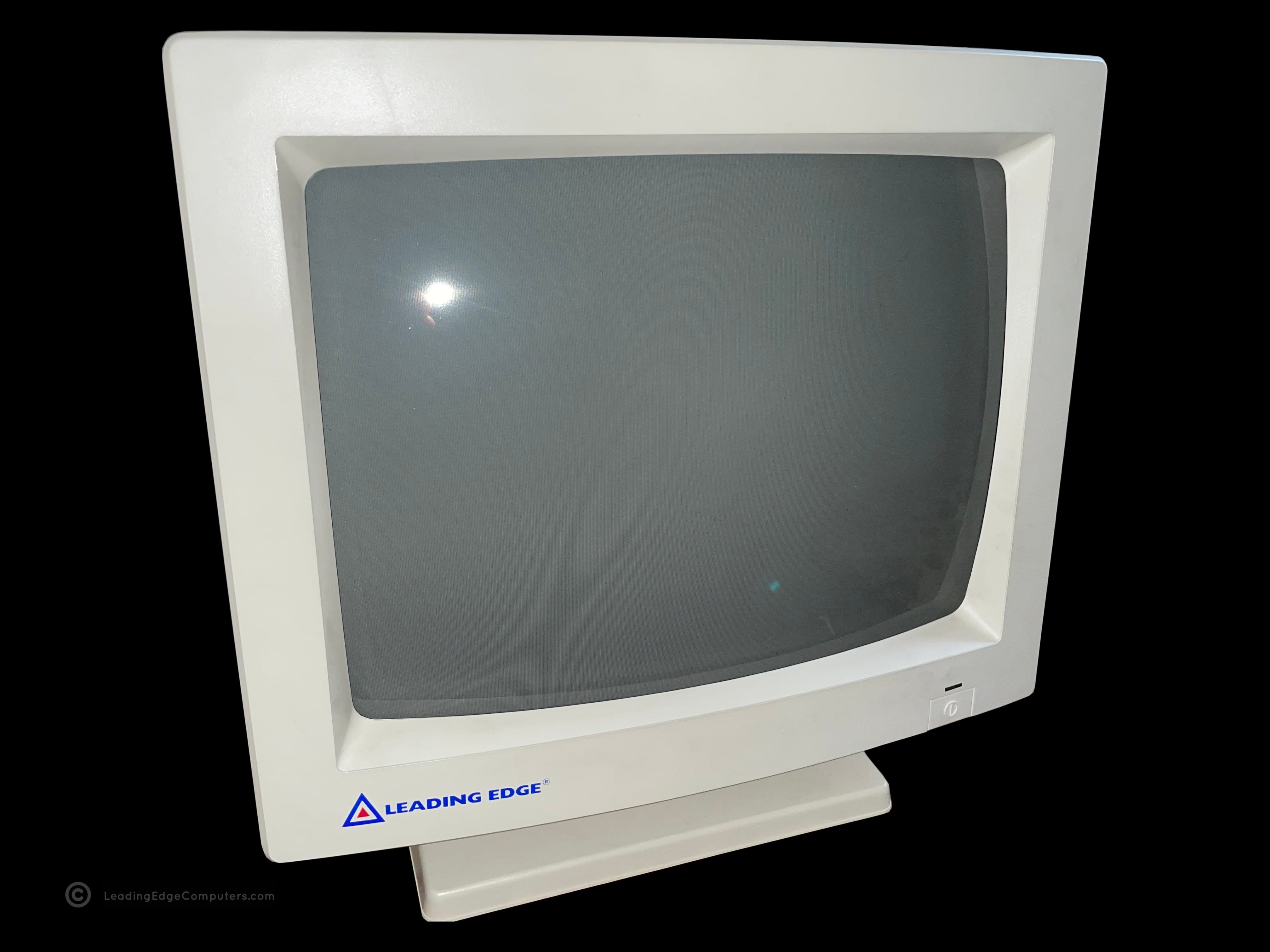
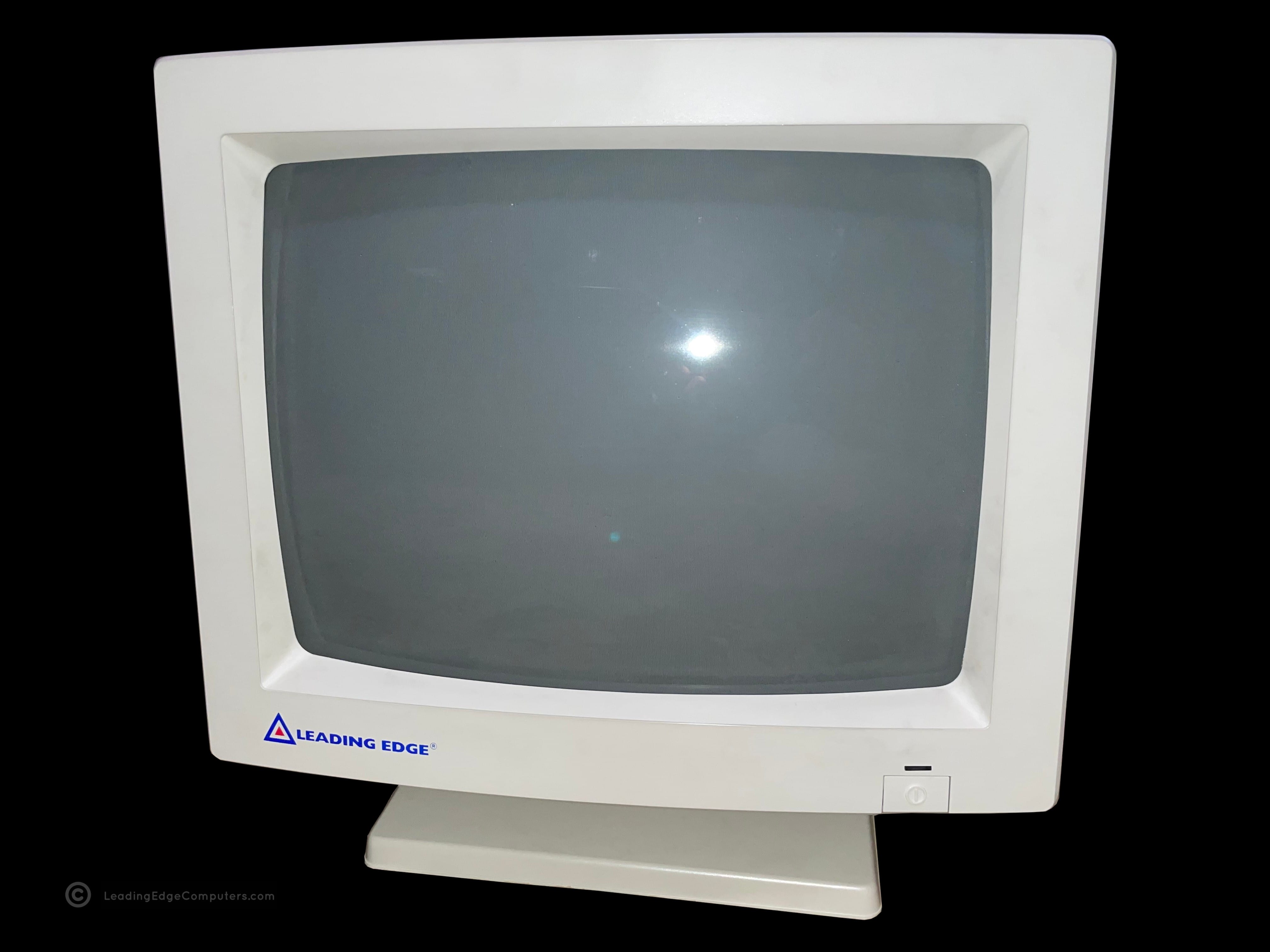
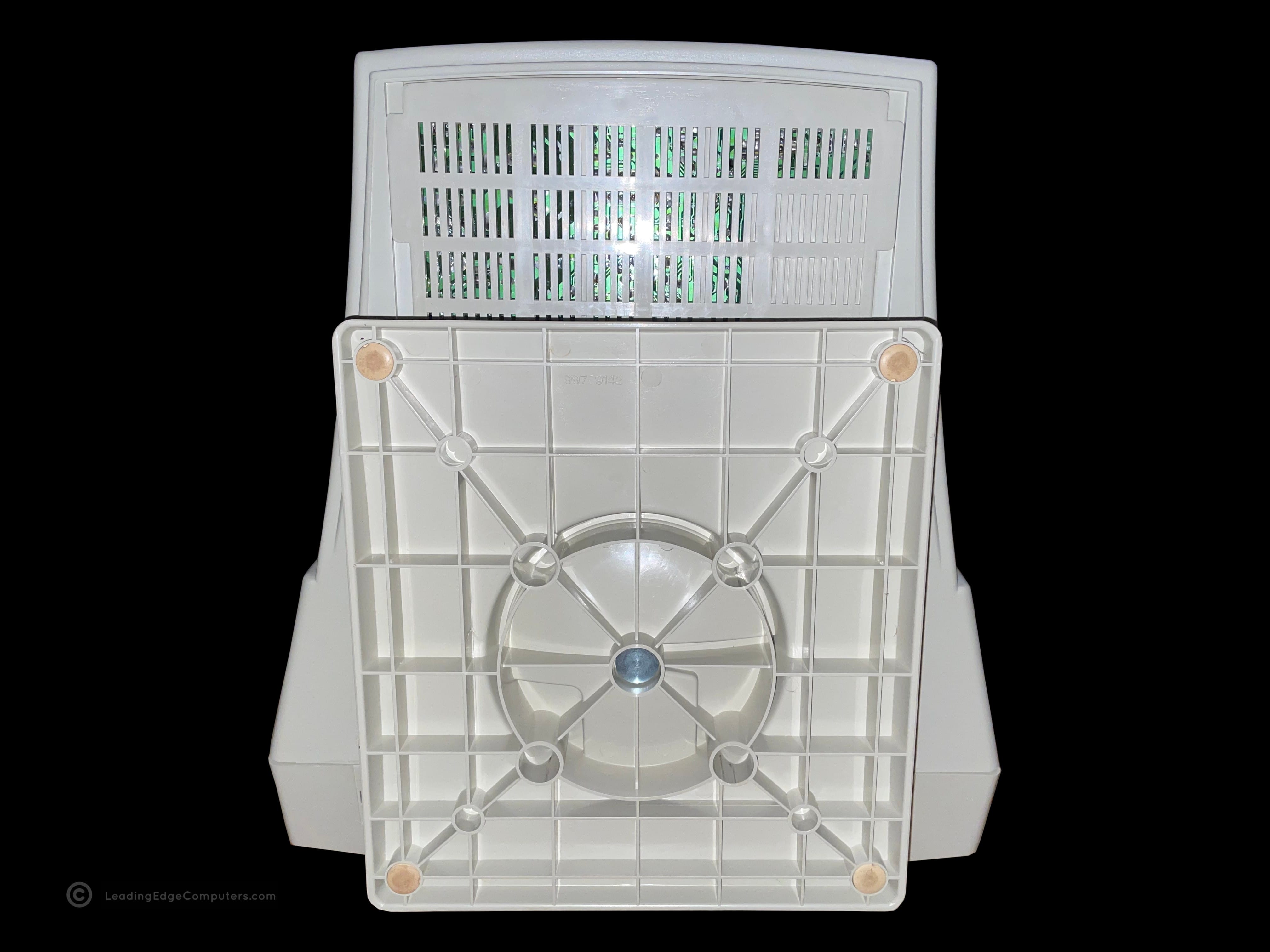
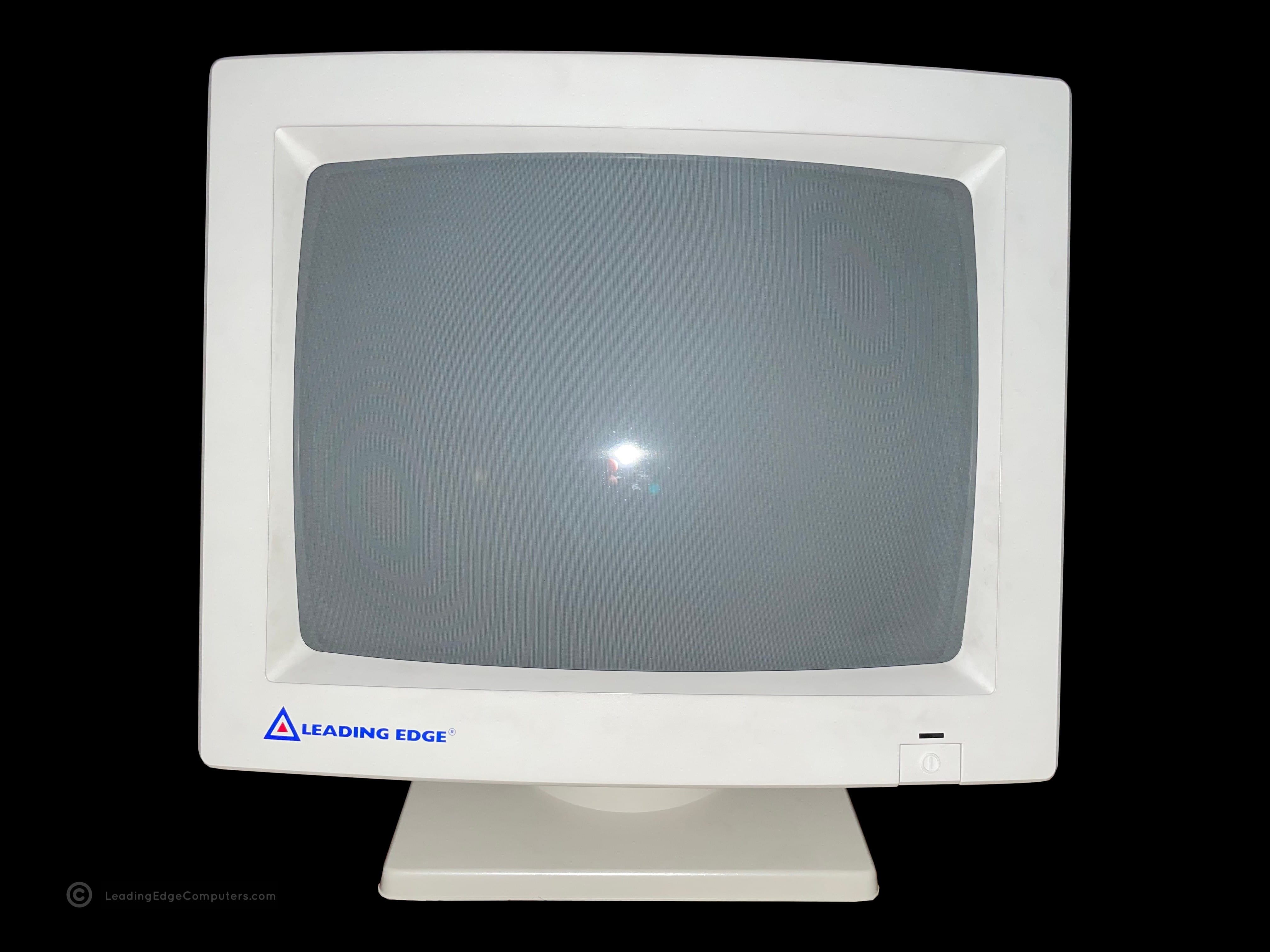
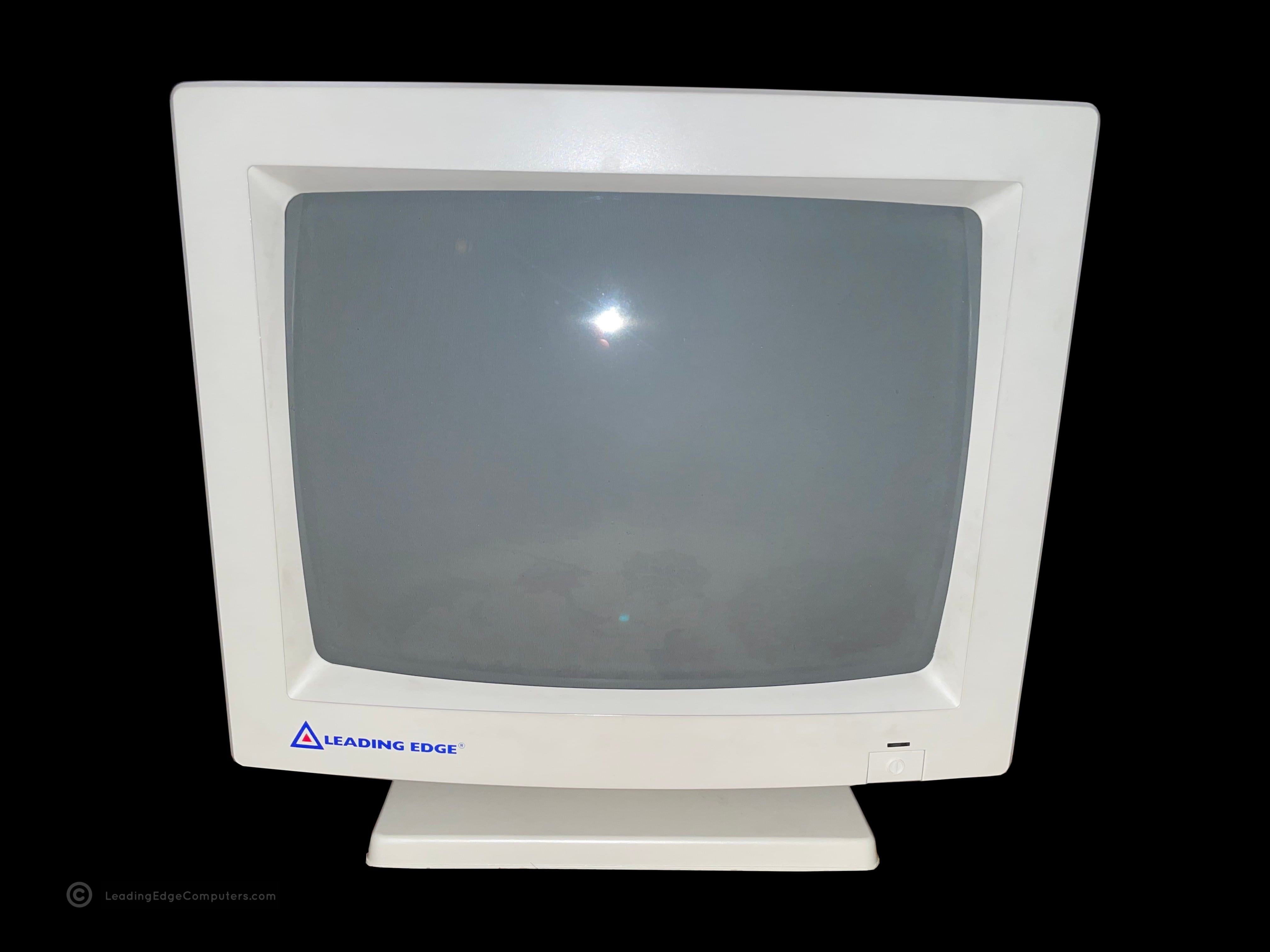
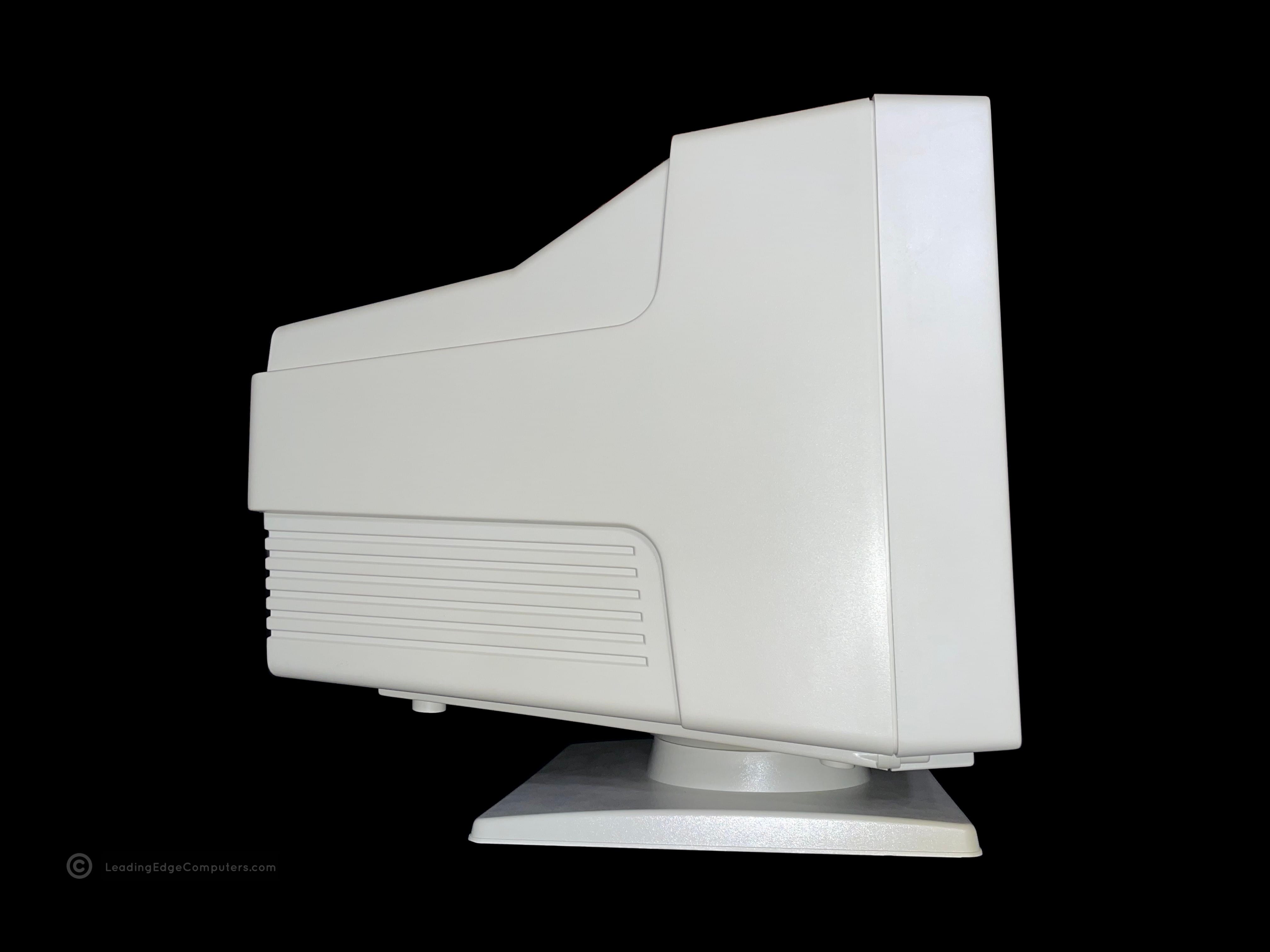
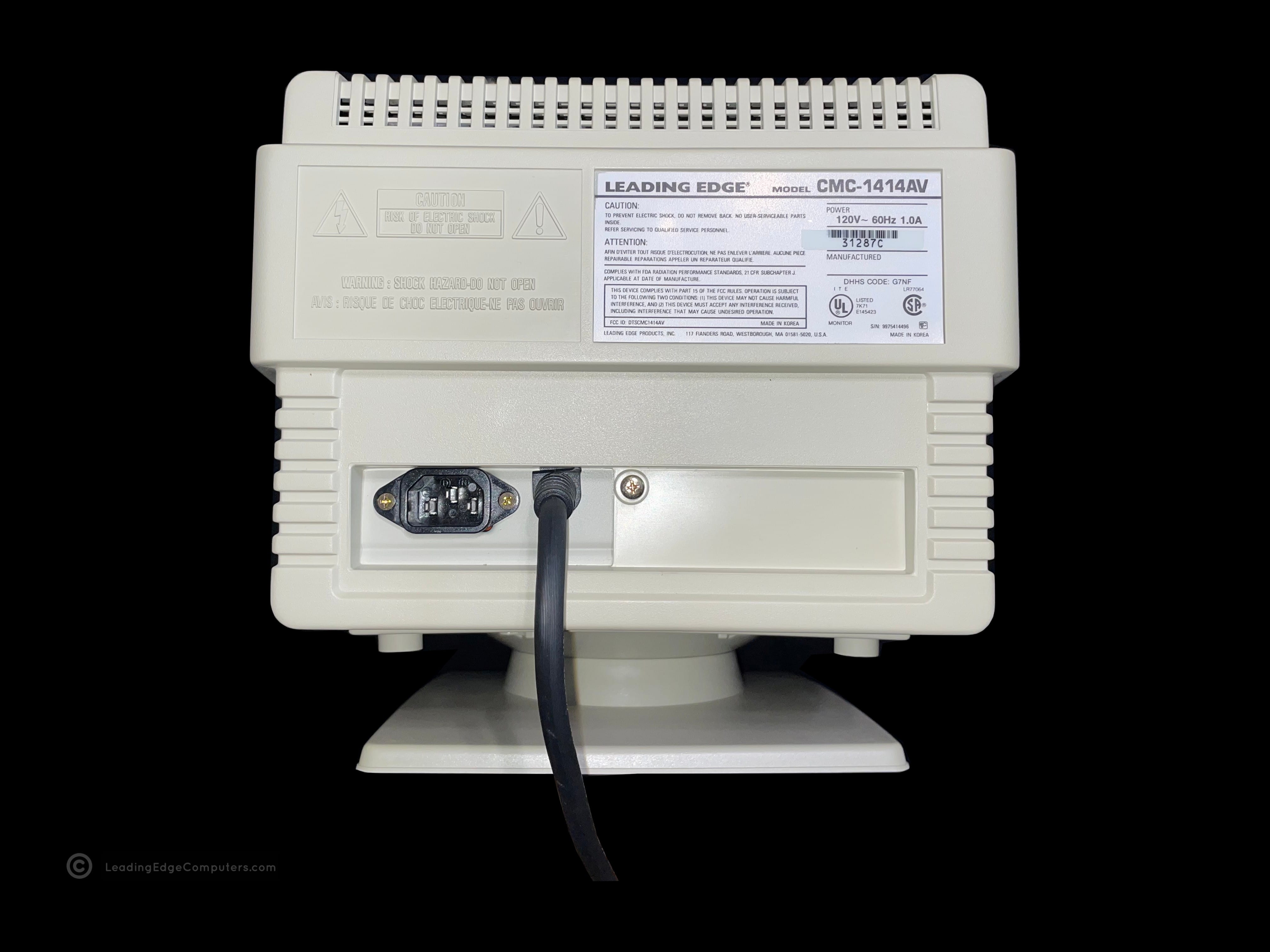
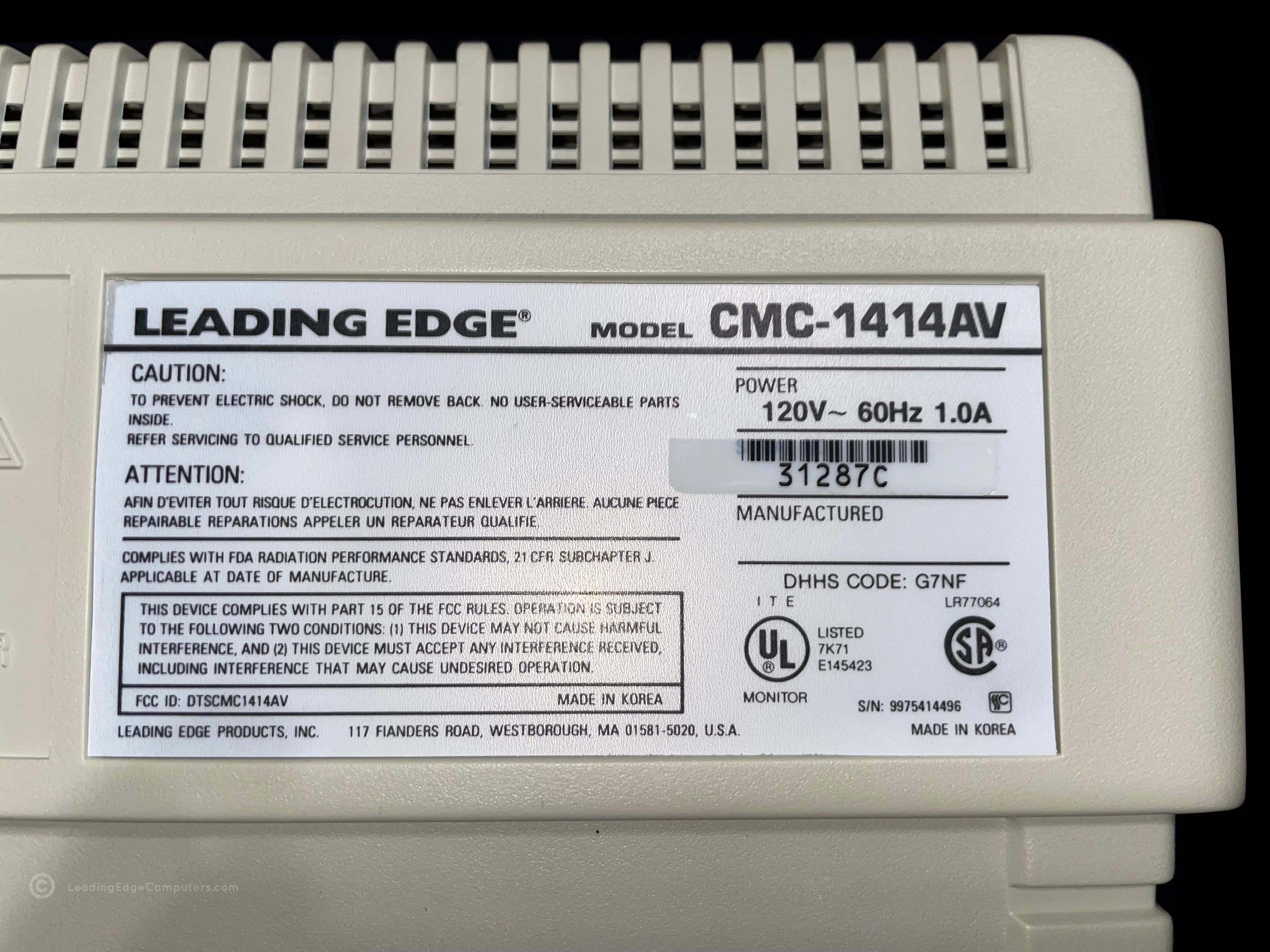
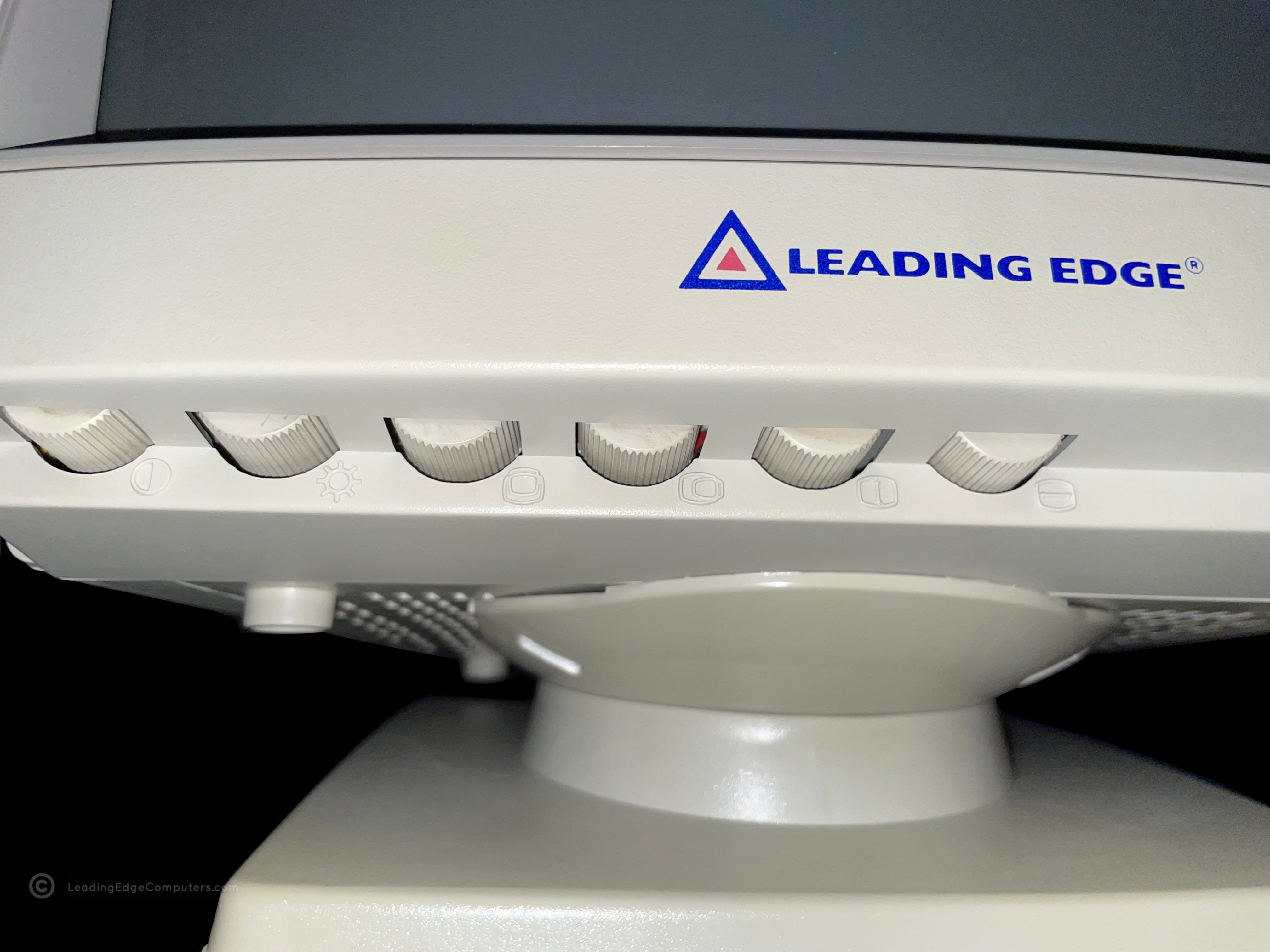
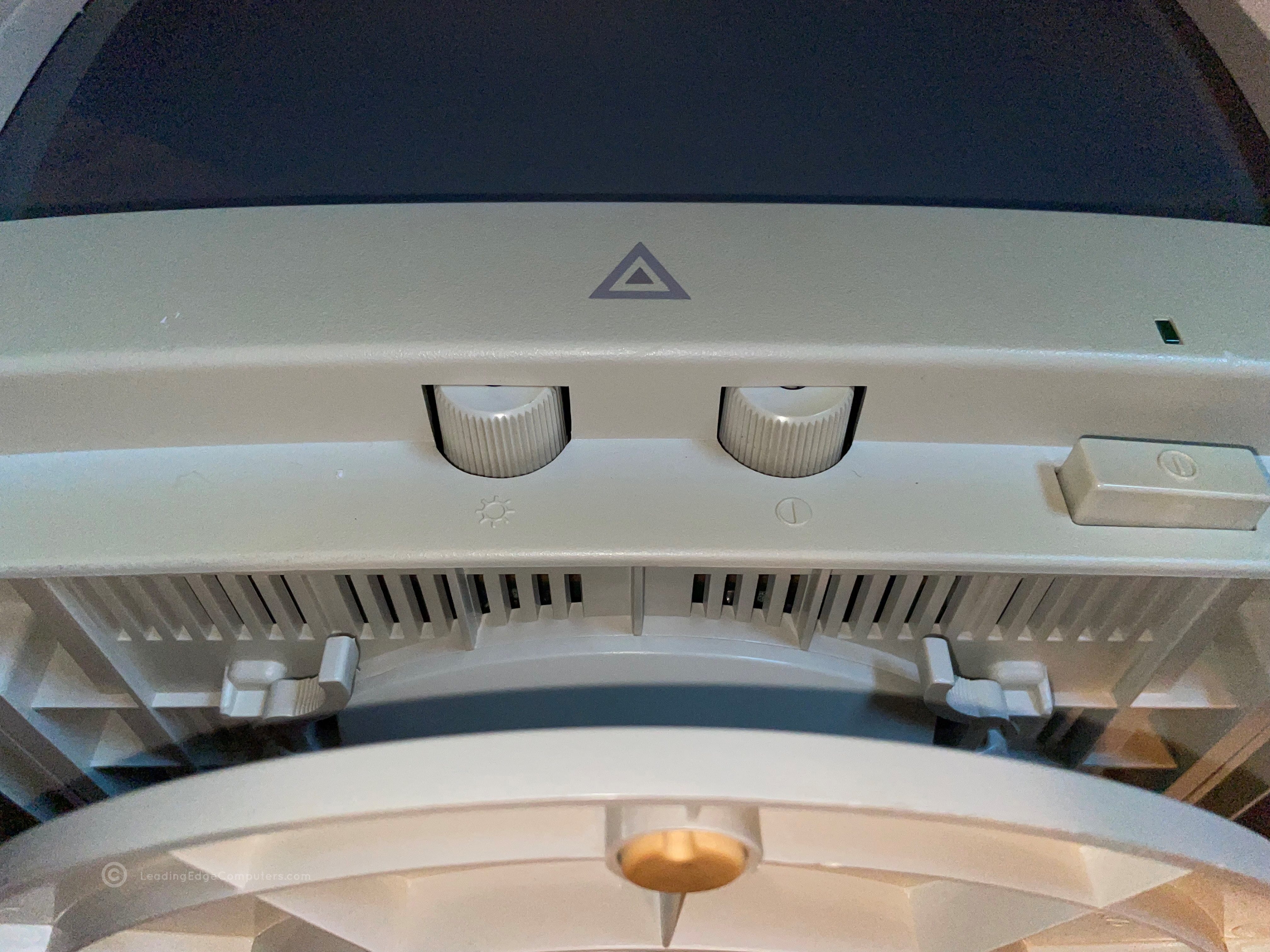
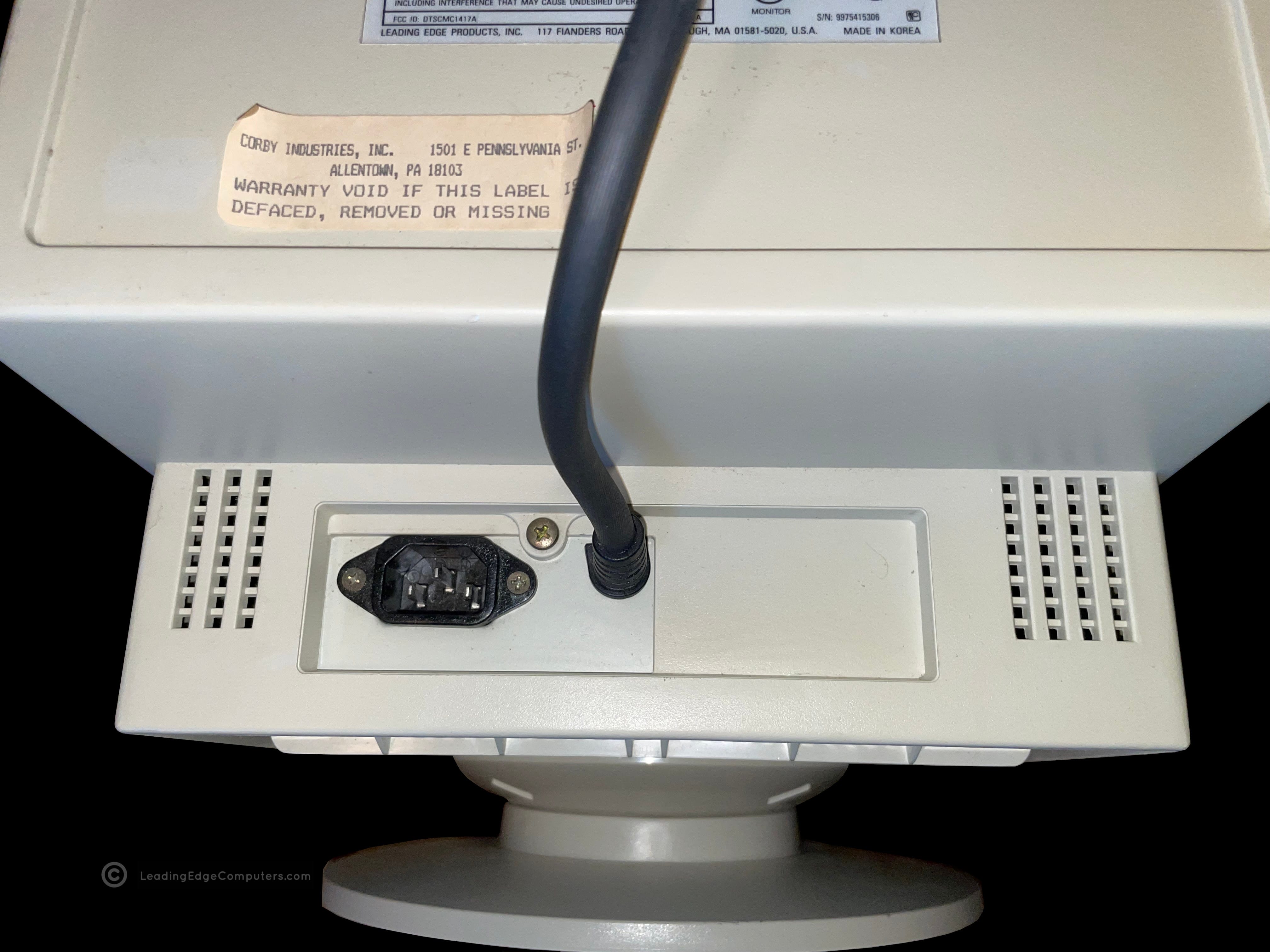
    Front view photo of the Leading Edge CMC-1414AV VGA monitor A side view photo of the Leading Edge CMC-1414AV VGA monitor A top down view of the Leading Edge CMC-1414AV VGA monitor The left-hand side view of the Leading Edge CMC-1414AV VGA monitor A rear view image of the Leading Edge CMC-1414AV showing the power plugs Rear image of the Leading Edge CMC-1414AV VGA monitor showing the manufacturer label A detailed image of the front bottom portion of the Leading Edge CMC-1414AV monitor showing the many screen control knobs An image of the Leading Edge CMC-1414AV monitor's stand removed from the monitor A closer view of the Leading Edge CMC-1414AV monitor's stand and its attachment mechanism An alternate angle of the Leading Edge CMC-1414AV monitor's stand attachment mechanism A view of the bottom of the Leading Edge CMC-1414AV VGA monitor A Leading Edge CMC-1414AV monitor set atop a 386SX PC, displaying the Leading Edge Tutorial program

     Coffee Mug

    A front facing photo of a Leading Edge mug showing the Model M computer pictured on it Photo of the side of the Leading Edge mug with emphasis on the handle A rotated photo of a Leading Edge mug showing each side of the graphic A picture of the bottom of the Leading Edge mug An angled top down picture of the Leading Edge coffee mug A strait down picture of the Leading Edge coffee mug showing the bottom of the inside

     DC‐2014 Keyboard

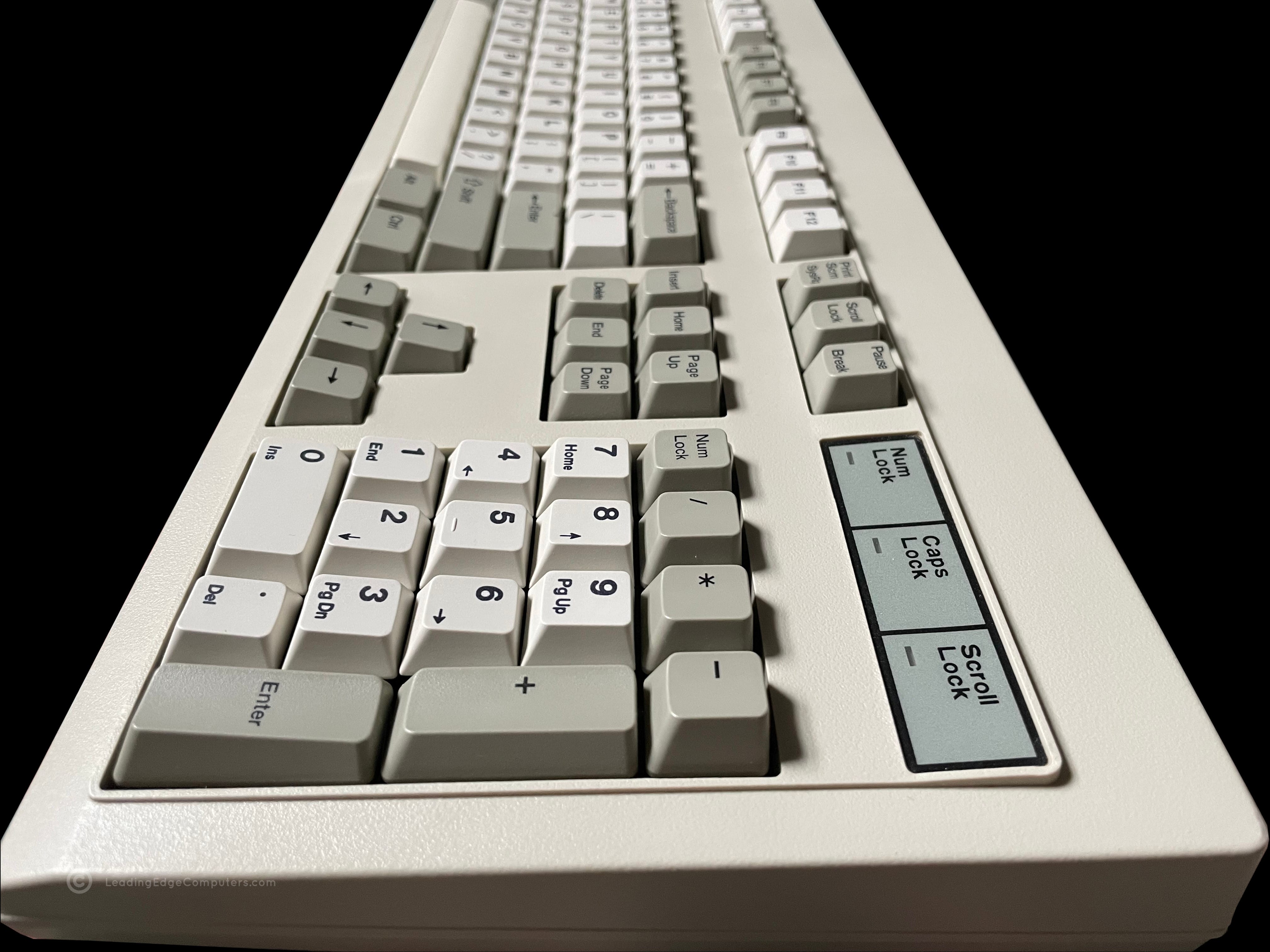
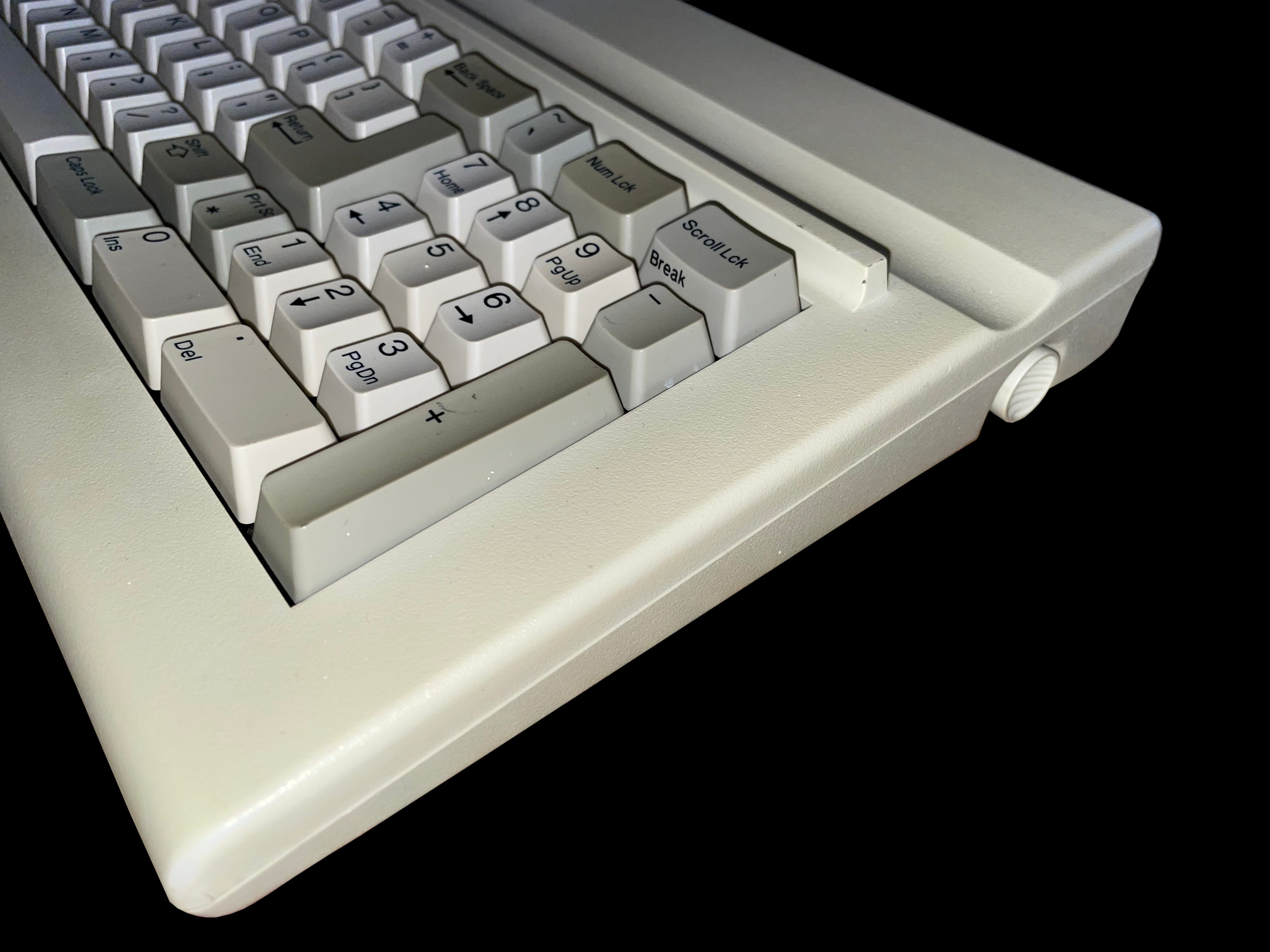
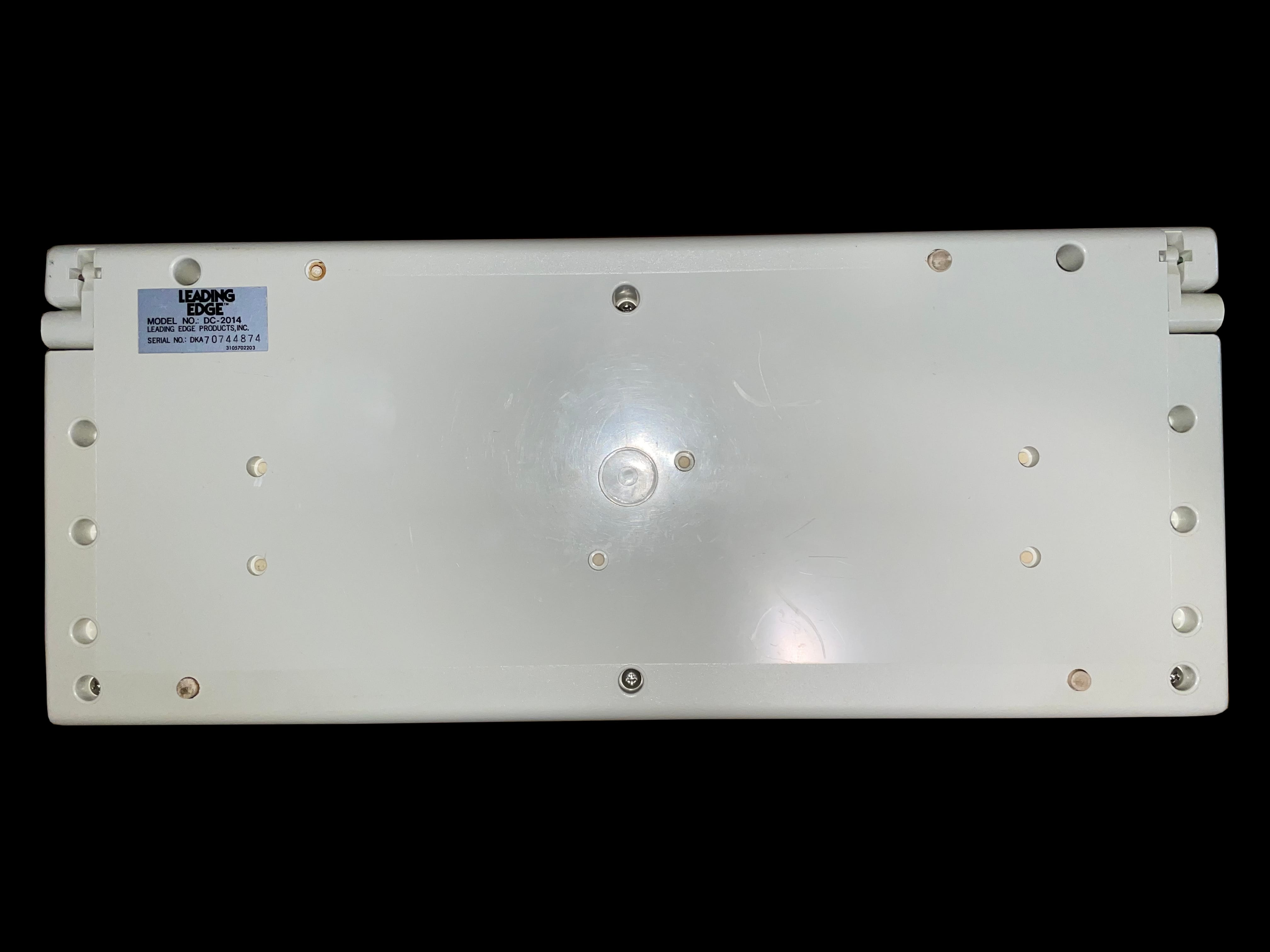
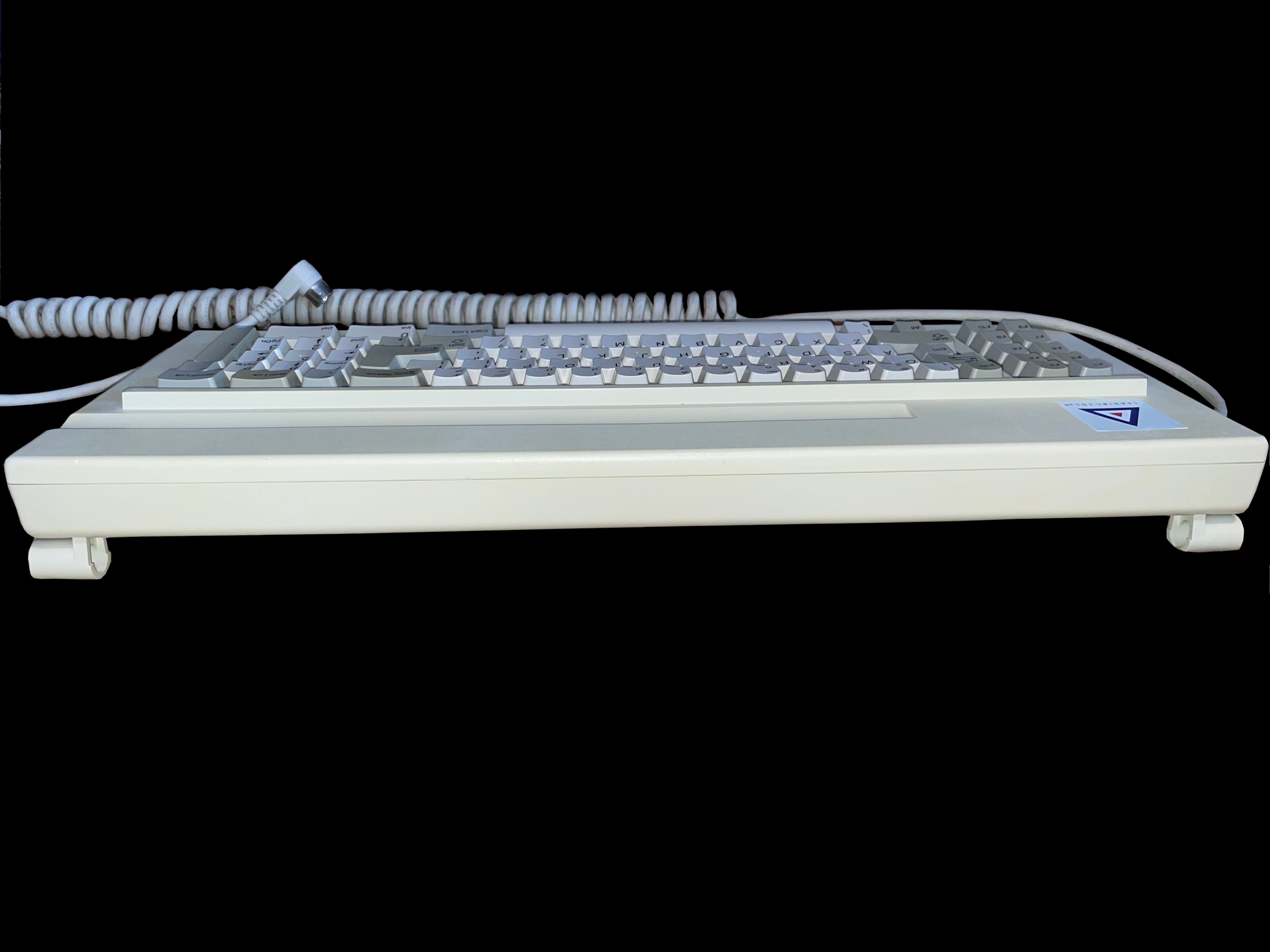
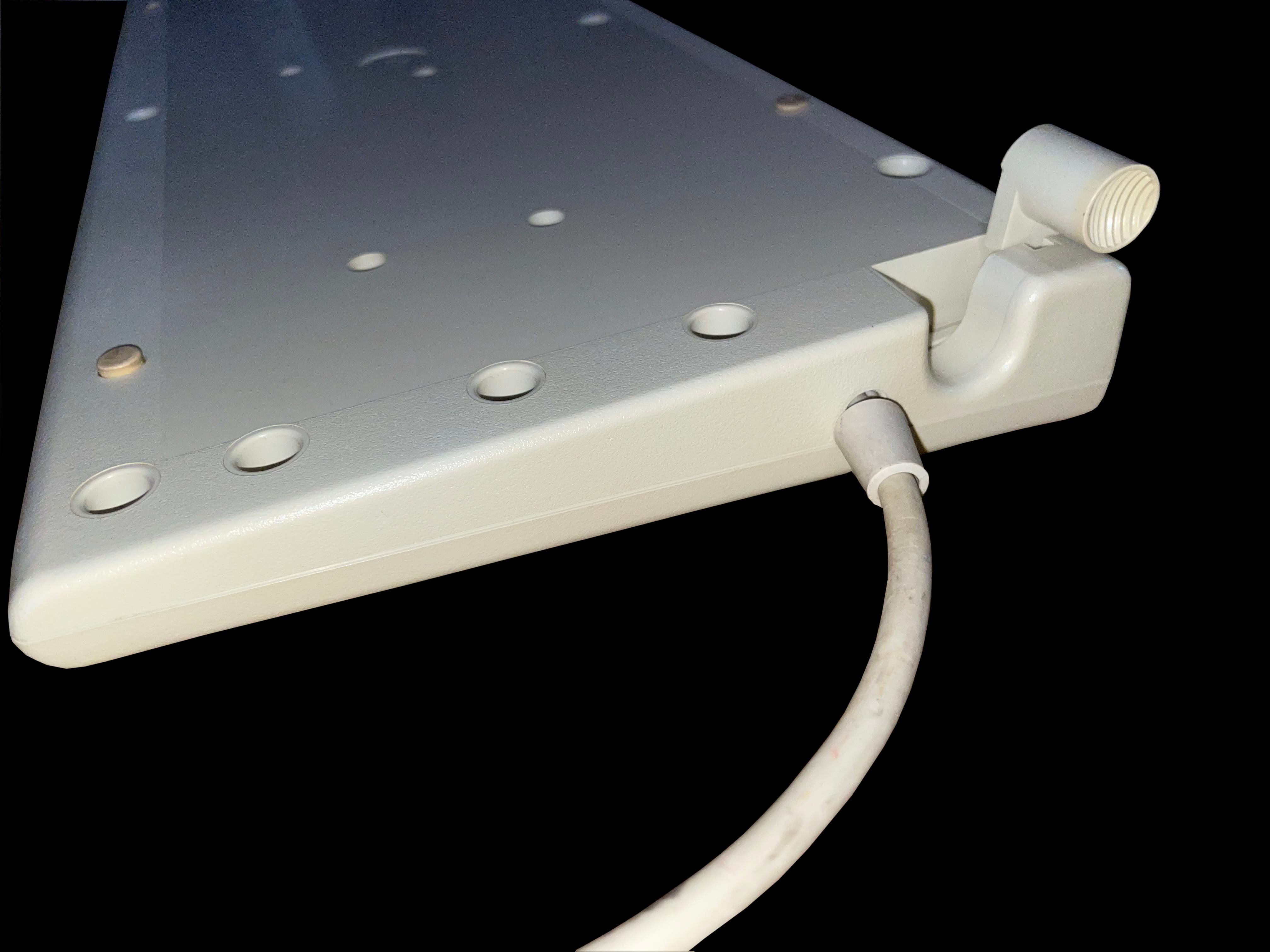
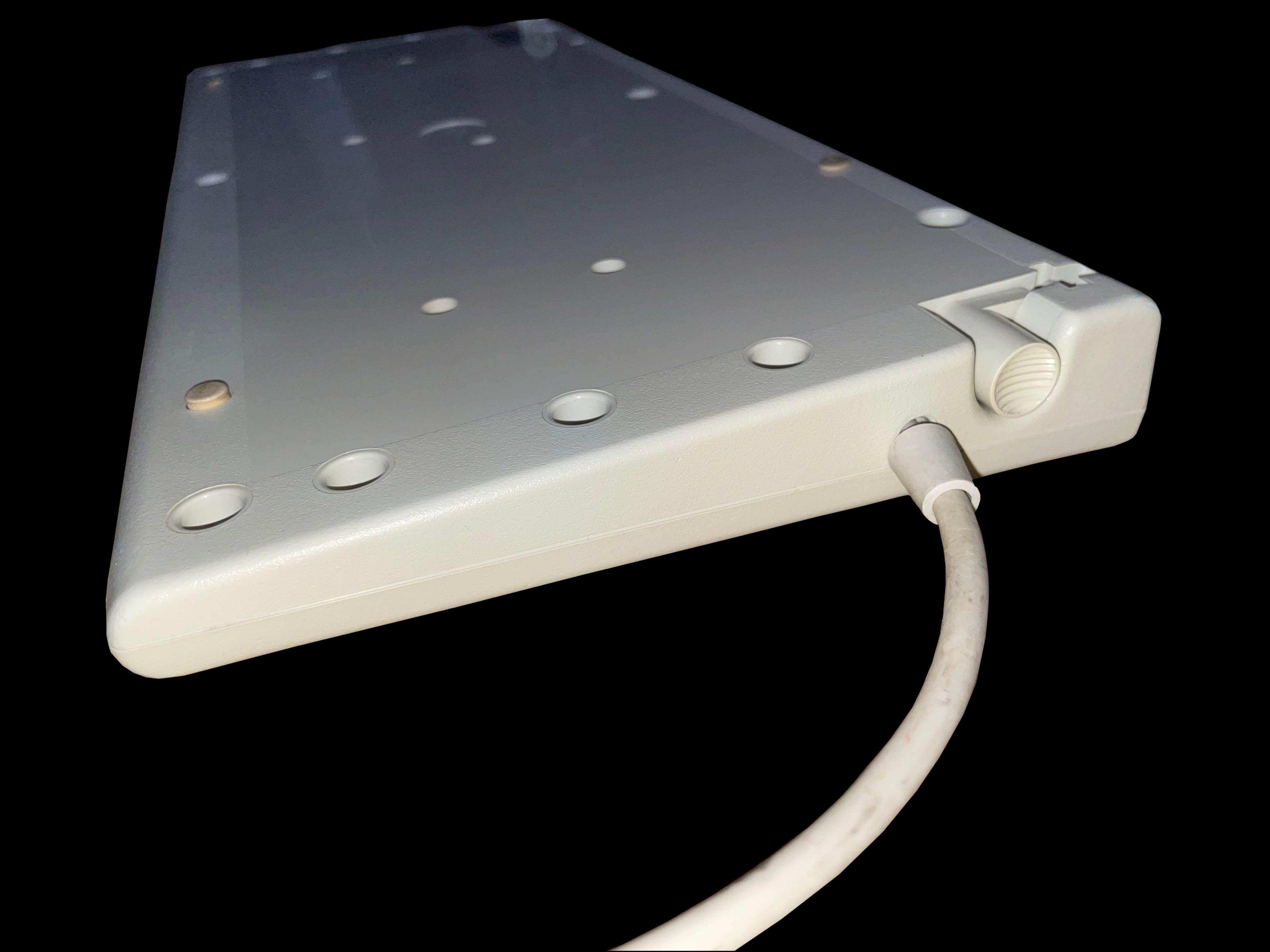
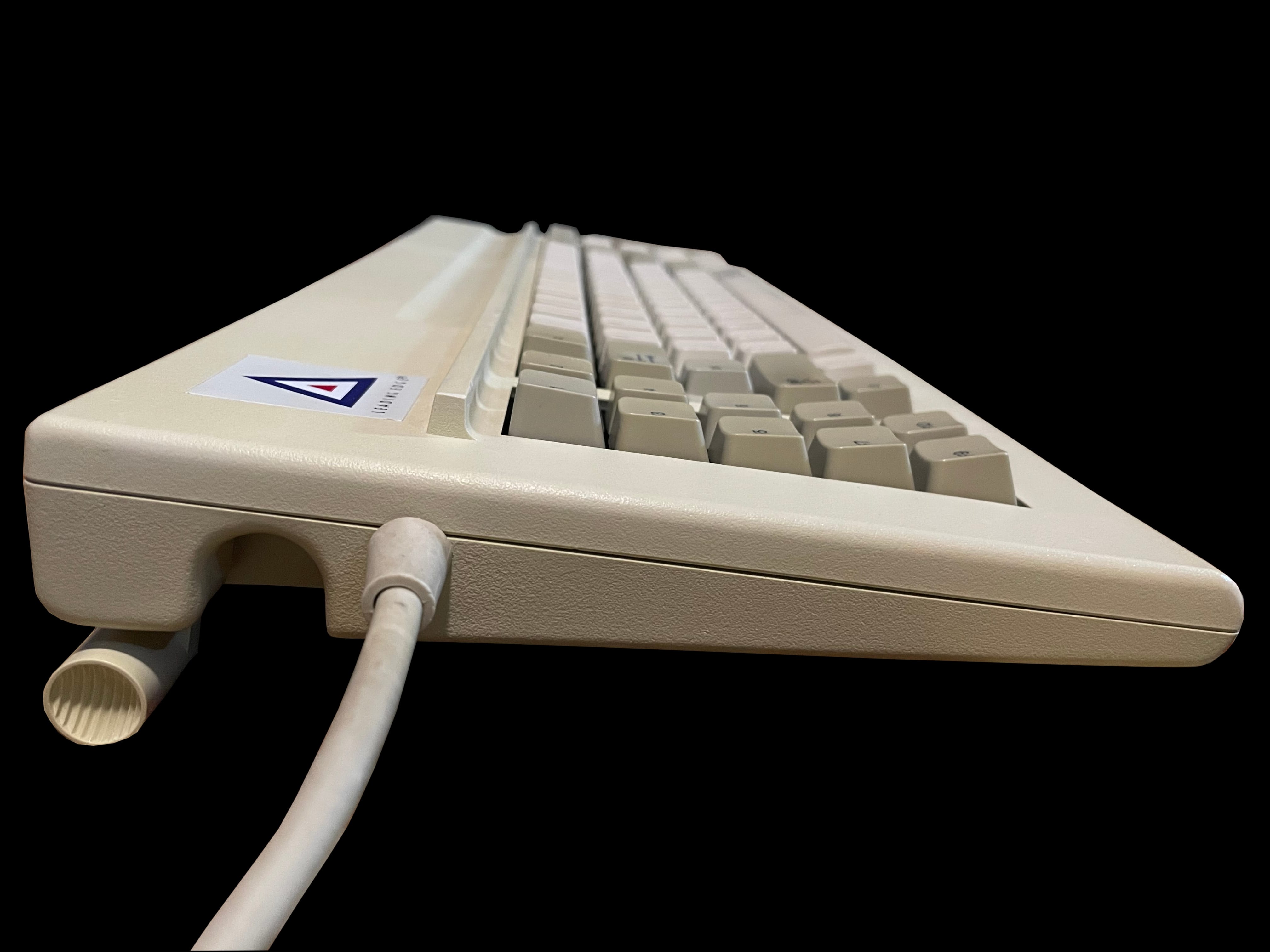
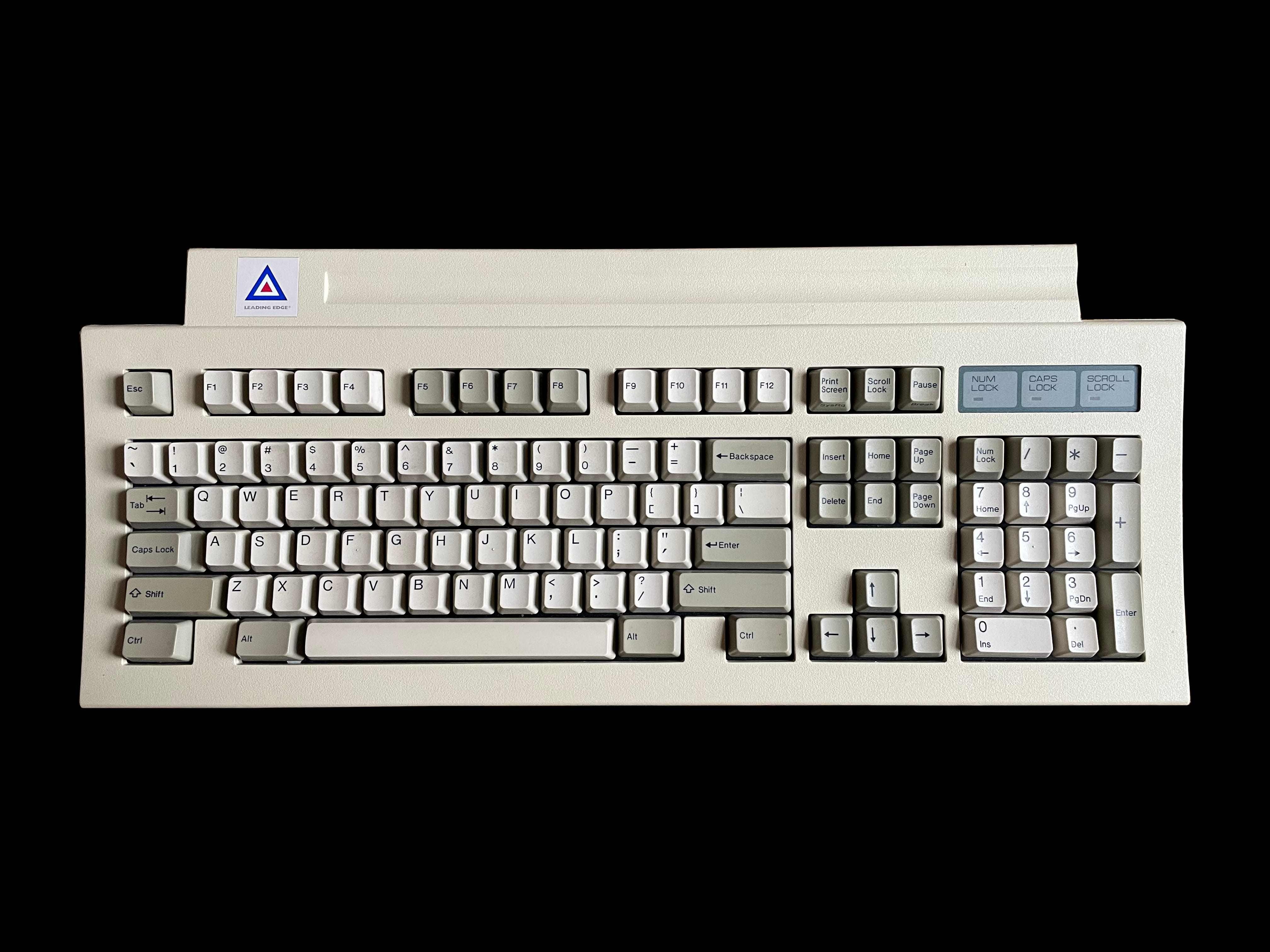
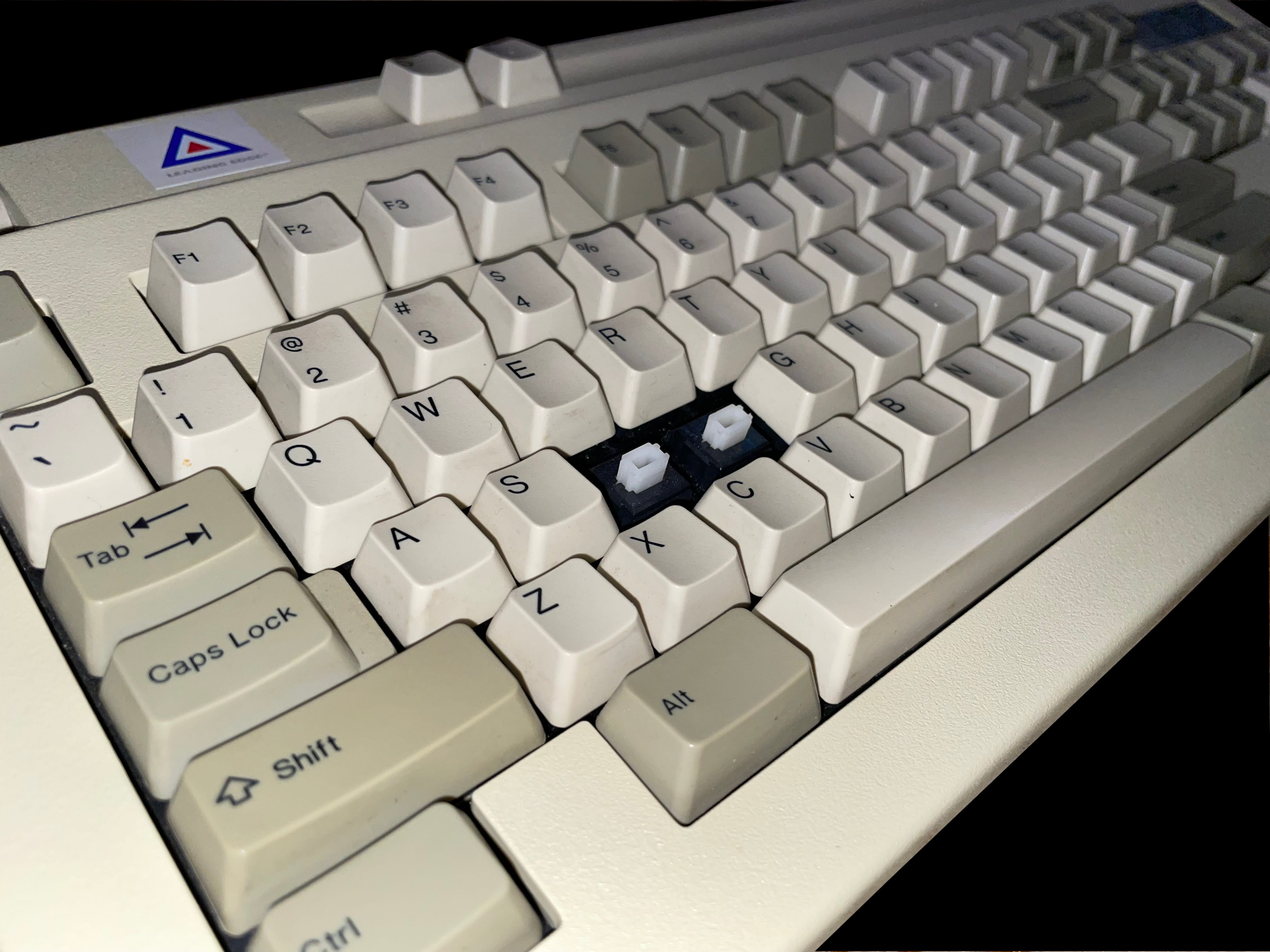
    A top down image of the Leading Edge DC-2014 keyboard A top down photo if the Leading Edge DC-2014 keyboard with key caps removed showing the Alps blue switches A stylized angled photo of the Leading Edge DC-2014 keyboard A side view of the Leading Edge DC-2014 keyboard looking across the num pad A view of the back of the Leading Edge DC-2014 keyboard showing the manufacturer label A photo showing the Leading Edge DC-2014 keyboard from the rear with the feet extended down A photo of the Leading Edge DC-2014 keyboard upsidedown with the feet fully extended An image of the Leading Edge DC-2014 keyboard upsidedown showing the cable interface An image of the Leading Edge DC-2014 keyboard from the side looking over the brand badge

     DC‐2214 Keyboard

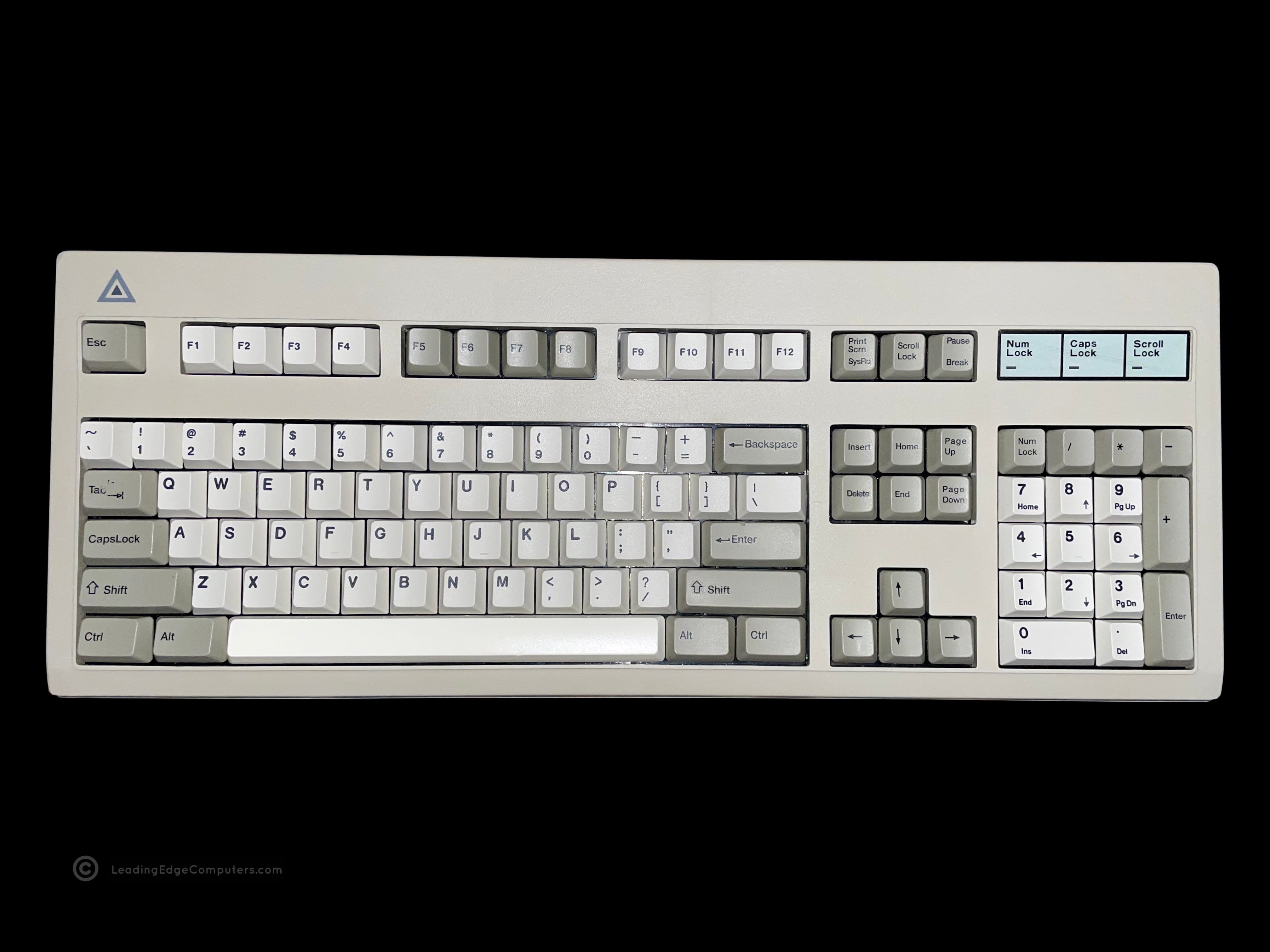
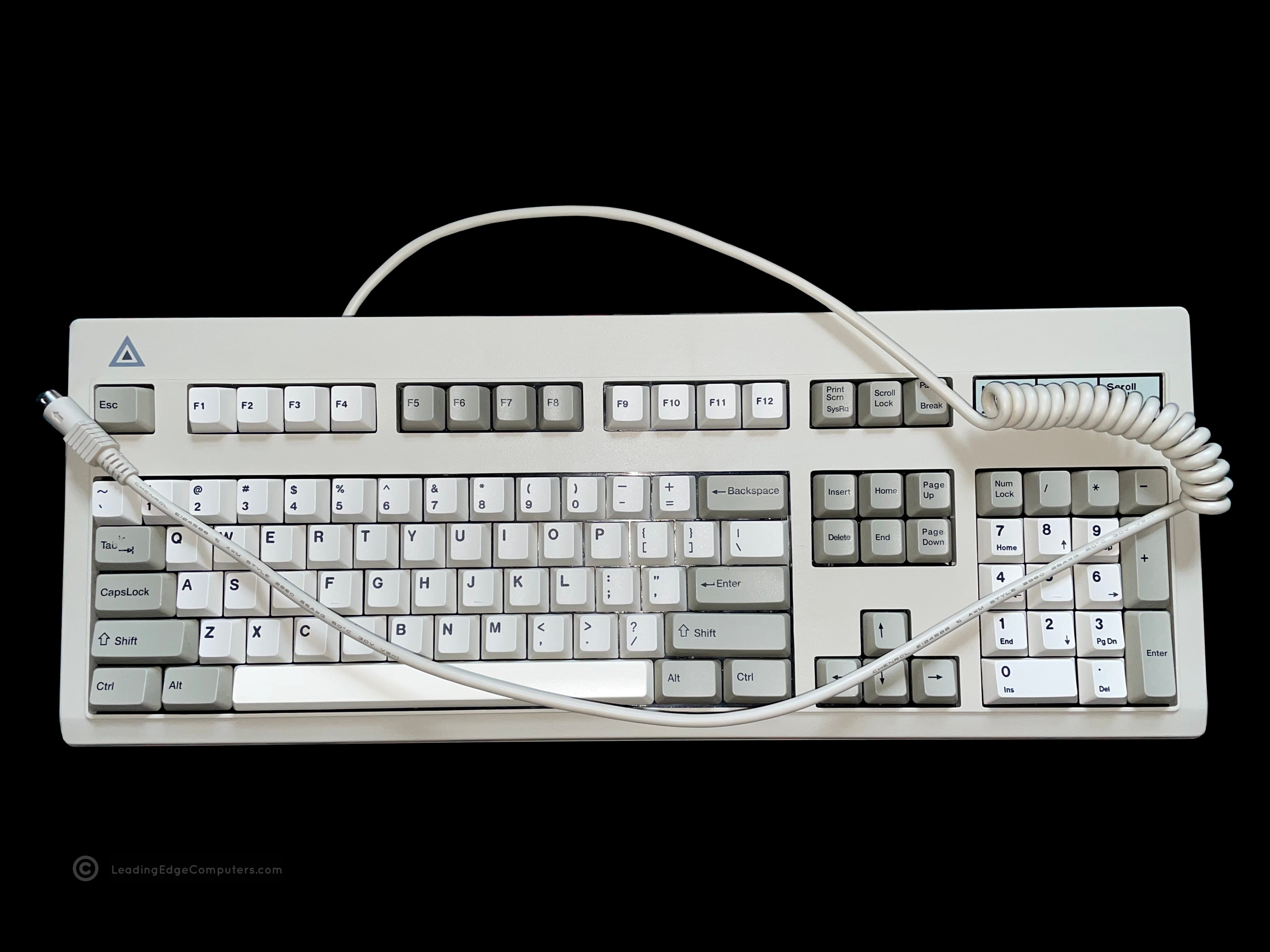
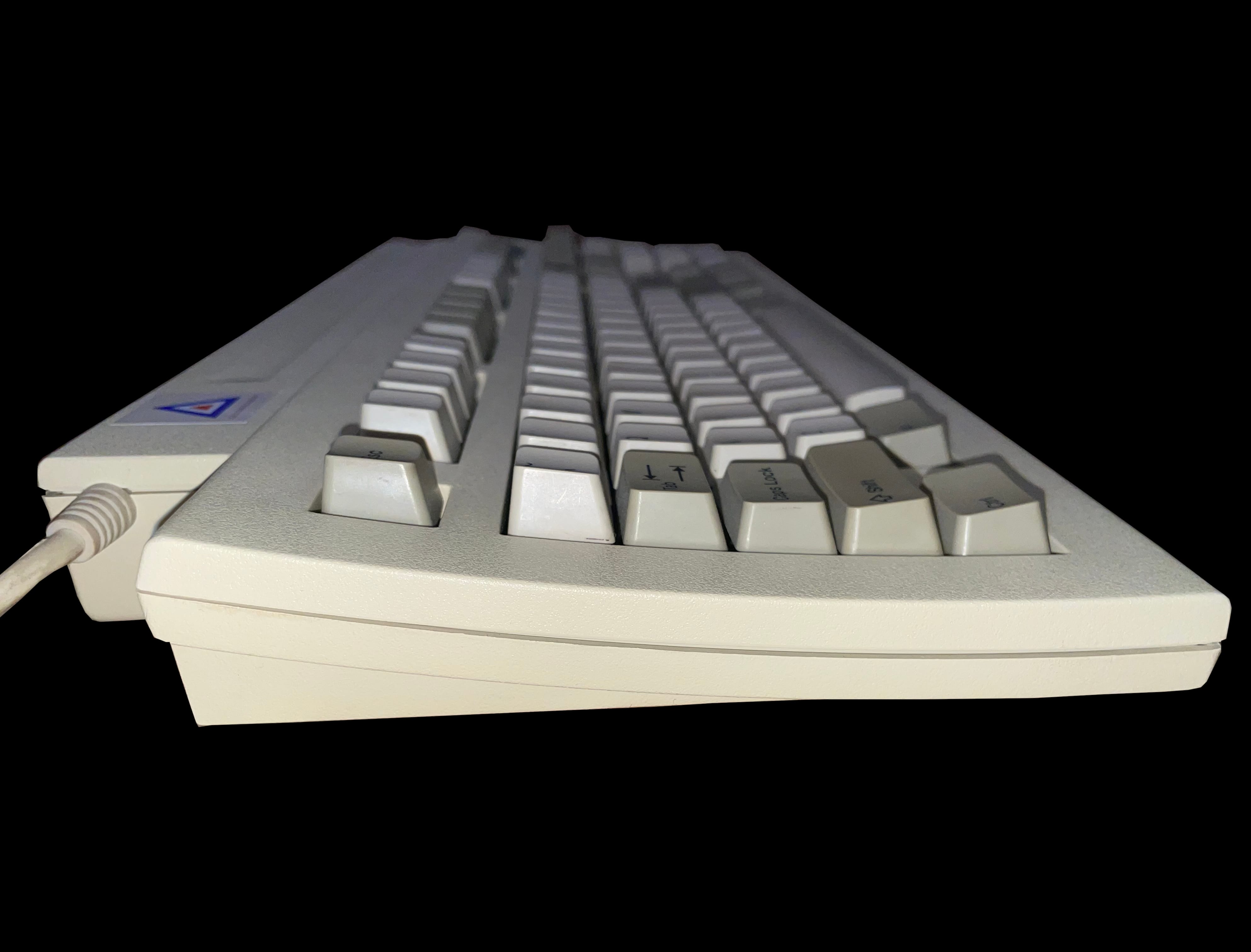
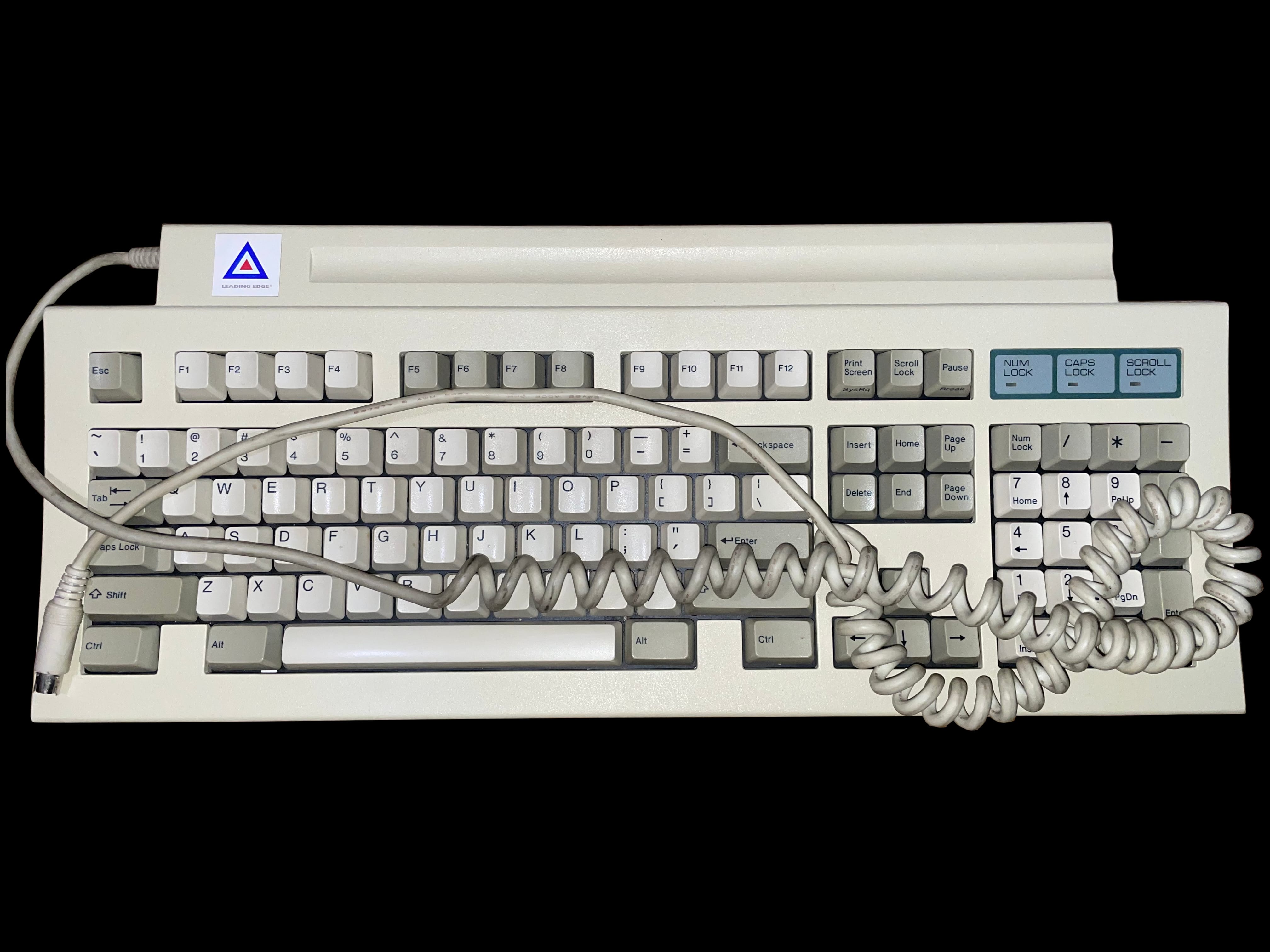
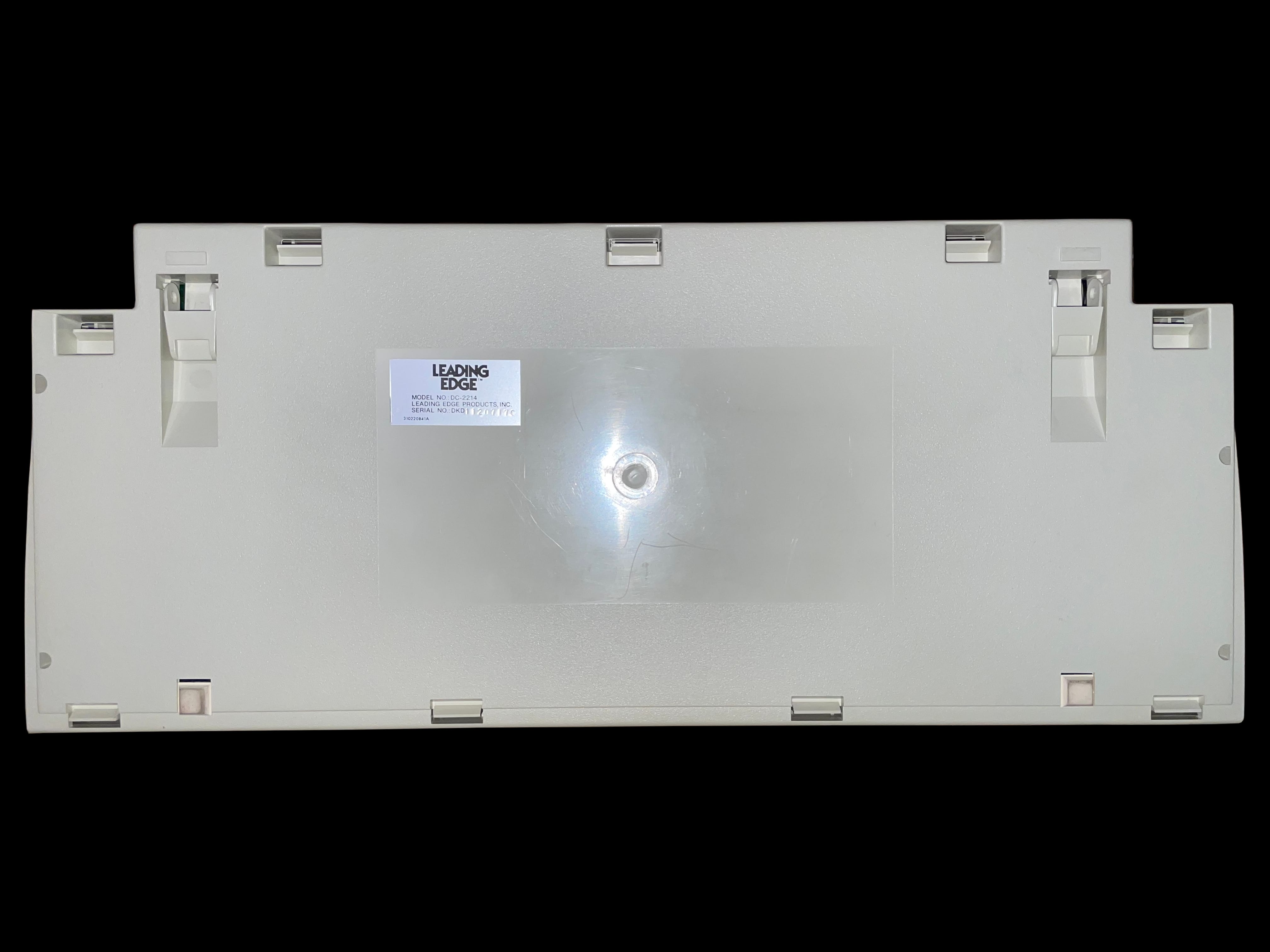
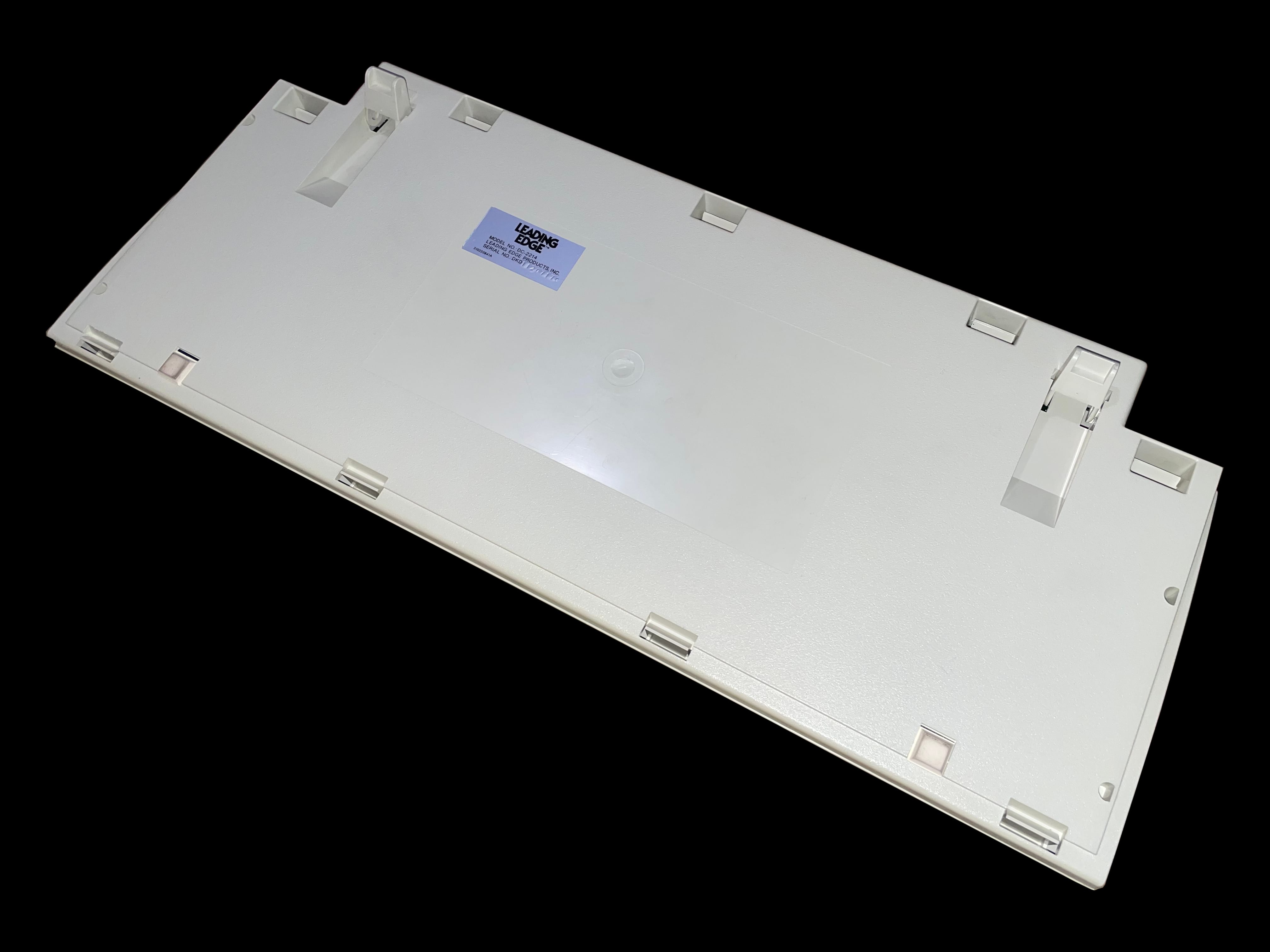
    A top down image of the Leading Edge DC-2214 keyboard A close, angled view of the keys with some key caps removed showing the white alps key switches A photo of the side of the Leading Edge DC-2214 keyboard A top down photo of the Leading Edge DC-2214 keyboard with the coiled cable A bottom image of the Leading Edge DC-2214 keyboard showing the manufacturer label A bottom image of the Leading Edge DC-2214 keyboard with the support feet extended

     DLT/386SX Maintenance Manual

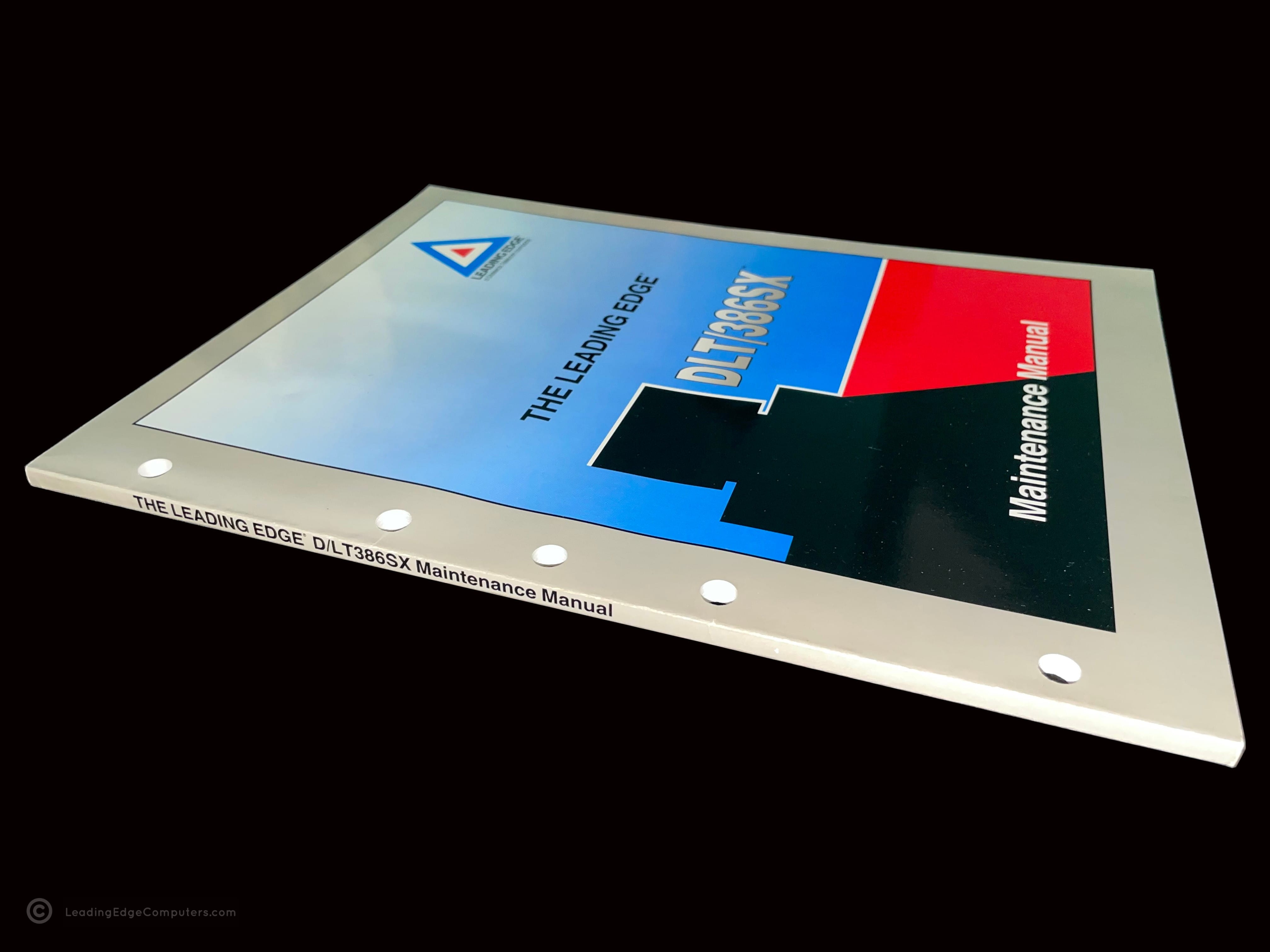
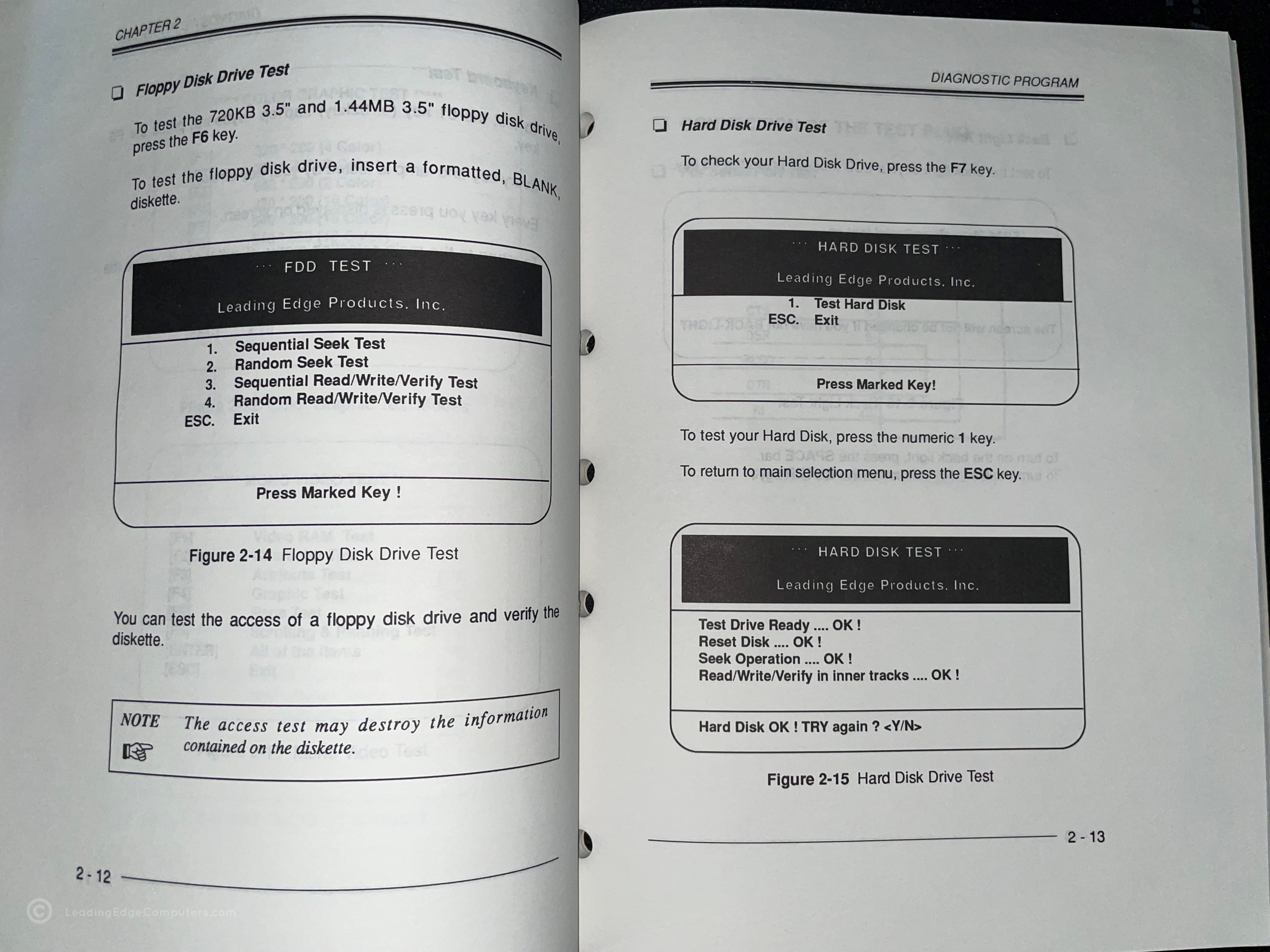
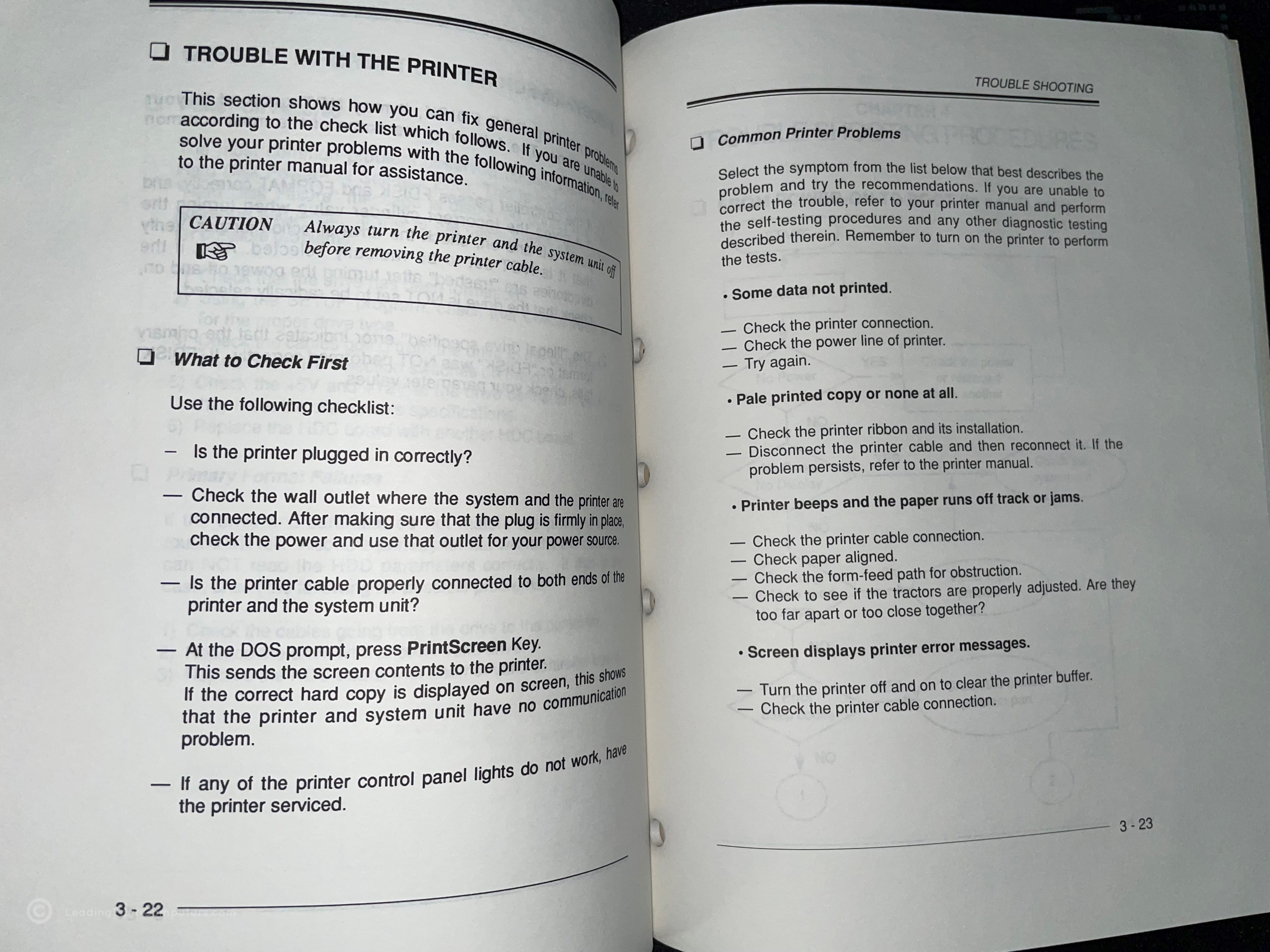
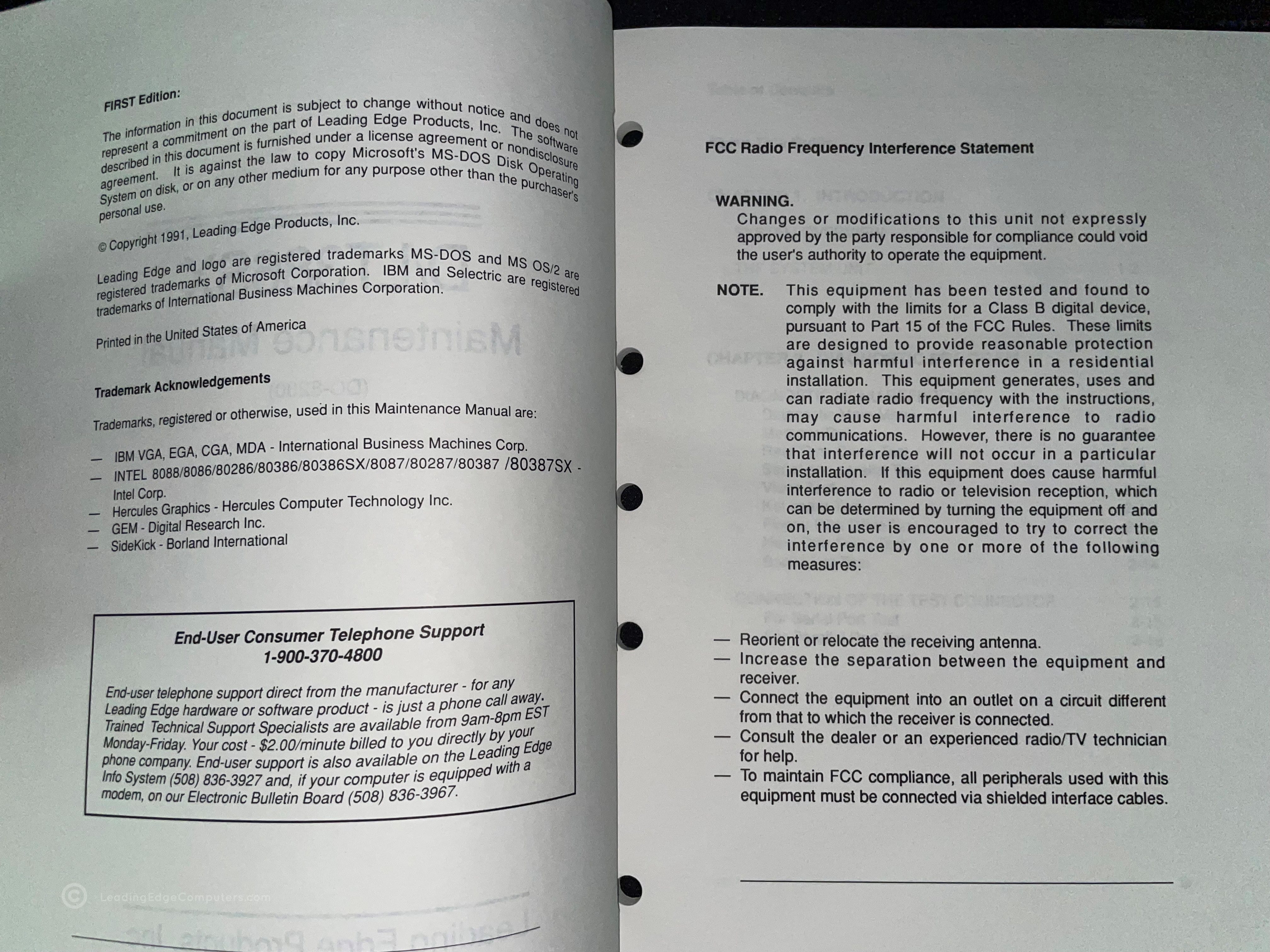
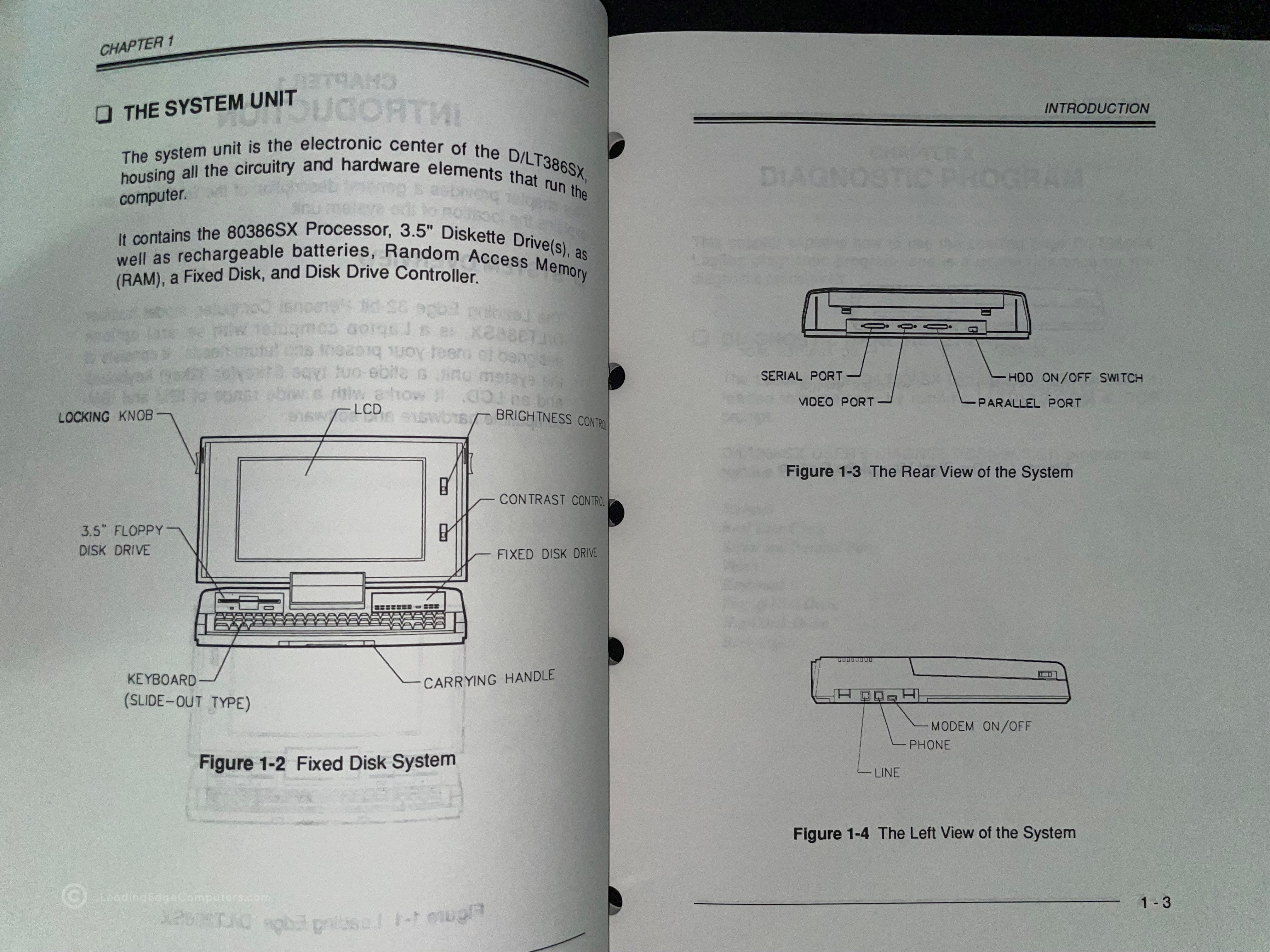
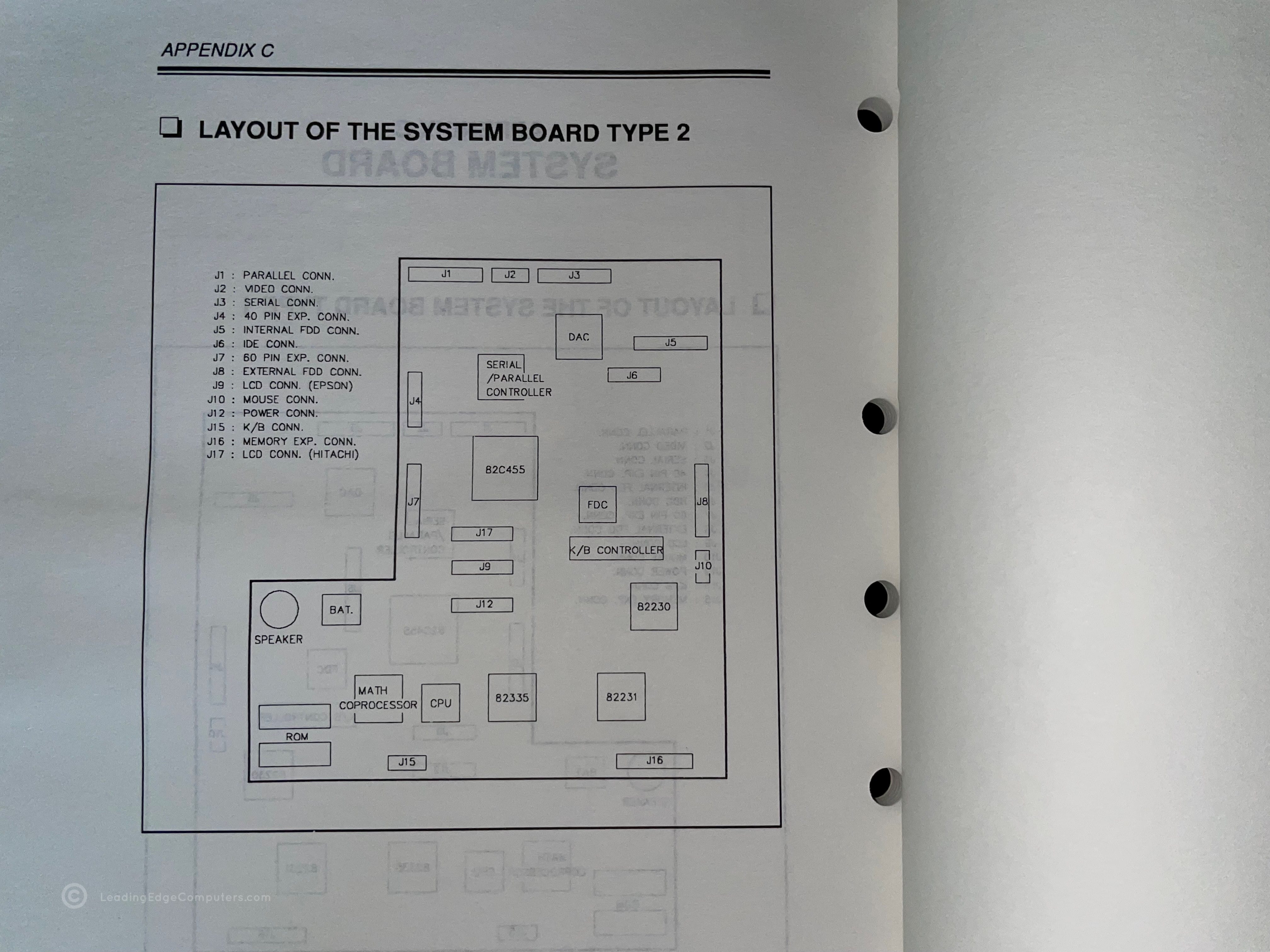
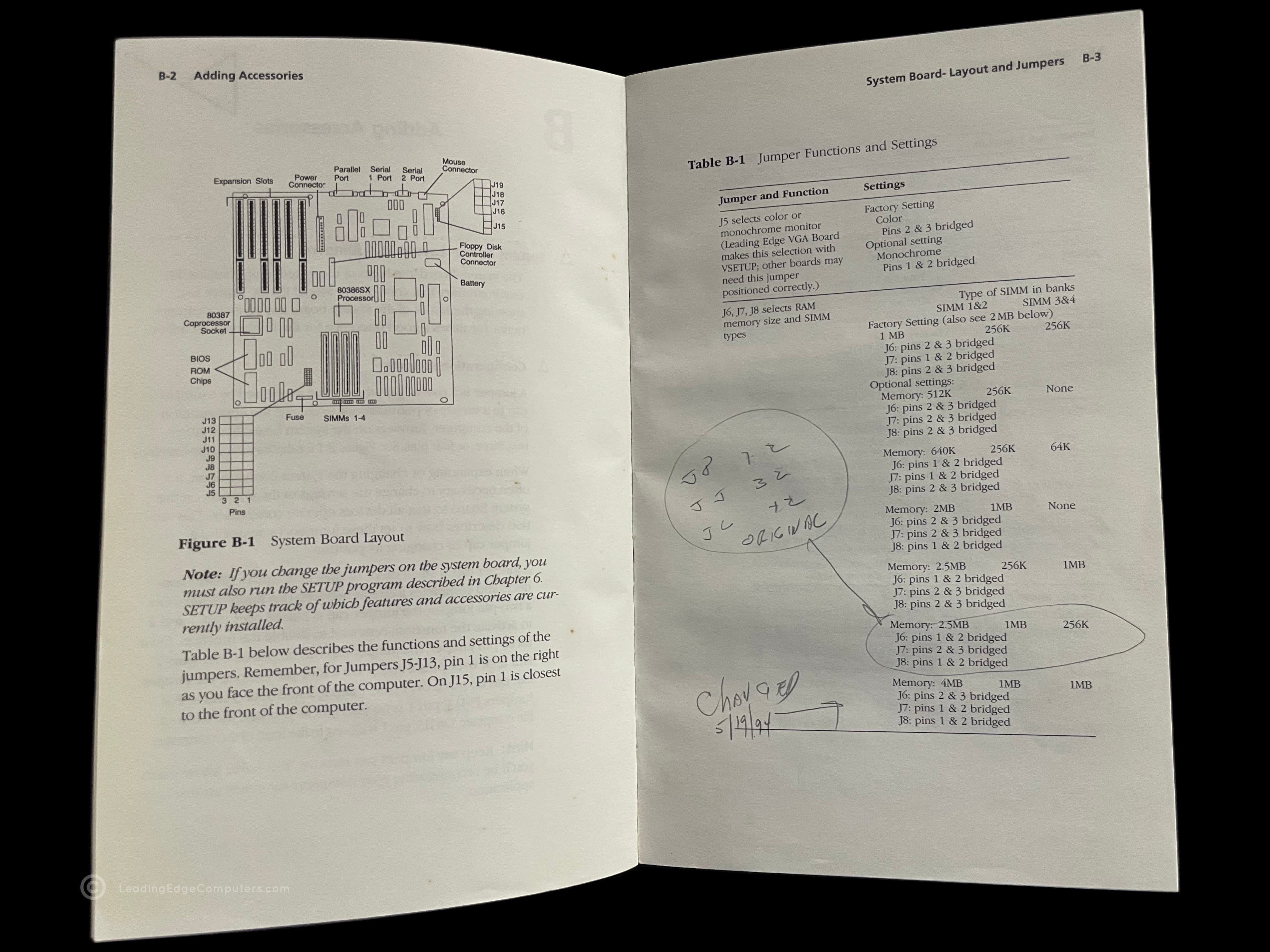
    Photo of the front cover of the DLT/386SX Maintenance Manual Back cover of the DLT/386SX Maintenance Manual Angled view of the DLT/386SX Maintenance Manual showing the spine of the manual Teaser photo showing inside of the DLT/386SX Maintenance Manual, featuring system drive testing Inside photo of the DLT/386SX Maintenance Manual's printer troubleshooting section Teaser photo showing inside of the DLT/386SX Maintenance Manual's first page Inside photo of the DLT/386SX Maintenance Manual's legal and FCC statement pages Inside photo of the DLT/386SX Maintenance Manual's introduction with system overview Inside photo of the DLT/386SX Maintenance Manual's Appendix C showcasing the system board layout

     DR-1240 Amber Screen TTL

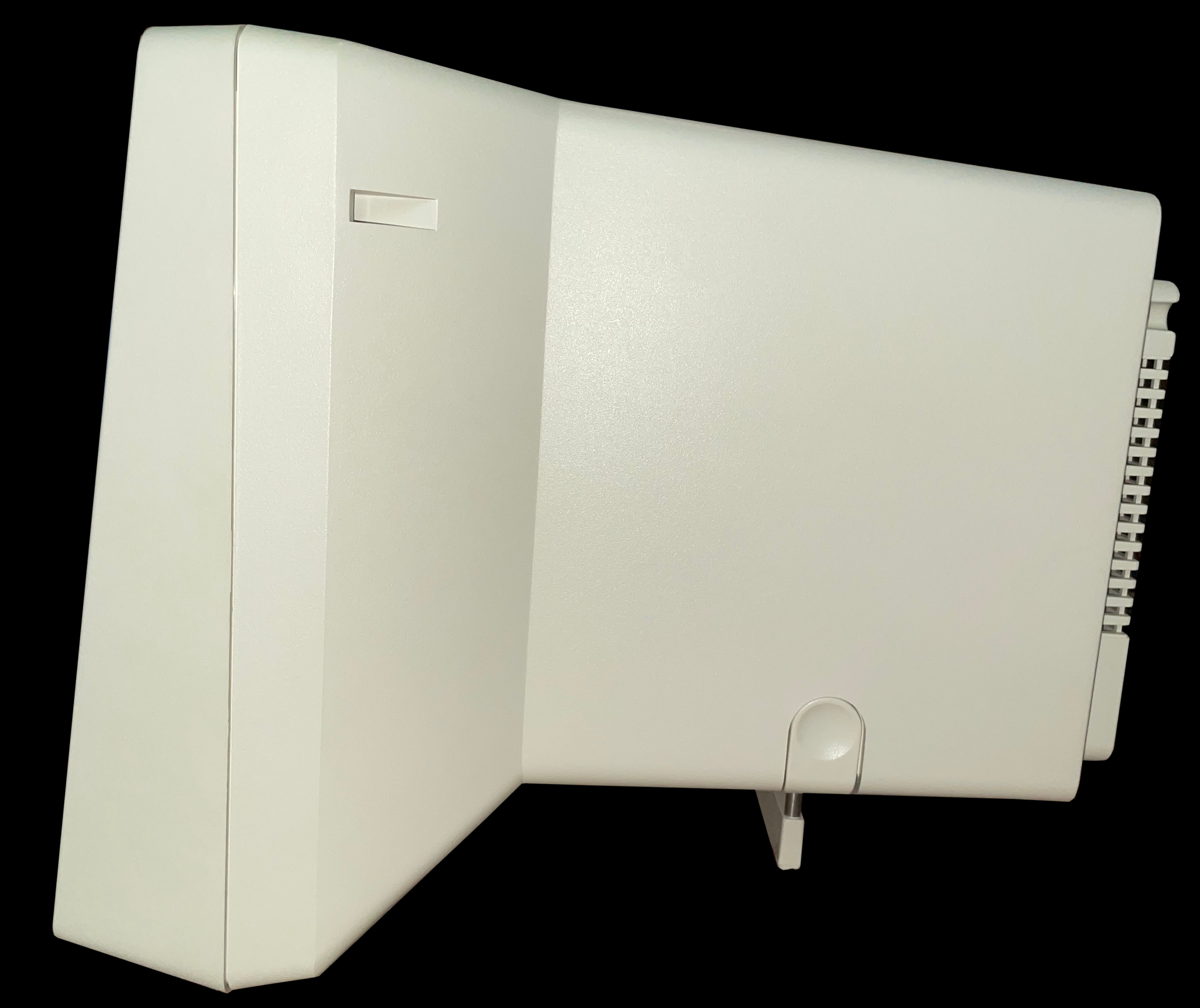
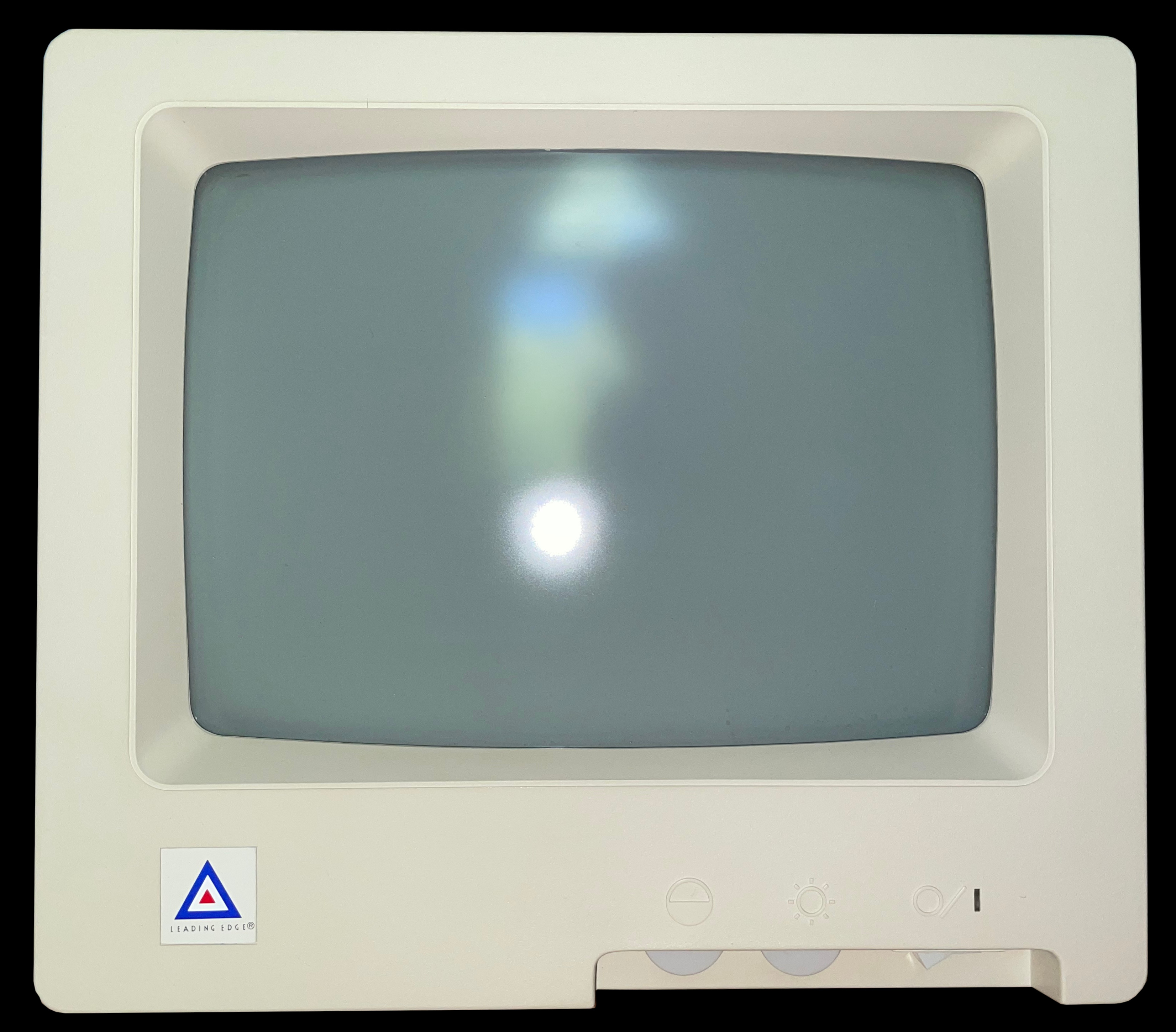
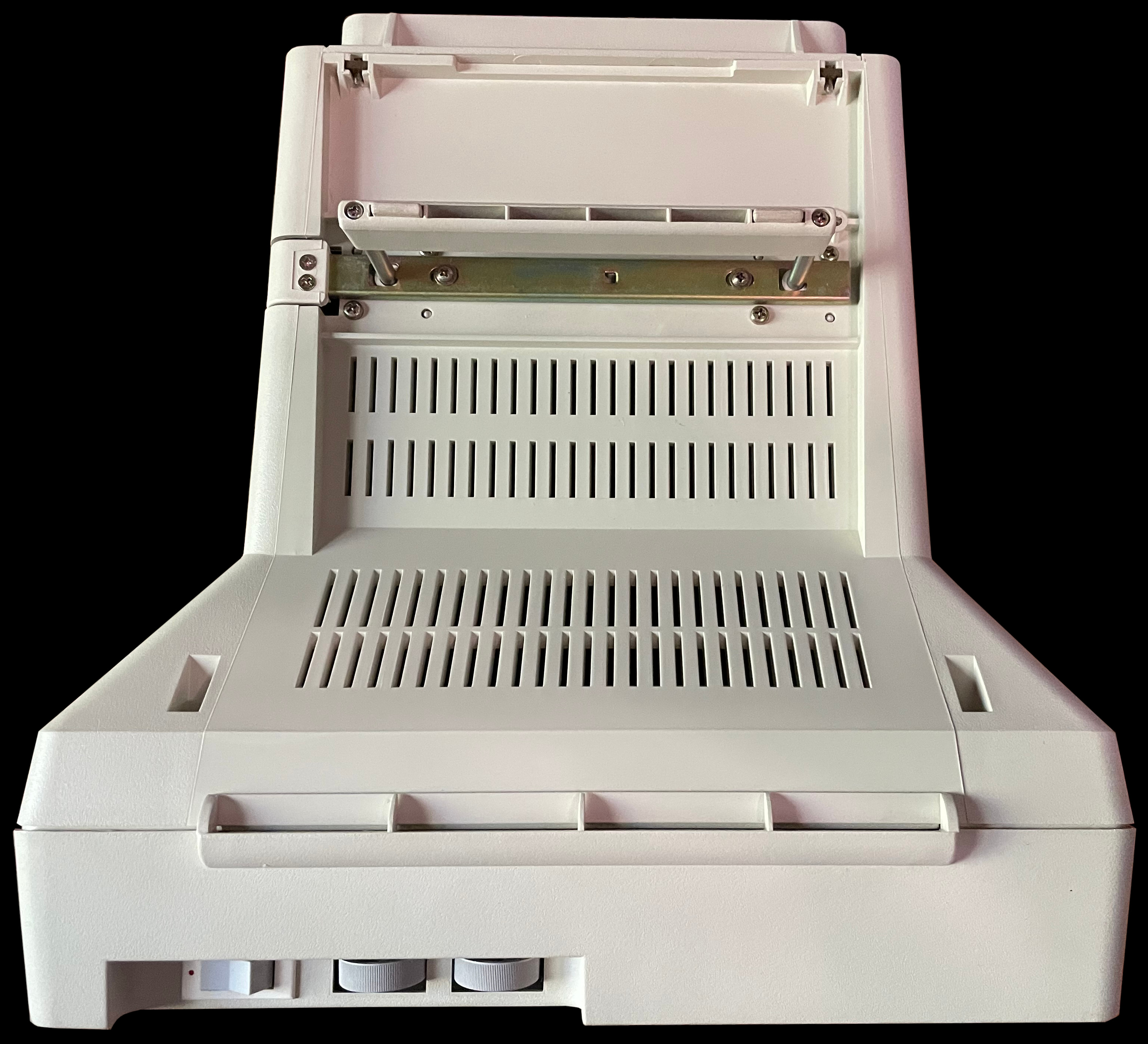
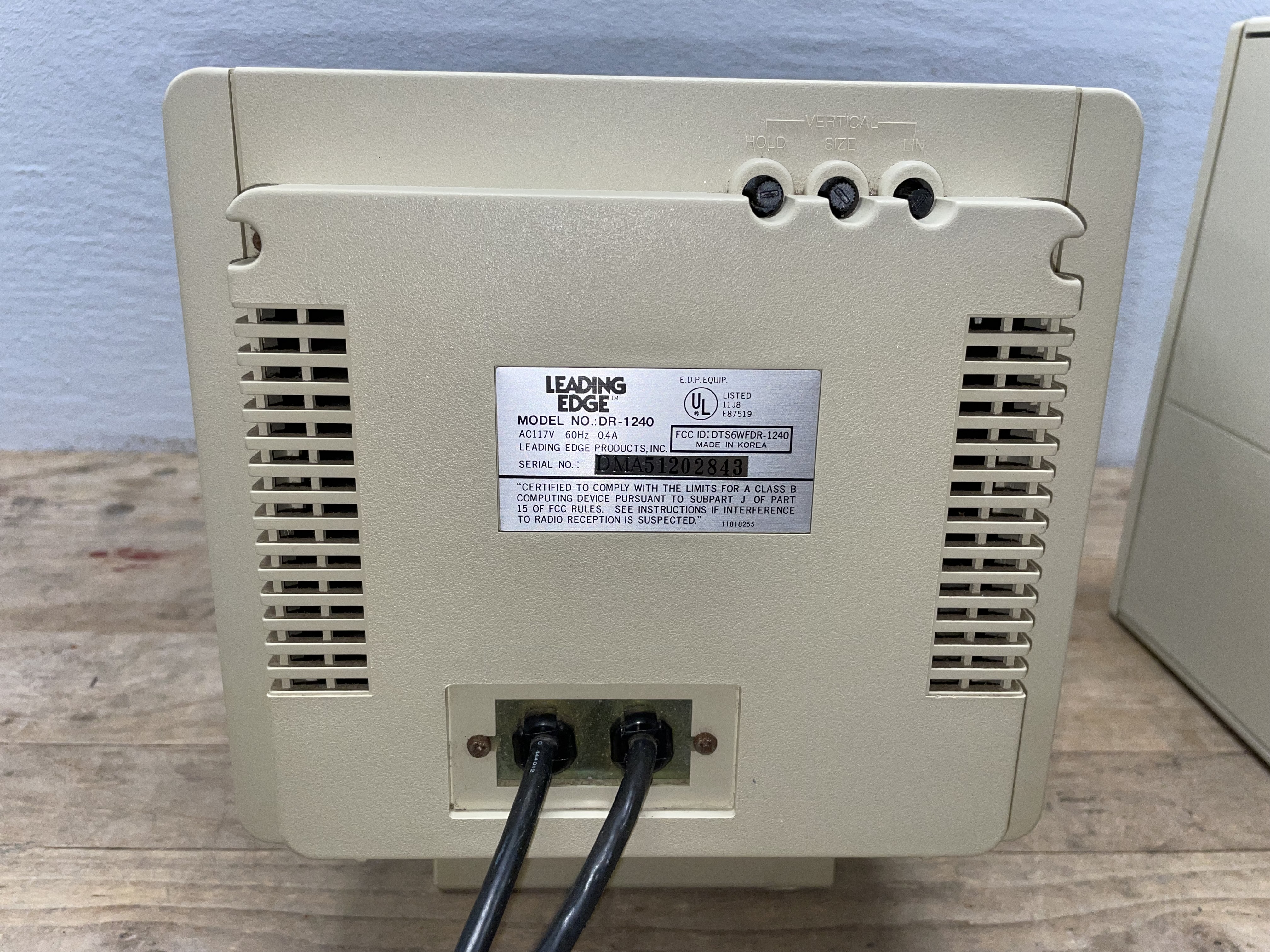
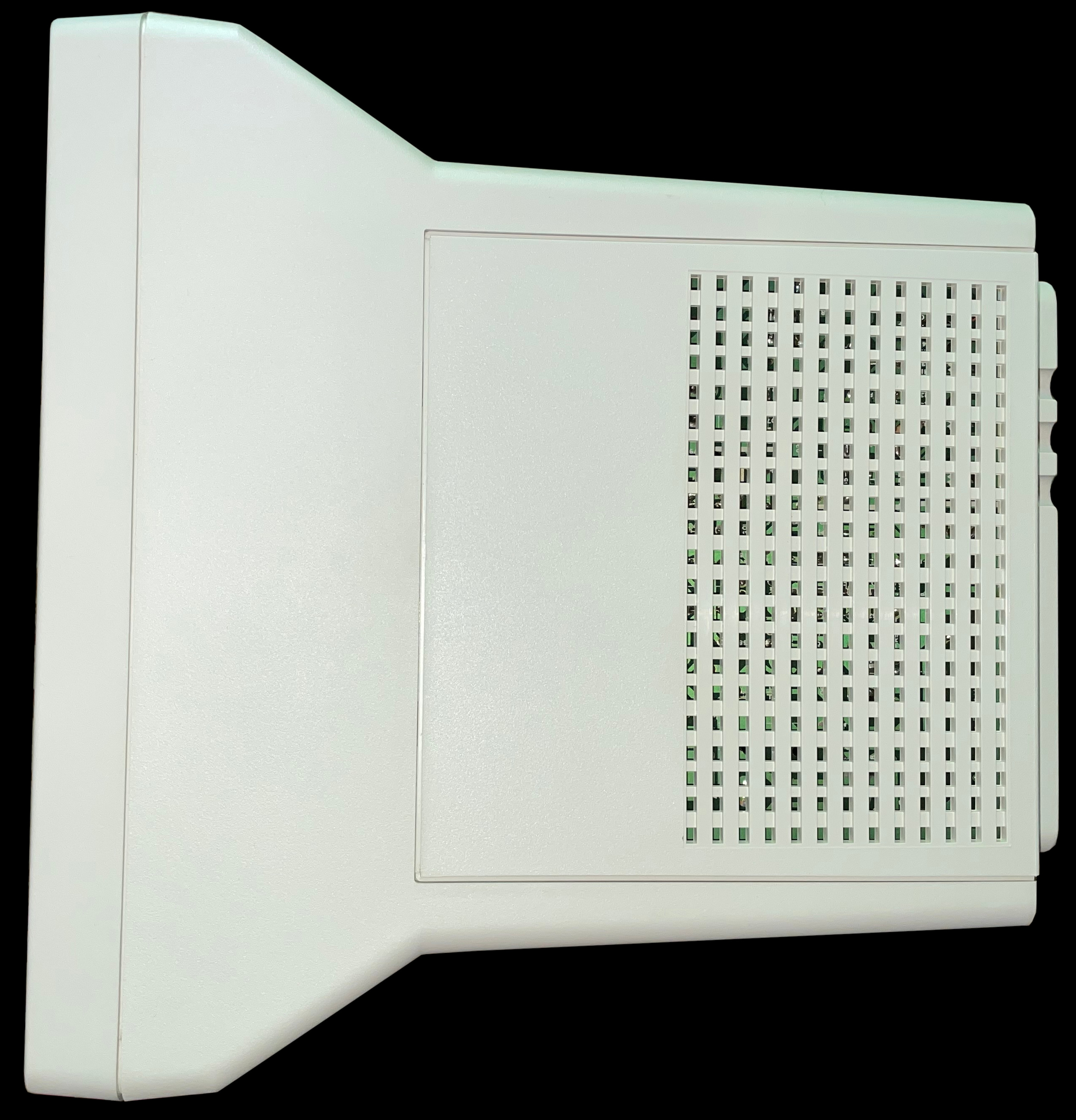
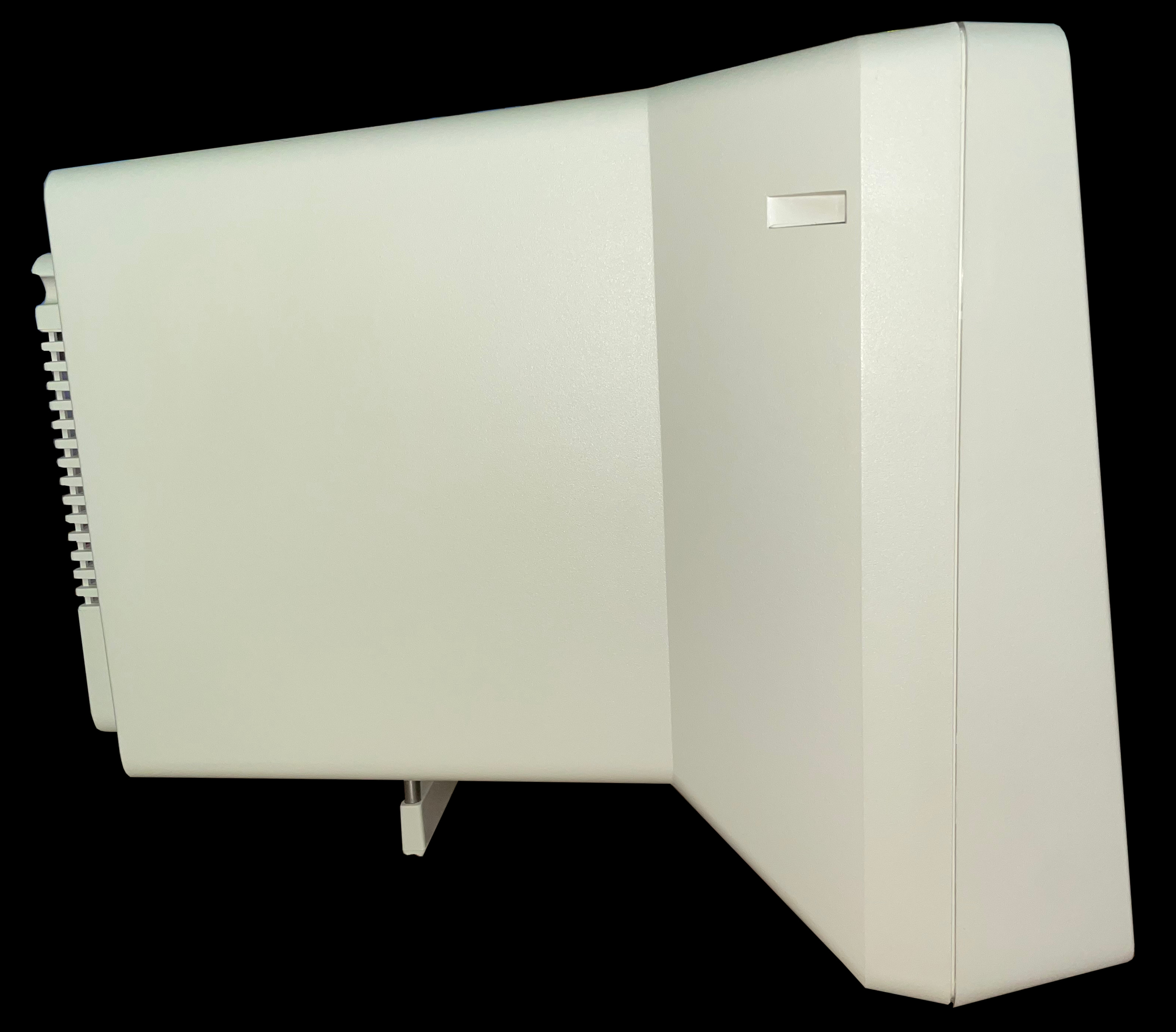
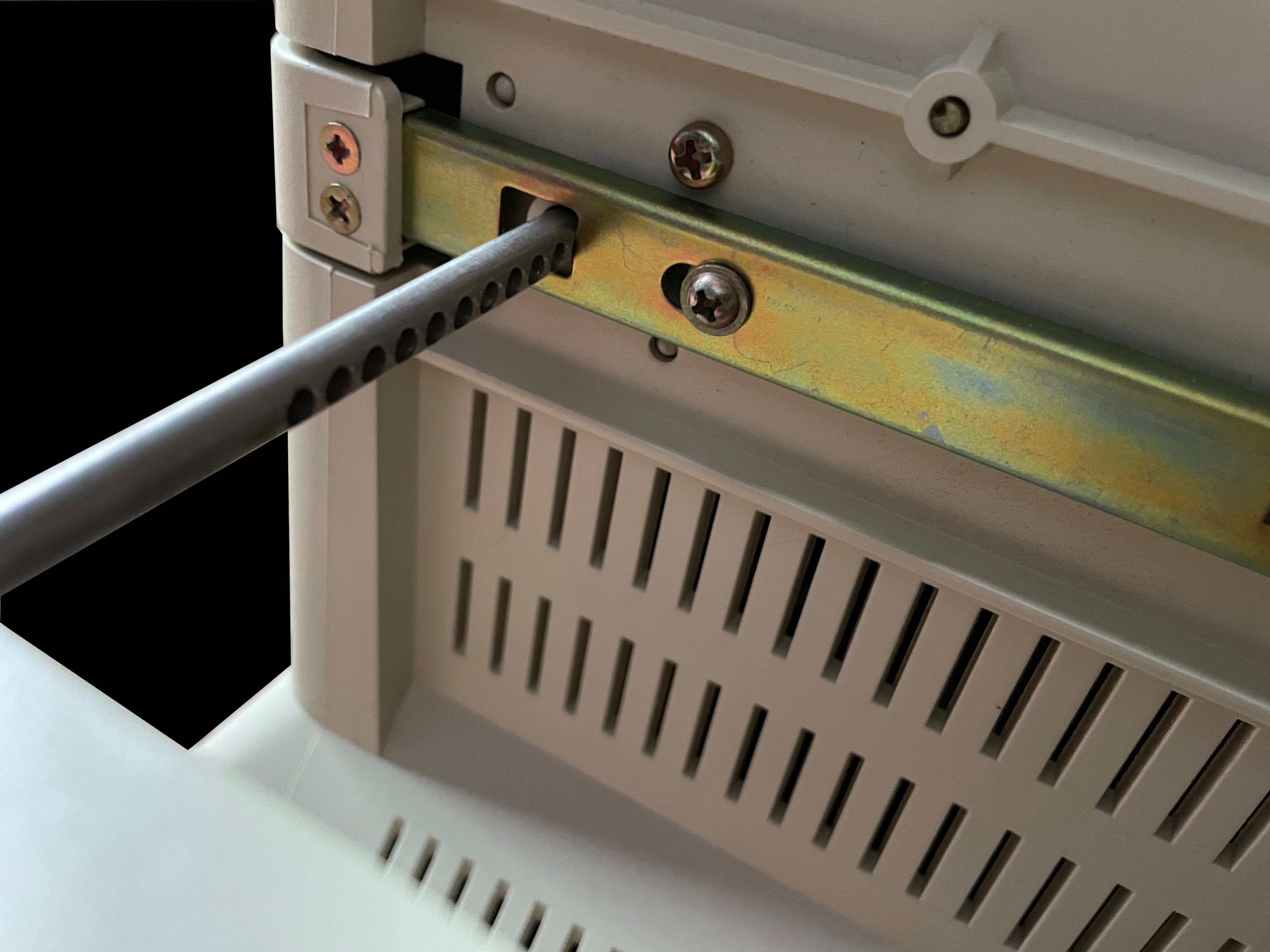
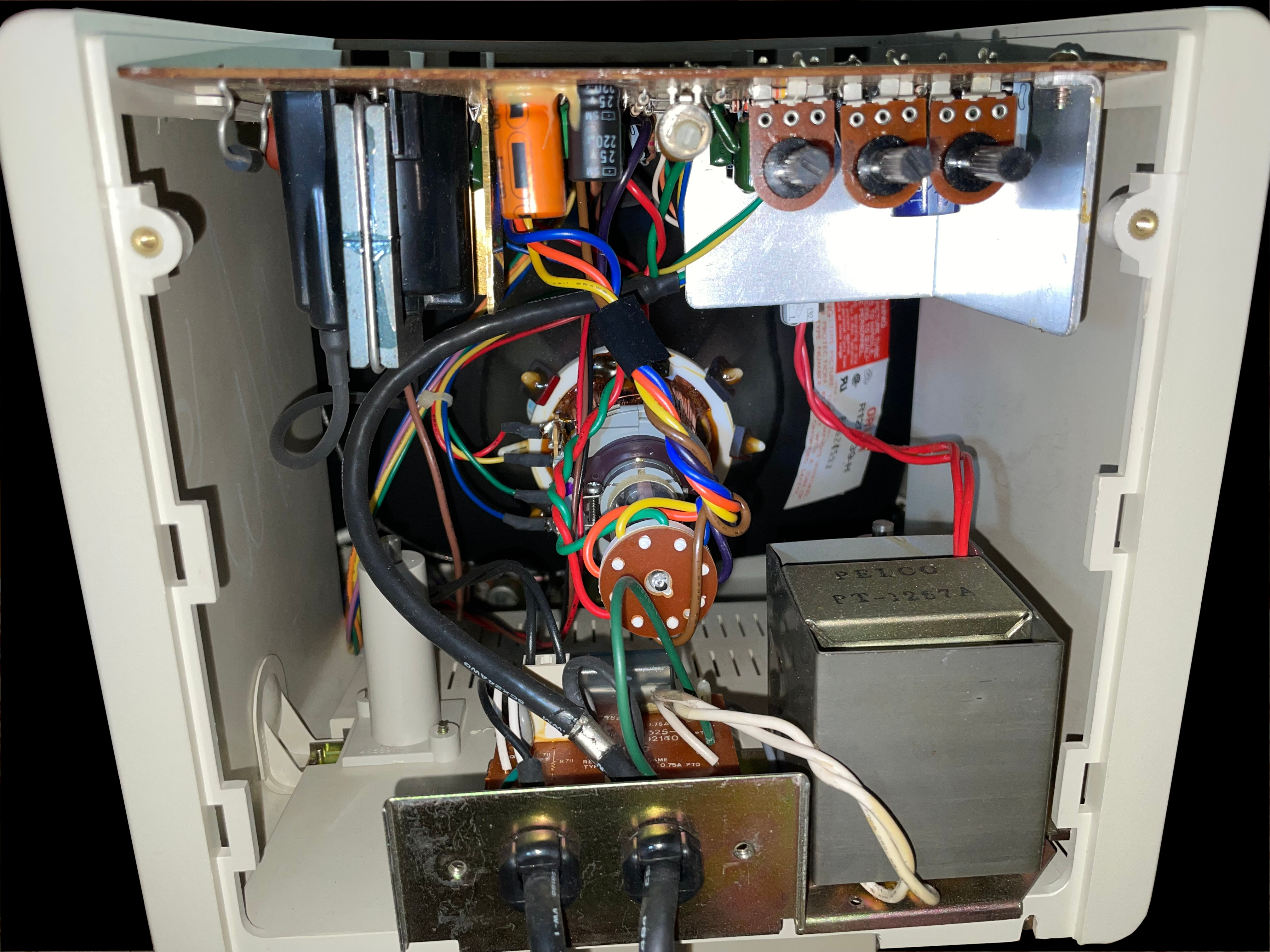
    A side view photo of the Leading Edge DR-1240 Amber Screen TTL monochrome monitor Front view photo of the Leading Edge DR-1240 Amber Screen TTL monochrome monitor A view of the bottom of the Leading Edge DR-1240 Amber Screen TTL monochrome monitor with the kickstand fully extended Rear image of the Leading Edge DR-1240 Amber Screen TTL monochrome monitor showing the manufacturer label A top down view of the Leading Edge DR-1240 Amber Screen TTL monochrome monitor The left-hand side view of the Leading Edge DR-1240 Amber Screen TTL monochrome monitor A detail photo of the Leading Edge DR-1240 Amber Screen TTL monochrome monitor's kickstand showing the numerous possible settings Inside image view of the Leading Edge DR-1240 Amber Screen TTL monochrome monitor, showing the electronic components A closer view of the Leading Edge DR-1240 Amber Screen TTL monochrome monitor's logic board

     DR-1240 Green Screen TTL

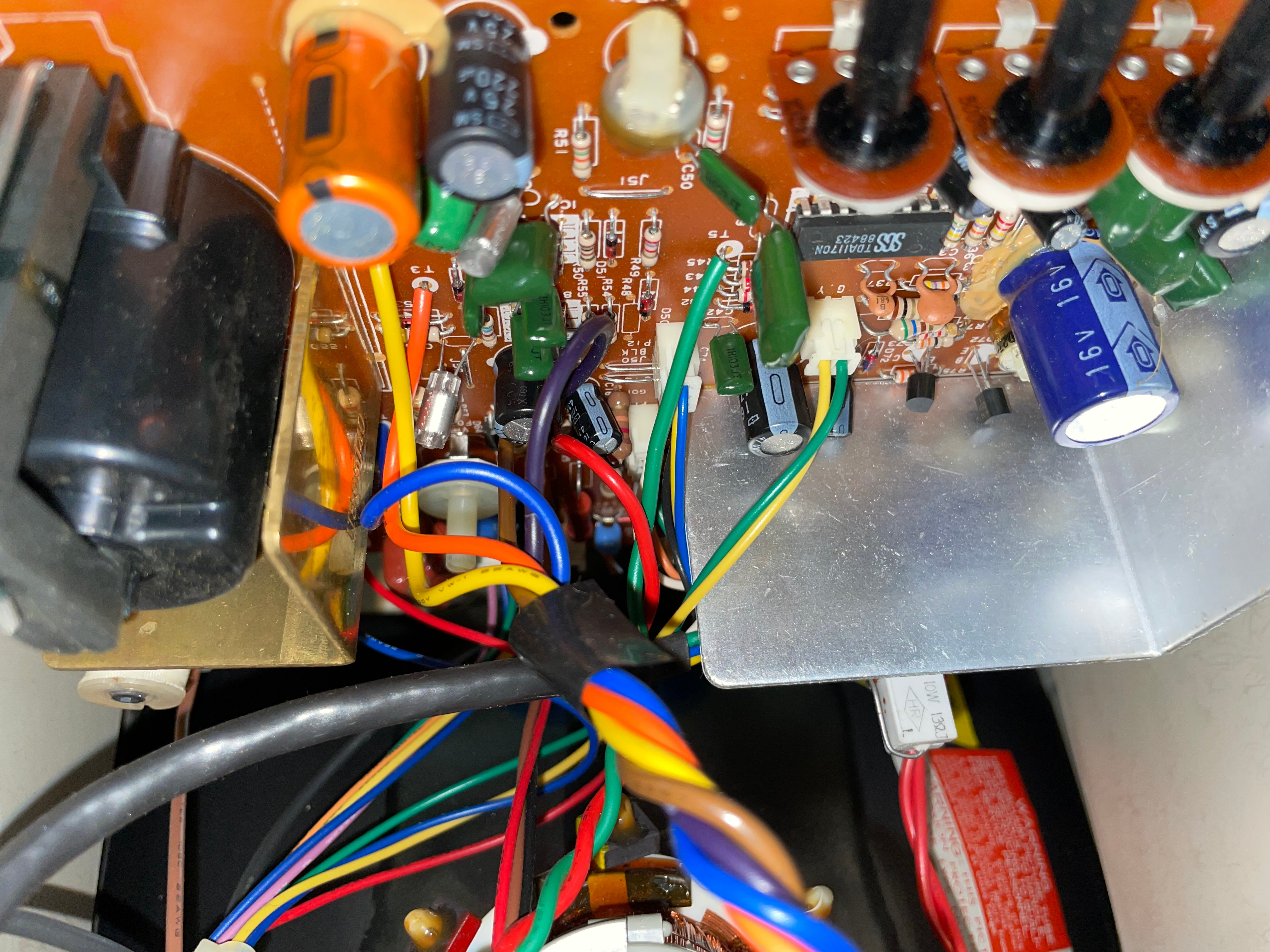
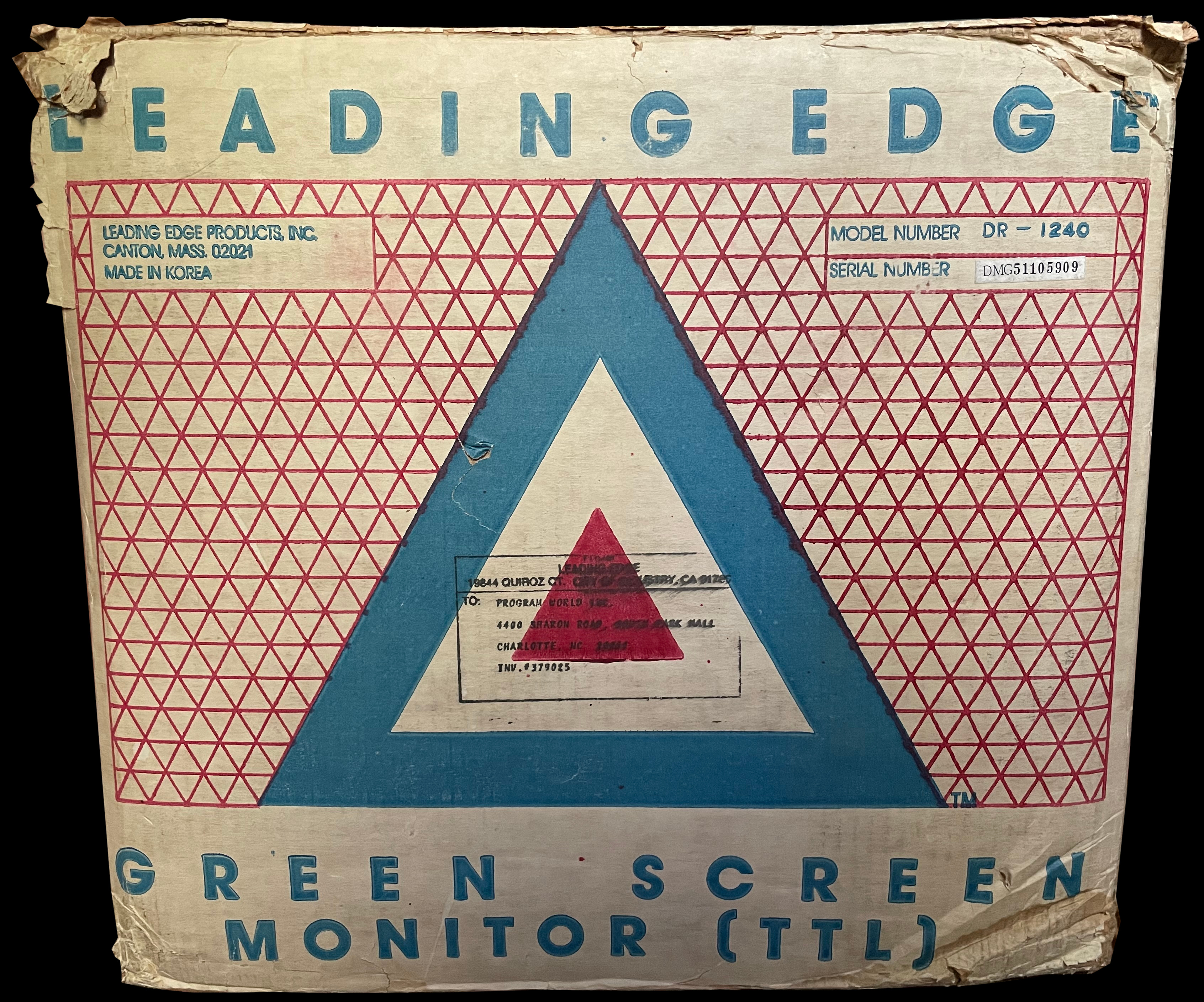
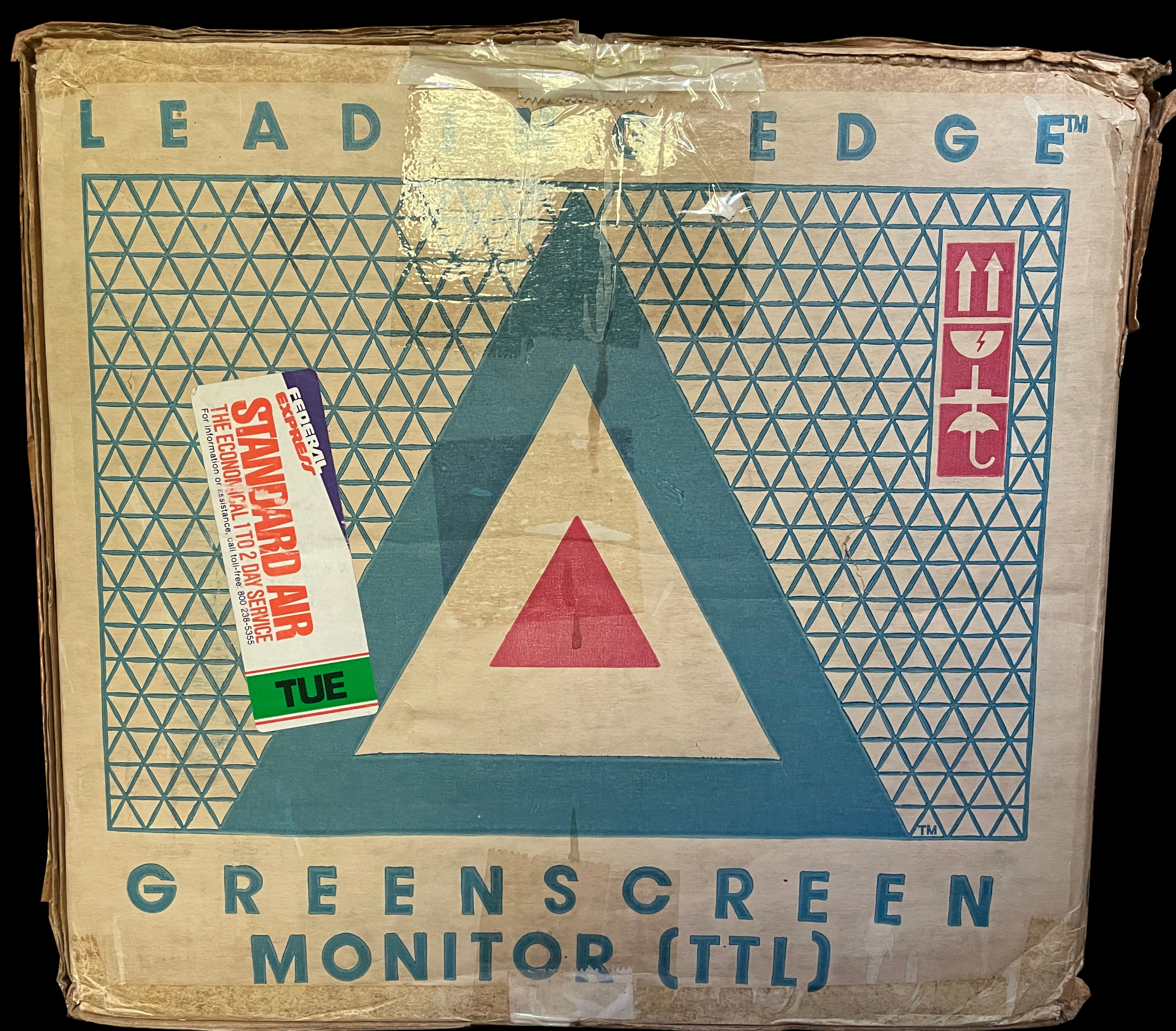
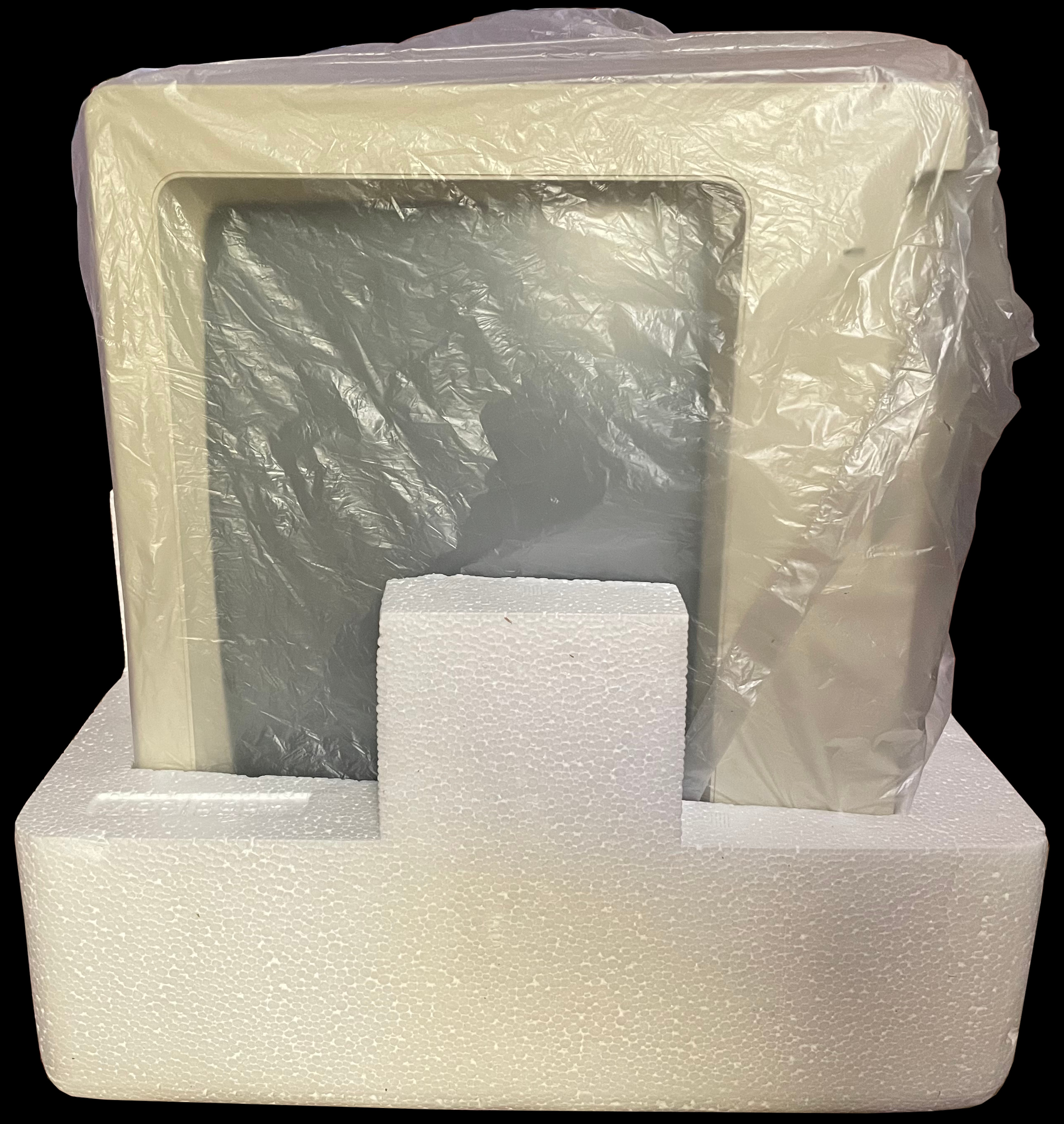
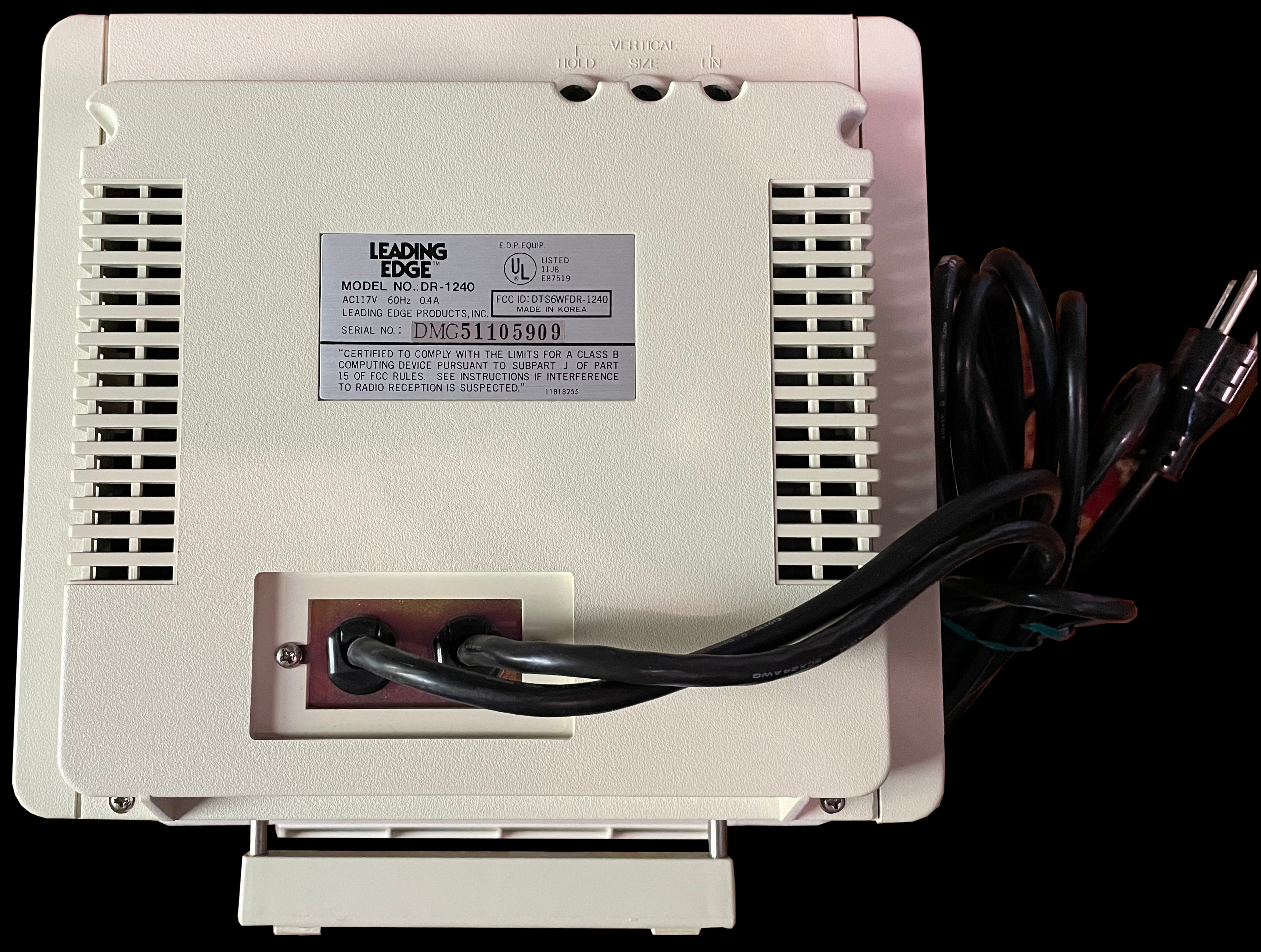
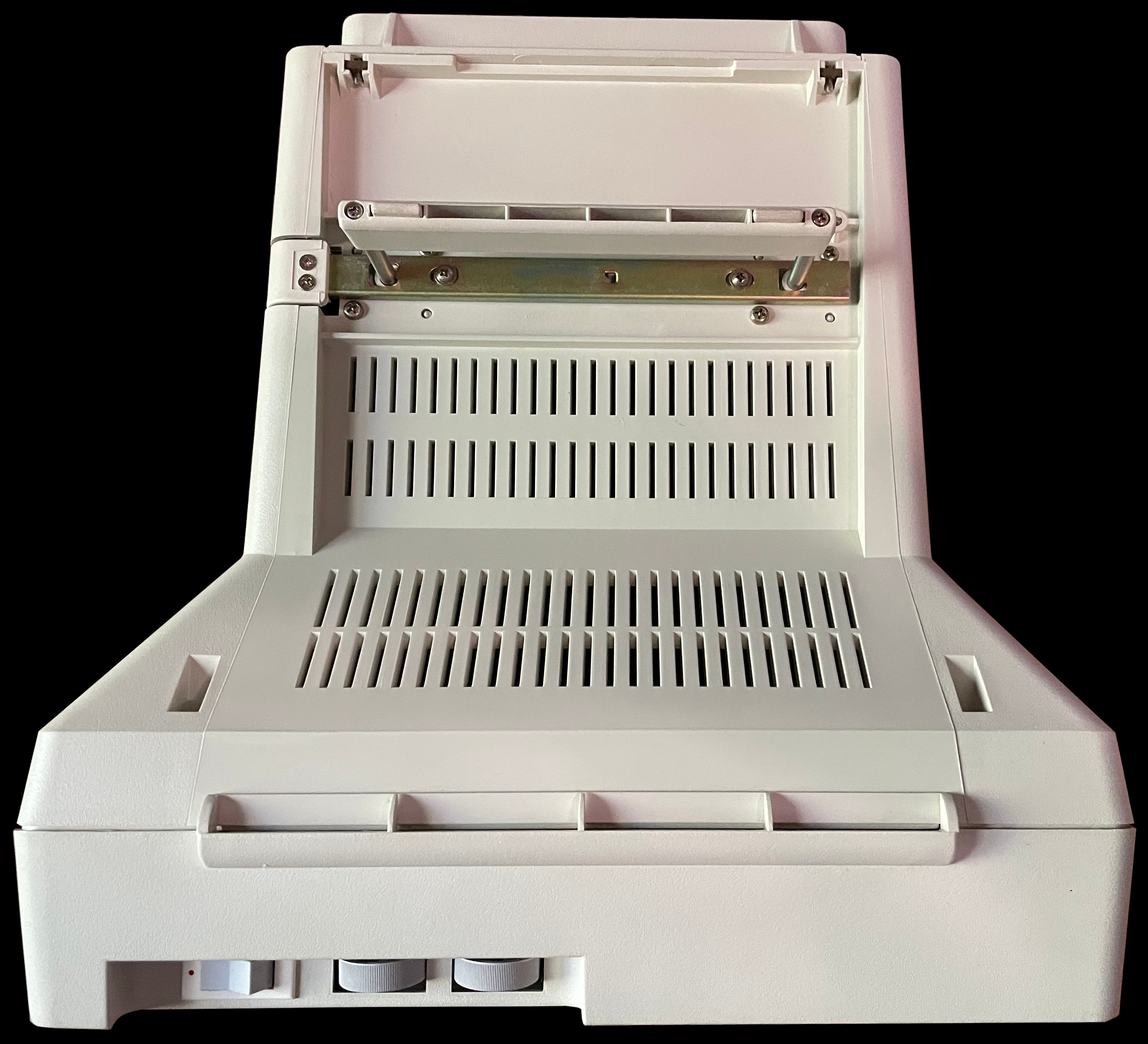
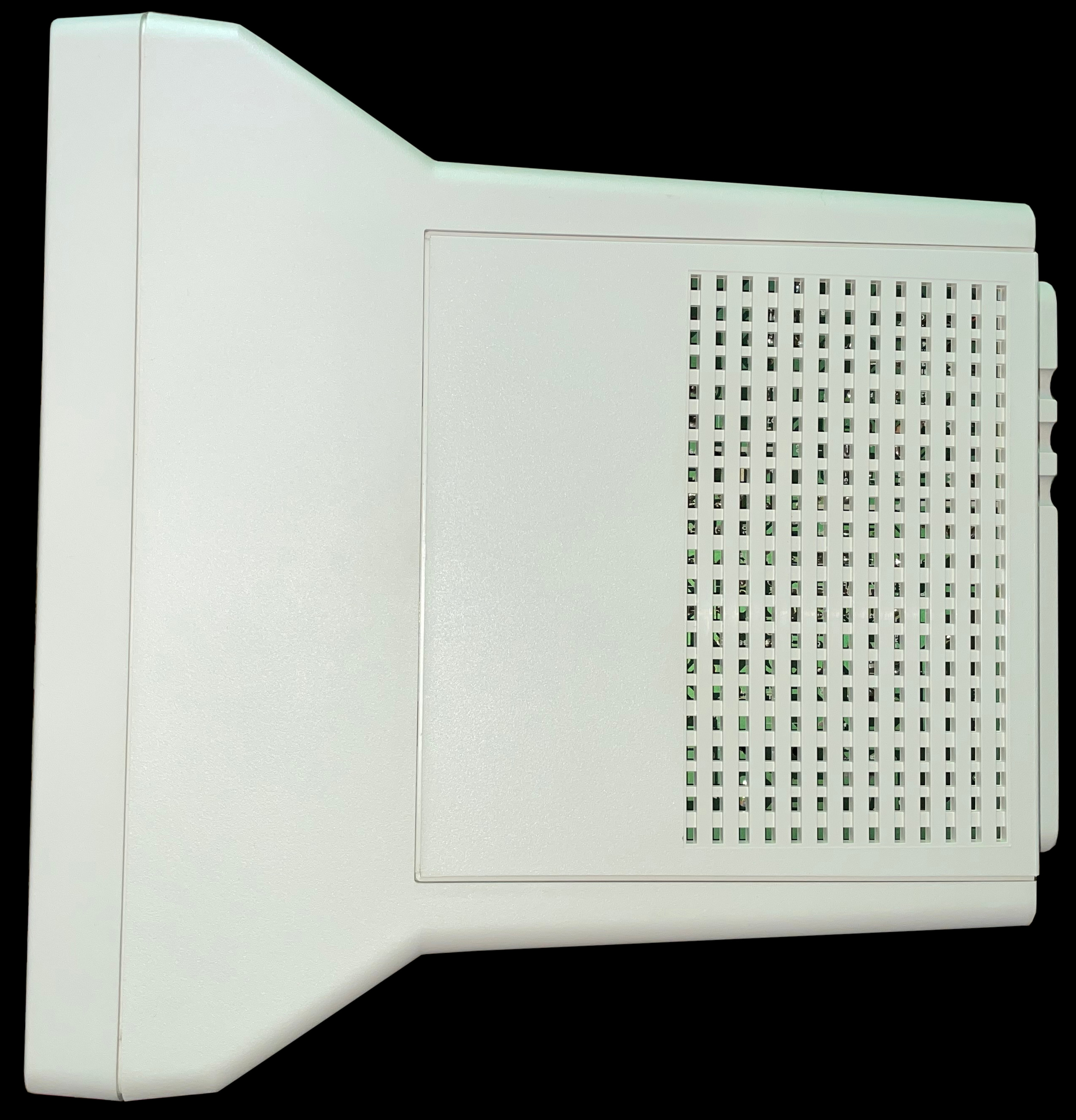
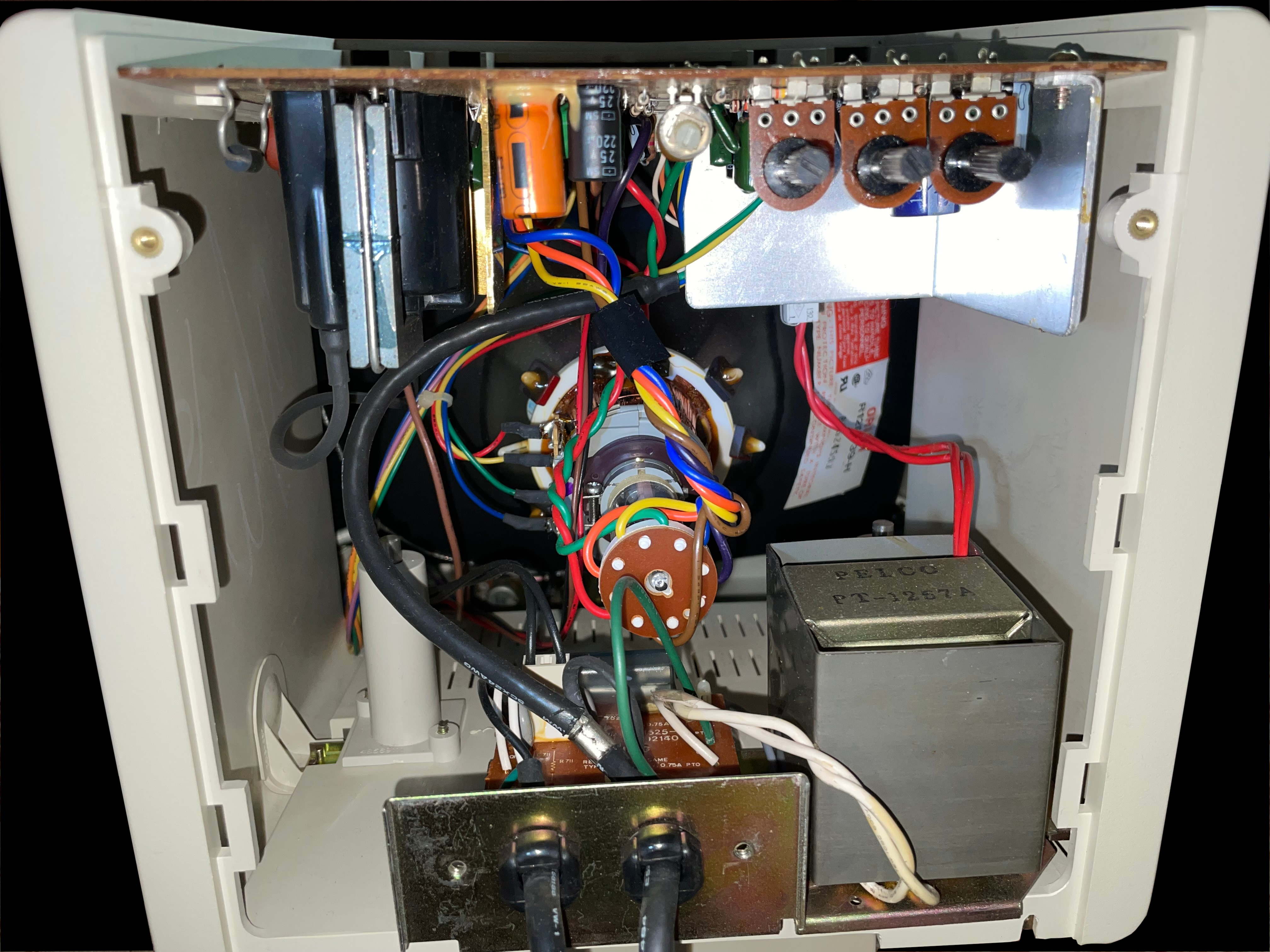
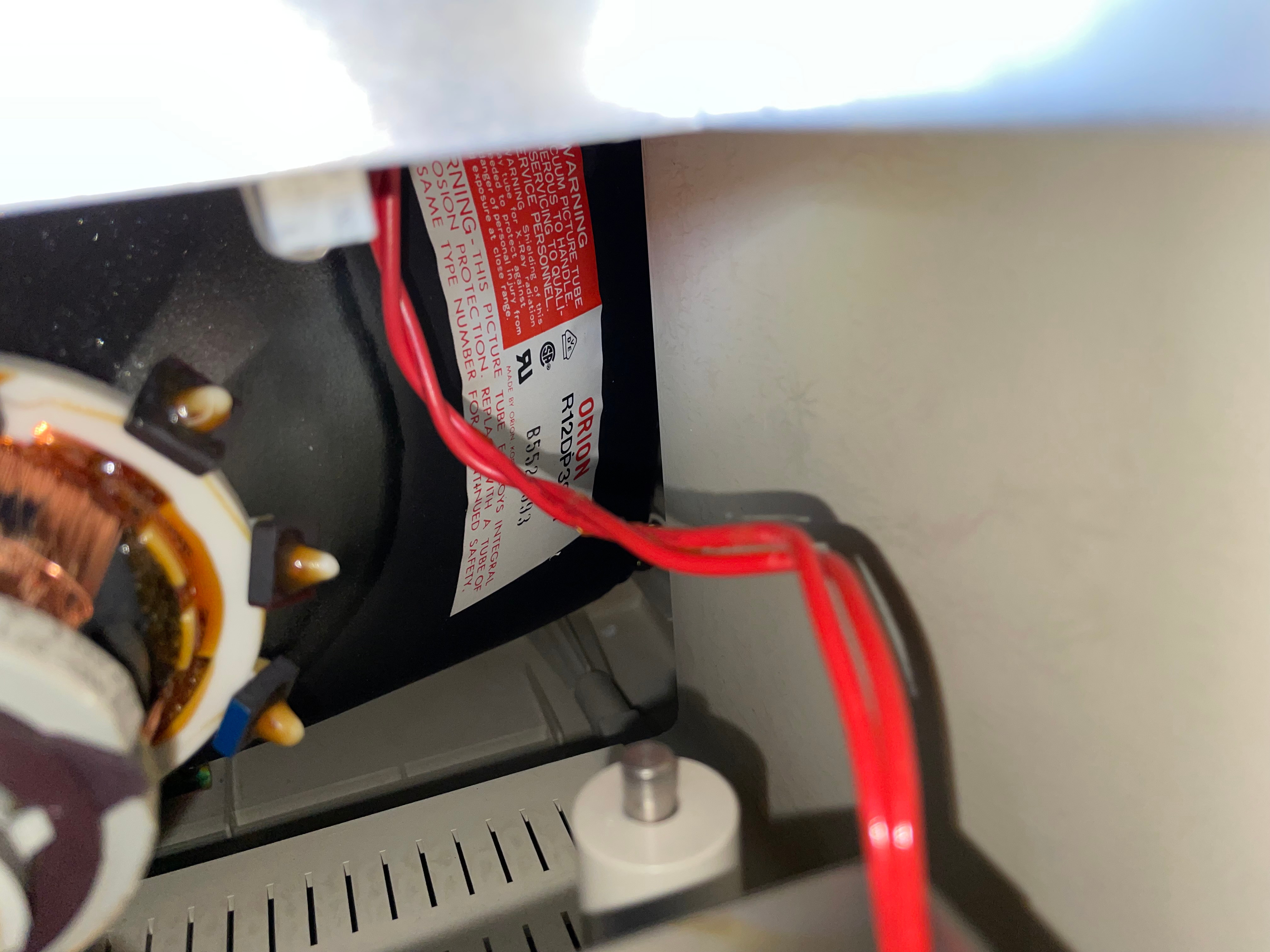
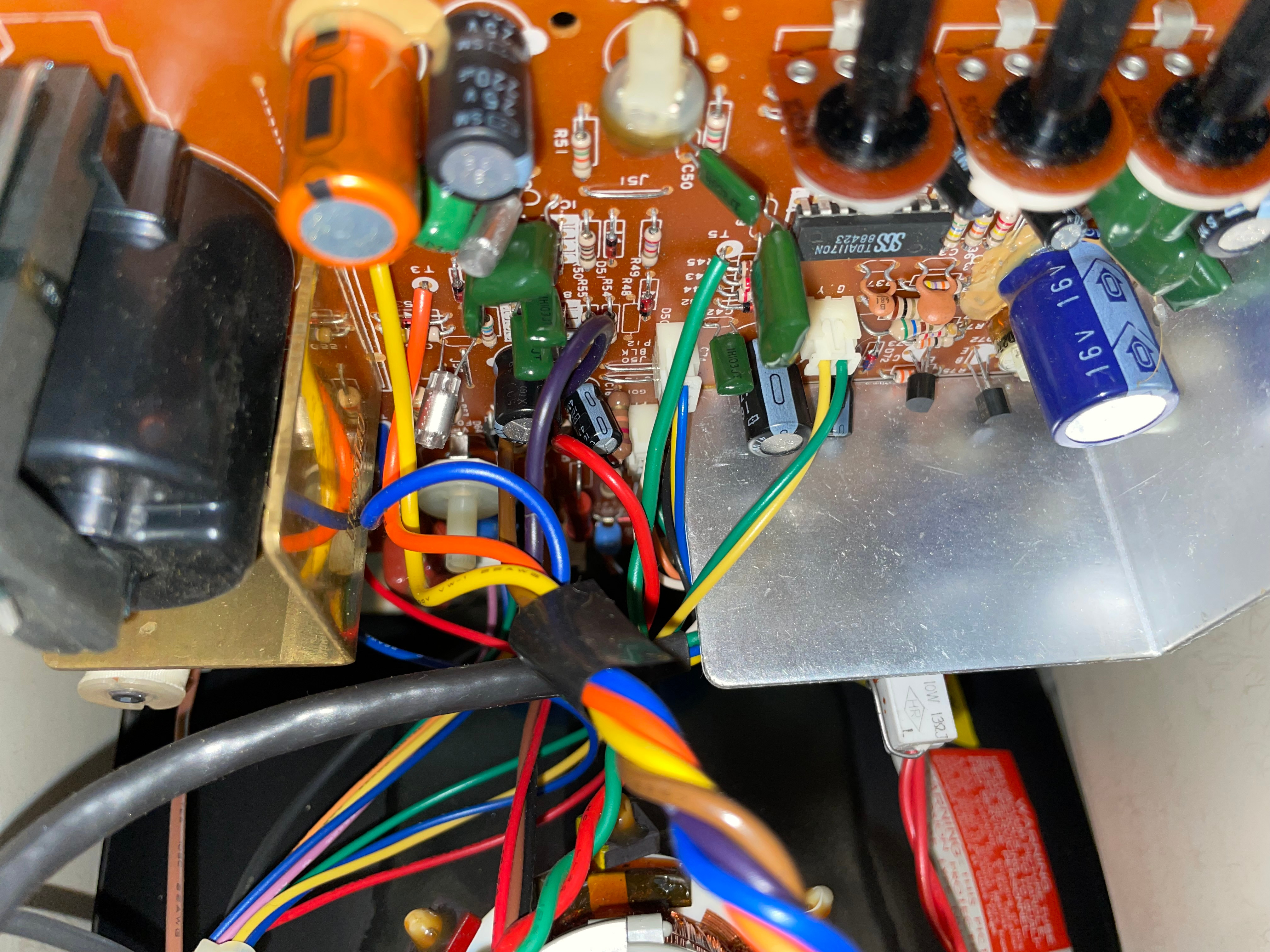
    An image of the Leading Edge DR-1240 Green Screen TTL monochrome monitor's original box indicating model number and serial number A photo of Leading Edge DR-1240 Green Screen TTL monochrome monitor's original box showing a stylized brand logo A photo of the Leading Edge DR-1240 Green Screen TTL monochrome monitor packaged in its box A photo of the Leading Edge DR-1240 Green Screen TTL monochrome monitor outside of its box but wrapped in foam A photo of the Leading Edge DR-1240 Green Screen TTL monochrome monitor resting on one side of its foam packing still in its bag A rear view image of the Leading Edge DR-1240 Green Screen TTL monochrome monitor Bottom image of the Leading Edge DR-1240 Green Screen TTL monochrome monitor showing its power switch, brightness and contrast controls, and its kickstand fully extended A top down view photo of the Leading Edge DR-1240 Green Screen TTL monochrome monitor Front facing view of the Leading Edge DR-1240 Green Screen TTL monochrome monitor Right-hand side view picture of the Leading Edge DR-1240 Green Screen TTL monochrome monitor Left-hand side view picture of the Leading Edge DR-1240 Green Screen TTL monochrome monitor A detail photo of the Leading Edge DR-1240 Green Screen TTL monochrome monitor's kickstand Interior electronics component view photo of the Leading Edge DR-1240 Green Screen TTL monochrome monitor Photo of an Orion label on the Leading Edge DR-1240 Green Screen TTL monochrome monitor's tube A photo of the Leading Edge DR-1240 Green Screen TTL monochrome monitor's logic board

     Fortiva 3000

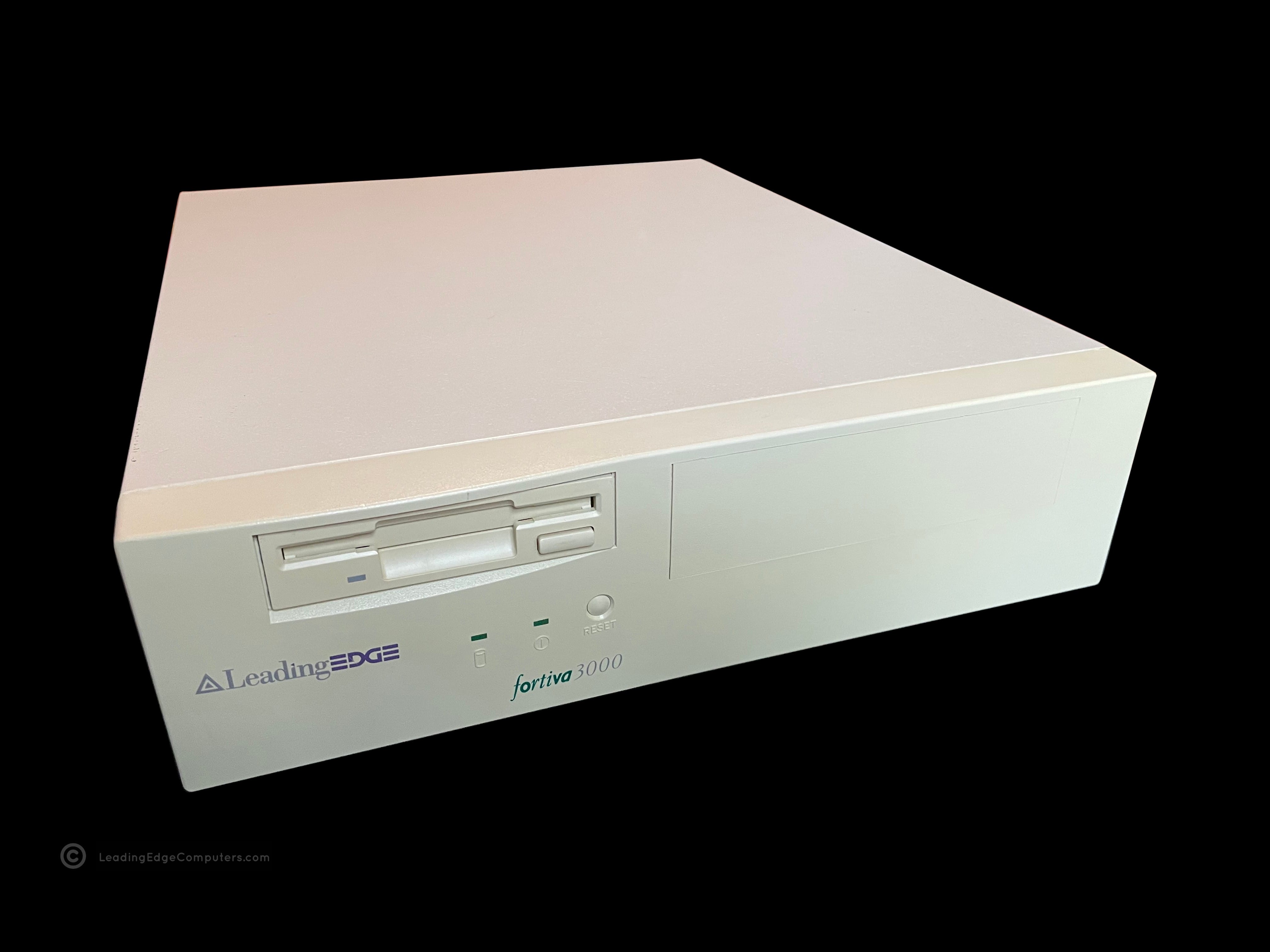
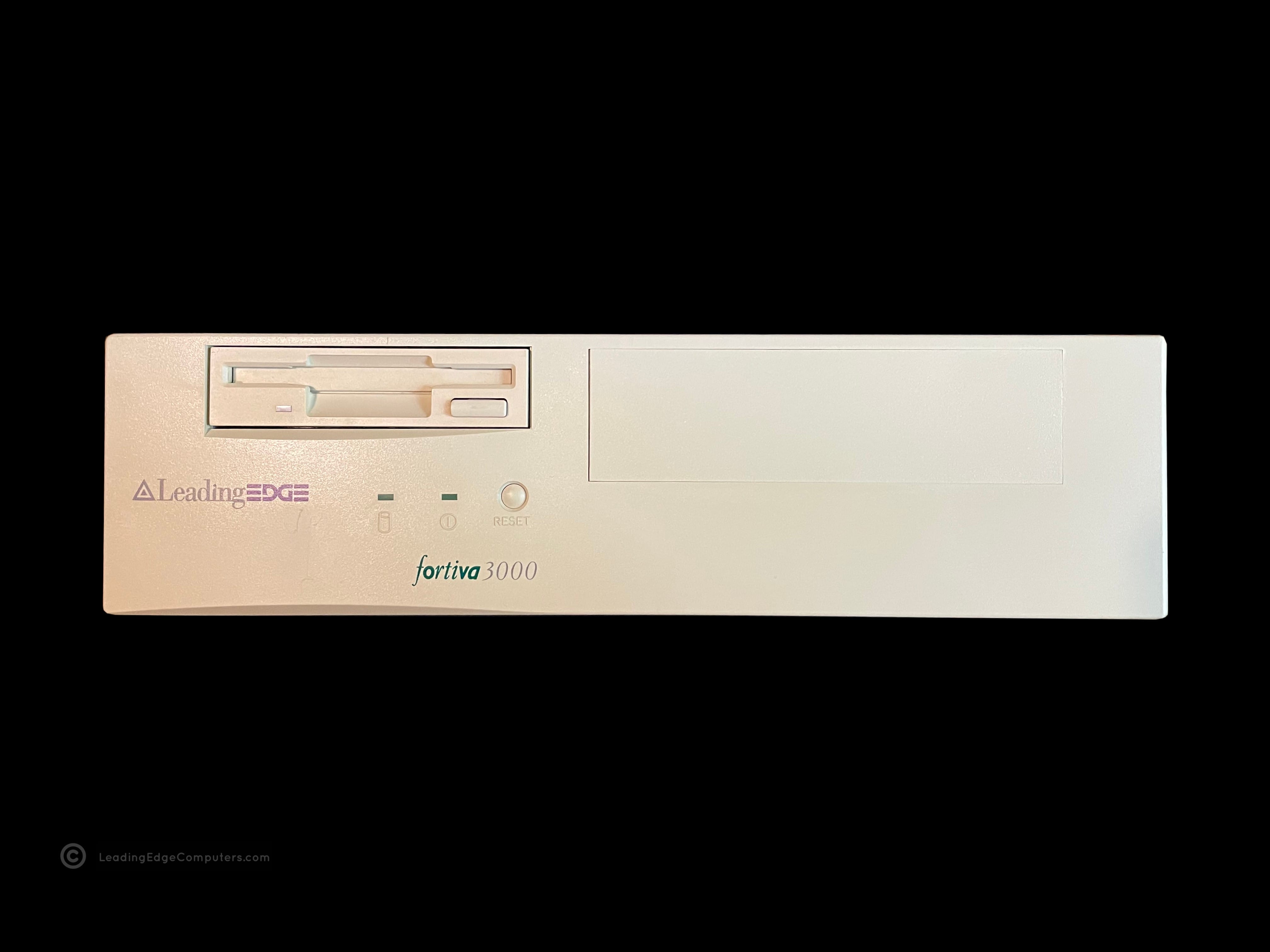
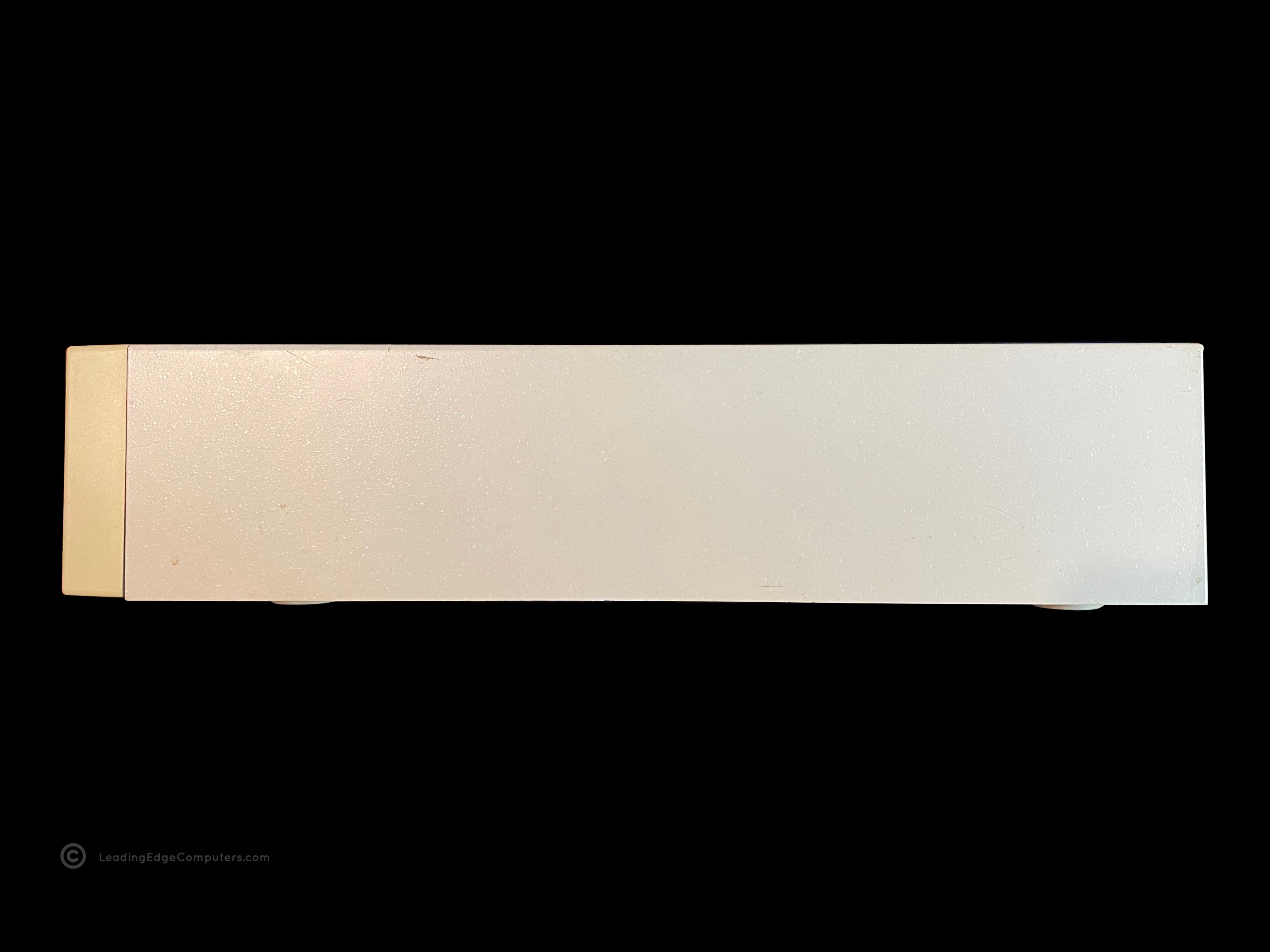
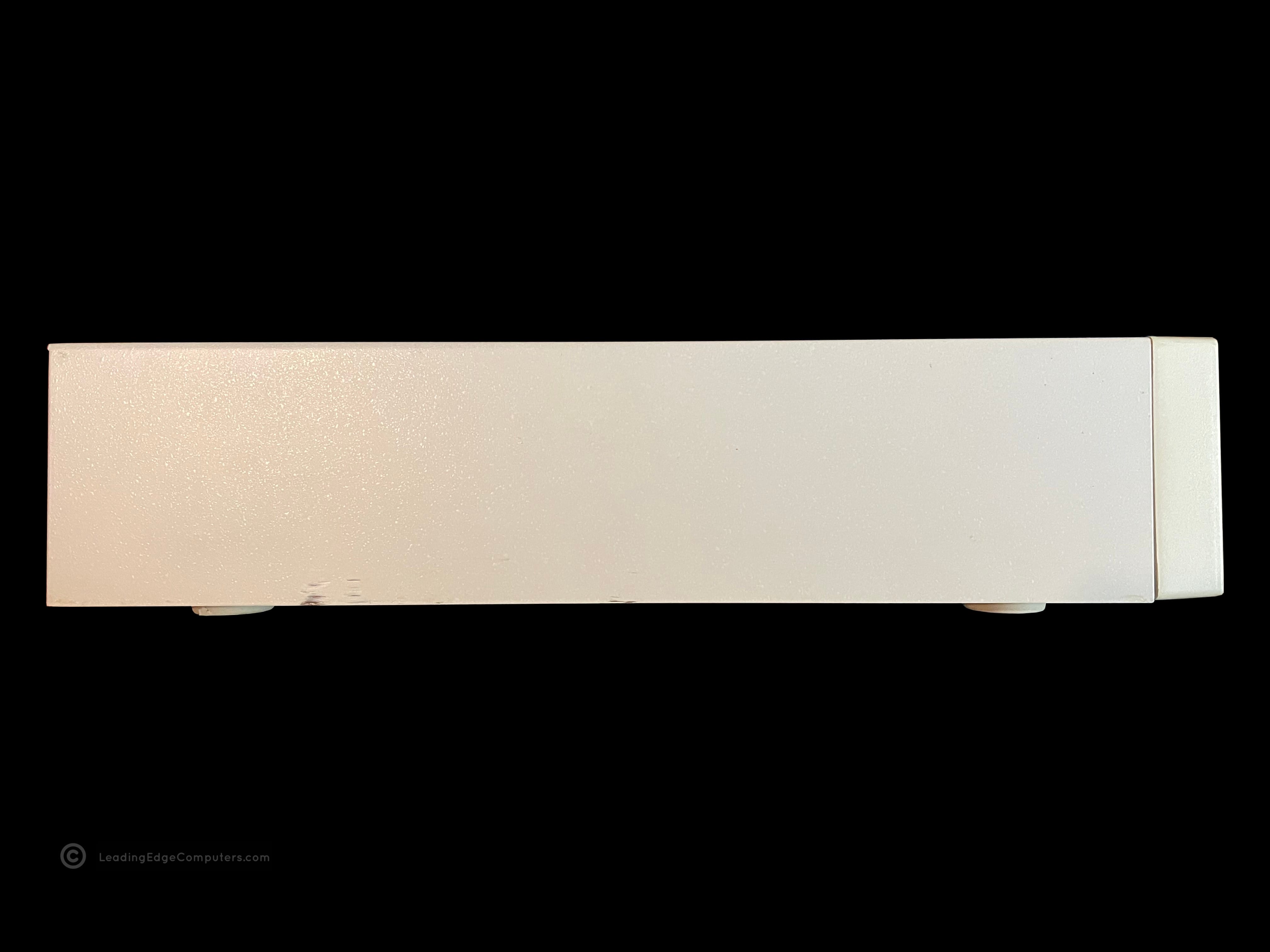
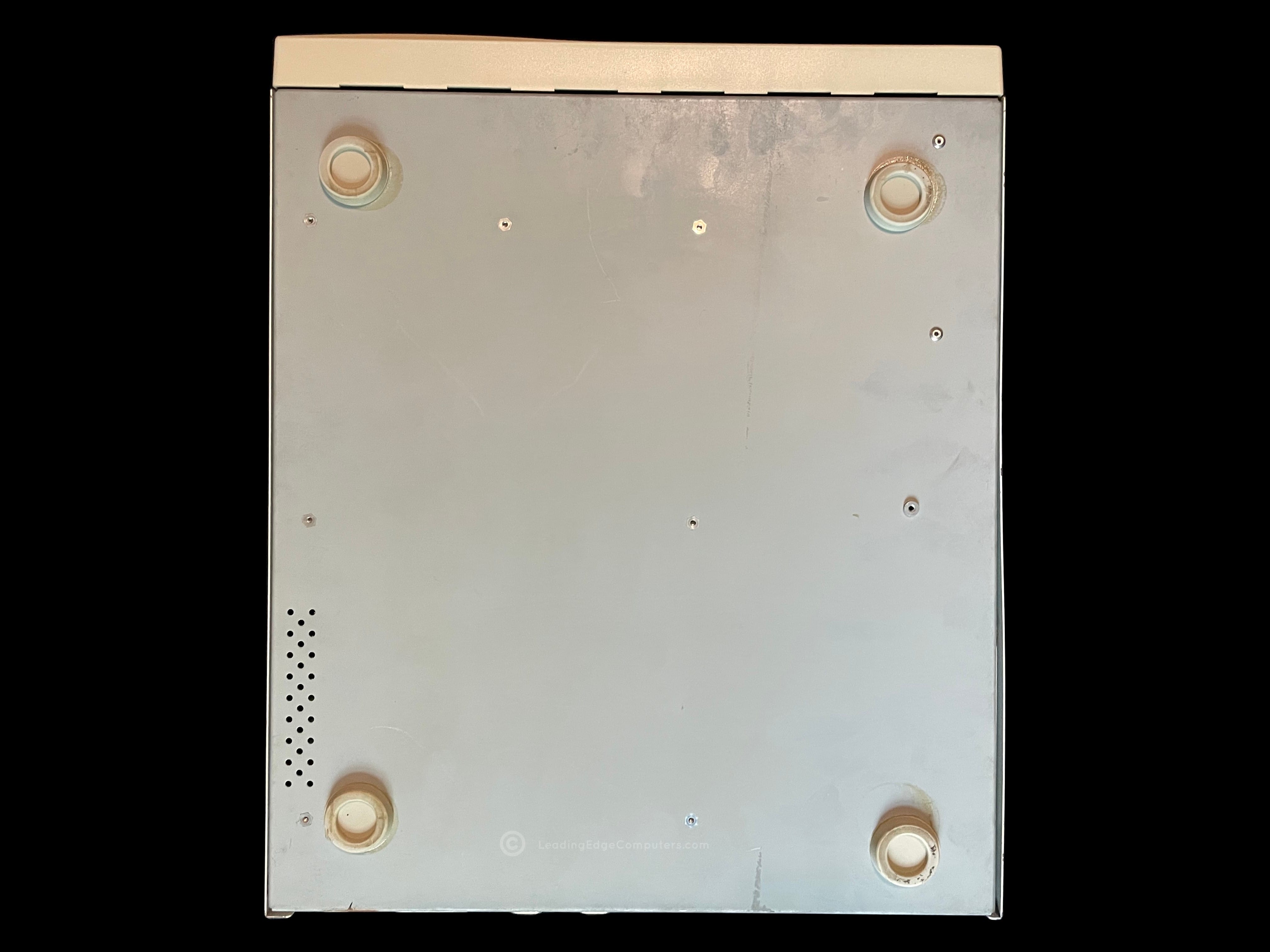
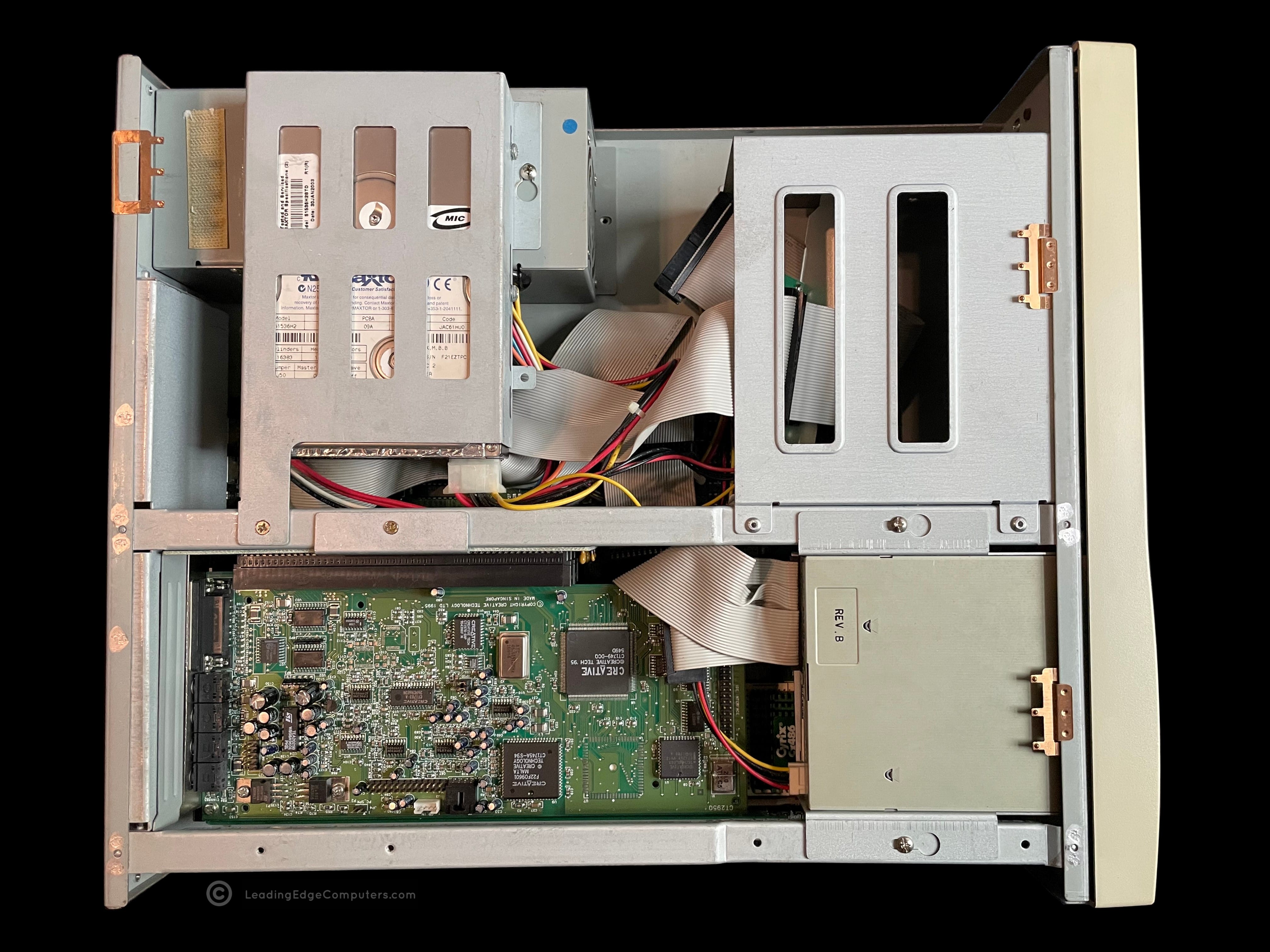
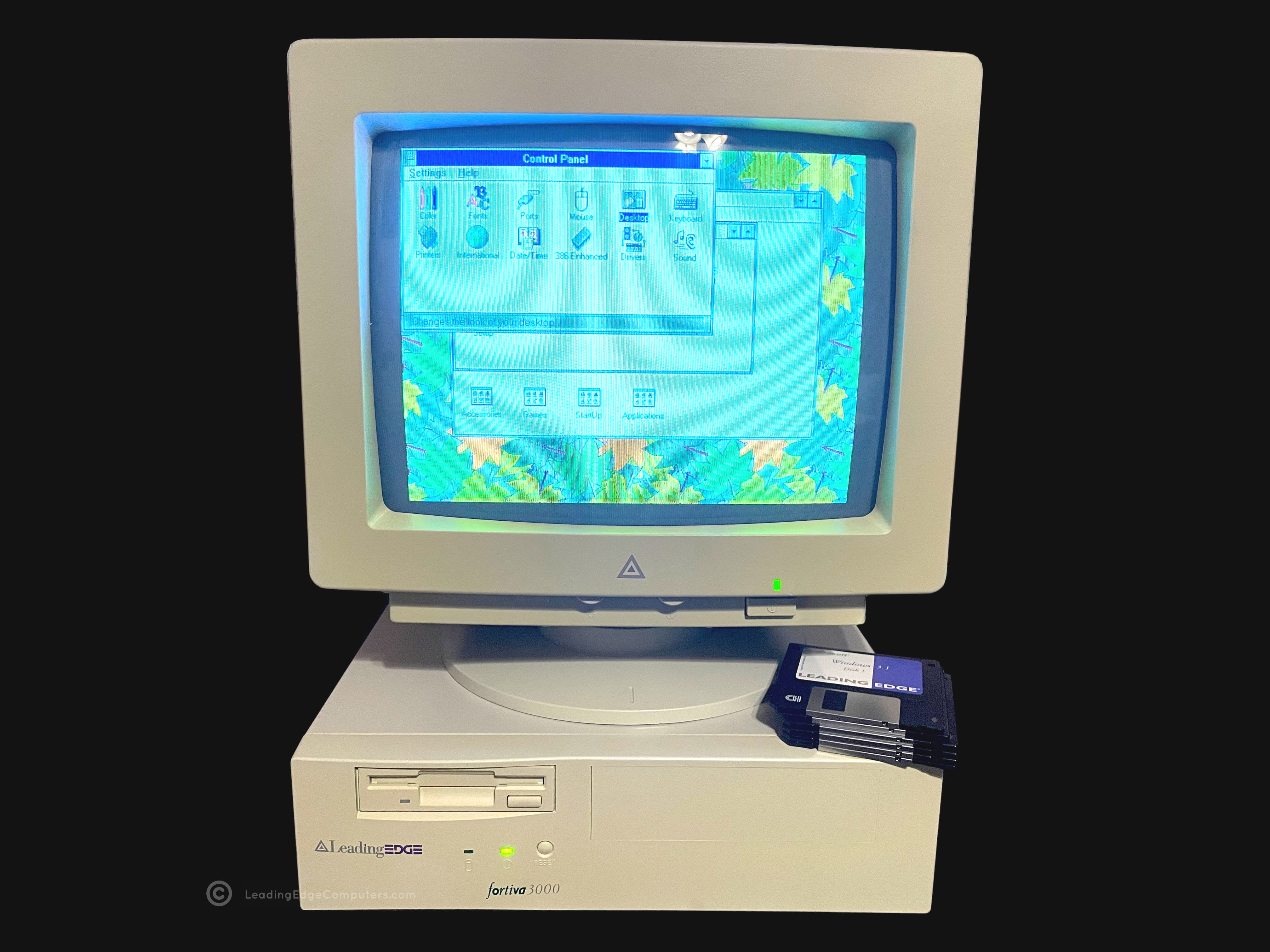
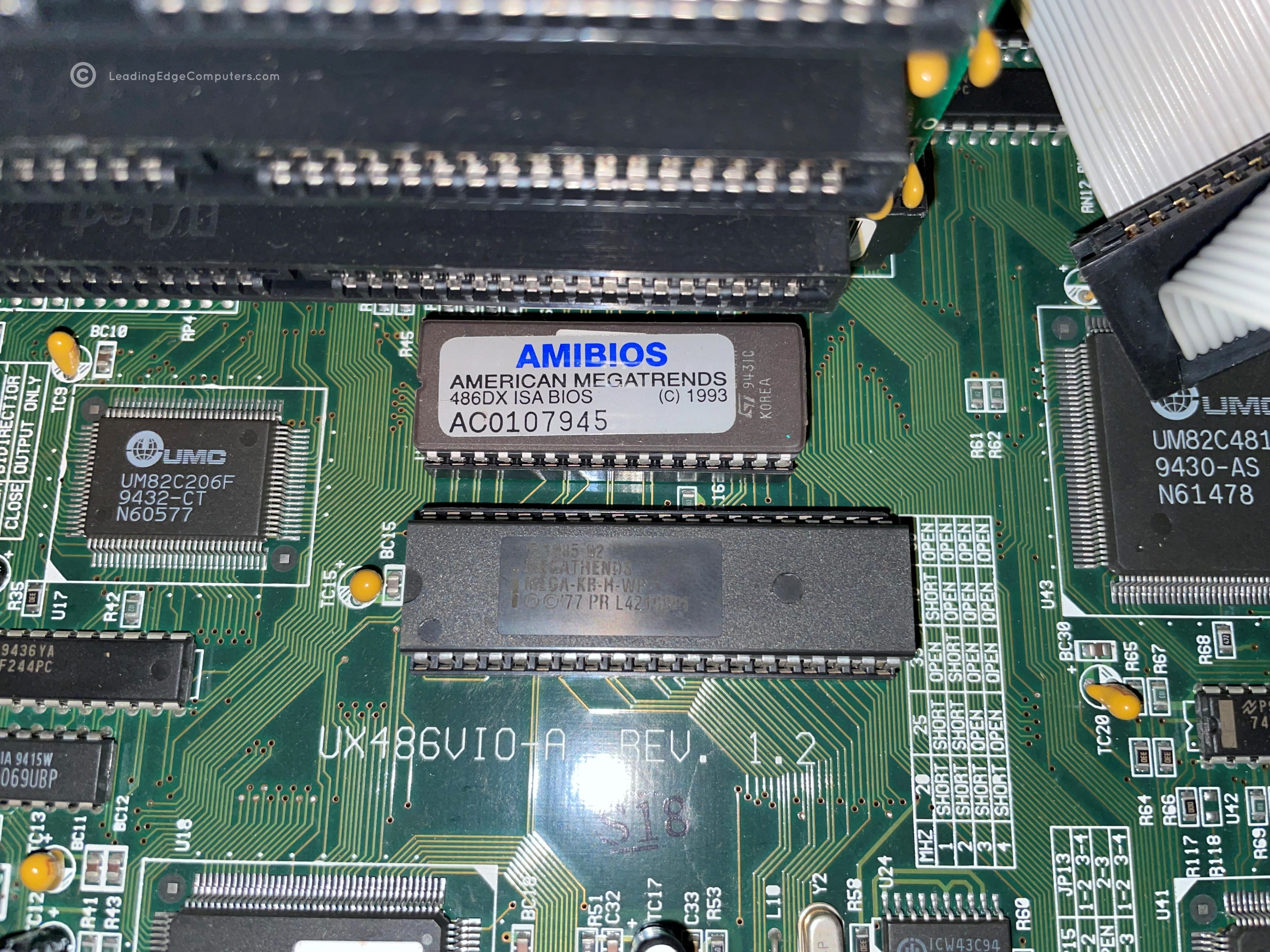
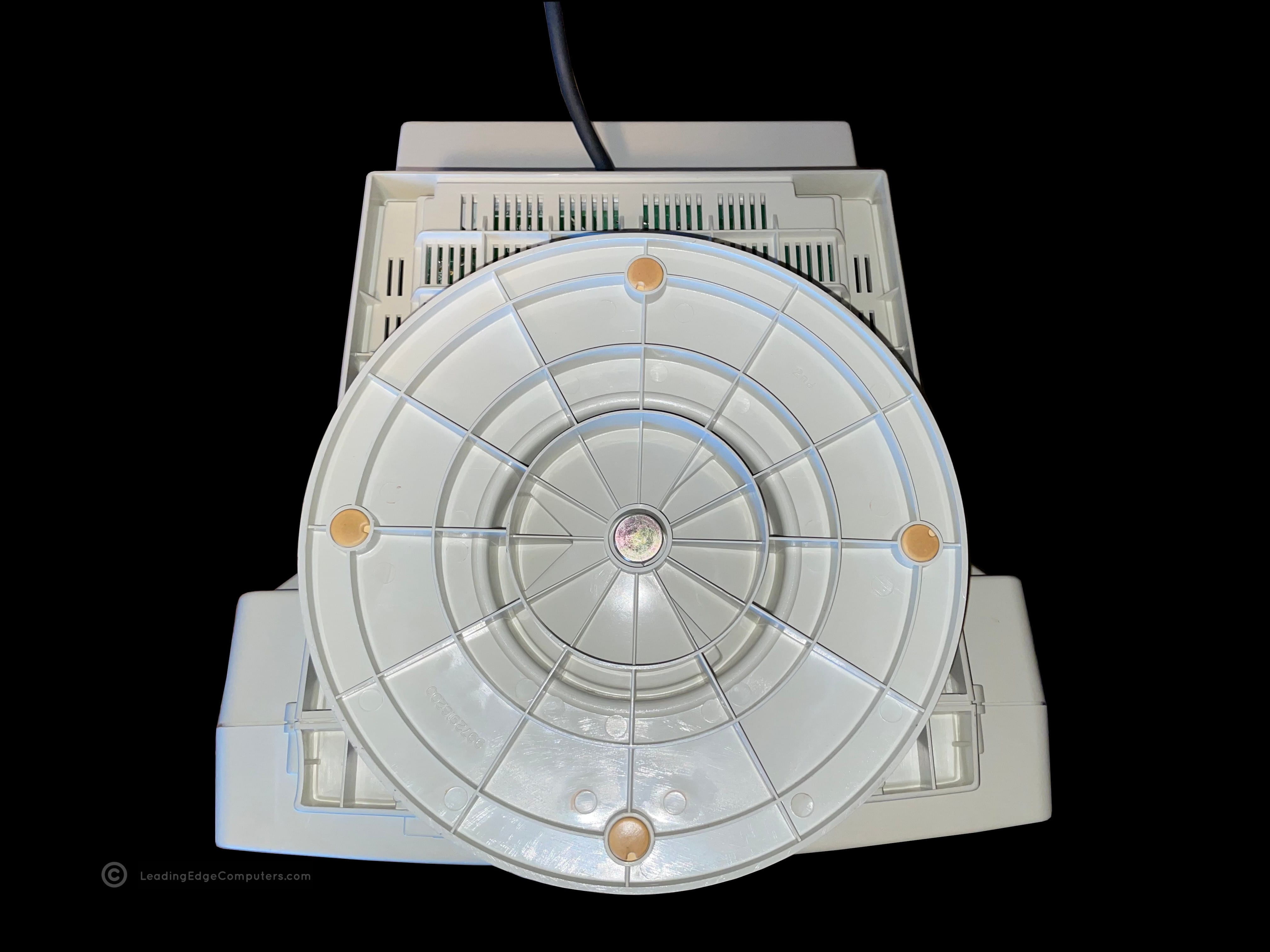
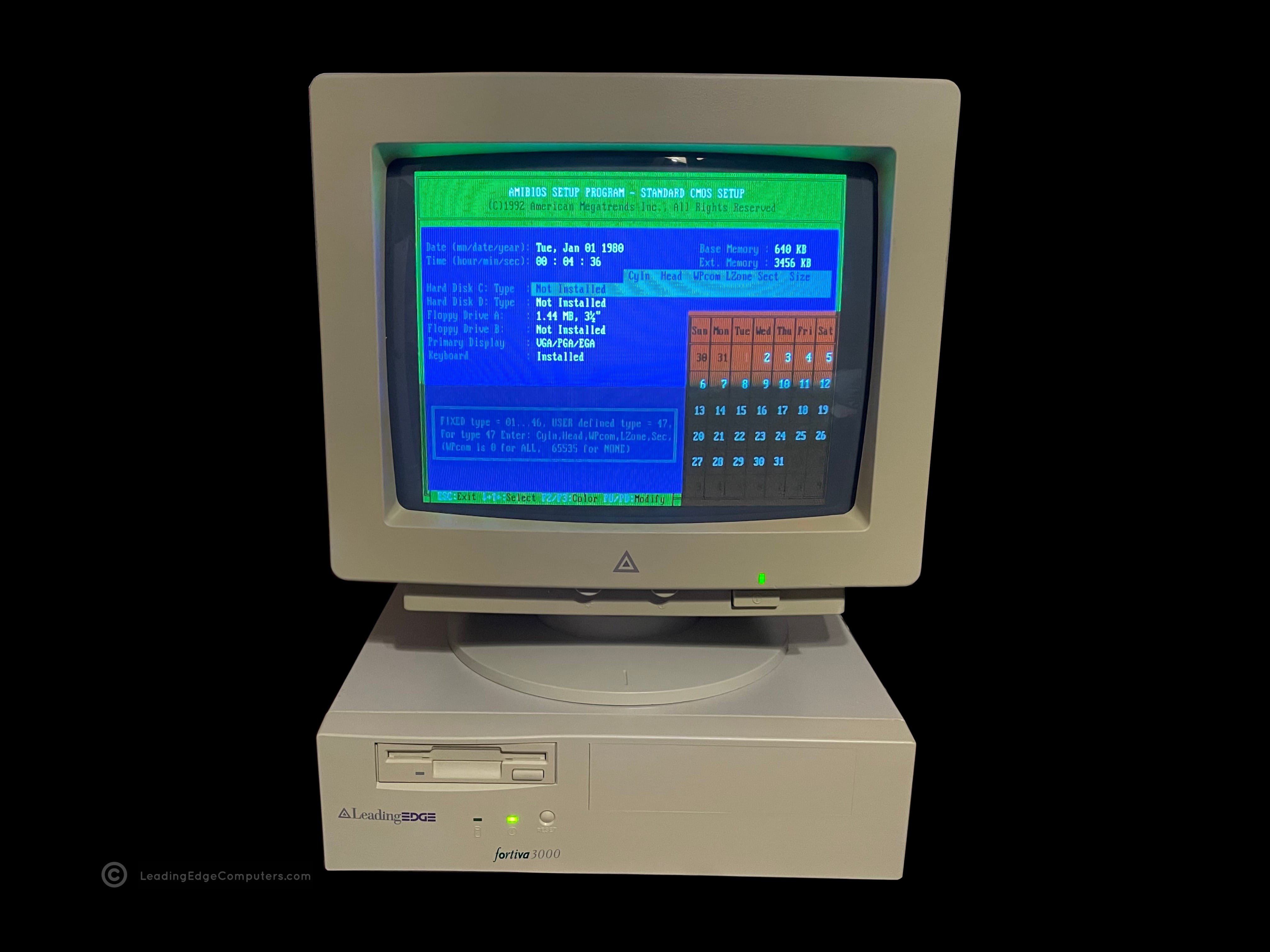
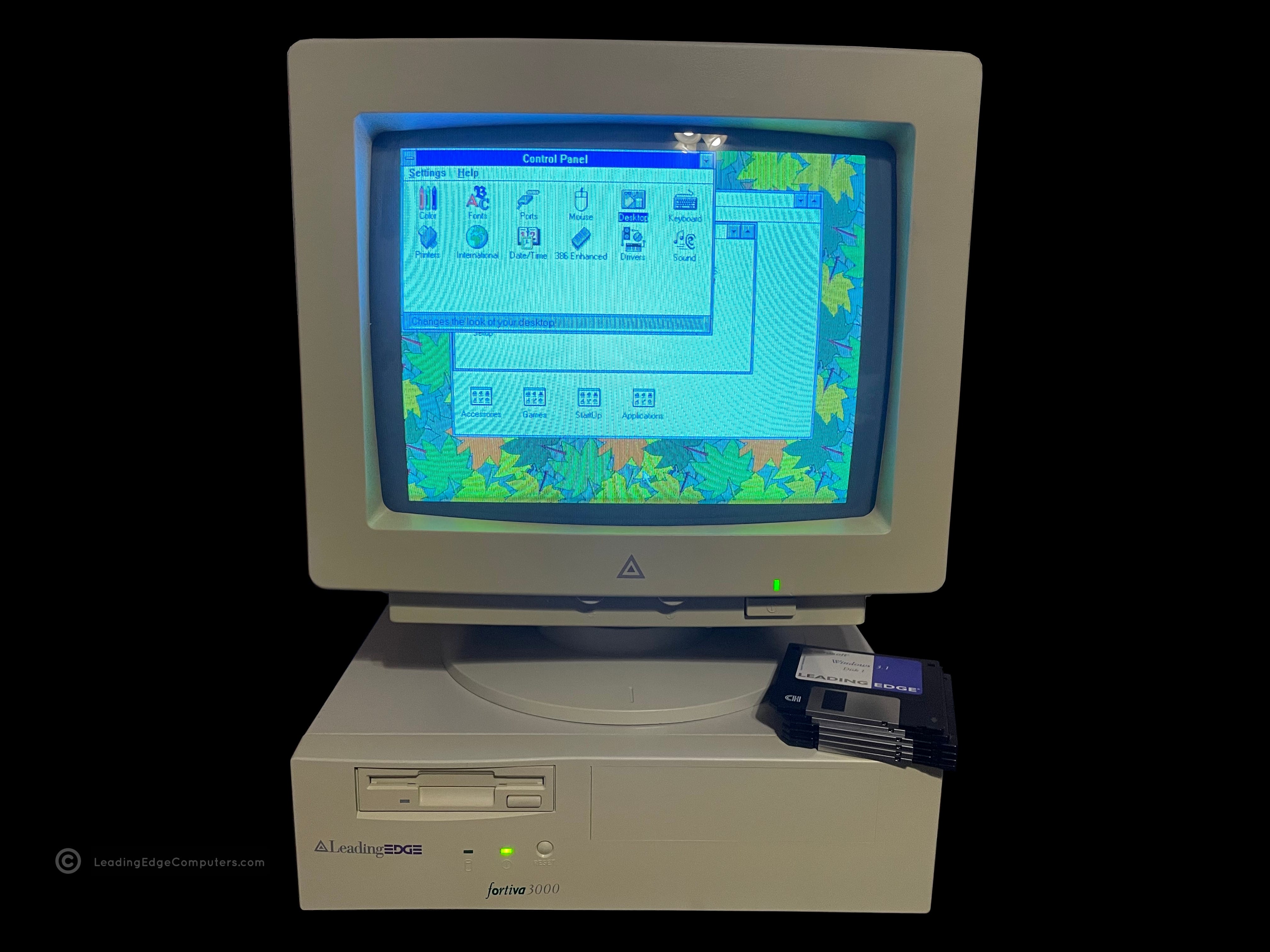
    Top down photo of a Leading Edge Fortiva 3000 computer A detailed photo of the front and top of a Fortiva 3000 computer A picture of the front of the Leading Edge Fortiva 3000 computer A photo of the right-hand view of the Leading Edge Fortiva 3000 computer A photo of the left-hand view of the Leading Edge Fortiva 3000 computer A photo showing the bottom of the Leading Edge Fortiva 3000 computer A photo of the rear of a Leading Edge Fortiva 3000 computer The Leading Edge Fortiva 3000 computer with it's case cover removed A close up shot of the Leading Edge Fortiva 3000 computer cpu and chipset A photo of the Leading Edge Fortiva 3000 computer's cache sockets A photo of the Leading Edge Fortiva 3000 computer with a Sound Blaster 16 sound card newly installed A hero shot of the Fortiva 3000 computer made by Leading Edge Products

     Fortiva 3000 System BIOS V161

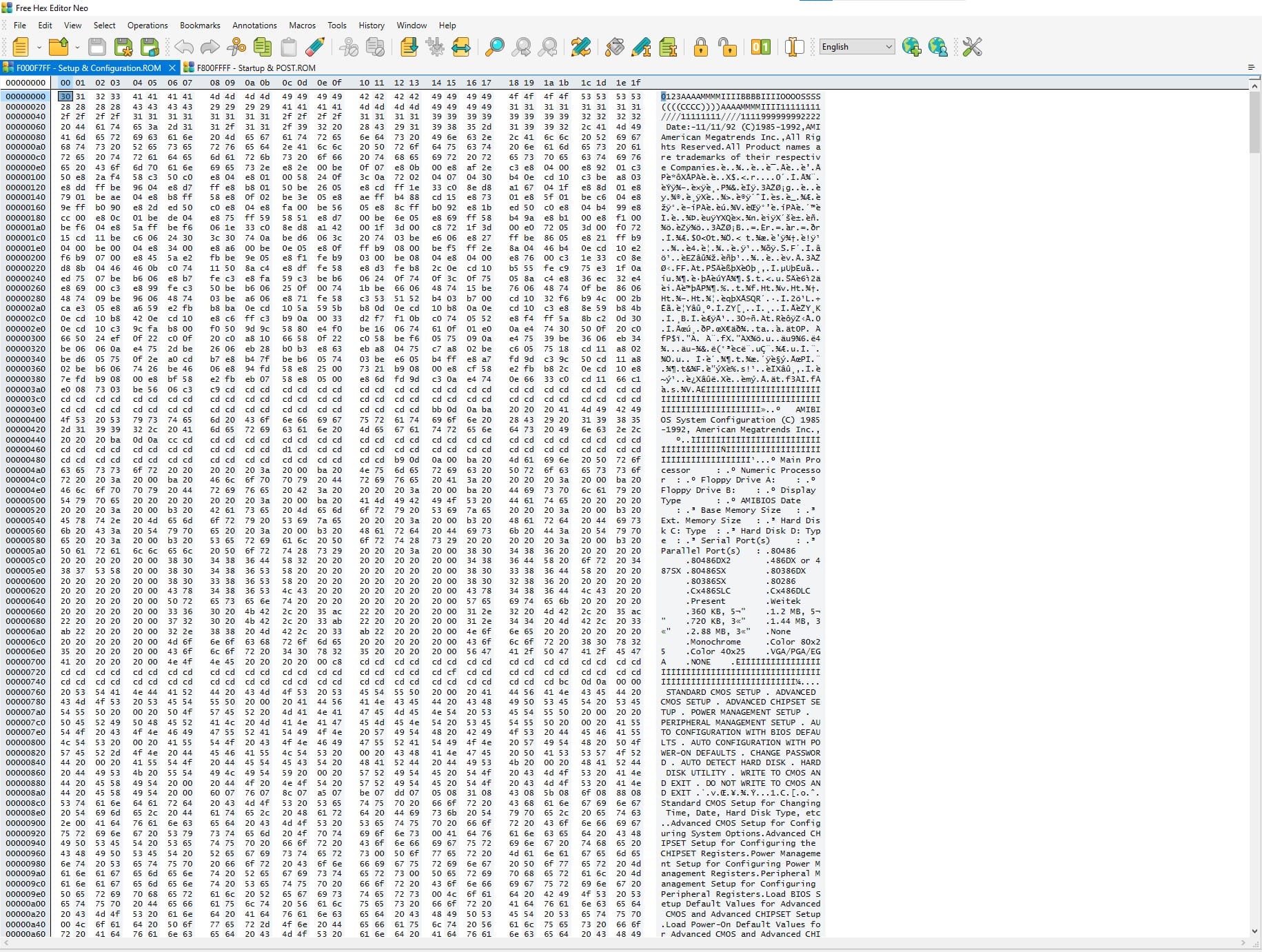
    fortiva 3000 bios fortiva 3000 bios fortiva 3000 bios

     Geoworks Desktop Manager

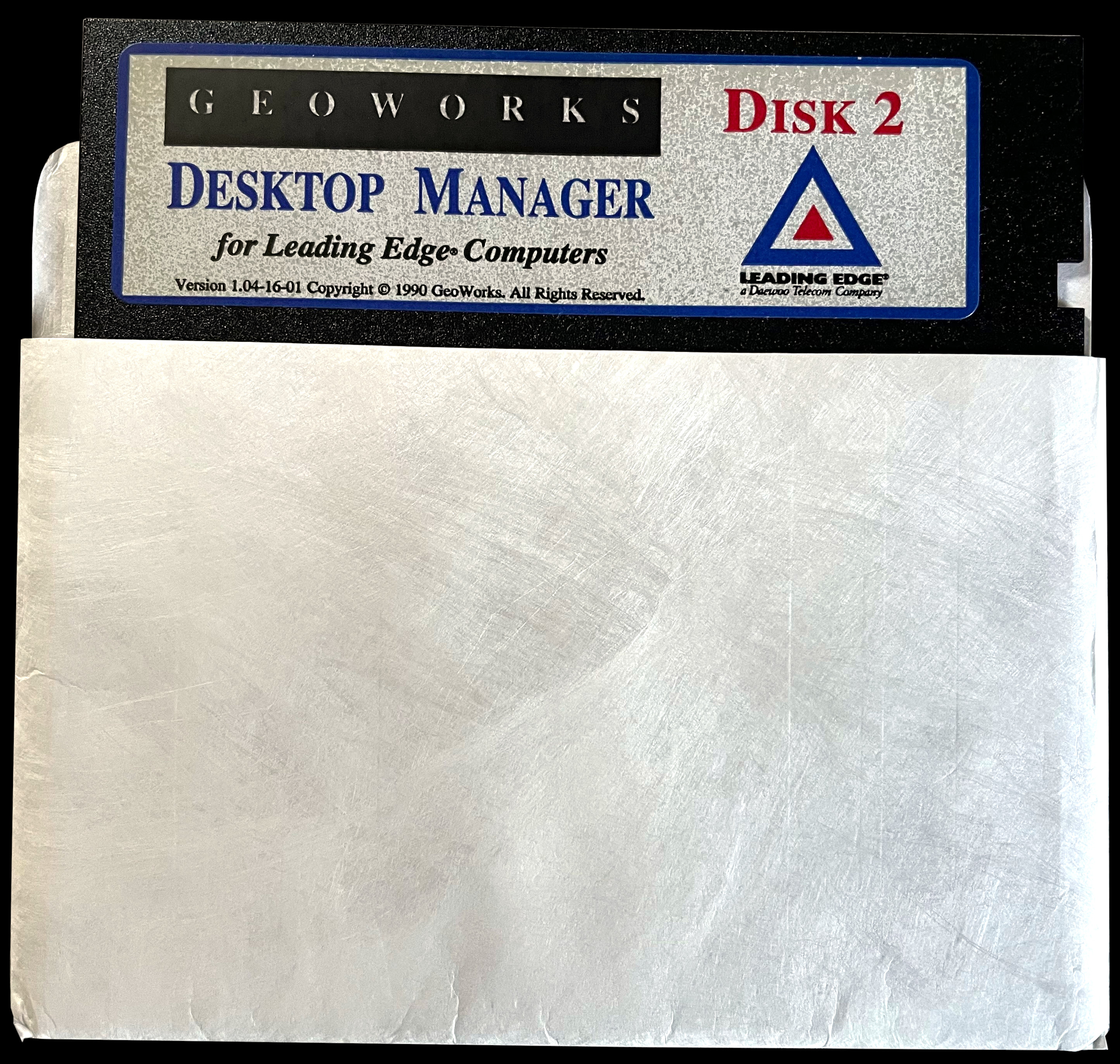
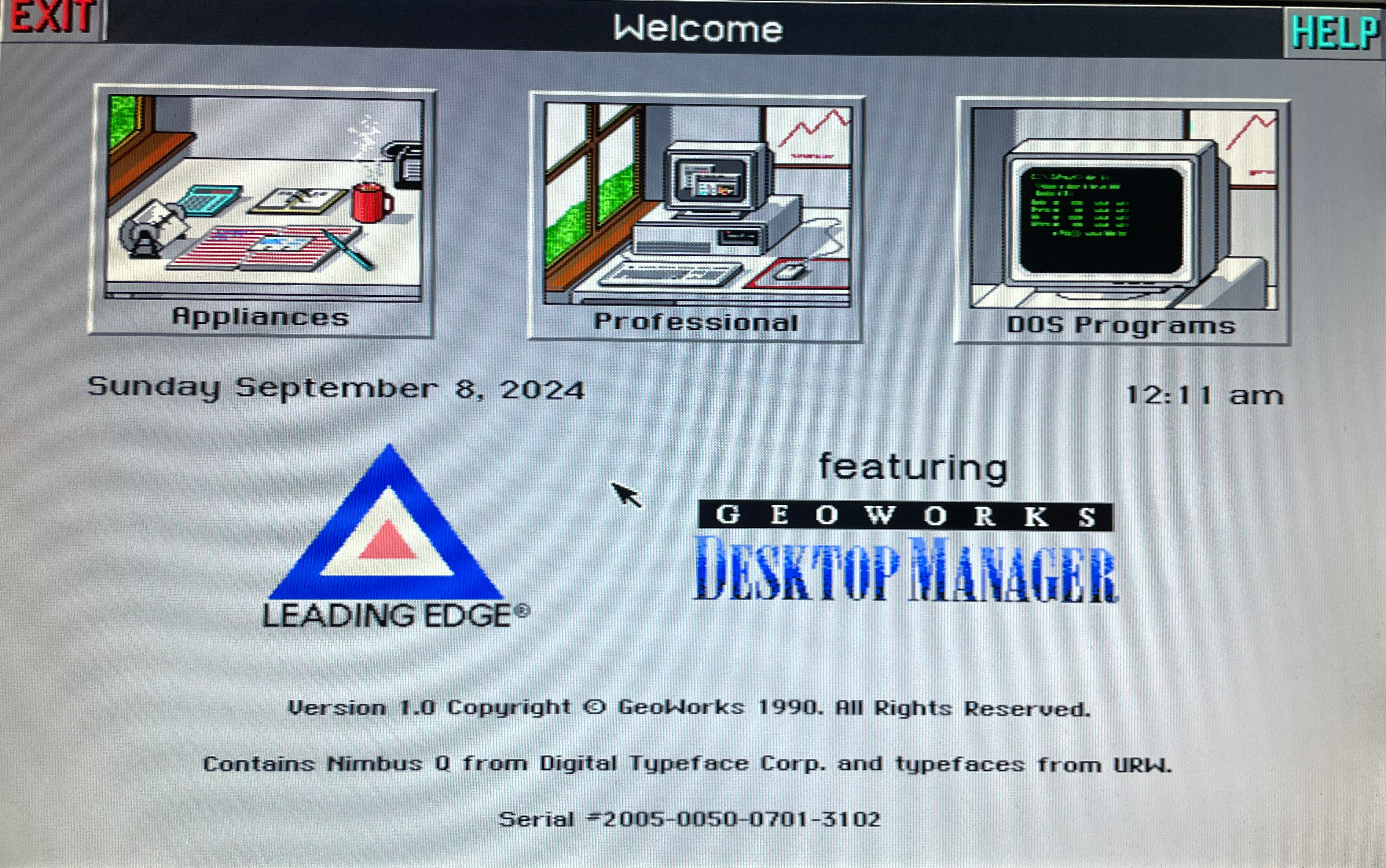
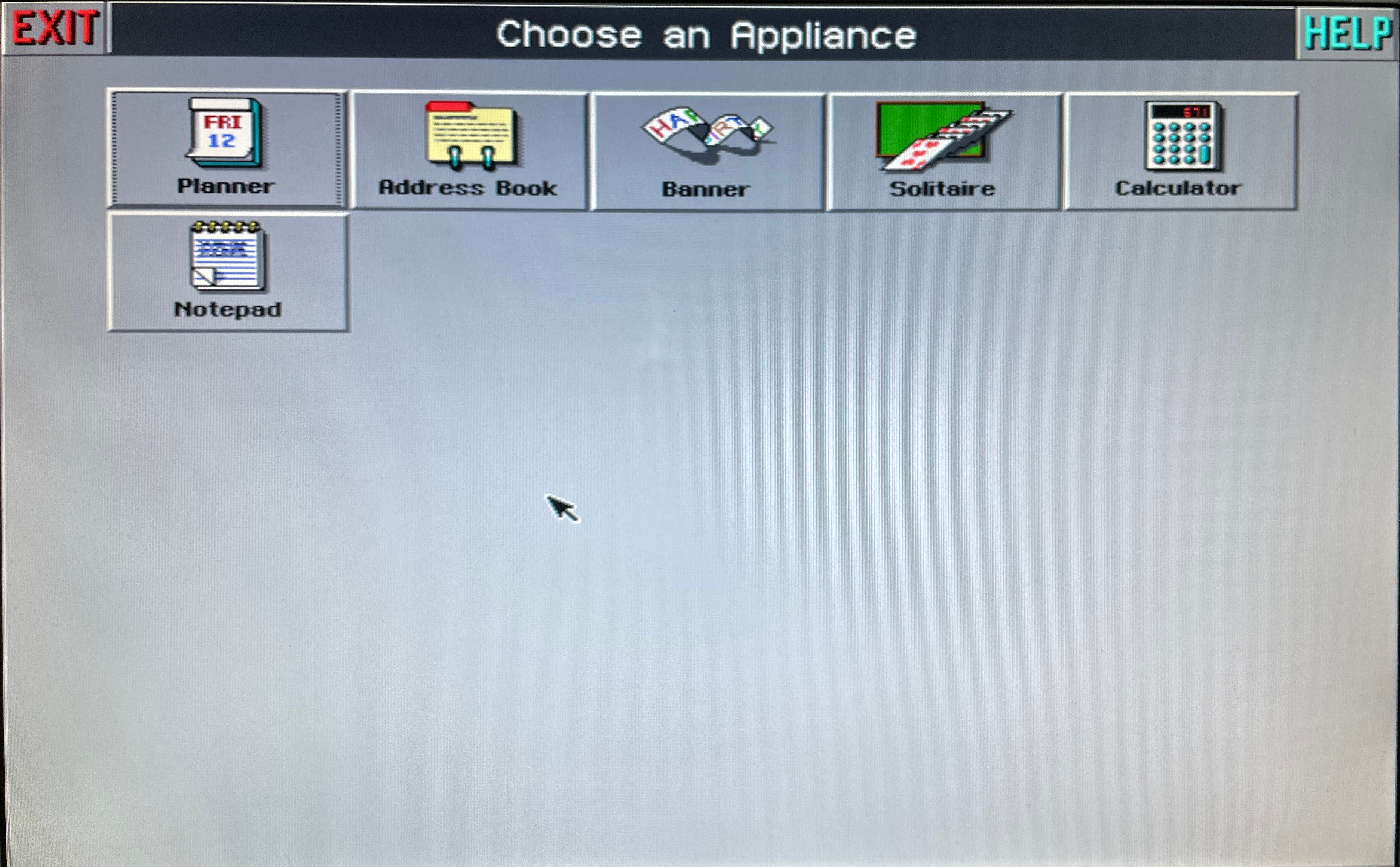
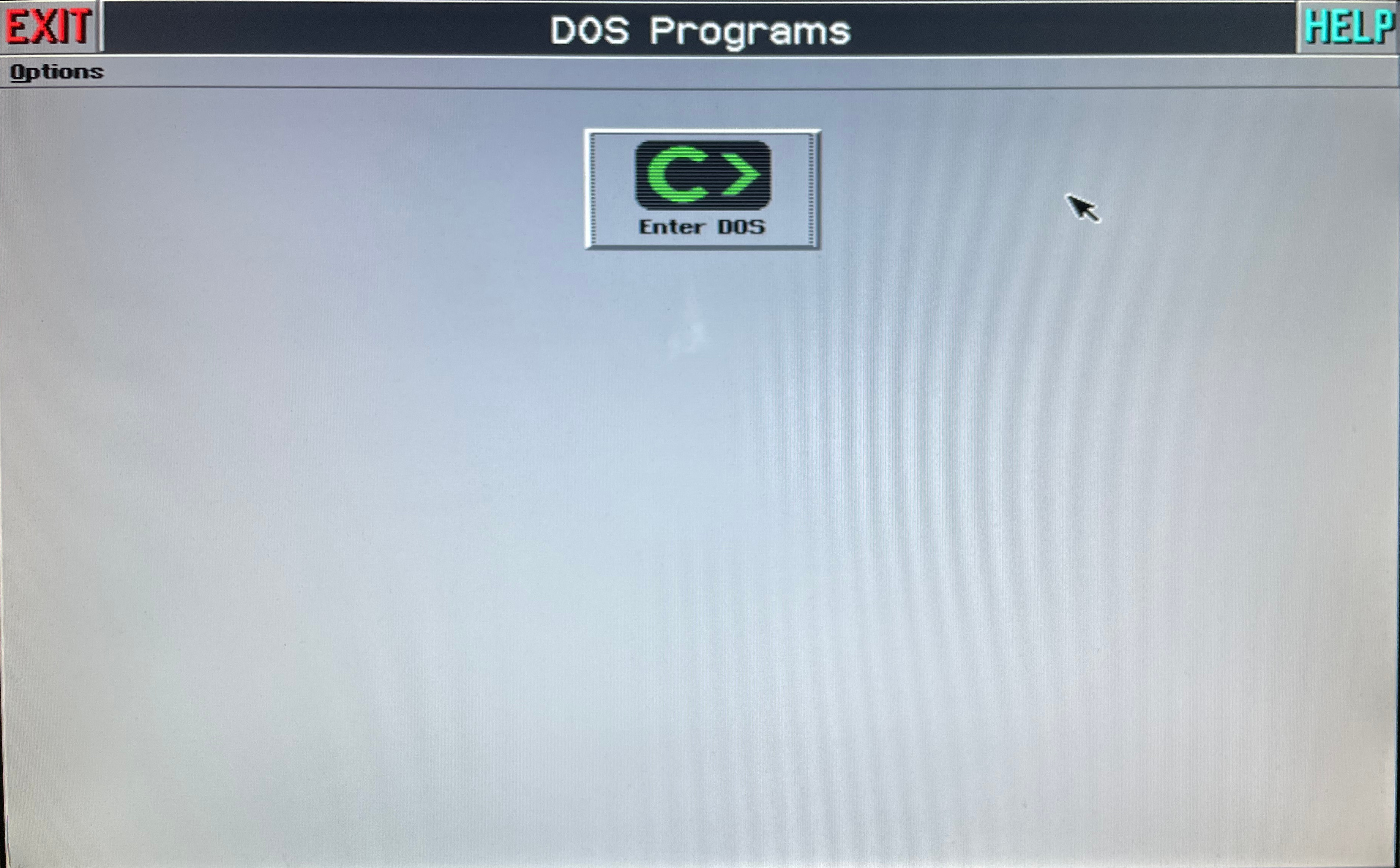
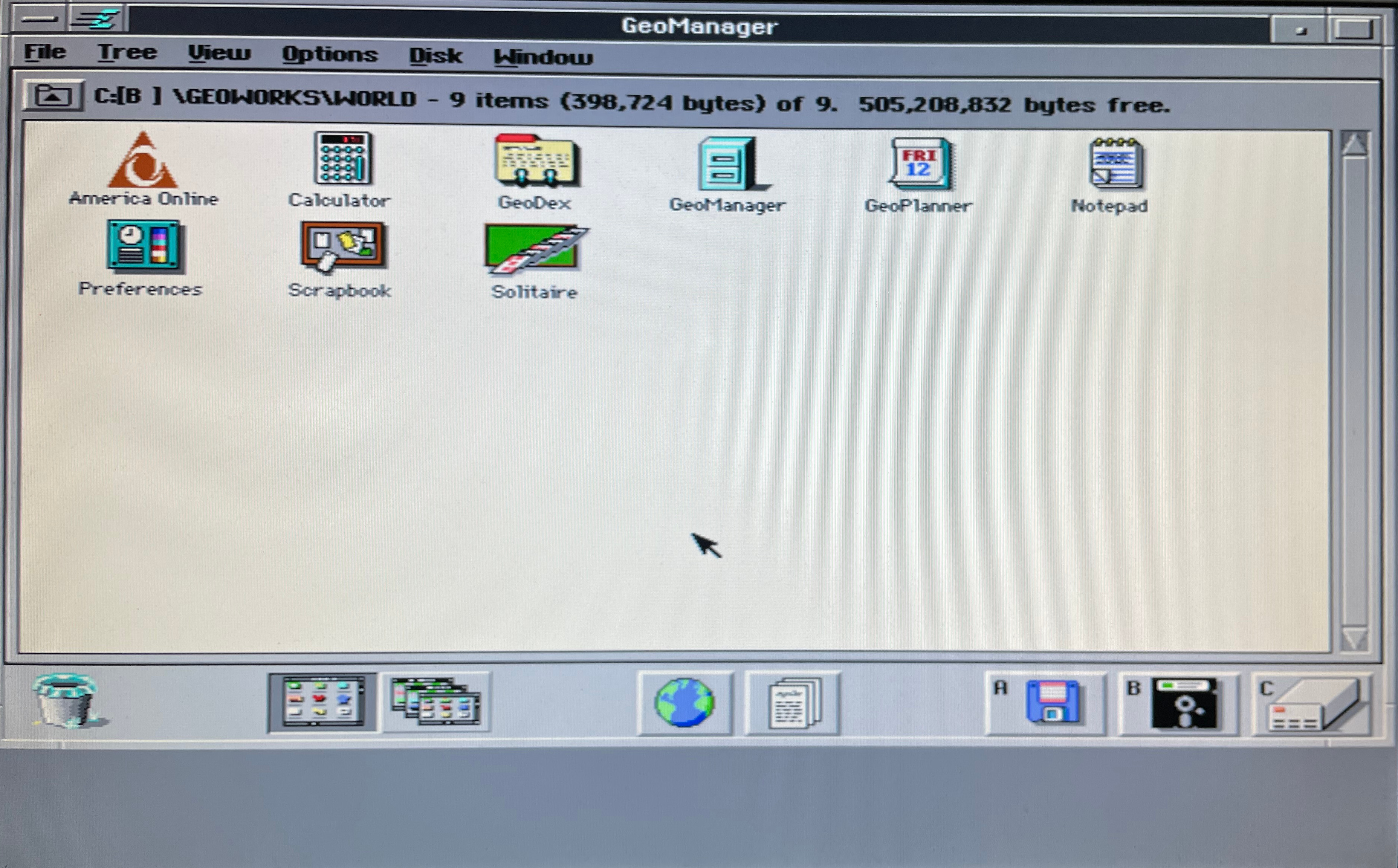
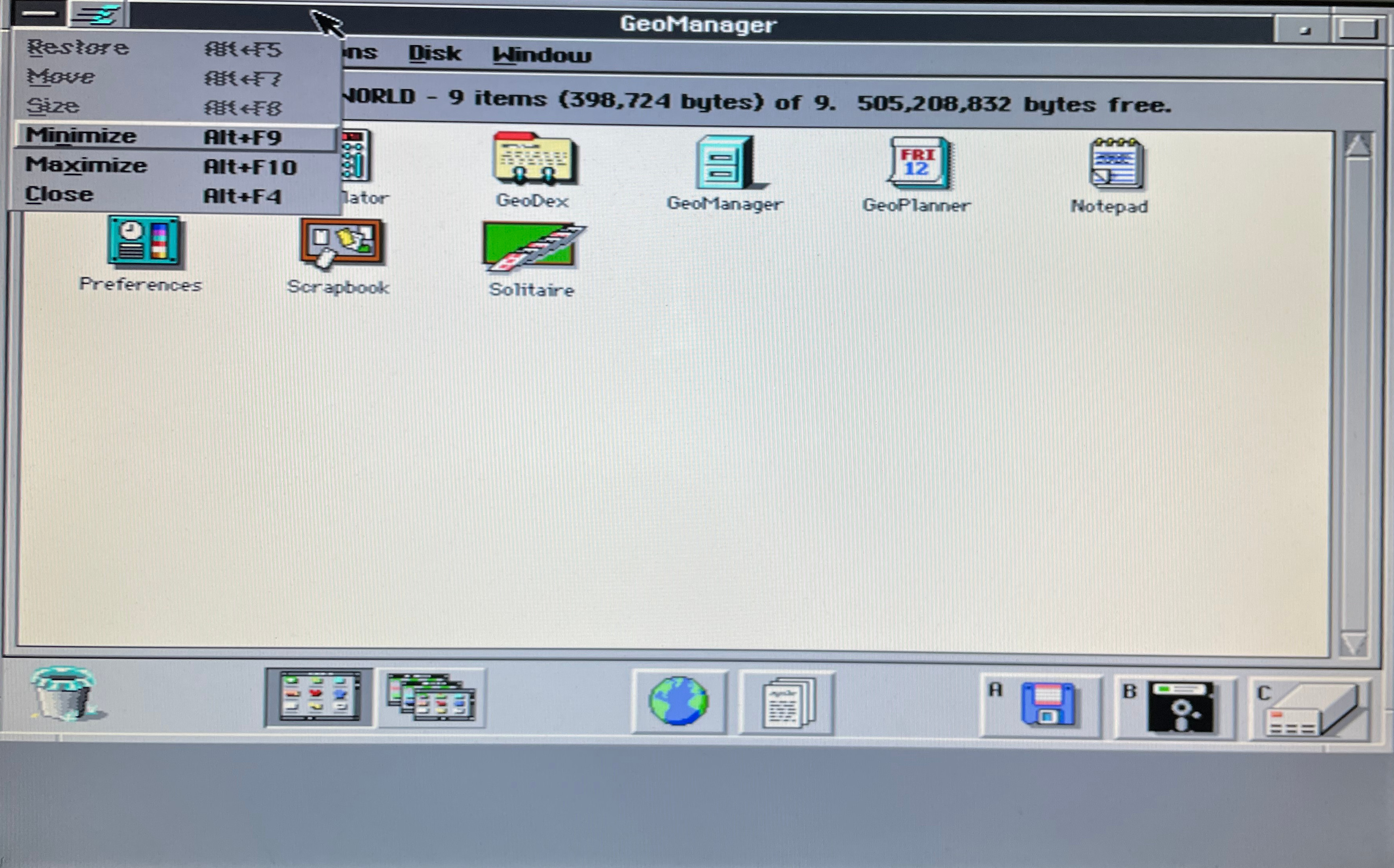
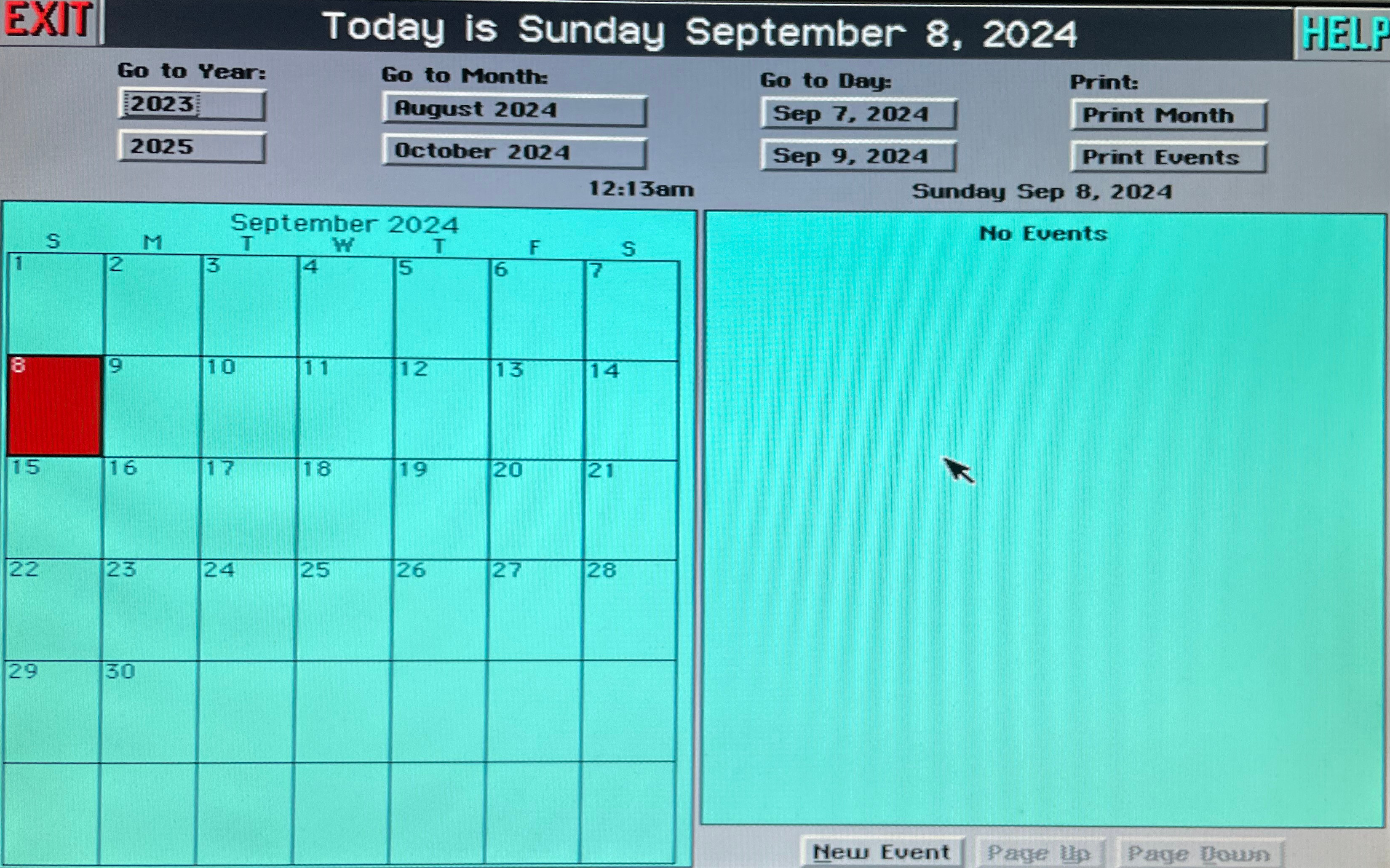
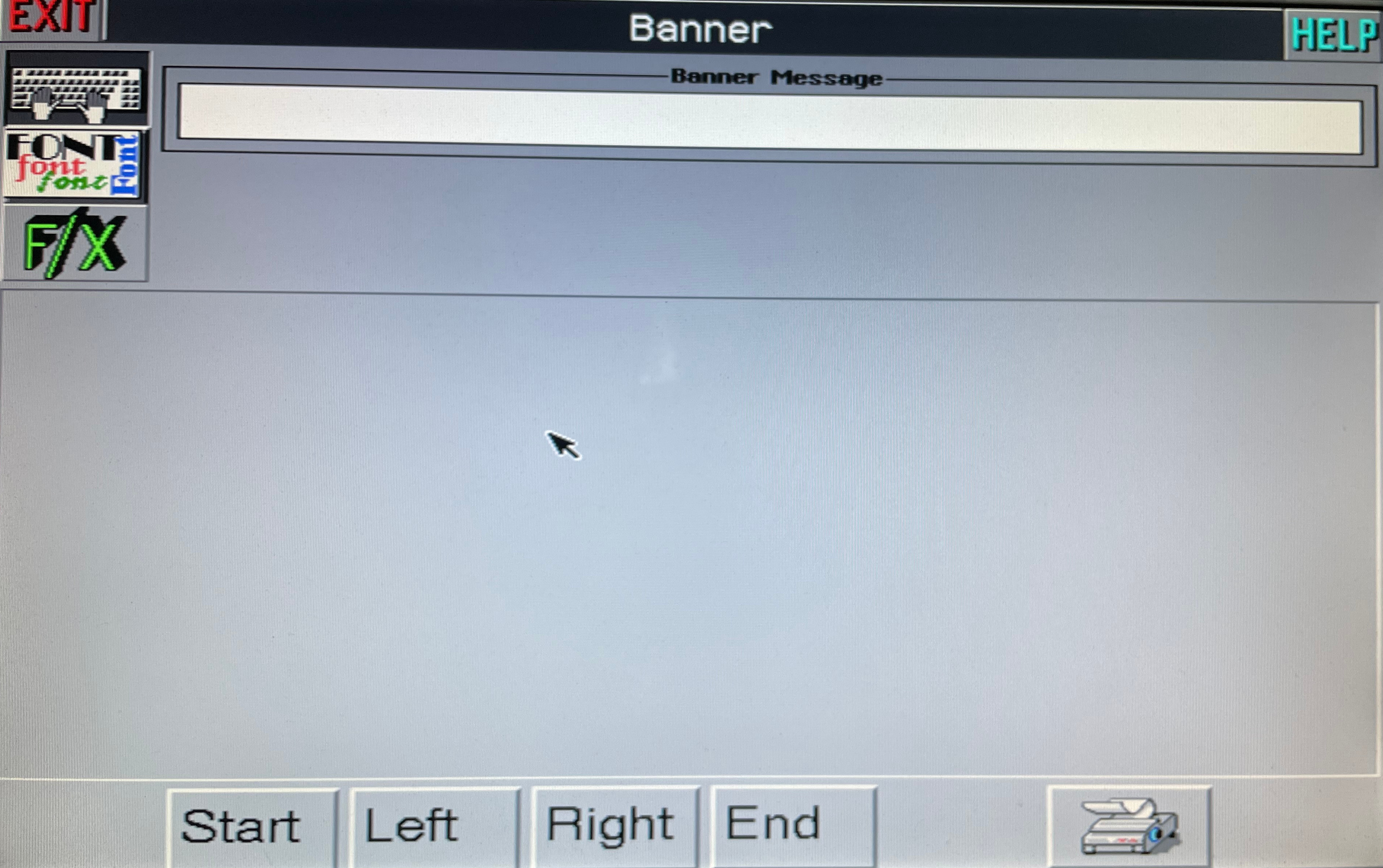
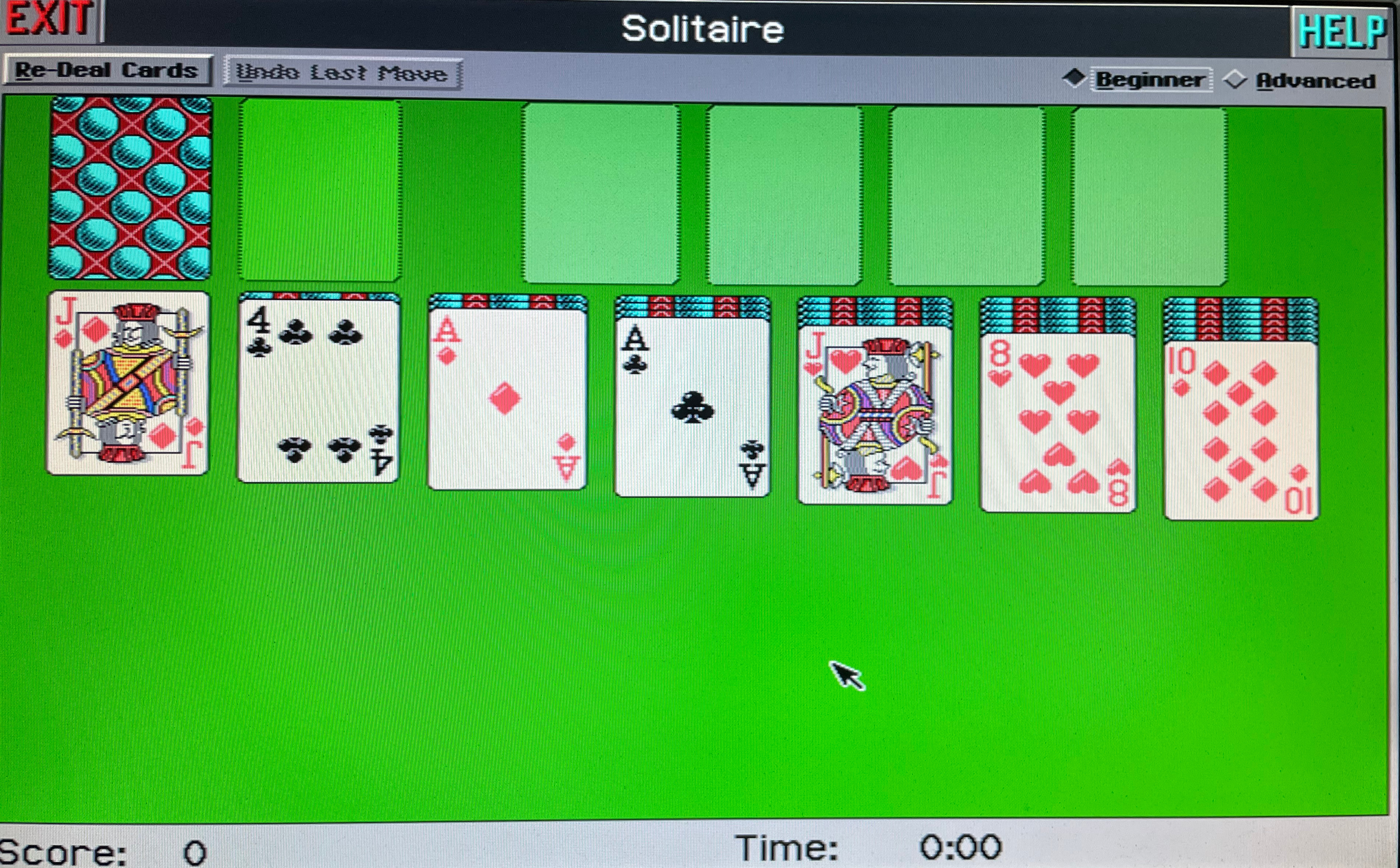
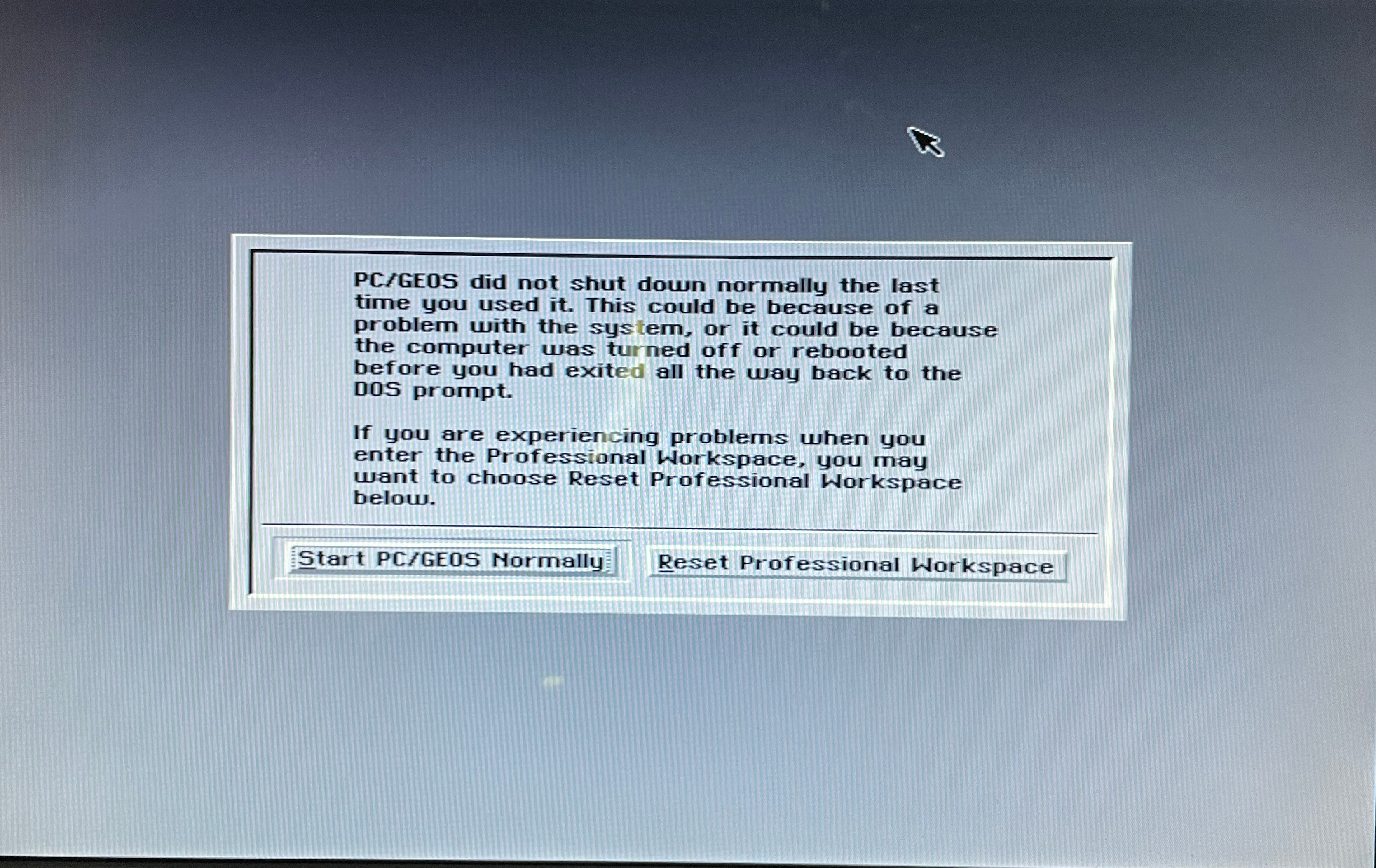
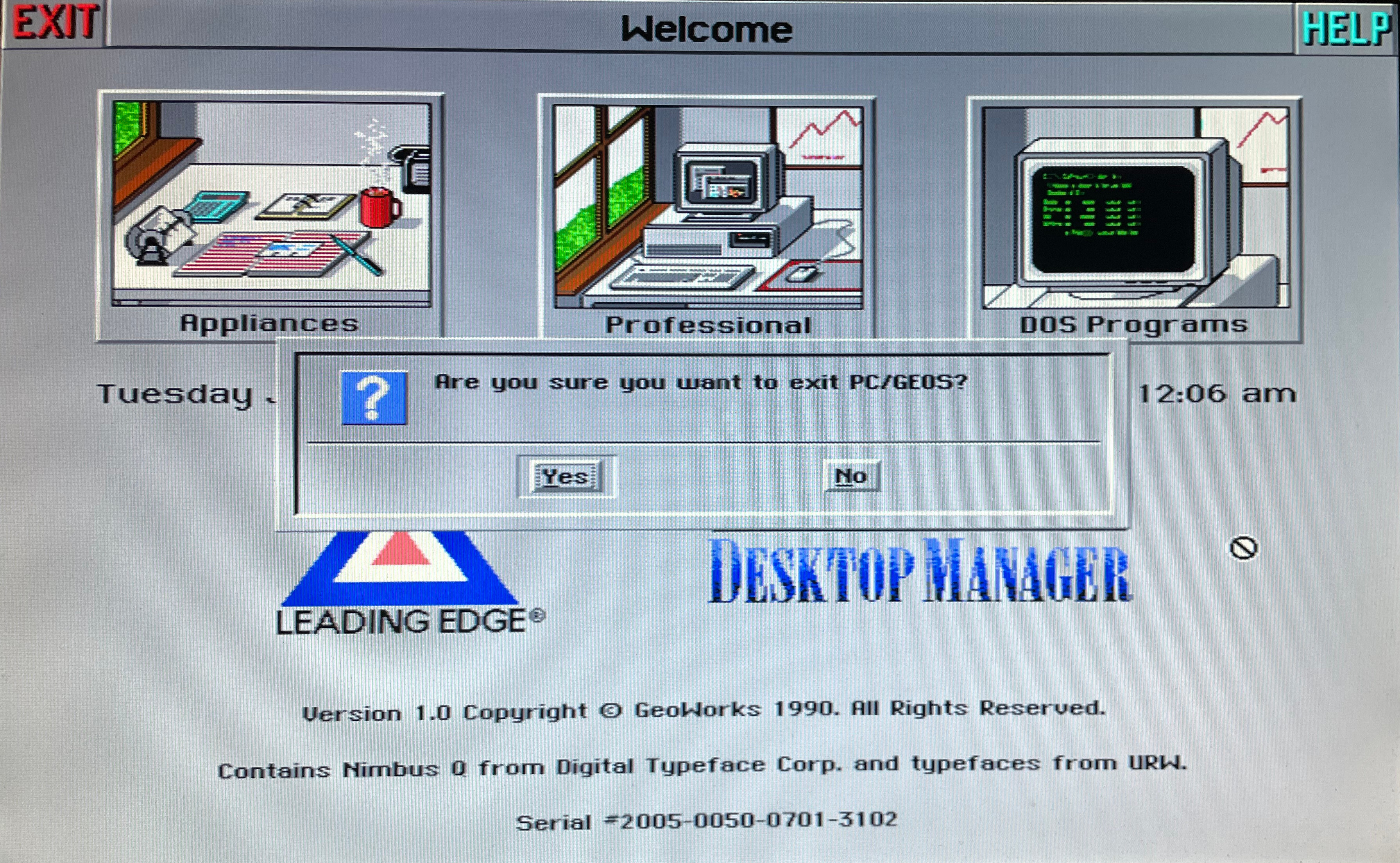
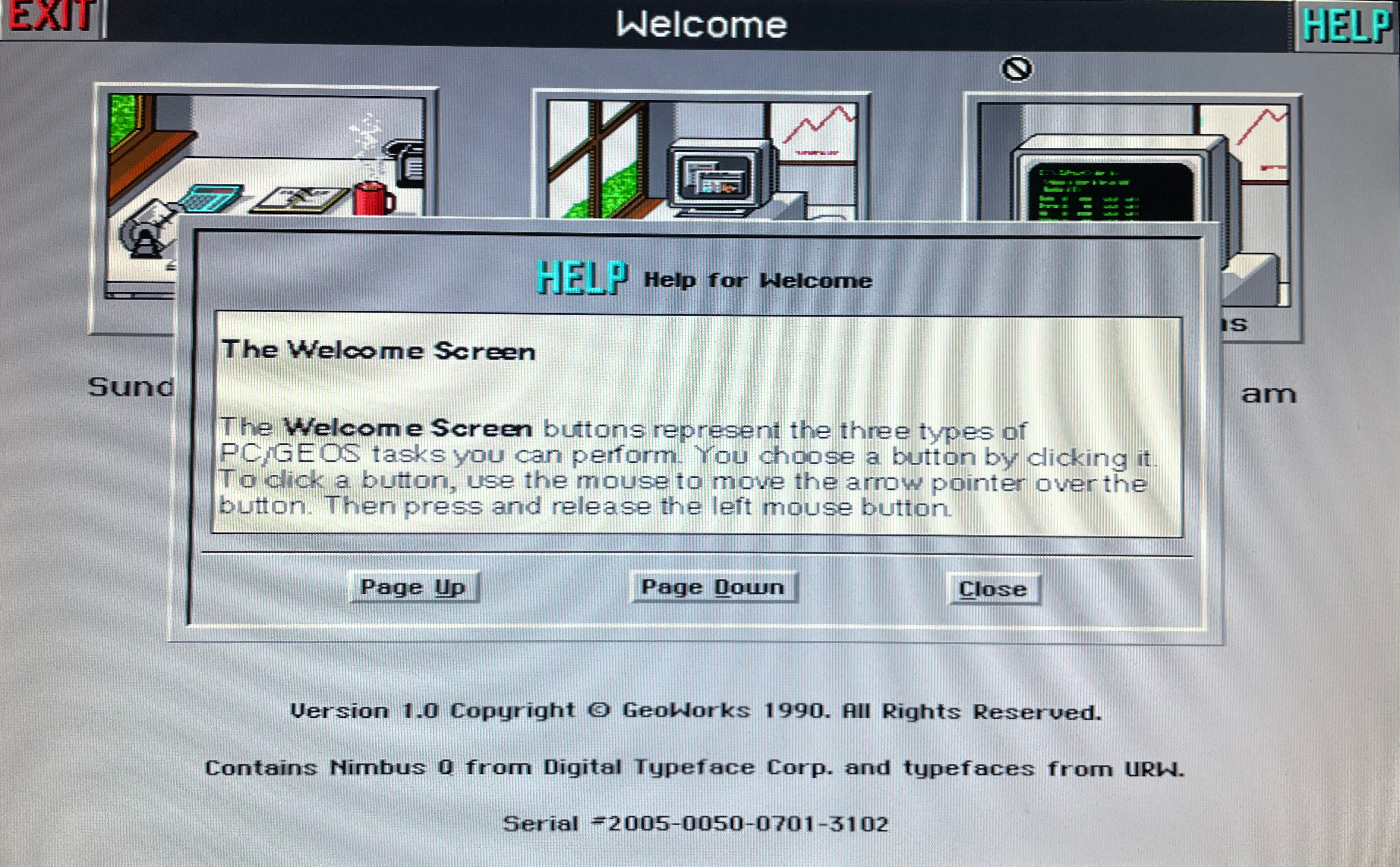
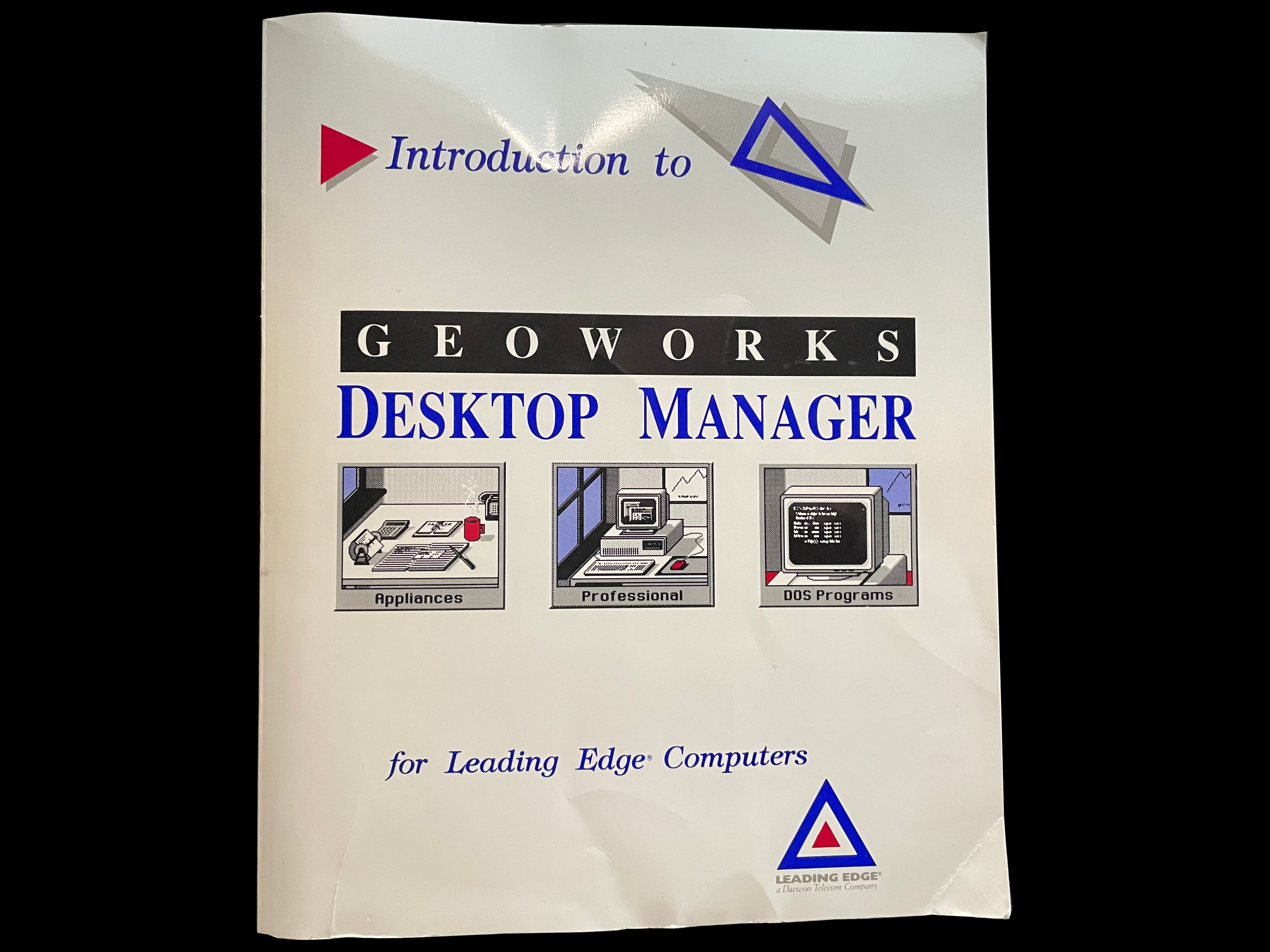
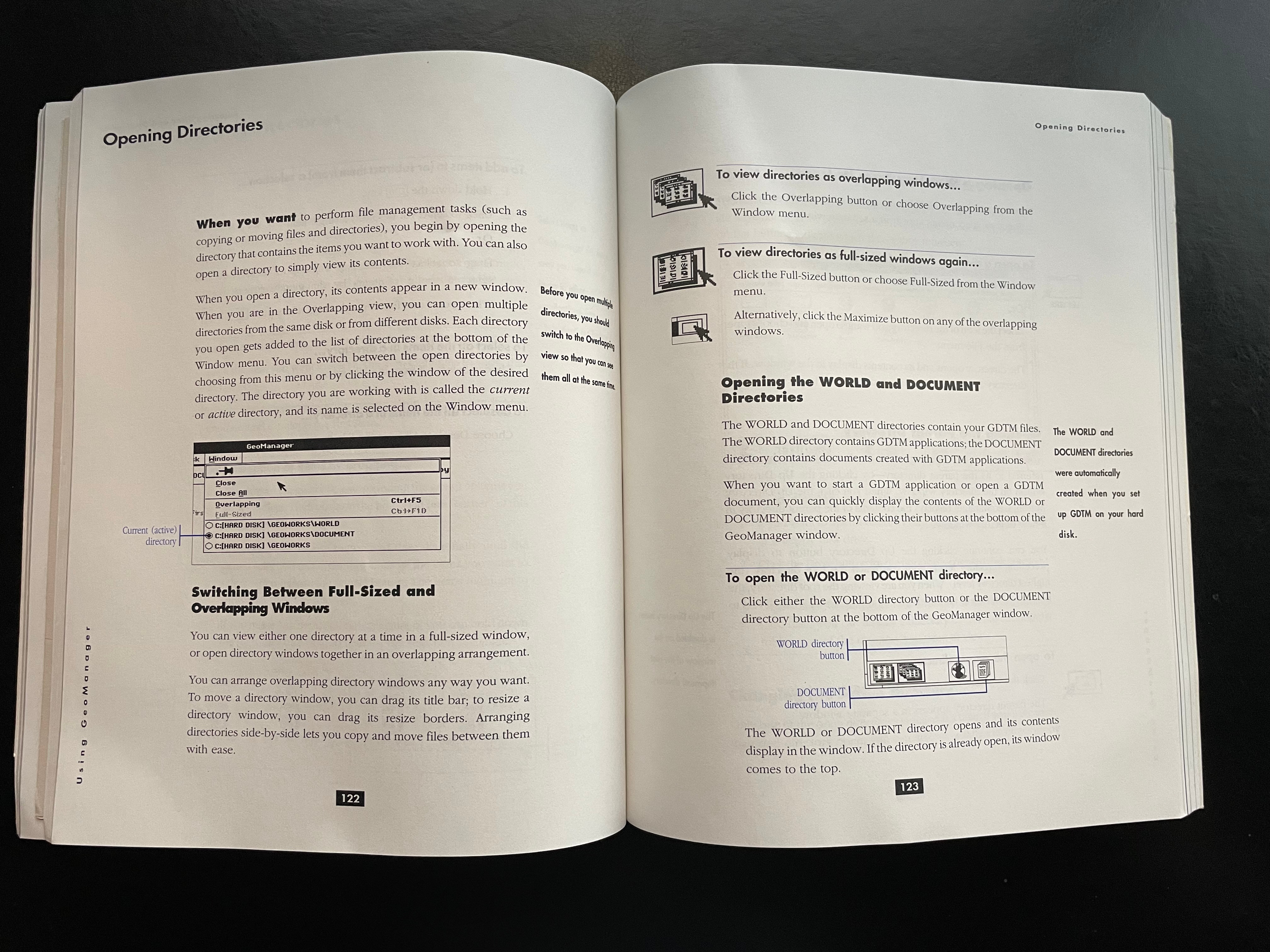
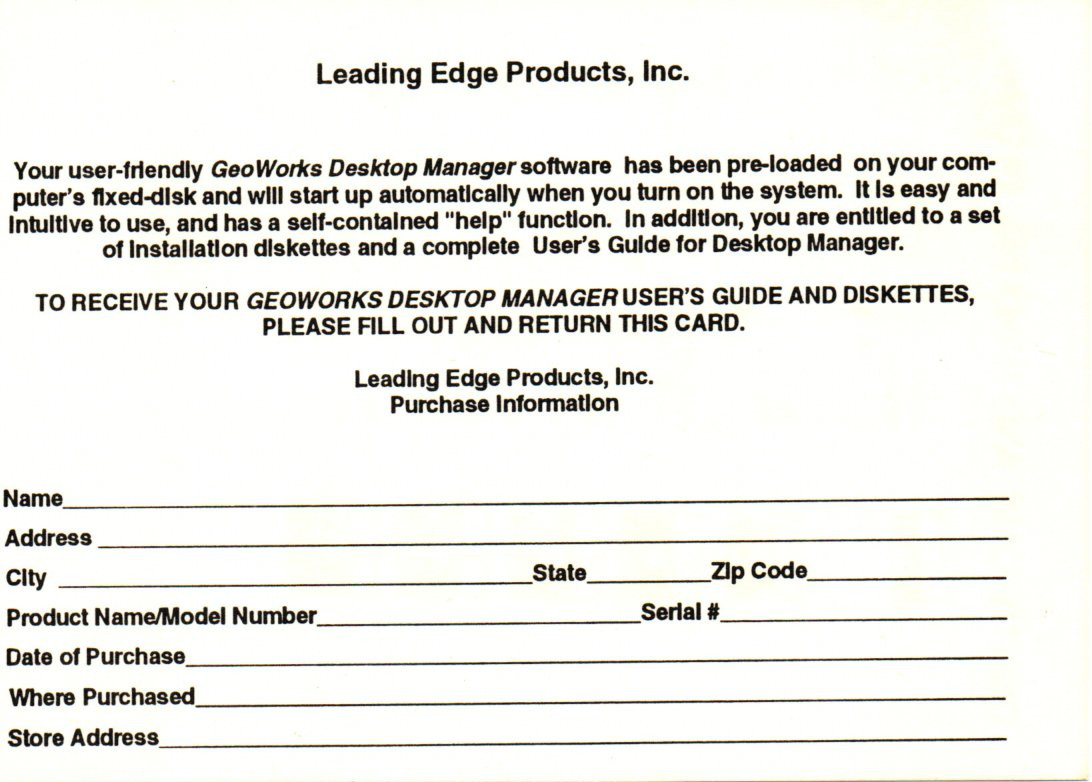
    A photo of the Leading Edge version of Geoworks Desktop Manager disk one Disk one of the Leading Edge version of Geoworks Desktop Manager in its sleeve A photo of the Leading Edge version of Geoworks Desktop Manager disk two Disk two of the Leading Edge version of Geoworks Desktop Manager in its sleeve Welcome screen of the Leading Edge version of Geoworks Desktop Manager Choose an appliance page of the Leading Edge version of Geoworks Desktop Manager DOS Programs screen of the Leading Edge version of Geoworks Desktop Manager Screenshot of the GeoManager screen in the Leading Edge version of Geoworks Desktop Manager Screenshot of the window menu in the Leading Edge version of Geoworks Desktop Manager Screenshot of the calendar application running in the Leading Edge version of Geoworks Desktop Manager The Banner program running in the Leading Edge version of Geoworks Desktop Manager A game of Solitaire running in the Leading Edge version of Geoworks Desktop Manager A screenshot of an error message in the Leading Edge version of Geoworks Desktop Manager Screenshot of exit confirmation in the Leading Edge version of Geoworks Desktop Manager Screenshot of a help screen in the Leading Edge version of Geoworks Desktop Manager A photo of a warranty registration card for the Leading Edge version of Geoworks Desktop Manager Photo of the front cover of the user's guide for the Leading Edge version of Geoworks Desktop Manager A photo of a random page inside of the manual for the Leading Edge version of Geoworks Desktop Manager

     Geoworks Desktop Manager Claim Card

    geoworks desktop manager claim card geoworks desktop manager claim card

     Geoworks Desktop Manager Manual

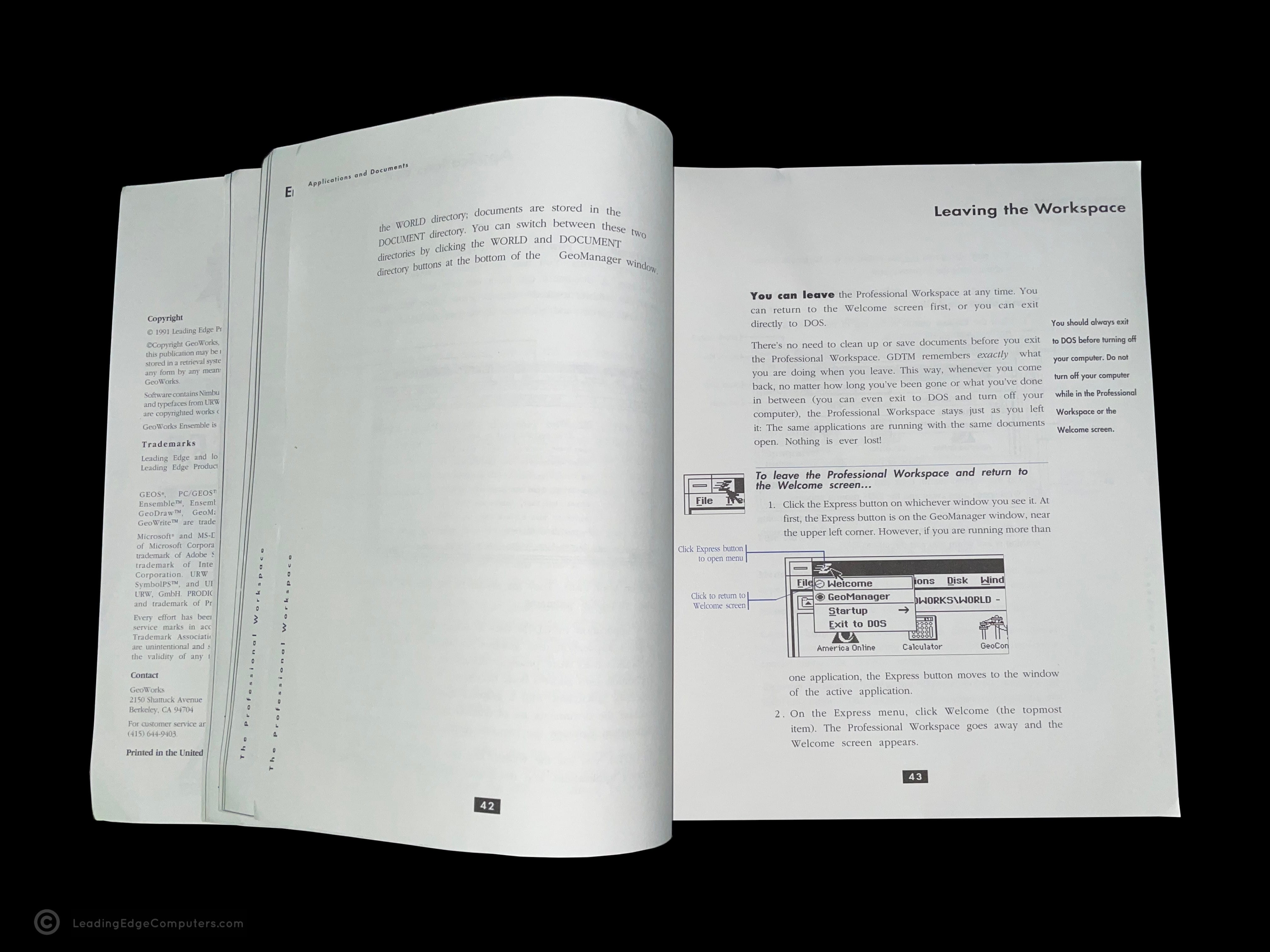
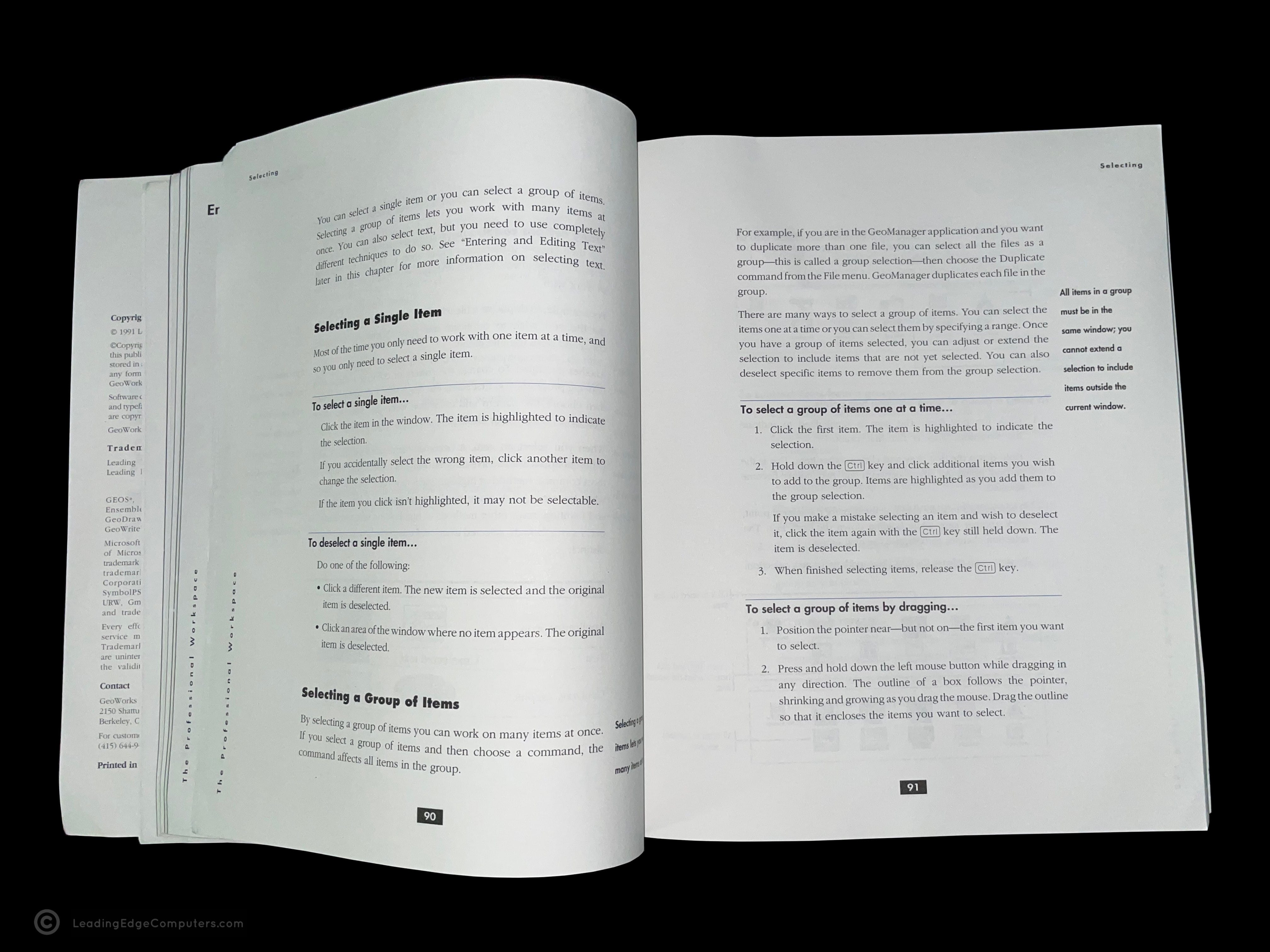
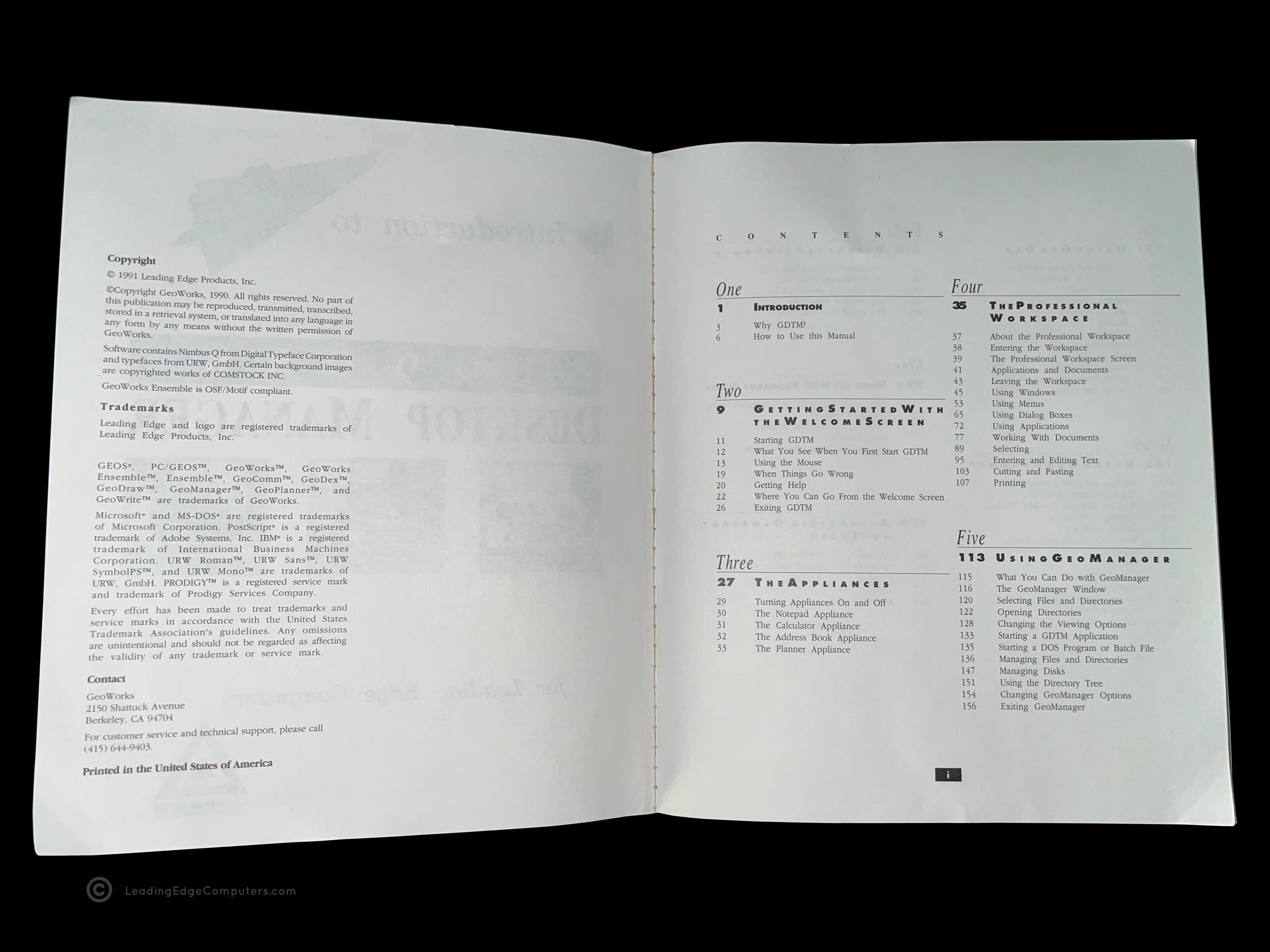
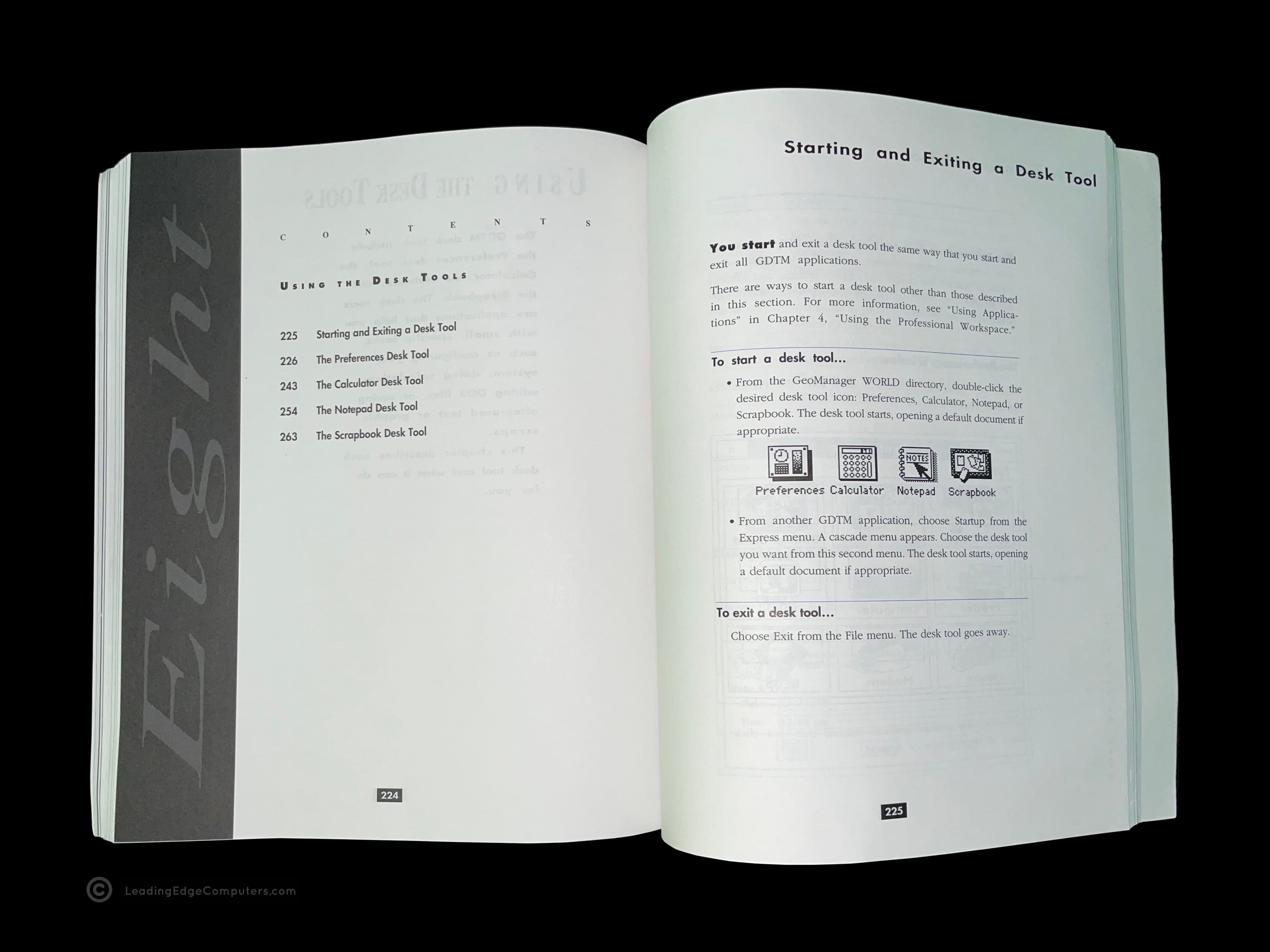
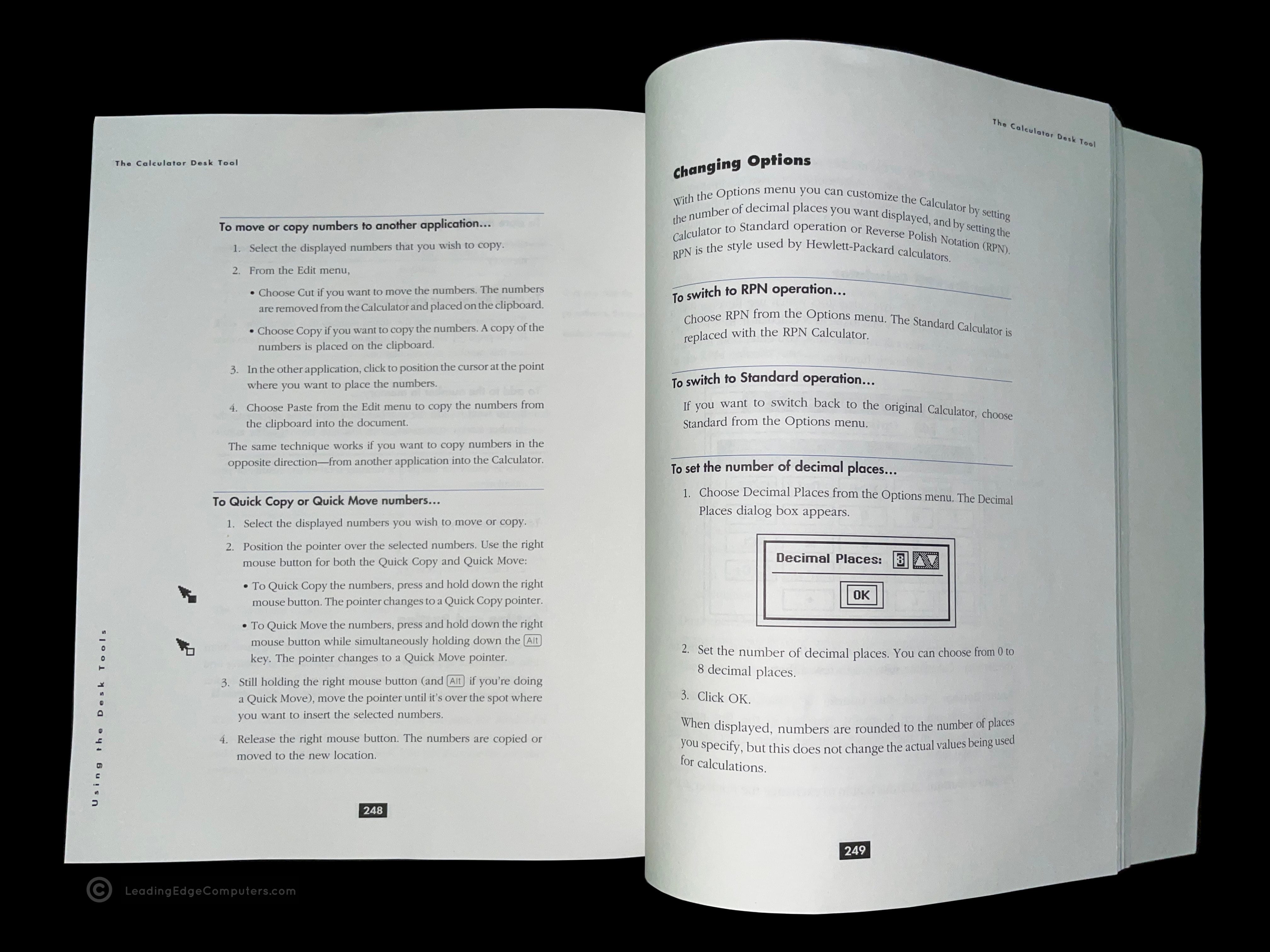
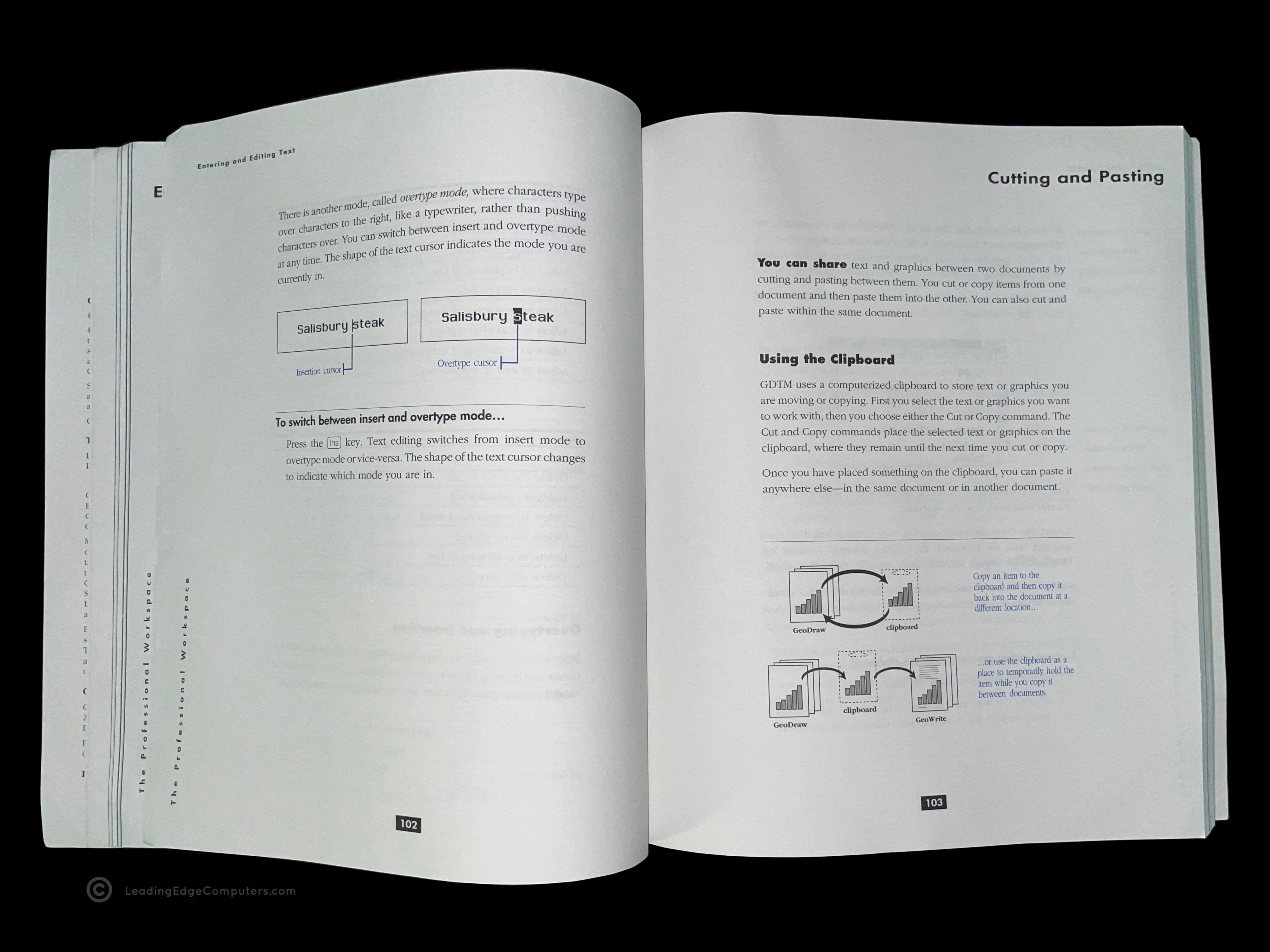
    Picture of front cover of the Leading Edge version of Geoworks Desktop manager's' manual Back cover photo of the Leading Edge version of Geoworks Desktop manager's' manual The Leading Edge version of Geoworks Desktop manager's' manual opened to a random page Angular view of the Leading Edge version of Geoworks Desktop manager's' manual A photo of a random page from the Leading Edge version of Geoworks Desktop manager's' manual A photo of the table of contents from the Leading Edge version of Geoworks Desktop manager's' manual The first page of chapter eight from the Leading Edge version of Geoworks Desktop manager's' manual Photo of a page from the Leading Edge version of Geoworks Desktop manager's' manual describing moving numbers A photo of how to cut and paste, exerpt from the Leading Edge version of Geoworks Desktop manager's' manual

     Guide to Basic Version 2.0 Manual

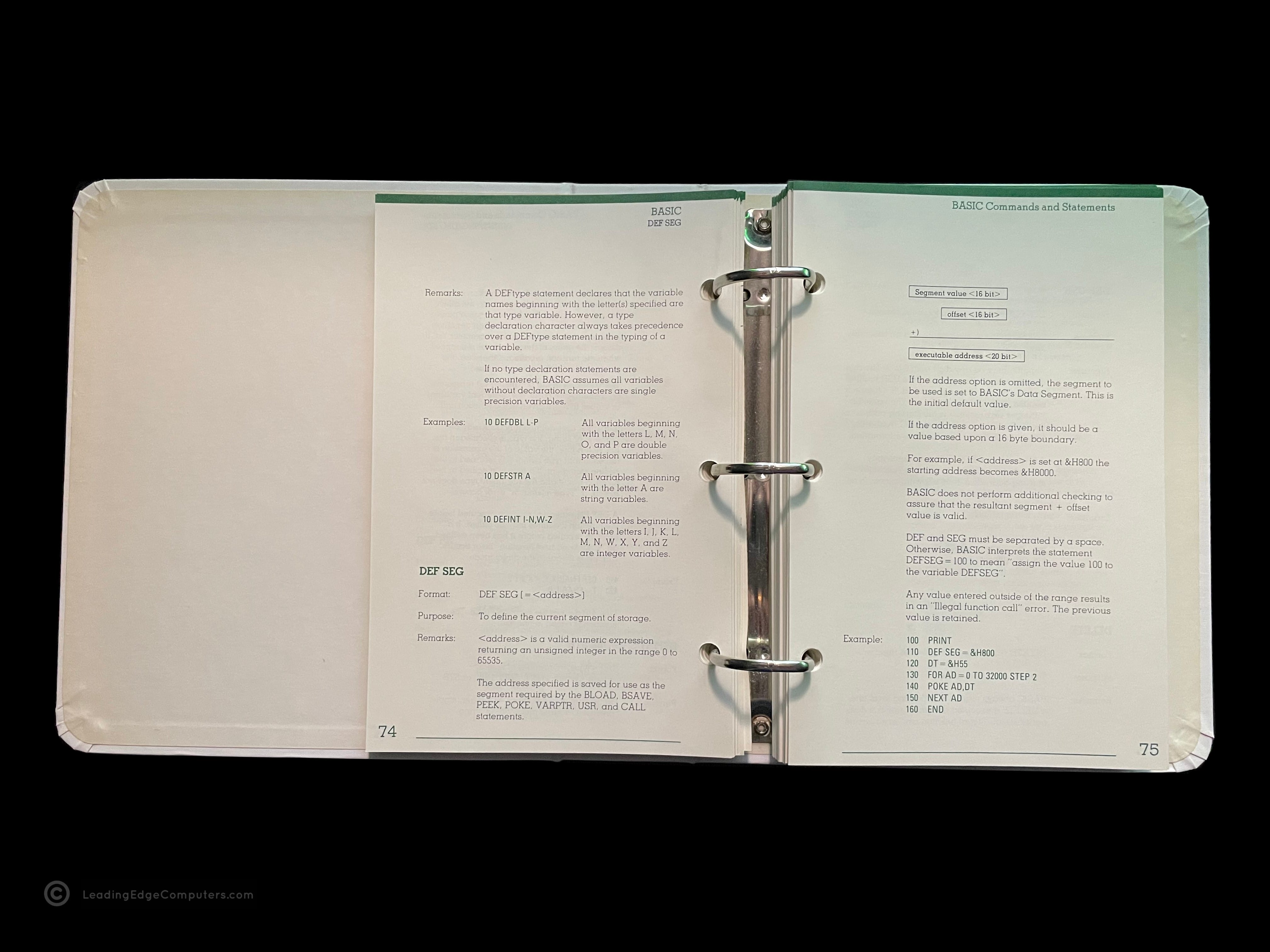
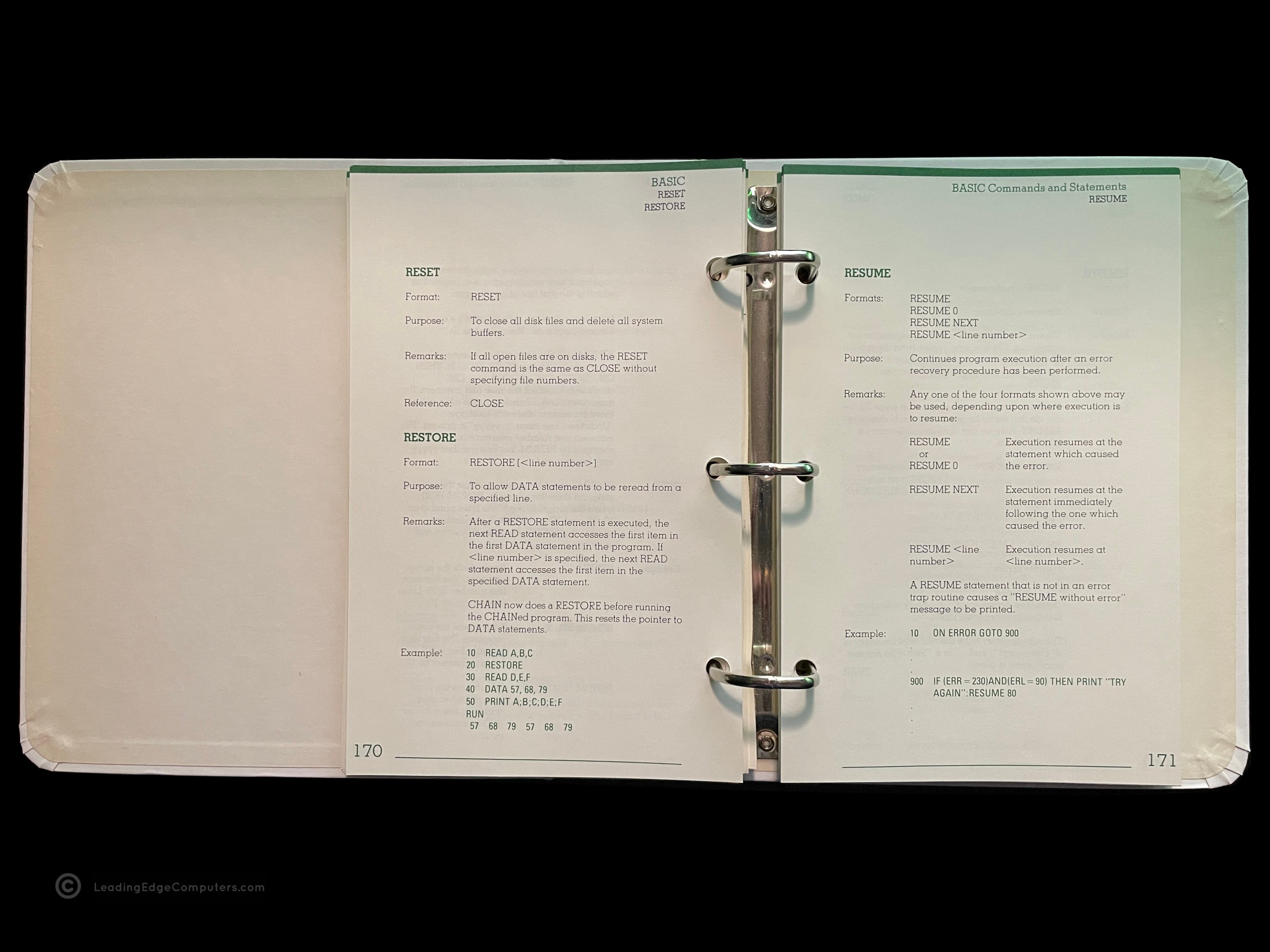
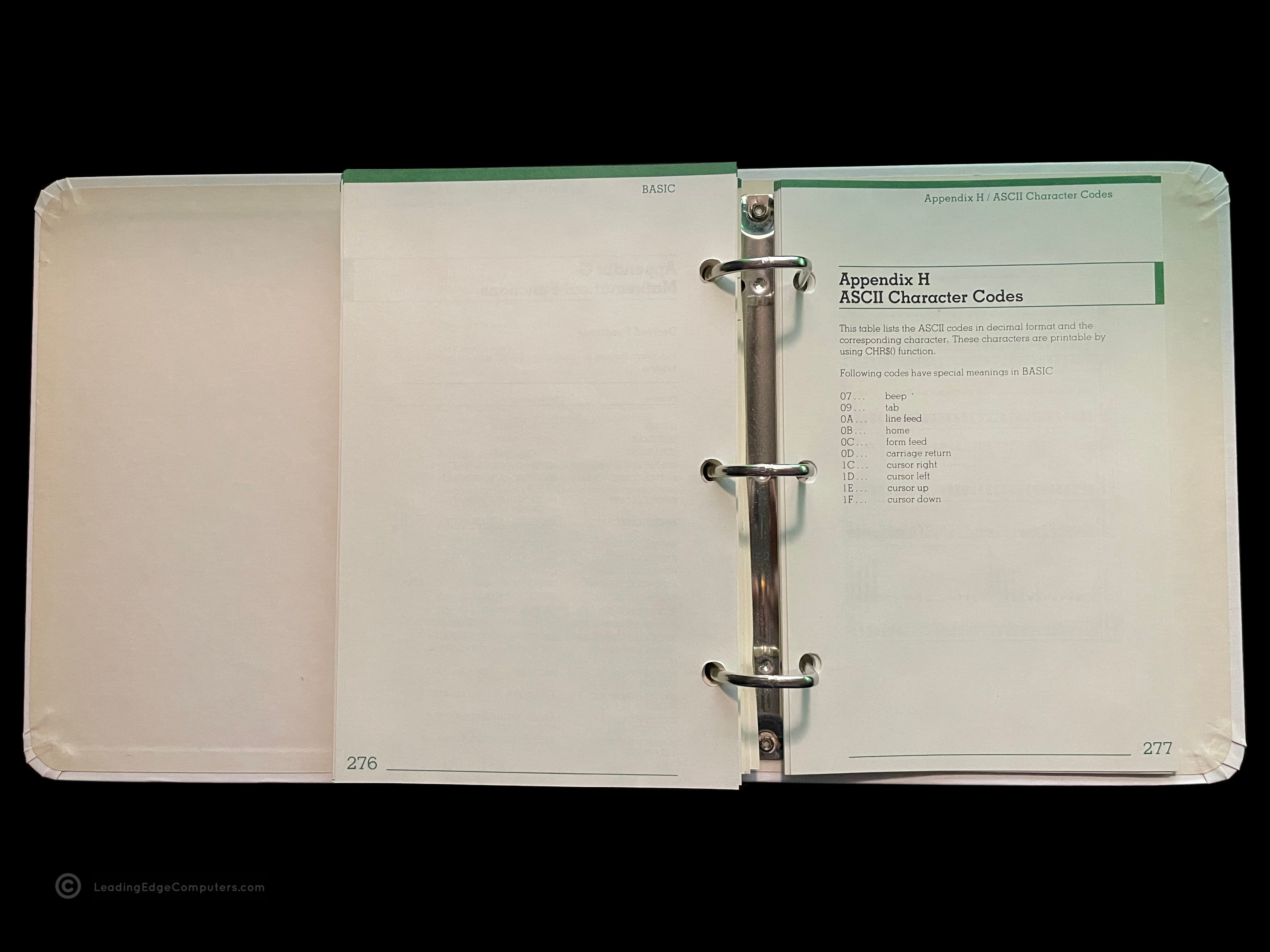
    Front view of the binder holder for the Guide to Basic Version 2.0 manual Rear view of the binder holder for the Guide to Basic Version 2.0 manual Side view of the binder holder with the binder inside for the Guide to Basic Version 2.0 manual Empty side view of the binder holder for the Guide to Basic Version 2.0 manual Spine view of the binder holder for the Guide to Basic Version 2.0 manual Front view of the binder for the Guide to Basic Version 2.0 manual Rear view of the binder the Guide to Basic Version 2.0 manual Open binder showing the Leading Edge logo for the Guide to Basic Version 2.0 manual Open binder showing the edition page and copyright info for the Guide to Basic Version 2.0 manual Photo of a randome page inside of the the Guide to Basic Version 2.0 manual binder Photo of another random page inside of the Guide to Basic Version 2.0 manual A picture of an opend binder for the Guide to Basic Version 2.0 manual showing appendix H

     KB 5191 Keyboard

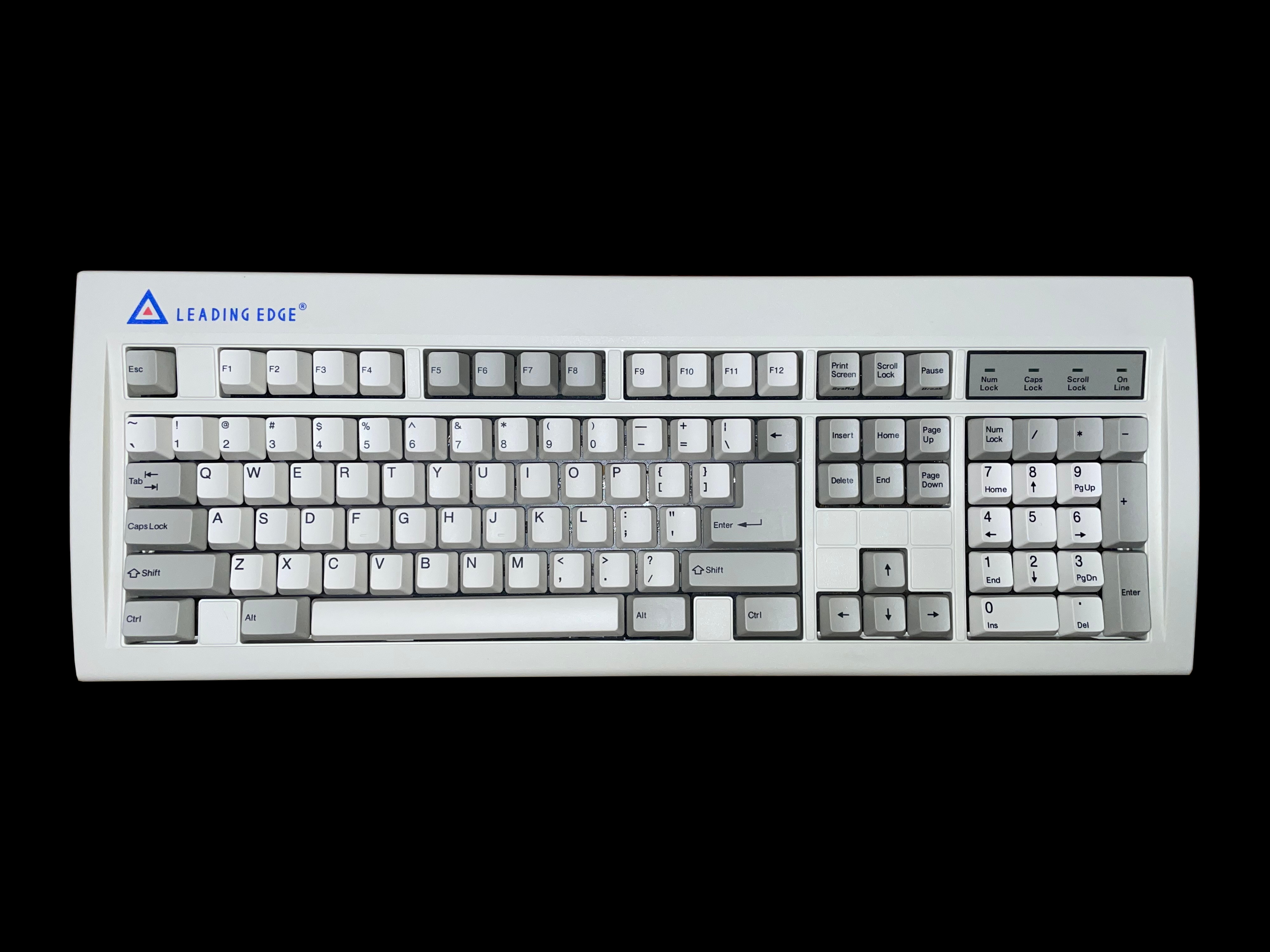
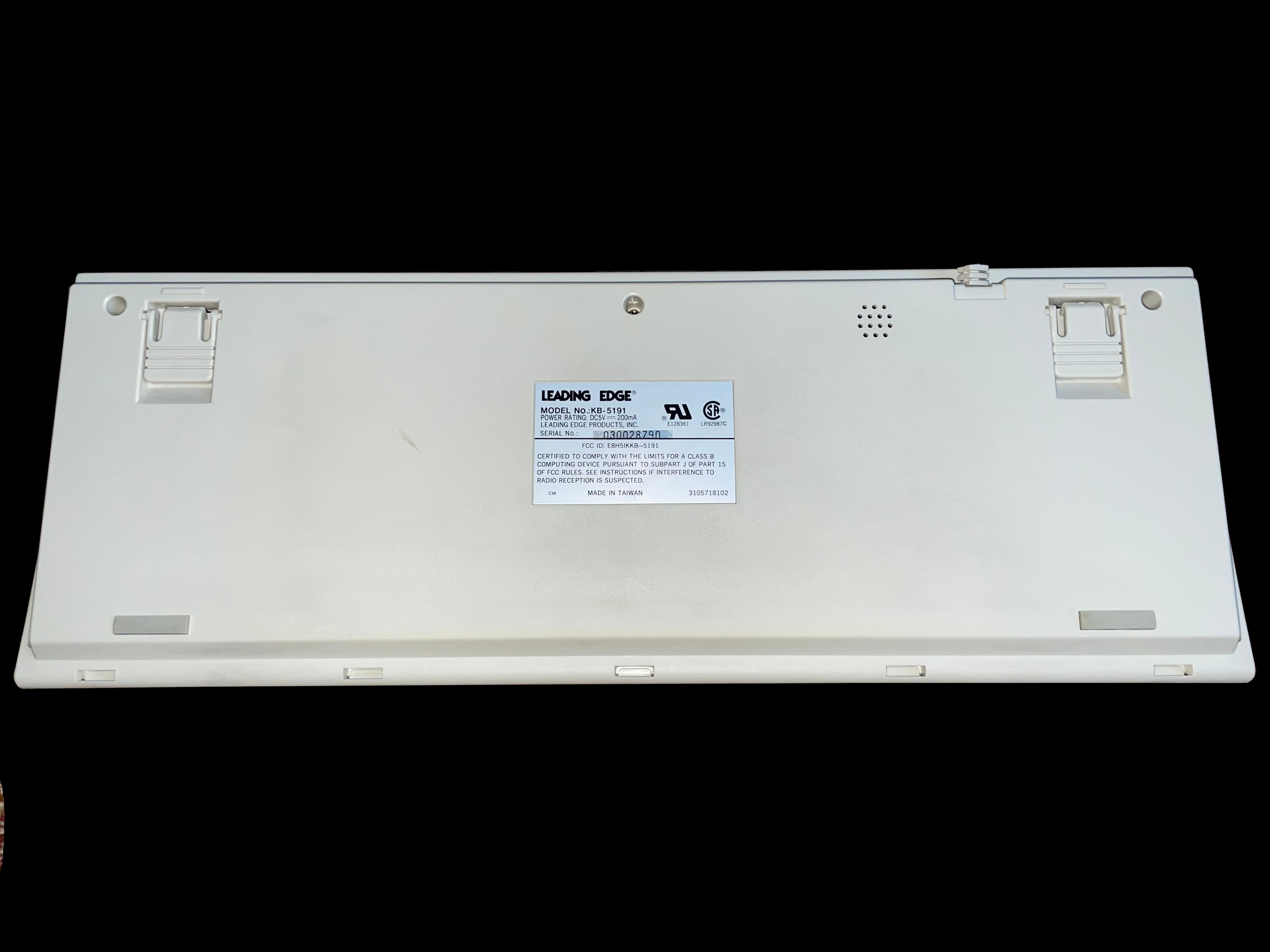
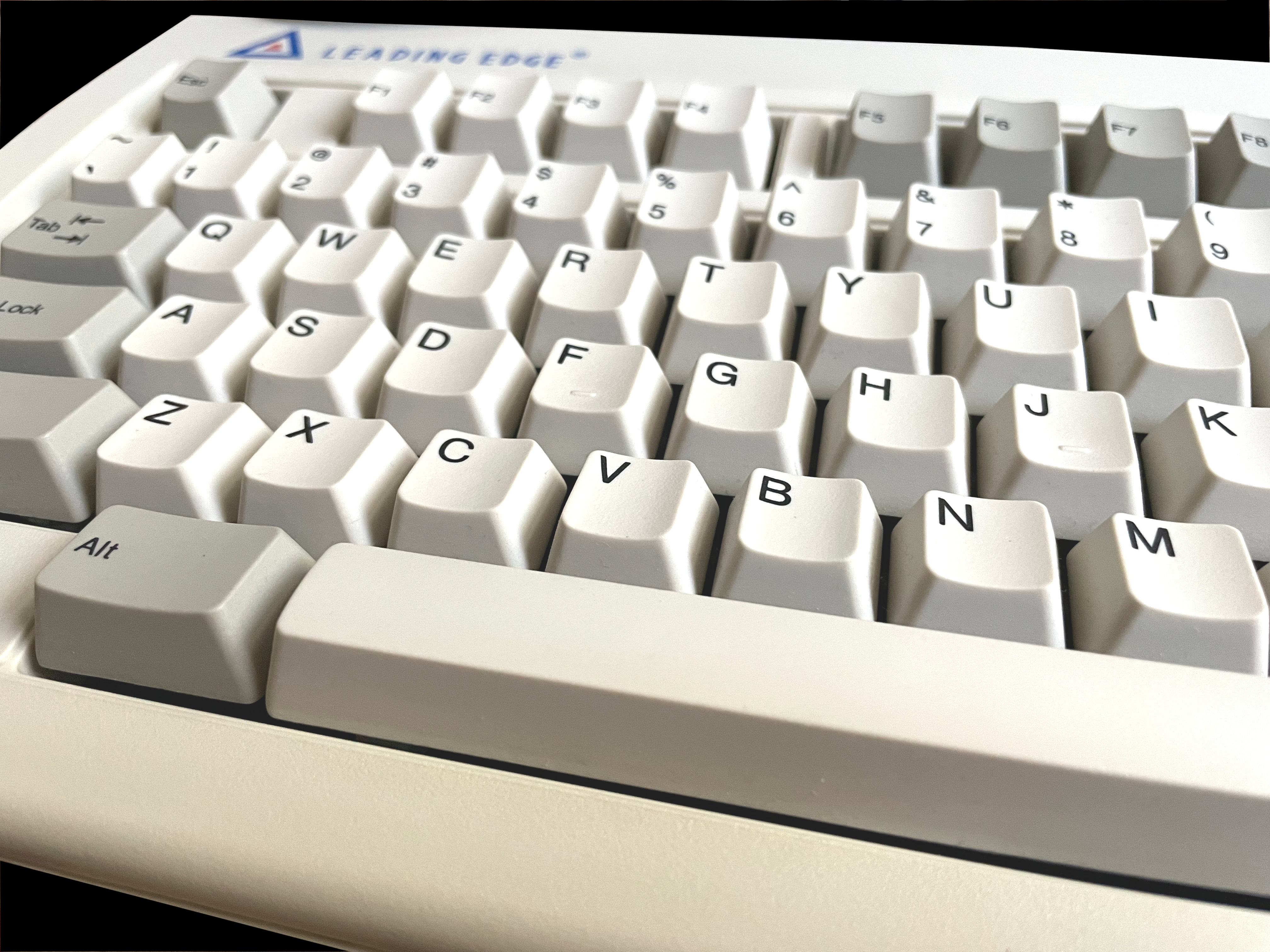
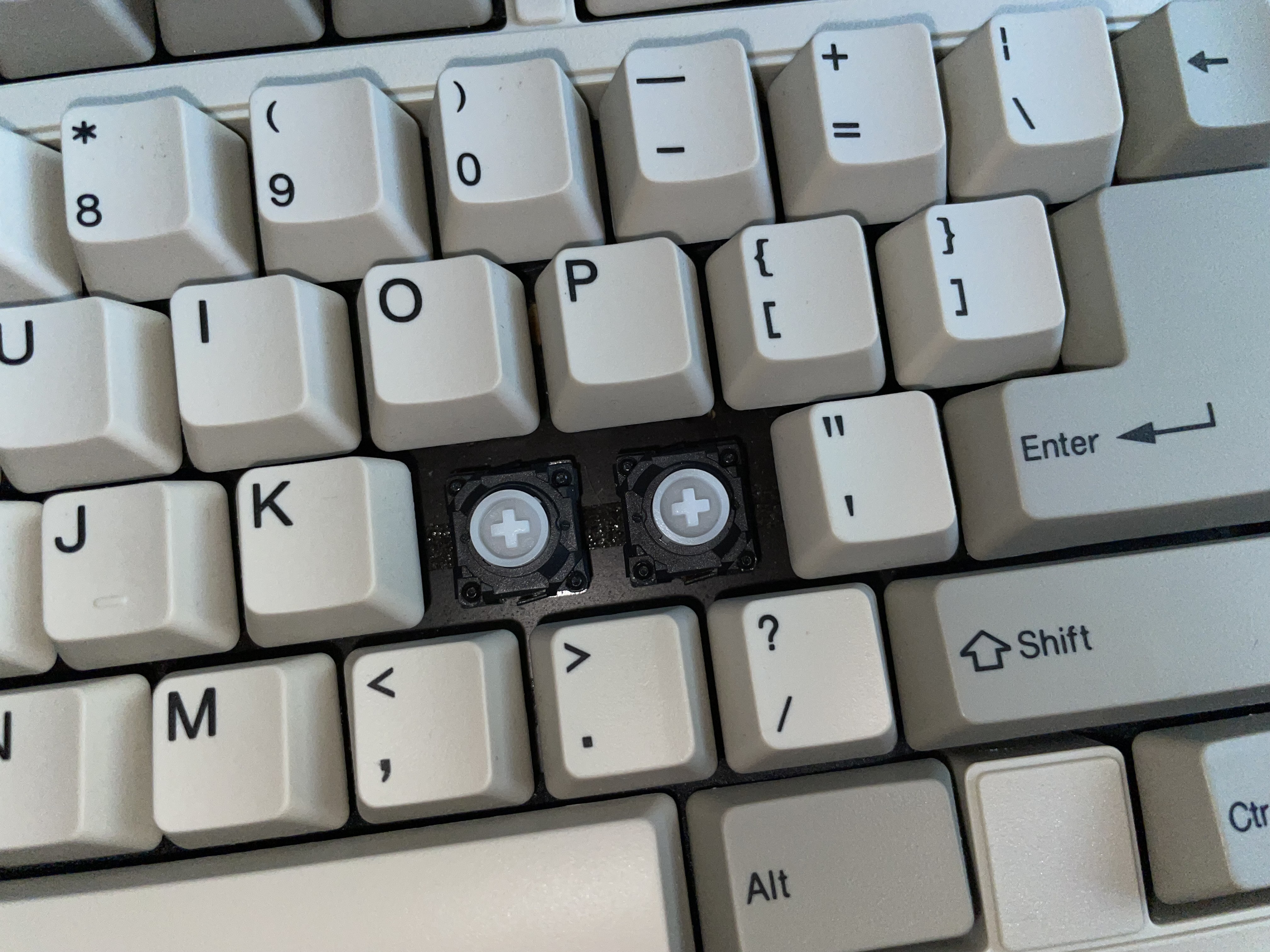
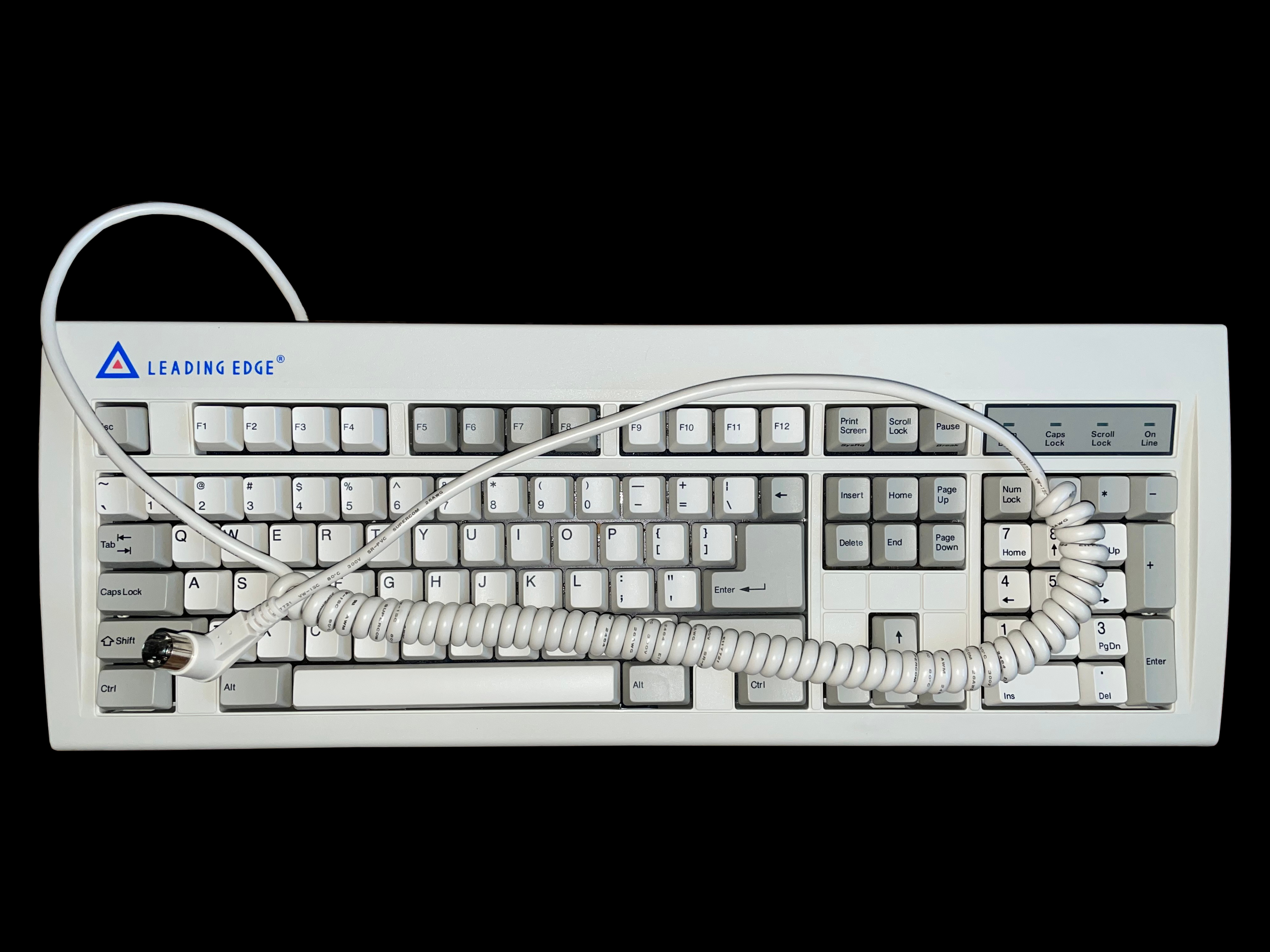
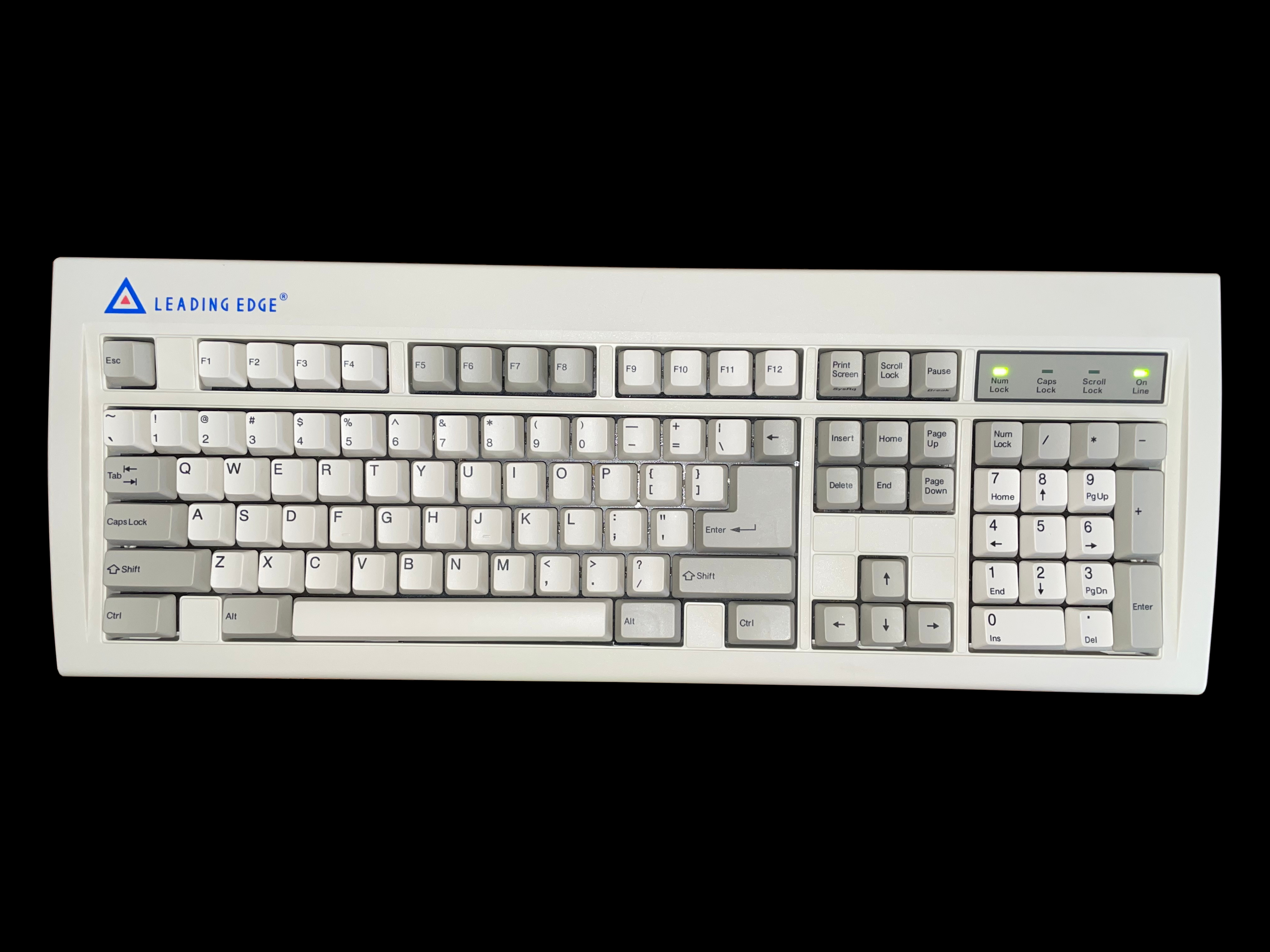
    A top down photo of the KB 5191 keyboard made by Leading Edge Products A bottom photo of the KB 5191 keyboard made by Leading Edge Products Close-up of the keys of the KB 5191 keyboard made by Leading Edge Products Close-up of the KB 5191 keyboard made by Leading Edge Products with two keycaps removed A top down photo of the KB 5191 keyboard made by Leading Edge Products with its coiled AT cable A top down photo of the KB 5191 keyboard made by Leading Edge Products with the Num Lock and On Line LEDs illuminated

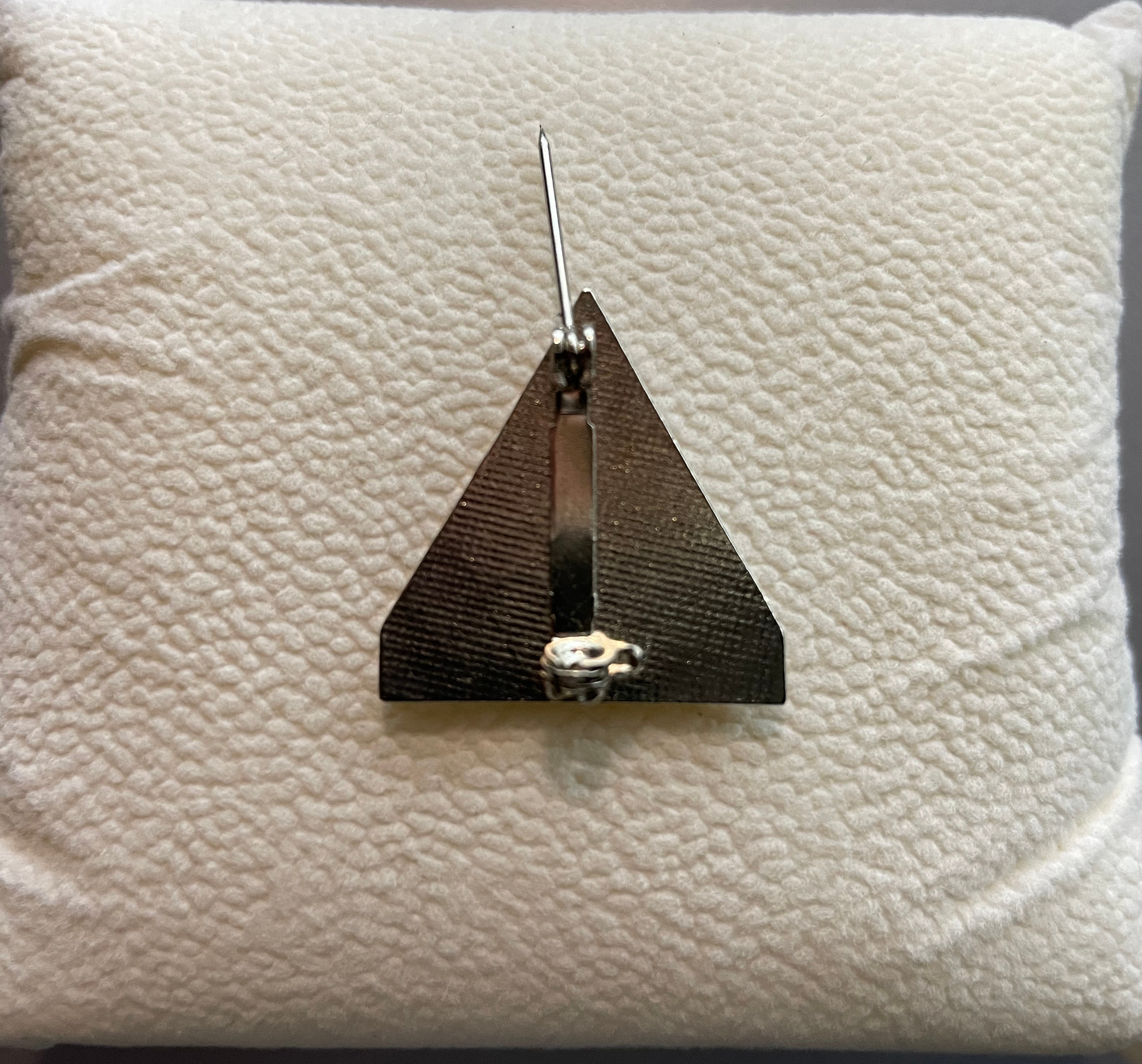
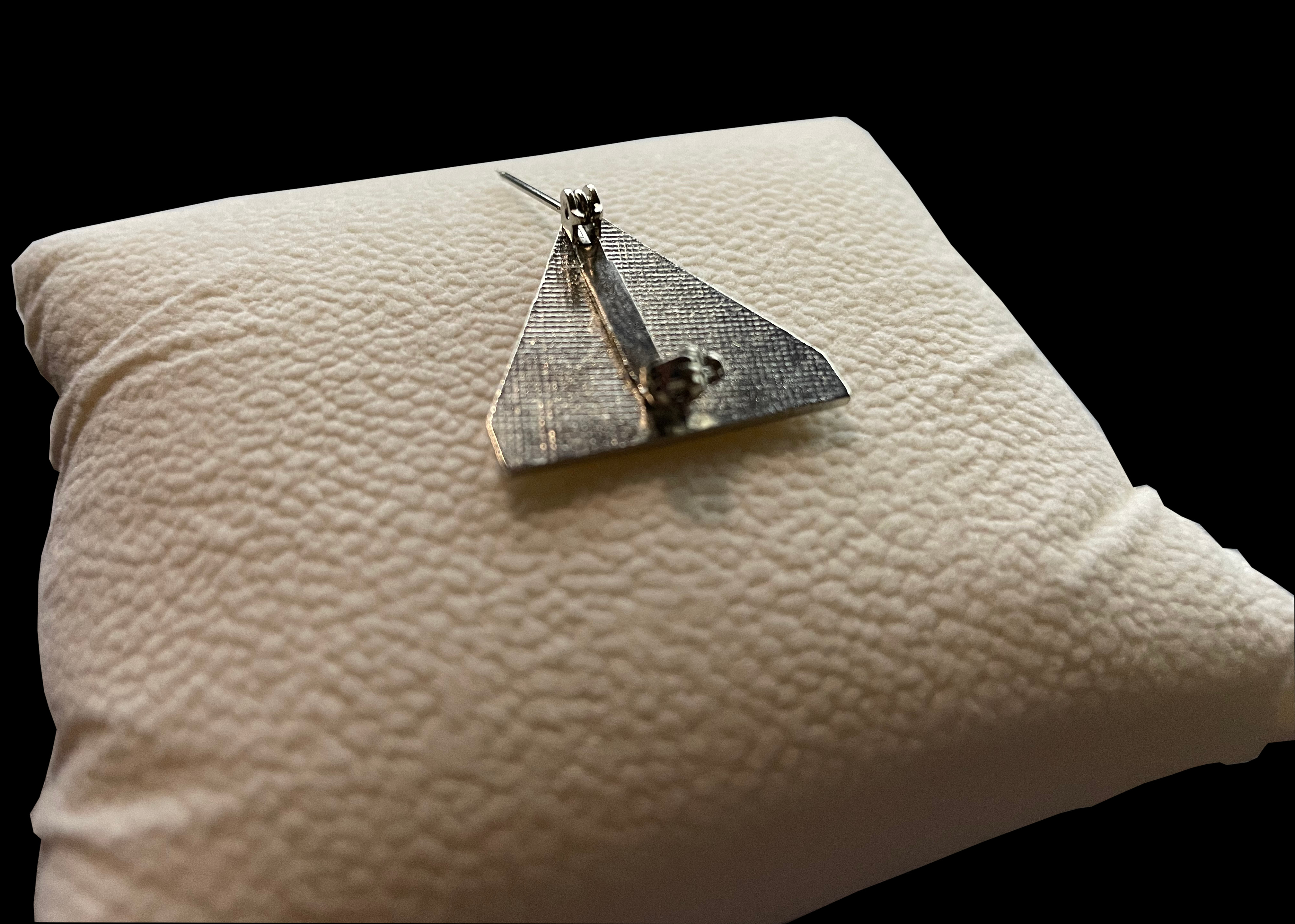
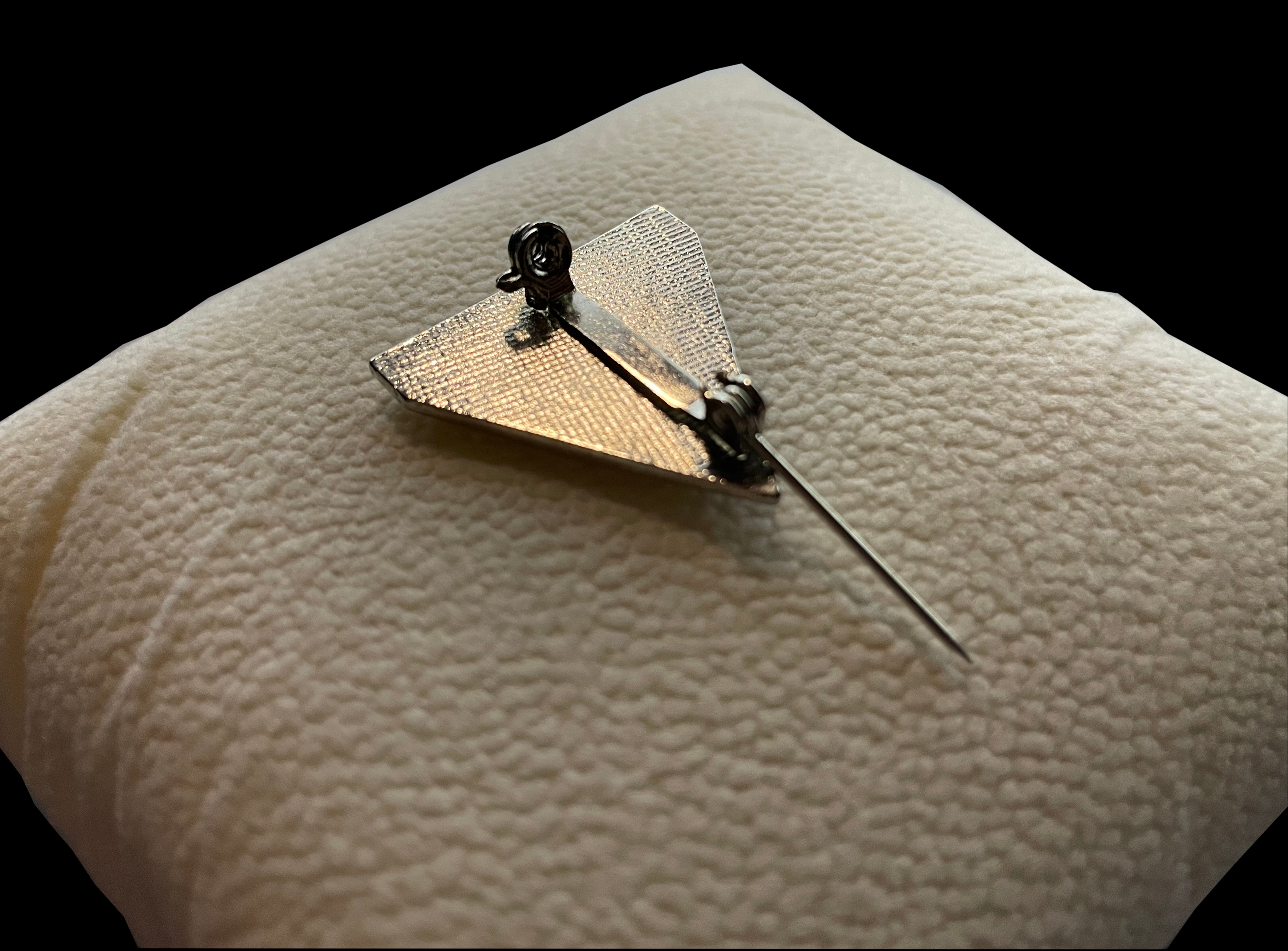
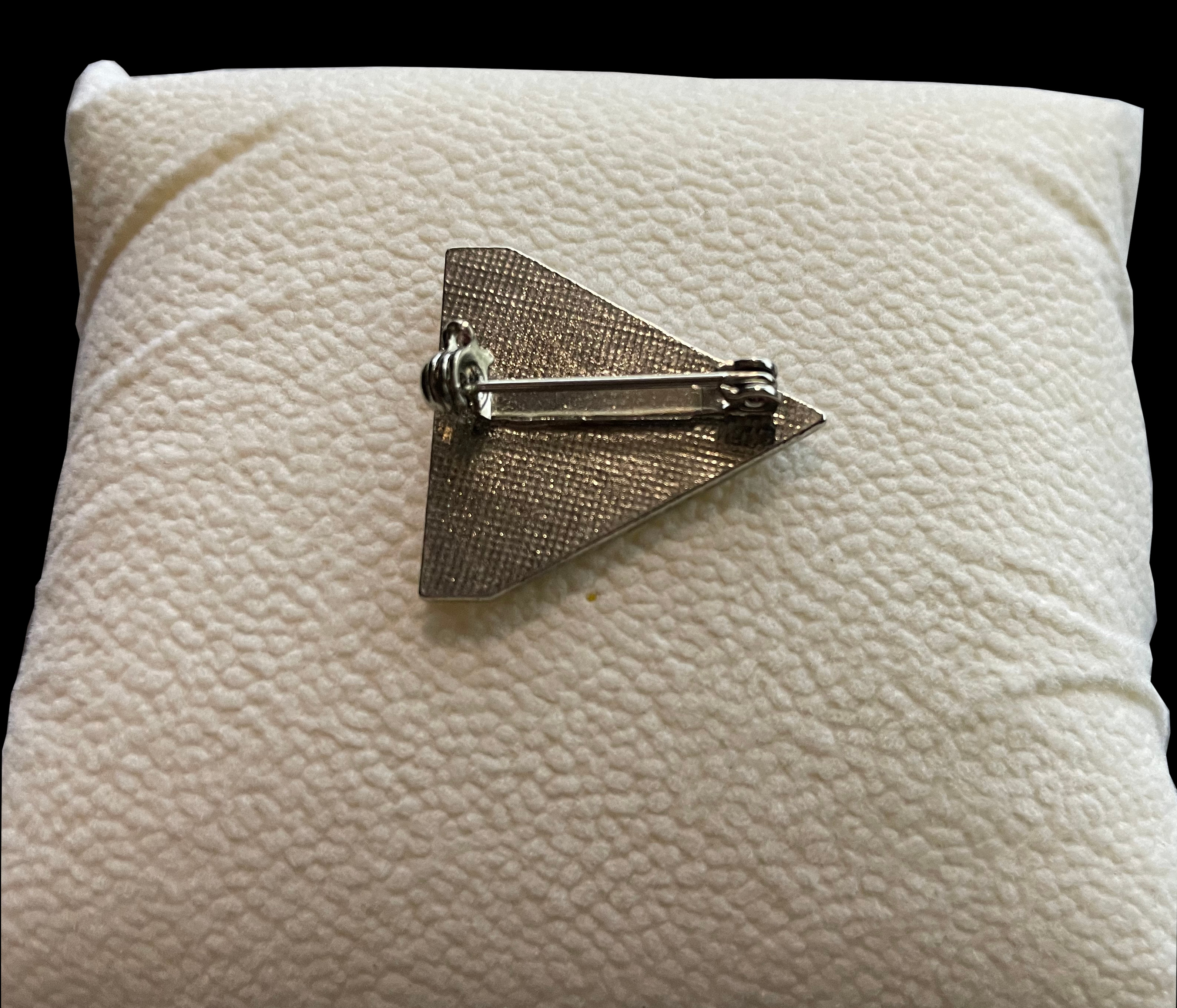
     Lapel Pin

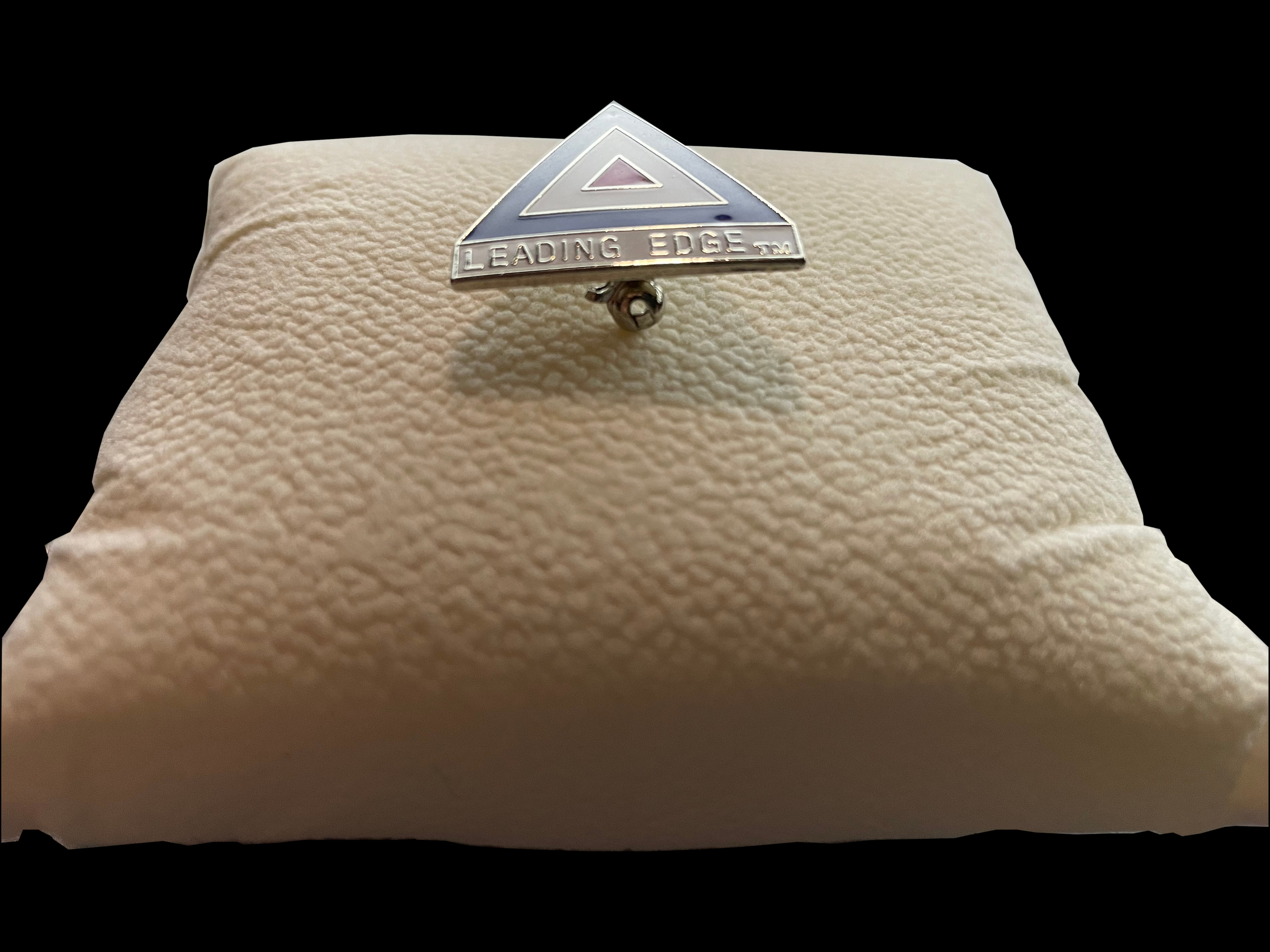
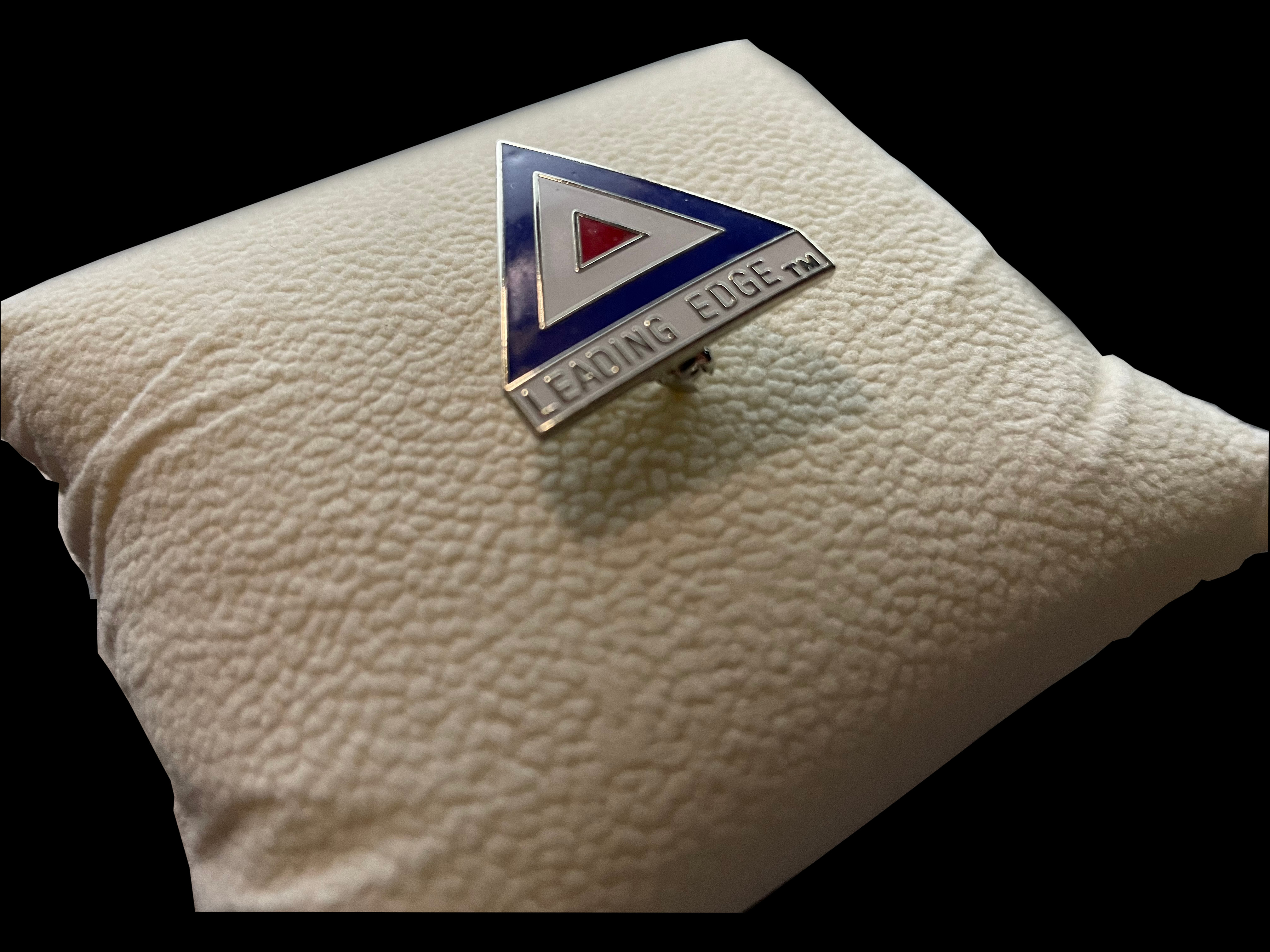
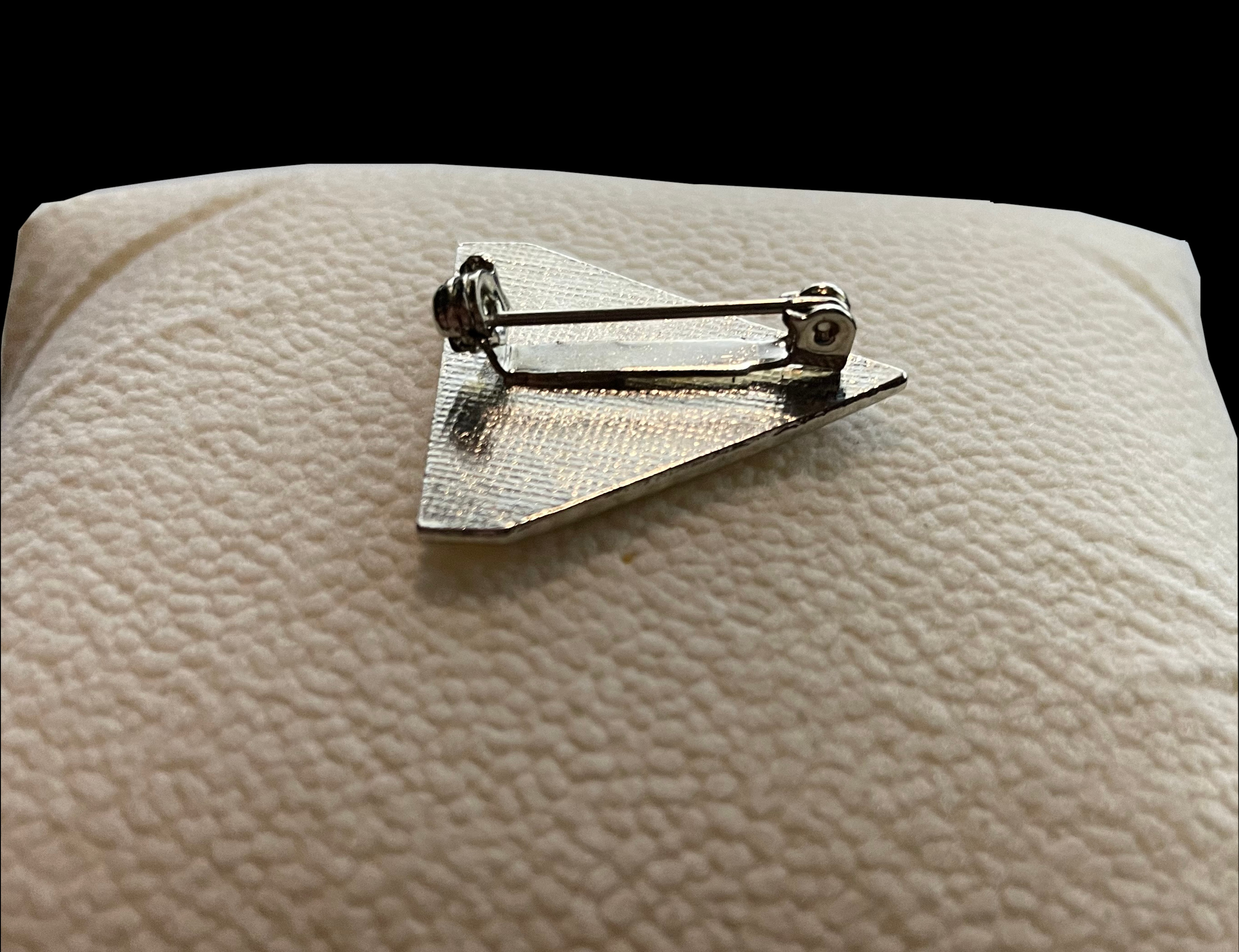
    A close-up detail photo of a Leading Edge lapel pin Top side photo of a Leading Edge lapel pin photo showing the rear clasp A photo angled from the left of a Leading Edge lapel pin A photo angled from the right of a Leading Edge lapel pin Picture of a Leading Edge lapel pin from the rear with the clasp mechanism open A photo from another angle of a Leading Edge lapel pin from the rear The rear and angled toward the top of a Leading Edge lapel pin with the clasp open A Leading Edge lapel pin with the clasp closed A lower angled photo of a Leading Edge lapel pin detailing the closed clasp

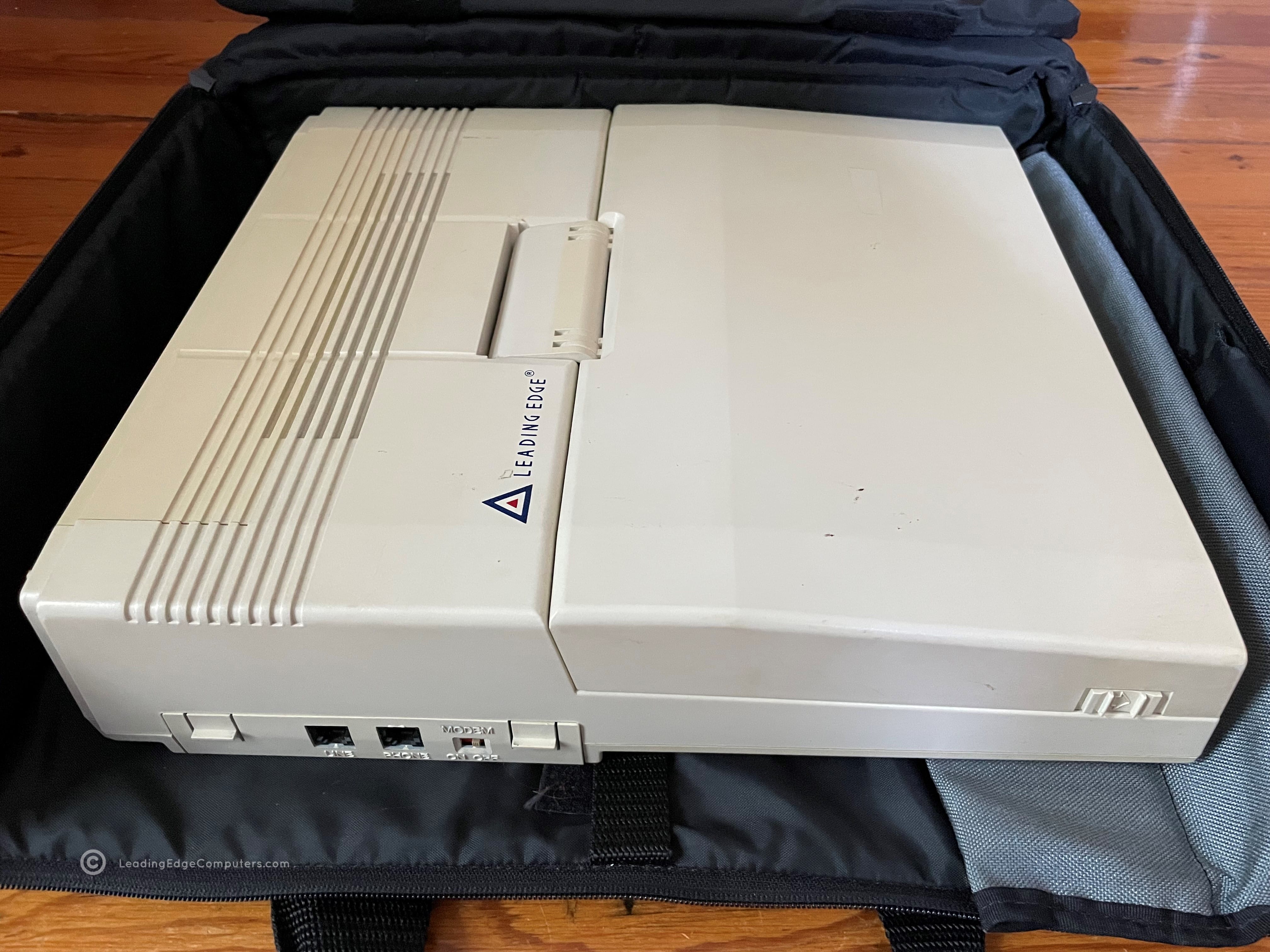
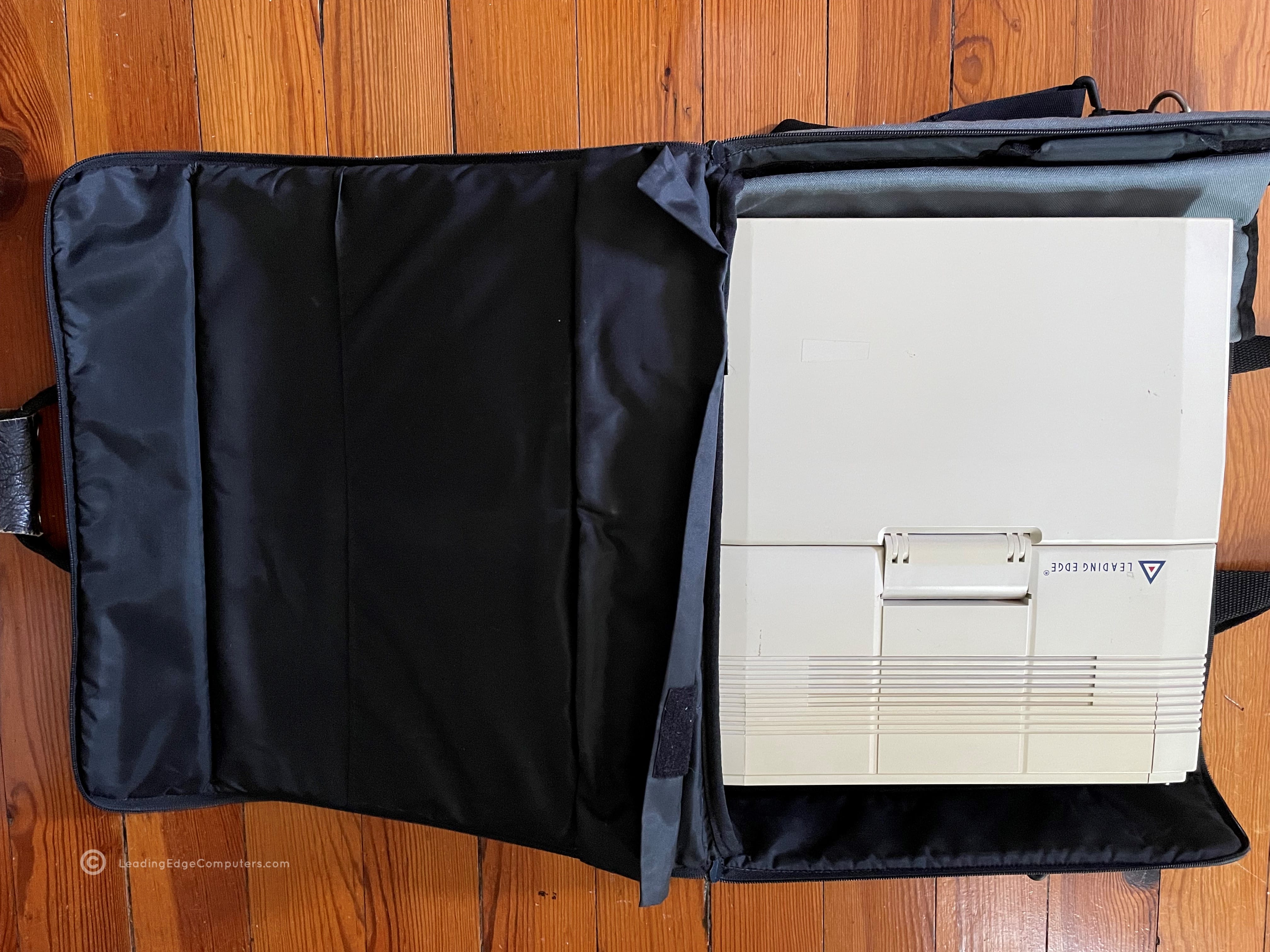
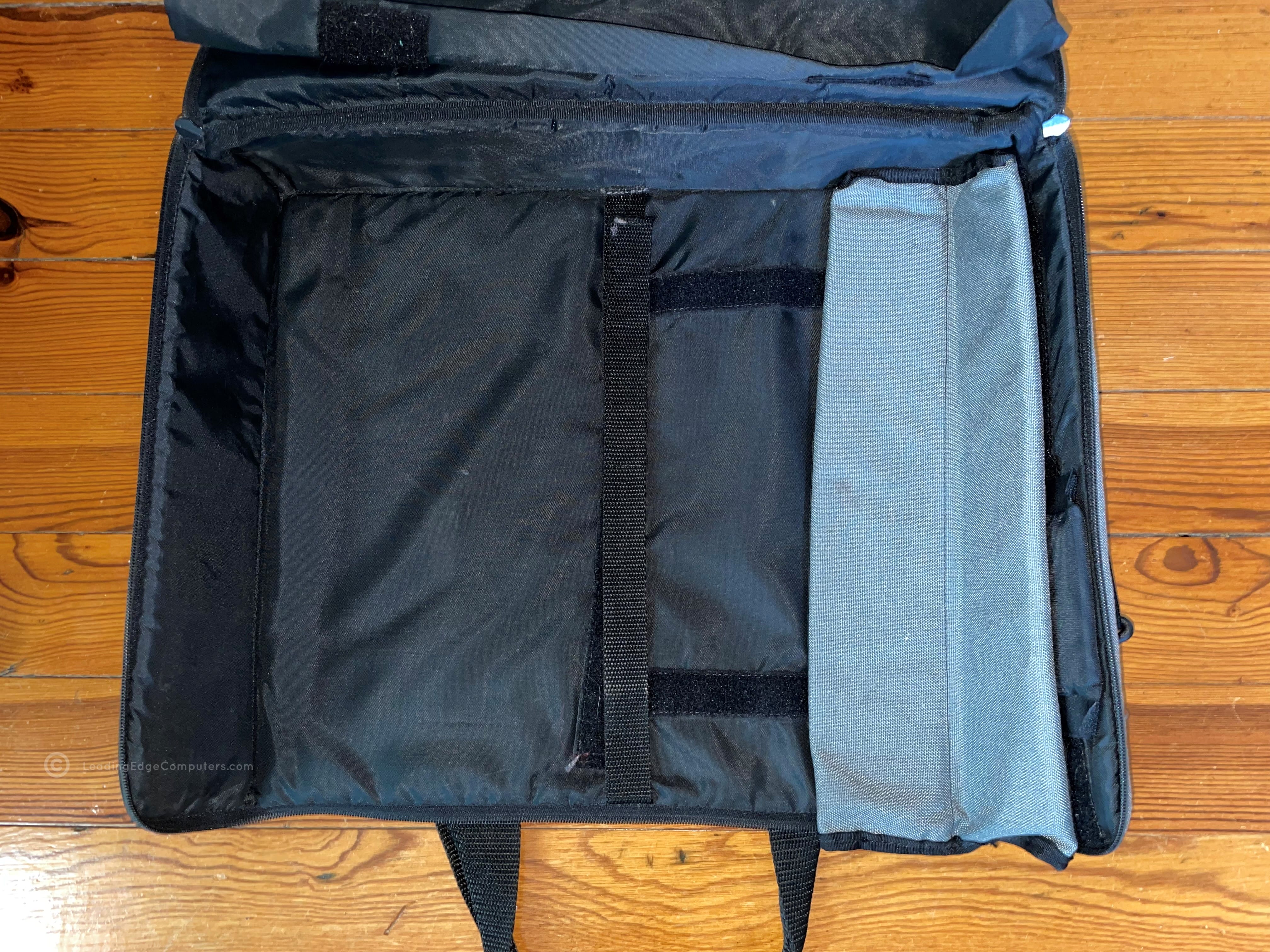
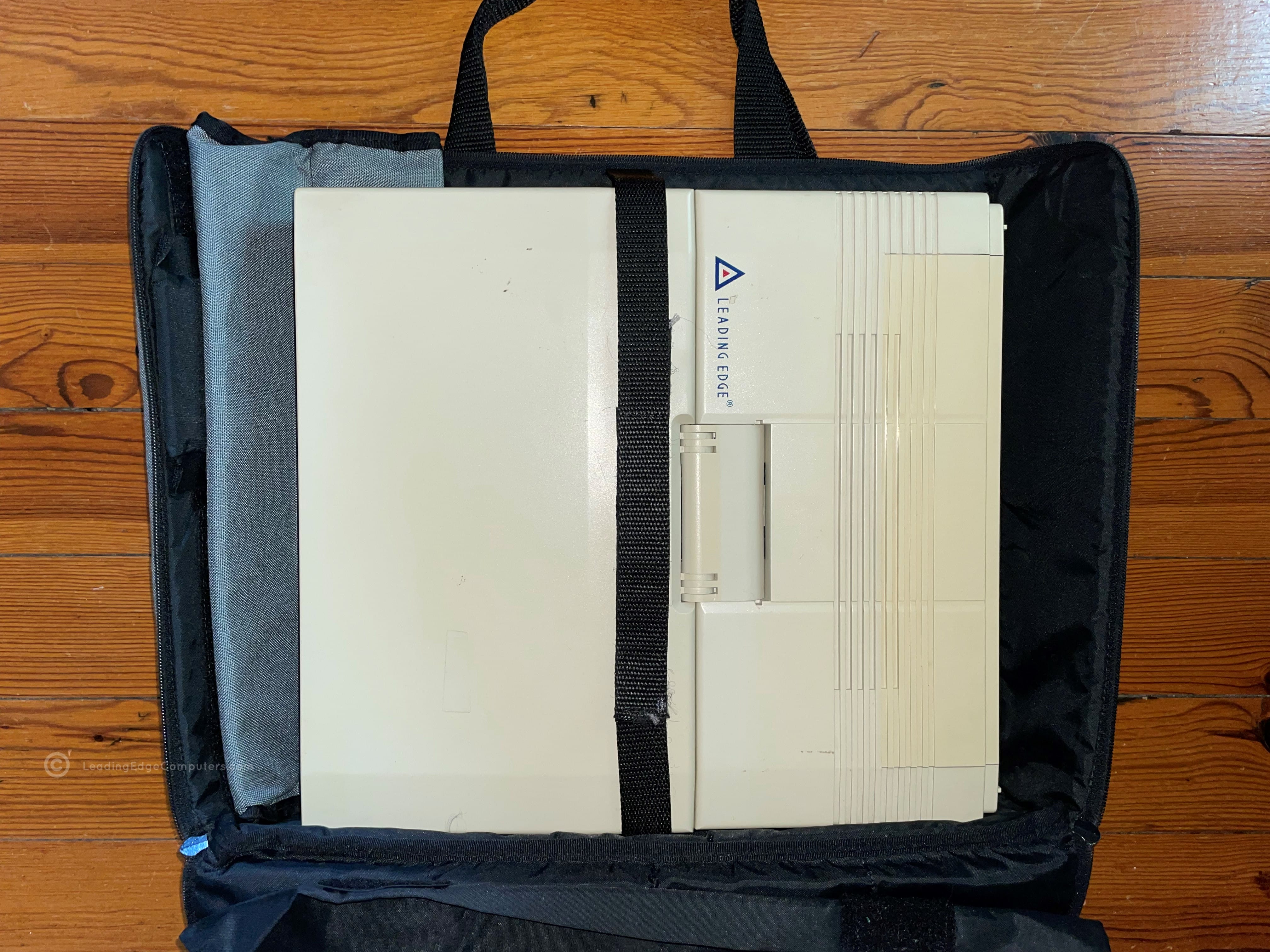
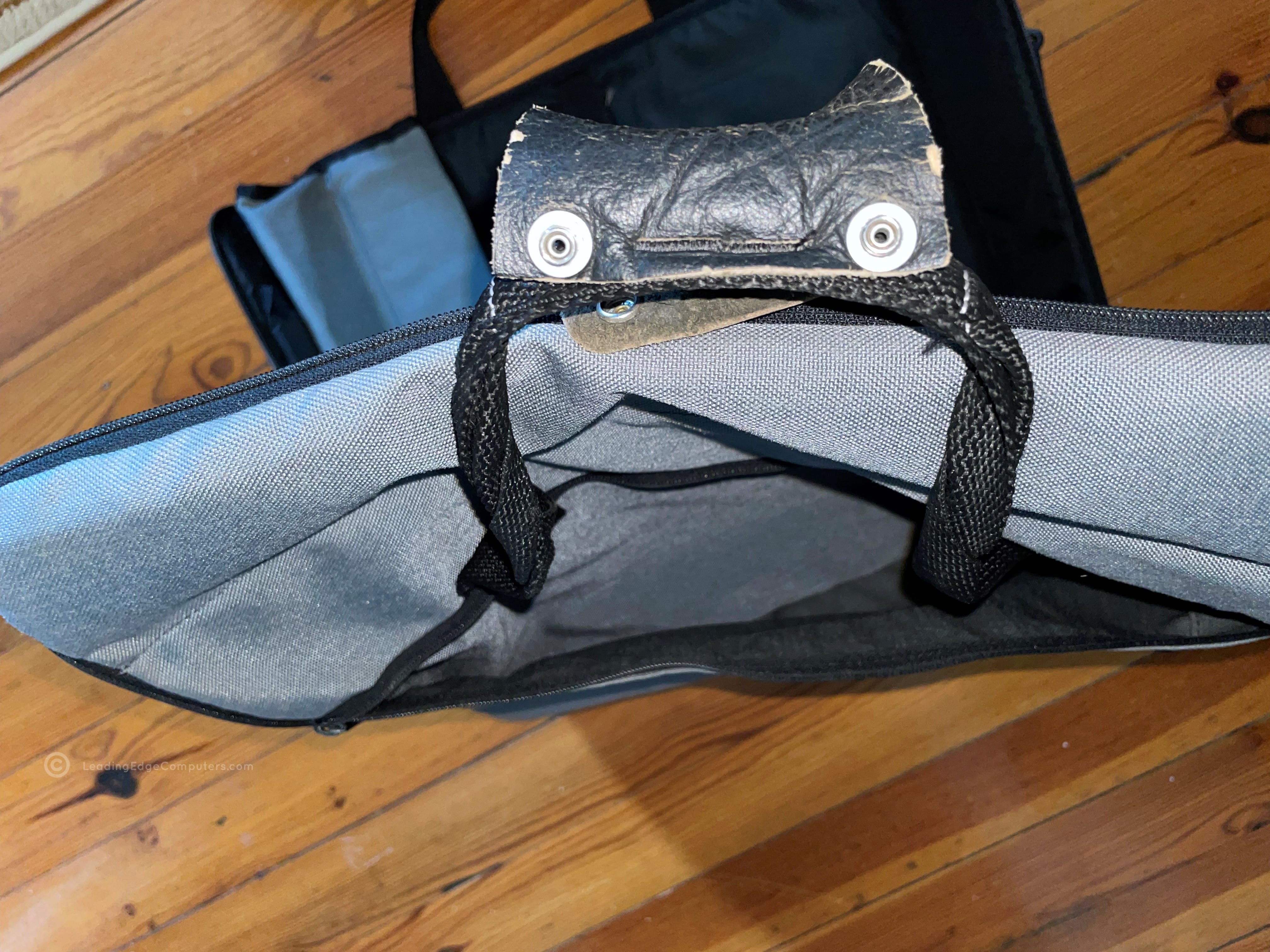
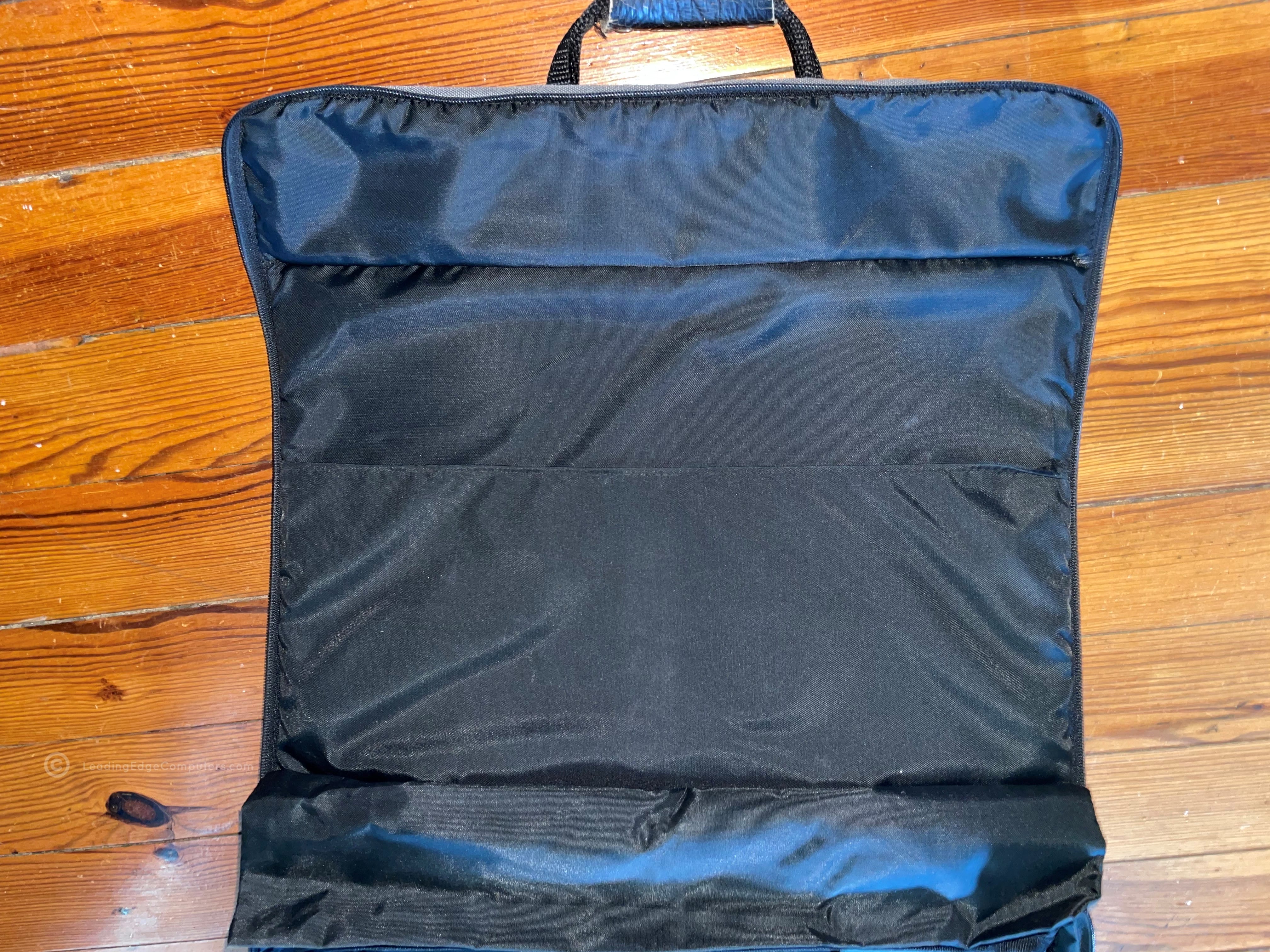
     Laptop Bag

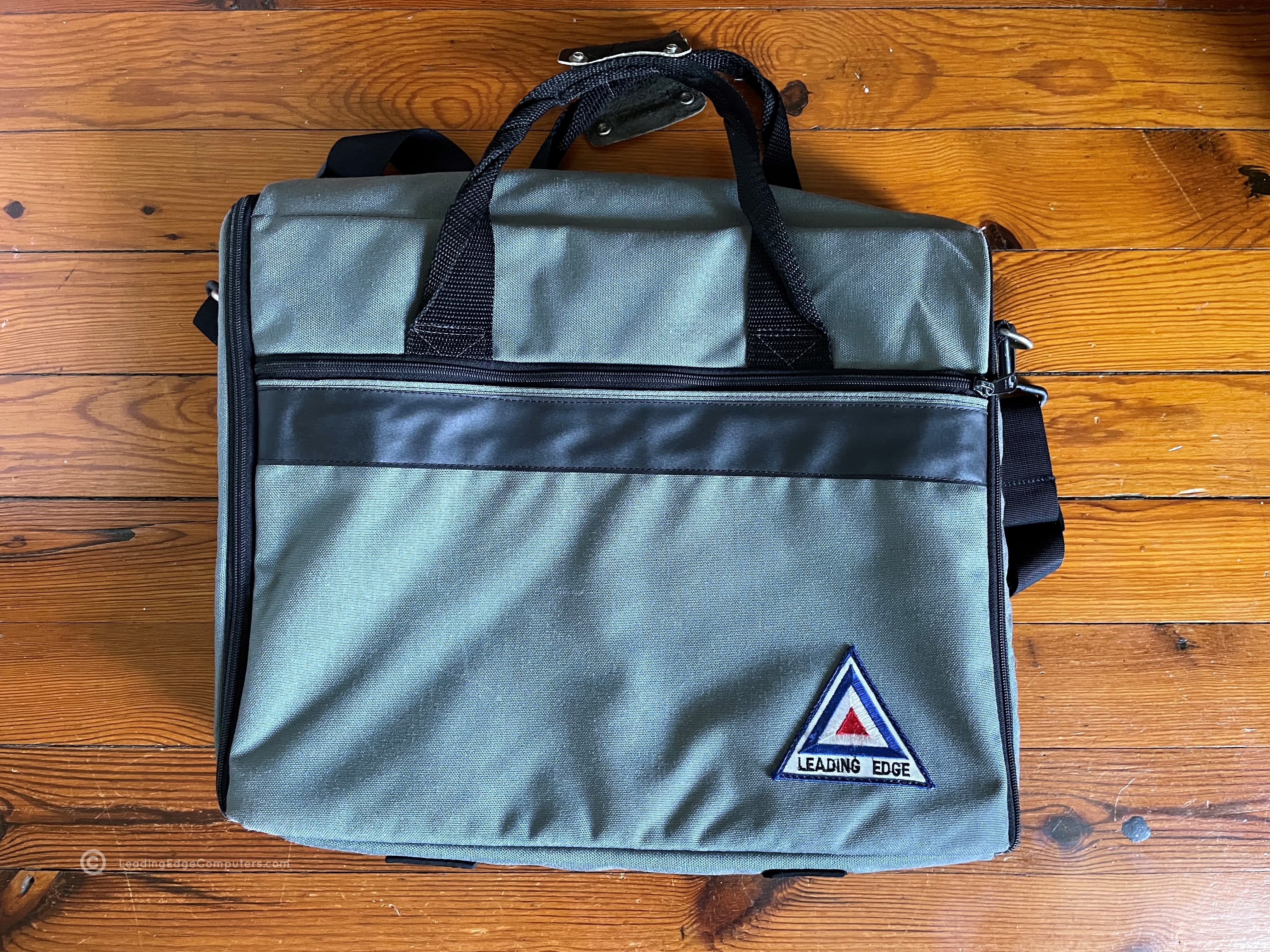
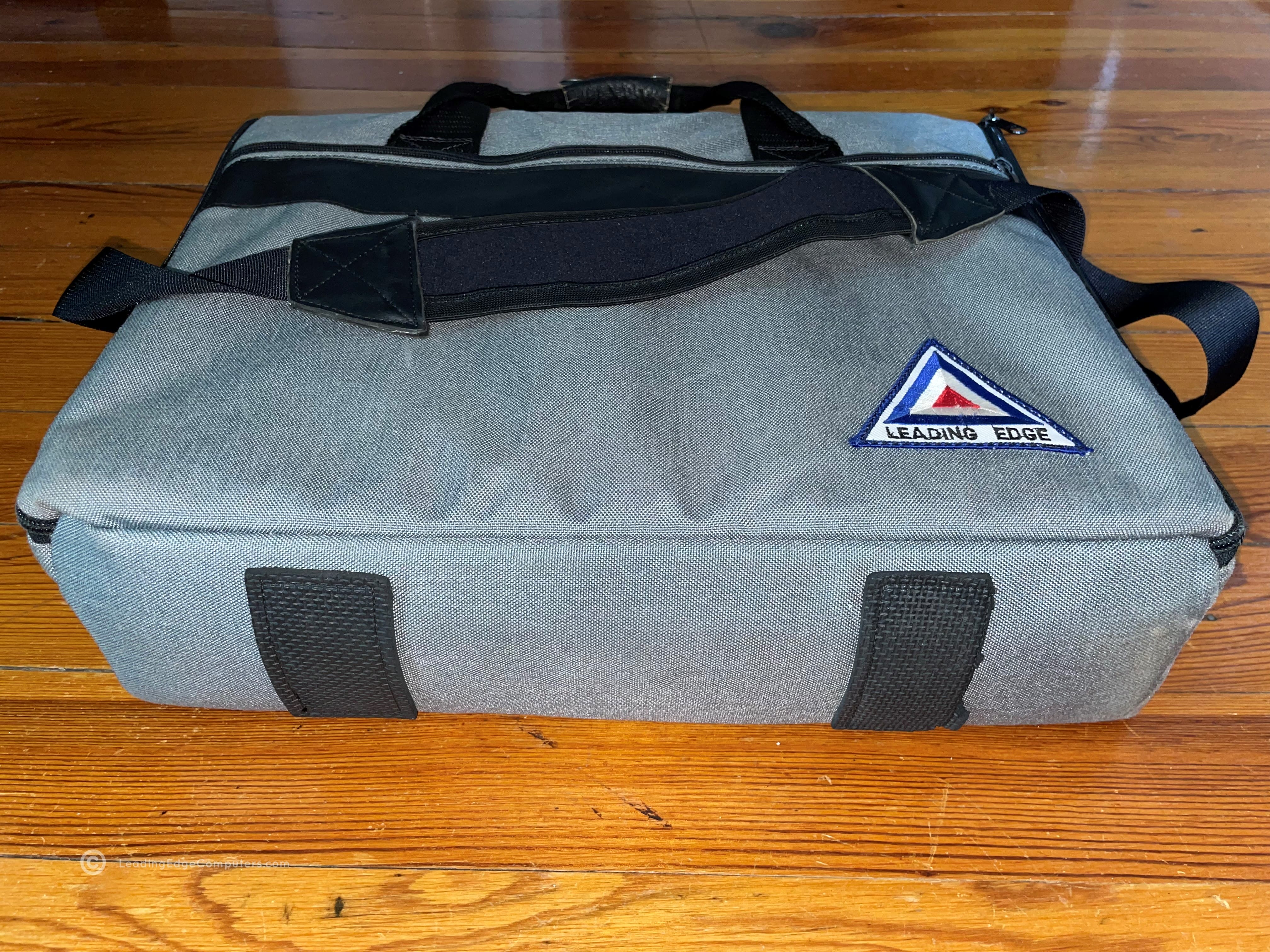
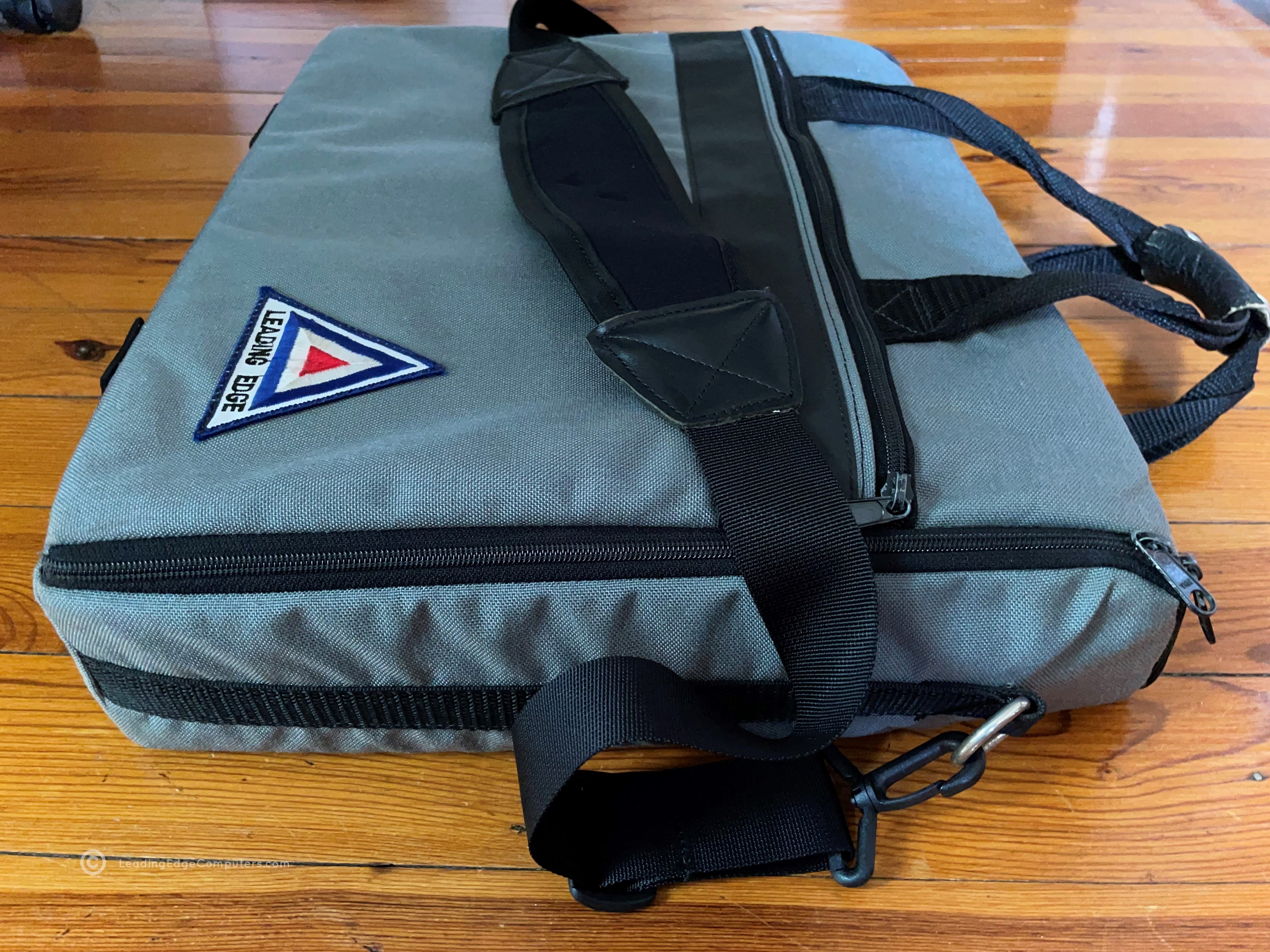
    Top-down view of the 386SX Notebook Front side top-down view of the 386SX Notebook Side view of the 386SX Notebook showing the floppy drive Rear view of the 386SX Notebook showing the cable port flap closed Rear view of the 386SX Notebook showing the cable port flap opened Side view of the 386SX Notebook showing the DC in power port Bottom view of the 386SX Notebook showing its manufacture labels View of the 386SX Notebook open from the back Front view of 386SX Notebook showing the screen and keyboard

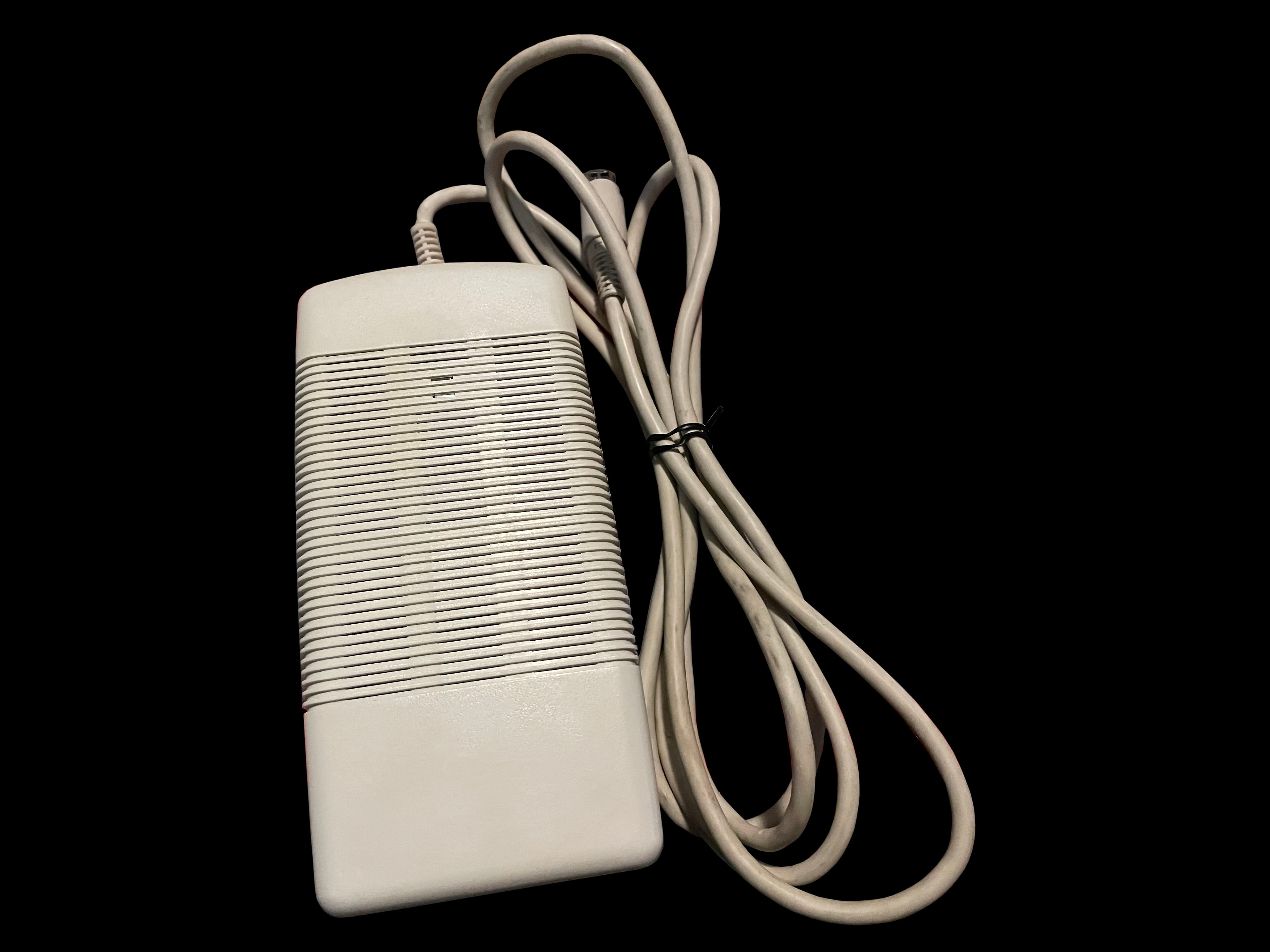
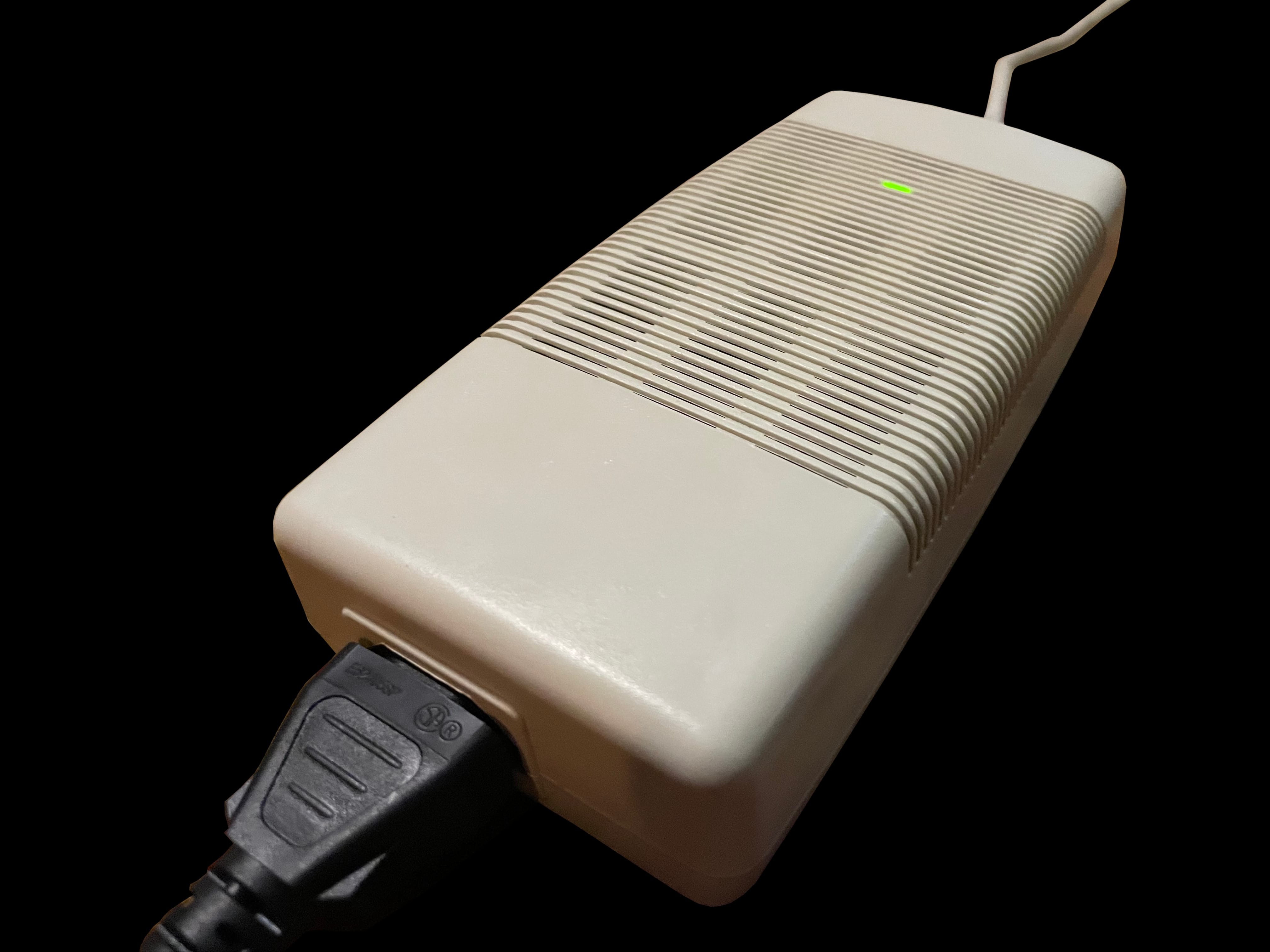
     LEP 9100 AC Power Supply

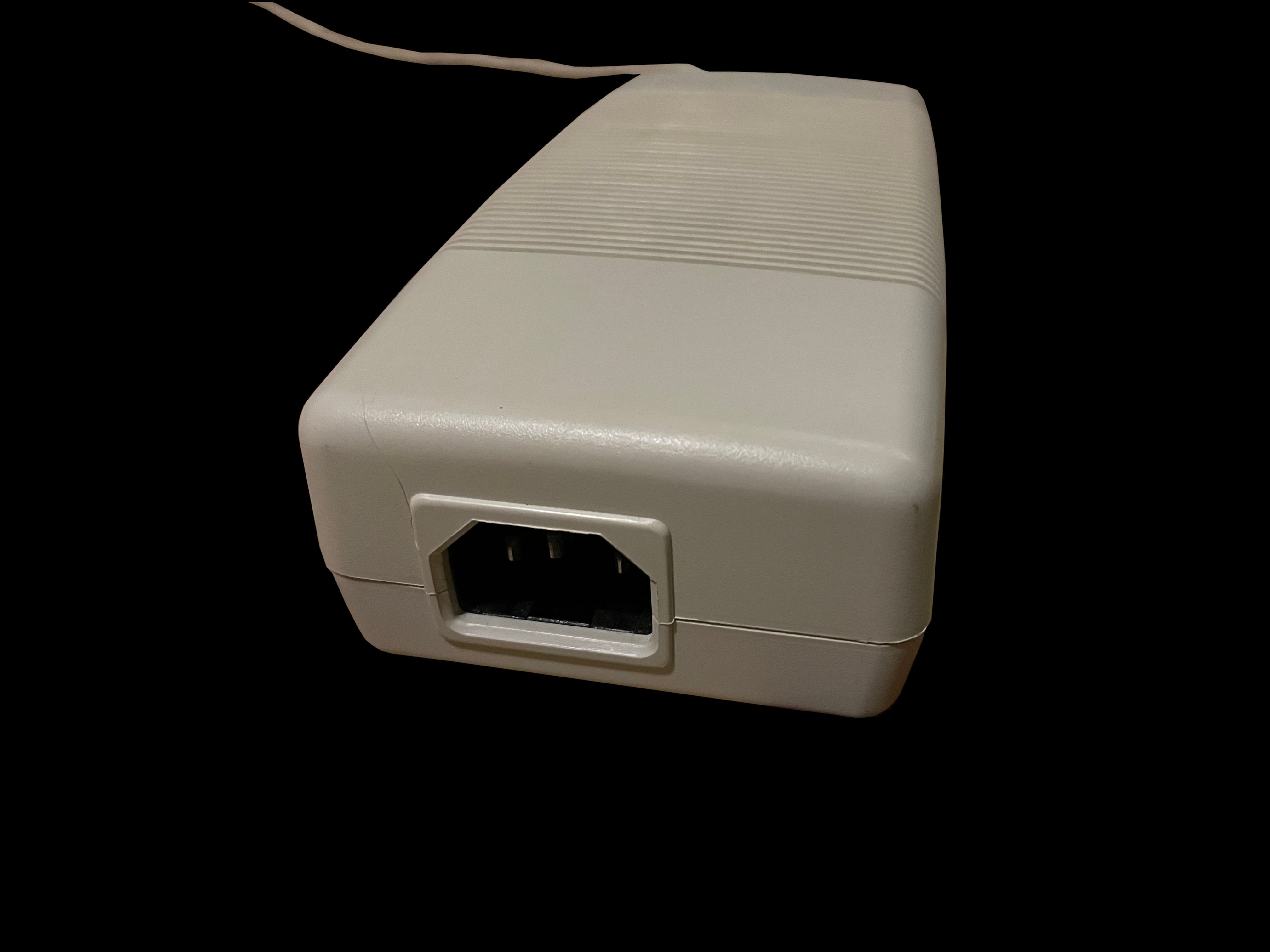
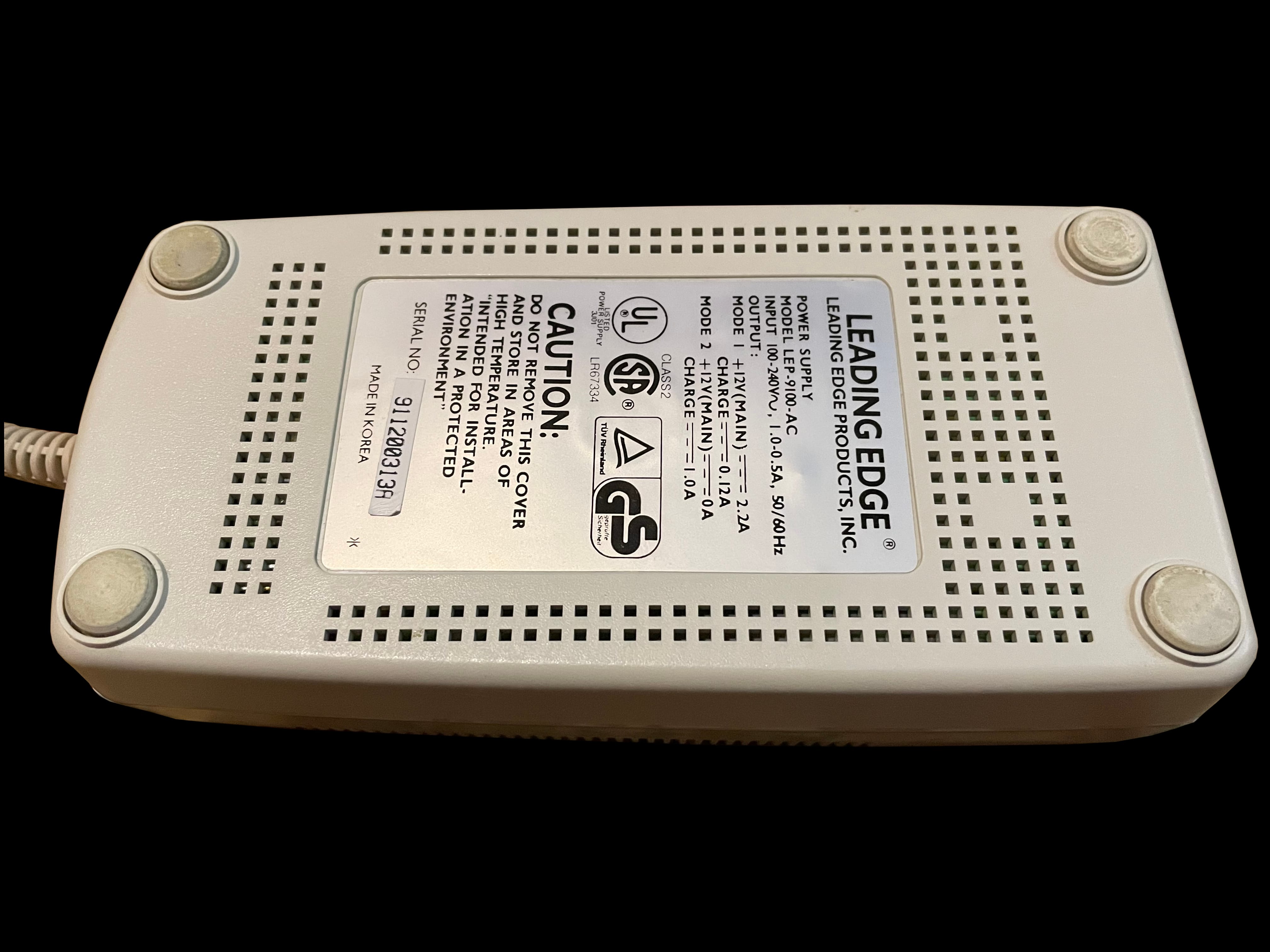
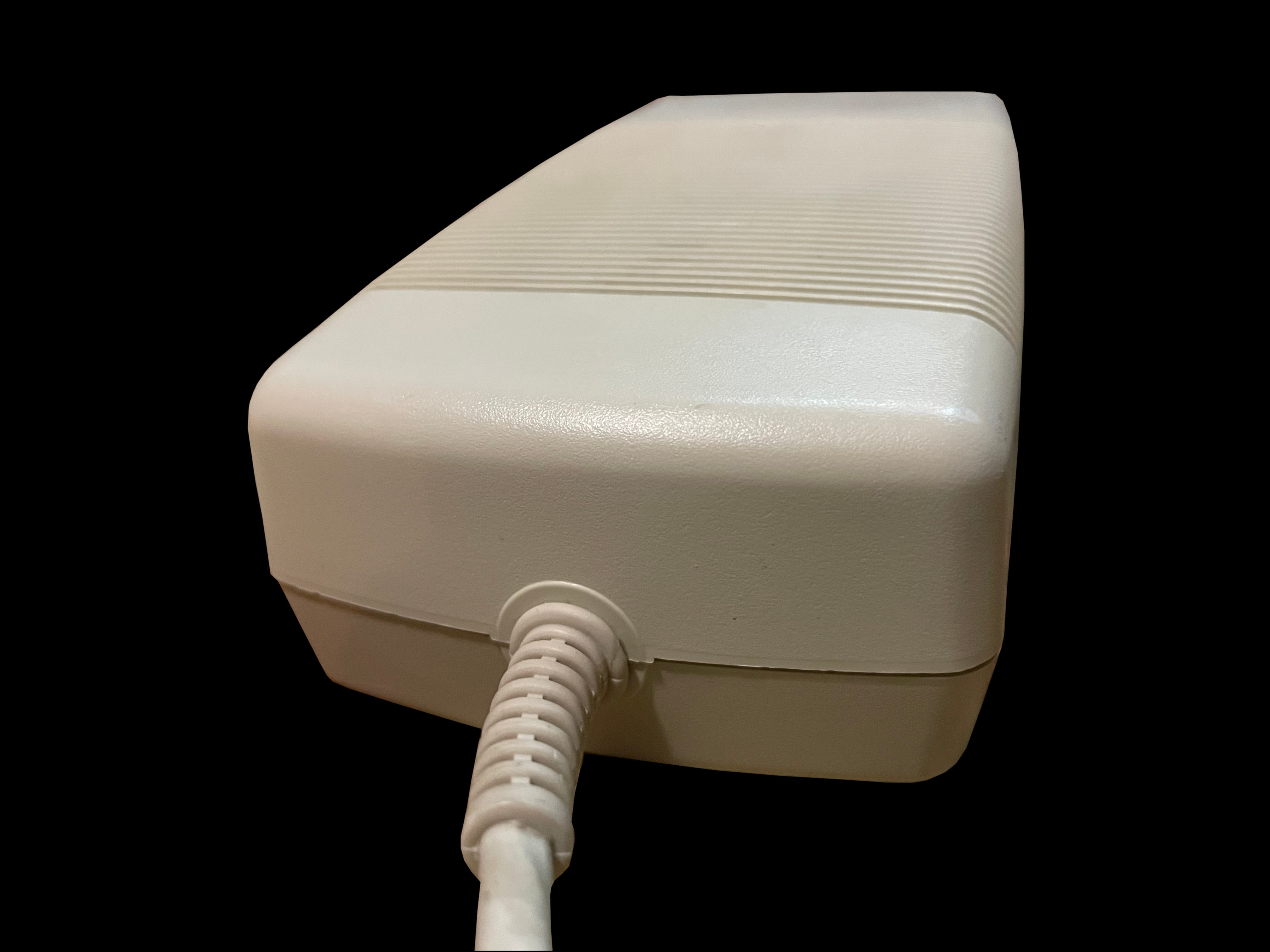
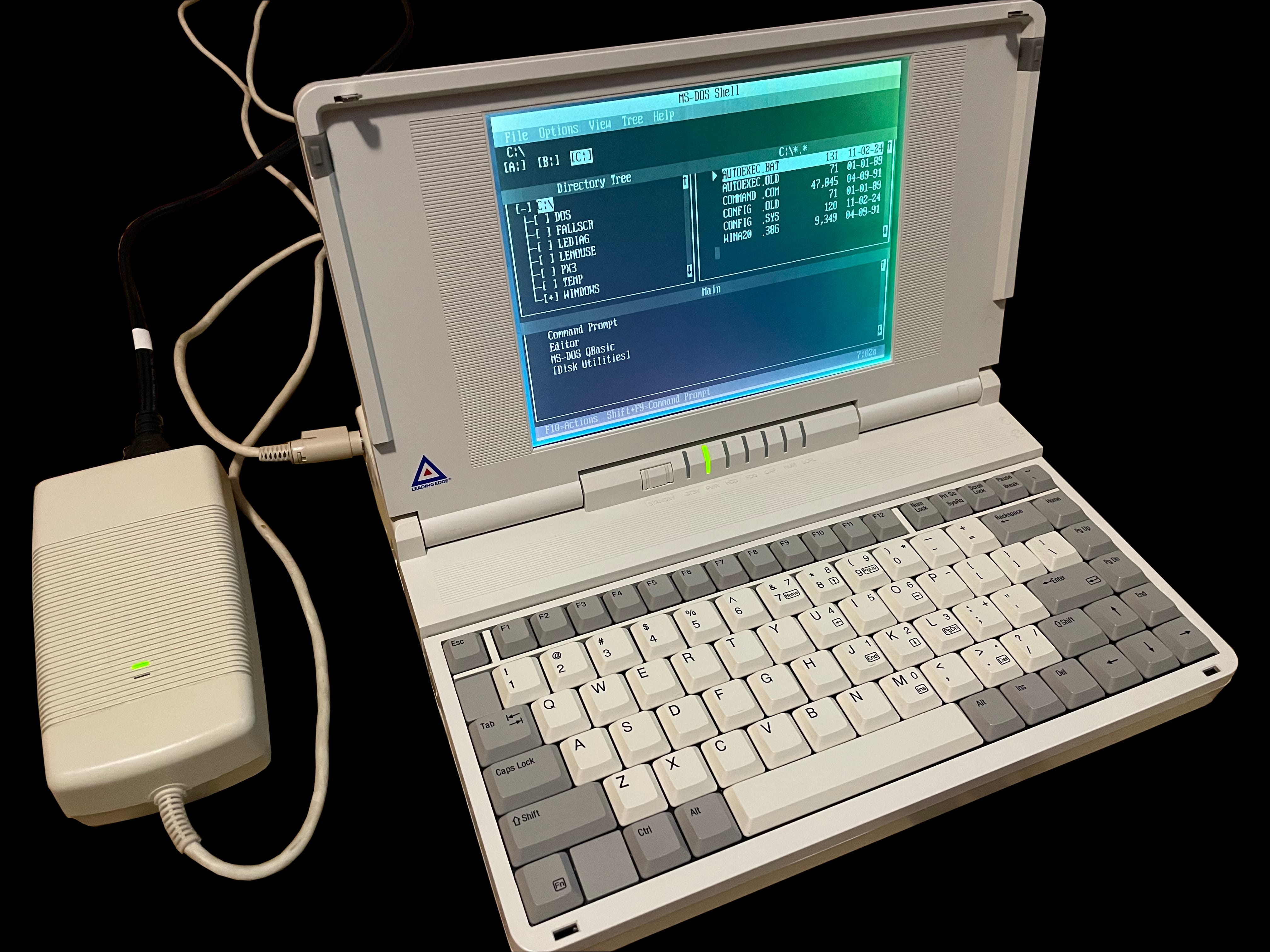
    A photo of Leading Edge's LEP 9100 AC psu with power cord A photo of Leading Edge's LEP 9100 AC psu and wall power cord Leading Edge's LEP 9100 AC psu and the IEC C14 input connector The bottom of Leading Edge's LEP 9100 AC psu Leading Edge's LEP 9100 AC psu and the permenantly attached computer cable A photo of a Leading Edge 386SX Notebook powerd up with its LEP 9100 AC psu accompanying it

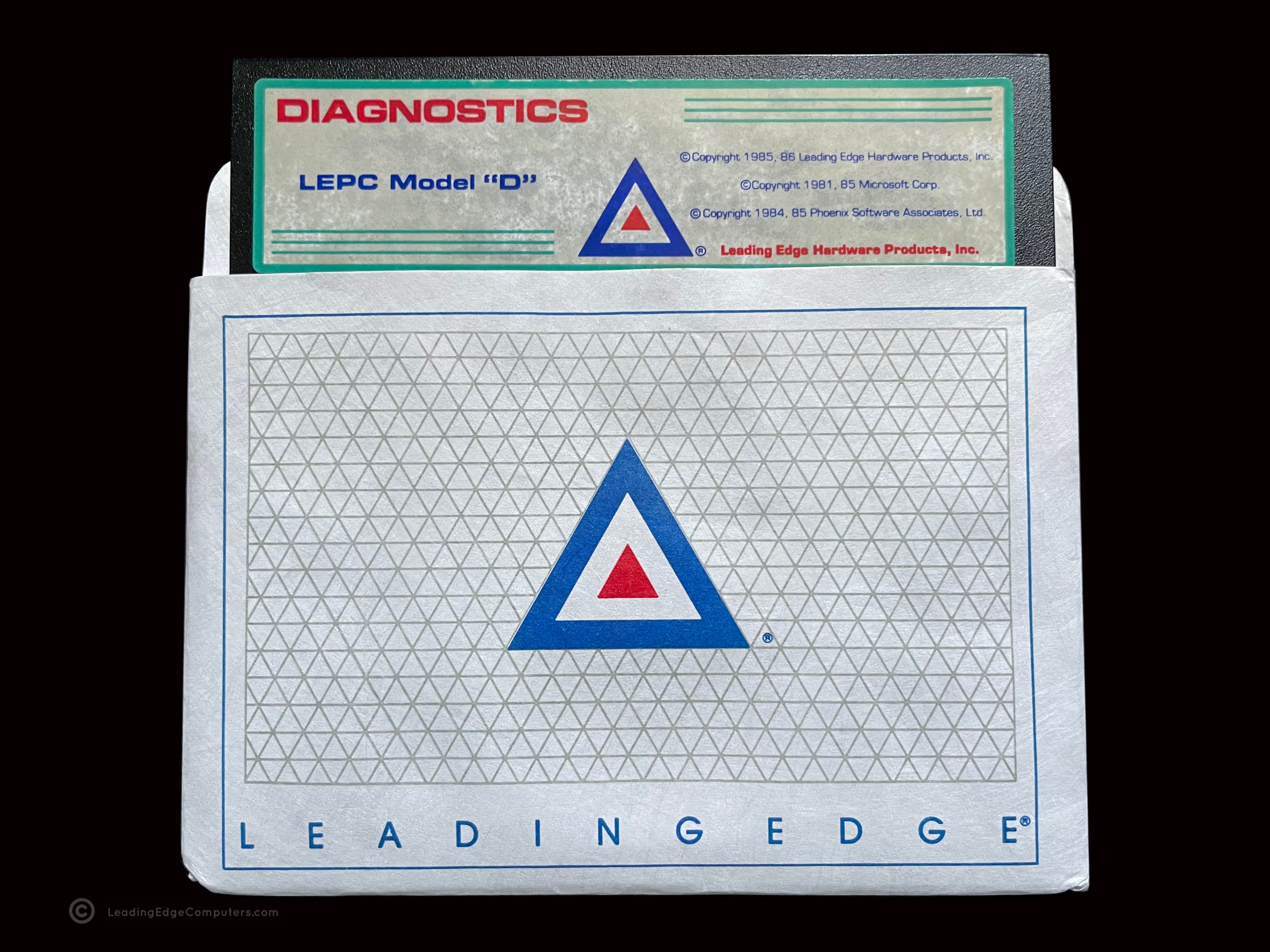
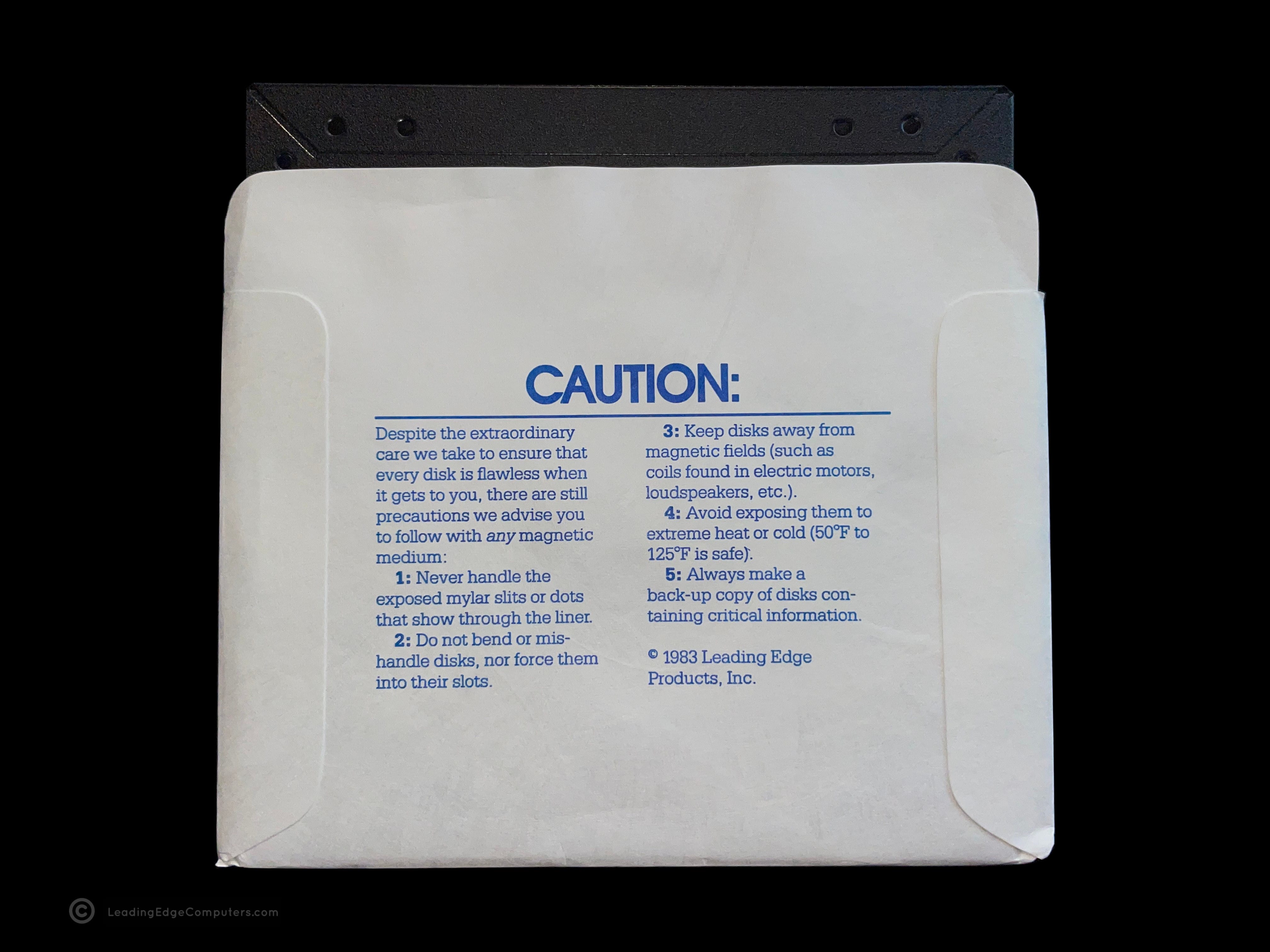
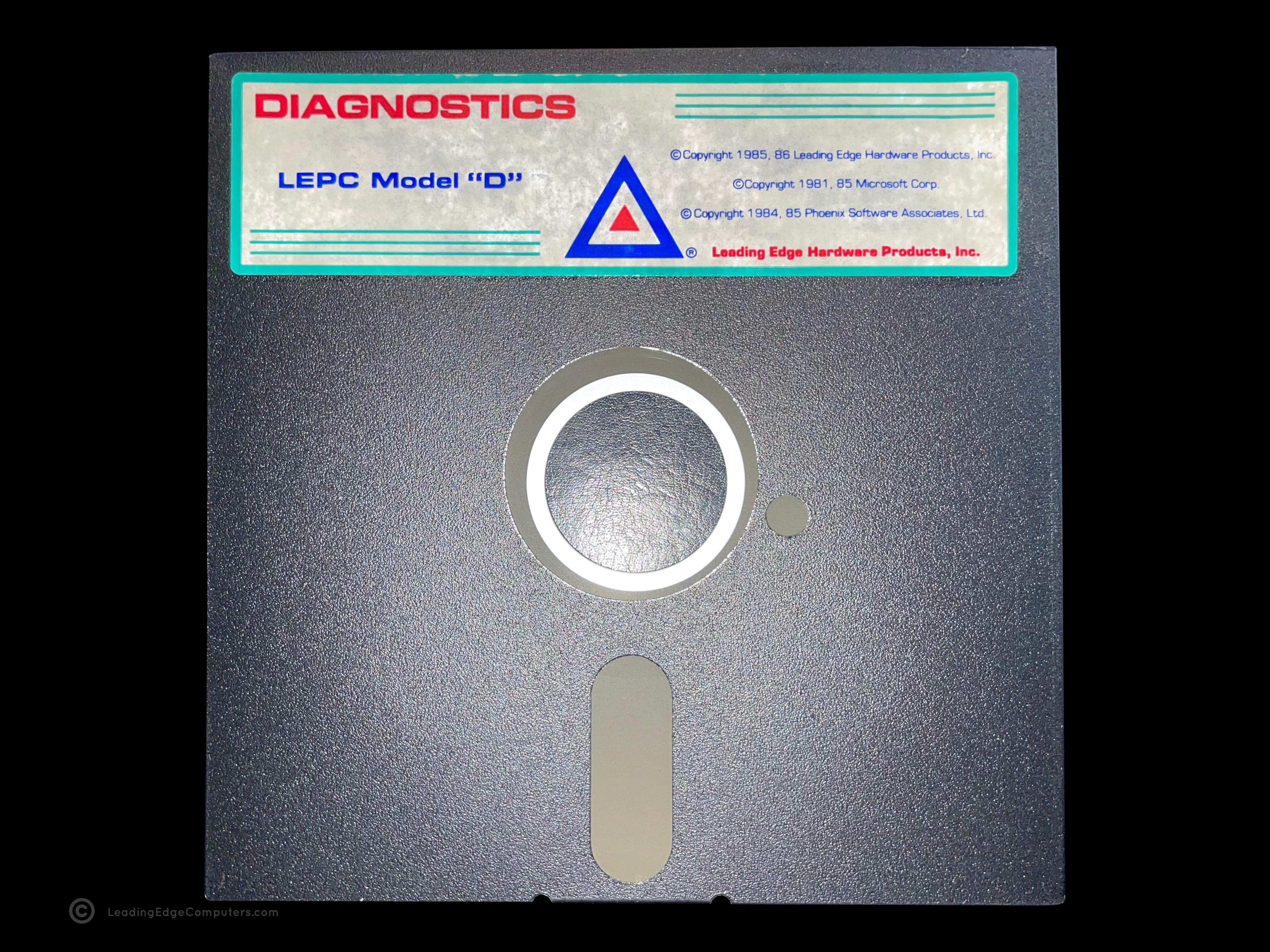
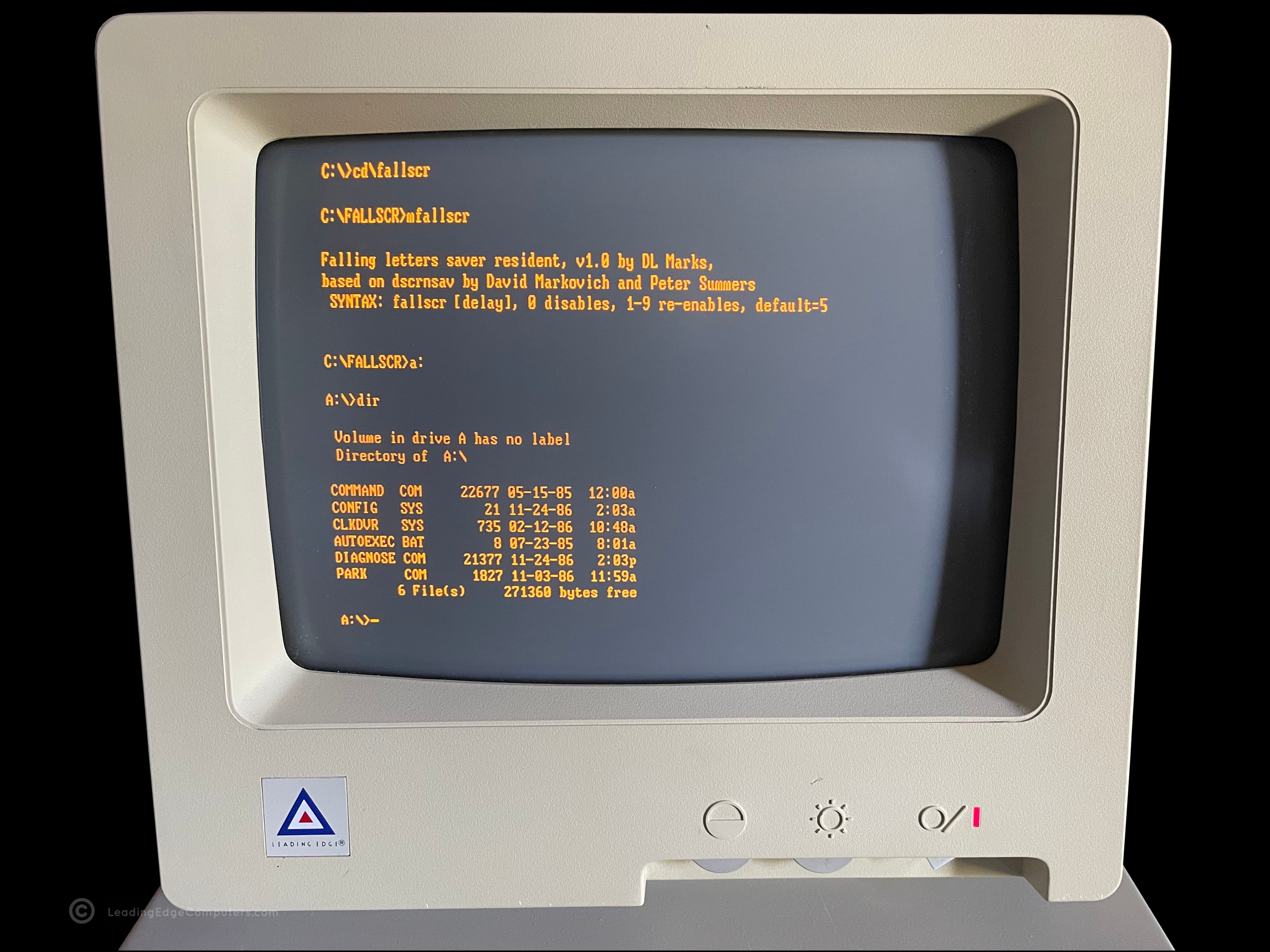
     LEPC Model D Diagnostics

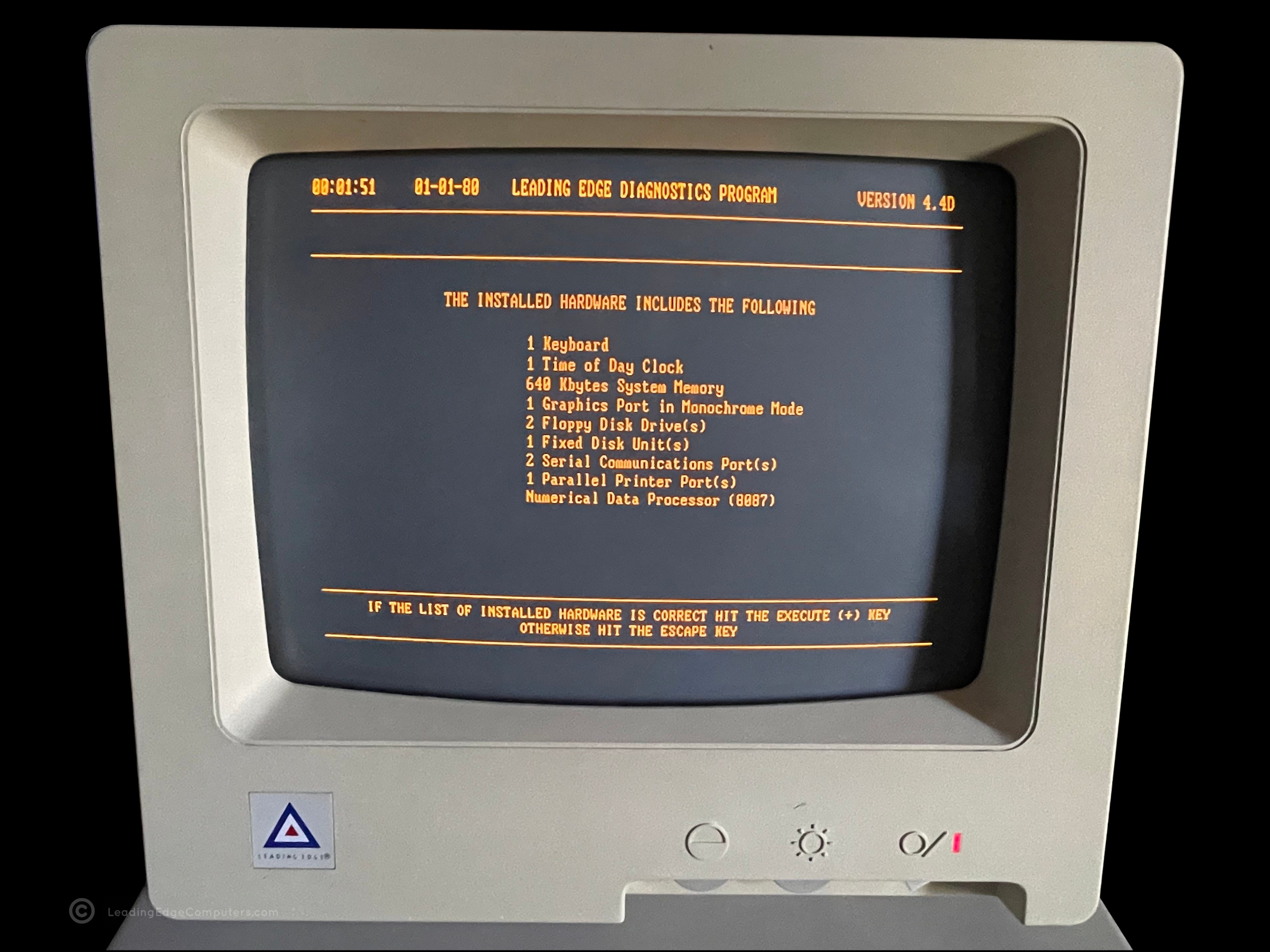
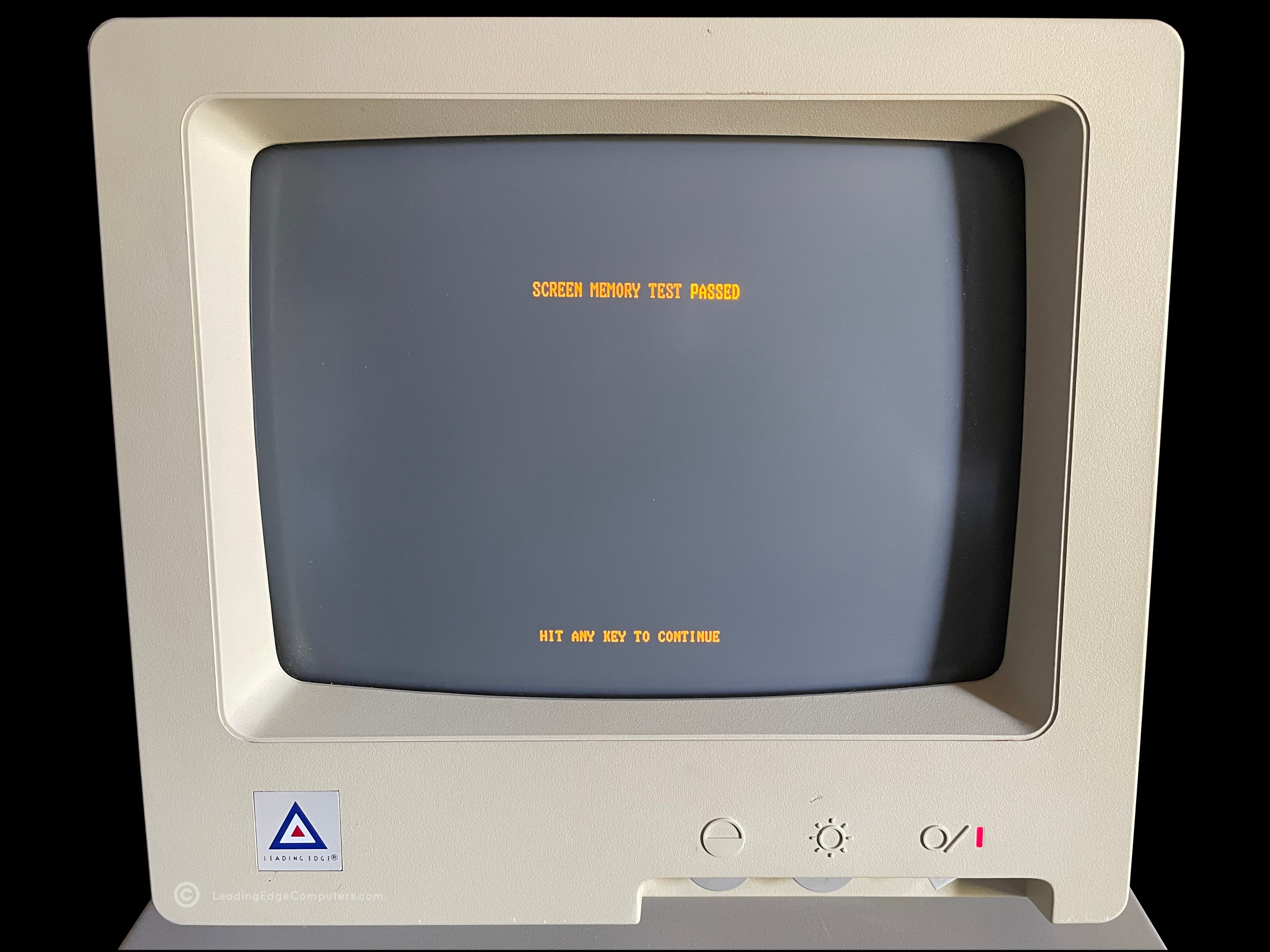
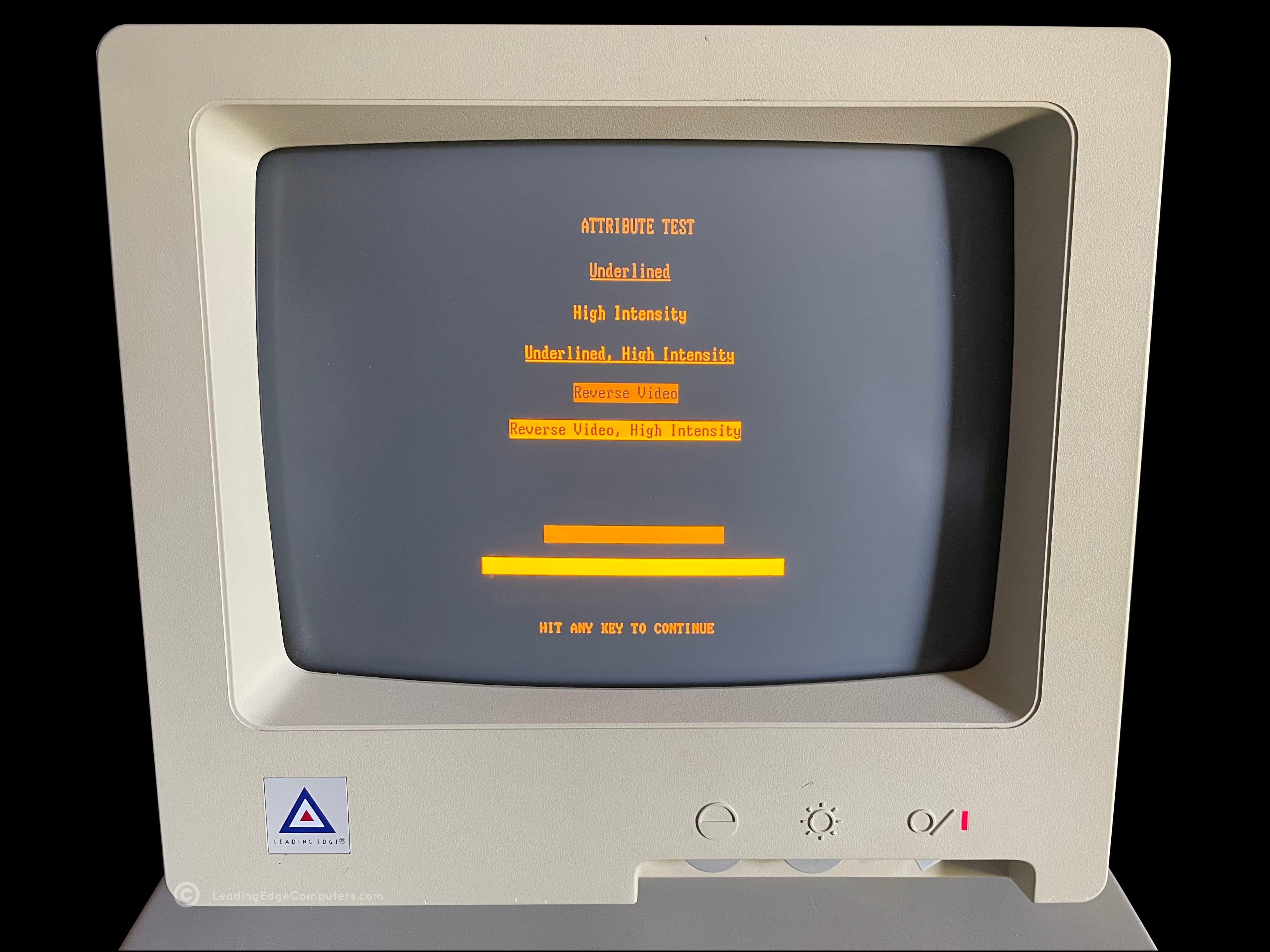
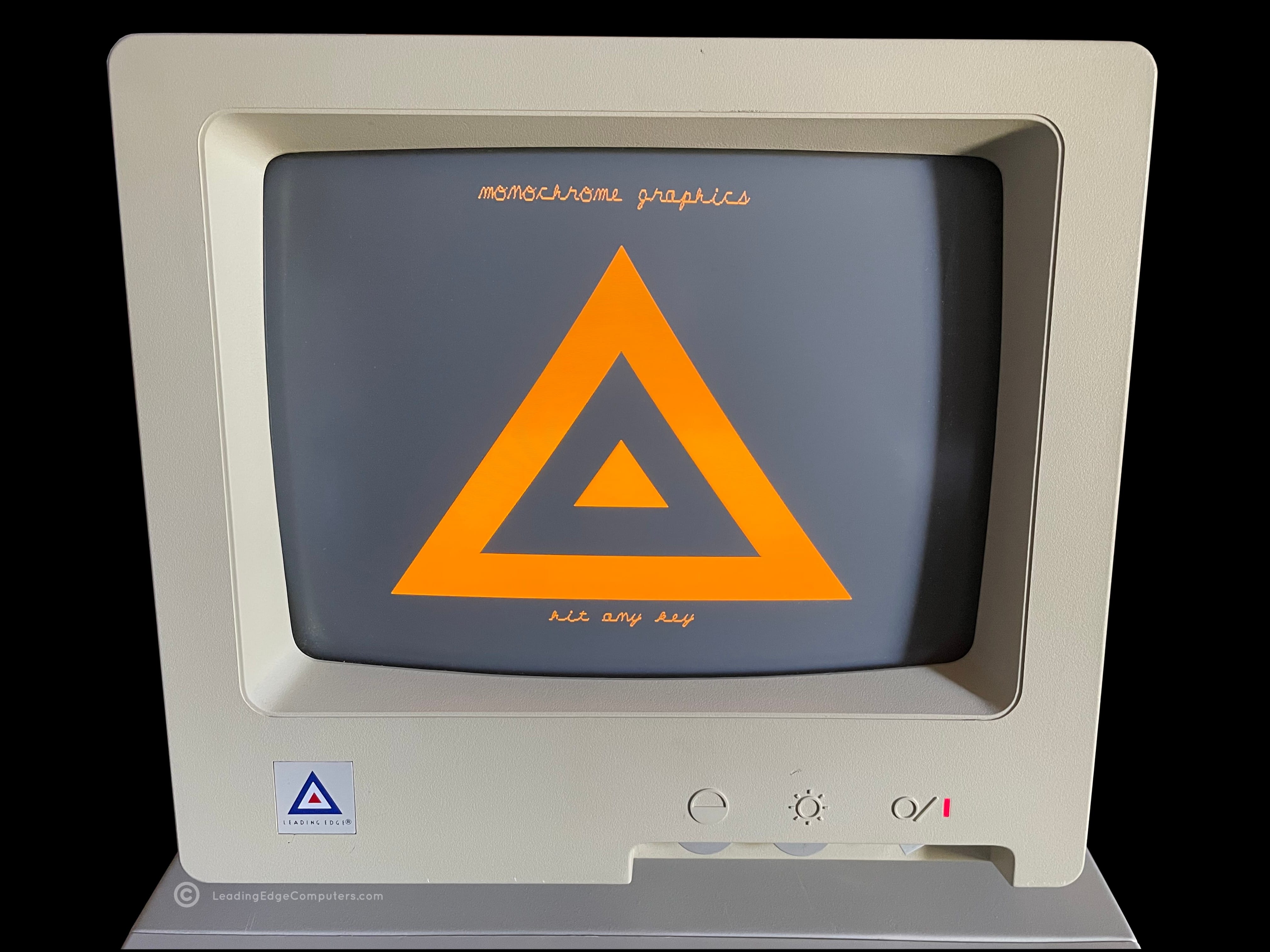
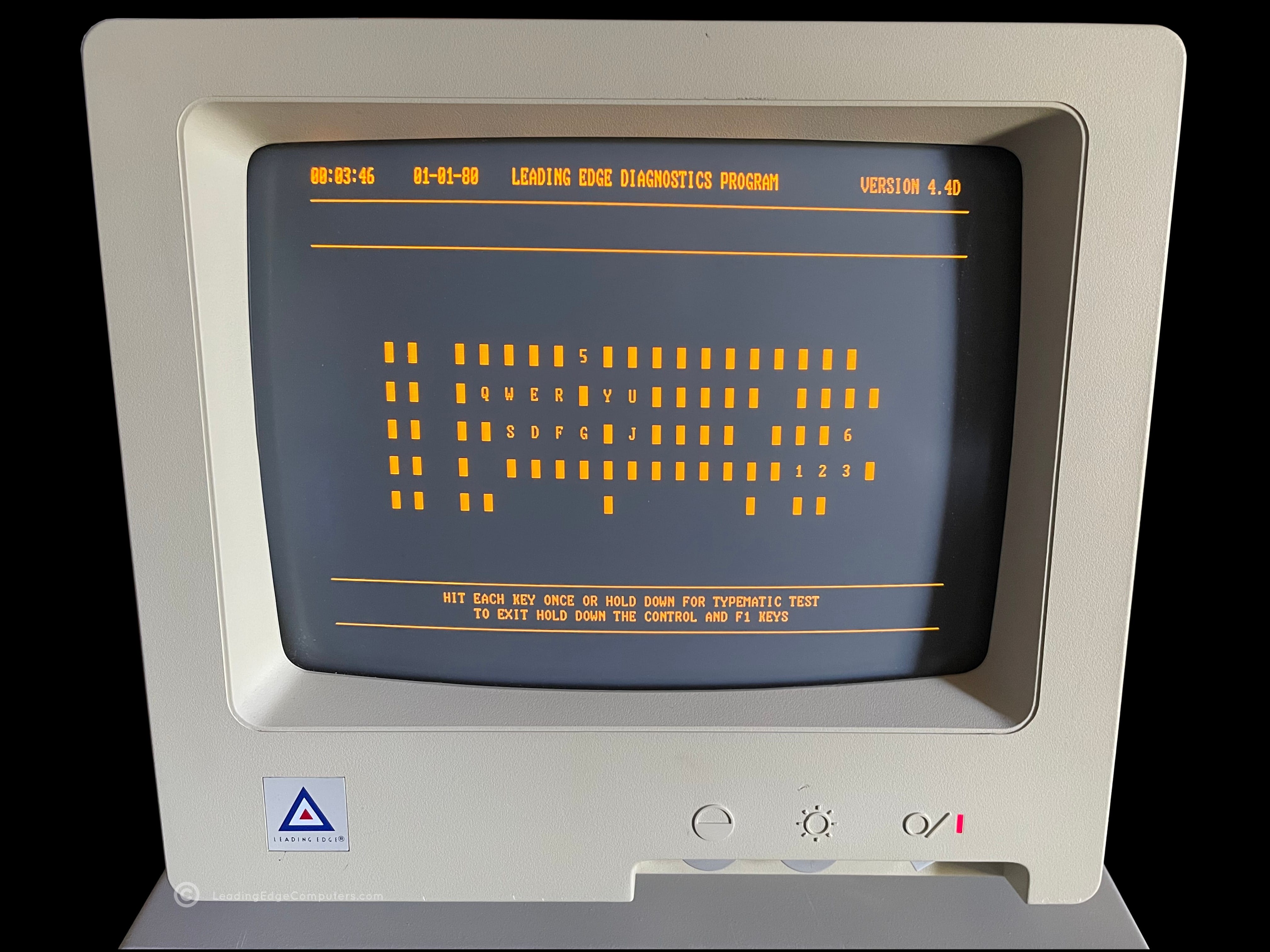
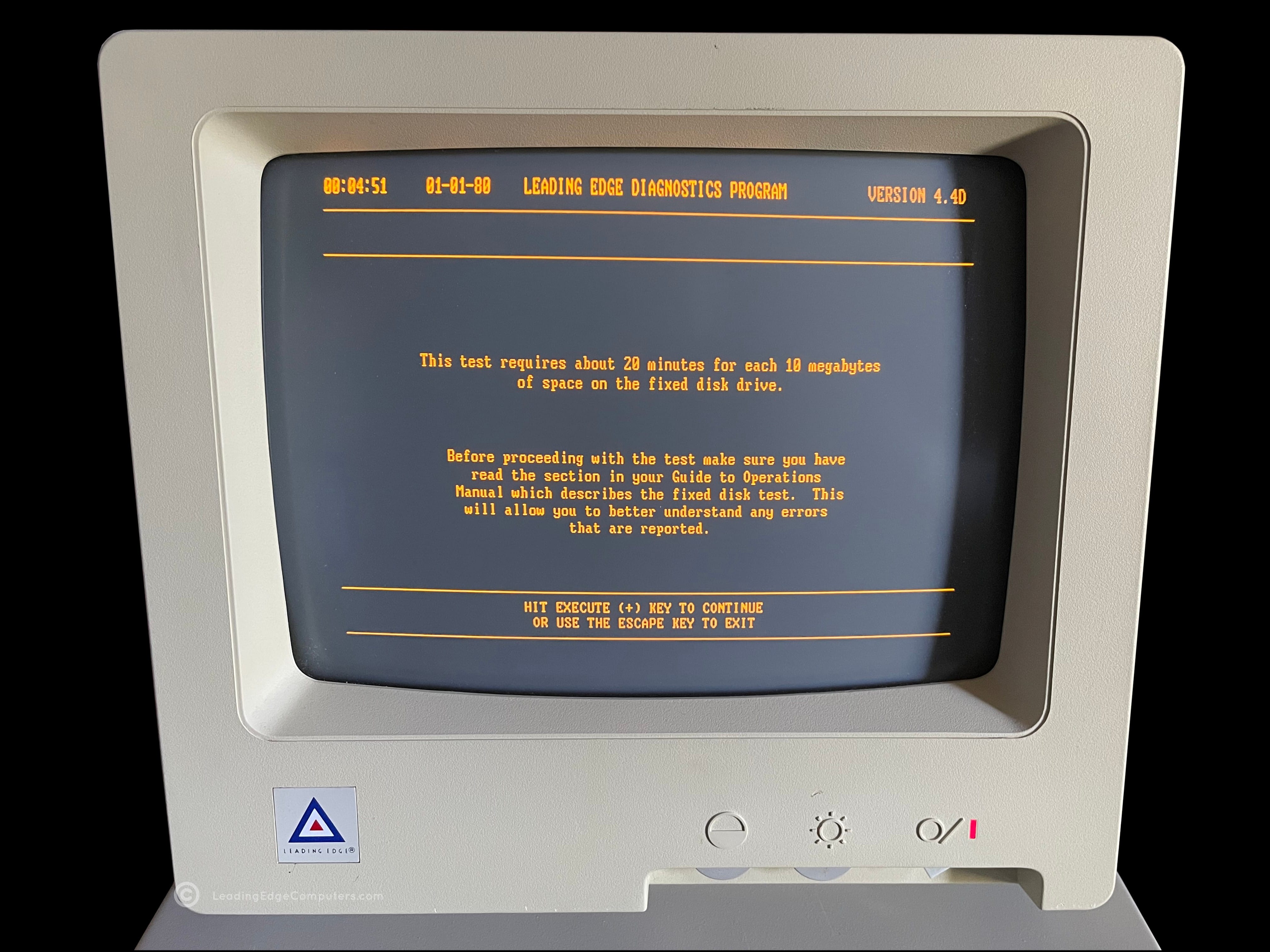
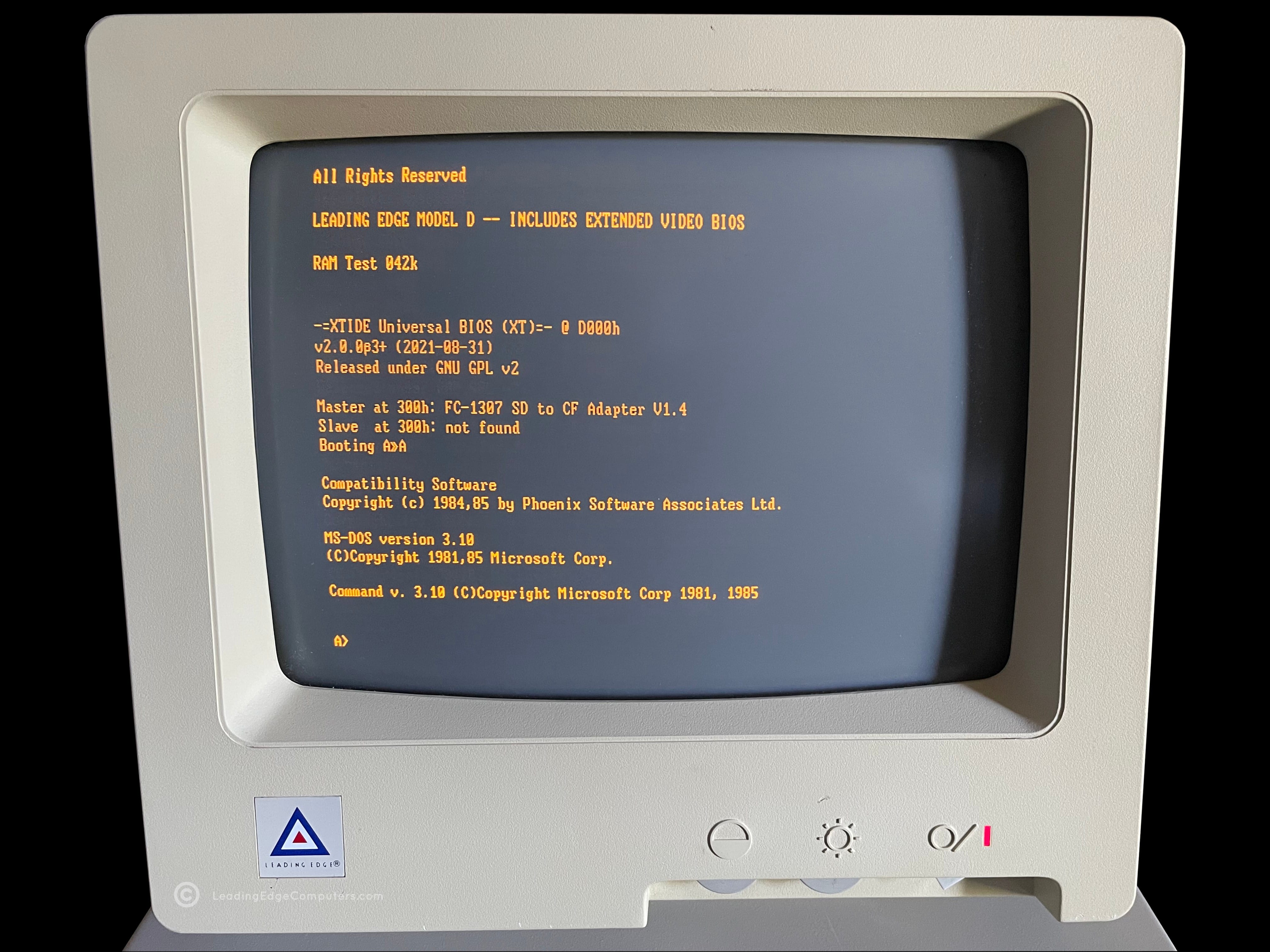
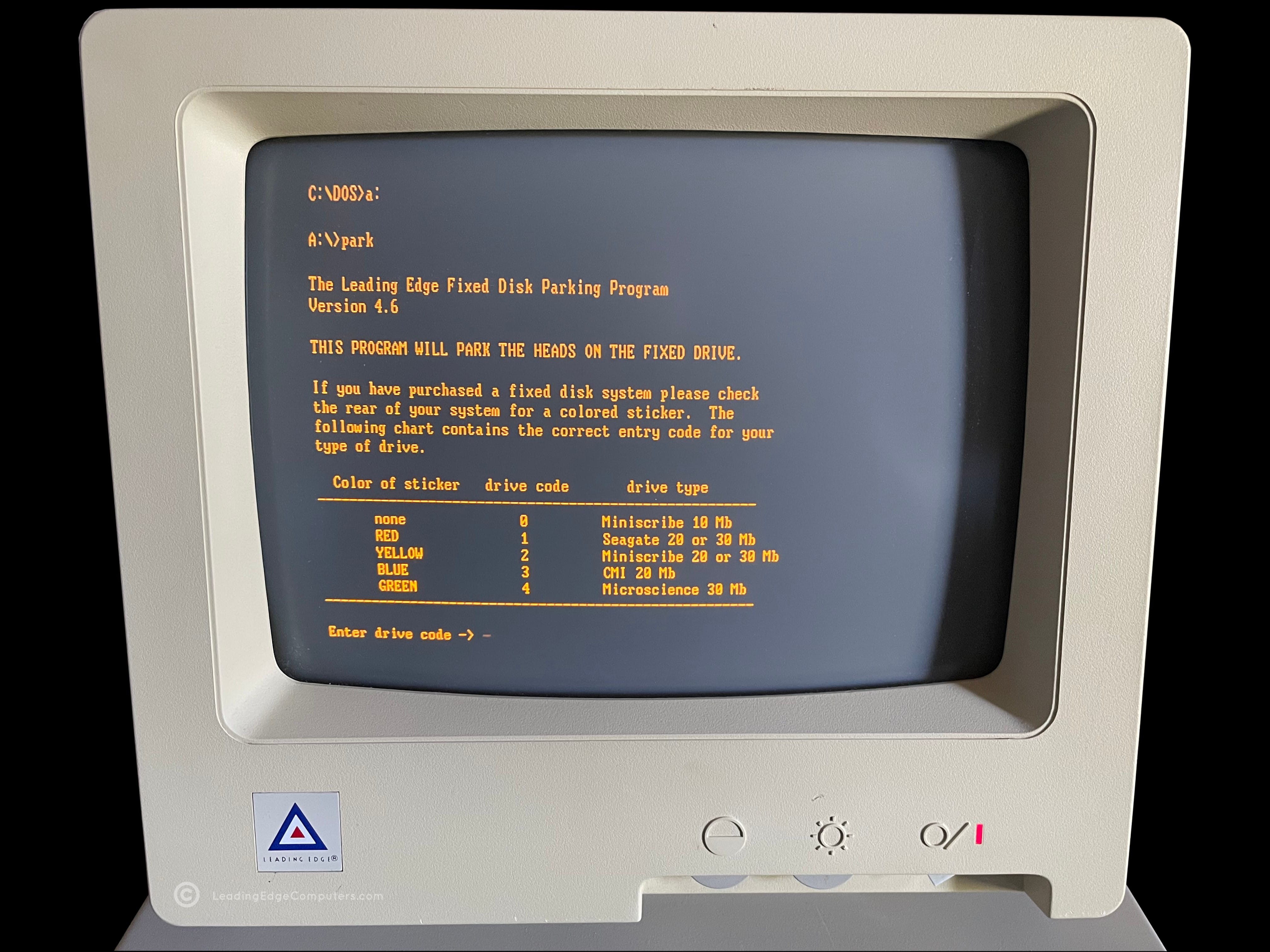
    Front view of the LEPC Model D Diagnostics disk tucked inside of its sleeve Rear view of the LEPC Model D Diagnostics disk sleeve An alternate front view of the LEPC Model Diagnostics disk without its sleeve Screenshot of the LEPC Model D Diagnostics directory listing Screenshot of LEPC Model D Diagnostics program software profile Screenshot of the LEPC Model D Diagnostics after having successfully run the screen memory test Screenshot of the LEPC Model D Diagnostics running the monitor diagnostics test Screenshot of the LEPC Model D Diagnostics testing the connected monitor and displaying the Leading Edge logon in amber monochrome Screenshot of the LEPC Model D Diagnostics testing the connected kb-2014 keyboard Screenshot of the LEPC Model D Diagnostics warning that the fixed disk test takes 20 or more minutes to complete Screenshot of the LEPC Model D Diagnostics running as a bootable image Screenshot of the LEPC Model D Diagnostics fixed disk parking program

     Microsoft Multiplan

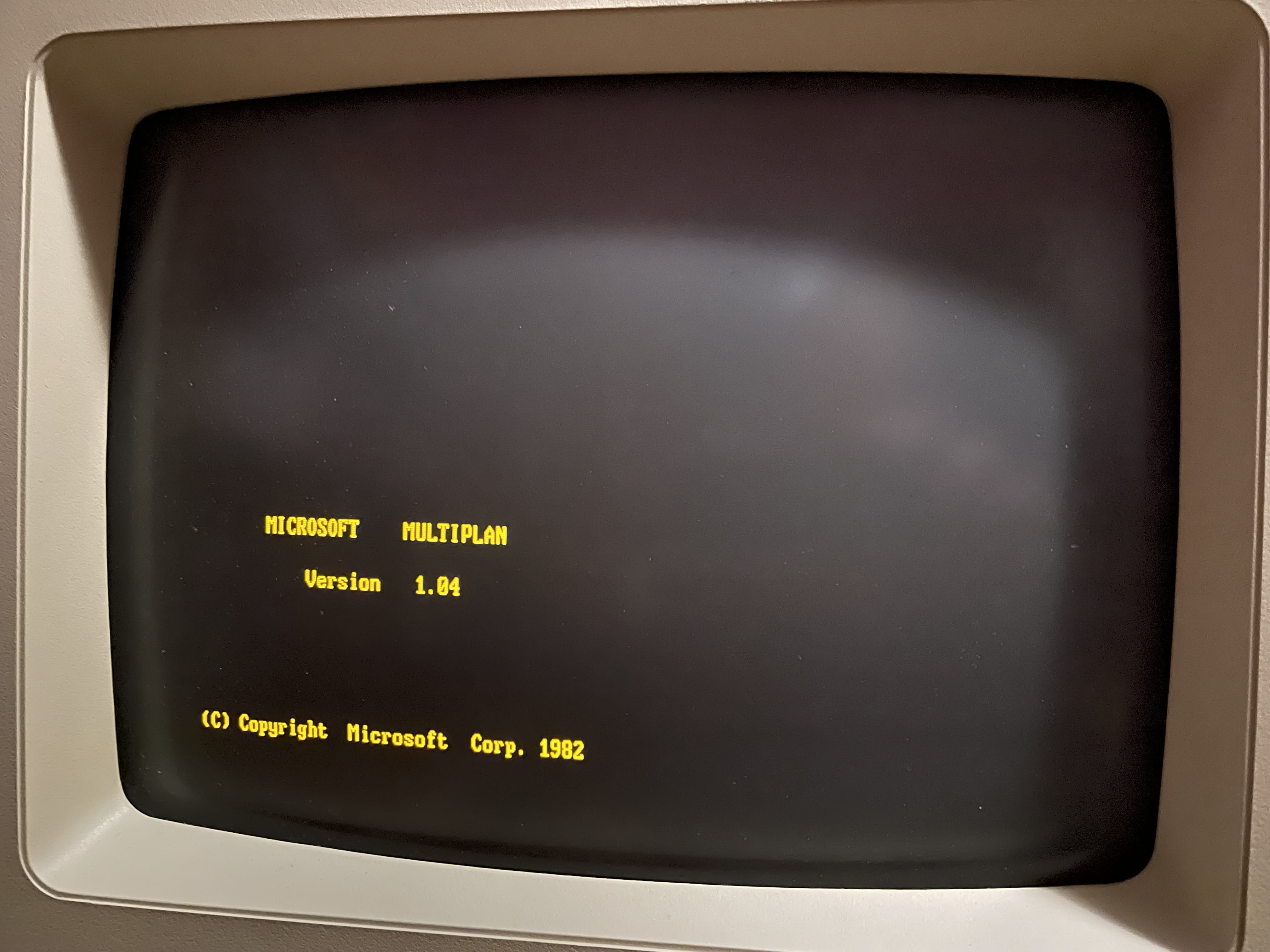
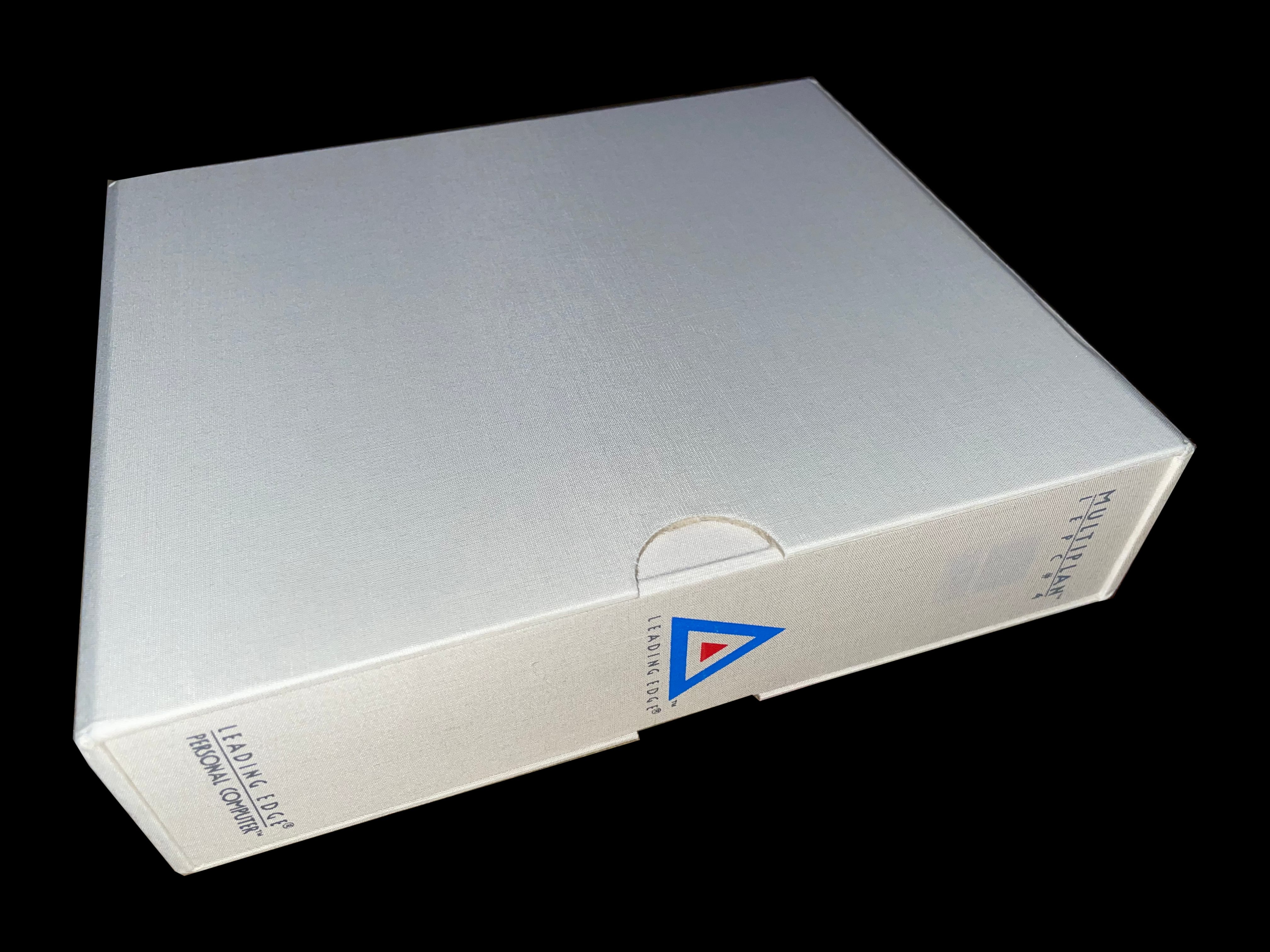
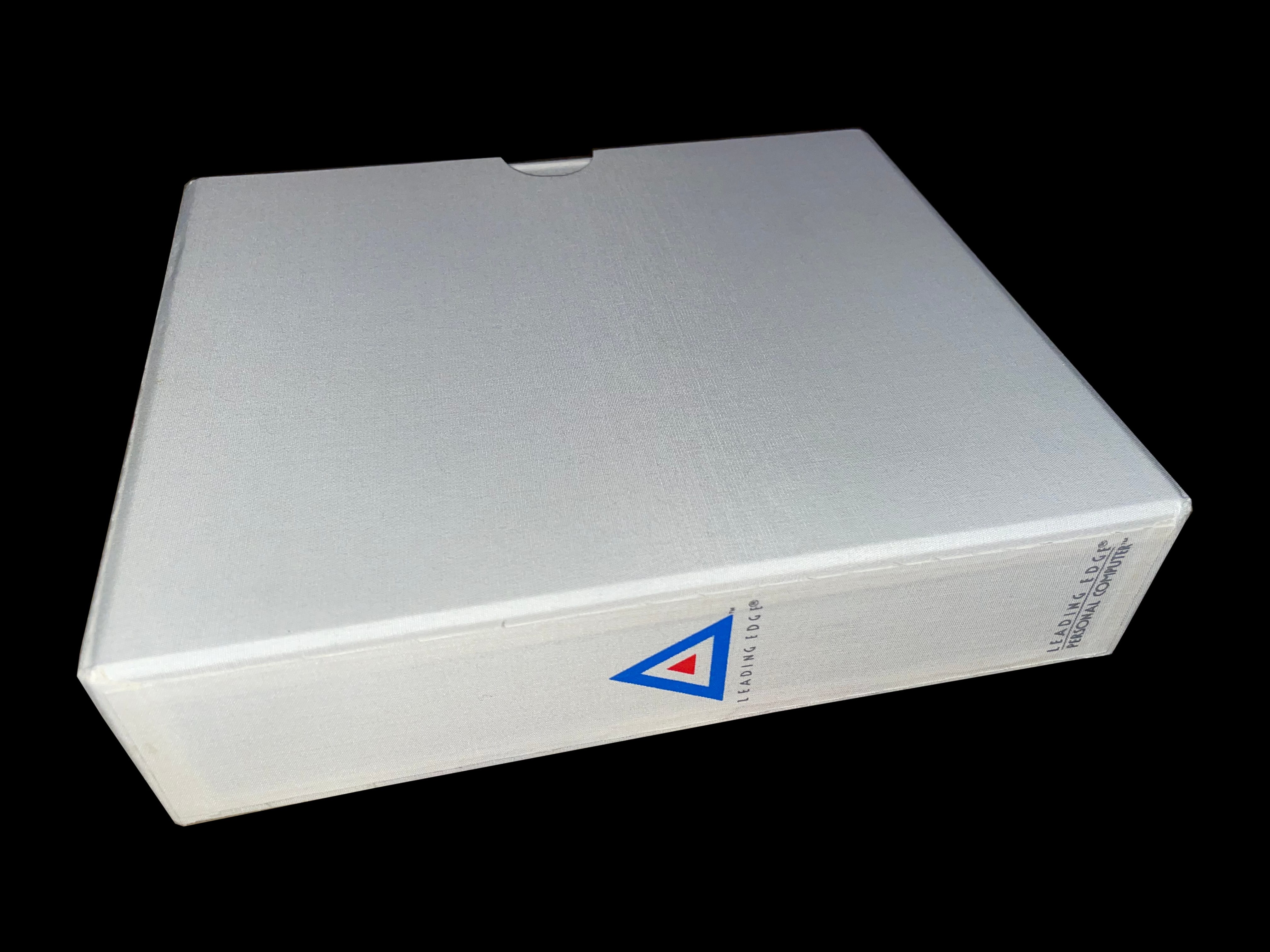
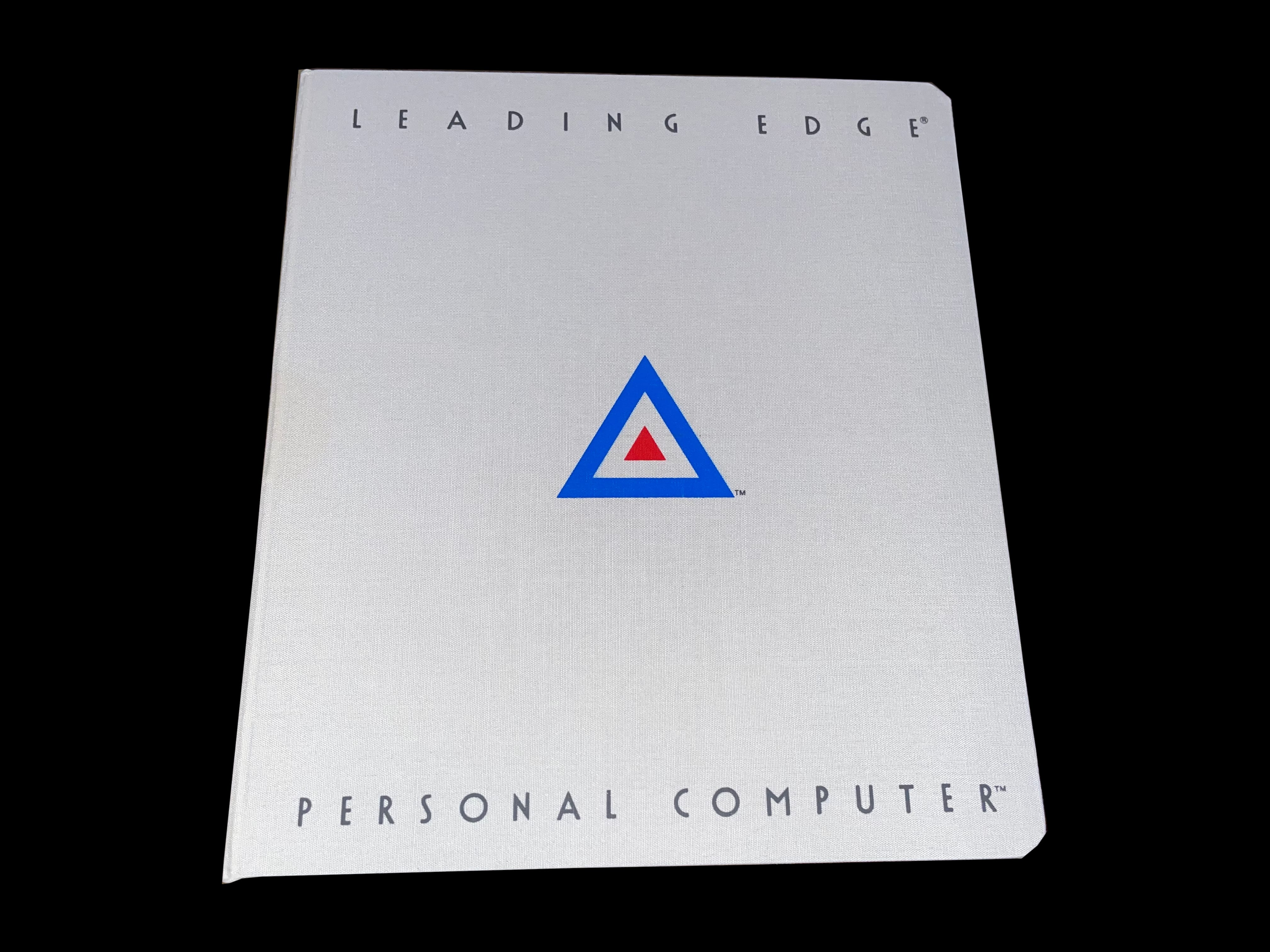
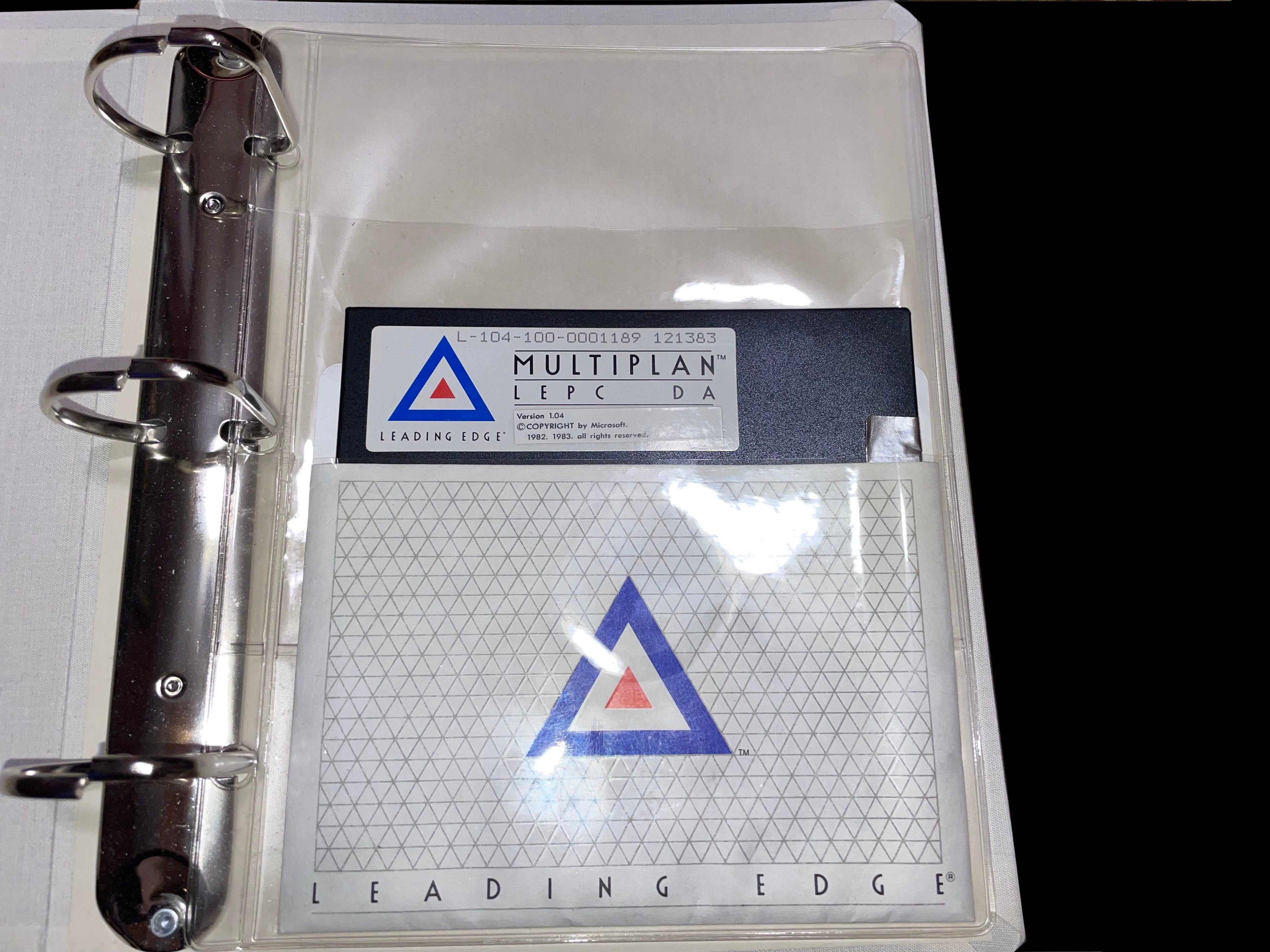
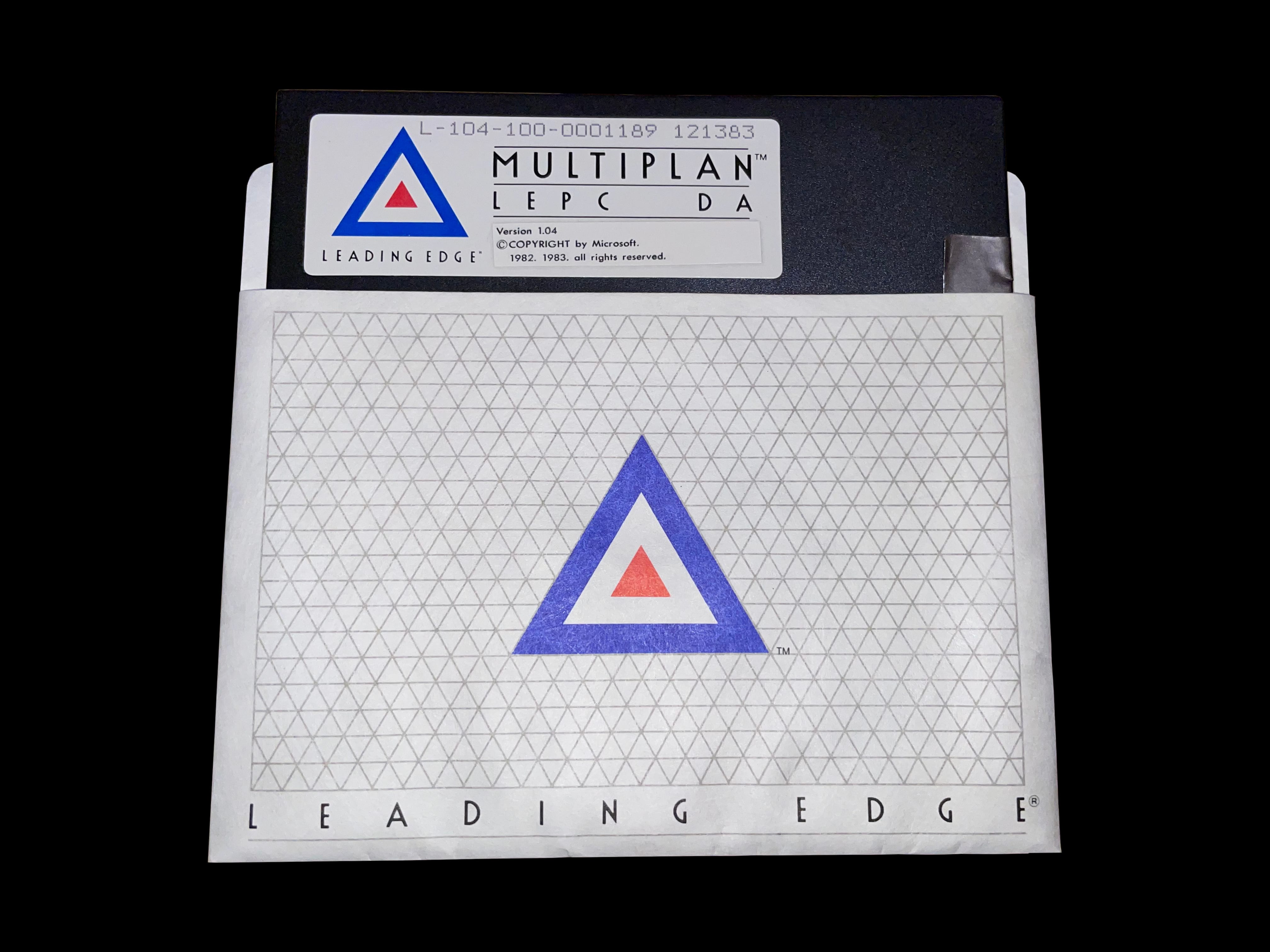
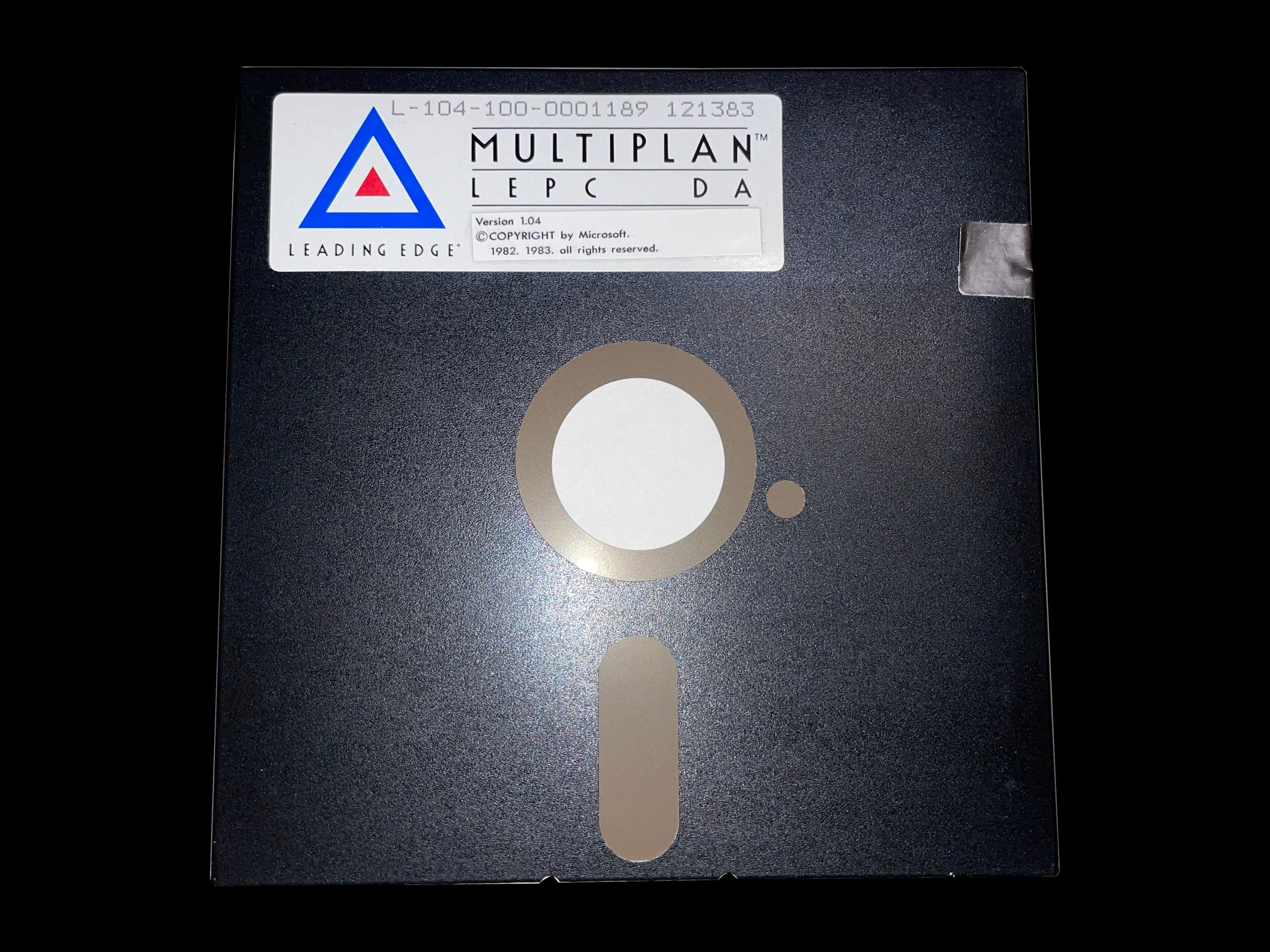
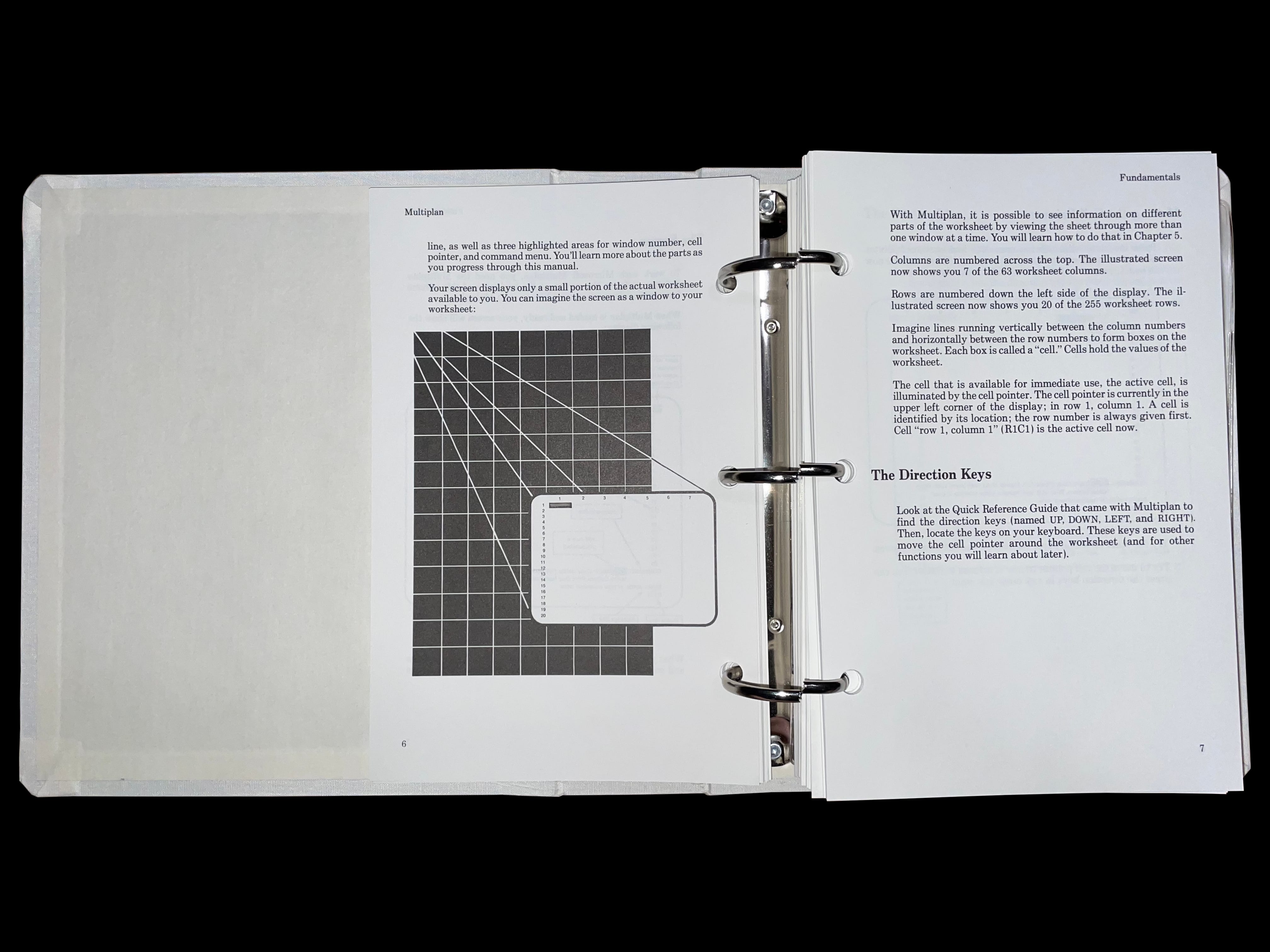
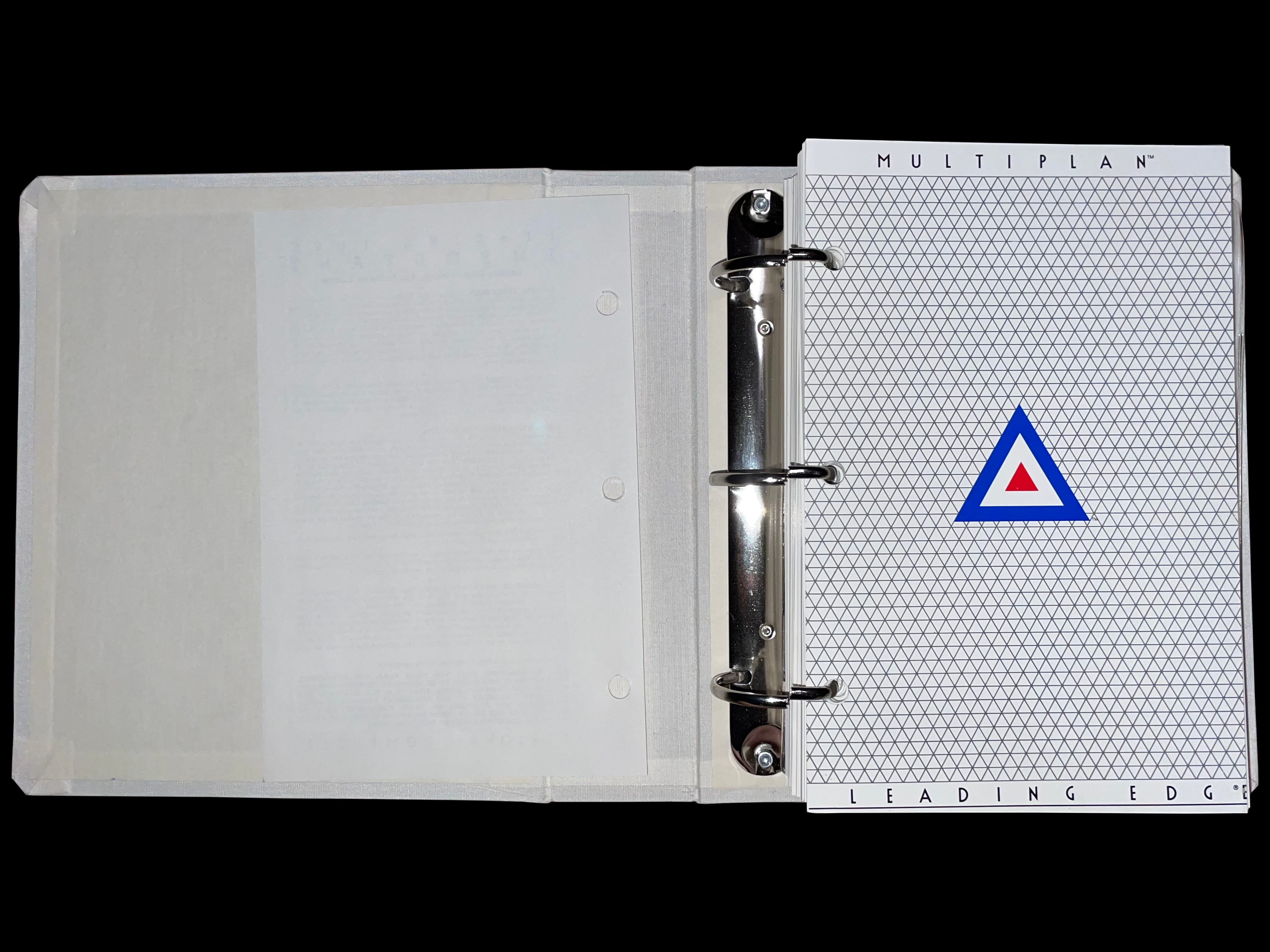
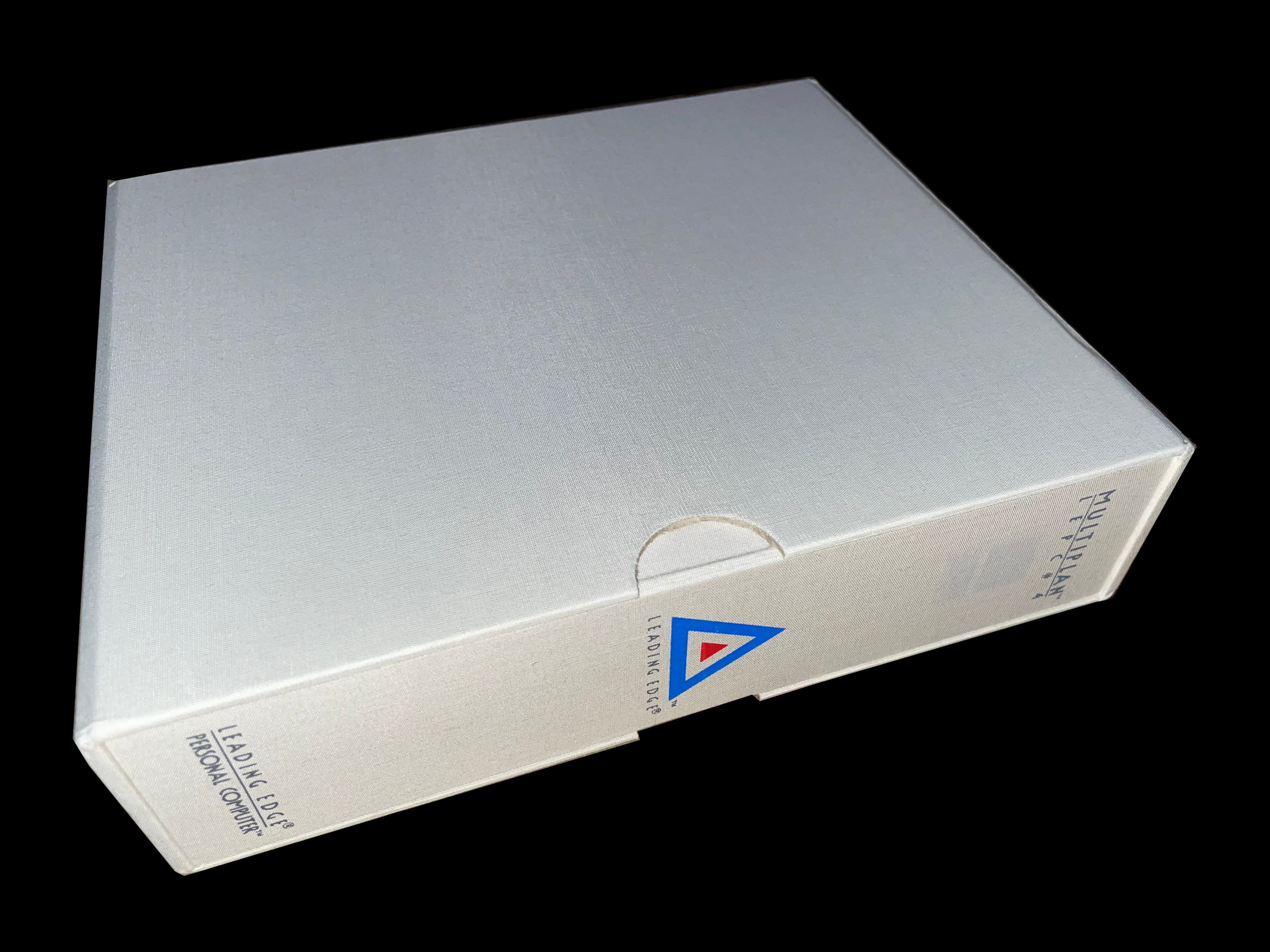
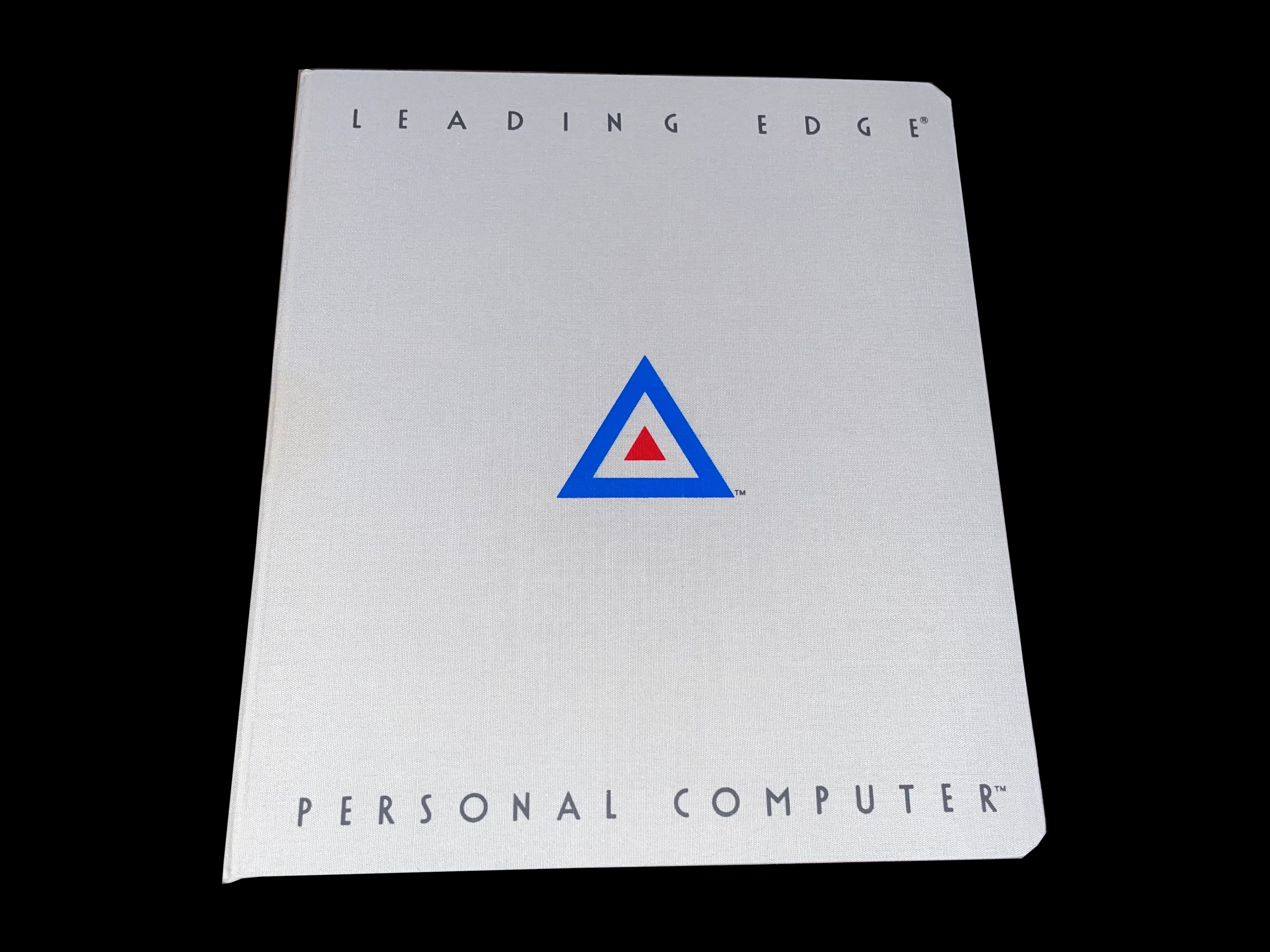
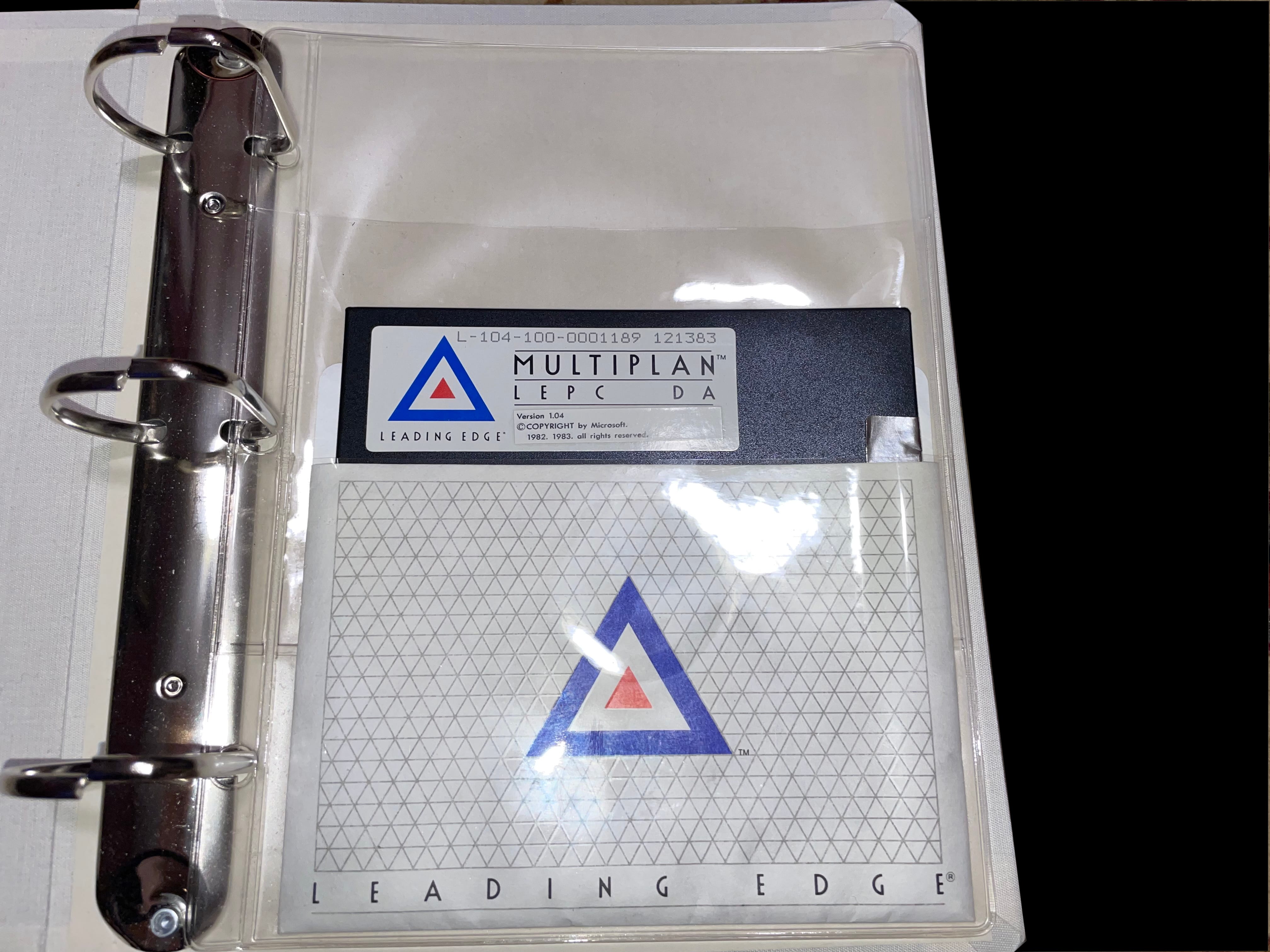
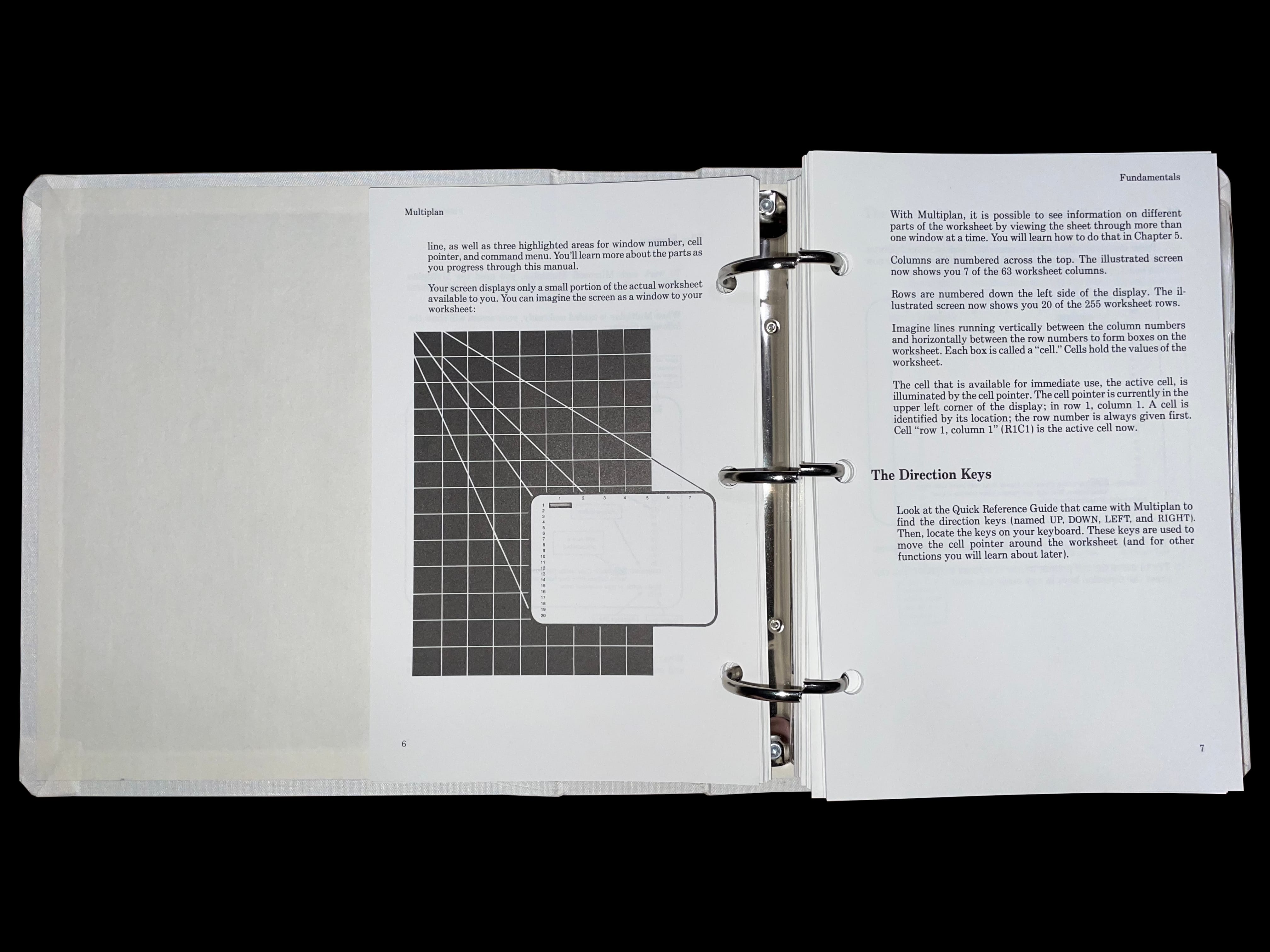
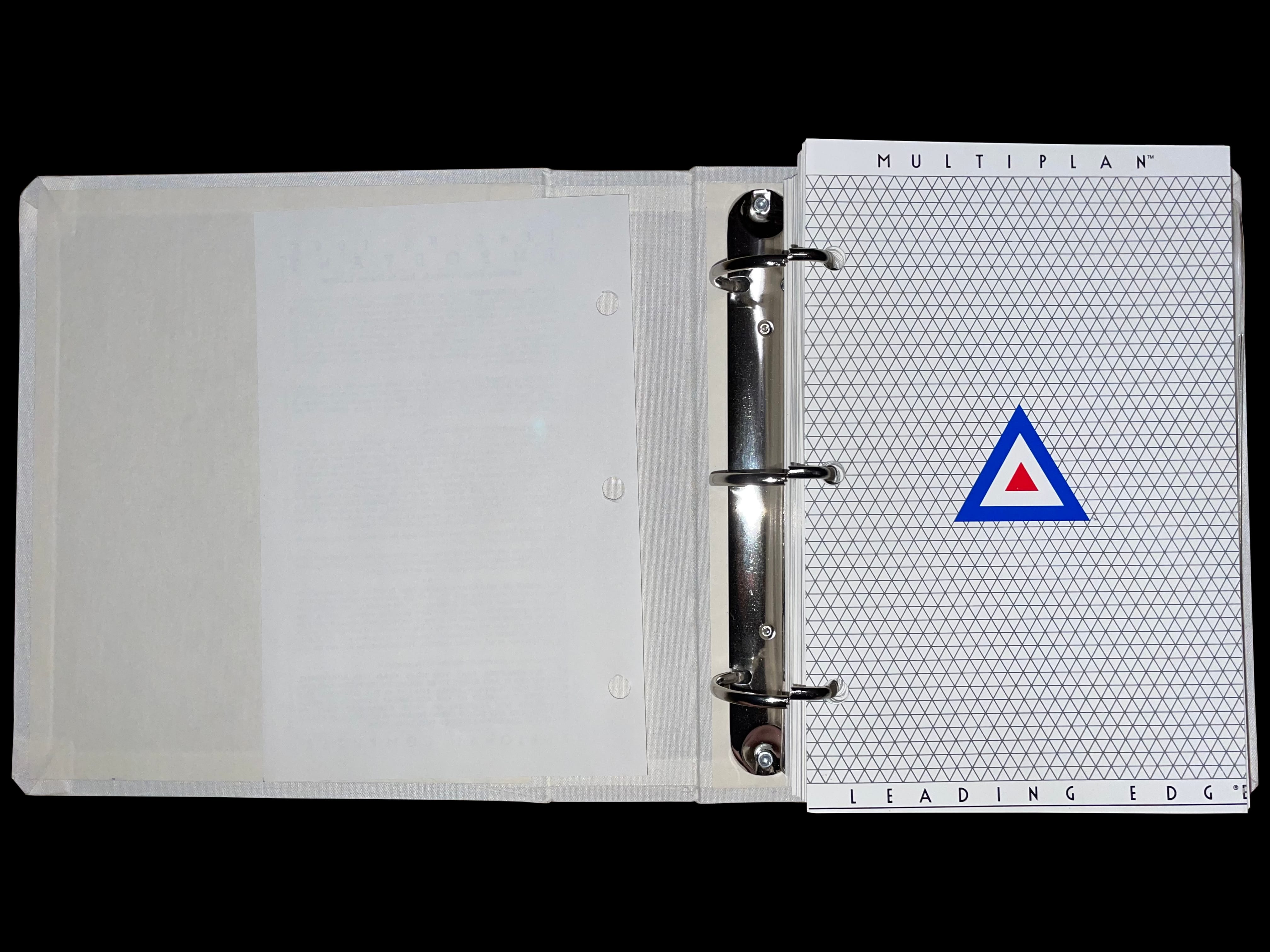
    A photo of opening text for Microsoft Multiplan being displayed on a Leading Edge DR-1240 amber monochrome monitor A photo of Multiplan's manual and software residing inside of the binder and shelf sleeve The complete Multiplan package ready to be placed onto the user's software shelf The rear portion of the Multiplan software package's sleeve A photo of Multiplan's manual binder A photo of Multiplan's manual binder opened to the first page with the software disk visible in the back A photo of the Multiplan disk safely tucked away in its place within the software package's binder A photo of Multiplan's disk removed from the binder but still inside the Leading Edge branded disk sleeve A photo of the Multiplan disk outside of its disk sleeve A photo of Microsoft Multiplan software pack's manual opened to a random page An alternate photo of Multiplan's manual opened to a fundamentals section of the manual A photo of Microsoft Multiplan Leading Edge version's manual opened to the bold Leading Edge branding page

     Microsoft Multiplan Registration Form

    multiplan registration form multiplan registration form

     Model D

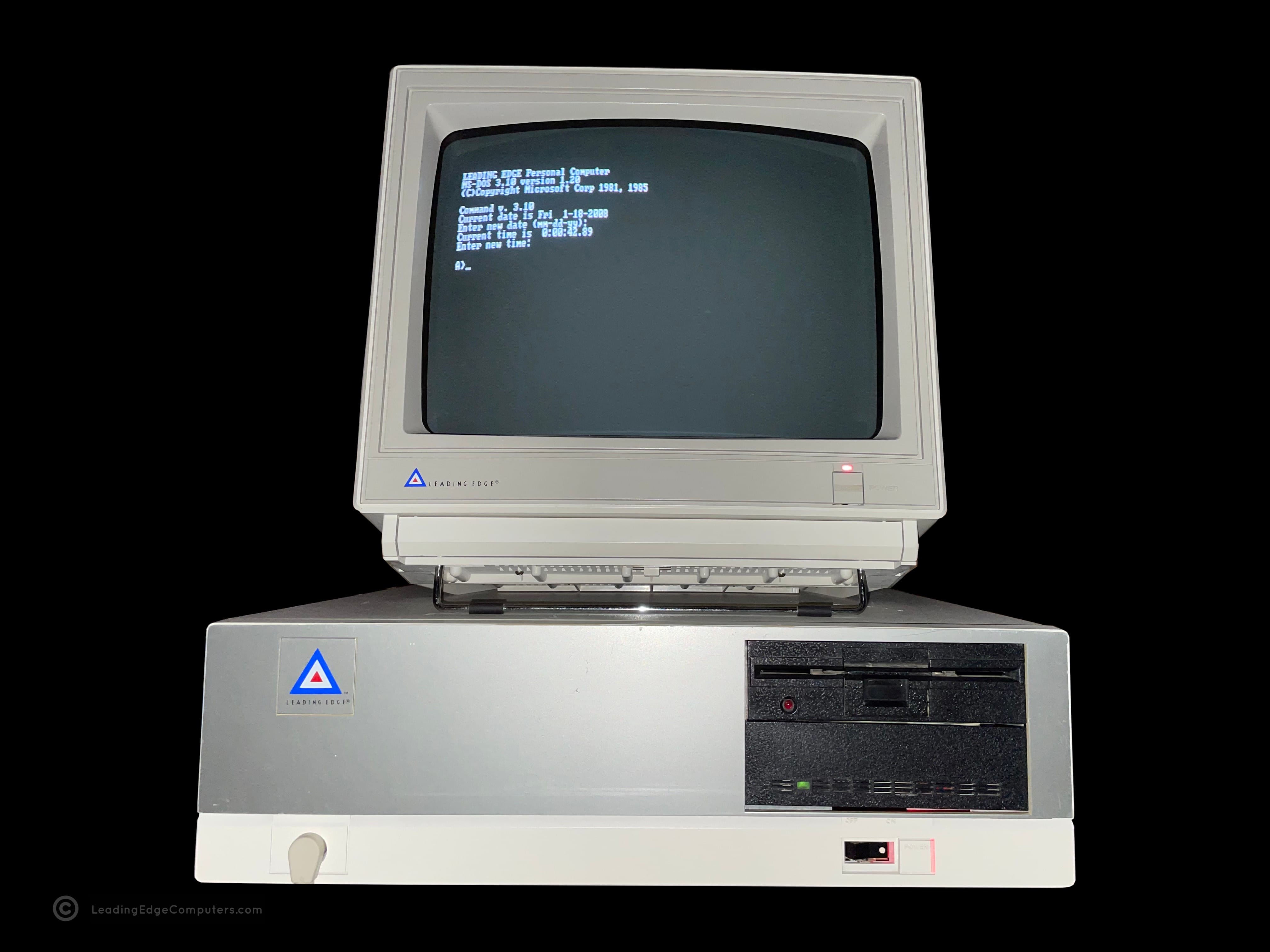
    A photo of the front of the Model D computer made by Leading Edge Products The right-hand side of Leading Edge's Model D computer A top down photo of the Model D computer A photo of Leading Edge's Model D computer from the left hand side A photo showing the rear side of the Leading Edge Model D computer A view of the Model D computer producted by Leading Edge Products showing the bottom of the machine

     Model D2 Plus DC-2511

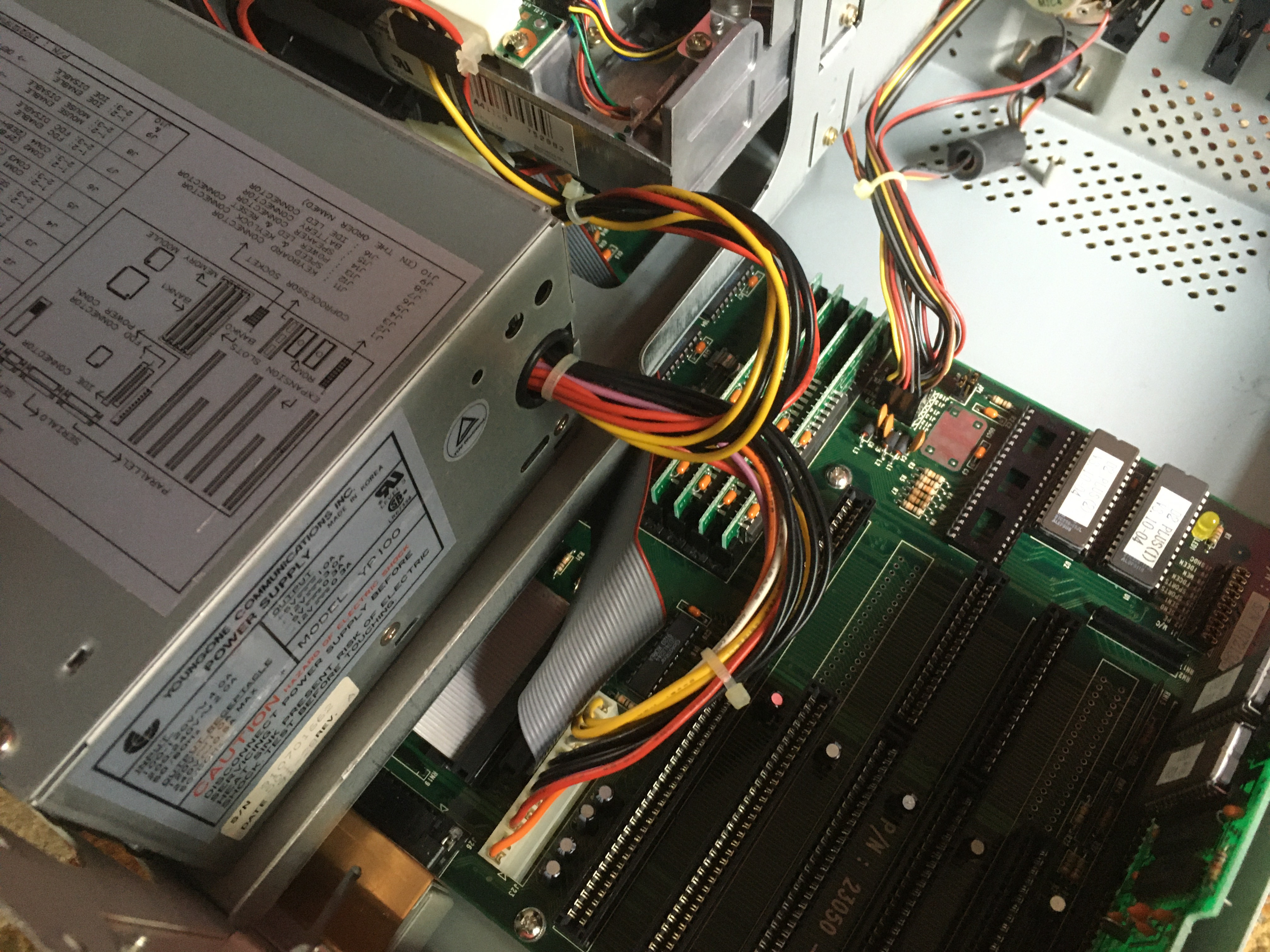
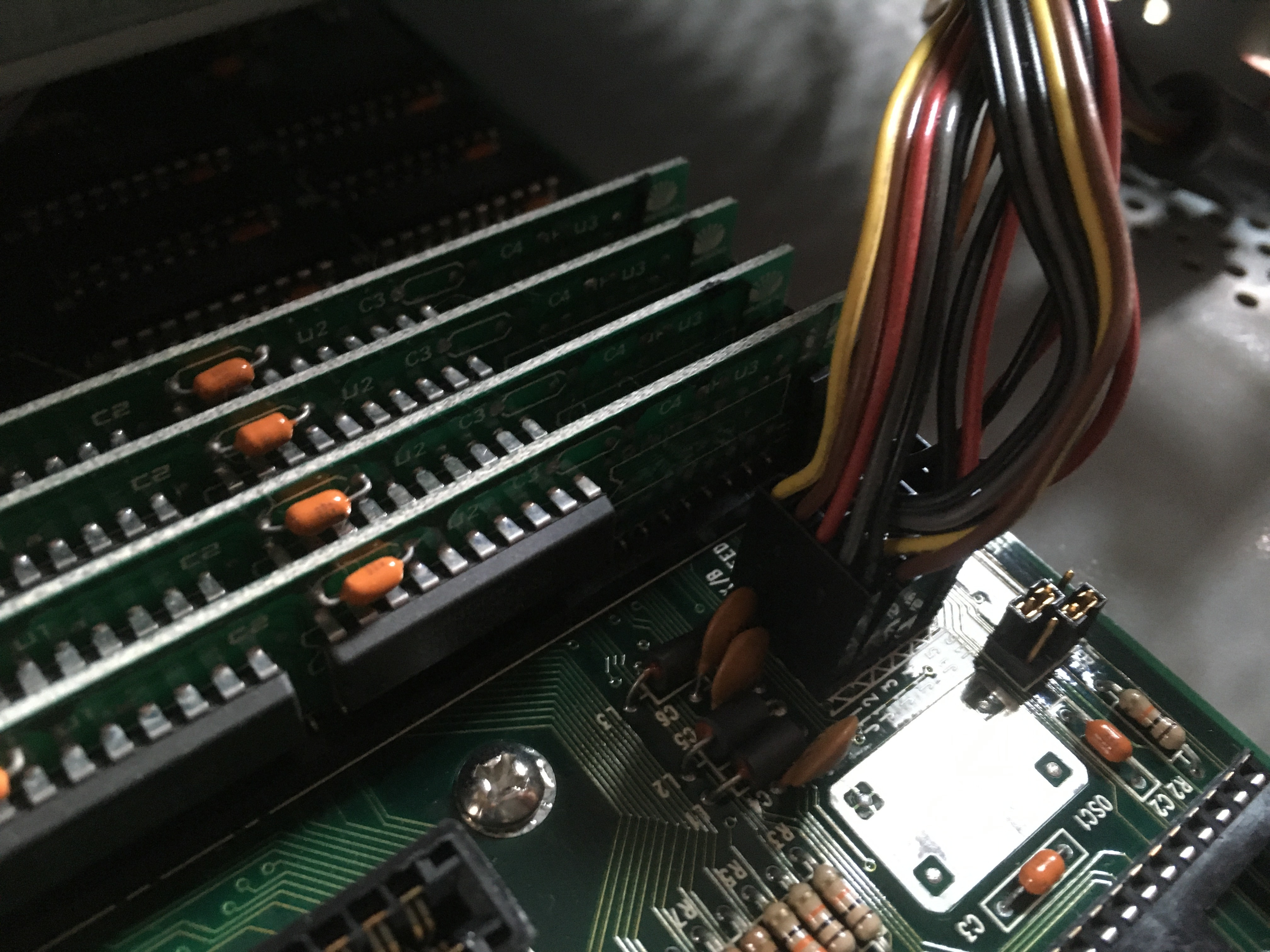
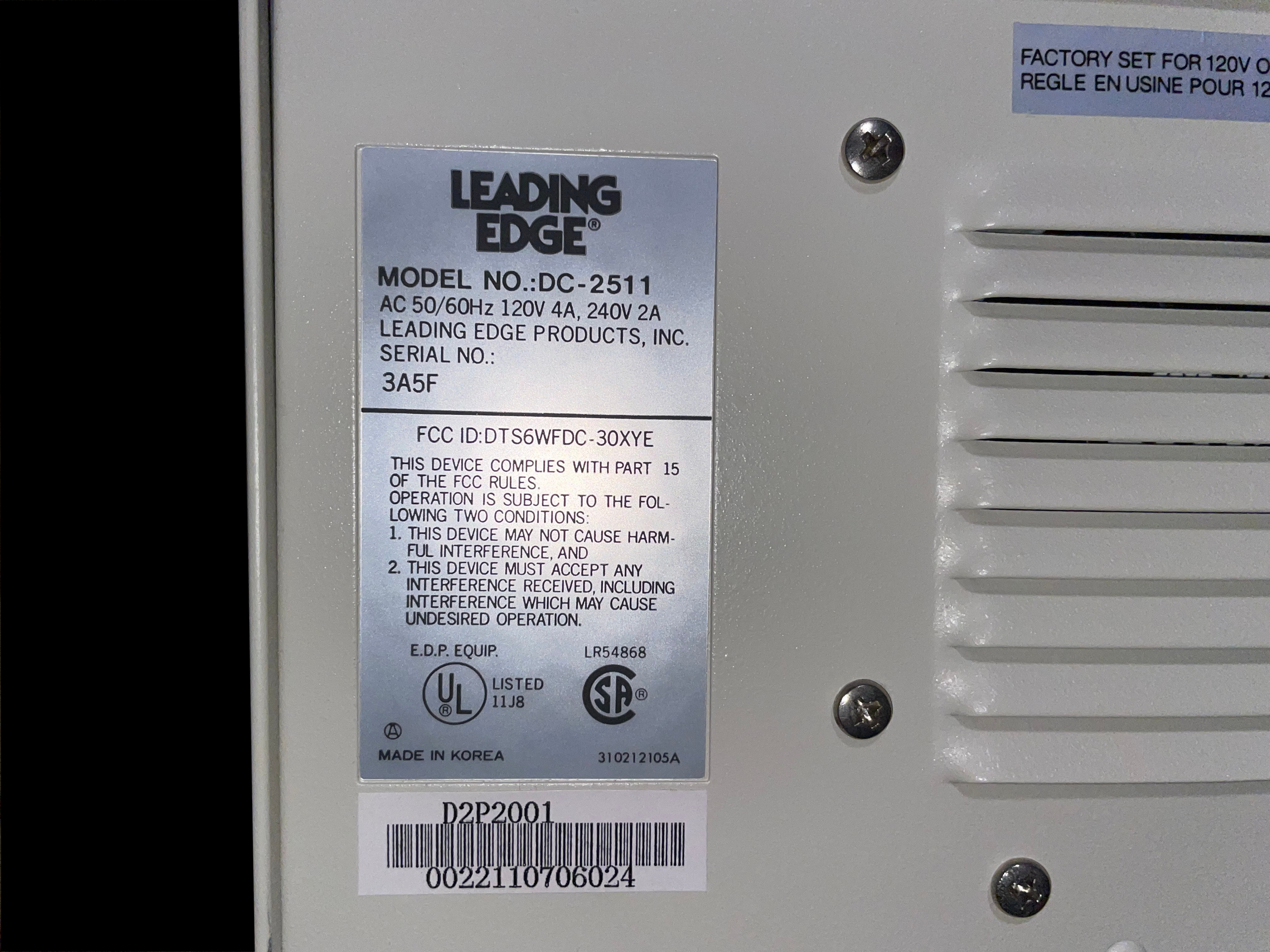
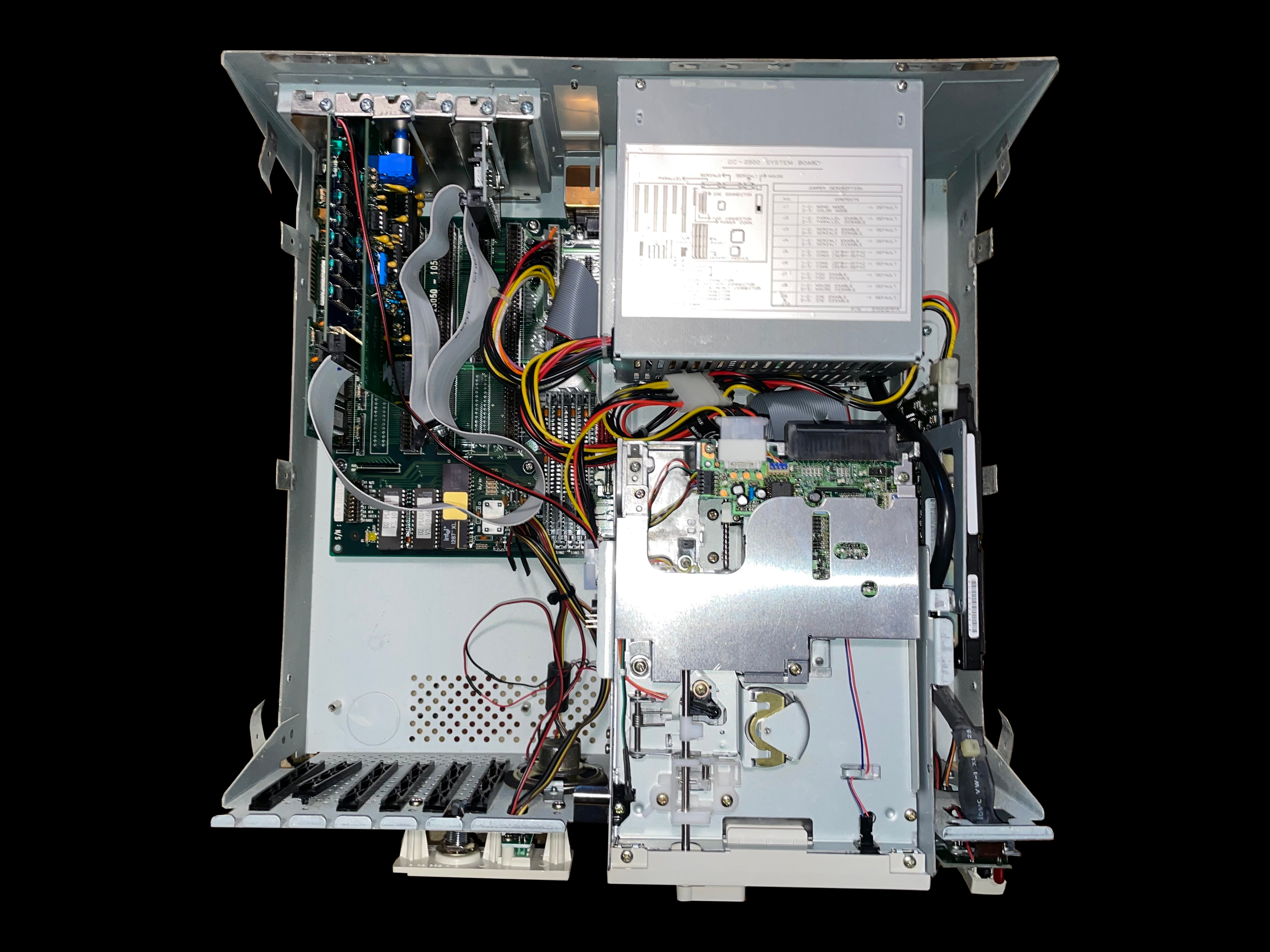
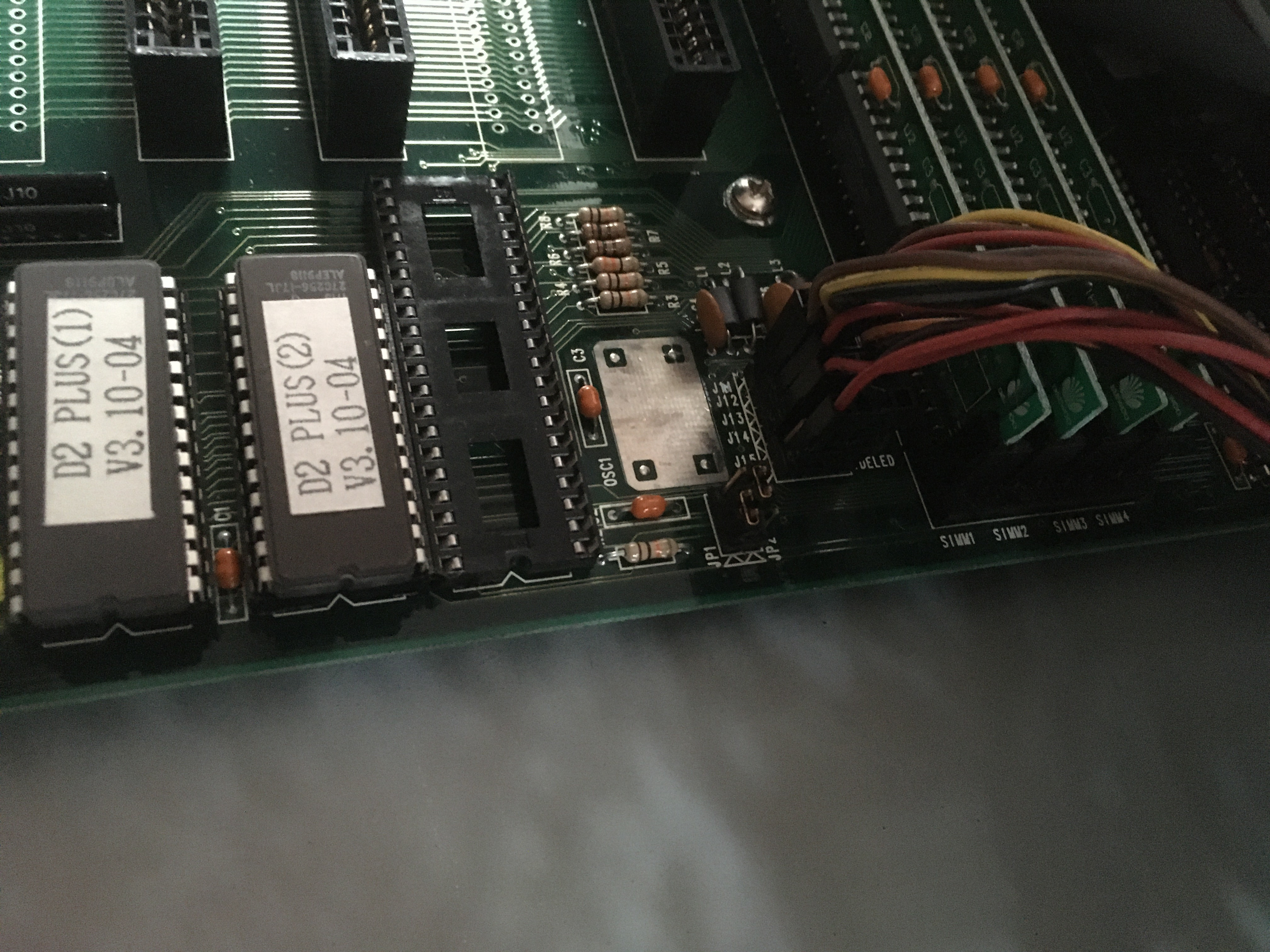
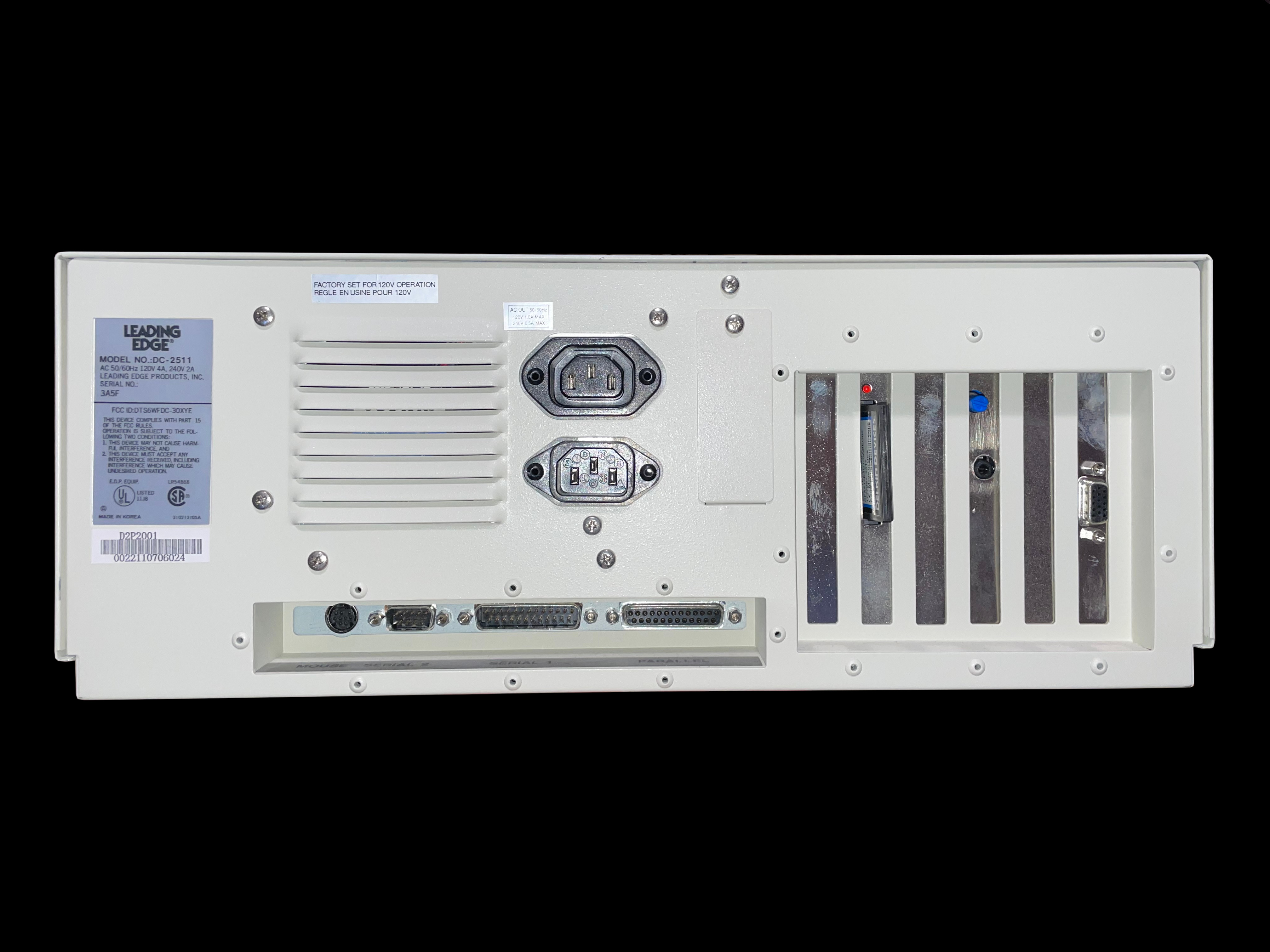
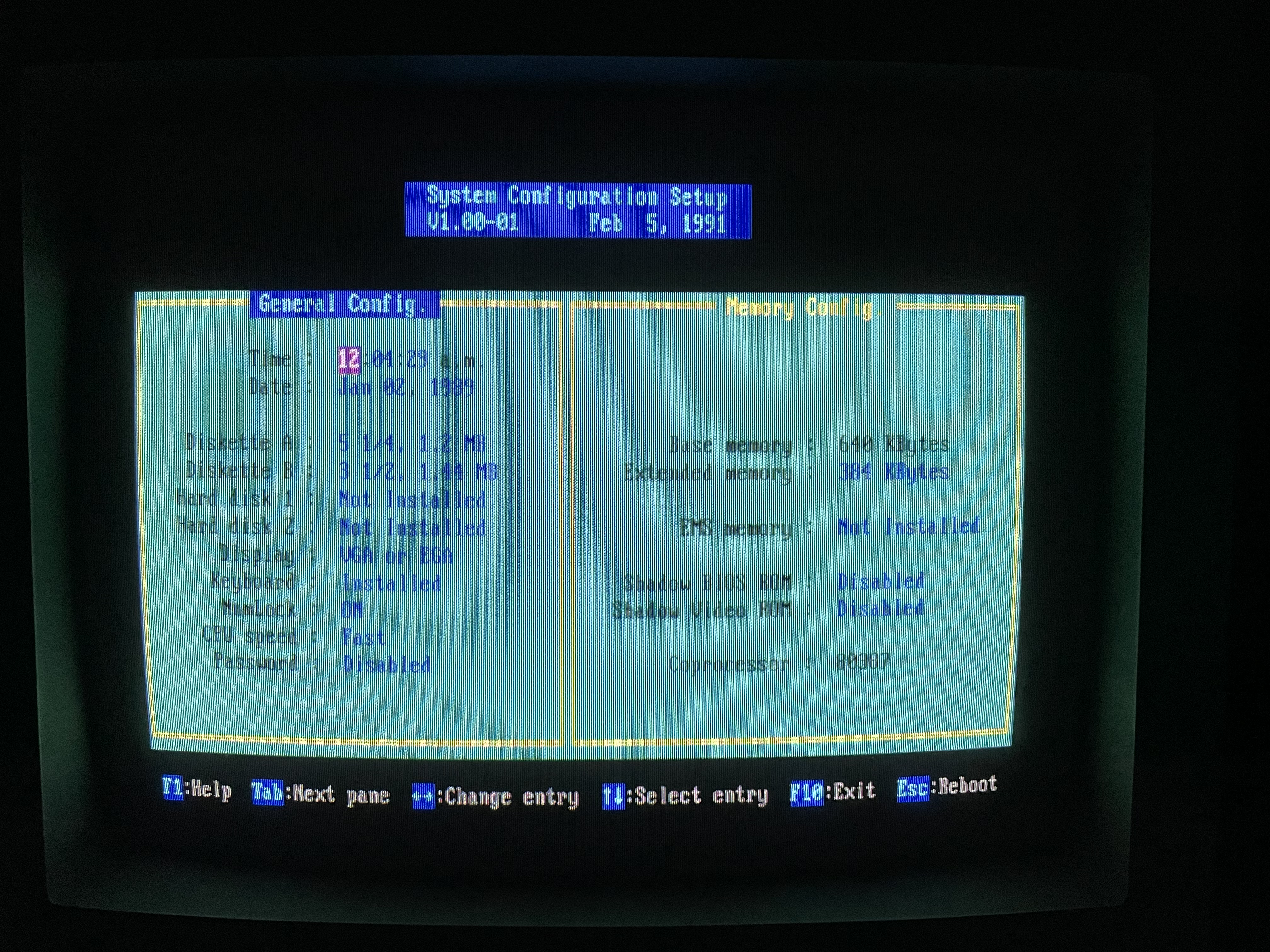
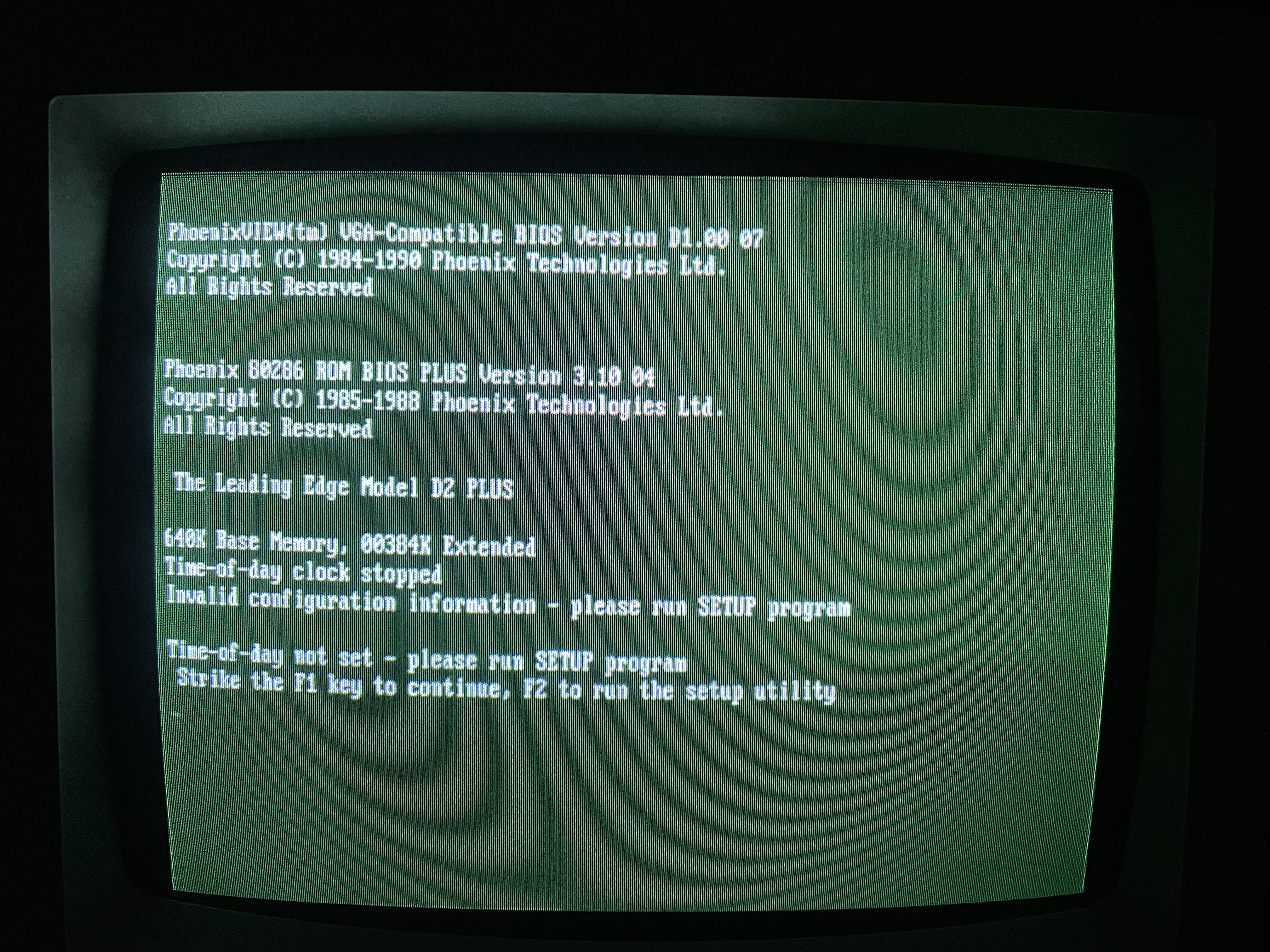
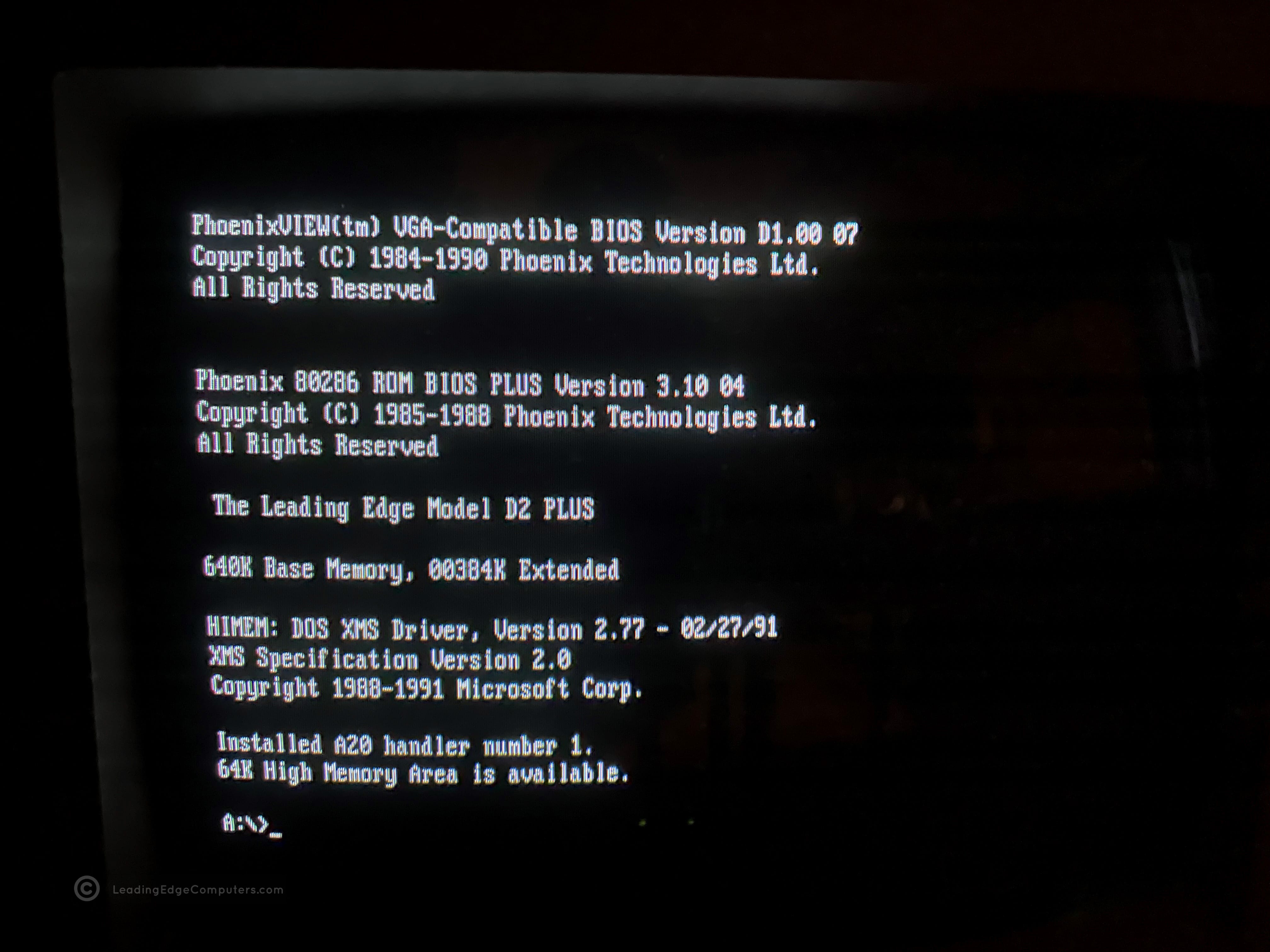
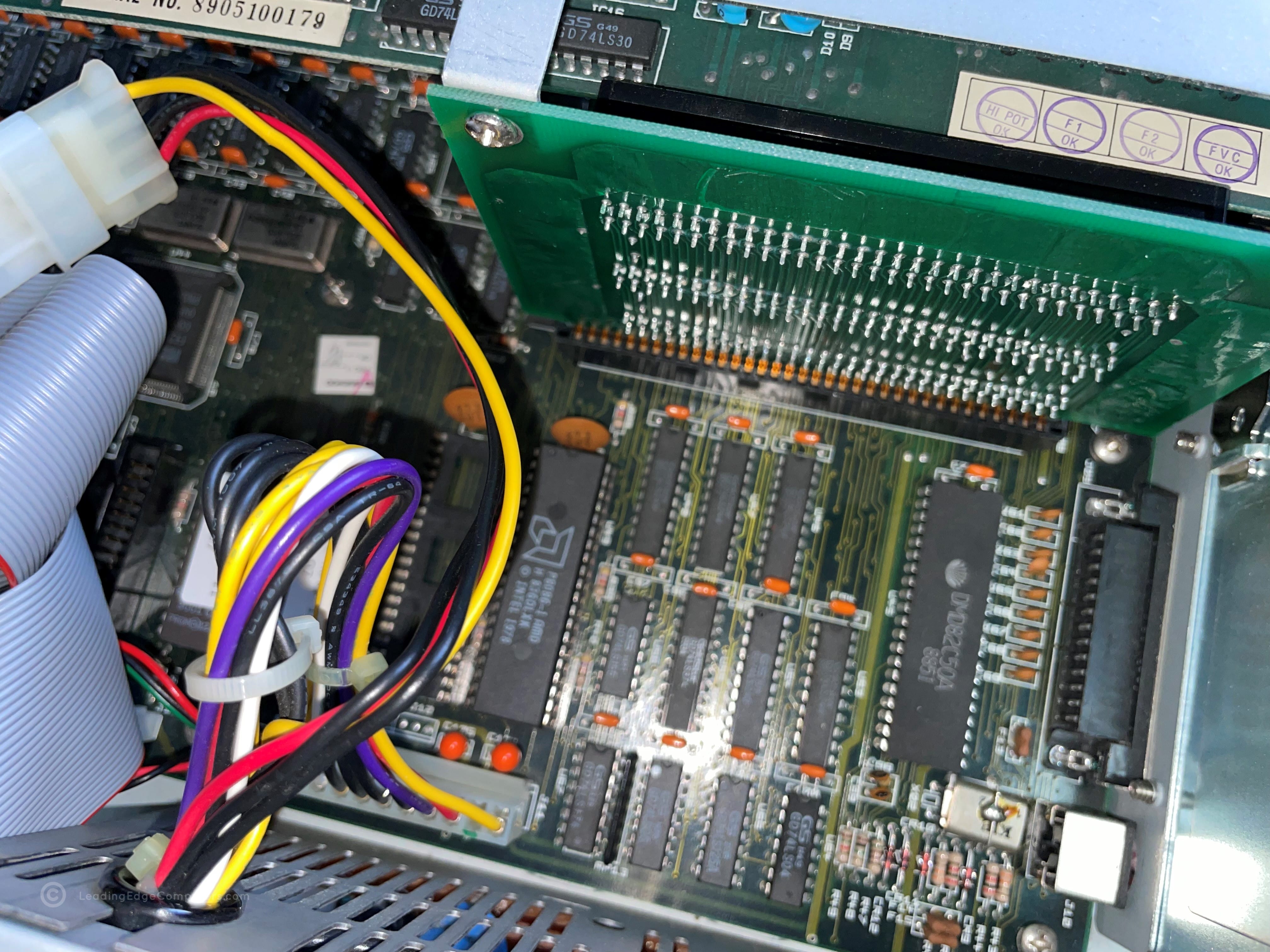
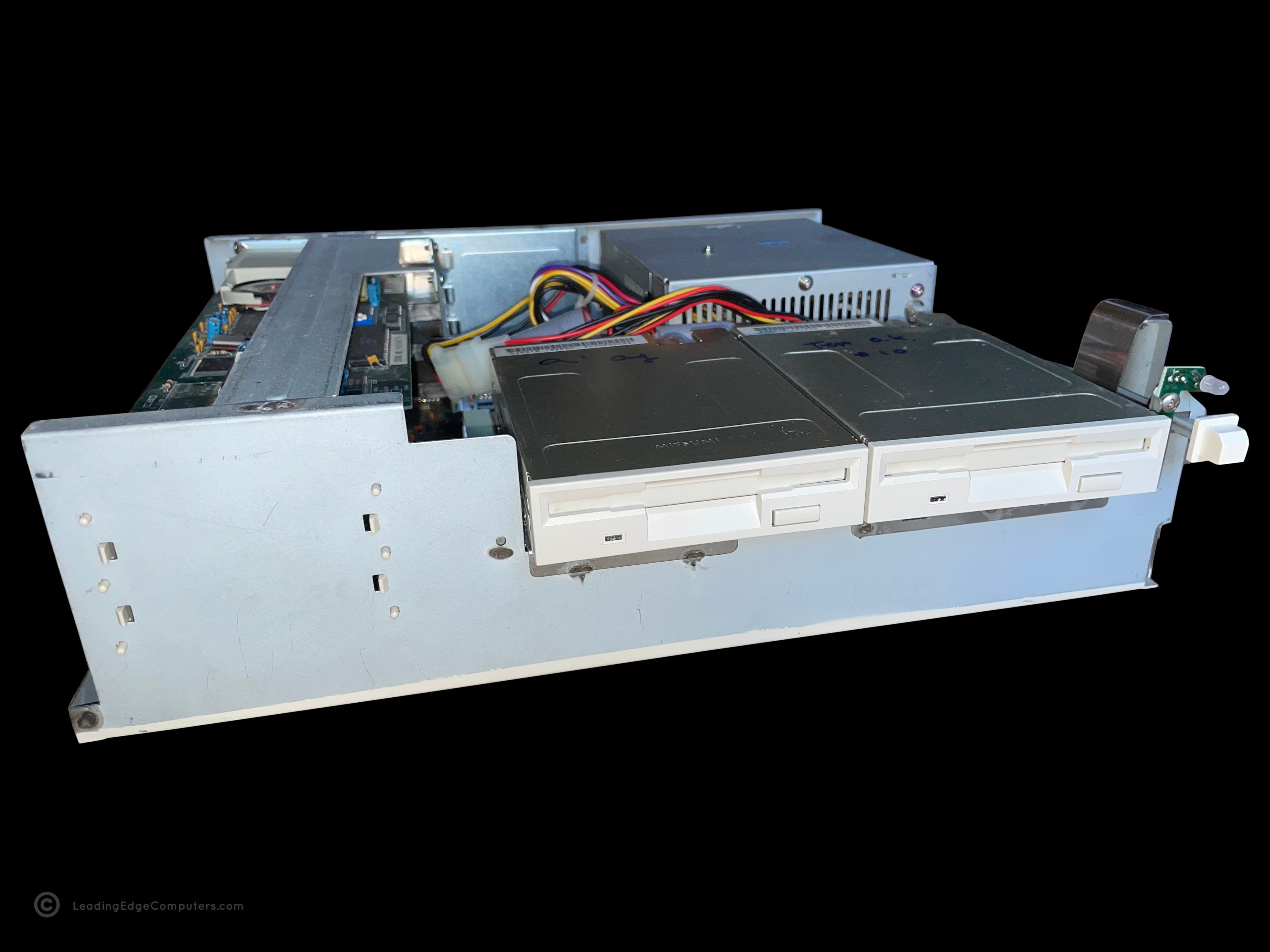
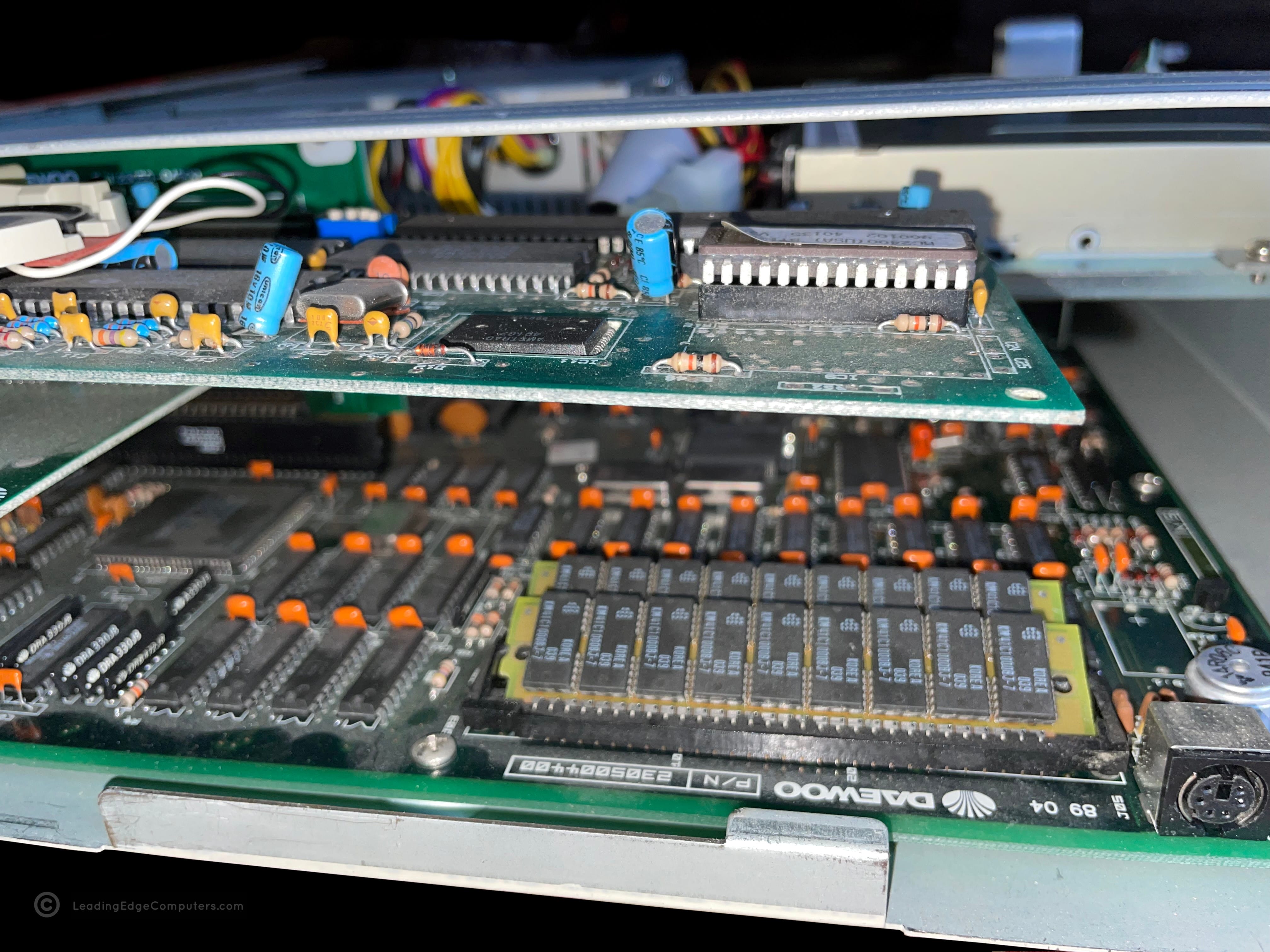
    Front facing photo of the Leading Edge Model D2 Plus computer The Model D2 Plus computer with its cover removed, showing a detail of the power switch area Front facing photo of the Leading Edge Model D2 Plus computer with its case removed A photo of the bottom of the Model D2 Plus computer Inside the Model D2 Plus computer with a portion of the power supply viewable and the ISA bus A close up of the Model D2 Plus' RAM A top down picture of the Model D2 Plus computer A close up picture of the rear of the Model D2 Plus near the exhaust fan louvers A photo of the left-hand side of the Model D2 Plus computer A top down picture of the Model D2 Plus computer with the cover removed, displaying all components A photo of the right-hand side of the Model D2 Plus computer A close up photo of the two 32K ROM chips A photo of the entire rear of the Model D2 Plus computer A screenshot of the Model D2 Plus computer running its setup BIOS program A screenshot of the Model D2 Plus computer running its POST

     Model D2 Plus DC-2511 BIOS V3.0 10‐04

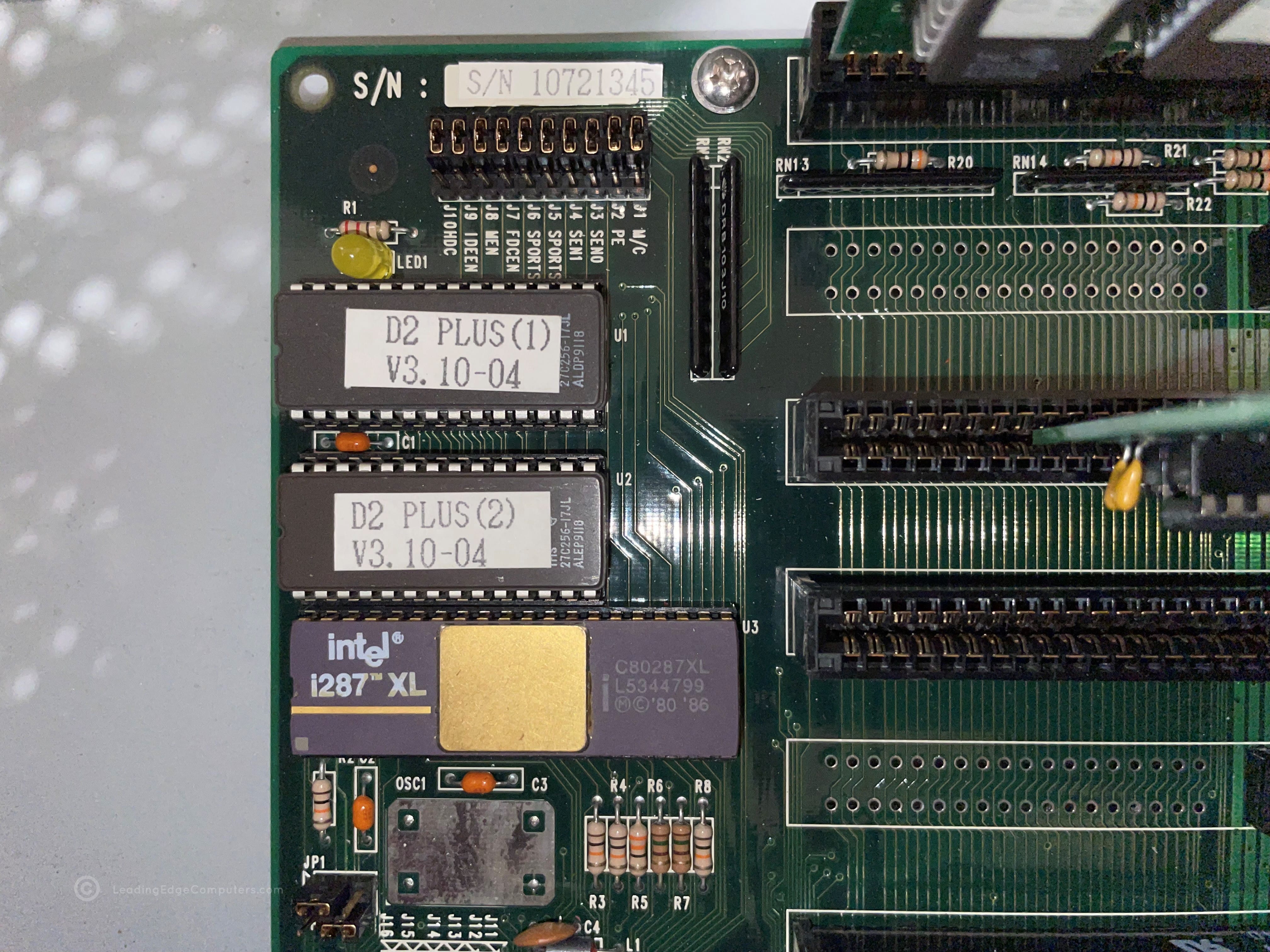
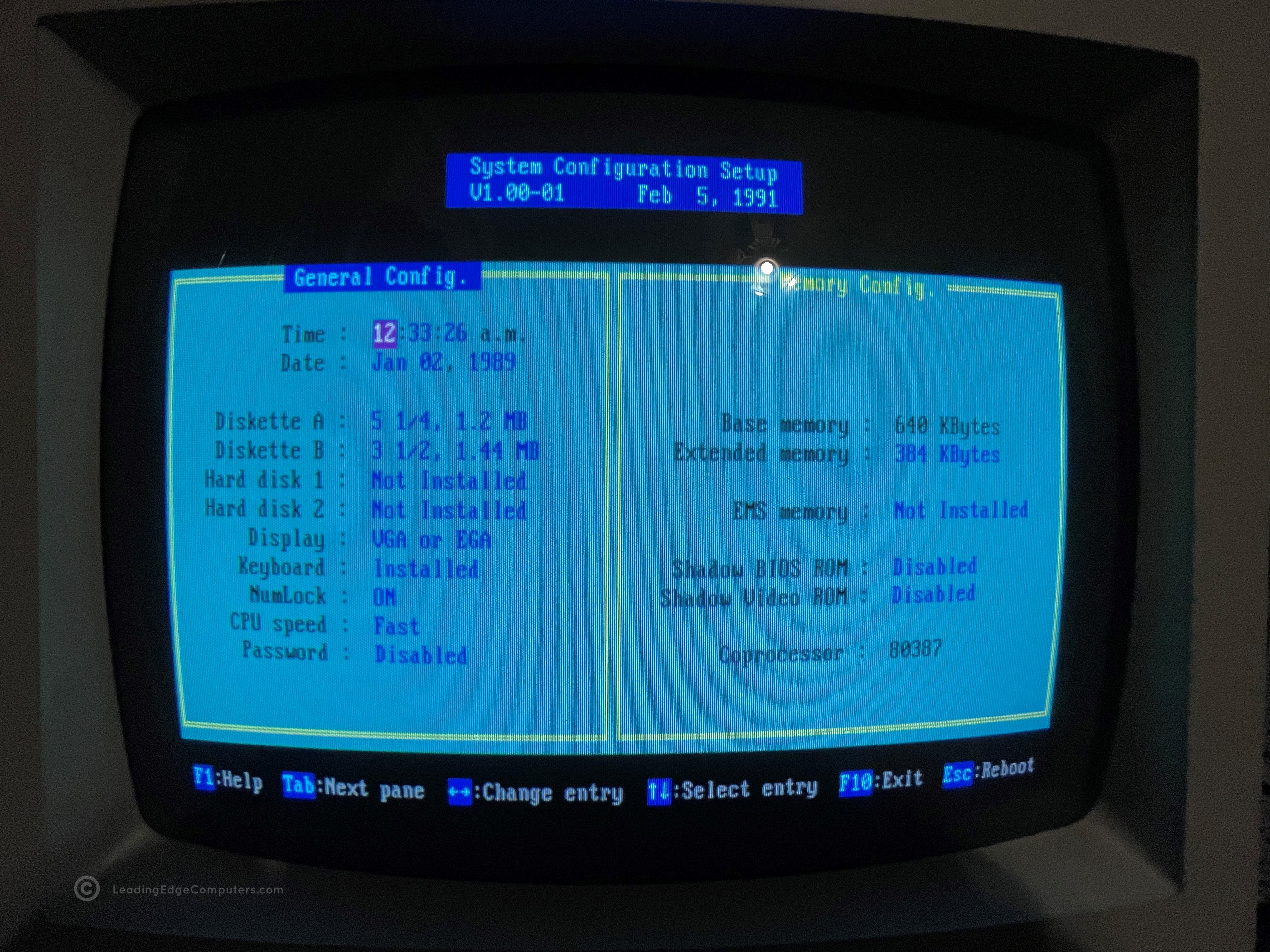
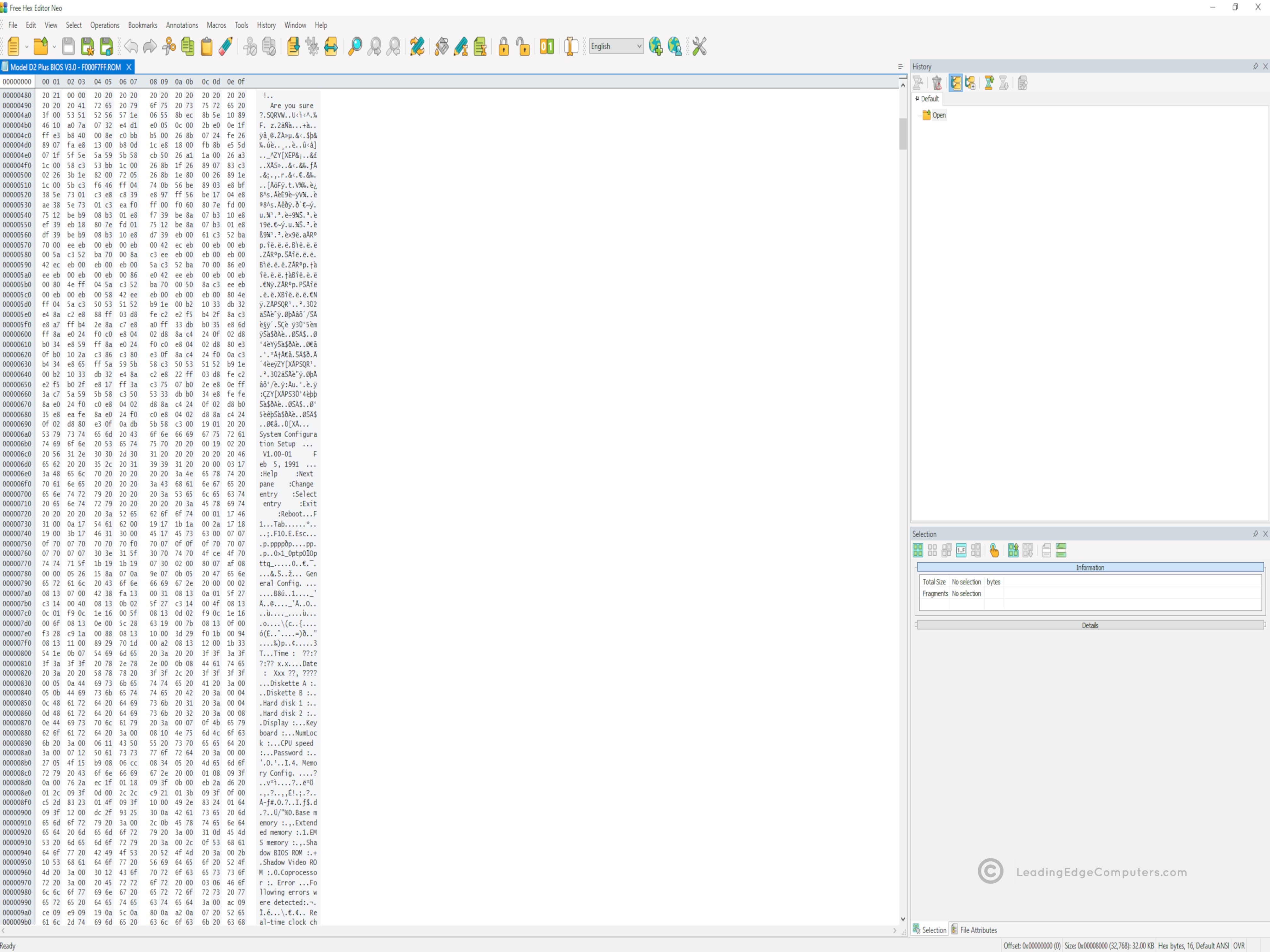
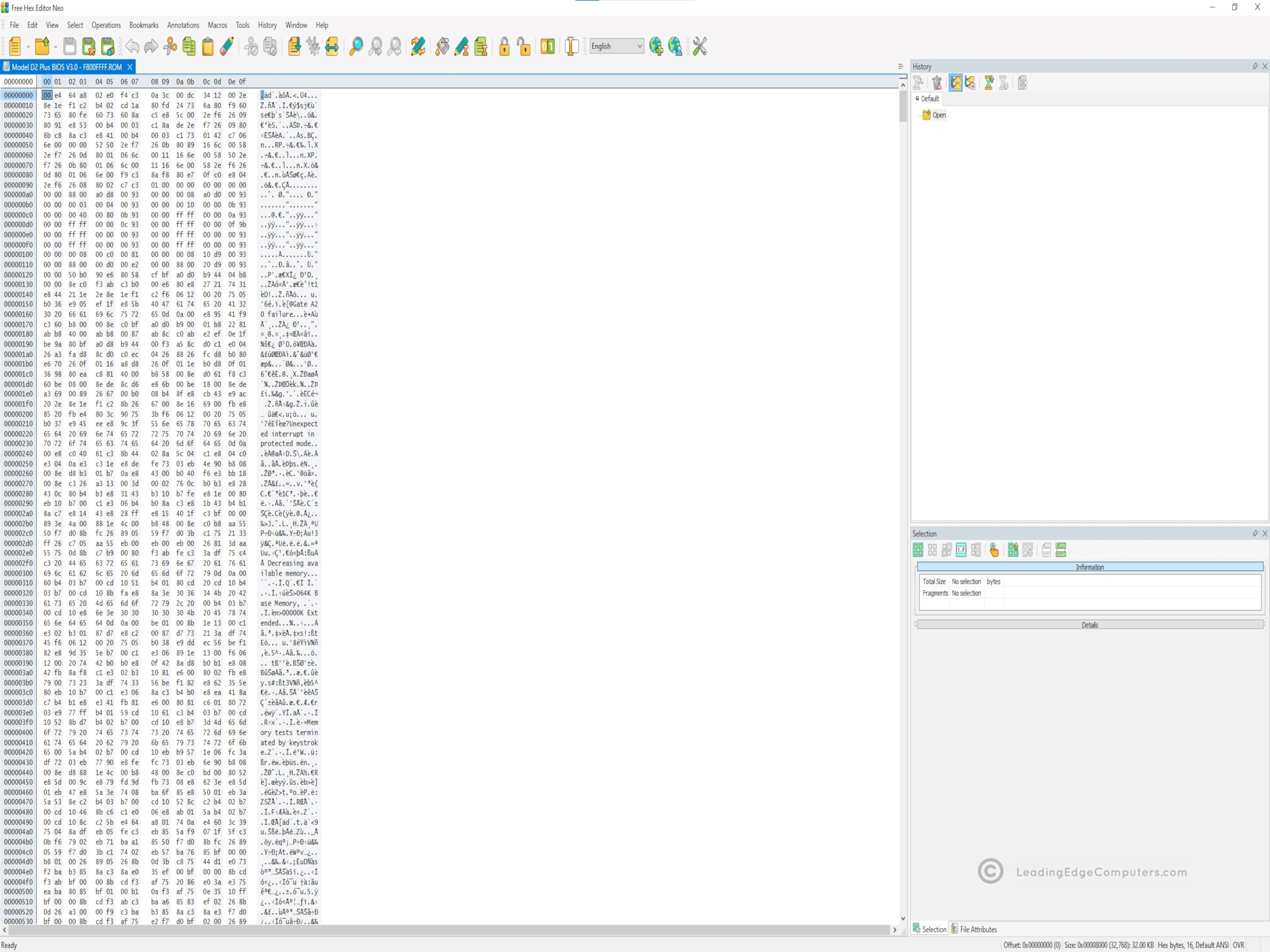
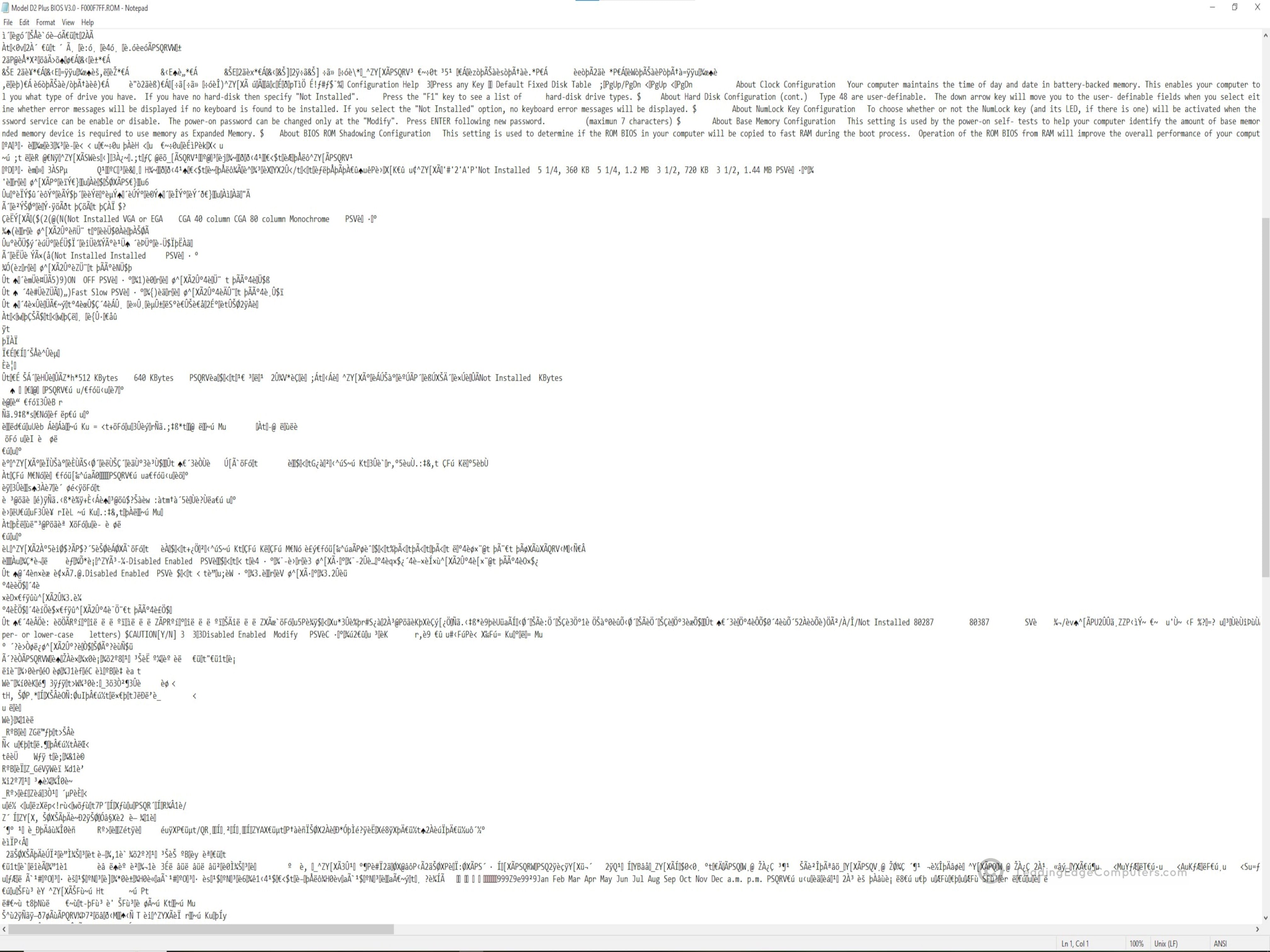
    Screenshot of the Model D2 Plus bootstrap BIOS at startup A photo of the physical 32K chips on the motherboard containing the Model D2 Plus BIOS A screenshot of the Model D2 Plus BIOS system setup A screenshot of the raw setup BIOS data as shown in a ROM reader program An alternate screenshot of the raw setup BIOS data as shown in a ROM reader program A screenshot of the Model D2 Plus BIOS opened in Notepad

     Model D2 Plus Manual

    model d2 plus bios model d2 plus bios model d2 plus bios model d2 plus bios model d2 plus bios model d2 plus bios

     Model D3 SX Plus Utility

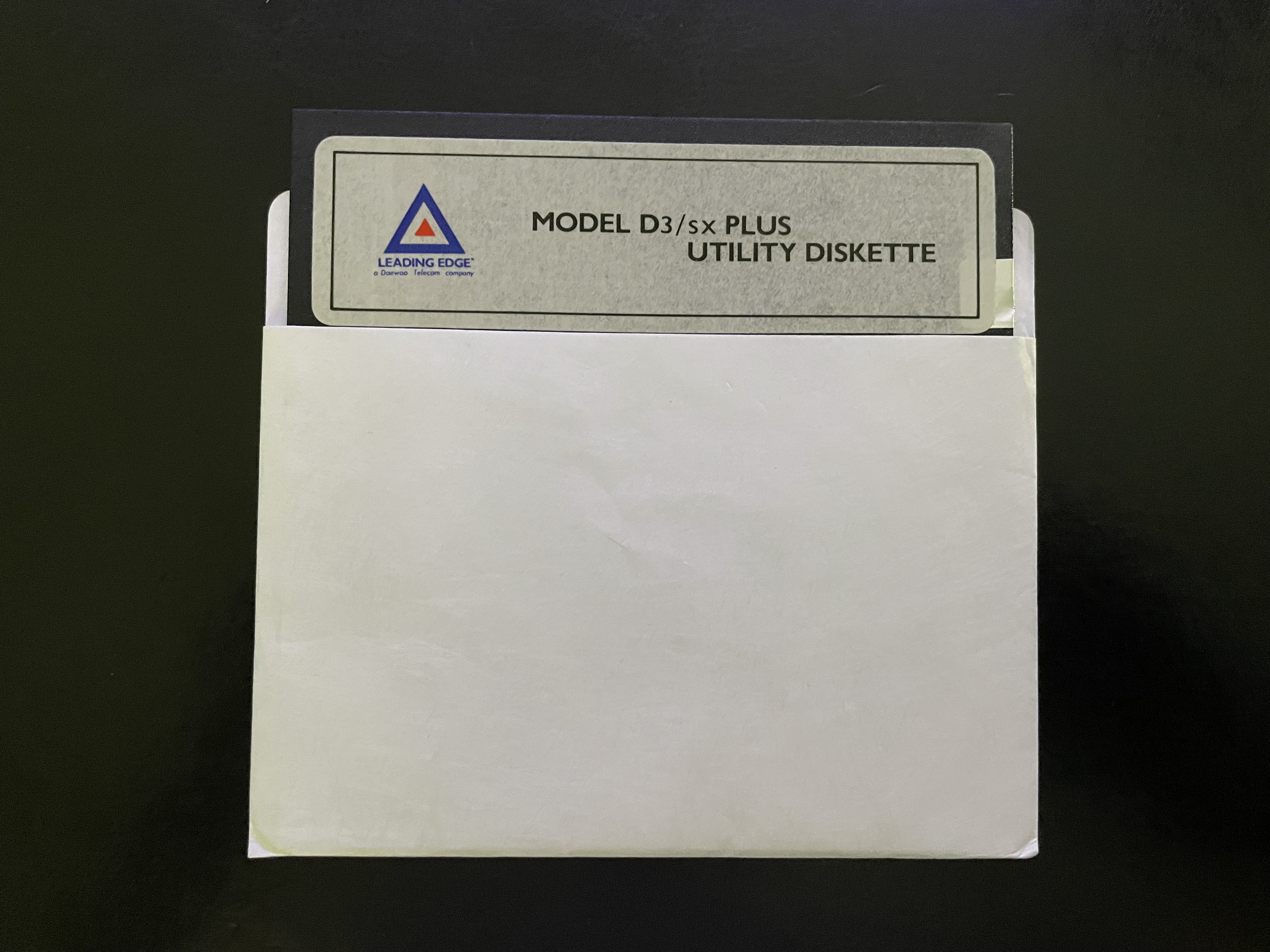
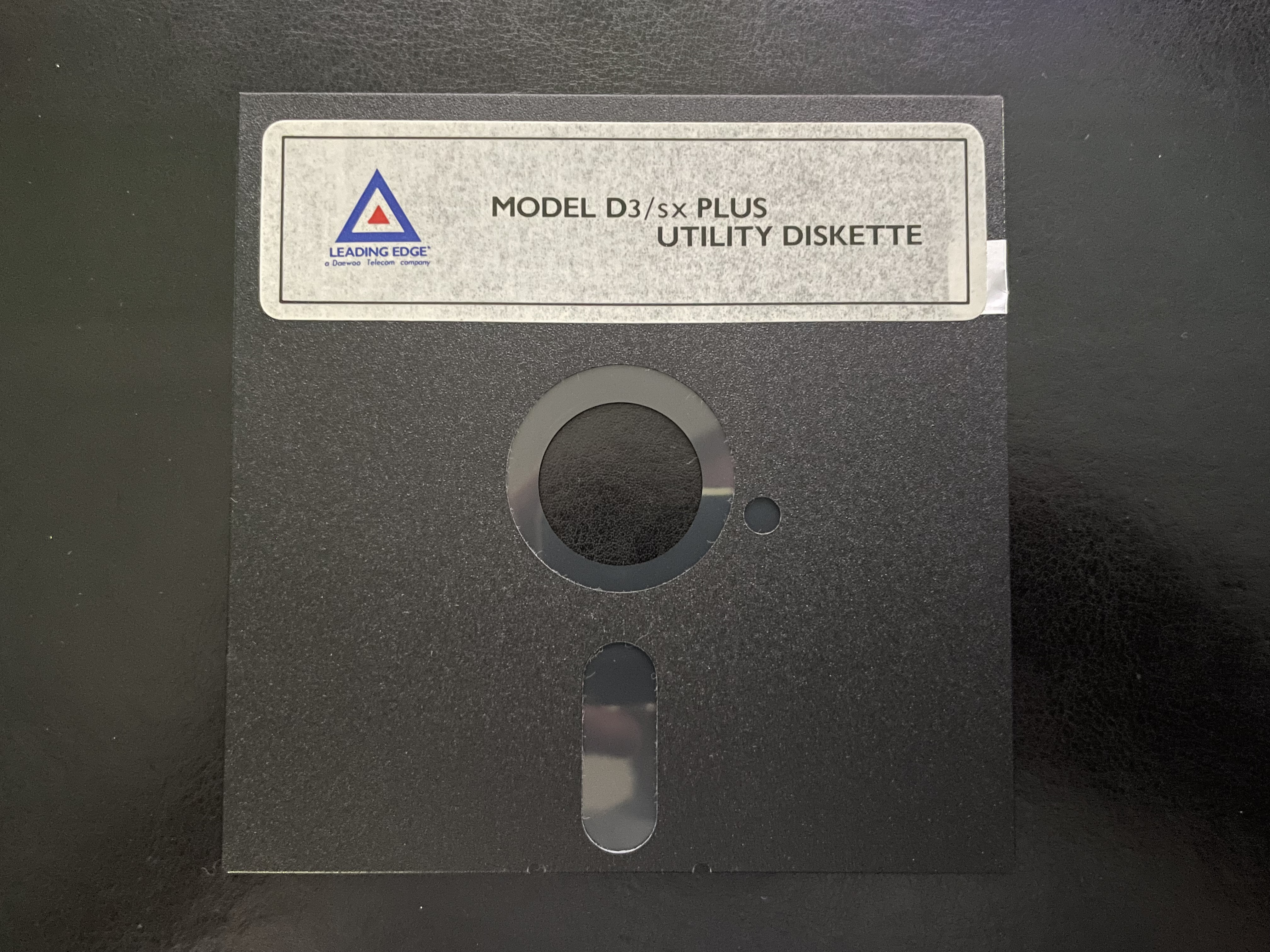
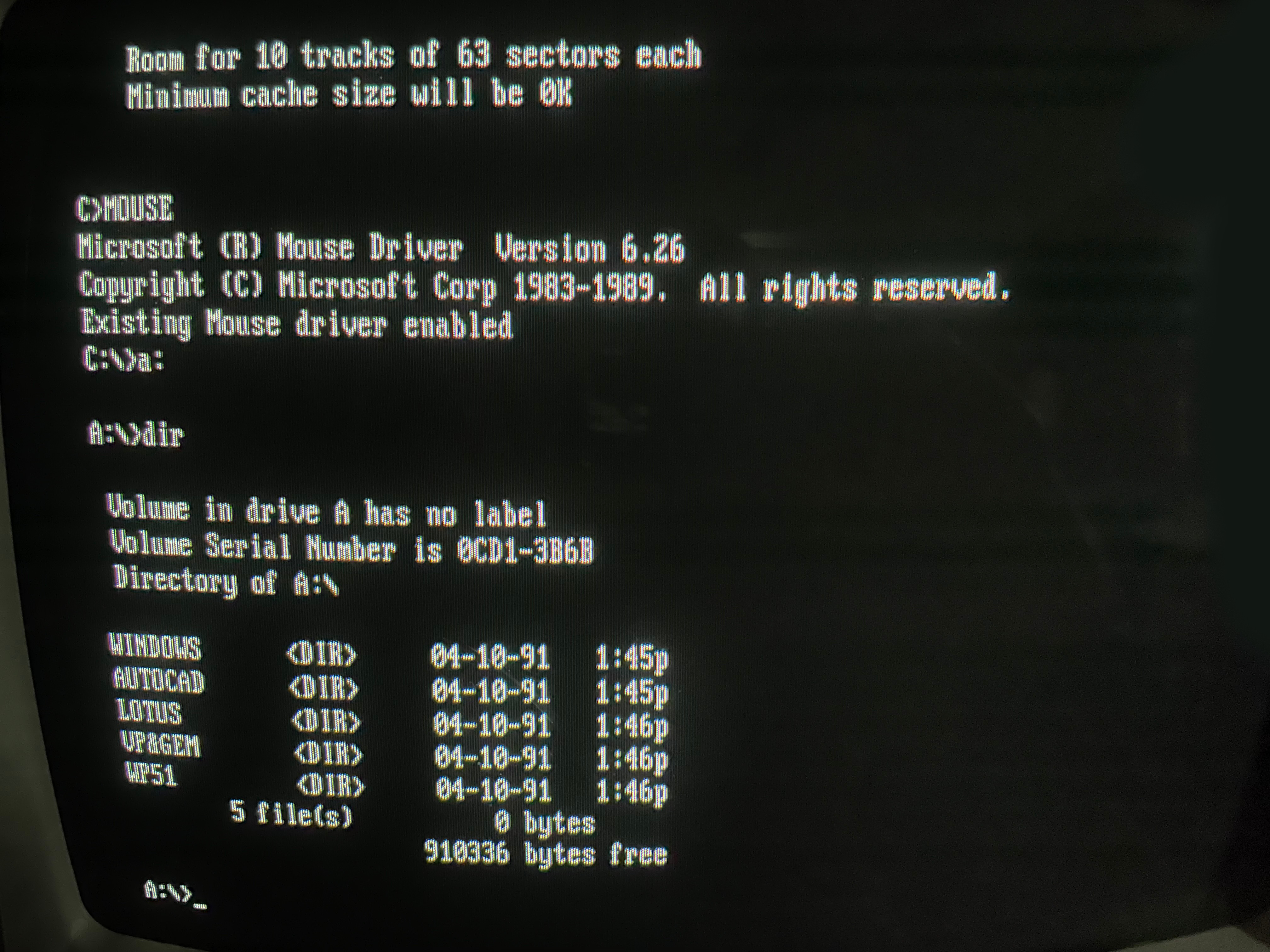
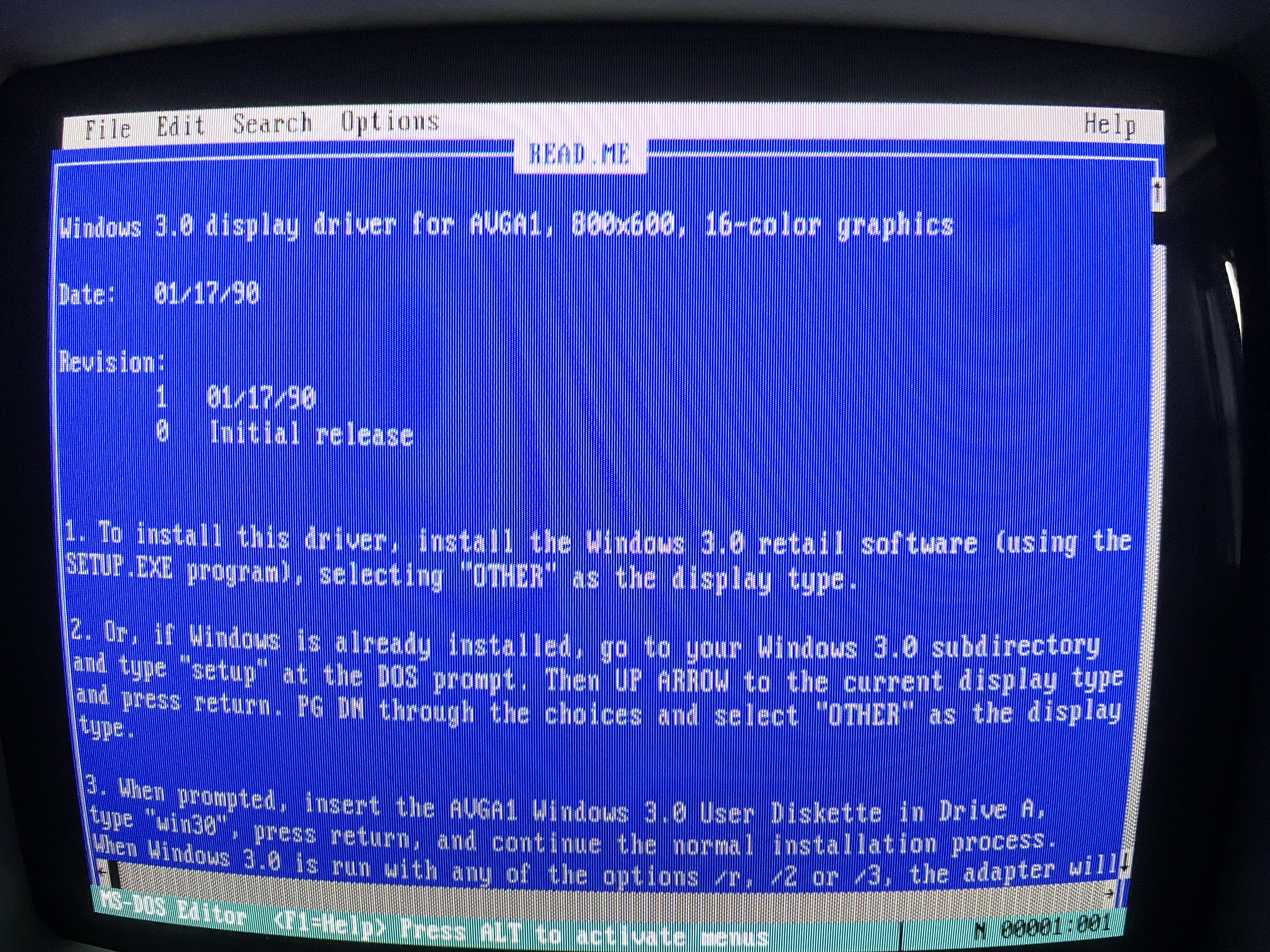
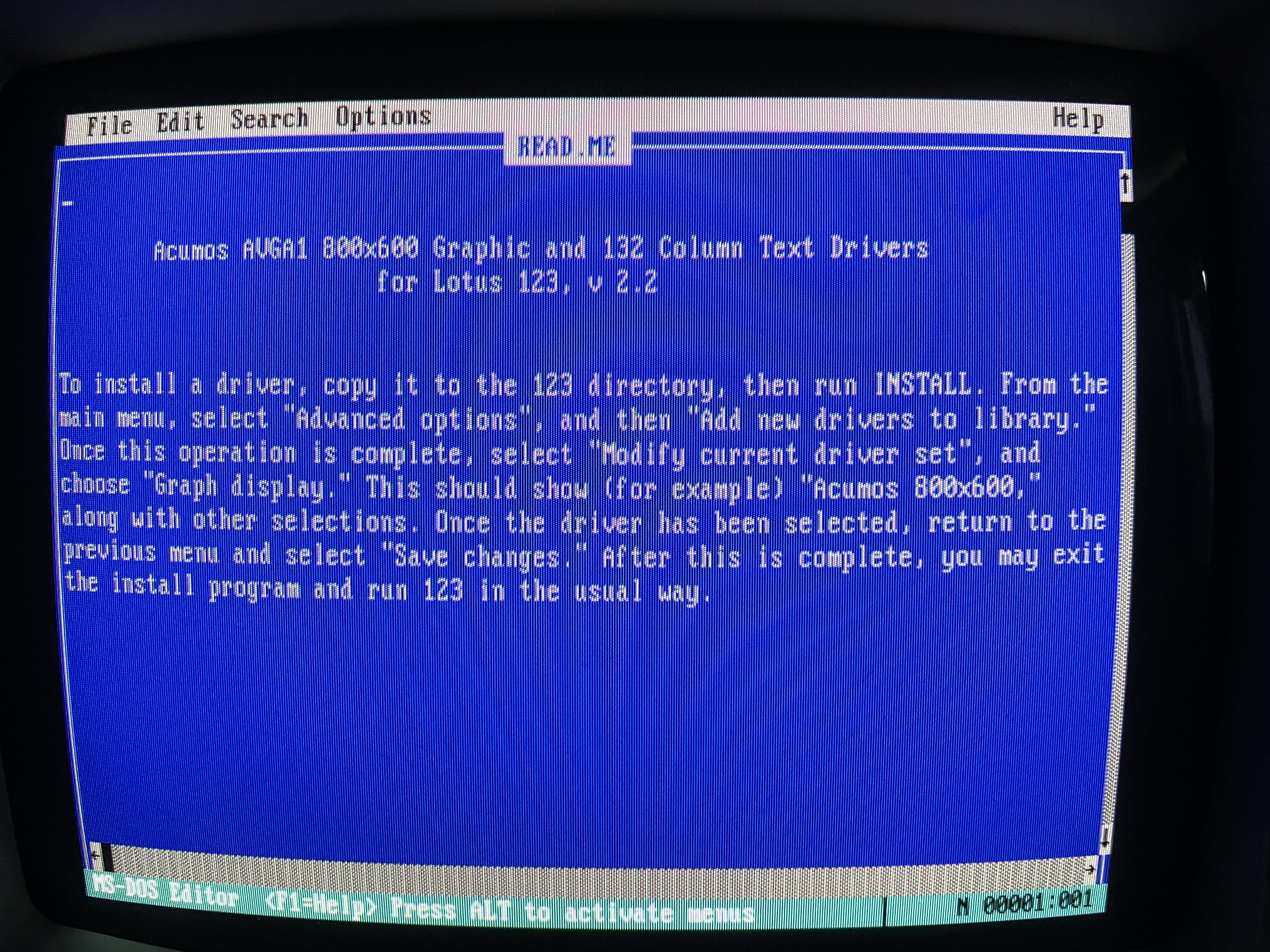
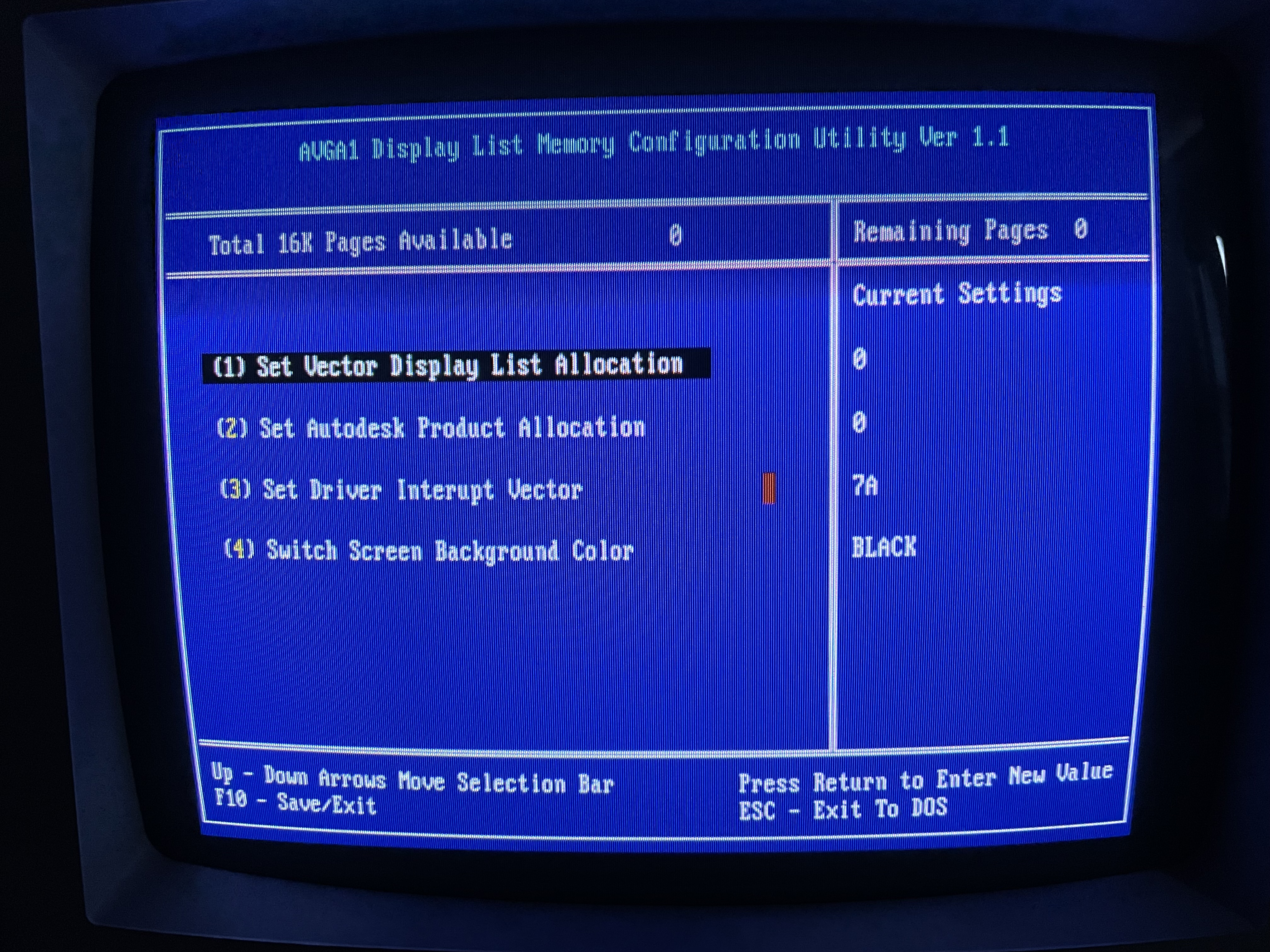
    A photo of the Model D3 SX Plus Utility disk in its sleeve A photo of the Model D3 SX Plus Utility disk outside of its sleeve A directory listing of the Model D3 SX Plus Utility disk A screenshot of the Model D3 SX Plus Utility running the readme A screenshot of the Model D3 SX Plus Utility instructing users on how to install a driver A screenshot of the Model D3 SX Plus Utility menu

     Model D3 SX Manual

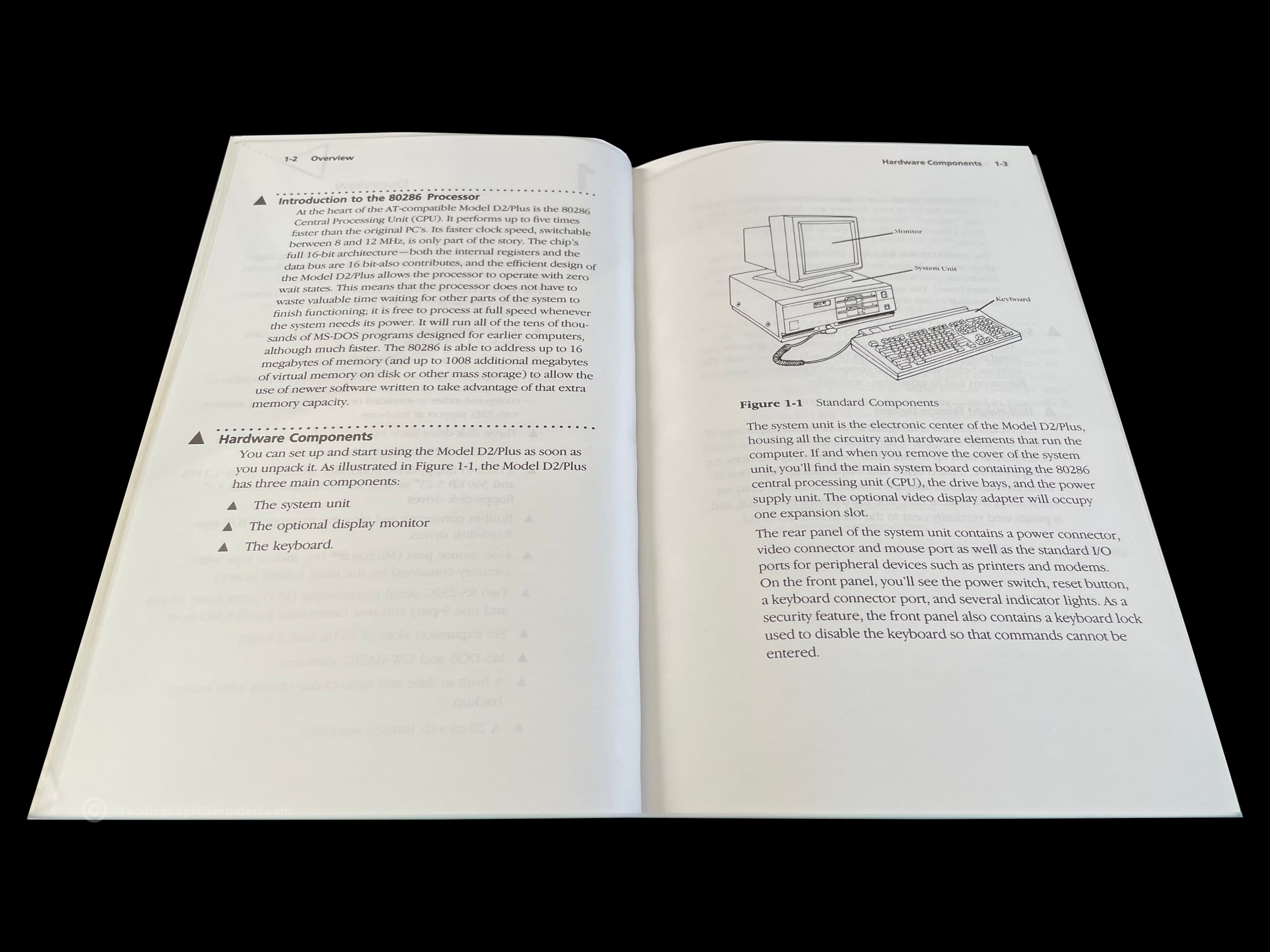
    Photo of the front cover of the Model D3 SX Manual Back cover of the Model D3 SX Manual Angled view of the Model D3 SX Manual showing the spine of the manual Teaser photo showing inside of the Model D3 SX Manual, featuring information about the system diagnose program Inside photo of the Model D3 SX Manual, featuring the system's hardware upgradability Teaser photo showing inside of the Model D3 SX Manual's setup section

     Model D86

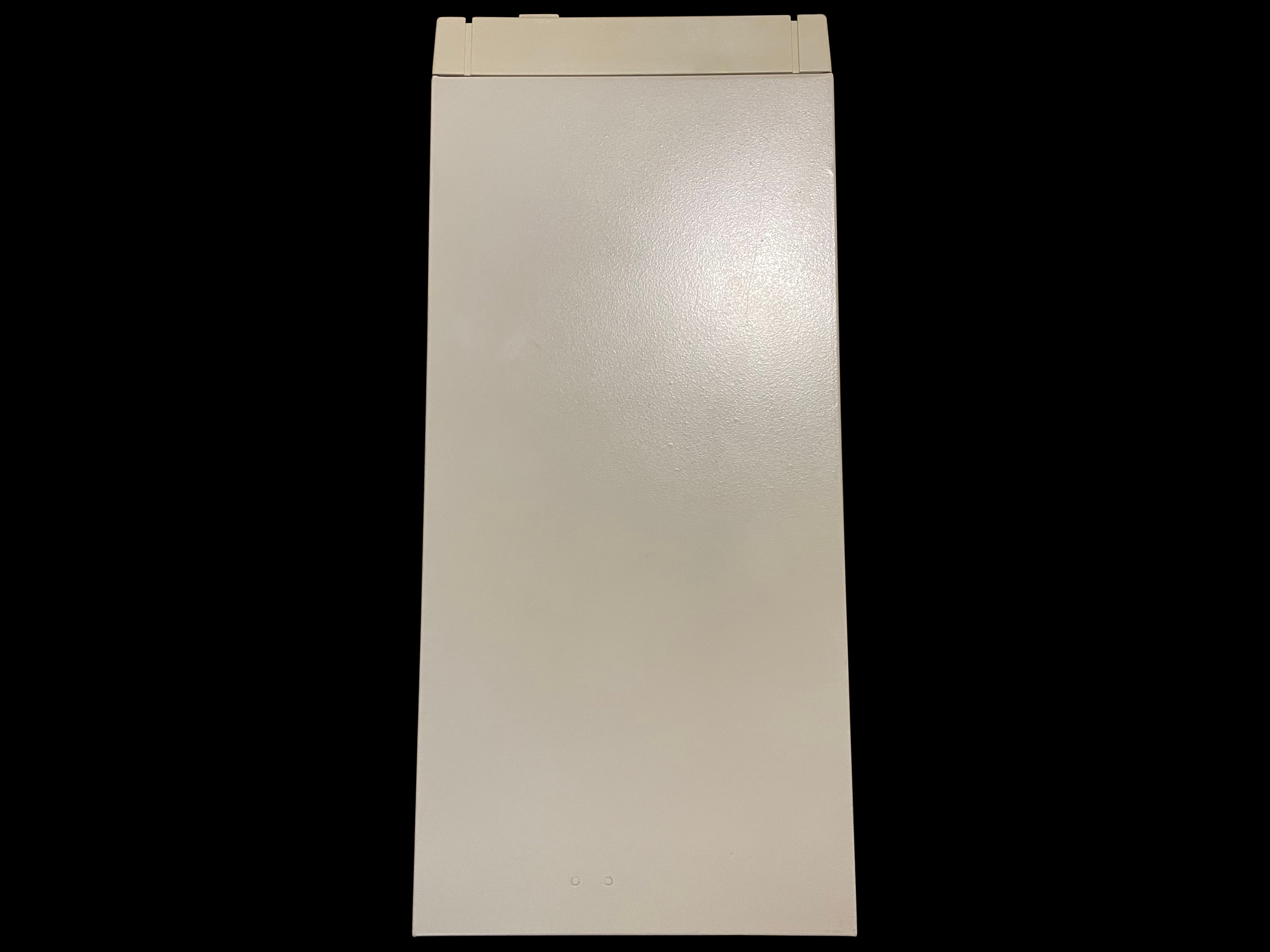
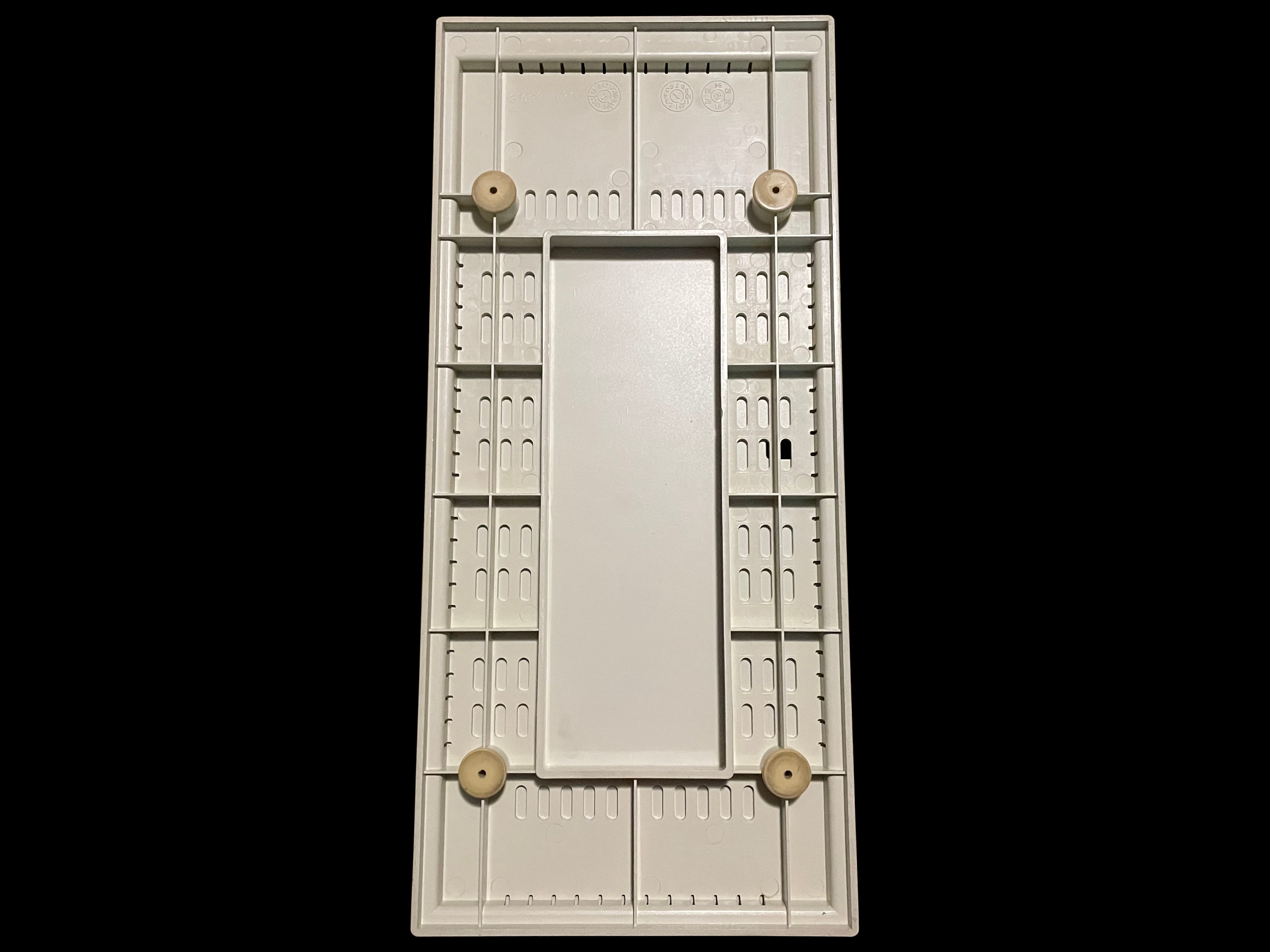
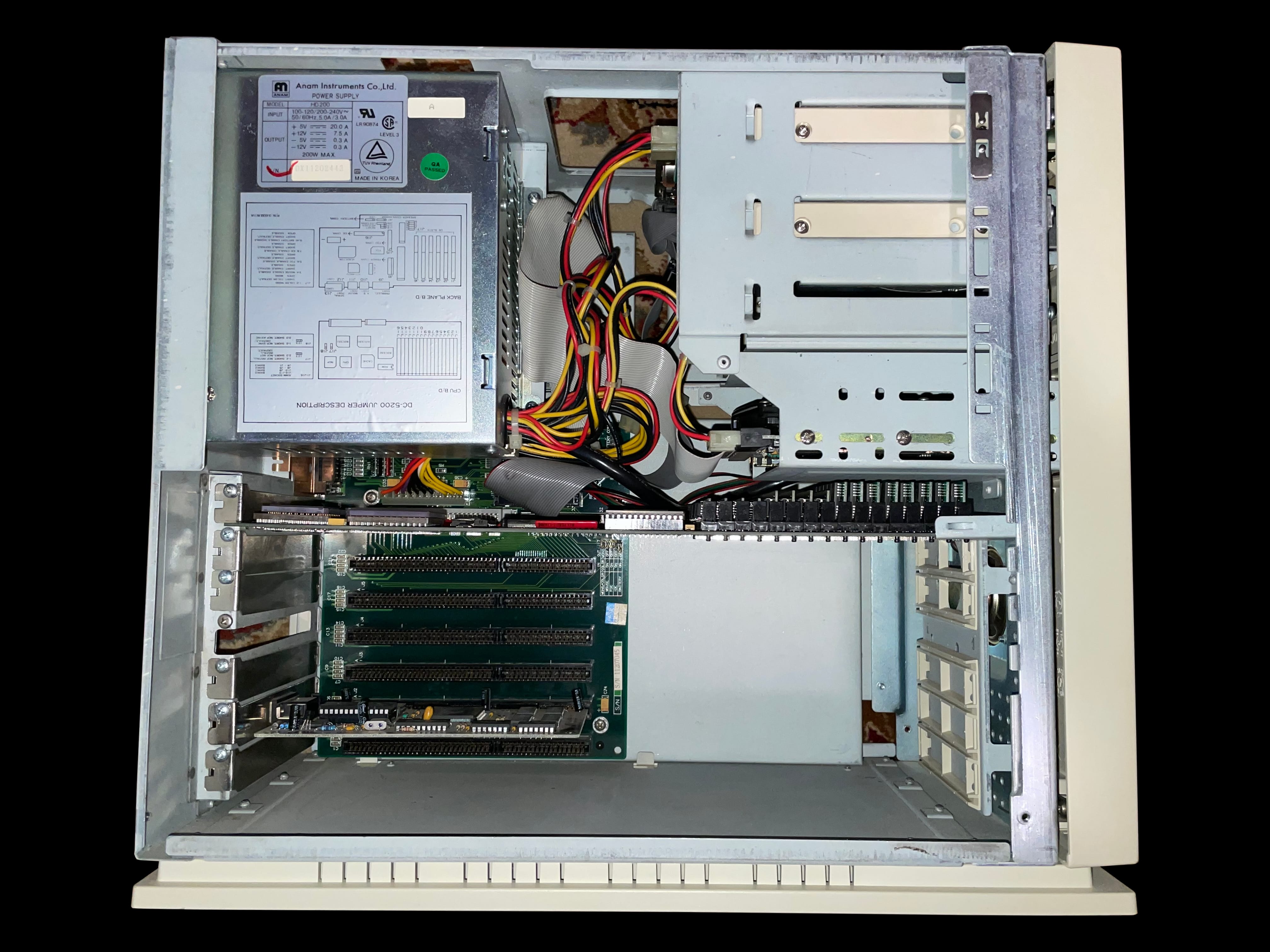
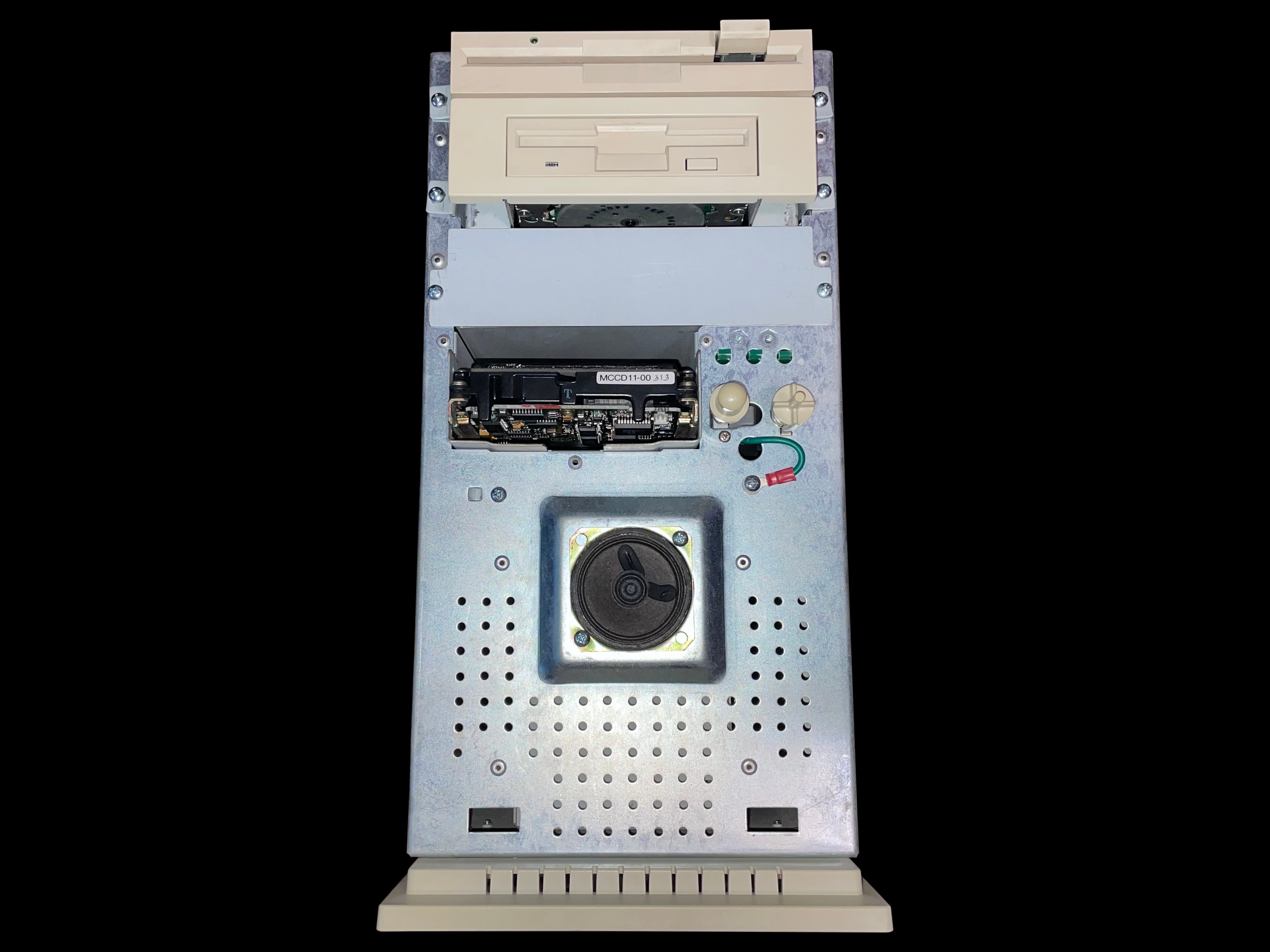
    A photo of a Model D86 computer facing the user The Model D86 computer without a monitor A top down view of the Model D86 computer A photo of the left-hand view of the Model D86 computer A photo of the right-hand view of the Model D86 computer showing the case lock A rear view of the Model D86 computer showing factory labels and cable ports A bottom view of the Model D86 computer A close up photo of the rear factory label A photo of the Model D86 computer with its case cover removed revealing internal components A close view of the ISA bus riser card equipped on the Model D86 A front view of the Model D86 chasis with the case cover removed A detail view of the Model D86's RAM bank

     Model D Brochure

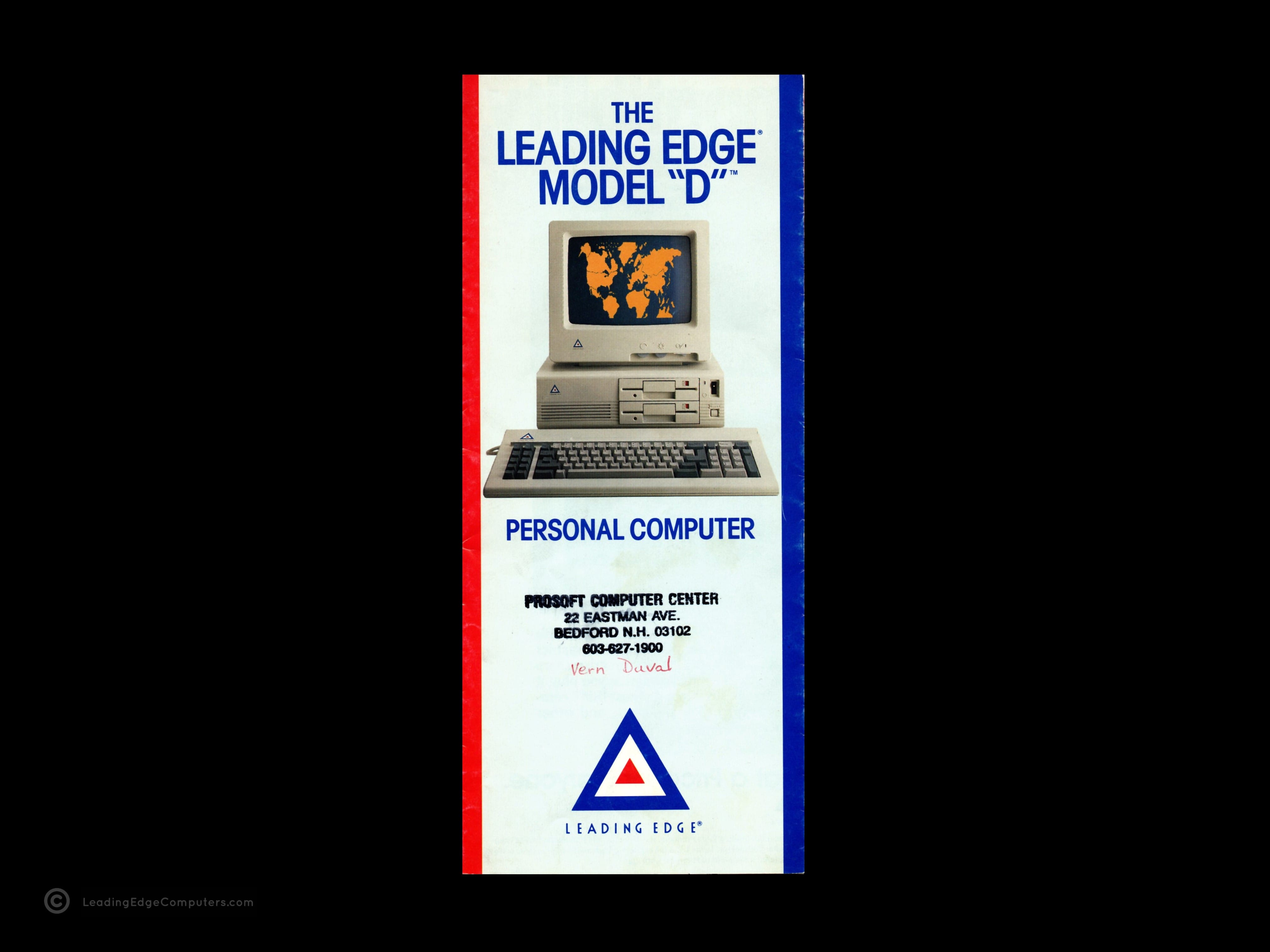
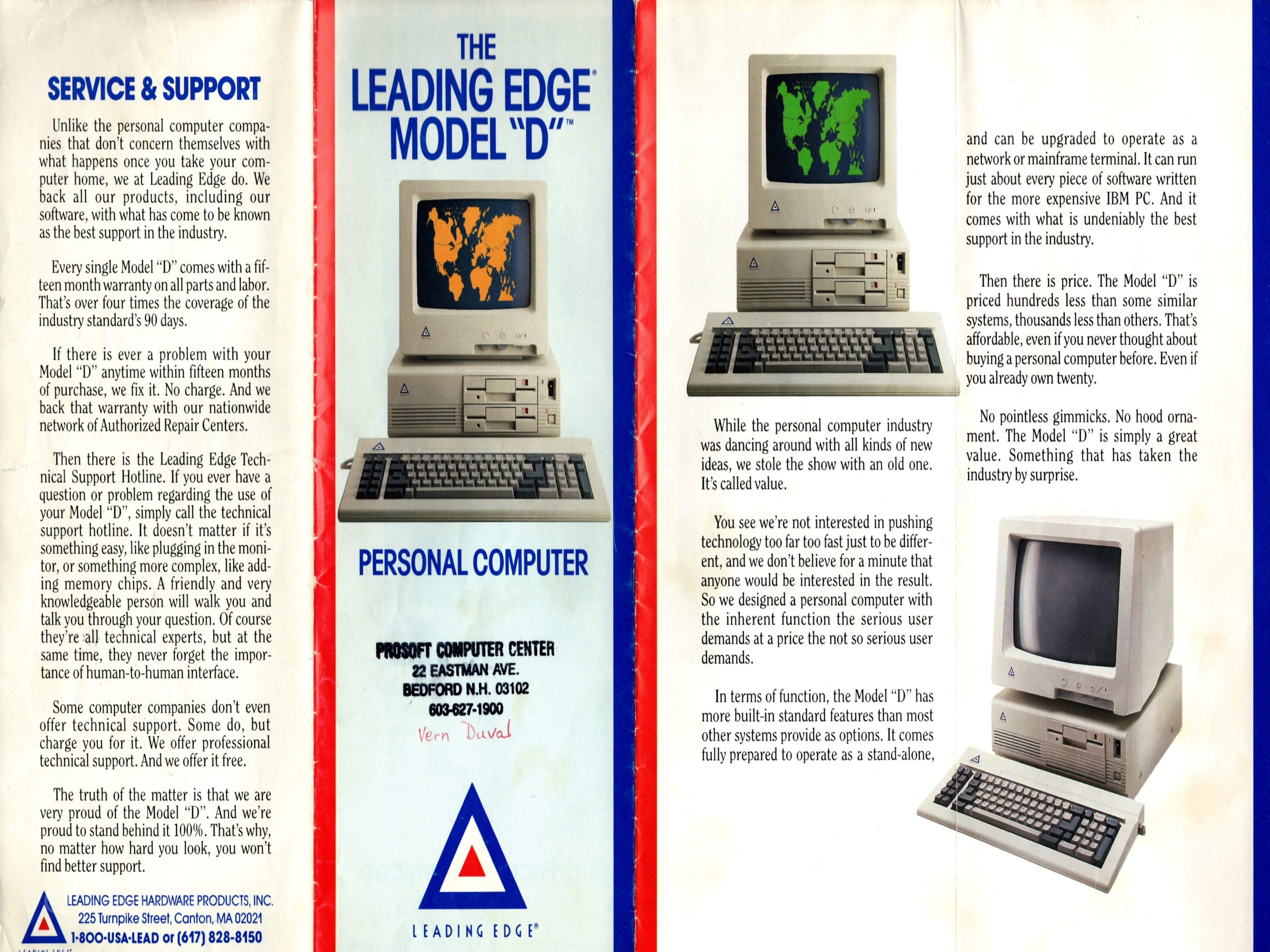
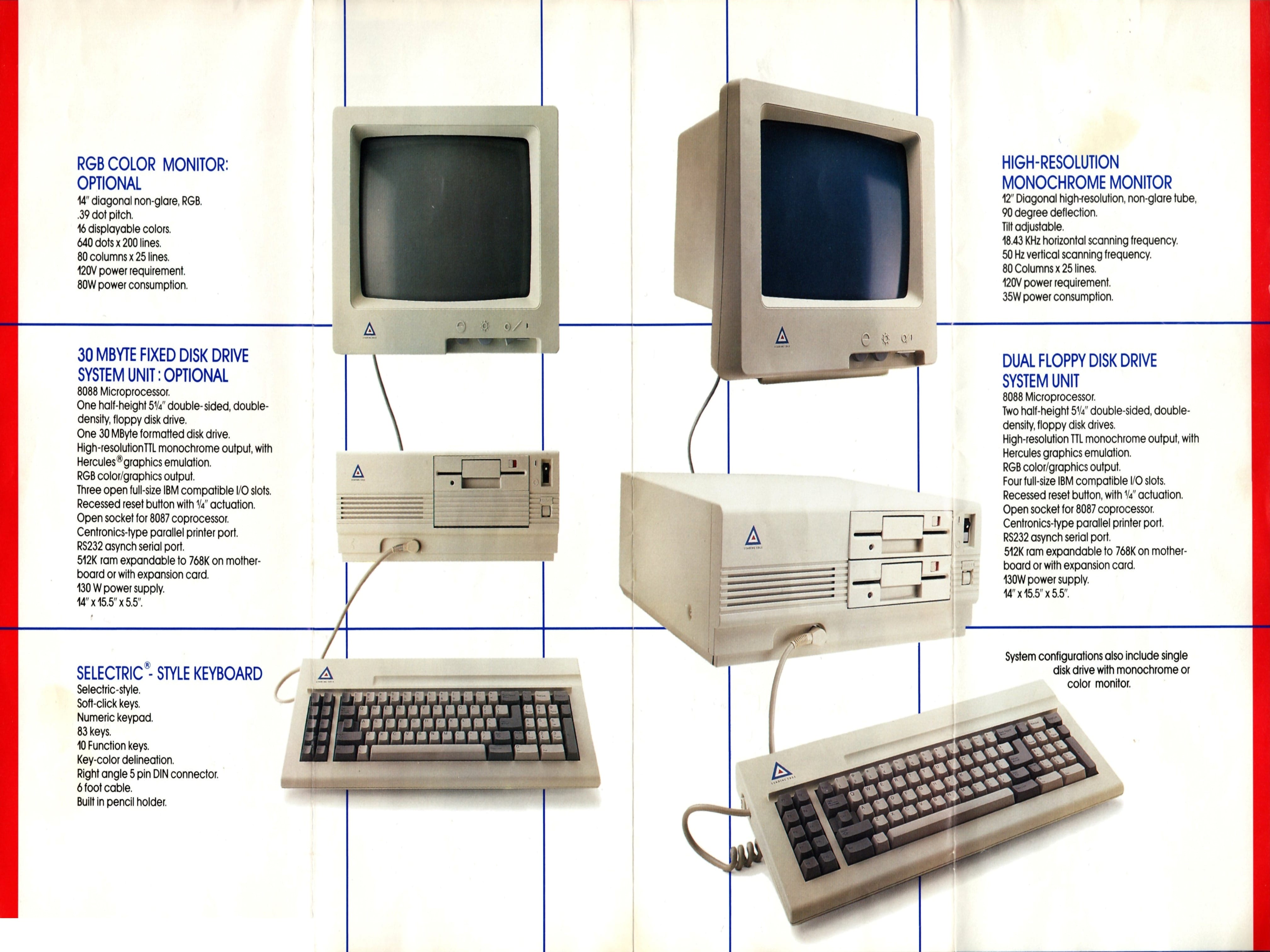
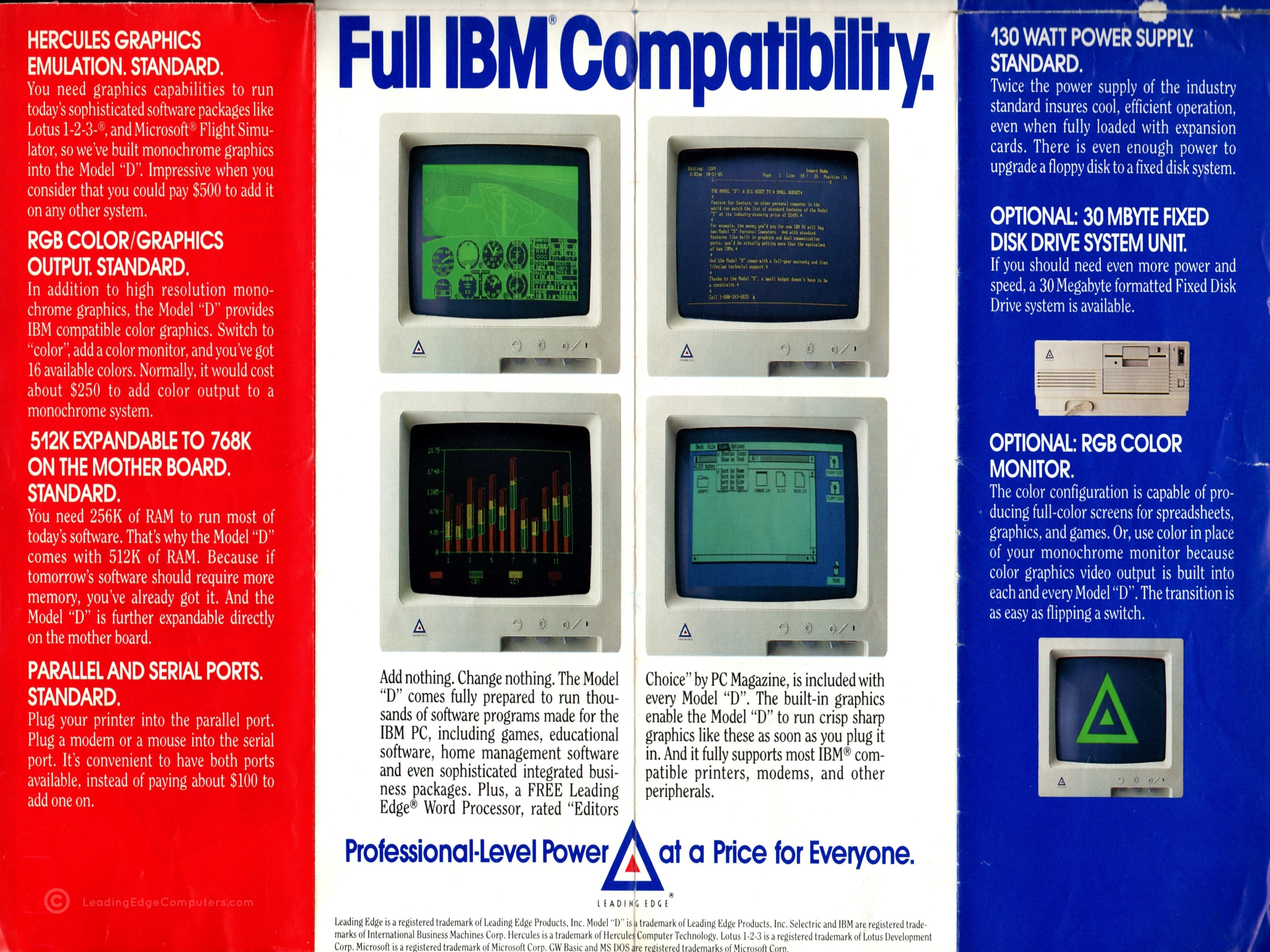
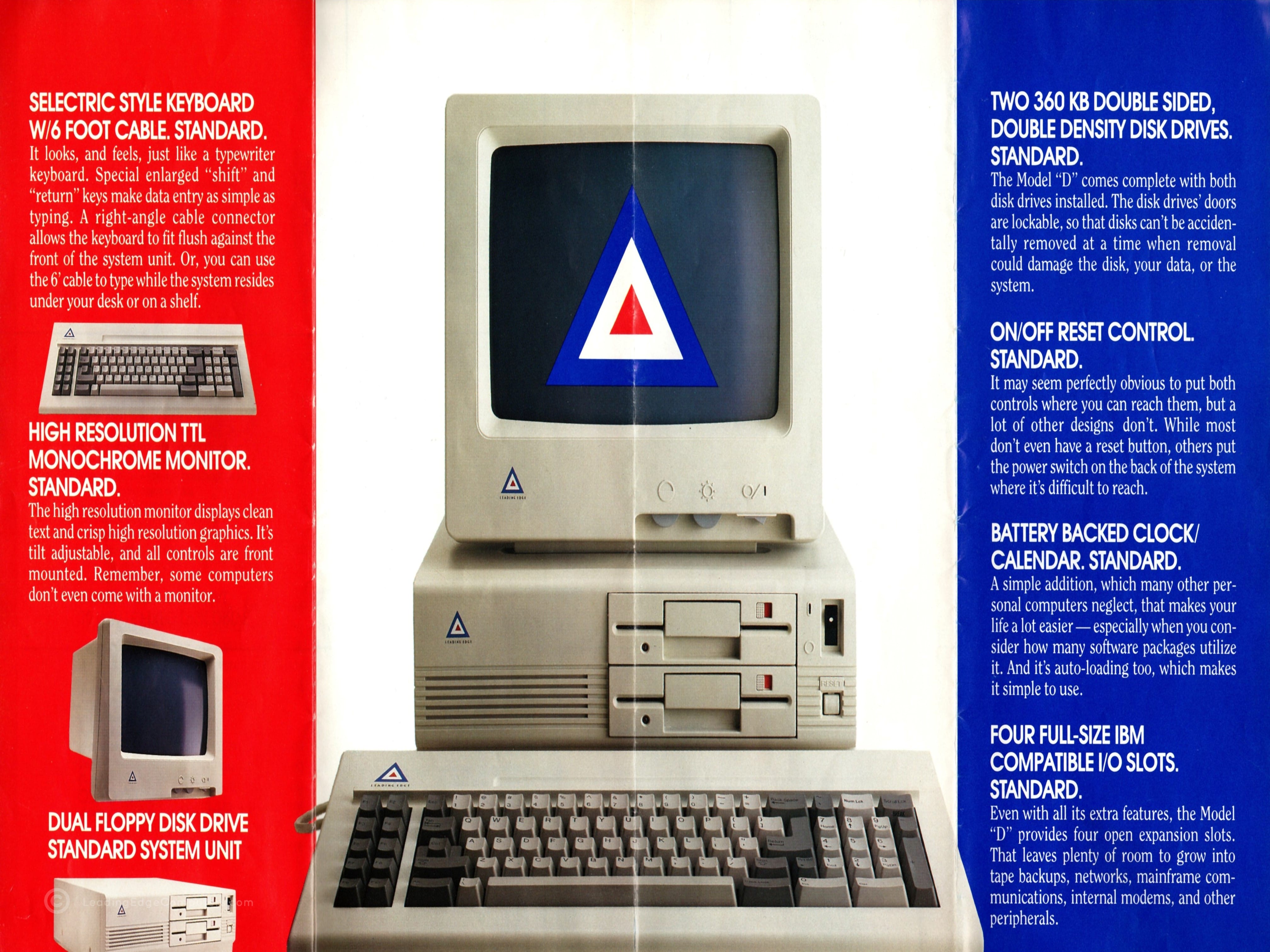
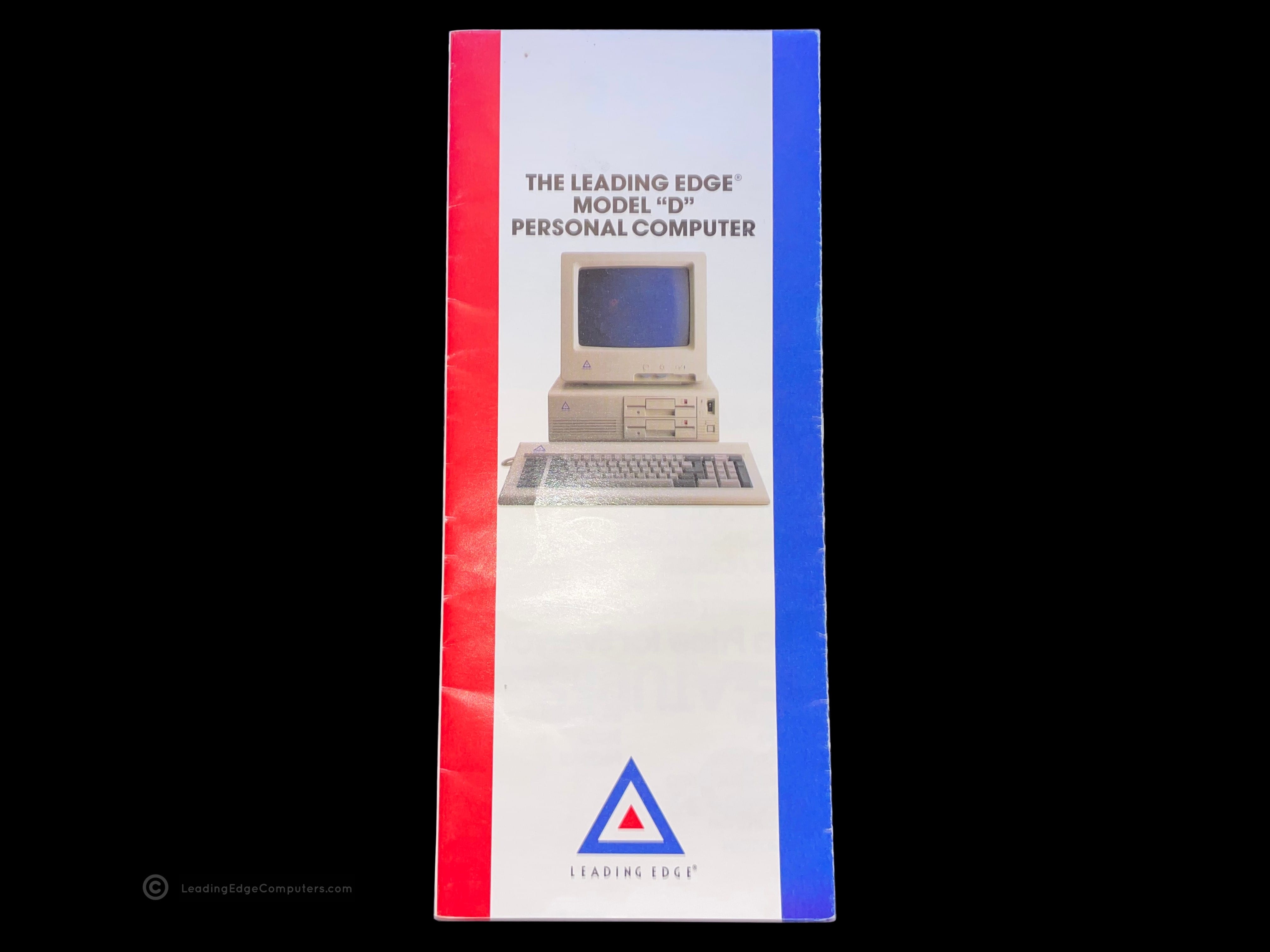
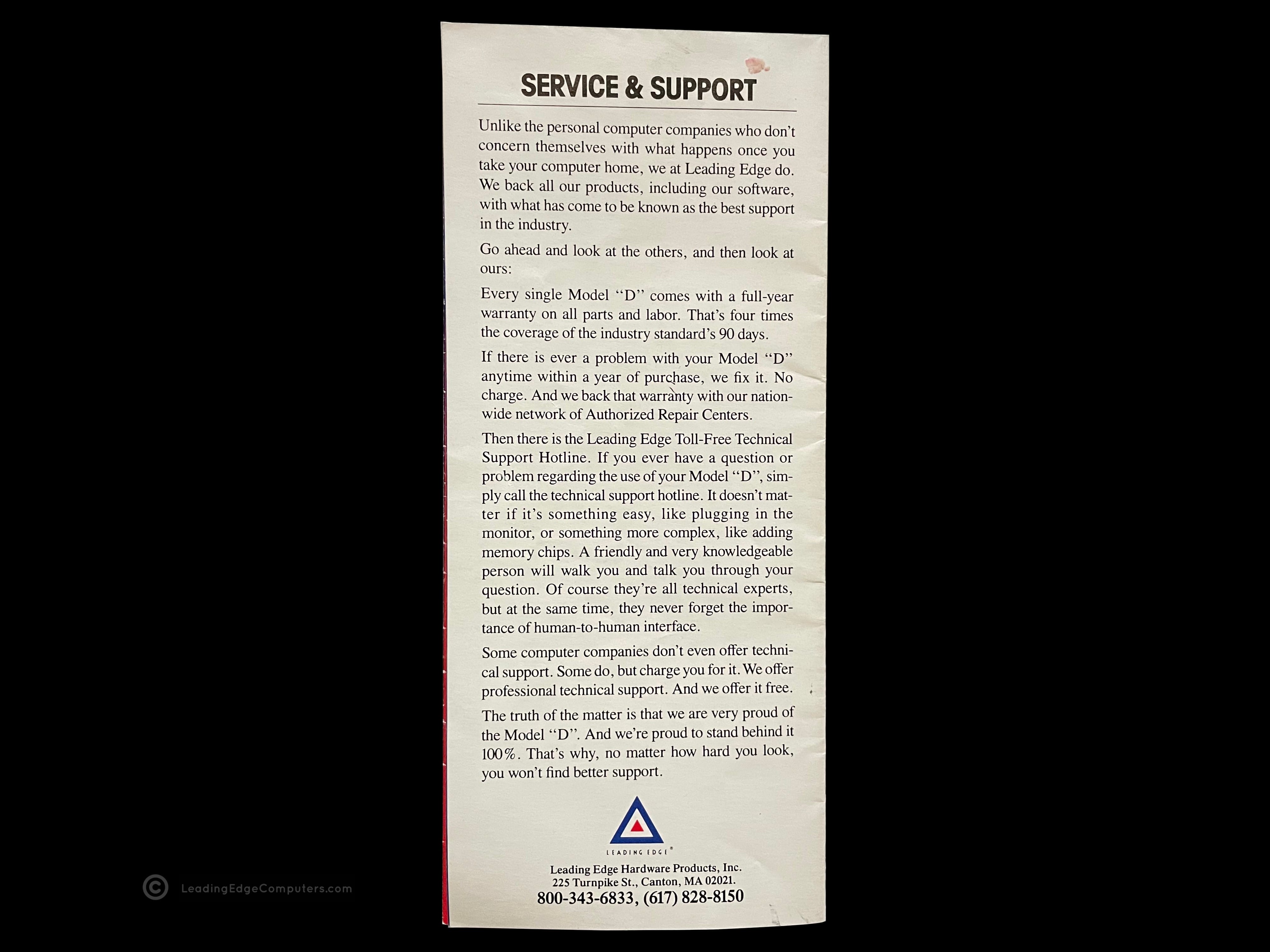
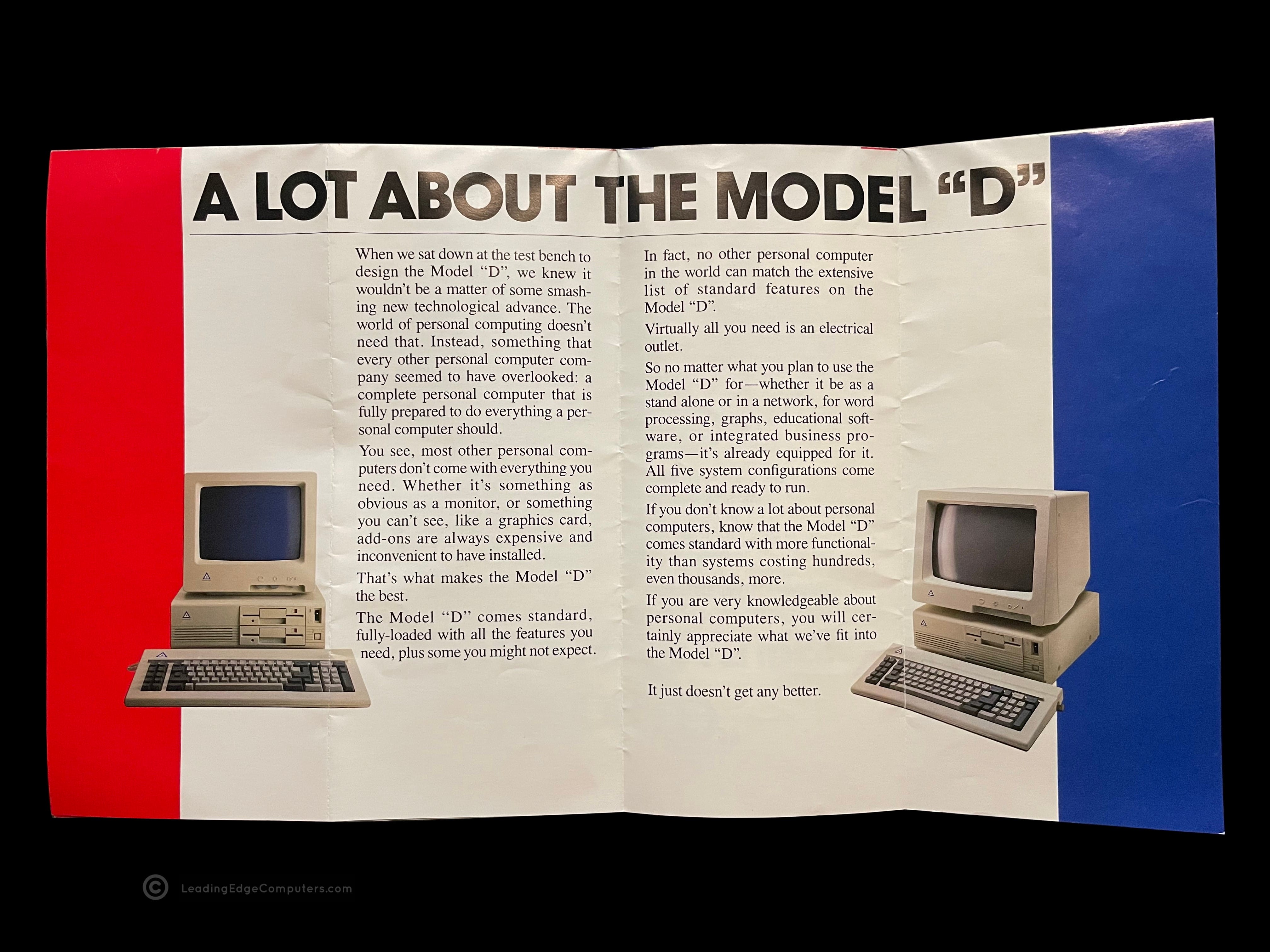
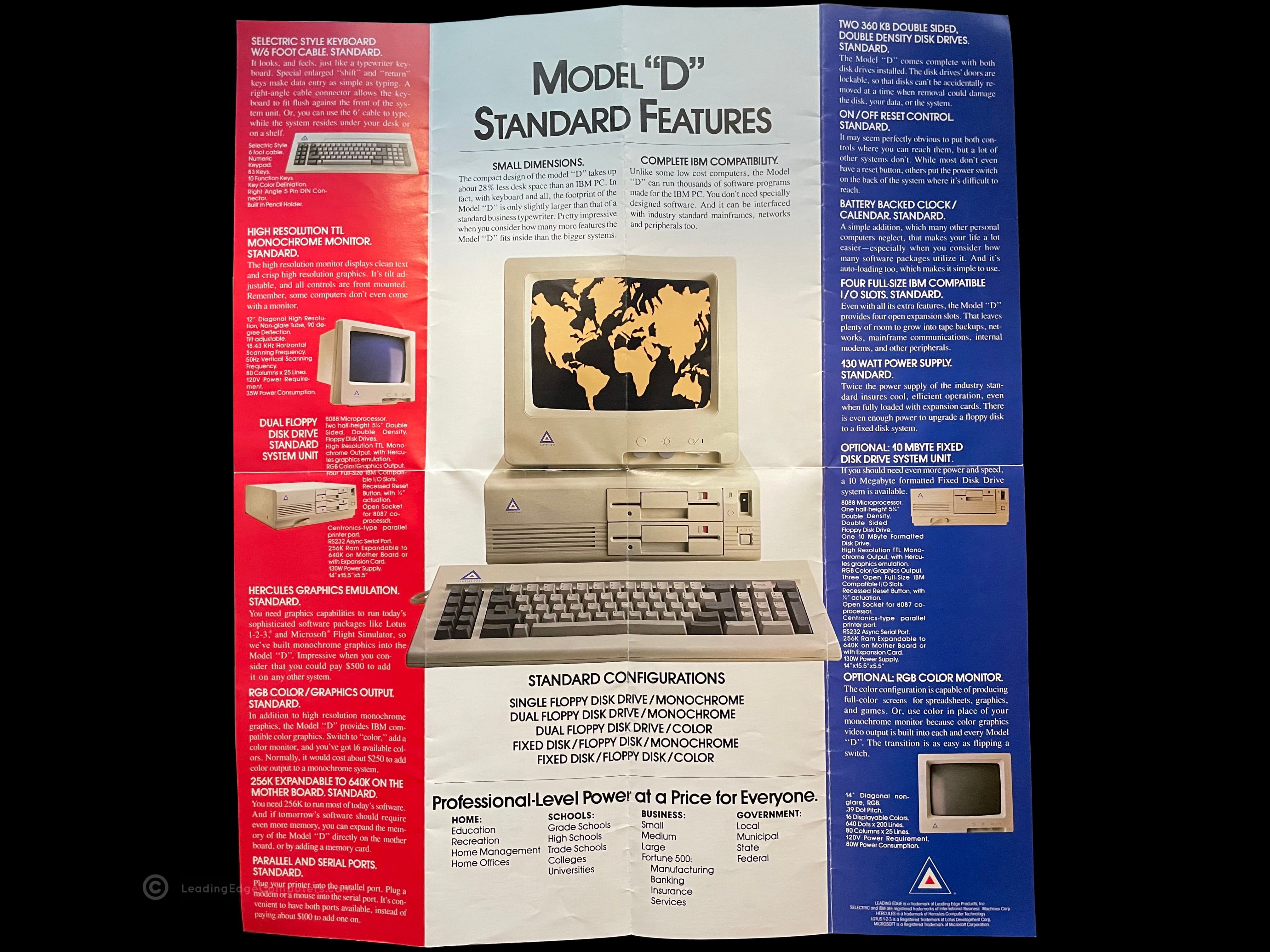
    A photo of the Model D promo brochure showing in bold lettering: The Leadding Edge Model D A photo of the Model D brochure folded out, revealing rich content including colorful photos of the computer A photo of the Model D brochure unfolded with components explained in small paragraphs A photo of the Model D brochure indicating full IBM compatibility and showing different monitor screenshots A photo of the Model D brochure with a fully setup system and specifications detailed in the right-hand margin A photo of the rear of the Model D brochure, boasting about Leading Edge's service and support

     Model D Personal Computer Brochure

    model d personal computer brochure model d personal computer brochure model d personal computer brochure model d personal computer brochure model d personal computer brochure model d personal computer brochure

     Model M

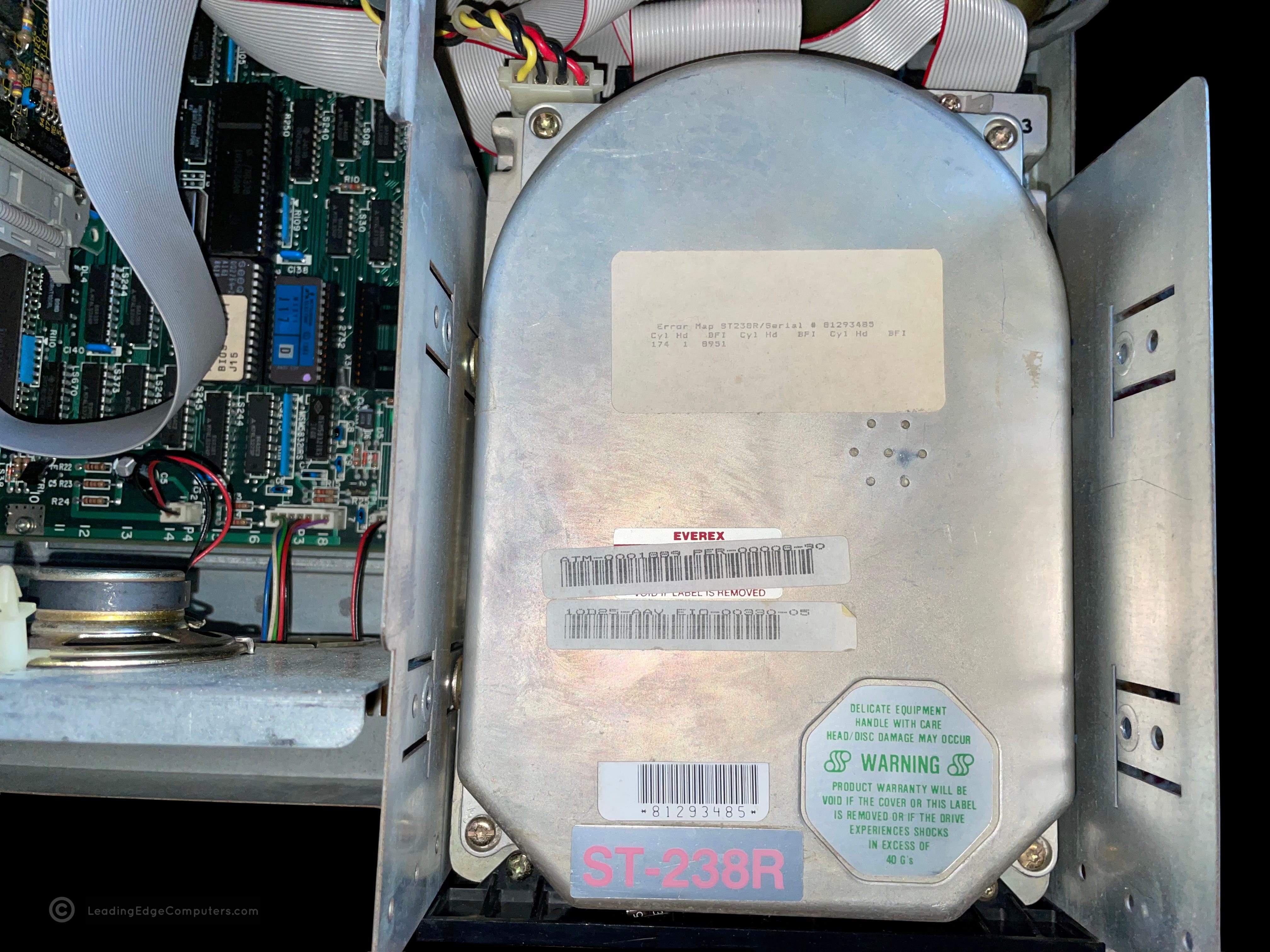
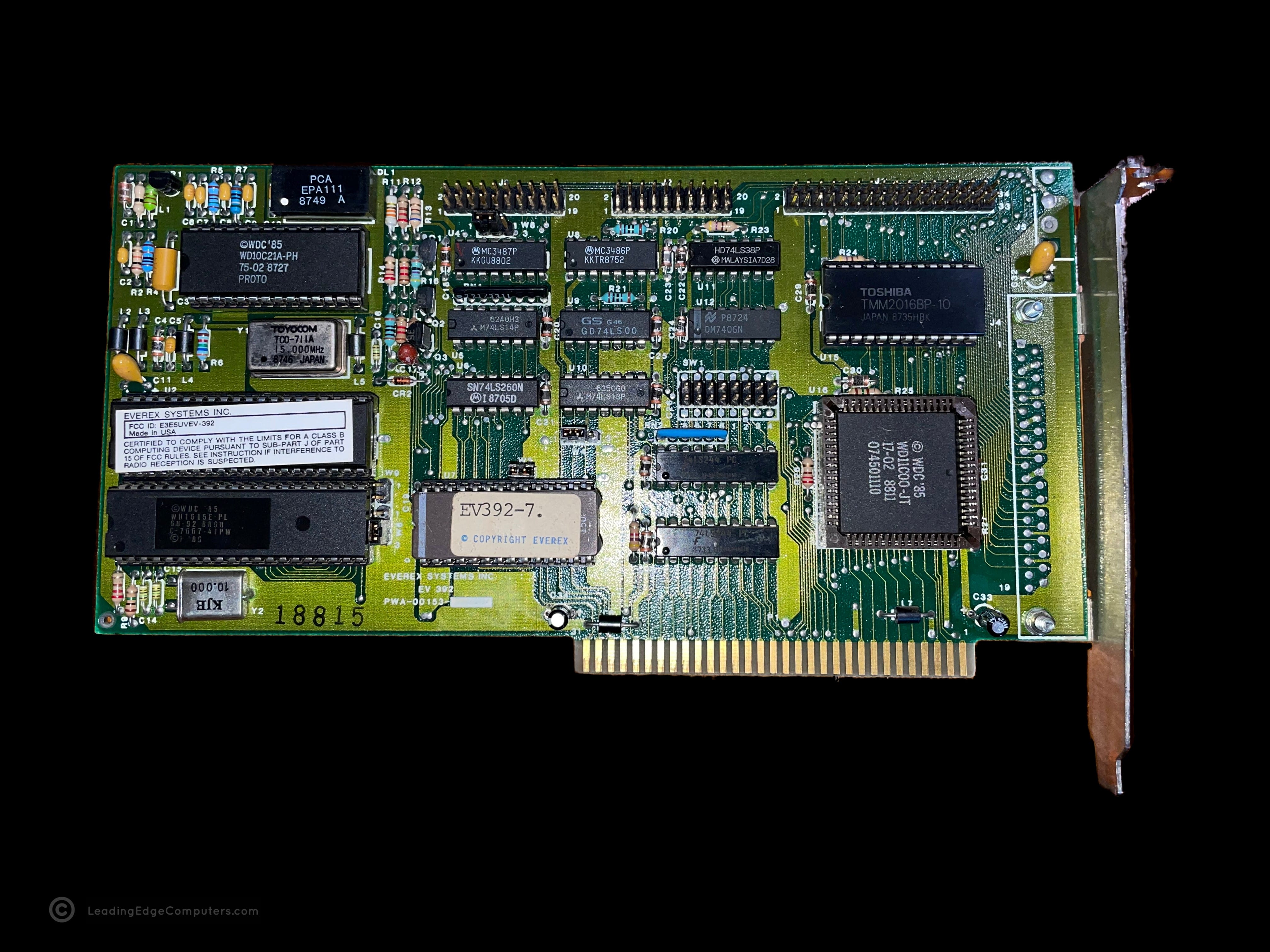
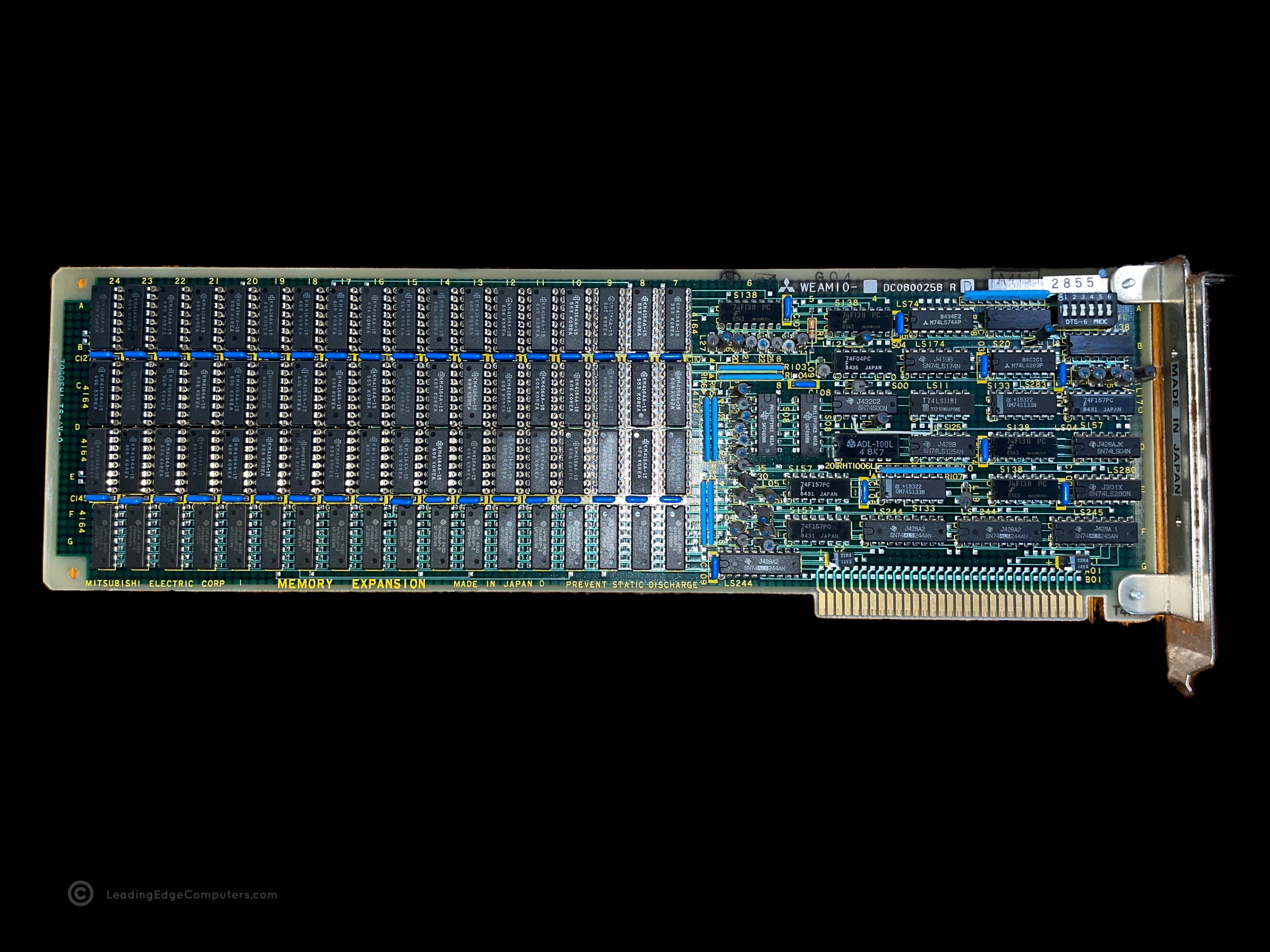
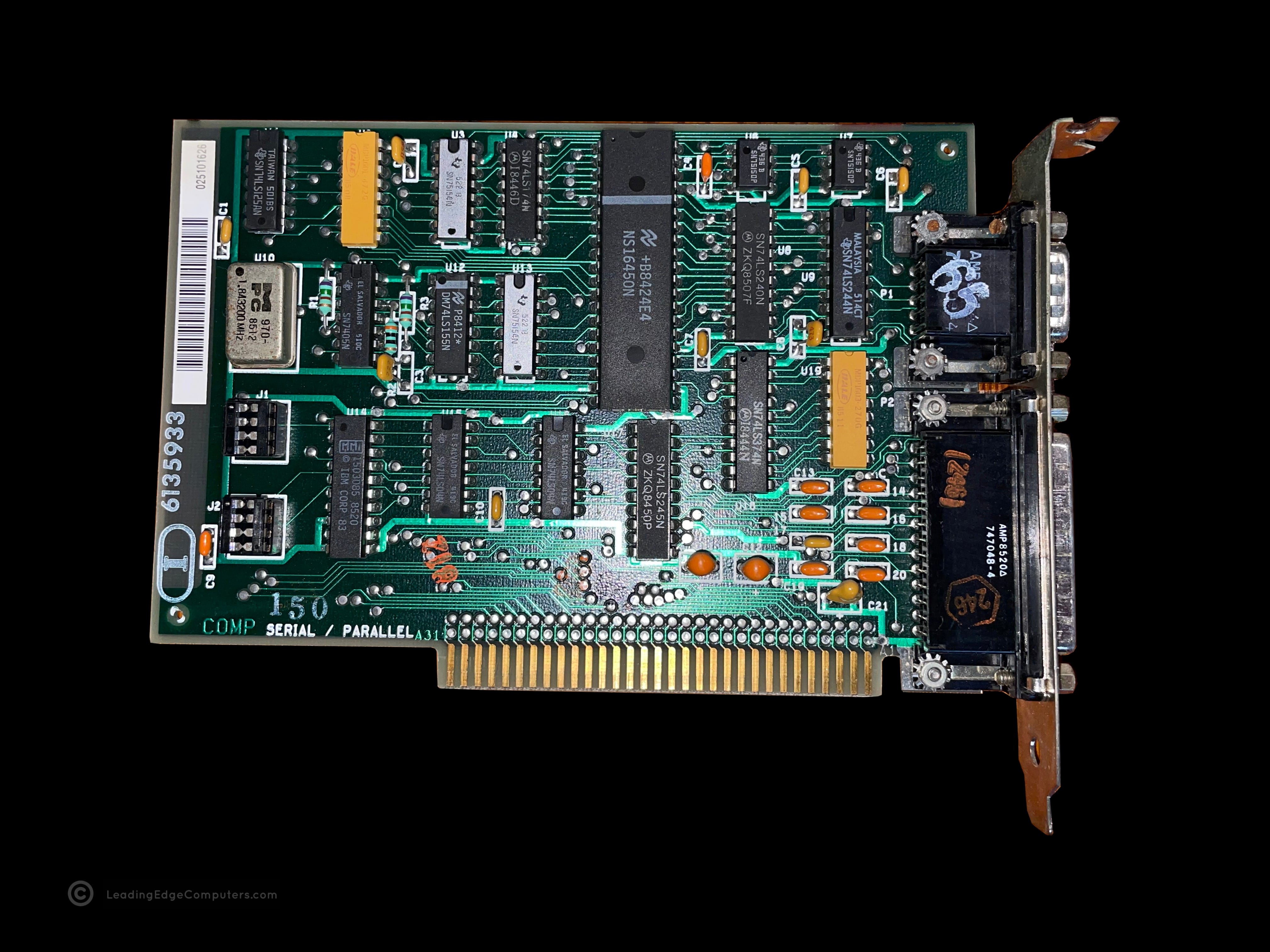
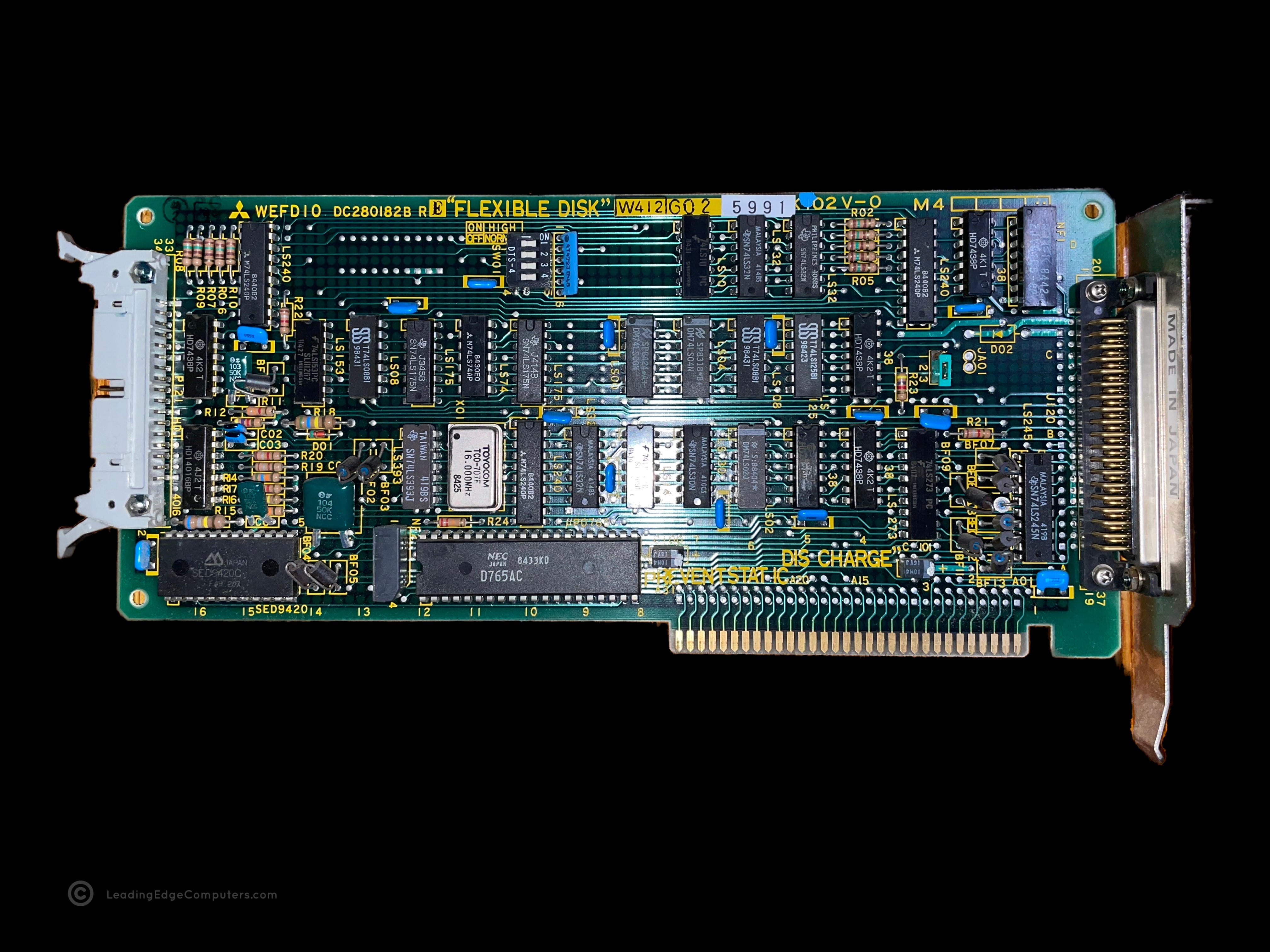
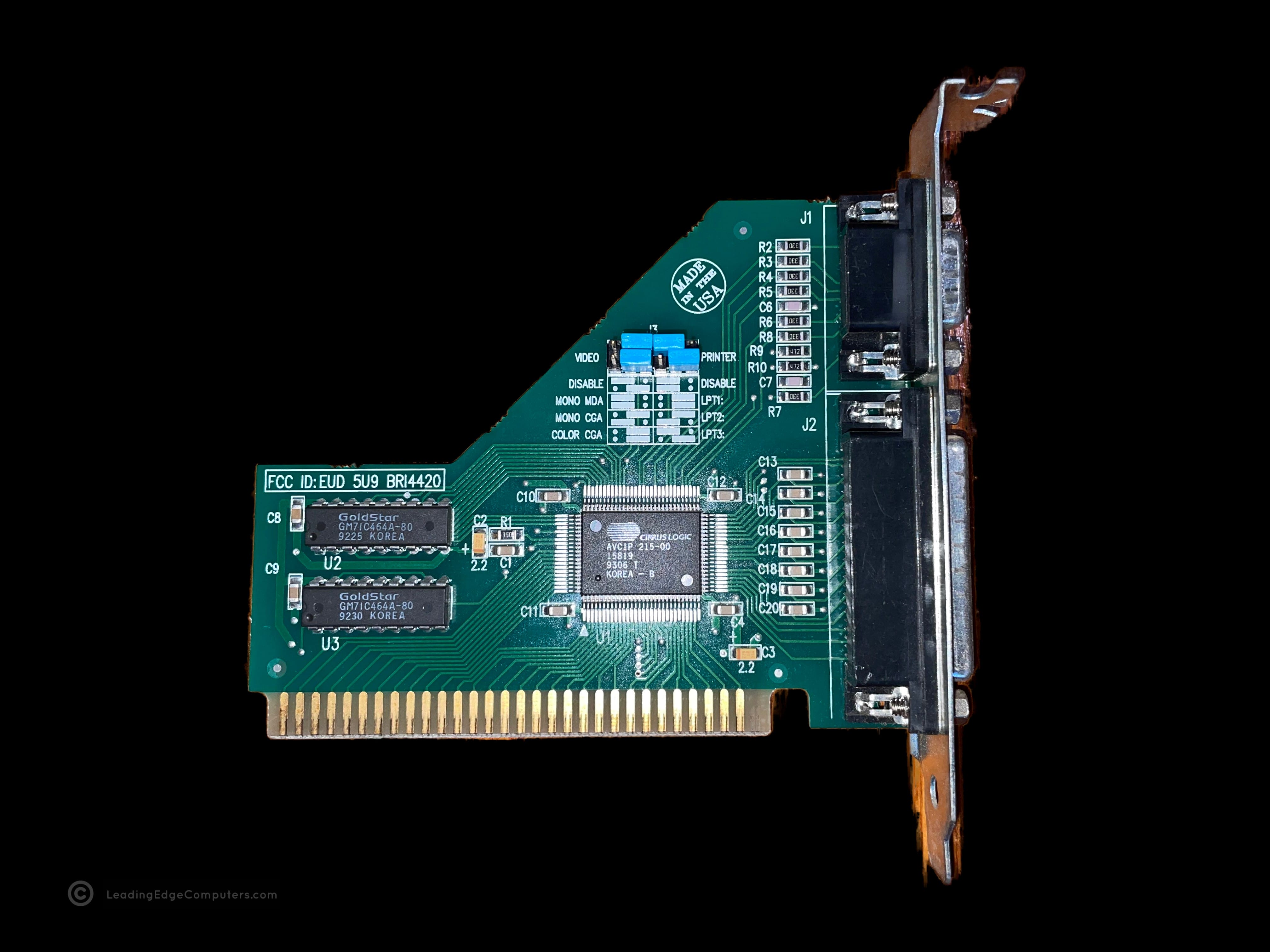
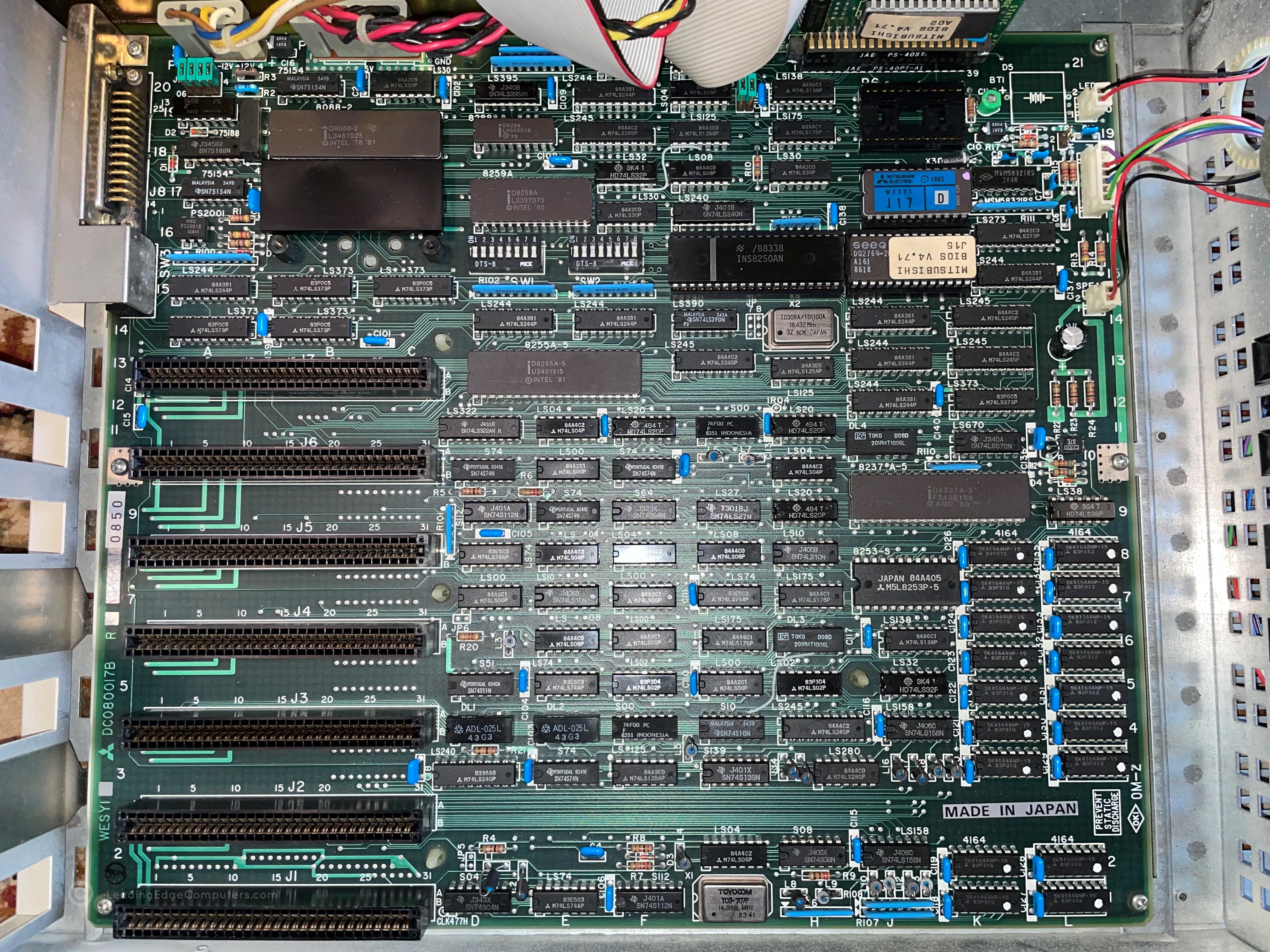
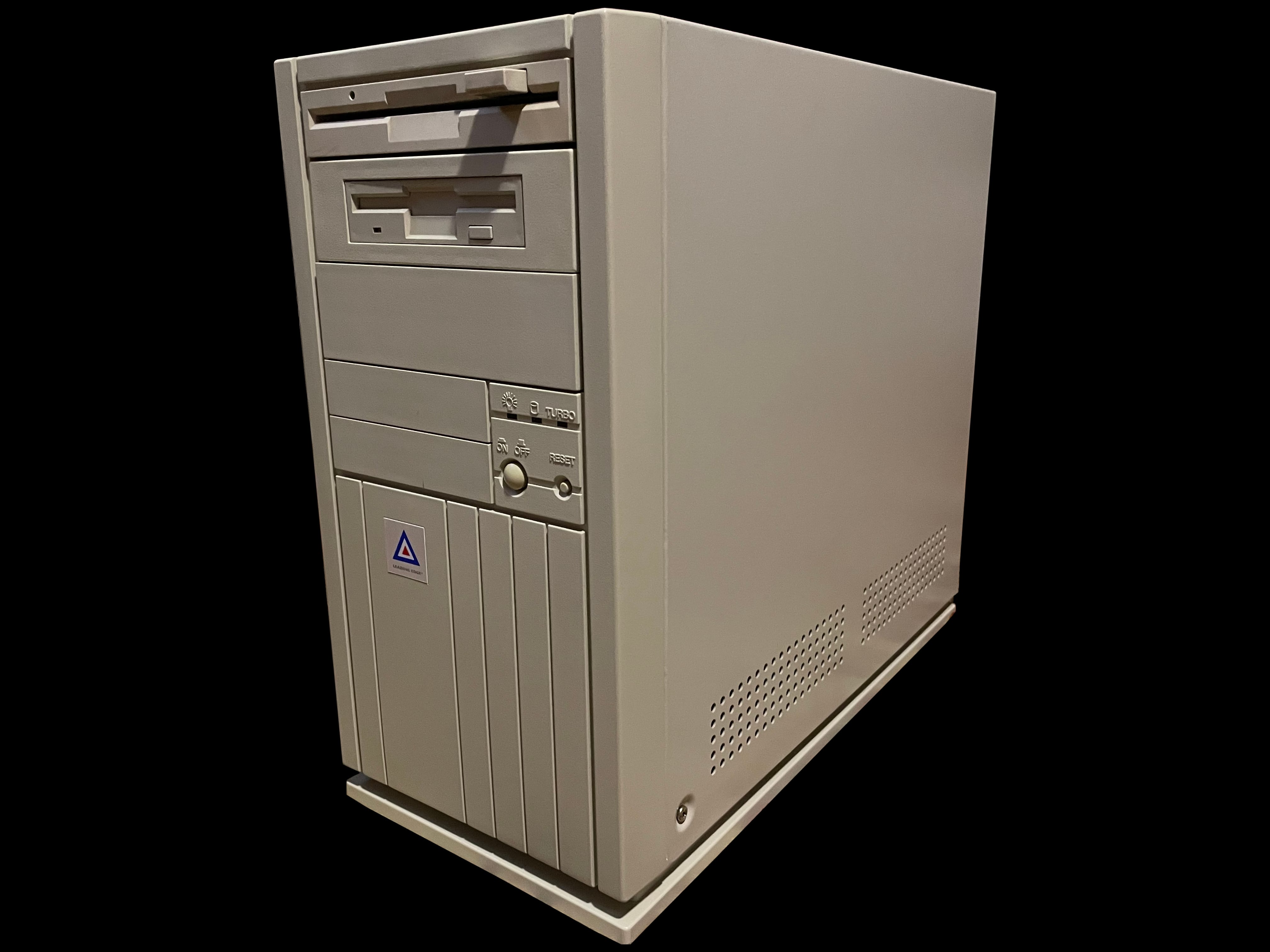
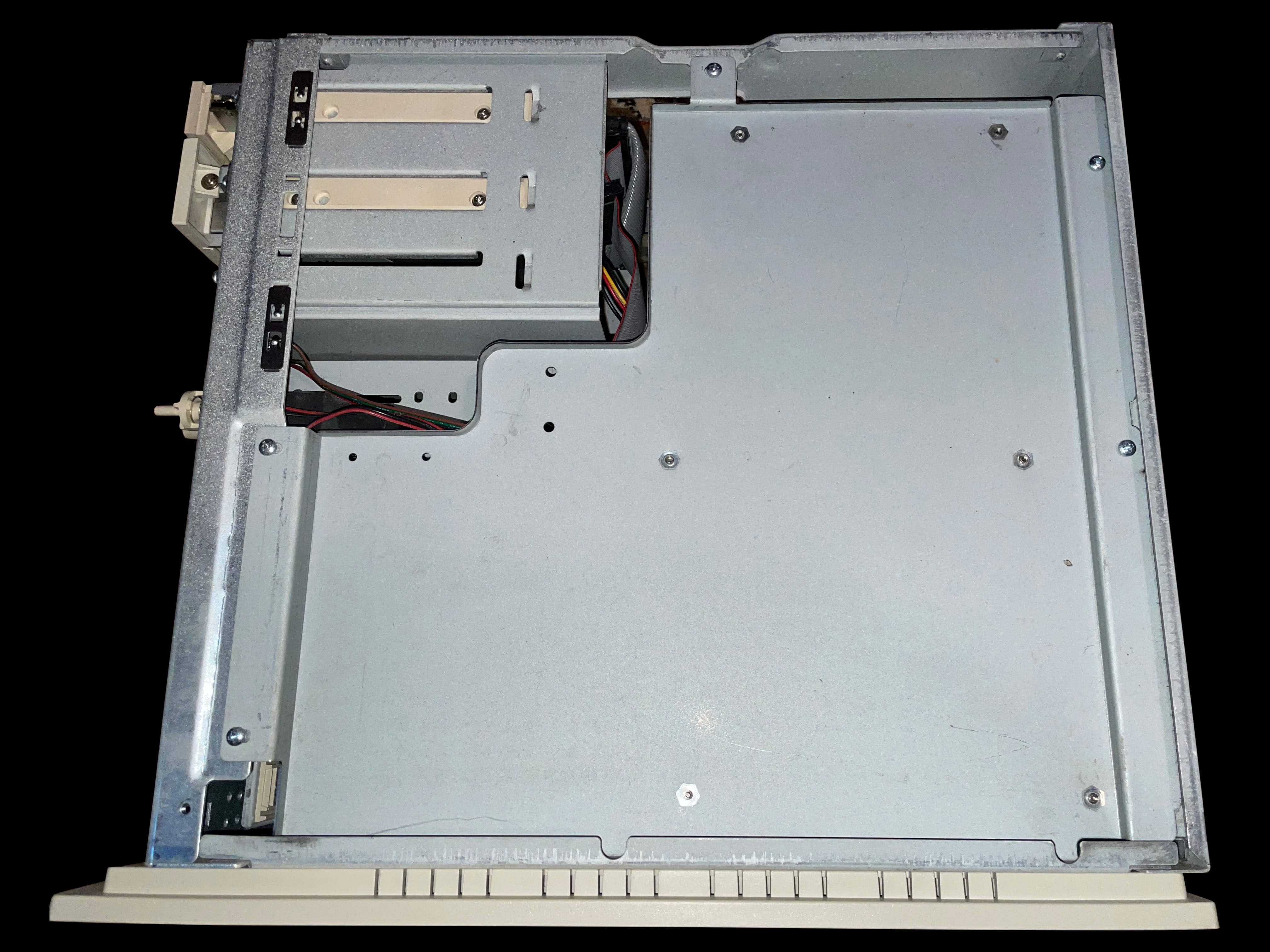
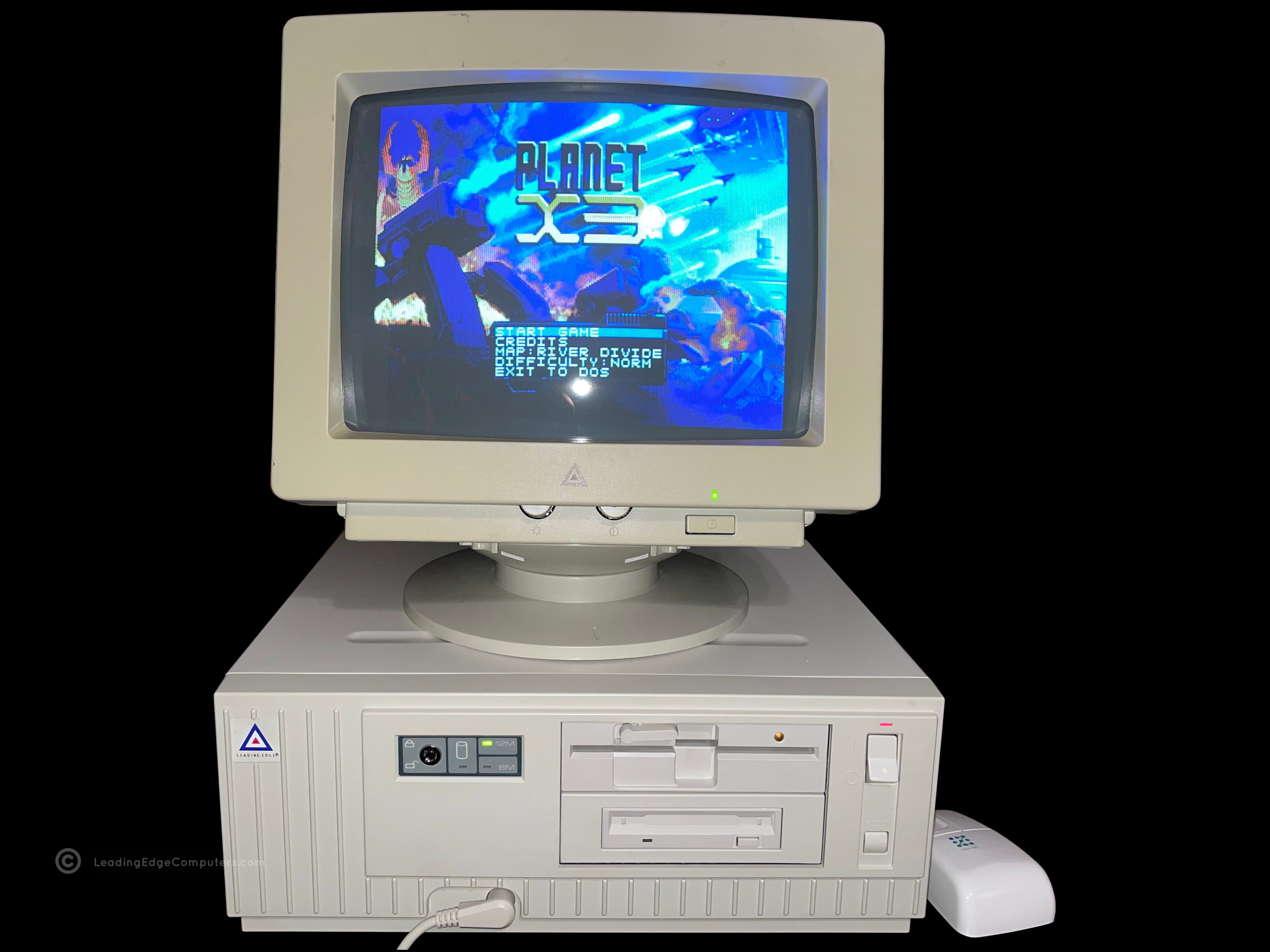
    A hero shot of the Model M computer made by Leading Edge Products A top down view of the Leading Edge Model M computer A picture of the front of the Leading Edge Model M computer A photo showing the bottom of the Leading Edge Model M computer A photo of the right-hand view of the Leading Edge Model M computer A photo of the left-hand view of the Leading Edge Model M computer A photo of the rear of a Leading Edge Model M computer The Leading Edge Model M computer with it's case cover removed A close up shot of the Leading Edge Model M computer hard drive A photo of the Leading Edge Model M computer's hard drive controller card A photo of the Leading Edge Model M computer's extended memory card A photo of the Leading Edge Model M computer's serial / parallel card A picture of the Leading Edge Model M computer's floppy drive controller card A photo of the Leading Edge Model M computer's monochrome / CGA display card A photo of the large motherboard for the Leading Edge Model M computer

     Model MT33

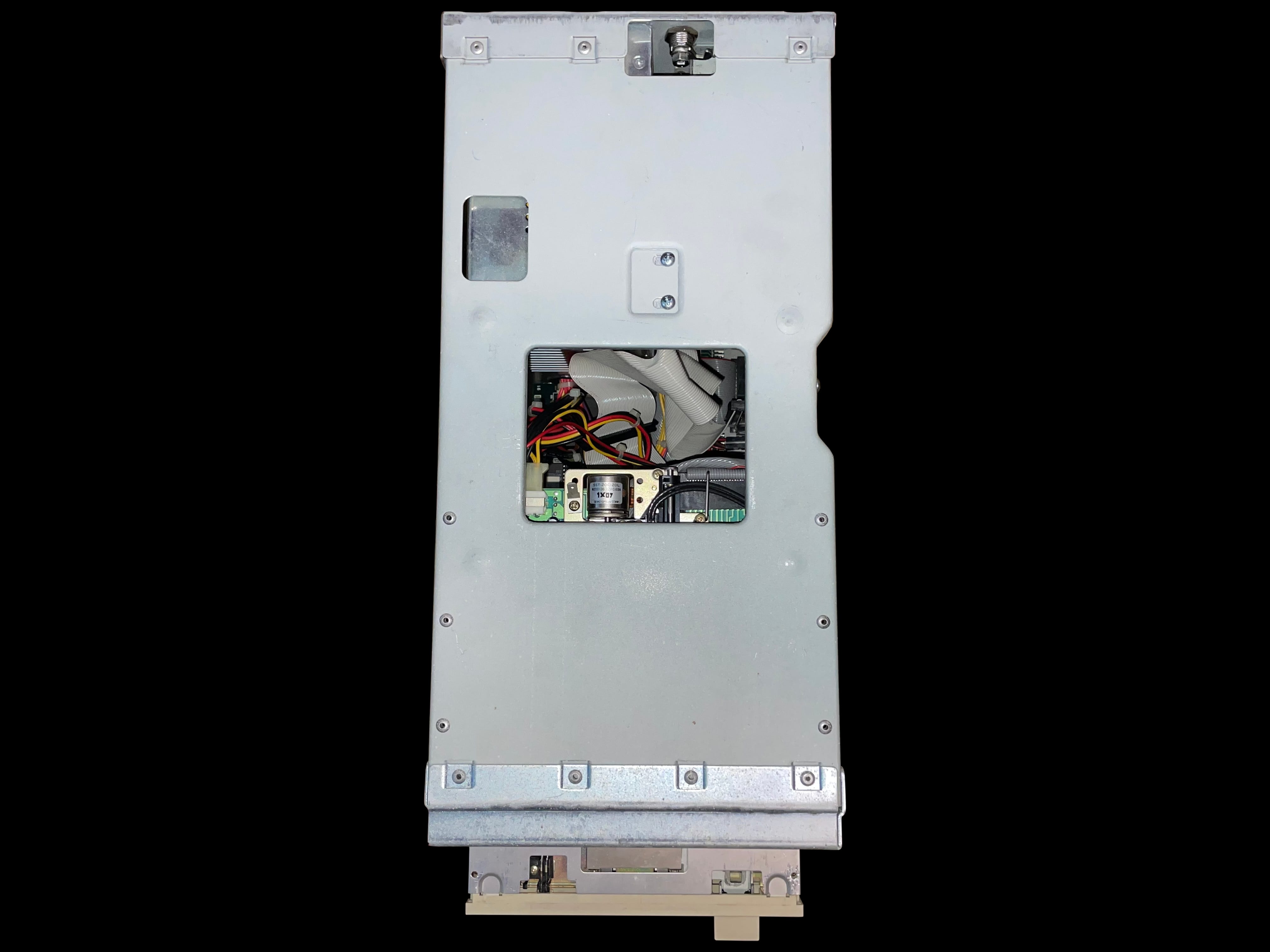
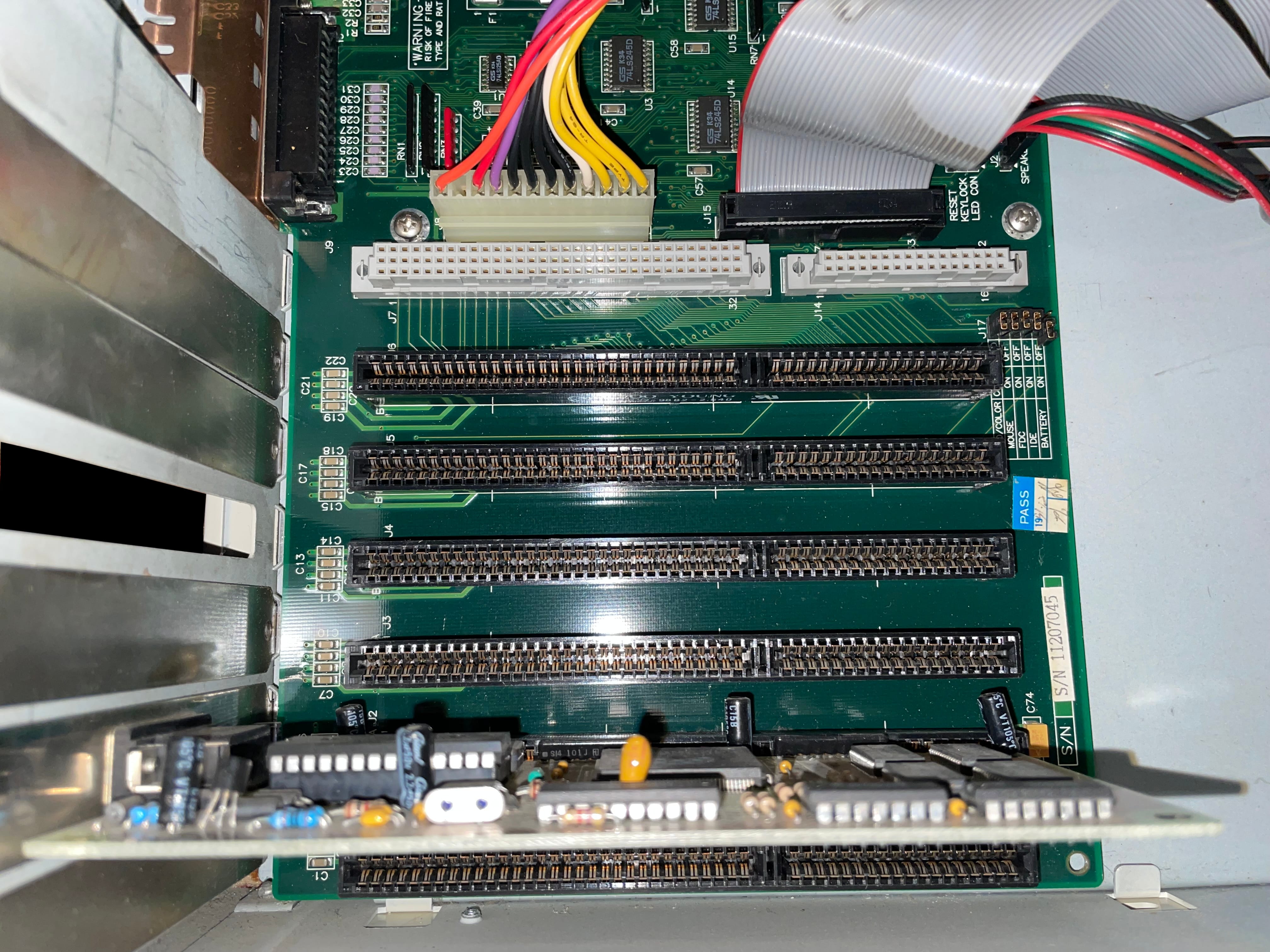
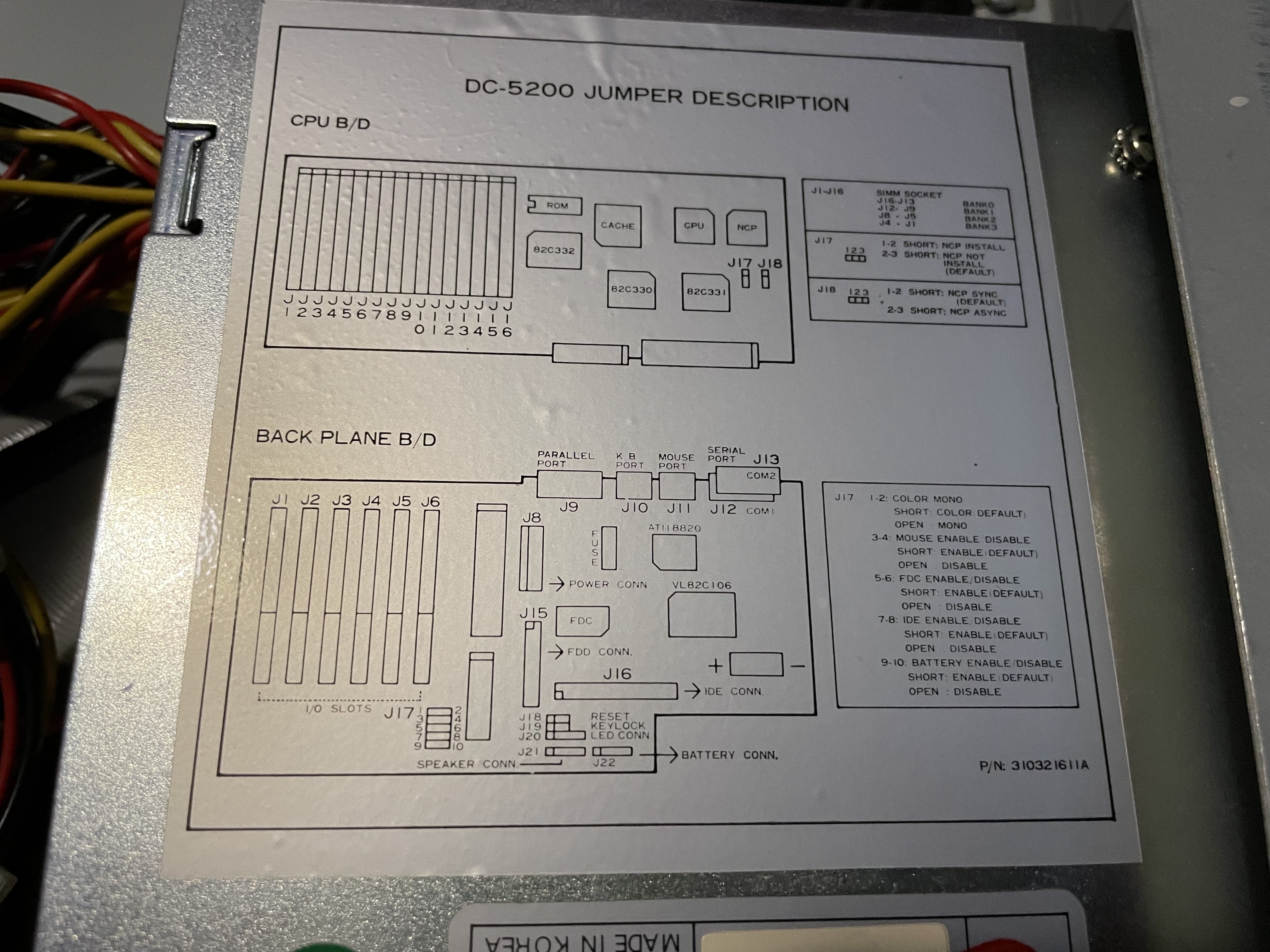
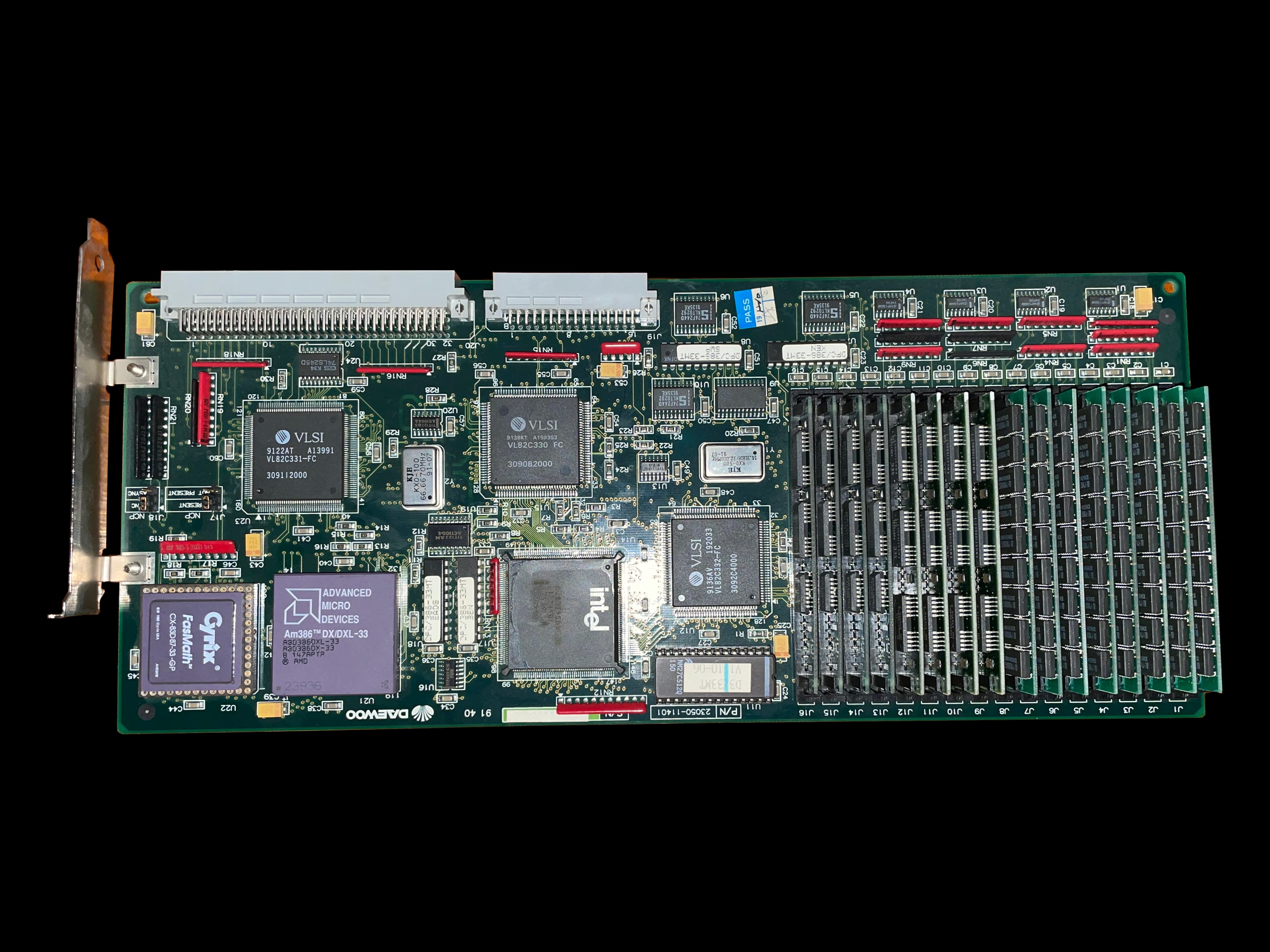
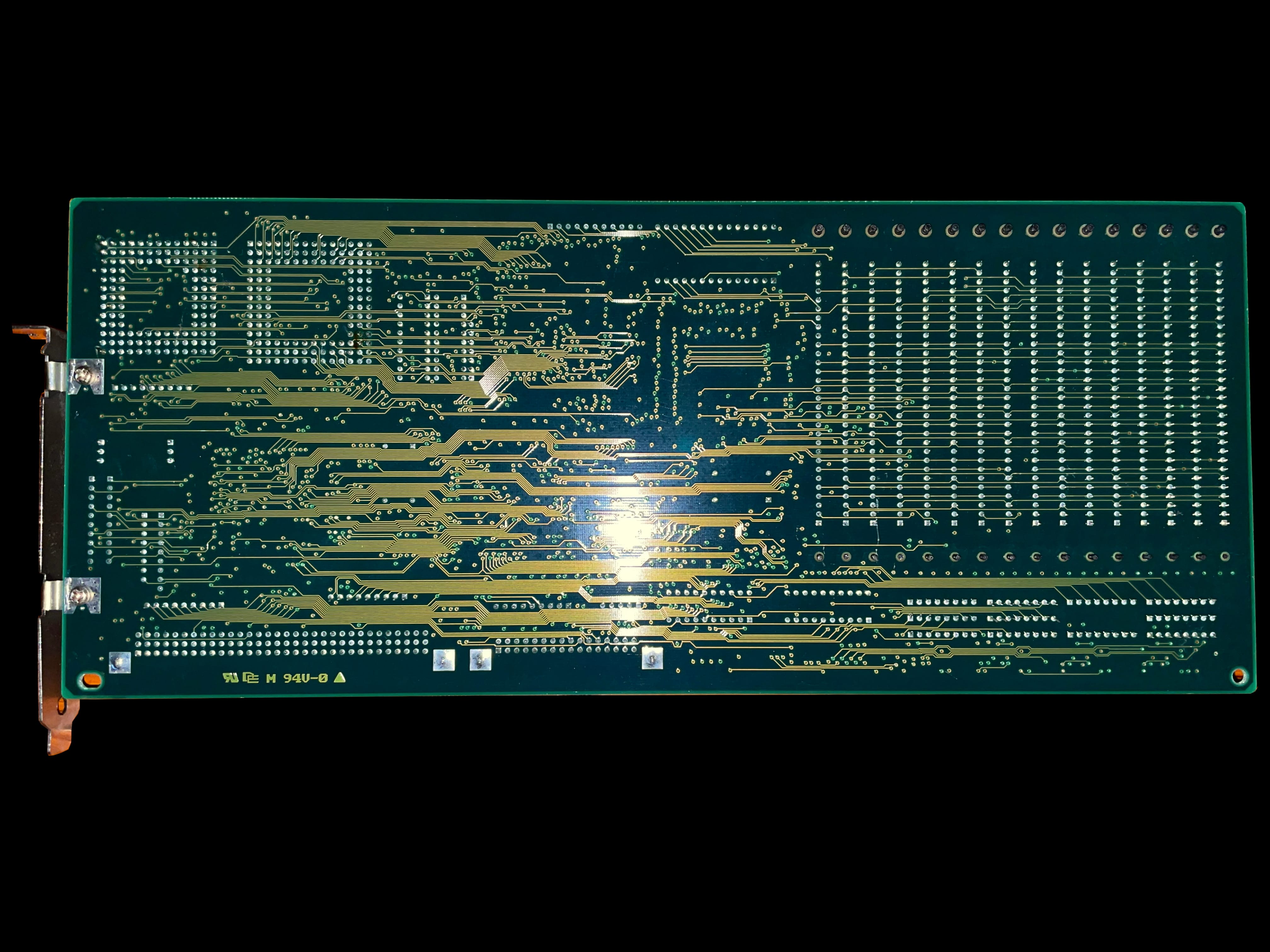
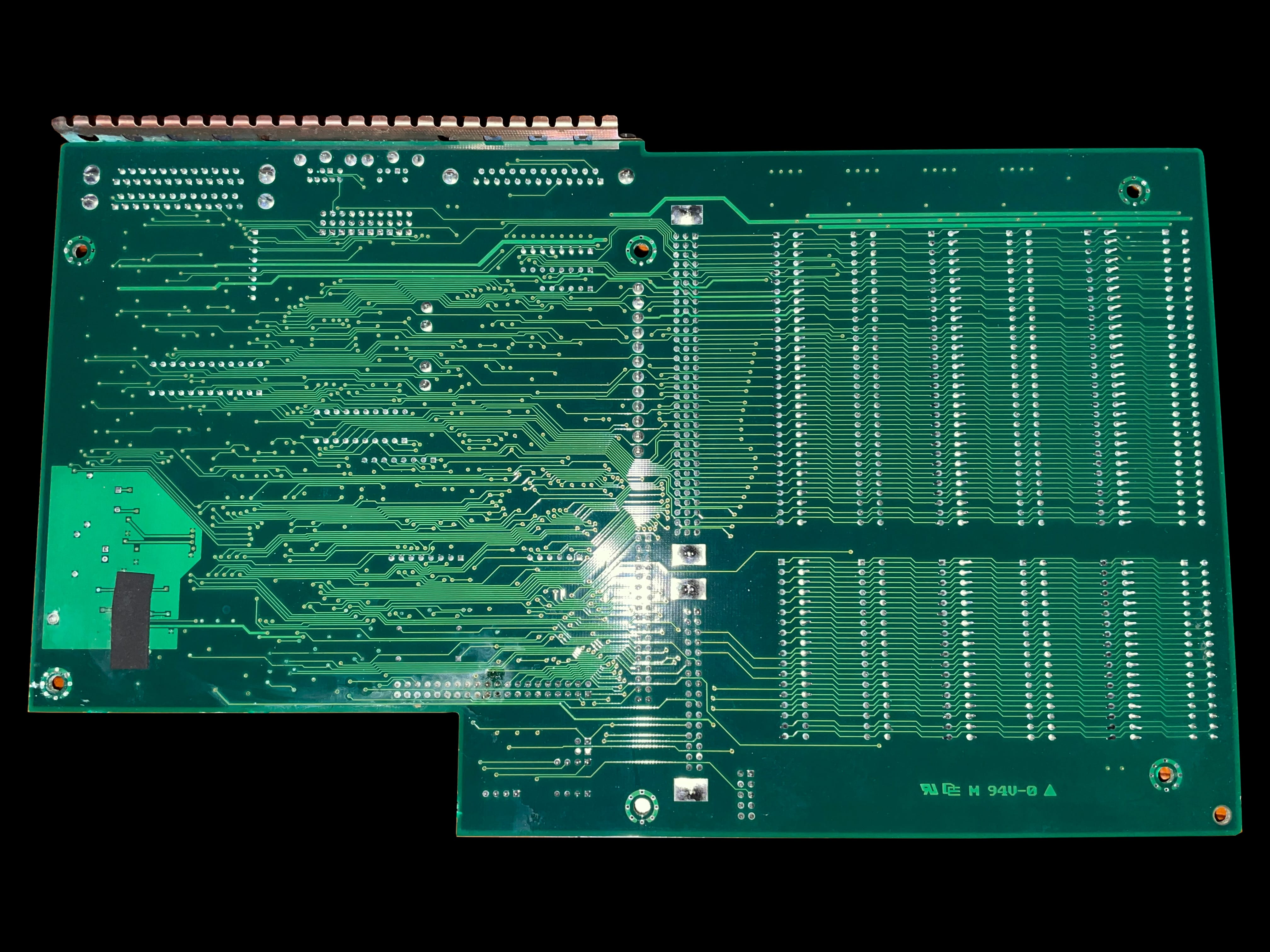
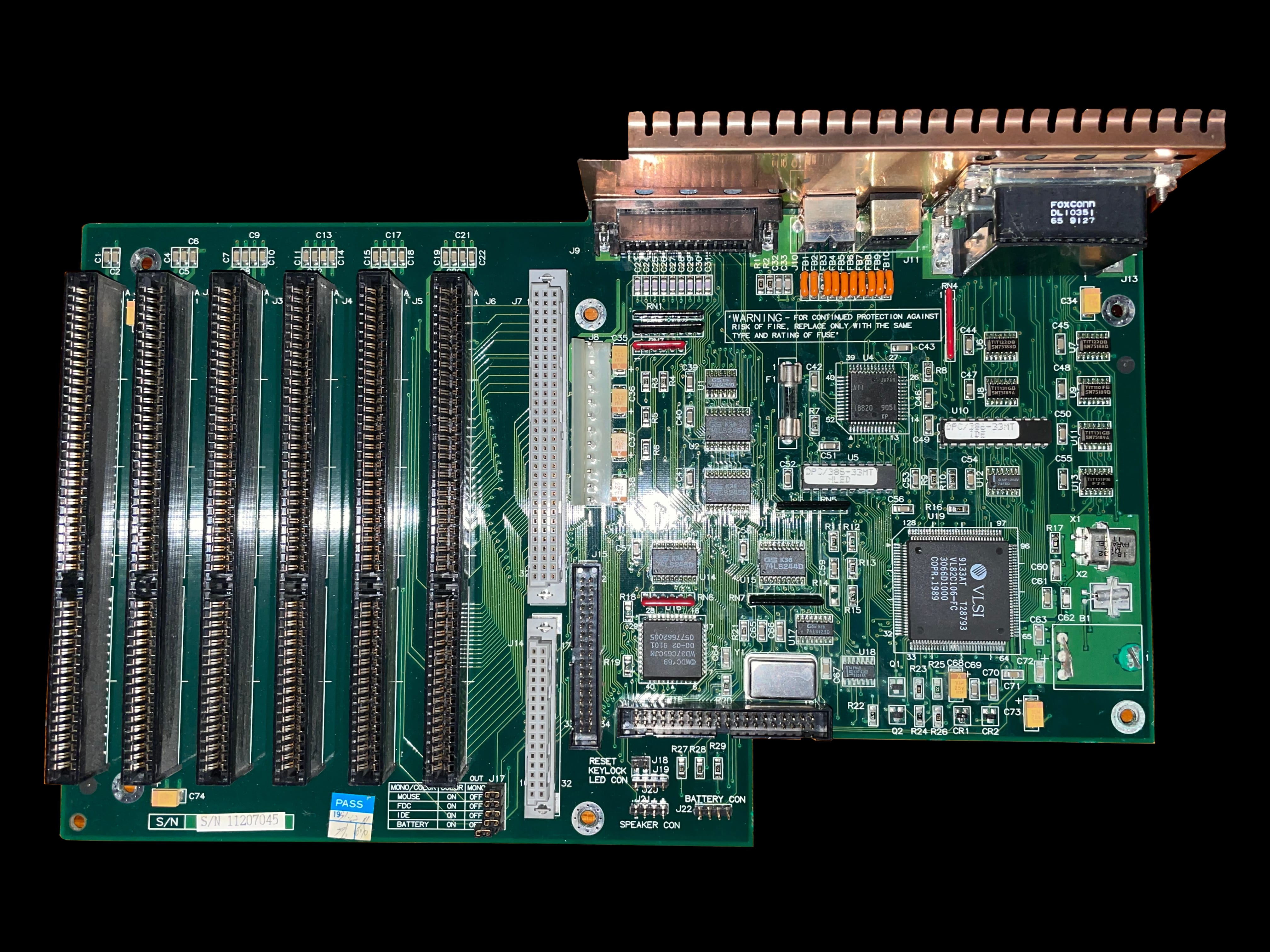
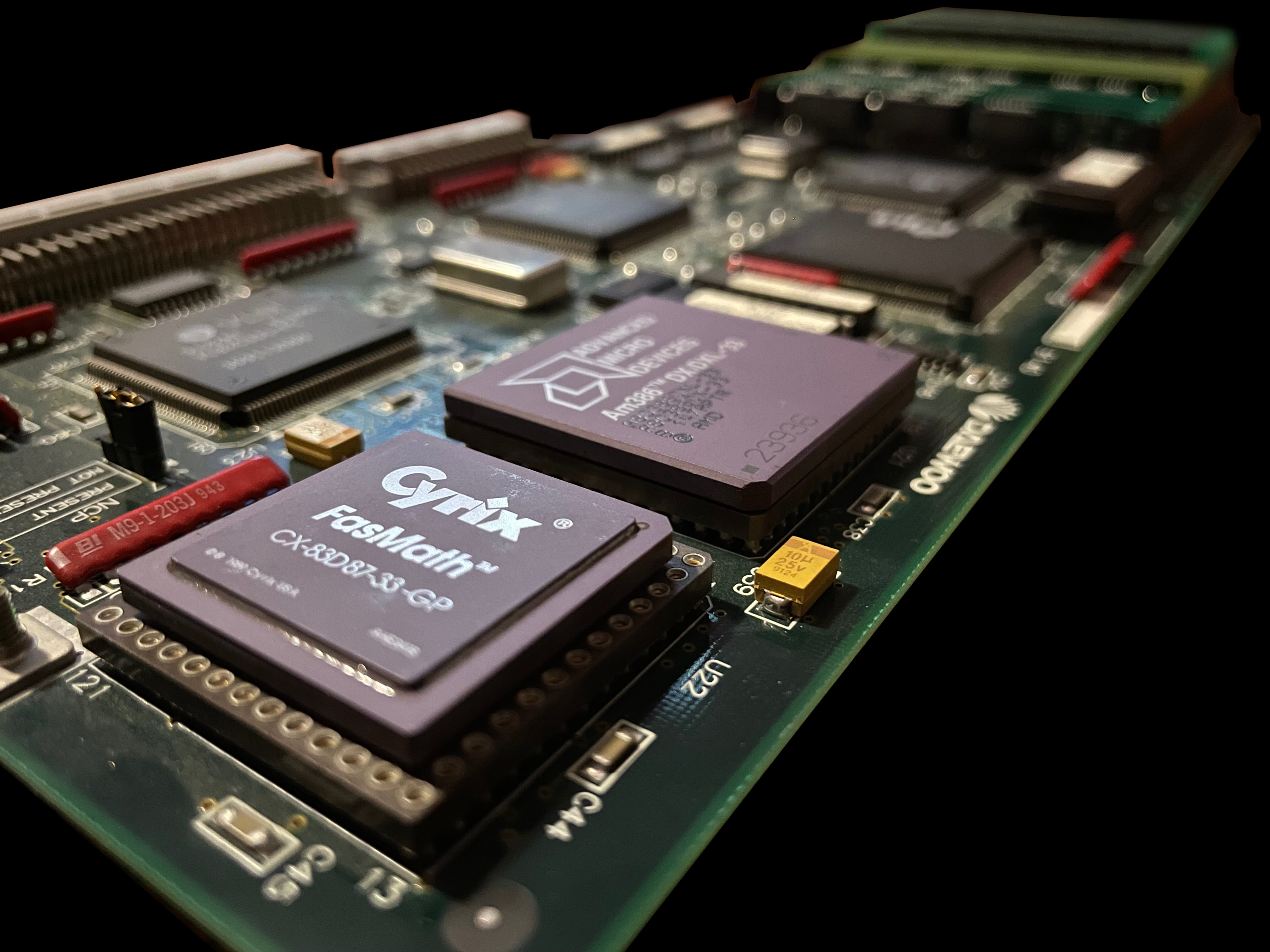
    An angled shot of the Leading Edge Model MT33 computer A rear view of the Leading Edge Model MT33 computer A photo of the right hand side of the Leading Edge Model MT33 computer A front view photo of the Leading Edge Model MT33 computer A photo of the left hand side of the Leading Edge Model MT33 computer A top down pictue of the Leading Edge Model MT33 computer A photo of the bottom of the Leading Edge Model MT33 computer A photo of the inside of the Leading Edge Model MT33 computer A photo of the front of the Leading Edge Model MT33 computer with the case cover removed A photo of the back of the motheboard tray of a Leading Edge Model MT33 computer A top down view of the Leading Edge Model MT33 with the case cover removed A photo of the motherboard with the CPU card removed, showing the ISA bus slots on a Leading Edge Model MT33 computer A close up photo of the Leading Edge Model MT33 computer's power supply with its jumper pin configuration diagram A photo of the Leading Edge Model MT33 computer's CPU card, fully populated with RAM and a co-processor A photo of a Leading Edge Model MT33 computer's CPU card back The rear of the Leading Edge Model MT33 computer's main board The Leading Edge Model MT33 computer's mainboard showing signs of slight battery damage A close up shot of the Leading Edge Model MT33's CPU board showing its AMD 386DX CPU and Cyrix FasMath co-processor

     MS‐DOS 2.11 Manual

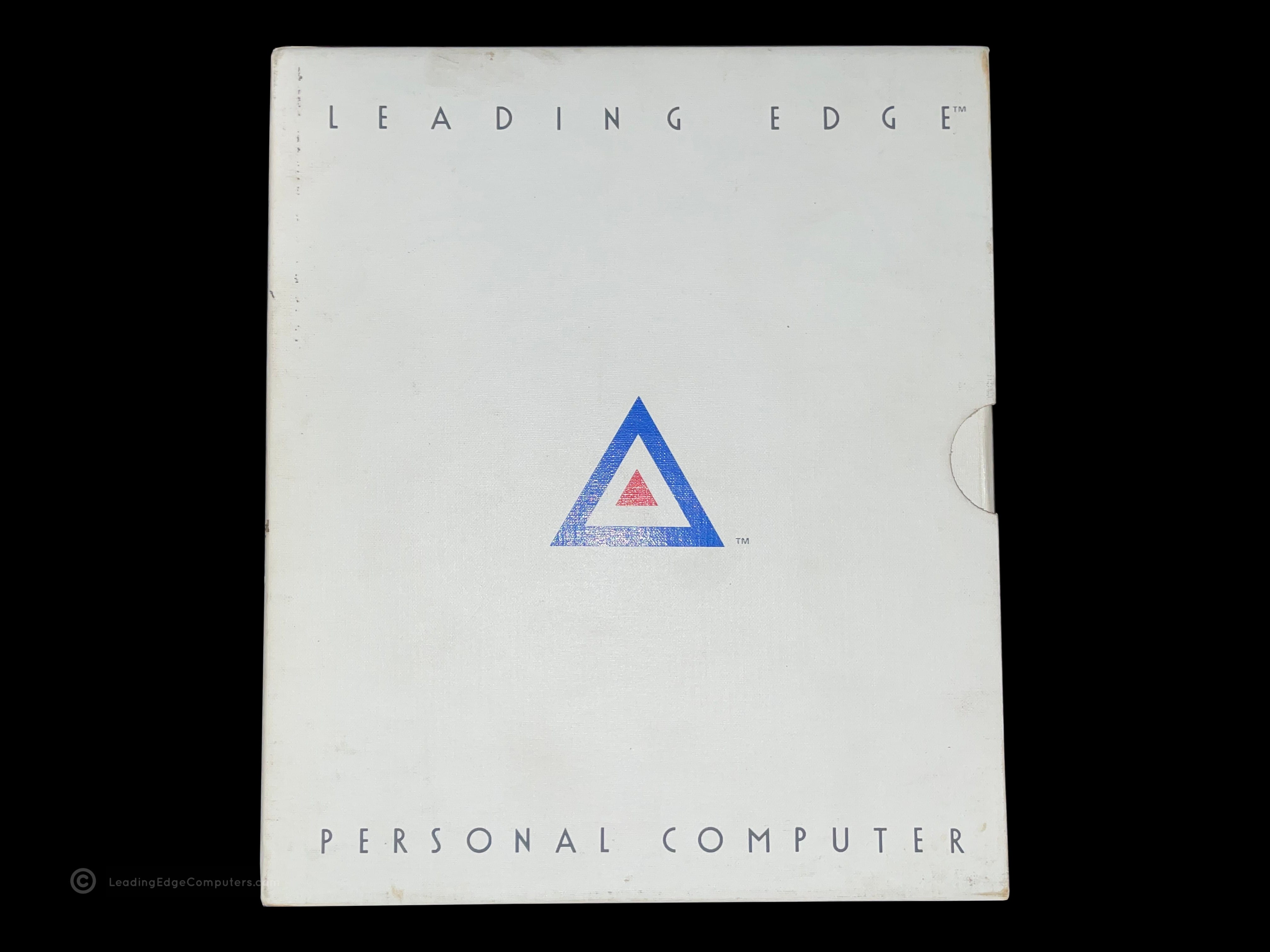
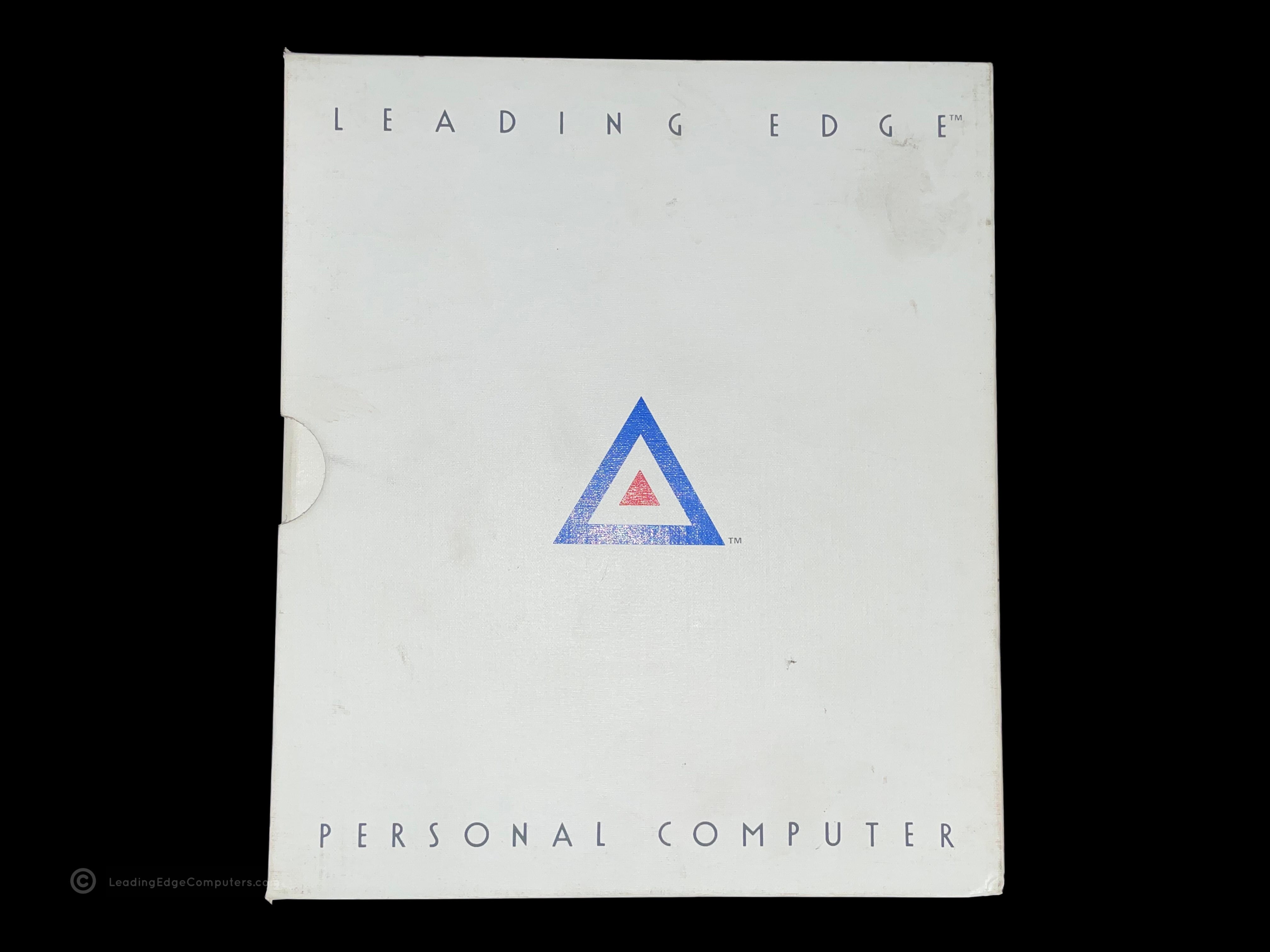
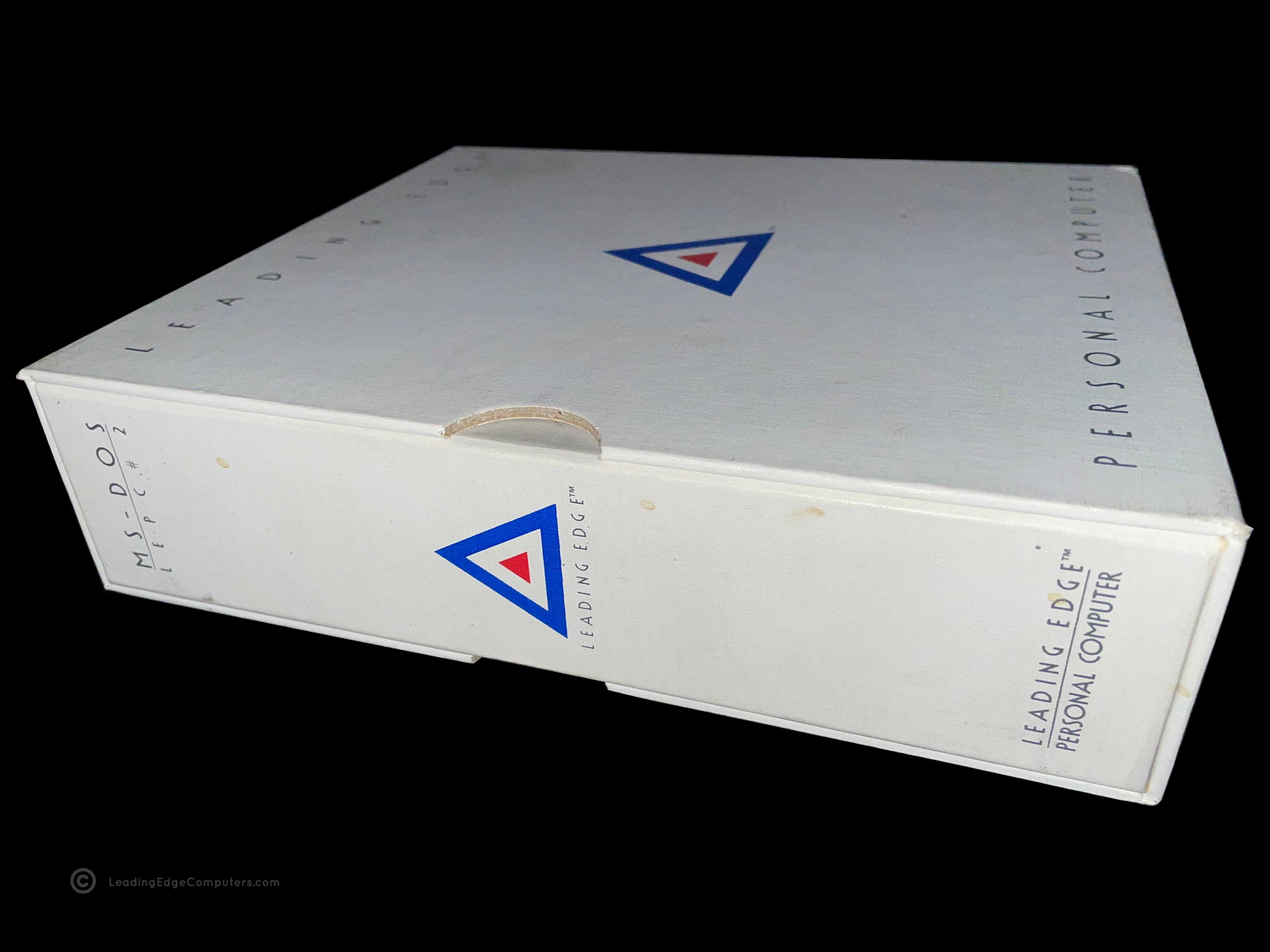
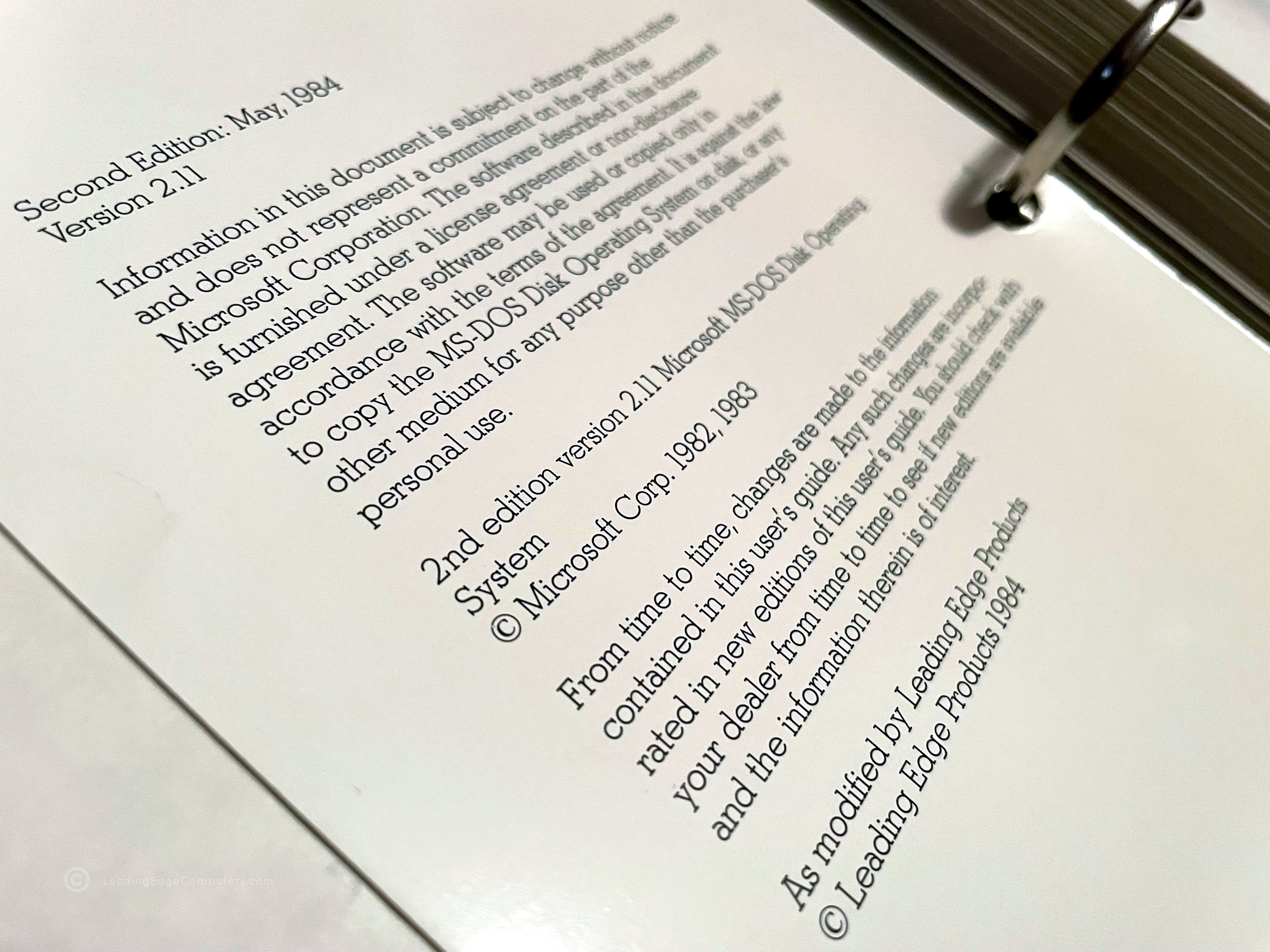
    A photo of MS-DOS version 2.11 manual on its side with the spine of the book visible A front view photo of the MS-DOS version 2.11 manual laying flat and showing the Leading Edge logo The rear view picture of MS-DOS version 2.11 manual with logo visible A photo of the MS-DOS version 2.11 manual inside of its protective shelf sleeve A photo of the MS-DOS version 2.11 manual shelf sleeve lying on its side, empty A photo showing the MS-DOS version 2.11 manual binder with pages visible inside A photo of the MS-DOS version 2.11 manual binder open to the logo page A photo of the MS-DOS version 2.11 manual binder opened to a random page A photo of the MS-DOS version 2.11 manual opened to the license agreement page

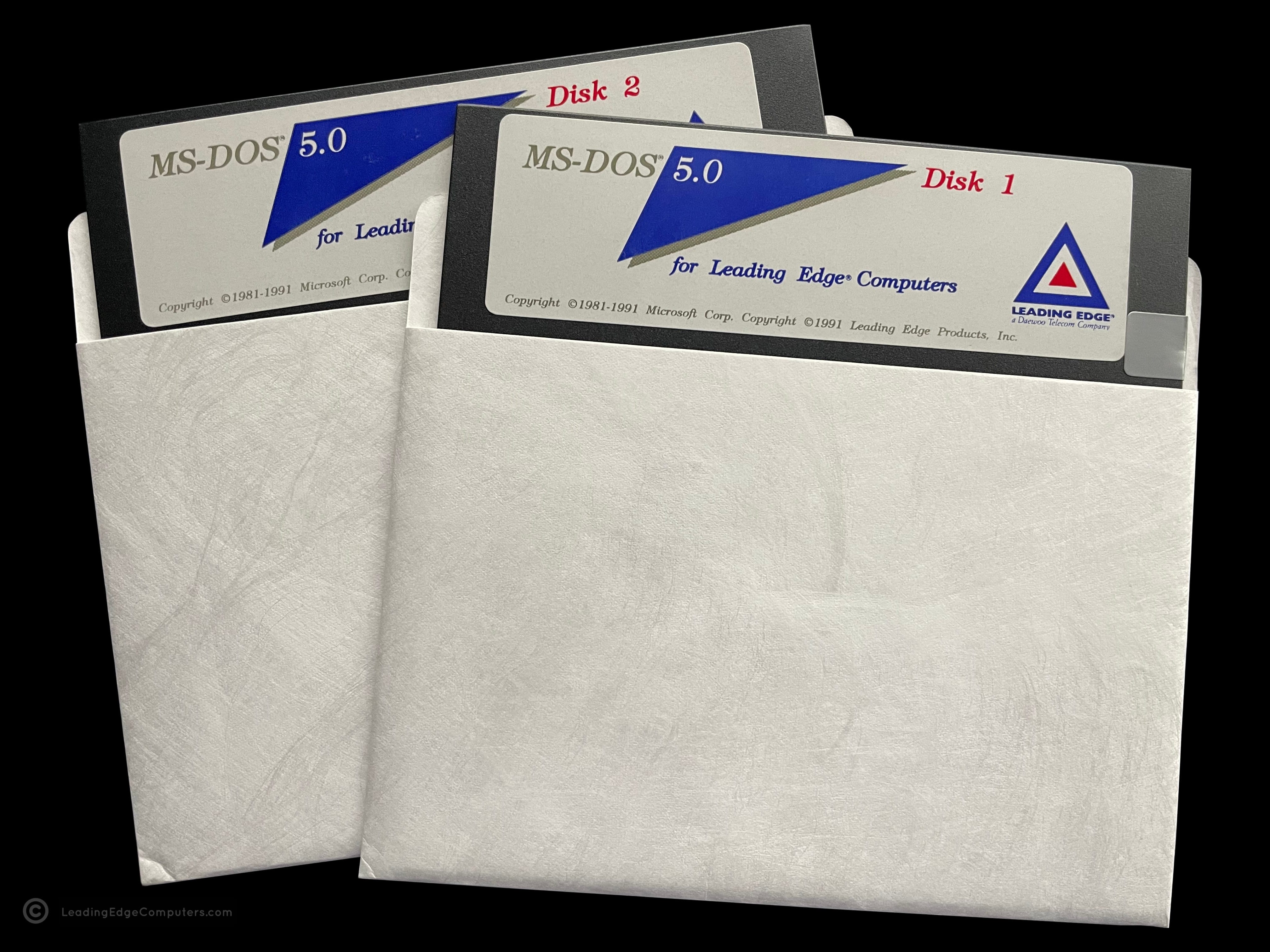
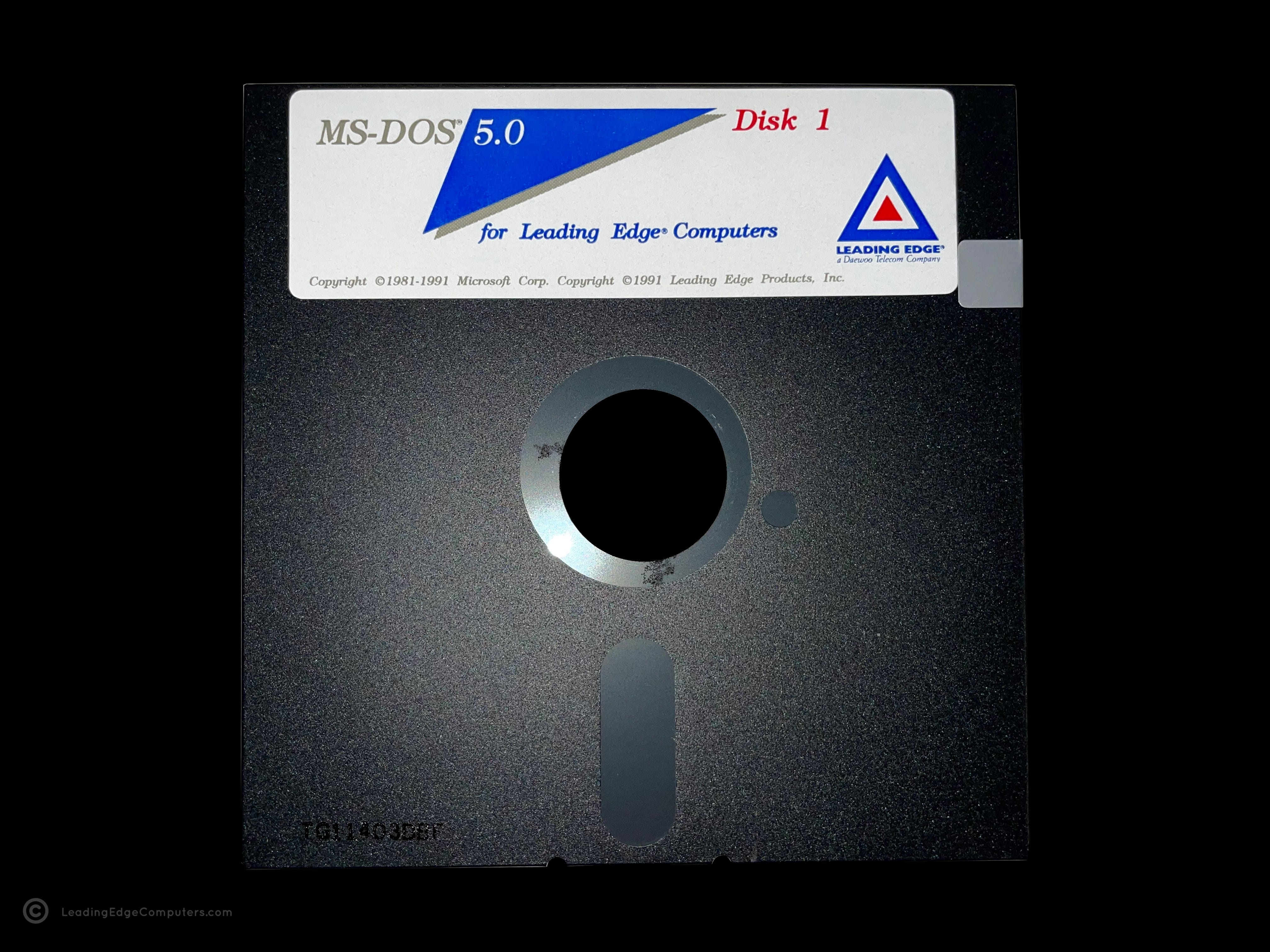
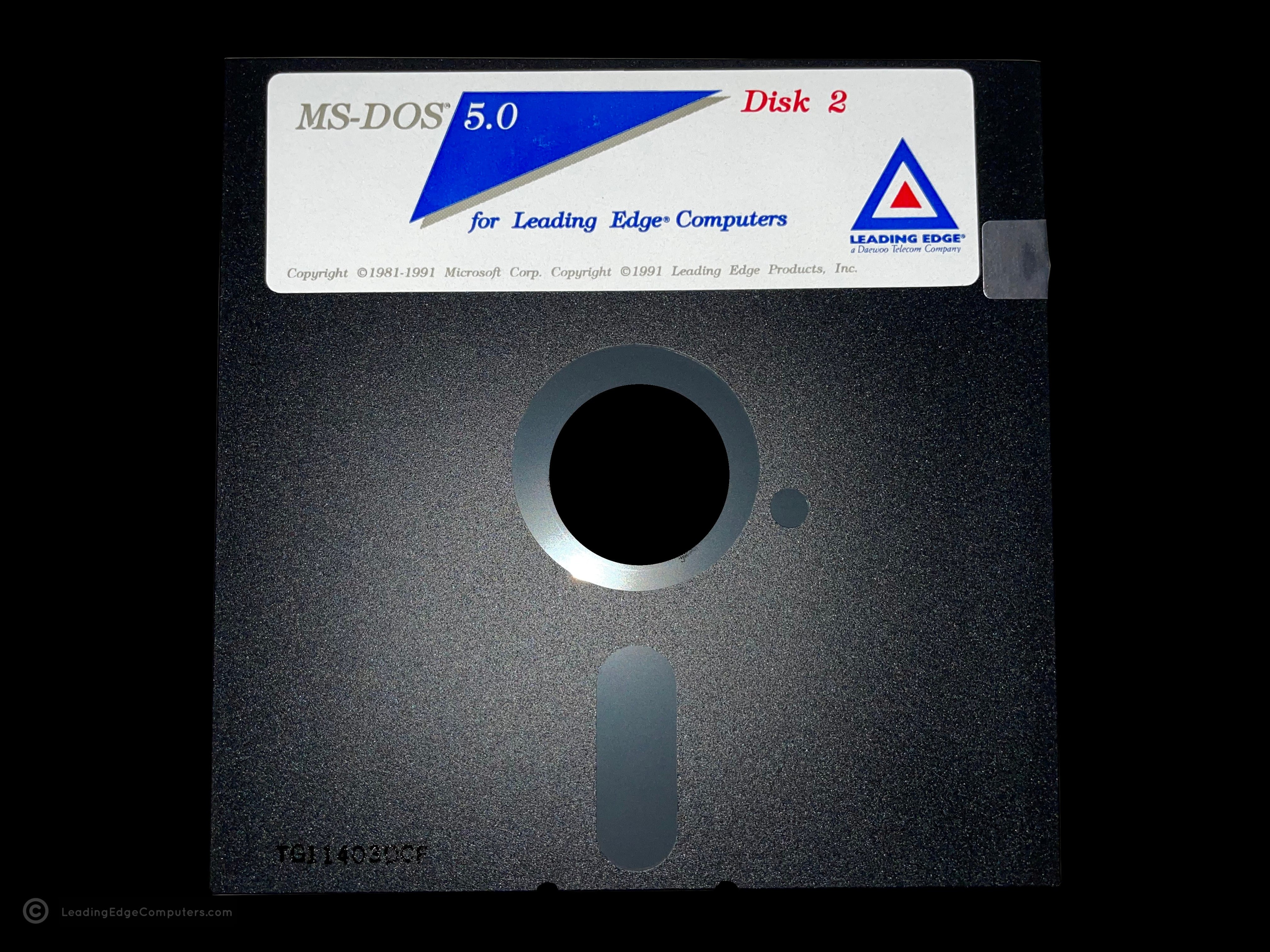
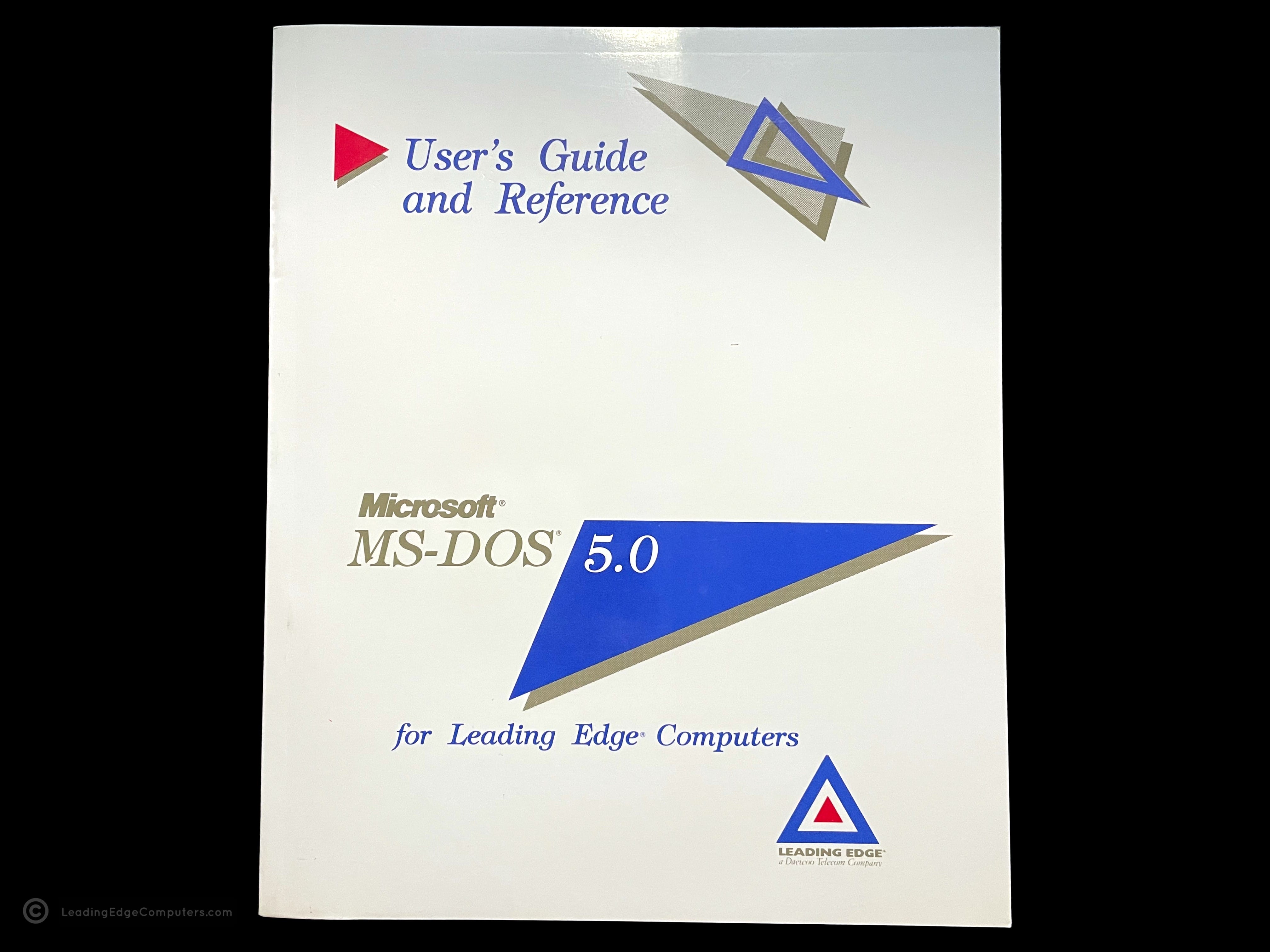
     MS‐DOS 5.0 For Leading Edge Computers

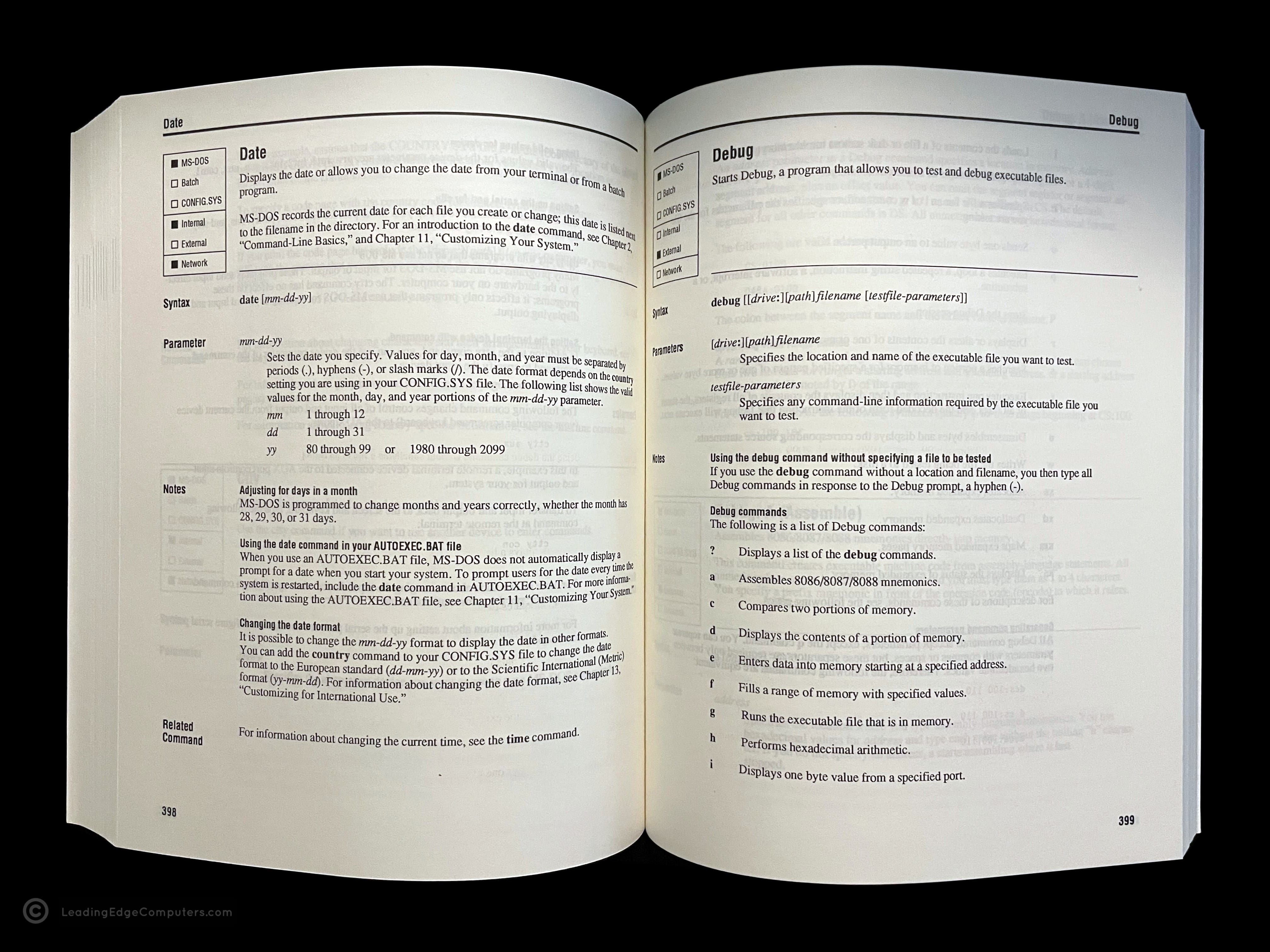
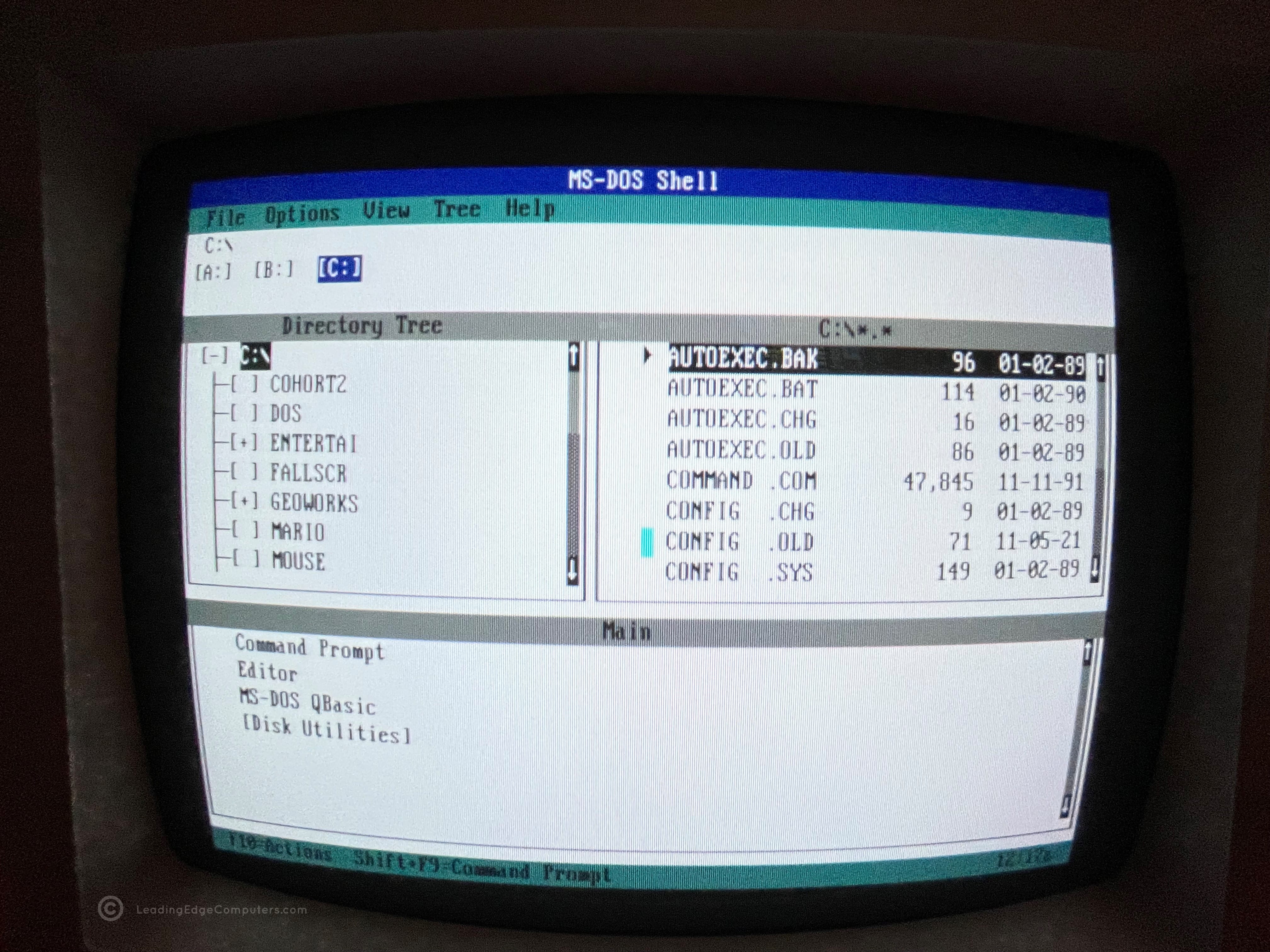
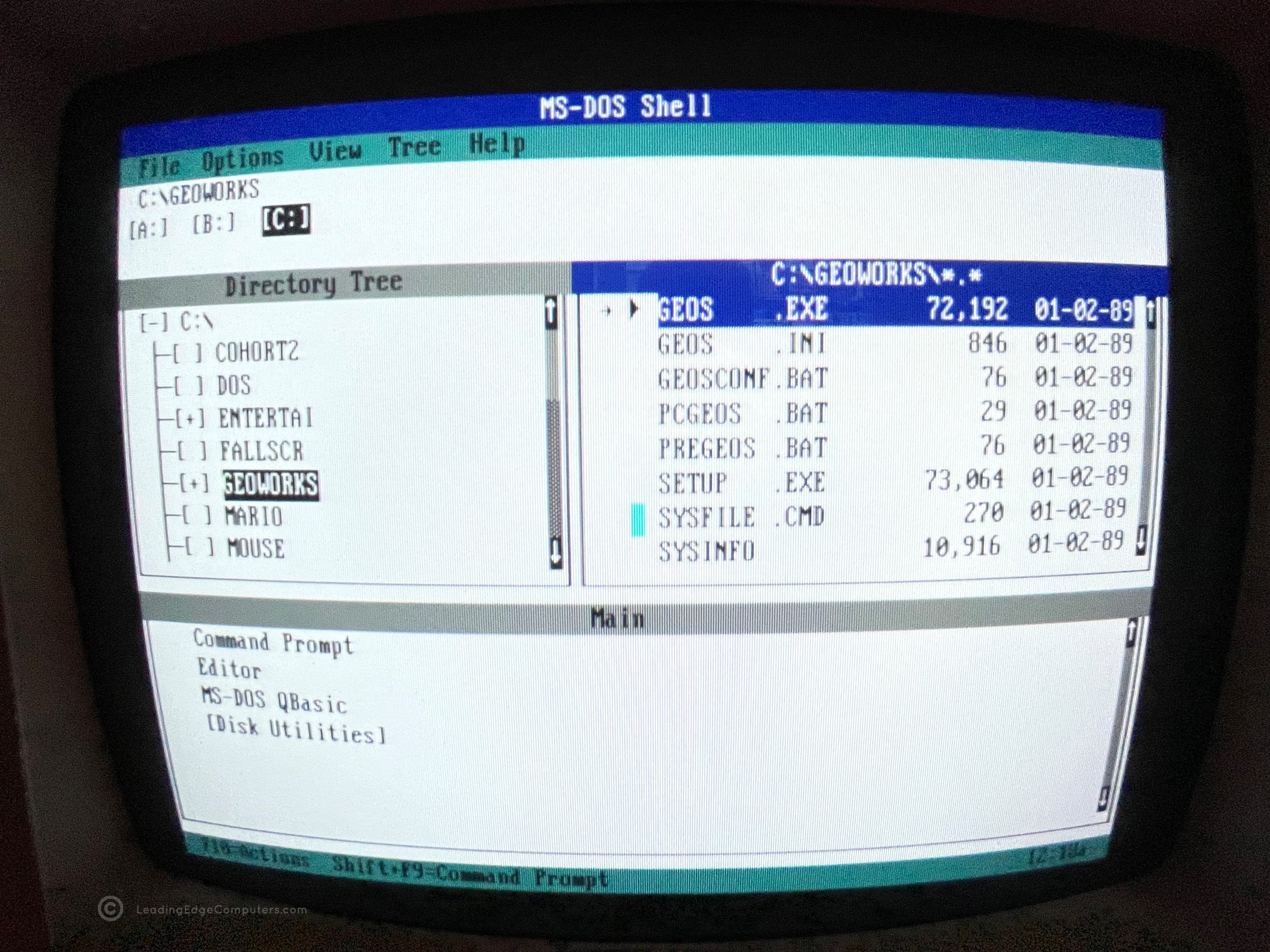
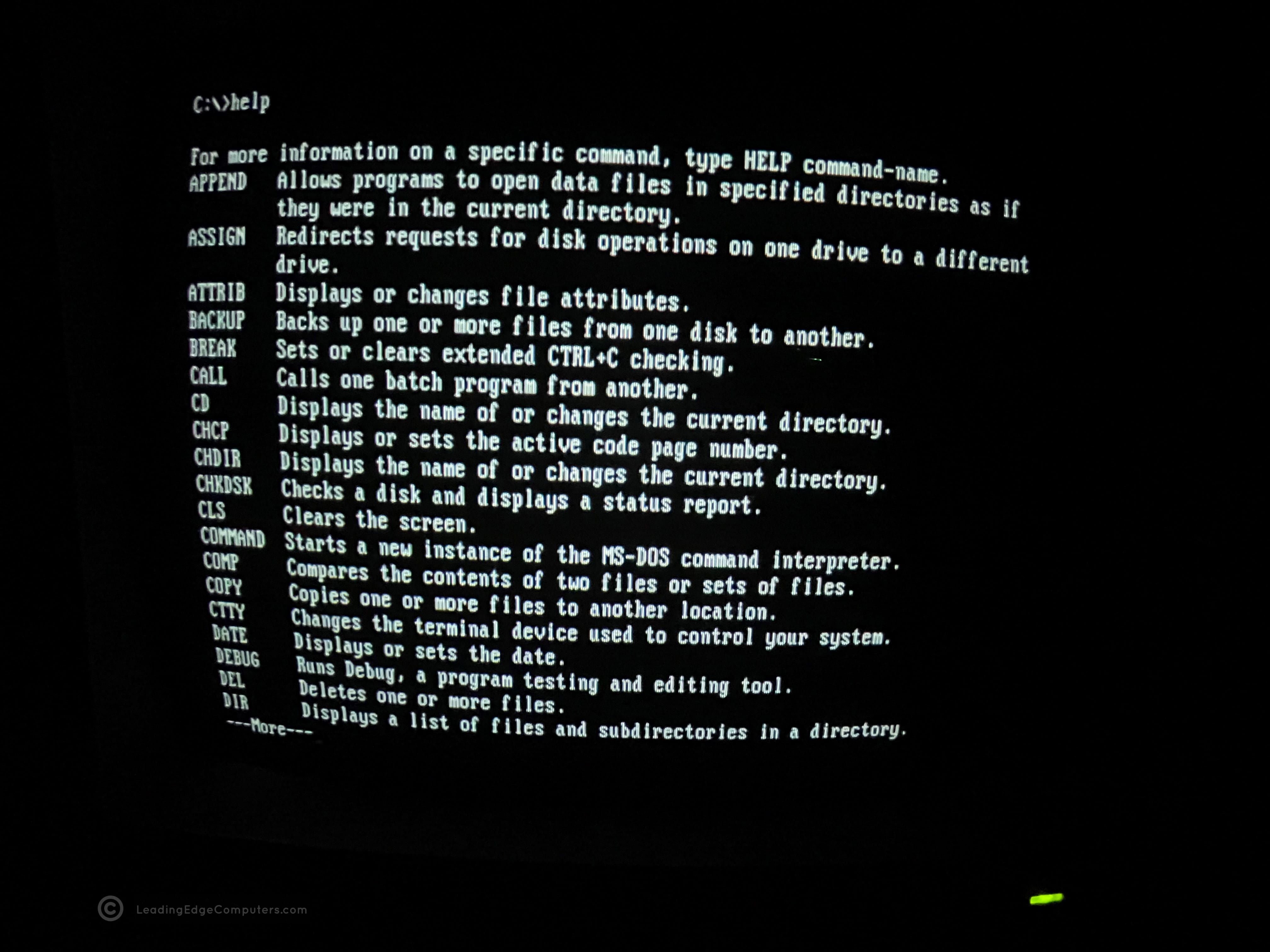
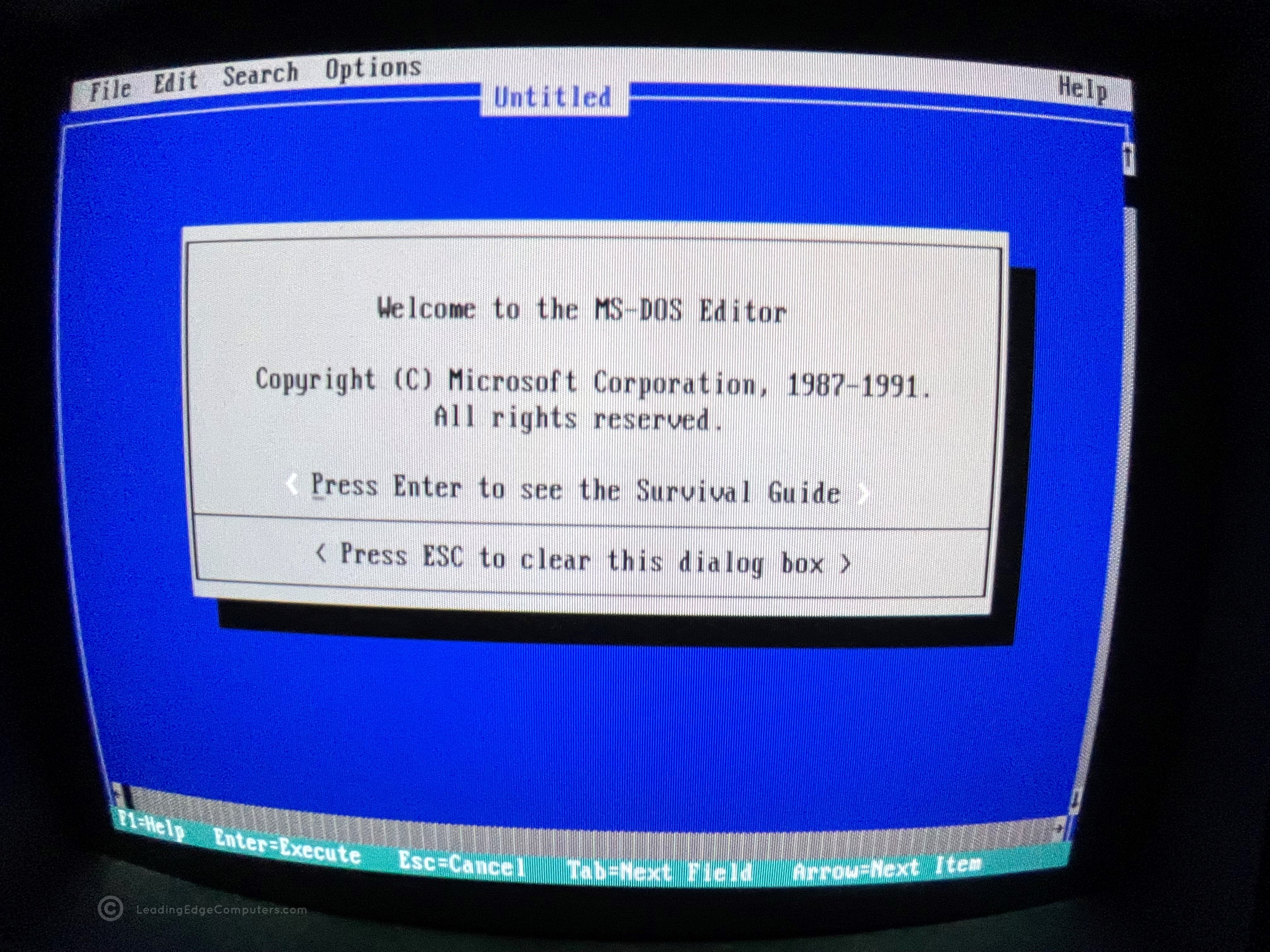
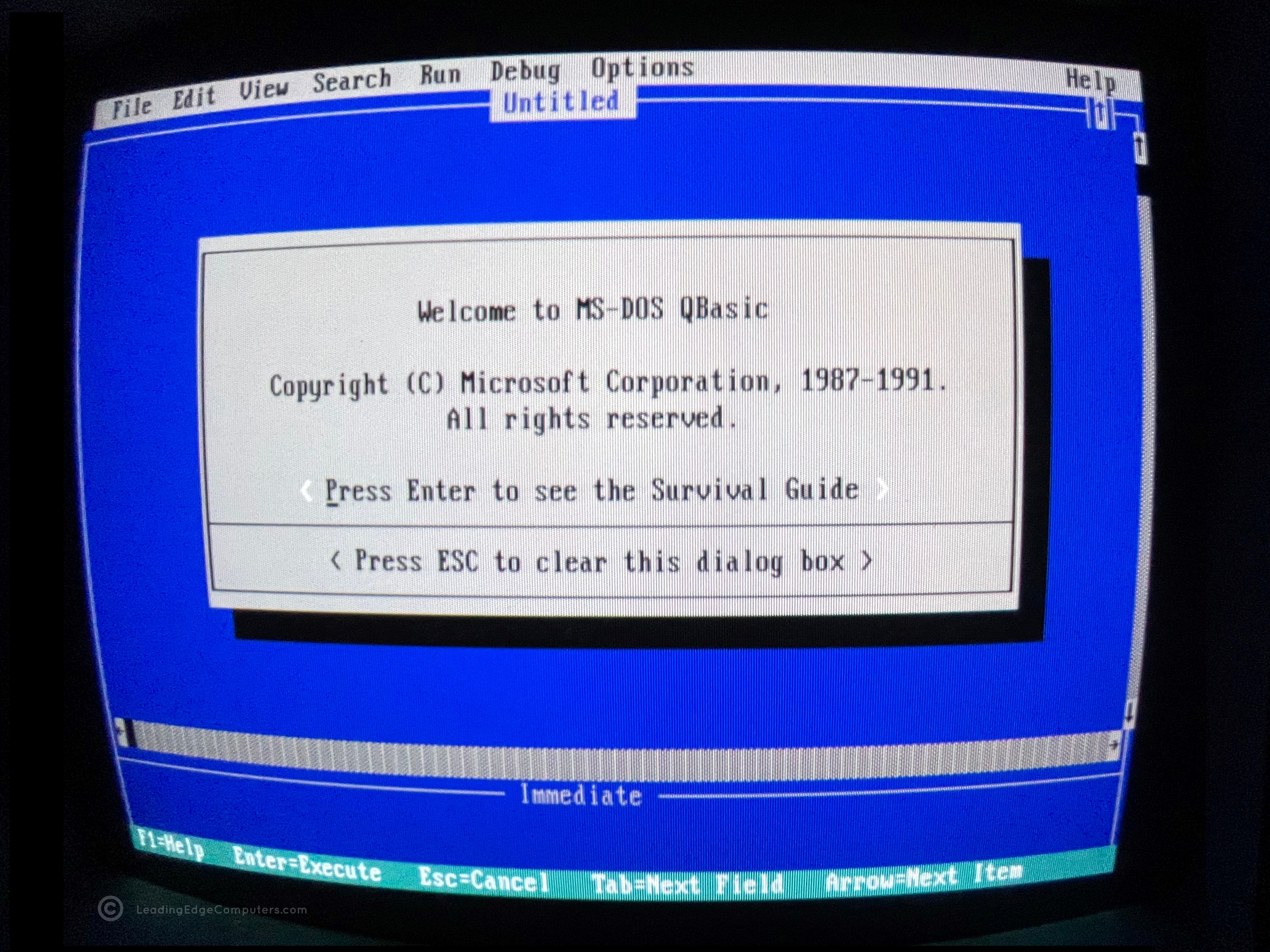
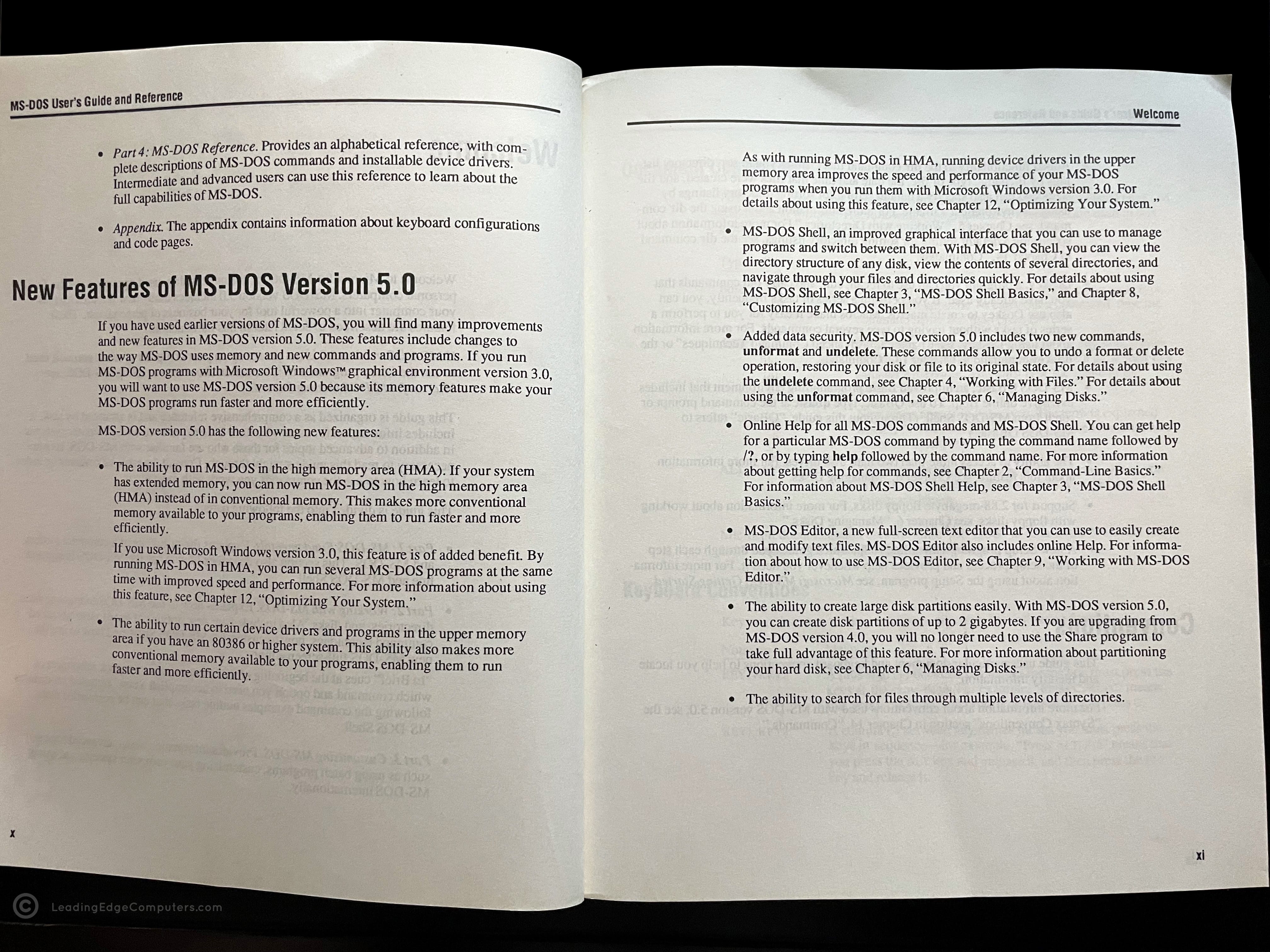
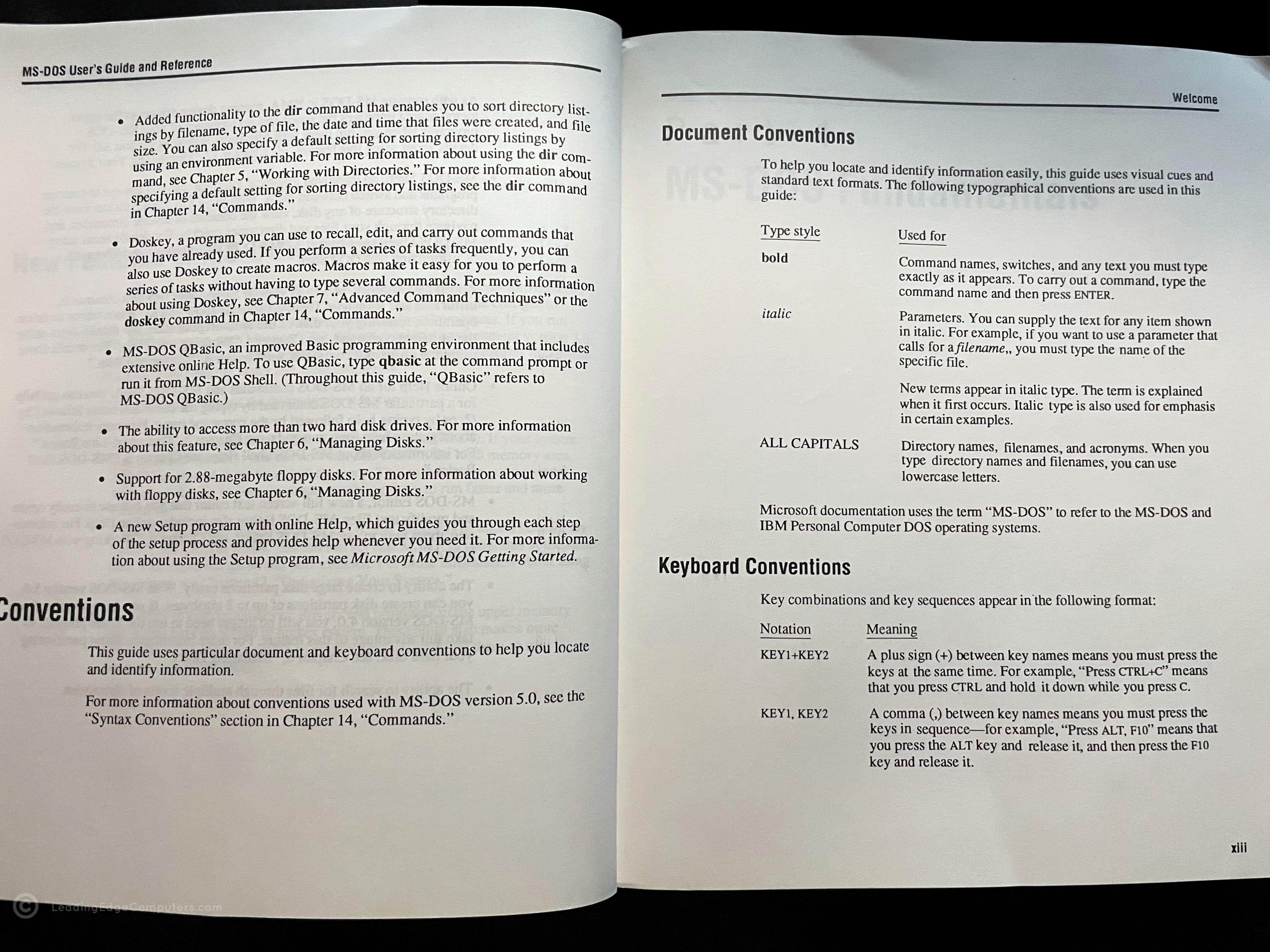
    A photo of a pair of MS-DOS 5.0 installation disks A photo of MS-DOS 5.0 installation disk one outside of its sleeve A photo of MS-DOS 5.0 installation disk two outside of its sleeve A photo of the front cover of the MS-DOS 5.0 user's guide A photo of pages 398 and 399 inside of the MS-DOS 5.0 user's guide A screenshot of the MS-DOS 5.0 shell A screenshot of the MS-DOS 5.0 shell with geoworks highlighted A screenshot of the MS-DOS 5.0 help menu A screenshot of MS-DOS Editor inside of MS-DOS 5.0 A screenshot of MS-DOS QBasic running inside the MS-DOS 5.0 enviornment A photo of the User's guide for MS-DOS 5.0 showing a page indicating new features A photo of the User's guide for MS-DOS 5.0 showing a page indicating document and keyboard conventions

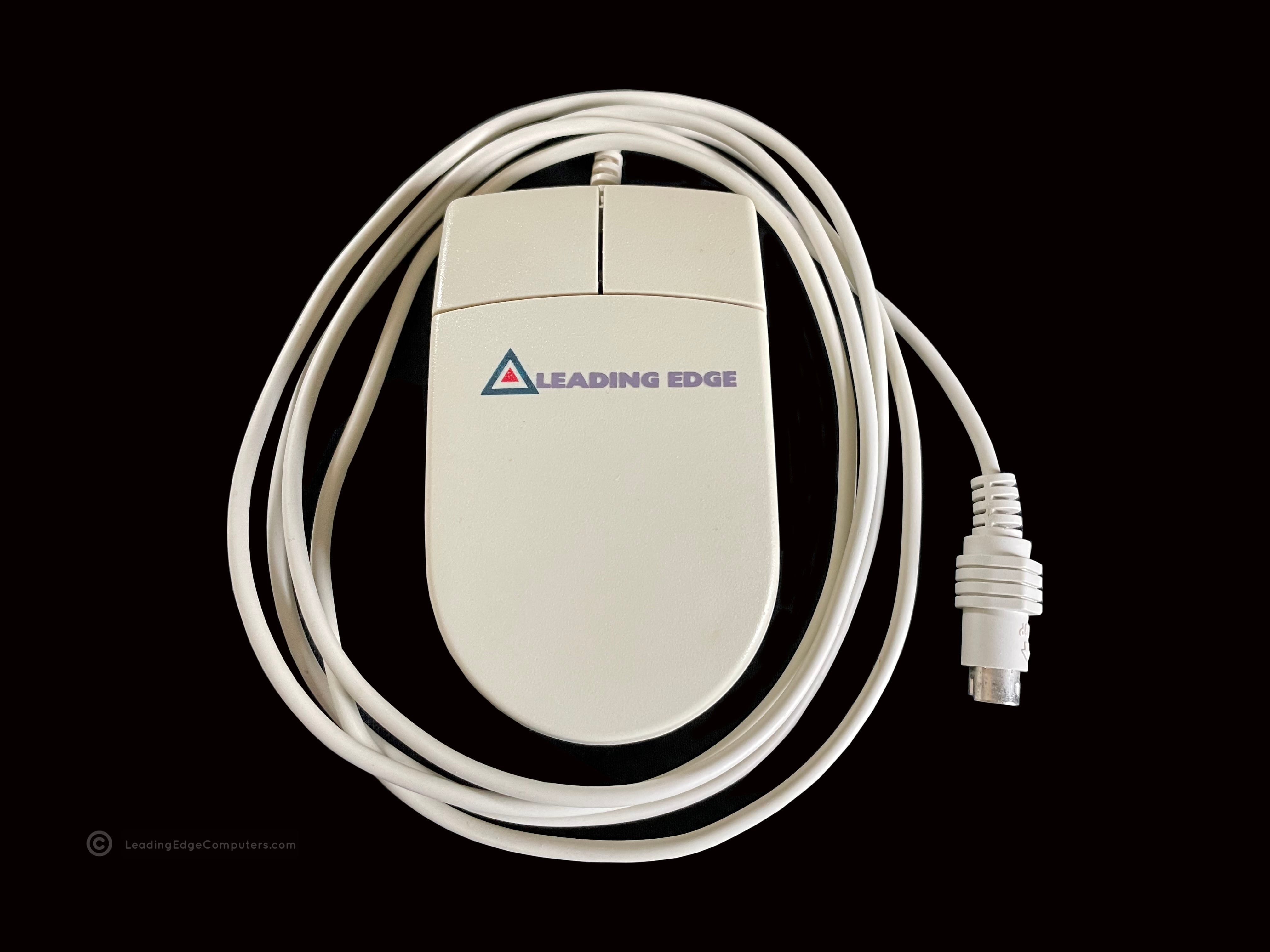
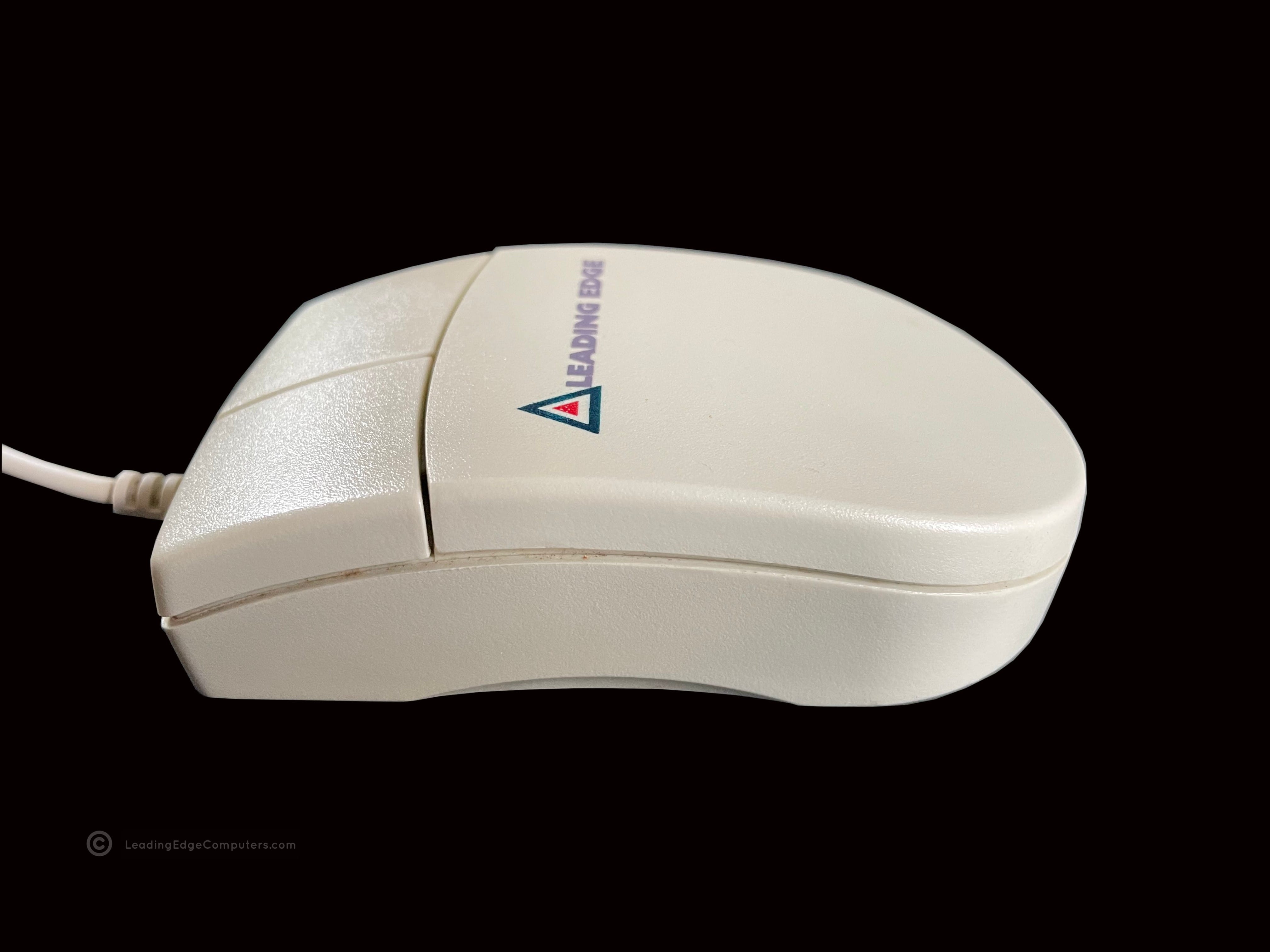
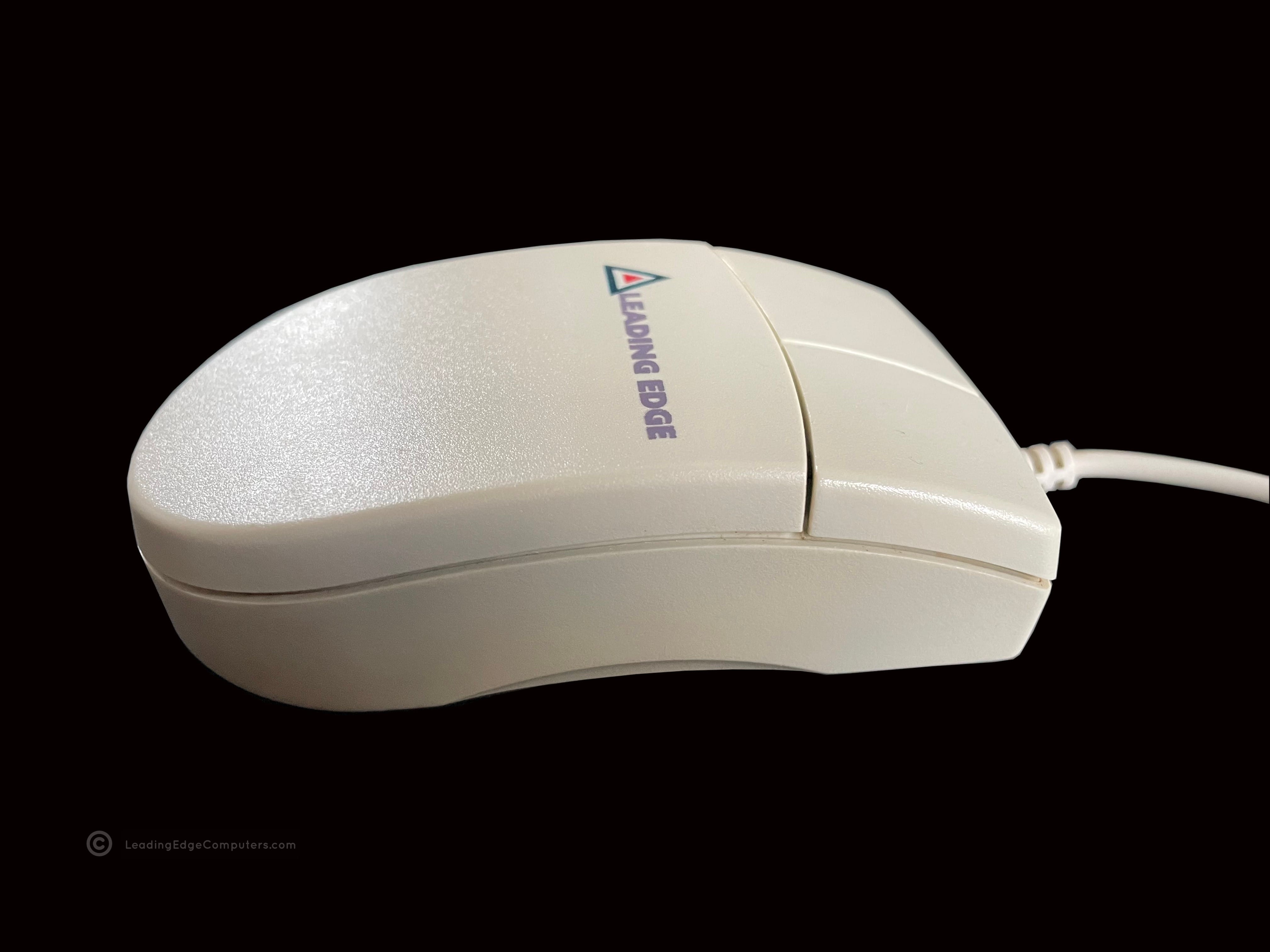
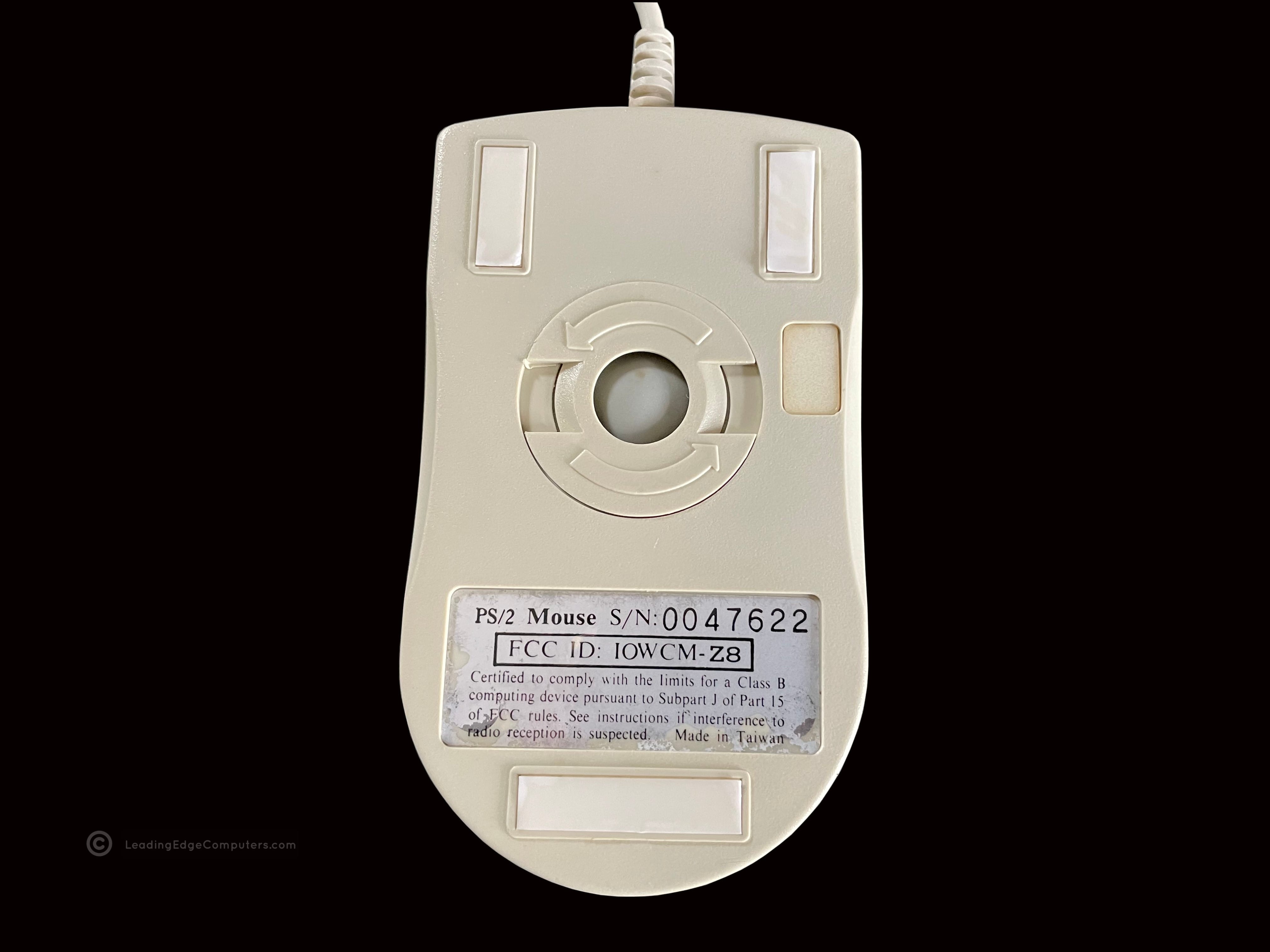
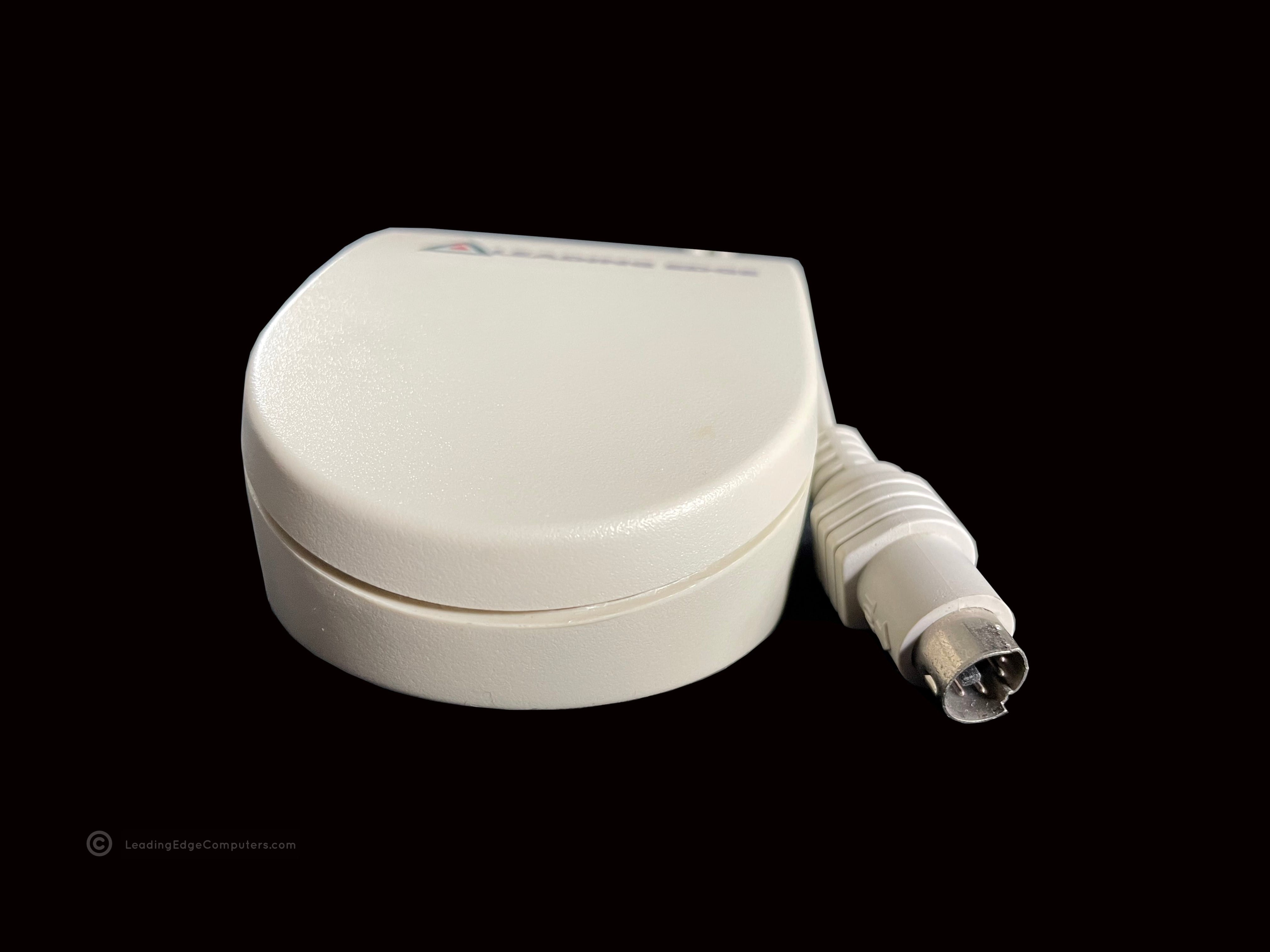
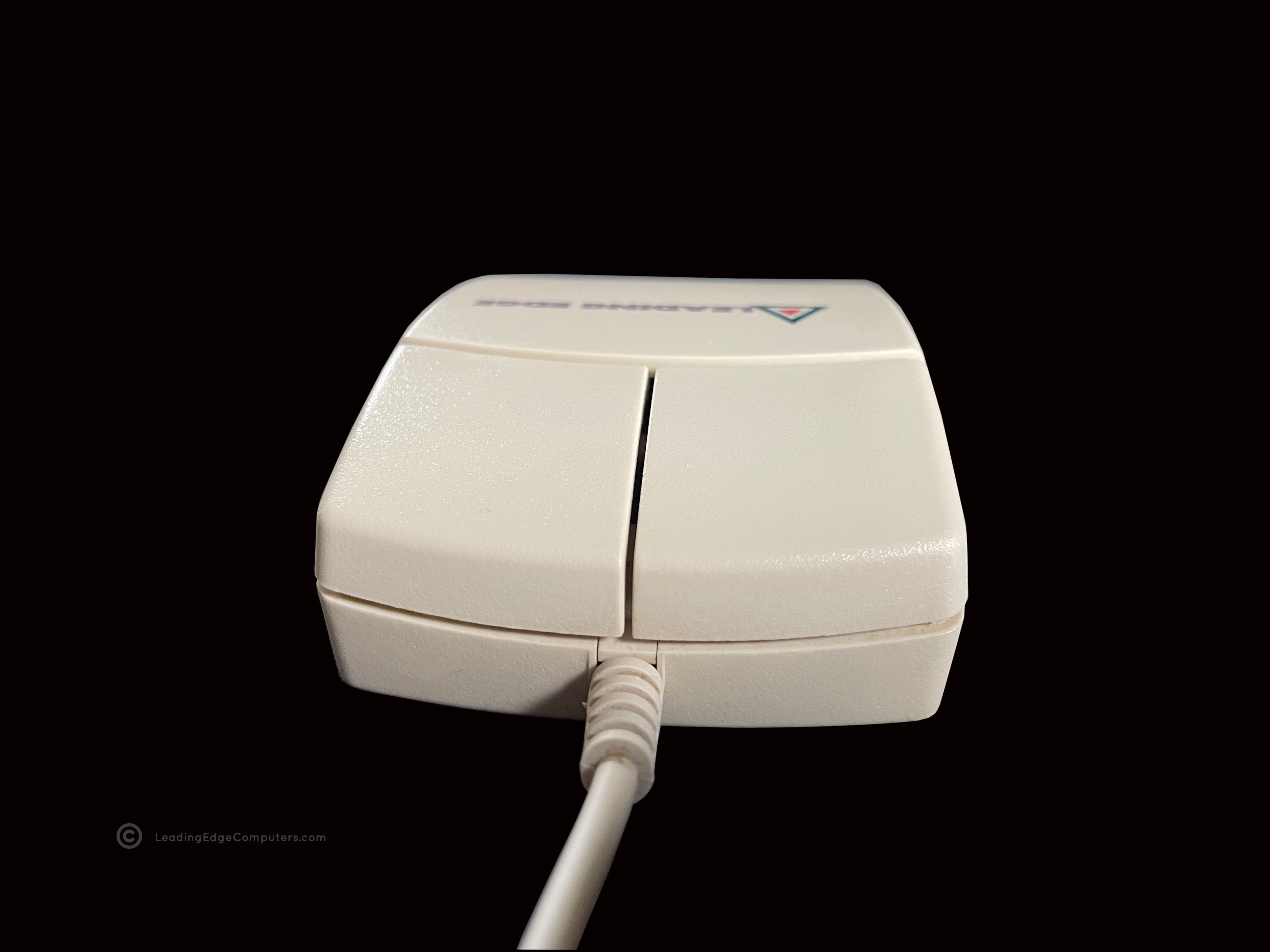
     PS/2 Mouse

    A top down photo of the Leading Edge PS/2 mouse showing the two buttons and company logo A photo of the Leading Edge PS/2 mouse from the left side A photo showing the right-hand side of Leading Edge's PS/2 mouse A photo of the bottom of Leading Edge's PS/2 mouse A pictue of the rear of Leading Edge's PS/2 mouse and PS/2 connector A photo of the front of Leading Edge's PS/2 mouse and wire

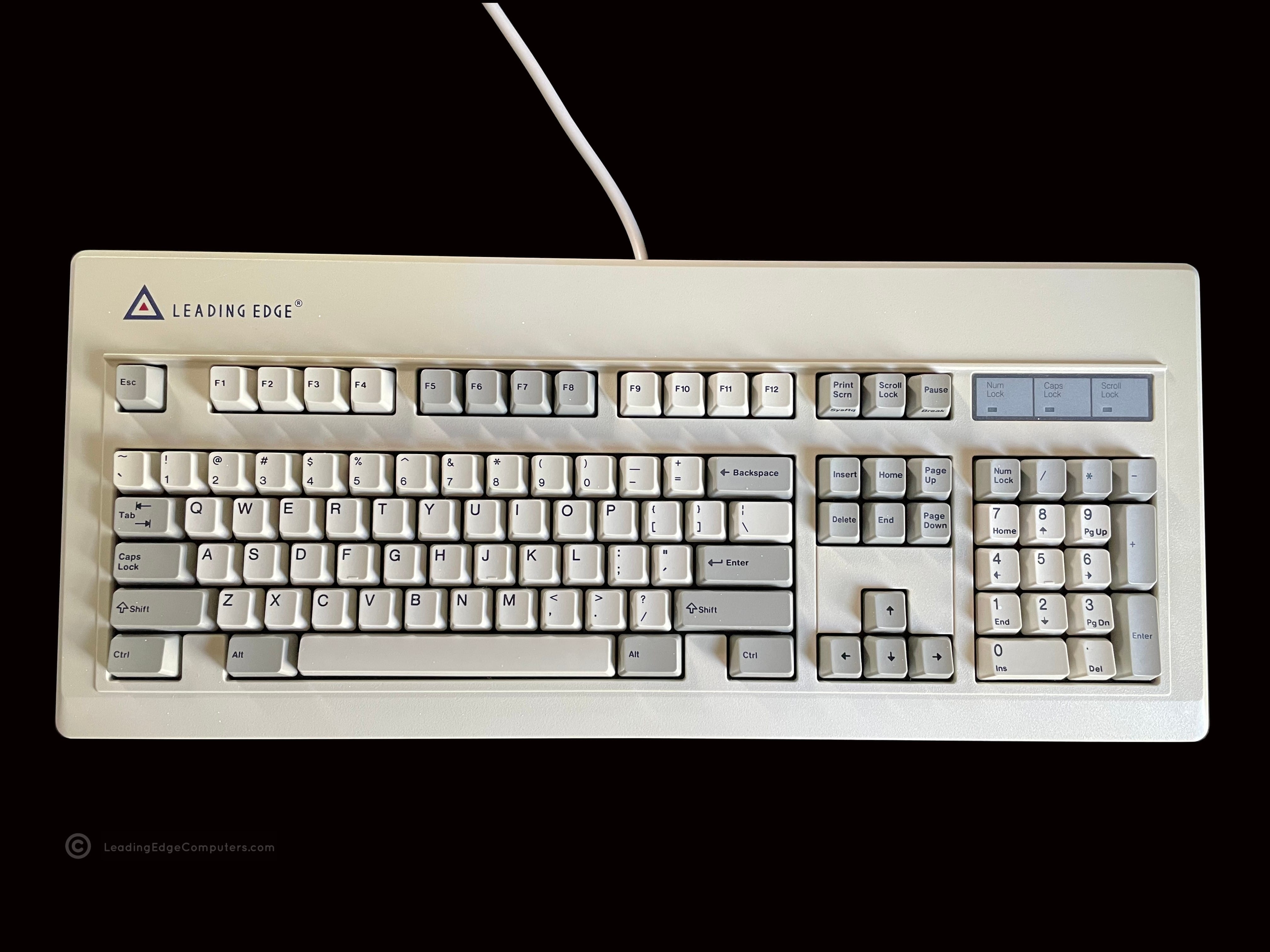
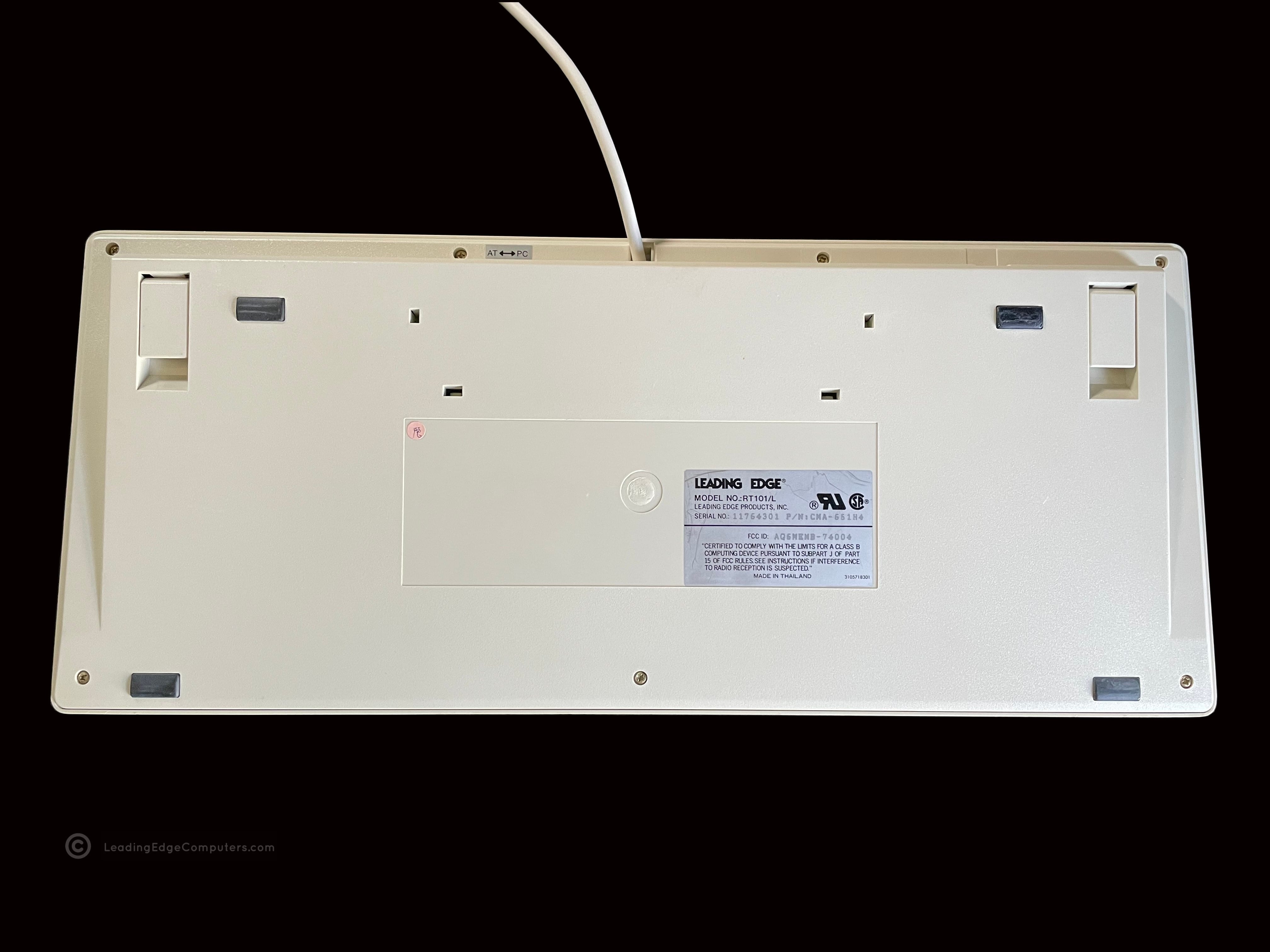
     RT101/L Keyboard

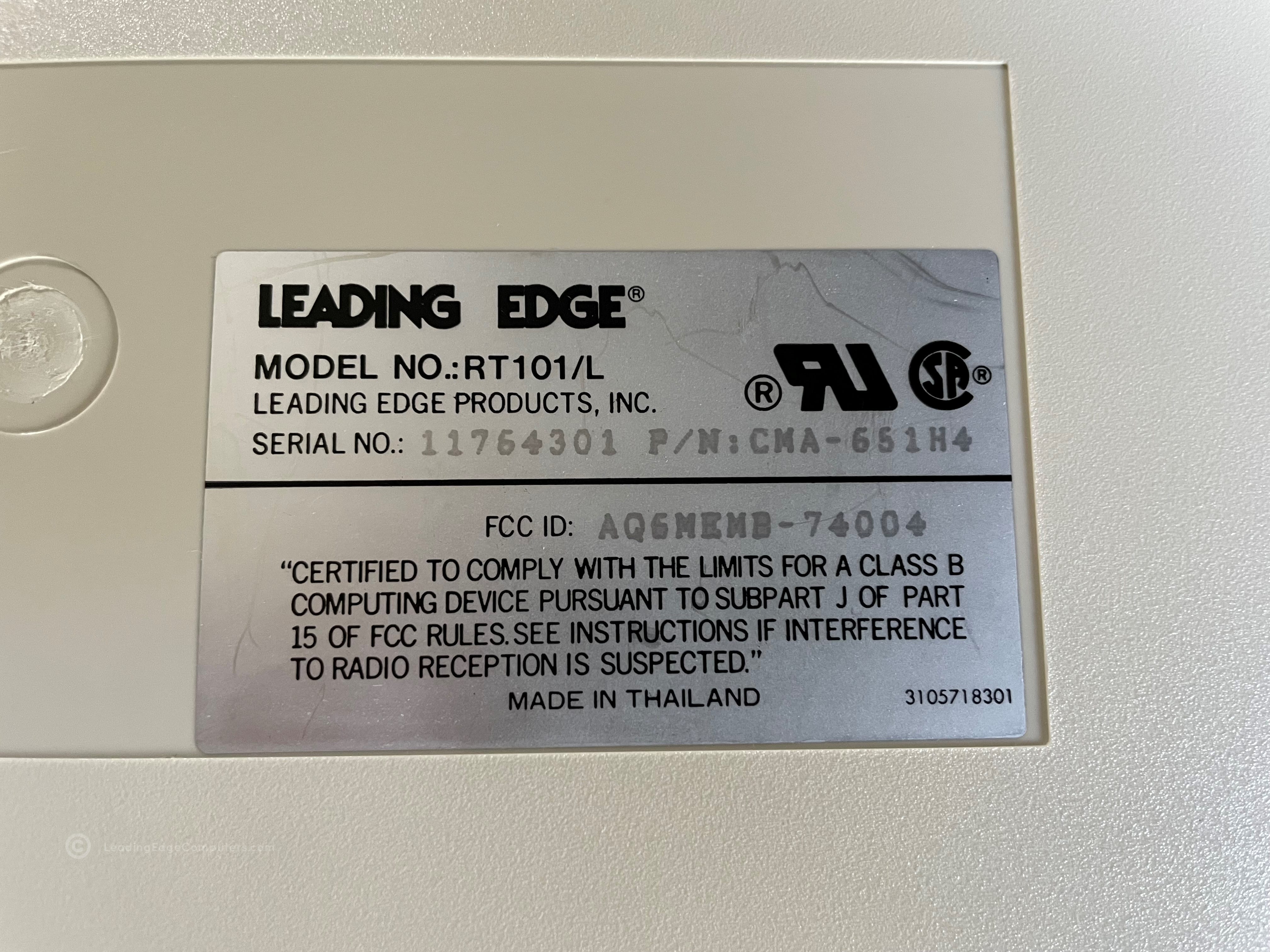
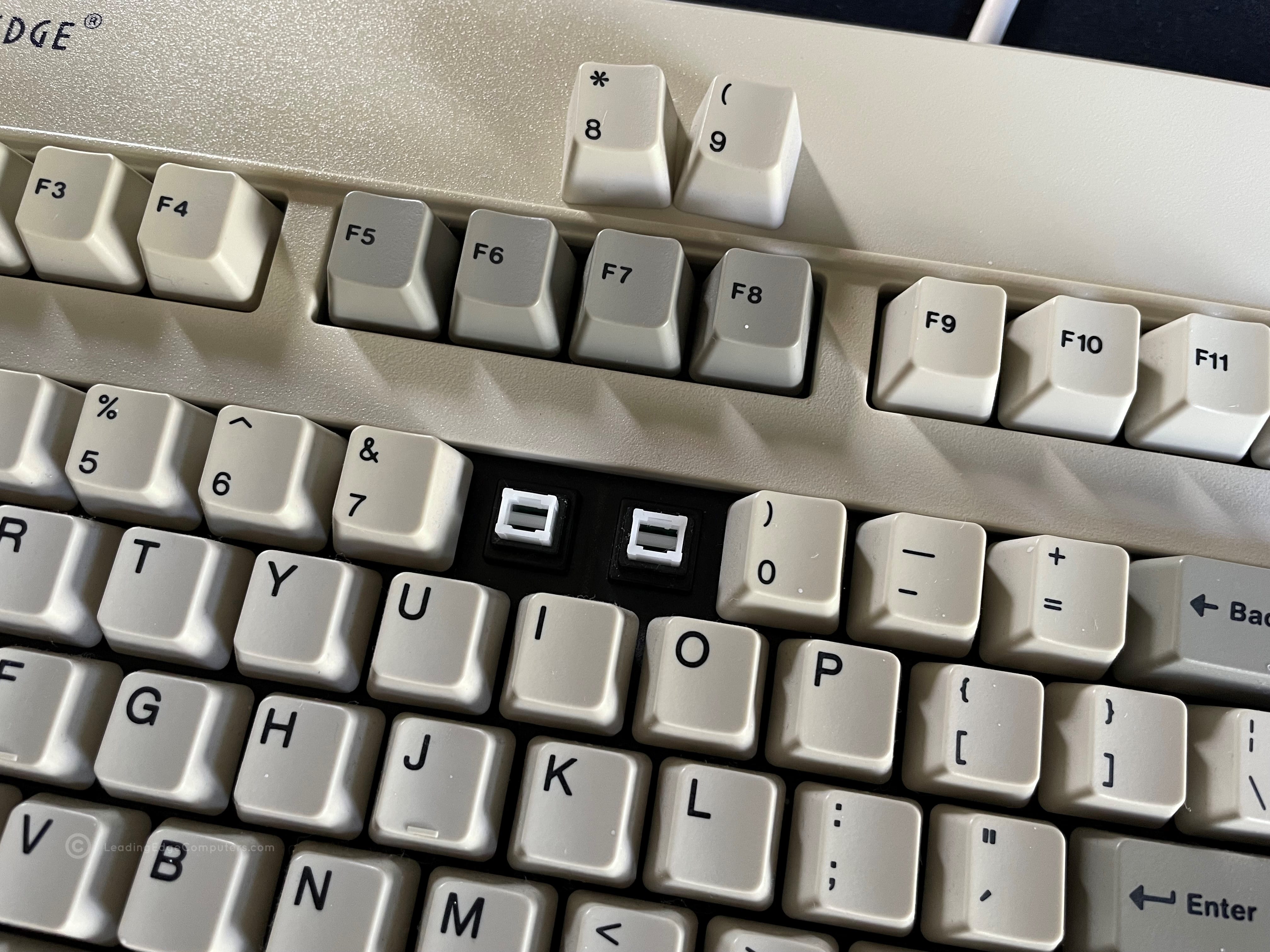
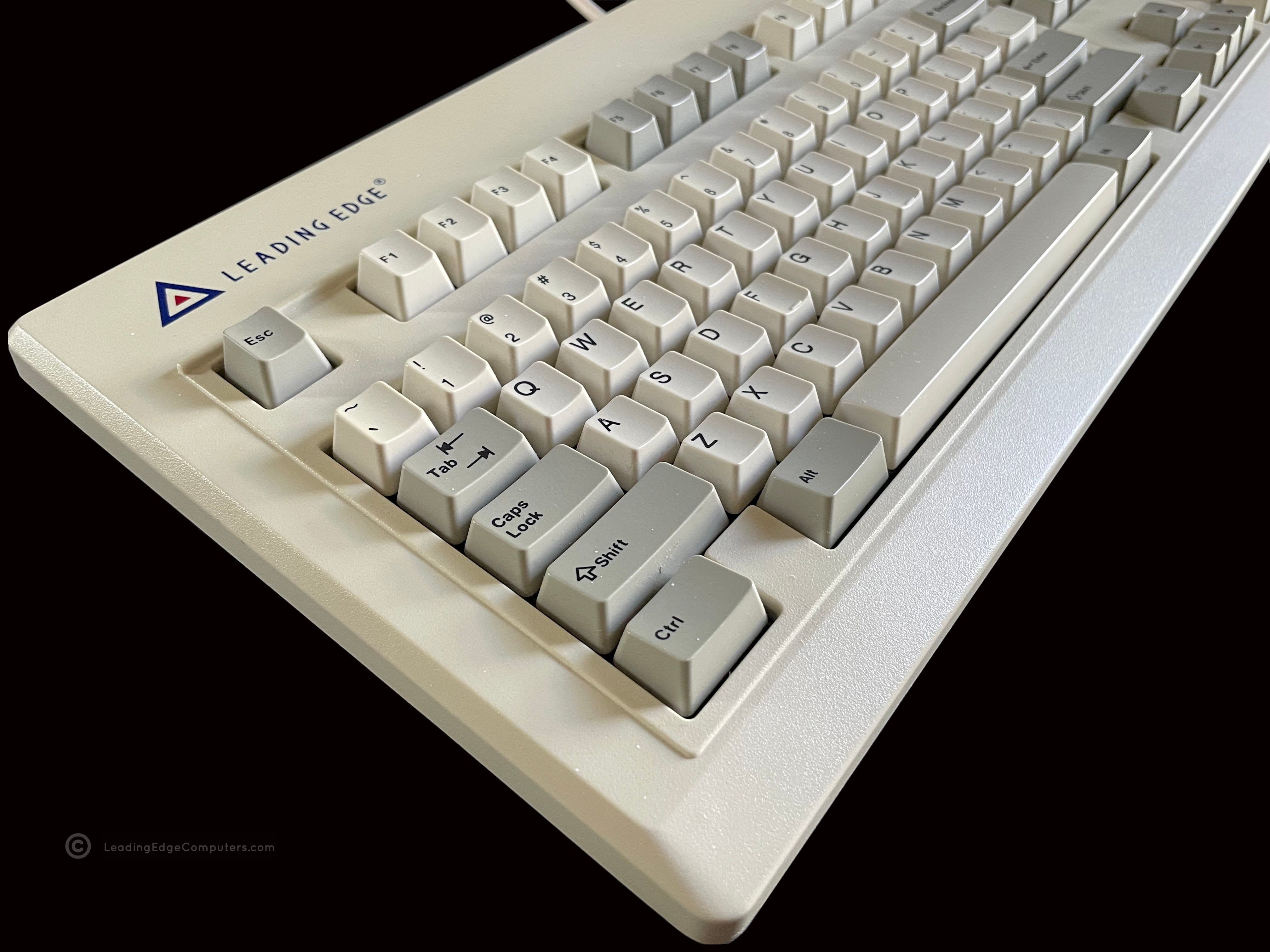
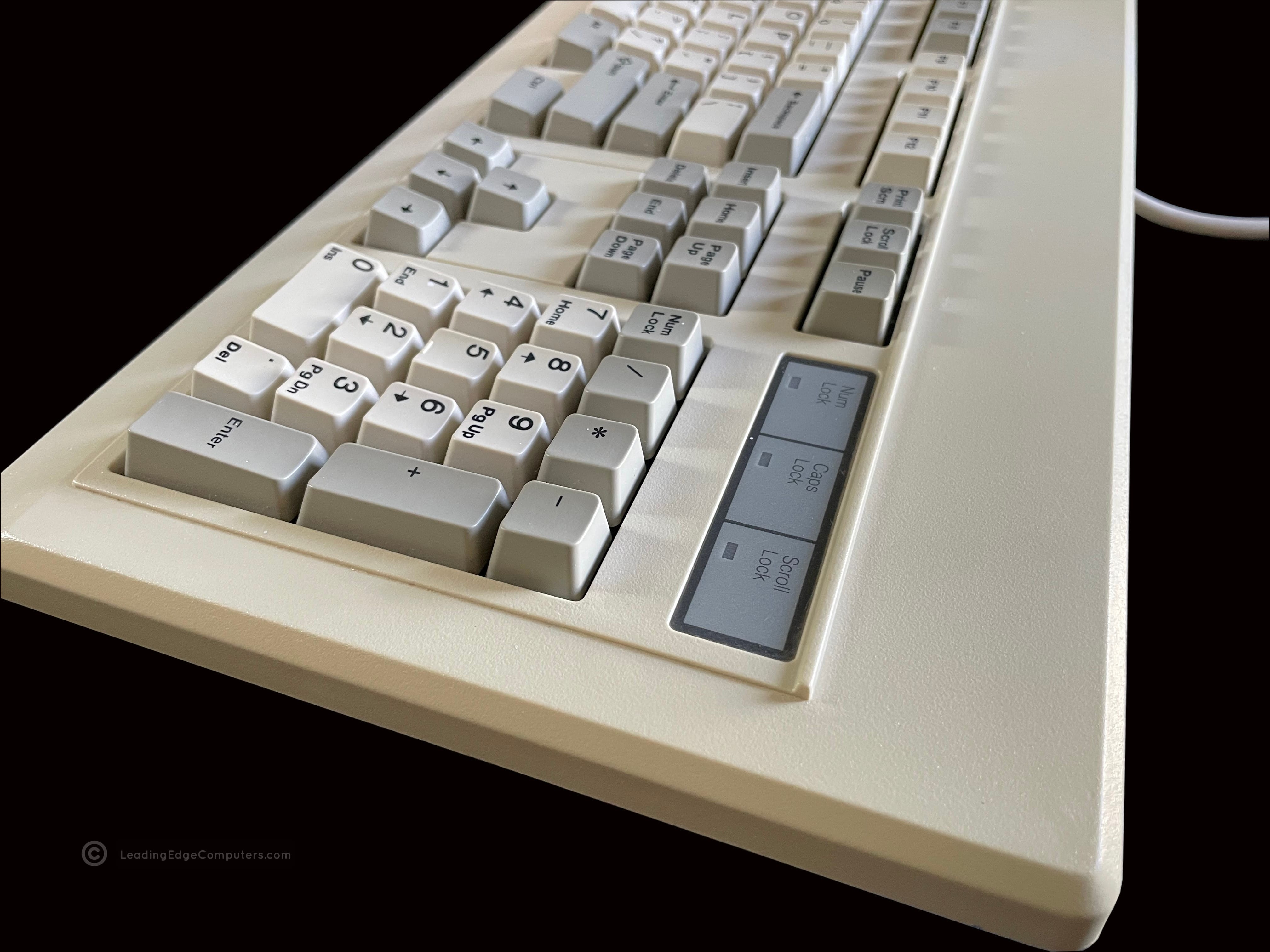
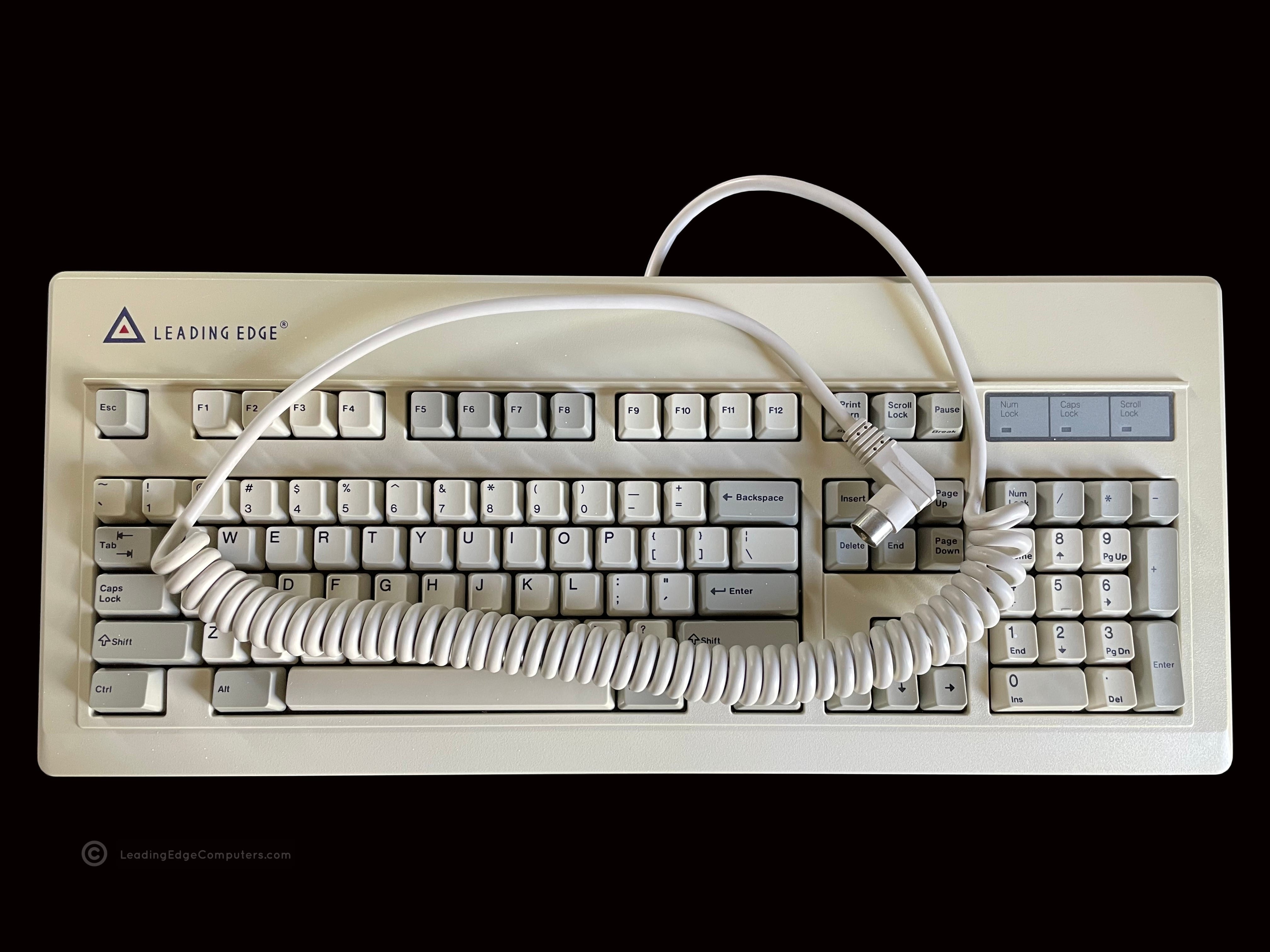
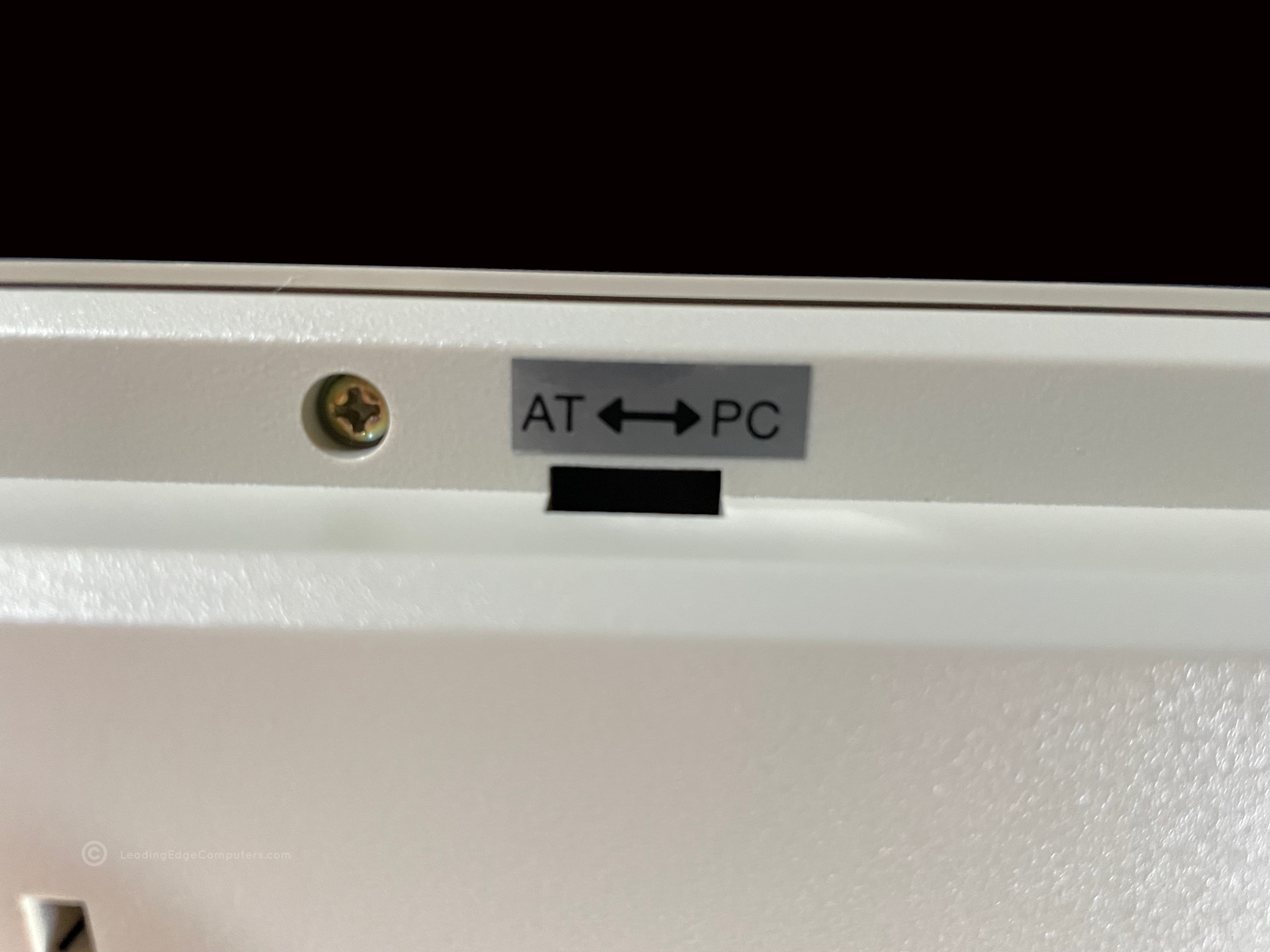
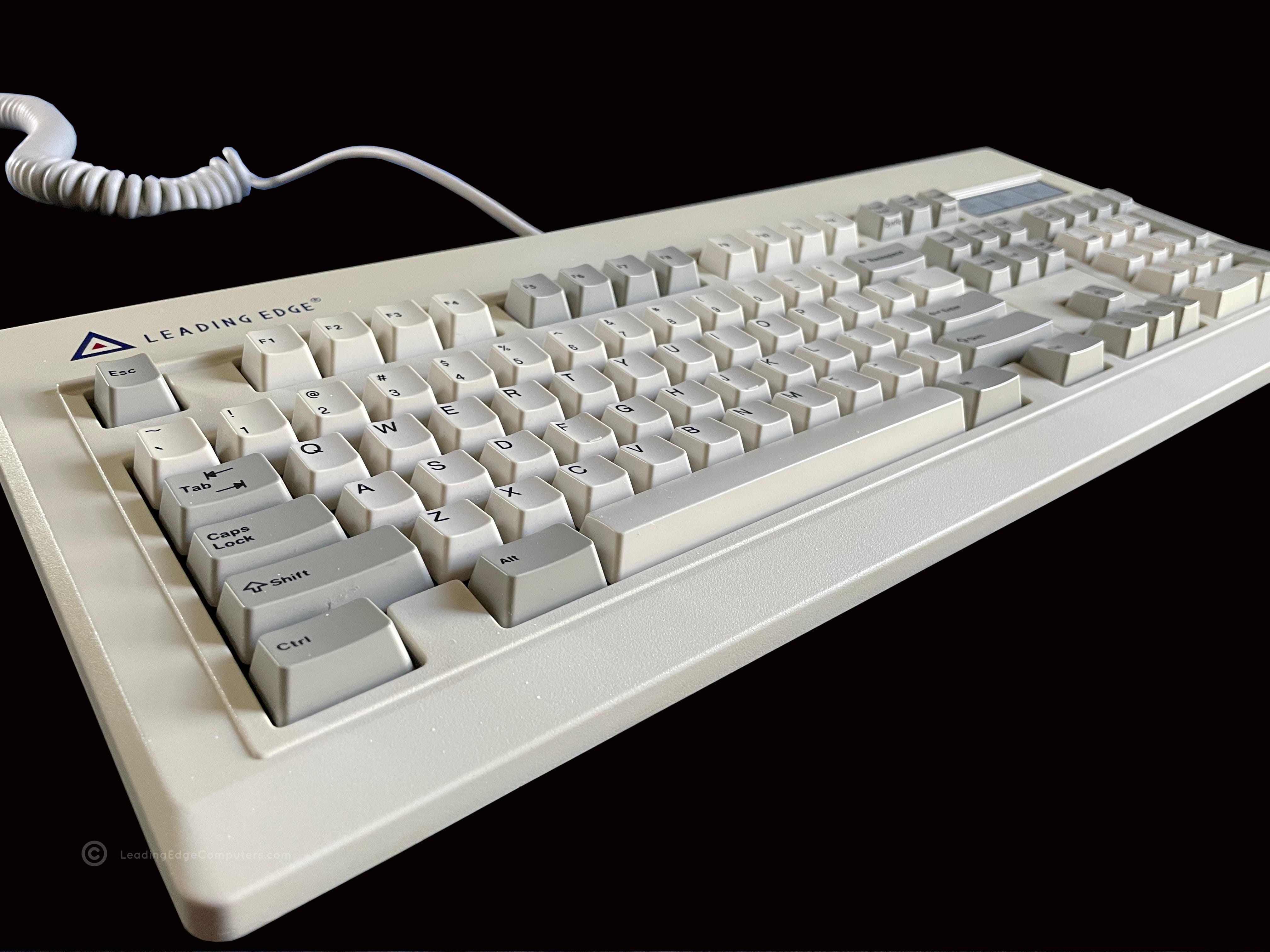
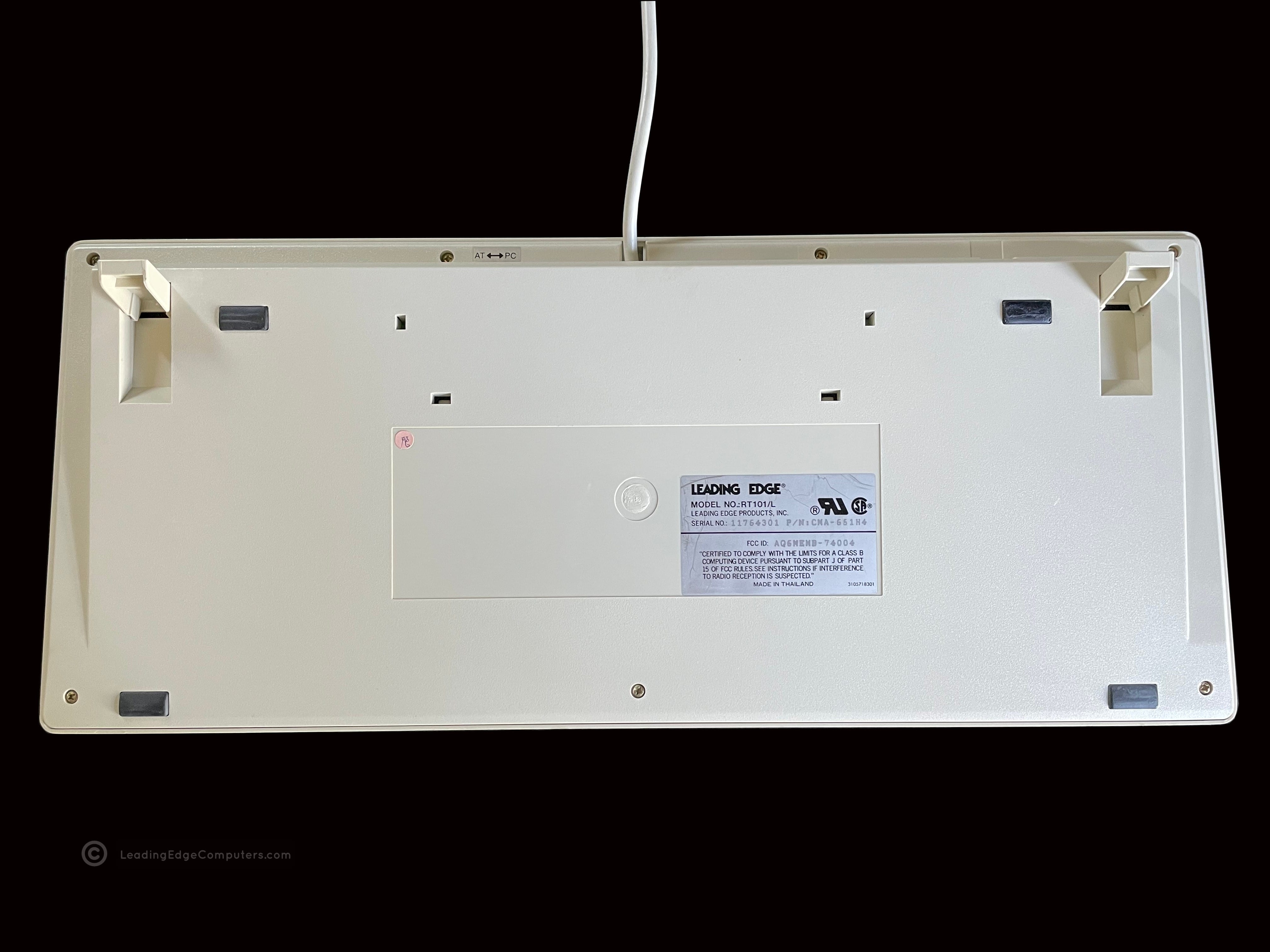
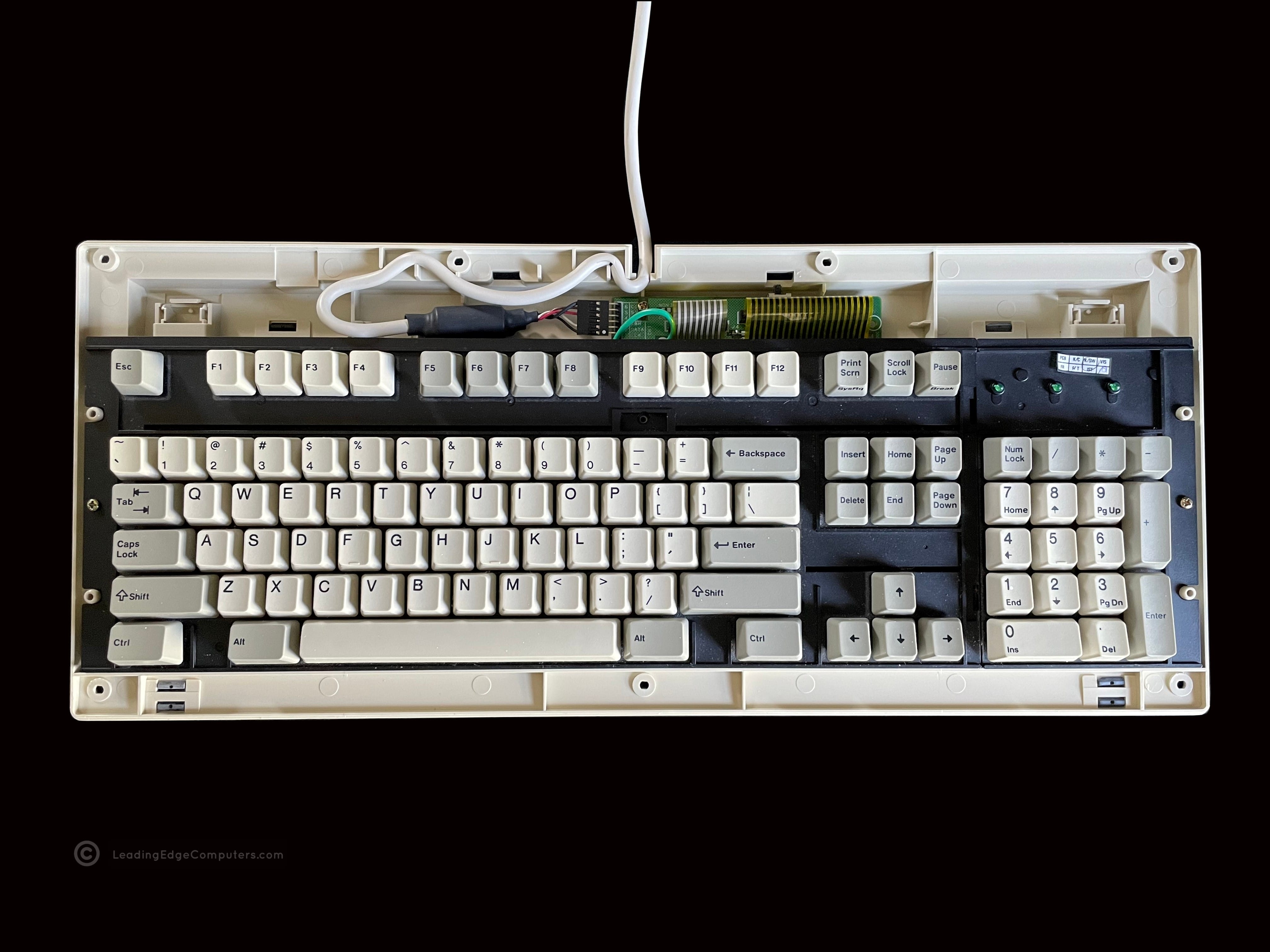
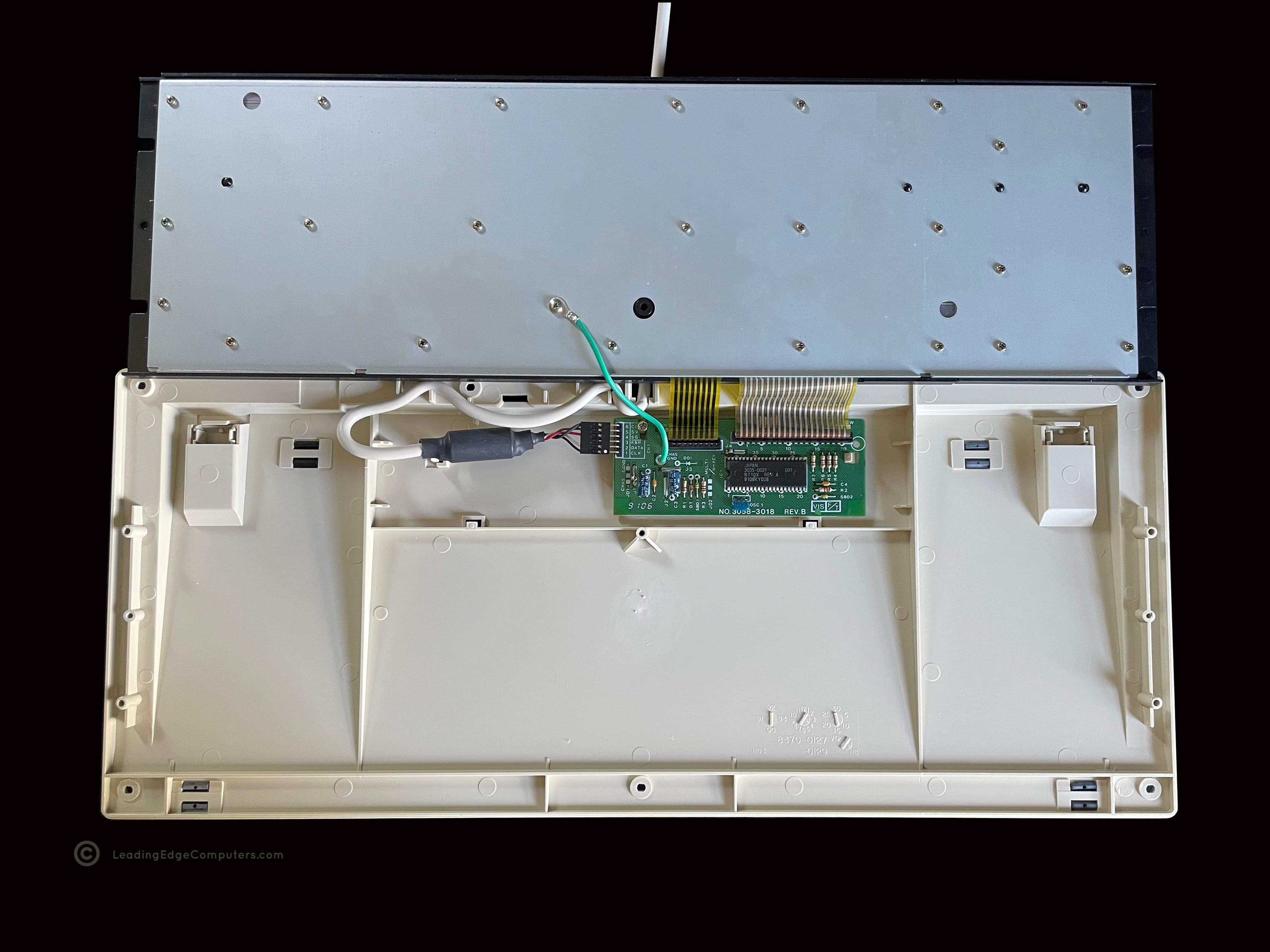
    Top down view of the RT101/L keyboard Bottom view of the RT101/L keyboard showing the manufacturer label A close-up photo of the manufacturer label on the back of the RT101/L keyboard A photo of the RT101/L keyboard with two keycaps removed to showcase the key switches An angled view of the left side of the RT101/L keyboard An angled view of the right side of the RT101/L keyboard Top down view of the RT101/L keyboard with its coiled AT cable on top A view of the back of the RT101/L keyboard's AT/PC switch A beautiful shot of the full RT101/L with a stylish angle A rear view photo of the back of the RT101/L keyboard with the feet extended A view of the RT101/L keyboard with the top cover removed A picture of the inside of the RT101/L keyboard showcasing the small PCB and its ROM chip

     Serial Mouse

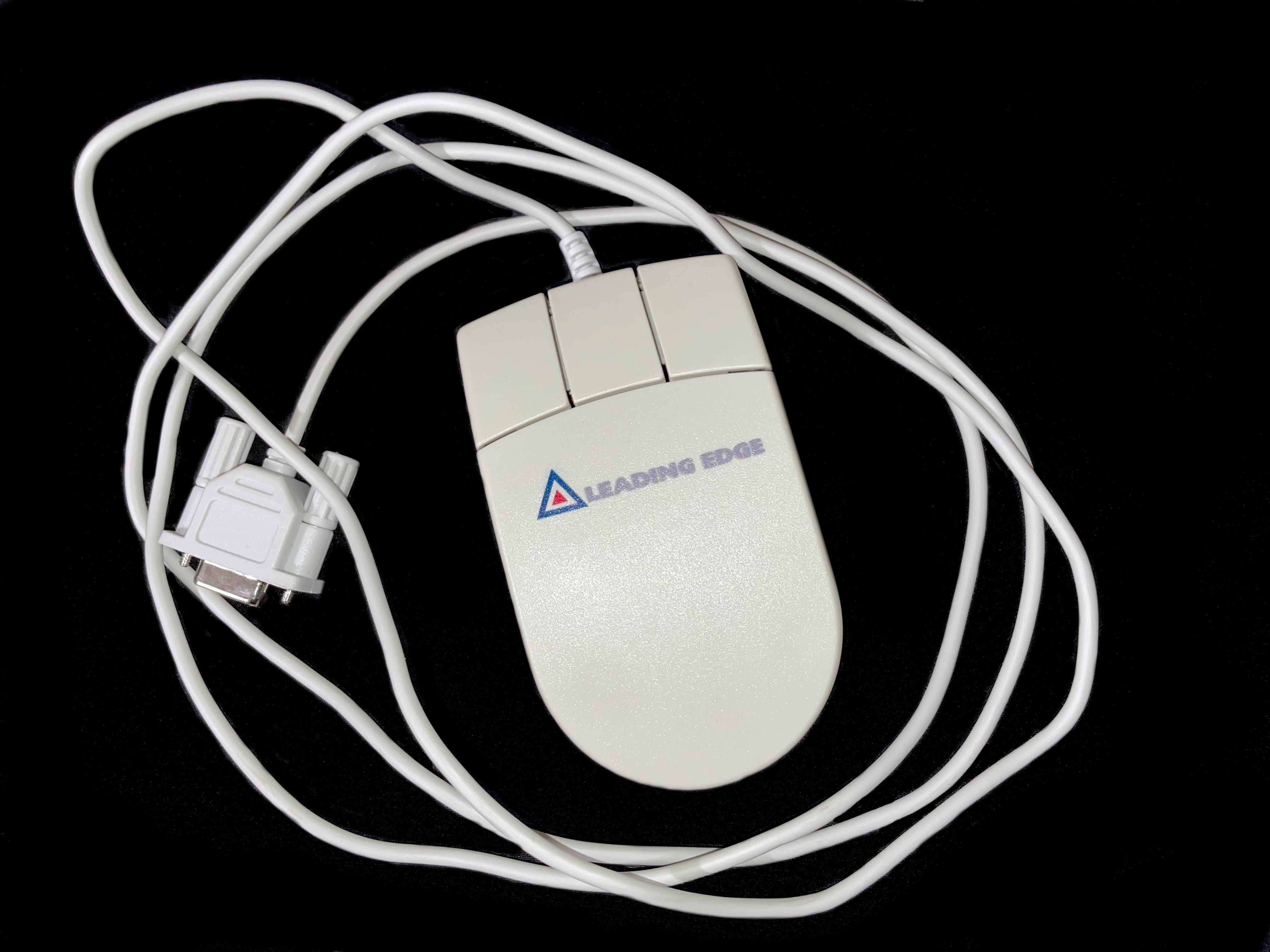
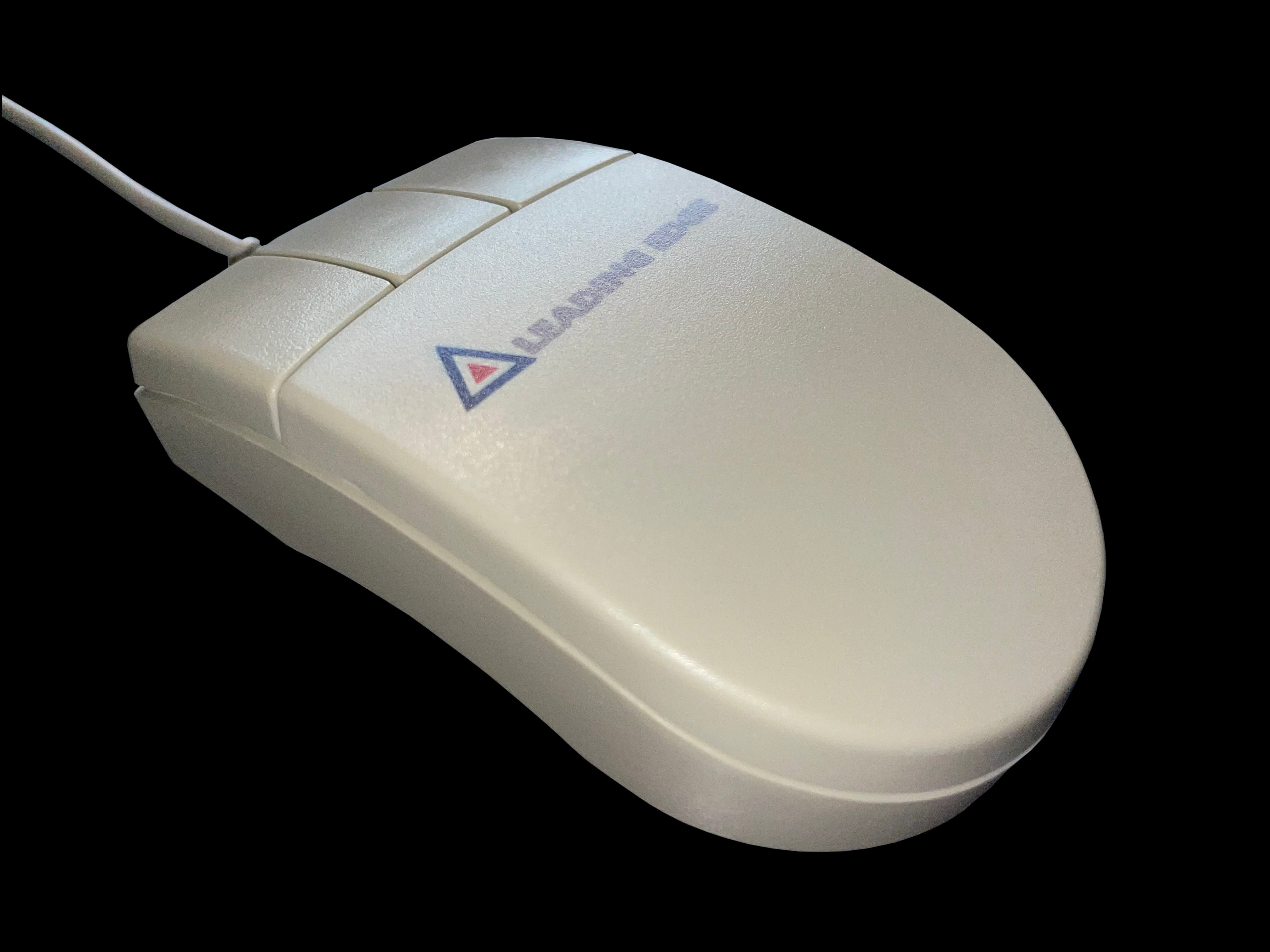
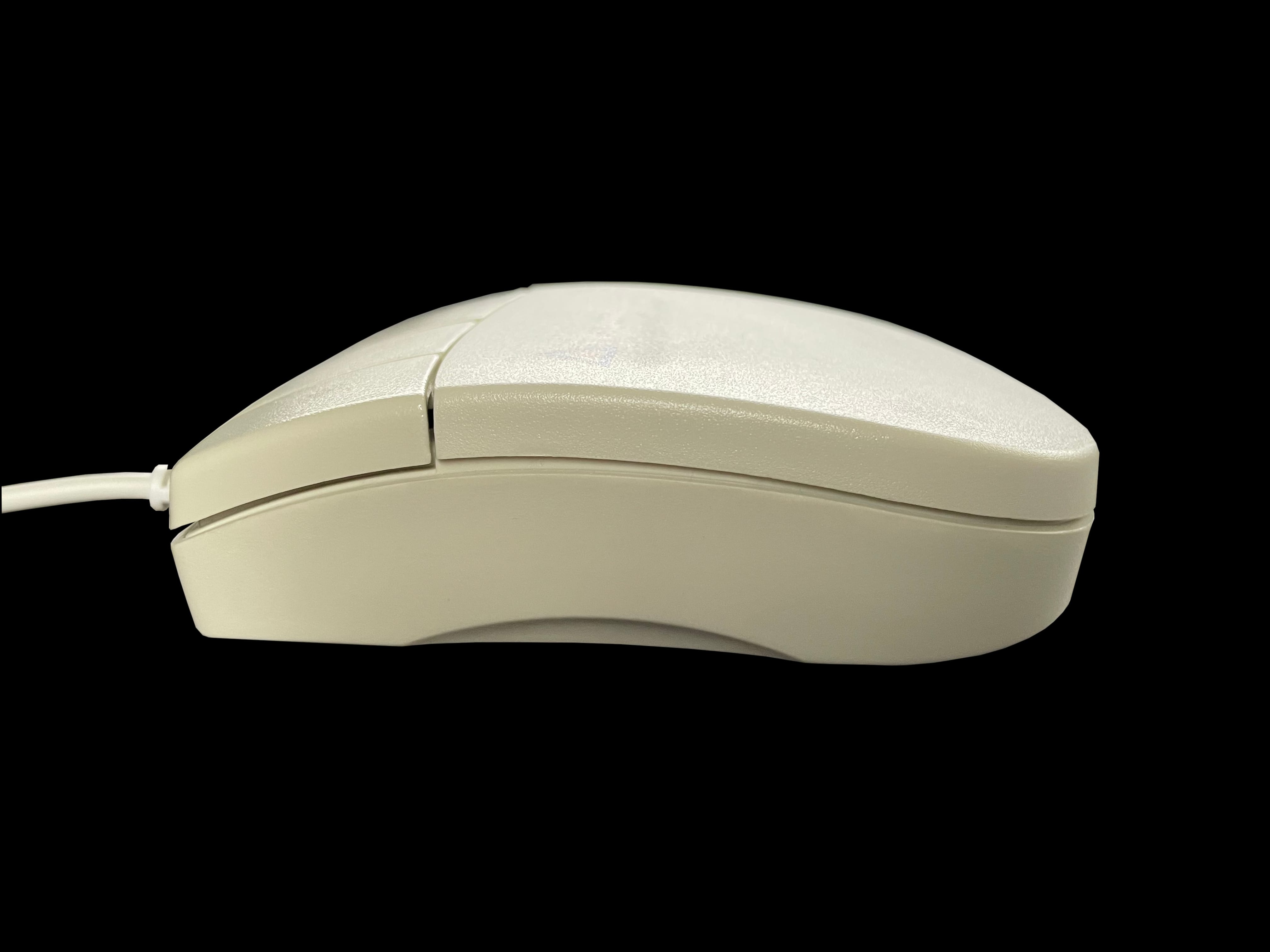
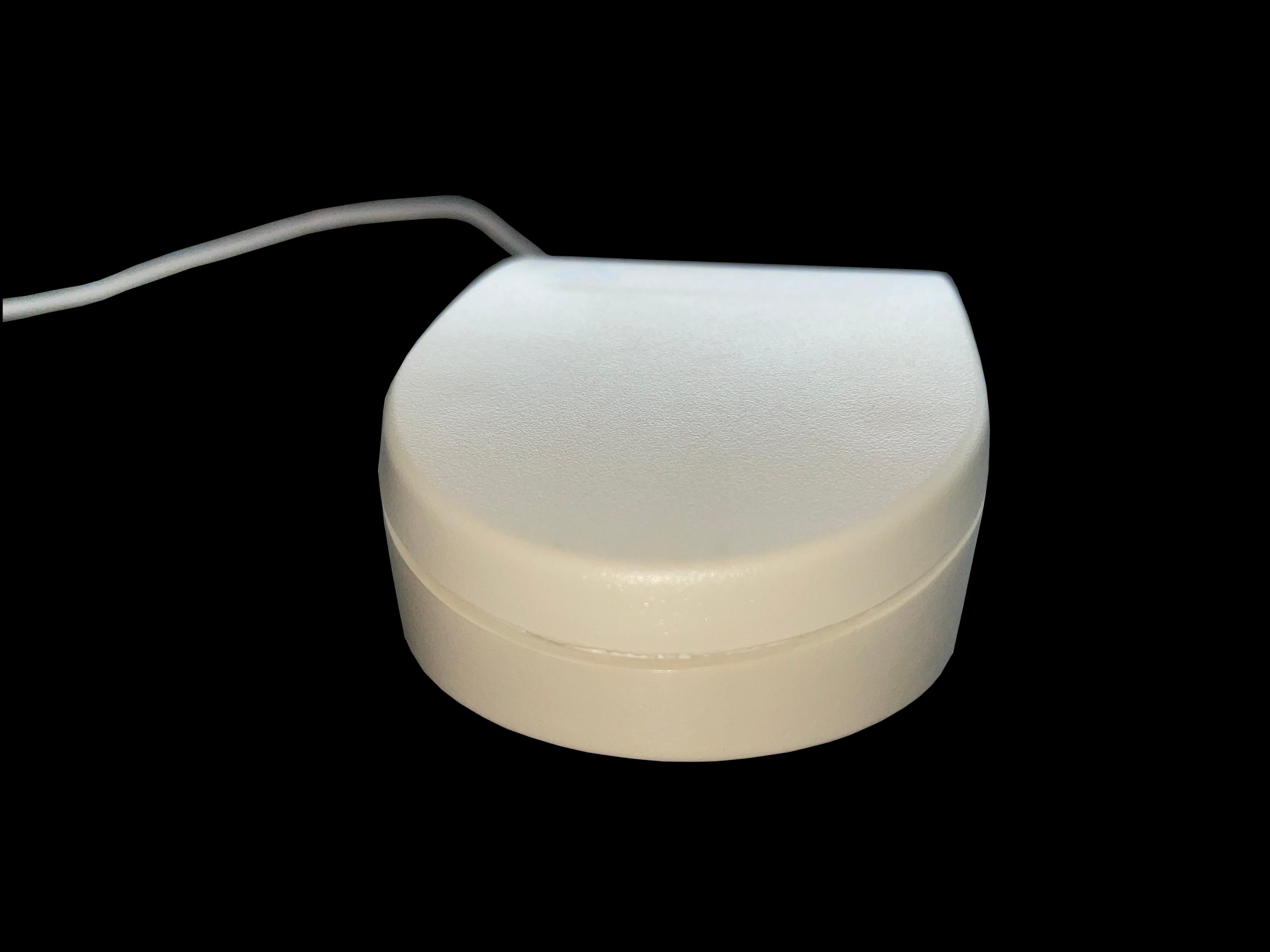
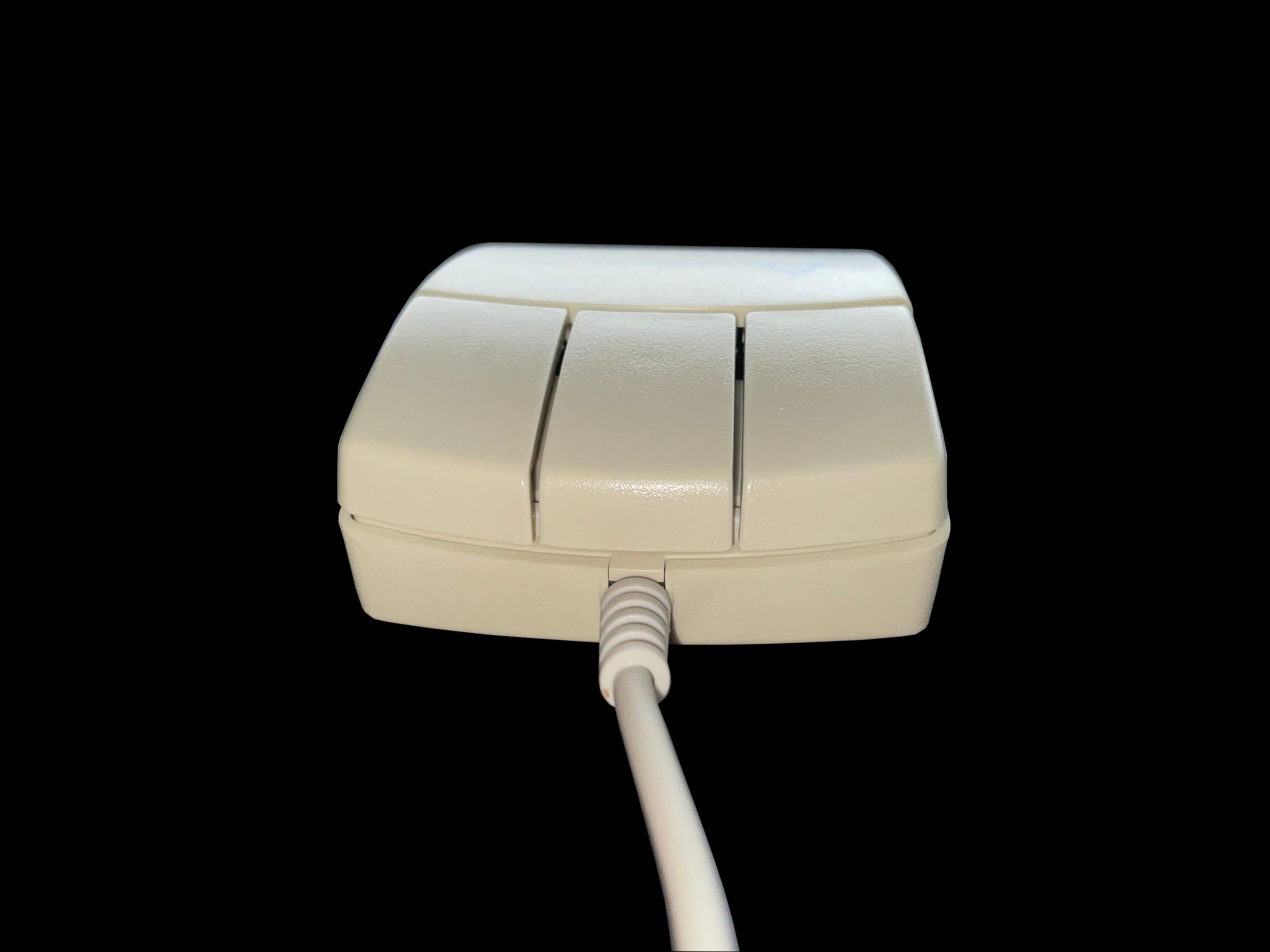
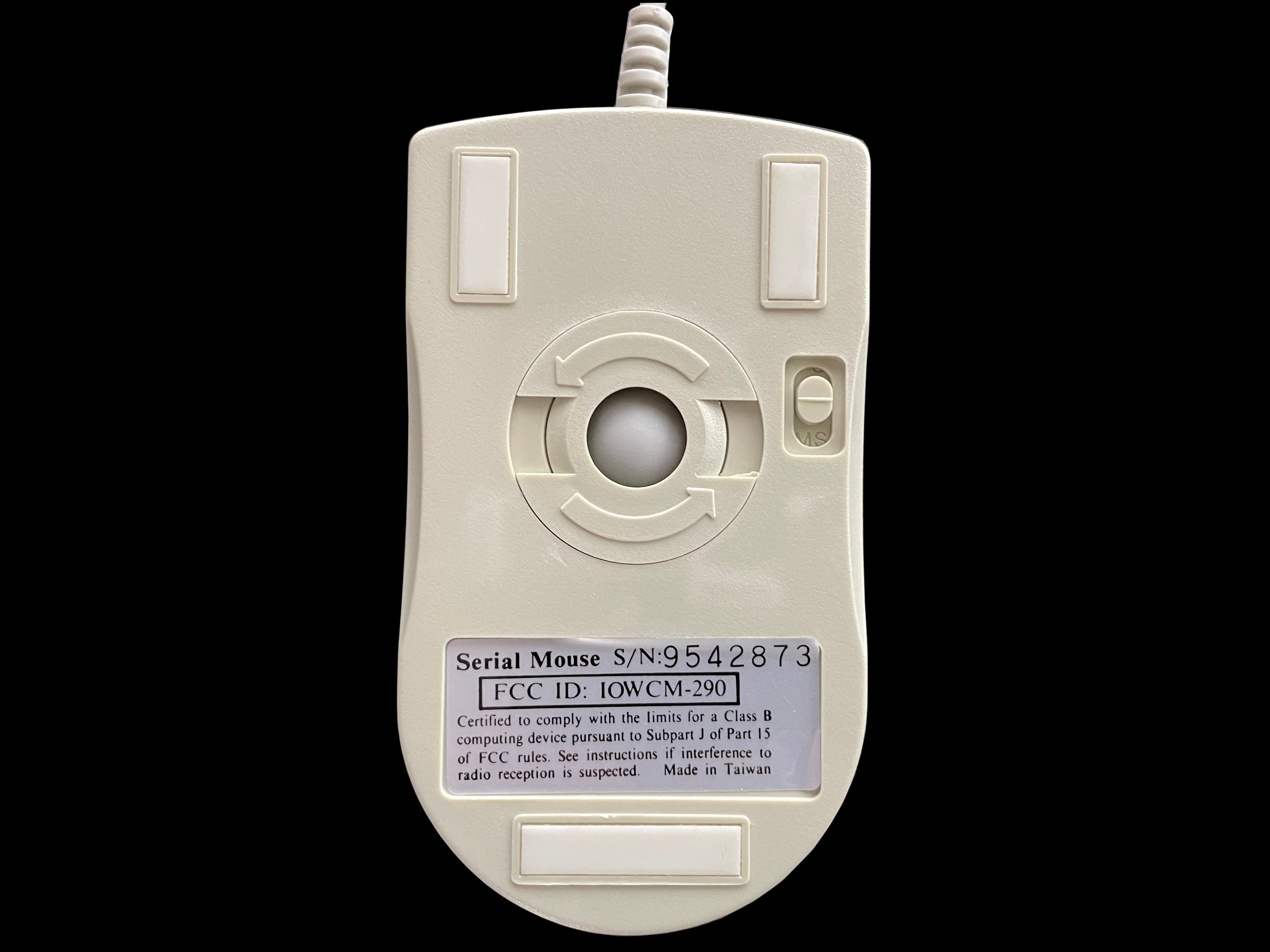
    A top down photo of the Leading Edge serial mouse showing the three buttons and company logo A photo of the Leading Edge serial mouse with a focus on the logo A photo showing the left-hand side of Leading Edge's serial mouse A photo of the rear of Leading Edge's serial mouse A pictue of the front of Leading Edge's serial mouse showing the three front buttons and cable A photo of the bottom of Leading Edge's serial mouse showing the ball mechanism and manufacturer label

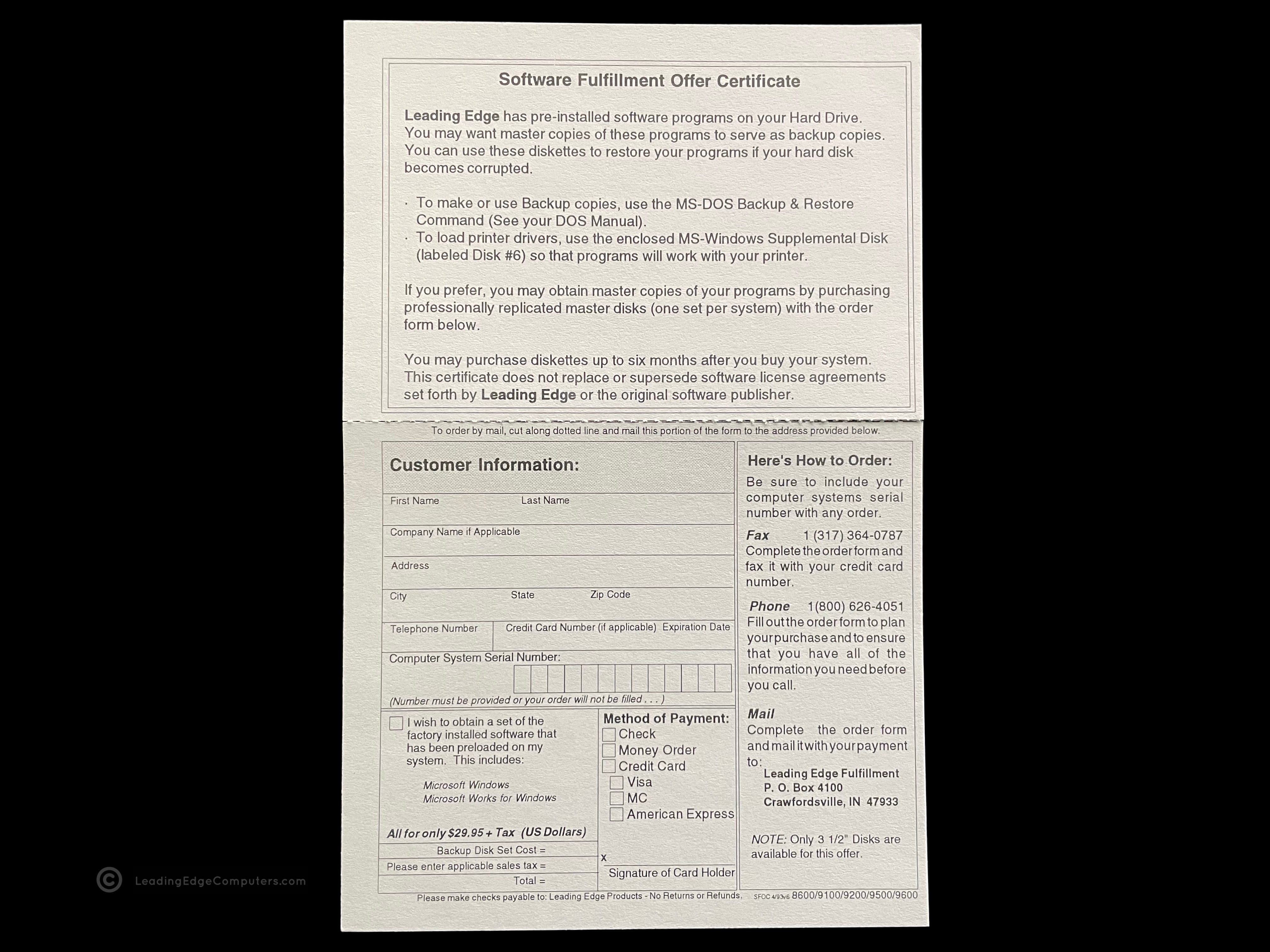
     Software Fullfilment Offer Certificate…

    software fullfilment offer certificate software fullfilment offer certificate

     VGA Monitors Manual

    vga monitors manual vga monitors manual vga monitors manual

     Viruscan

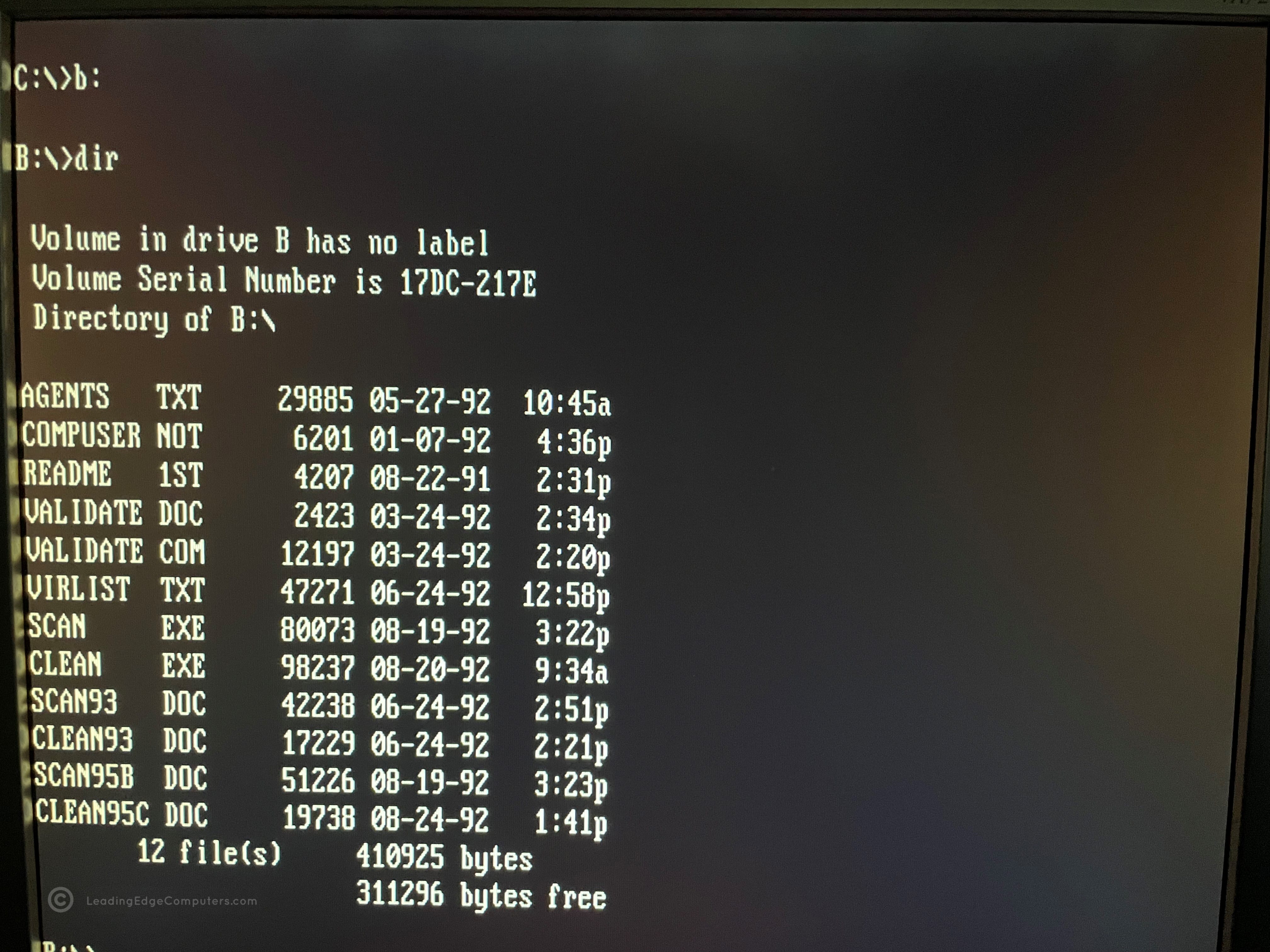
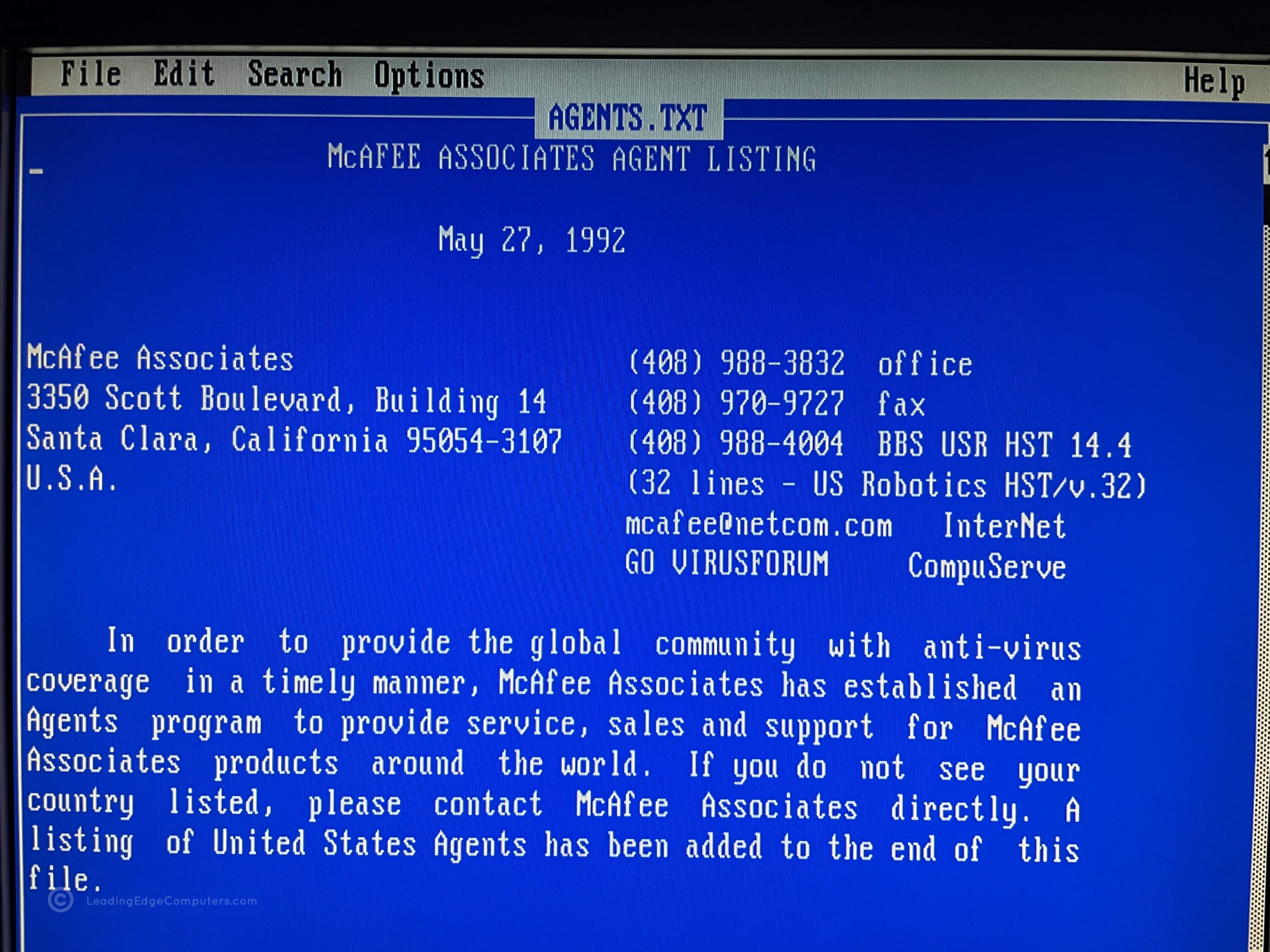
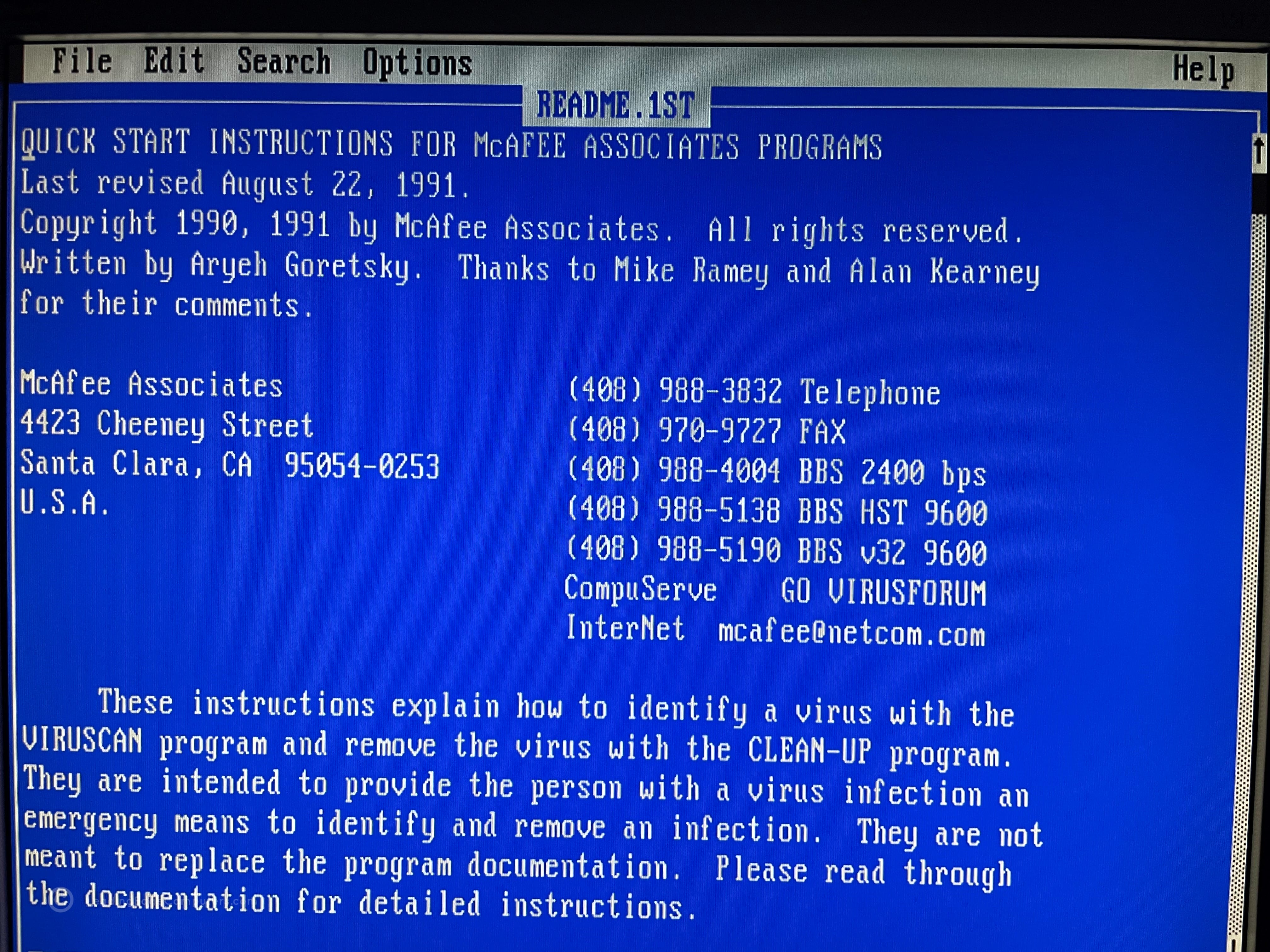
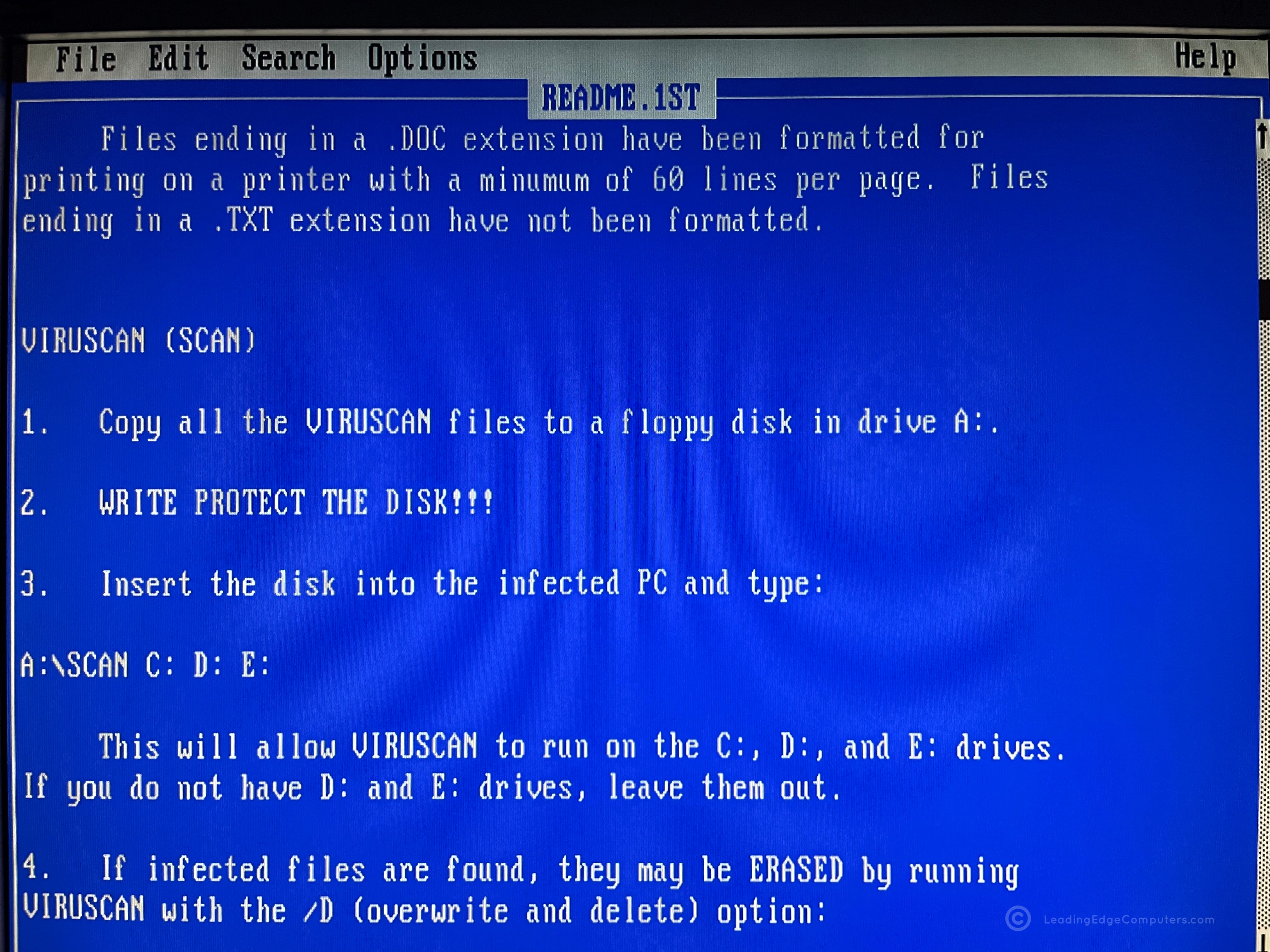
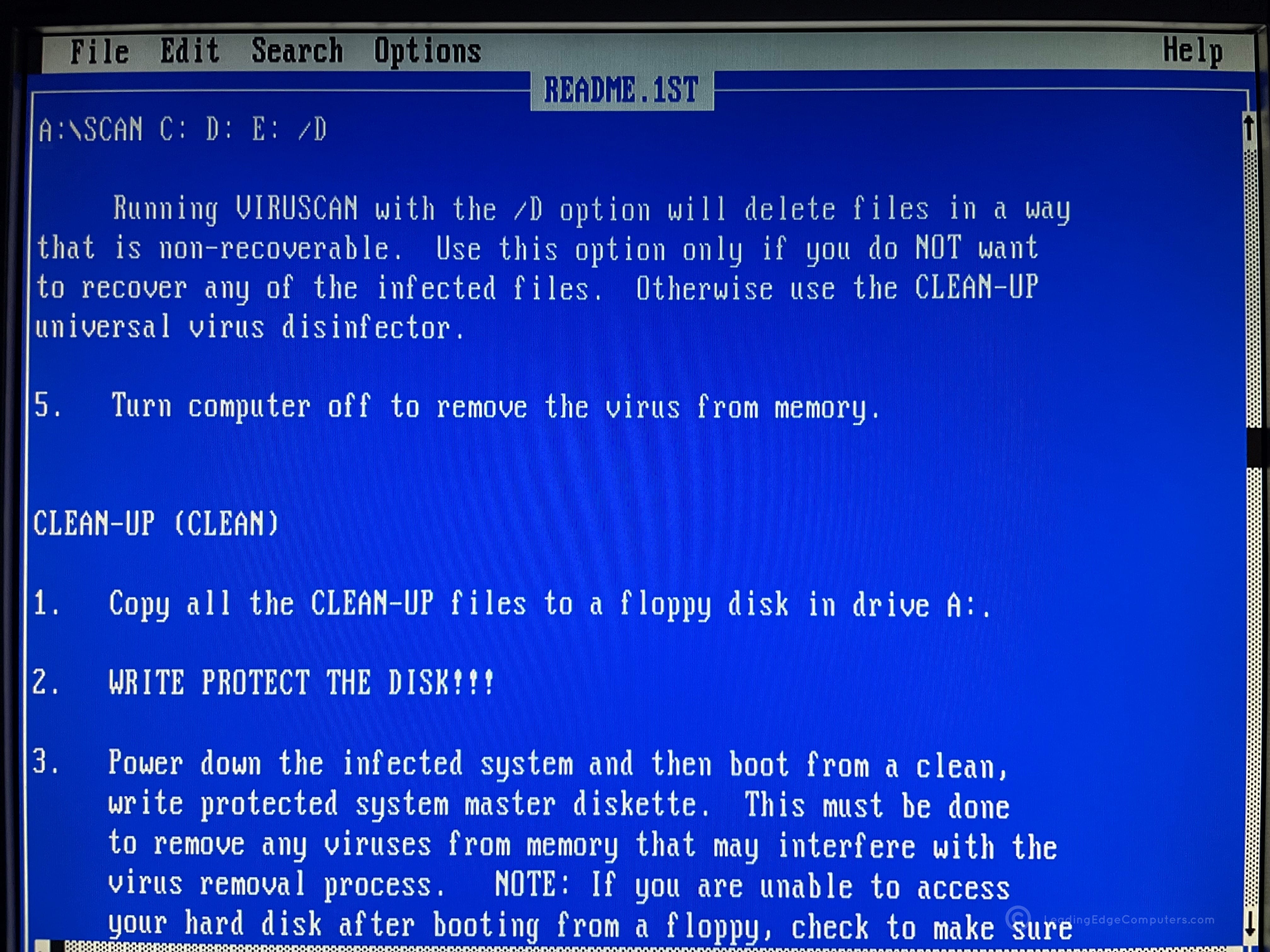
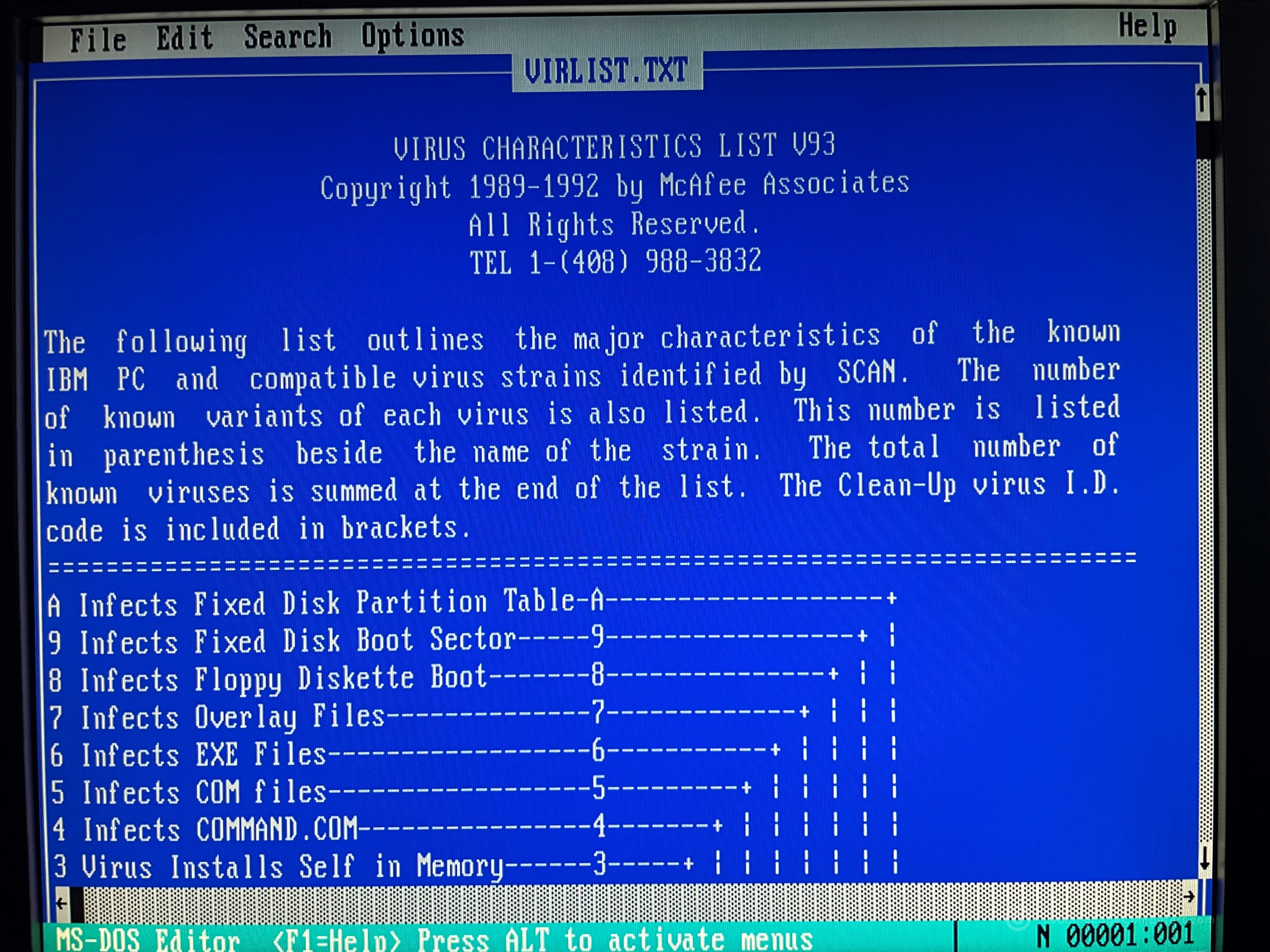
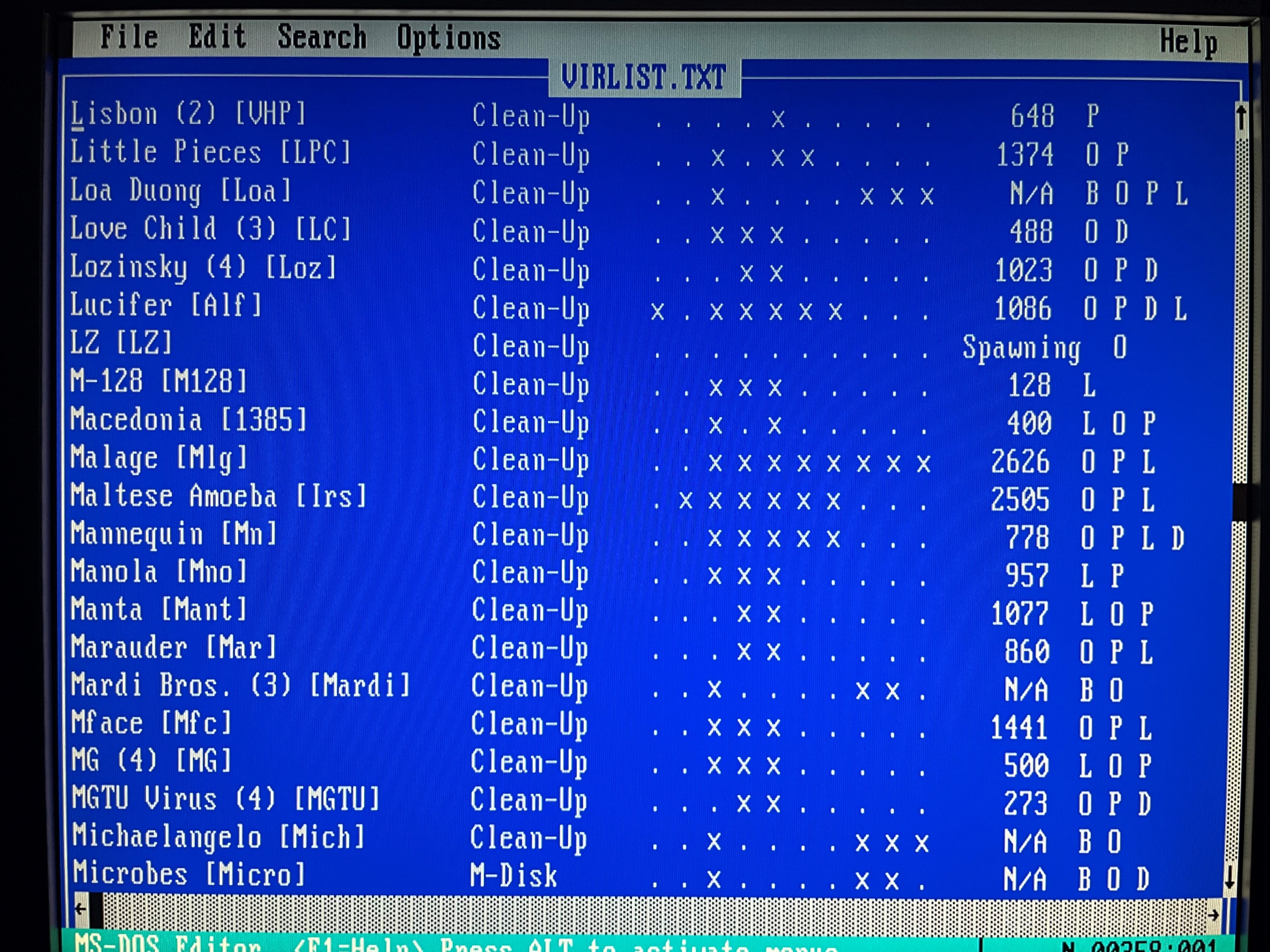
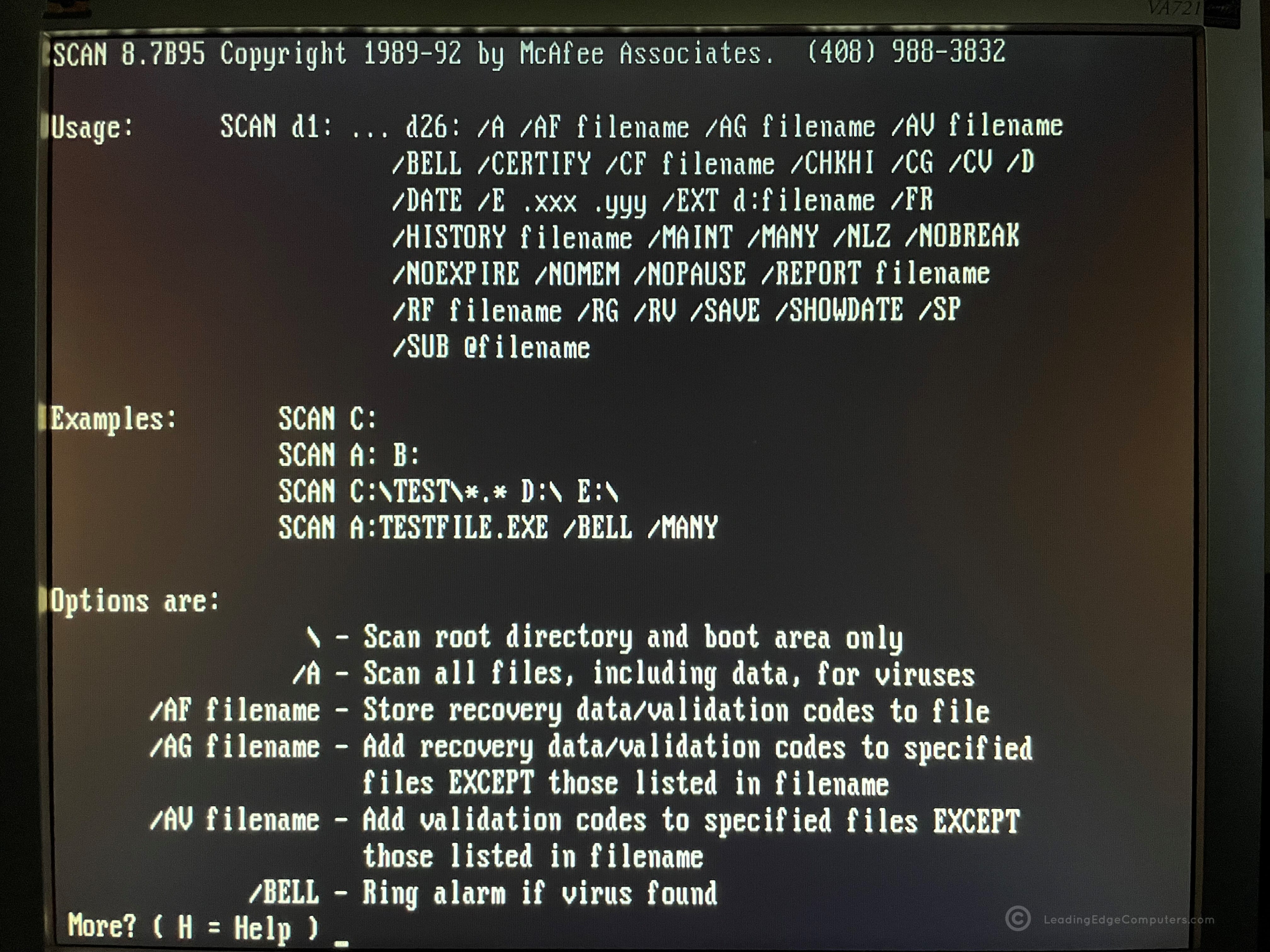
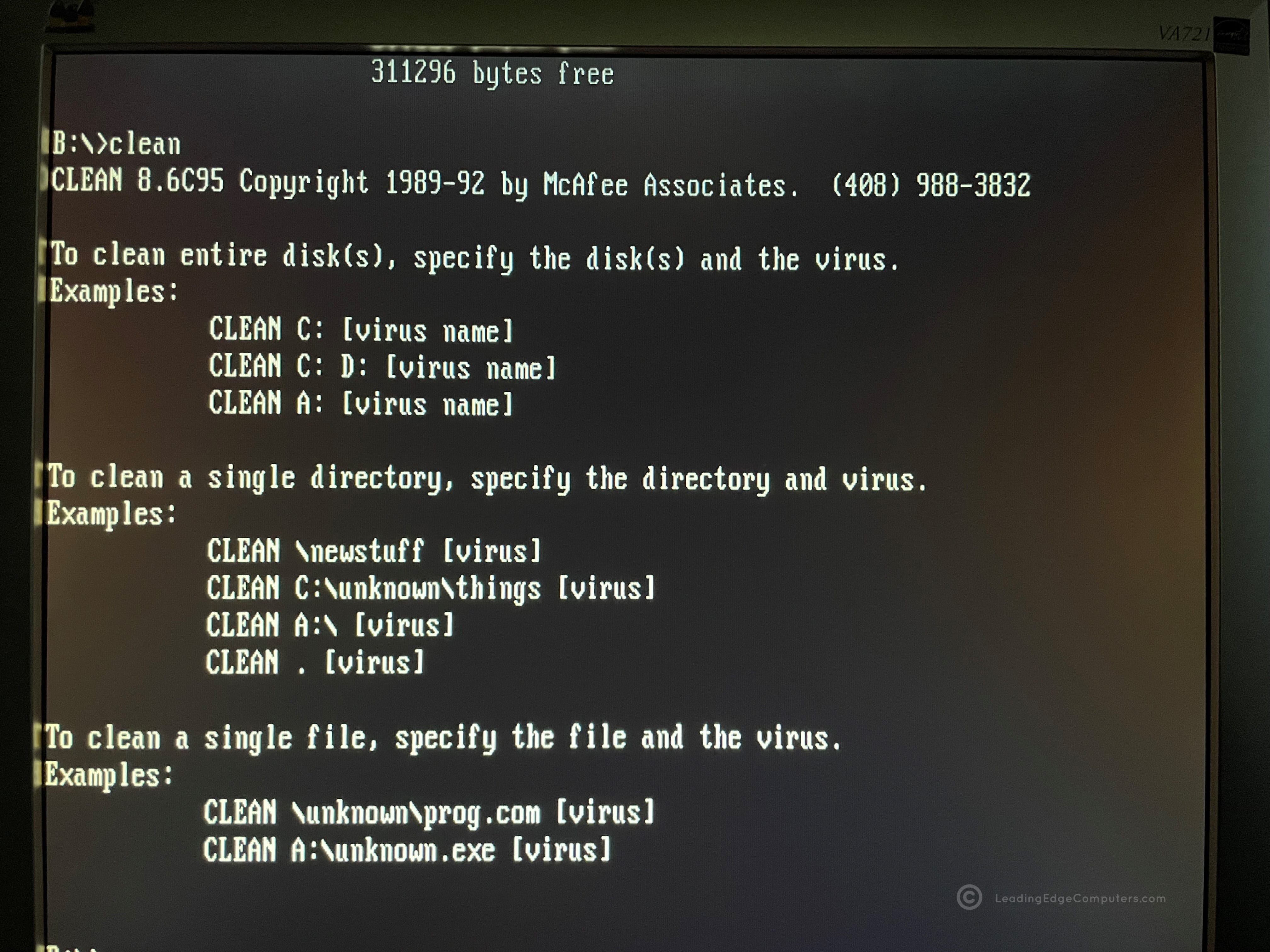
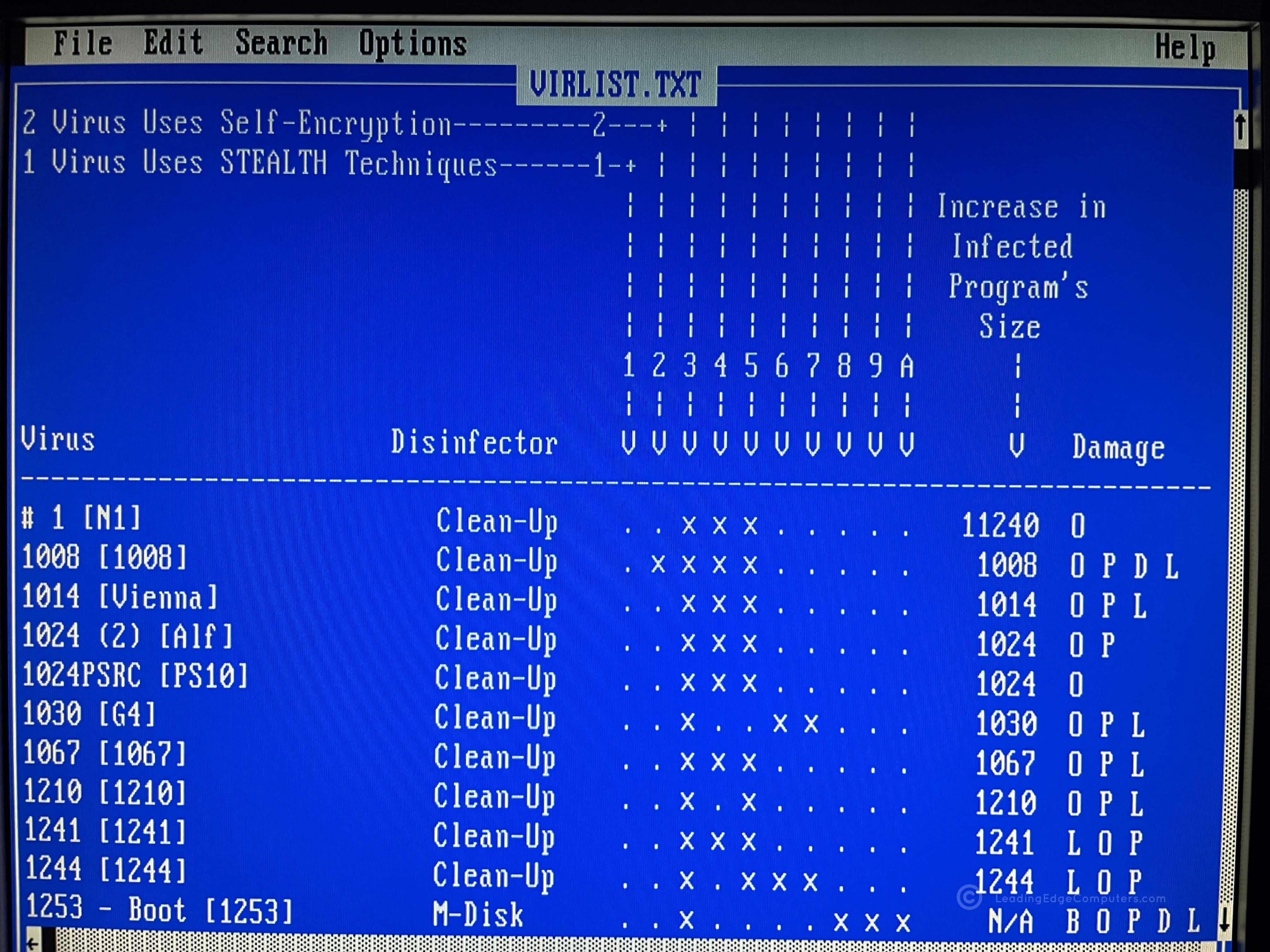
    Front side view of Leading Edge's Viruscan software disk Rear side view of Leading Edge's Viruscan software disk Directory listing of Leading Edge's Viruscan software in DOS Agents.txt in Leading Edge's Viruscan software Screenshot of Leading Edge's Viruscan software readme file Screenshot of additional details in Leading Edge's Viruscan software Screenshot of usage instructions for Leading Edge's Viruscan software Screenshot of viruses that Leading Edge's Viruscan software remediates A screenshot of a list of viruses including the infamous Michaelangelo A screenshot of how commonly used commands in Leading Edge's Viruscan software A screenshot of how to clean a computer in Leading Edge's Viruscan software A screenshot of more viruses within the viruslist

     Windows 3.0 for Leading Edge Computers

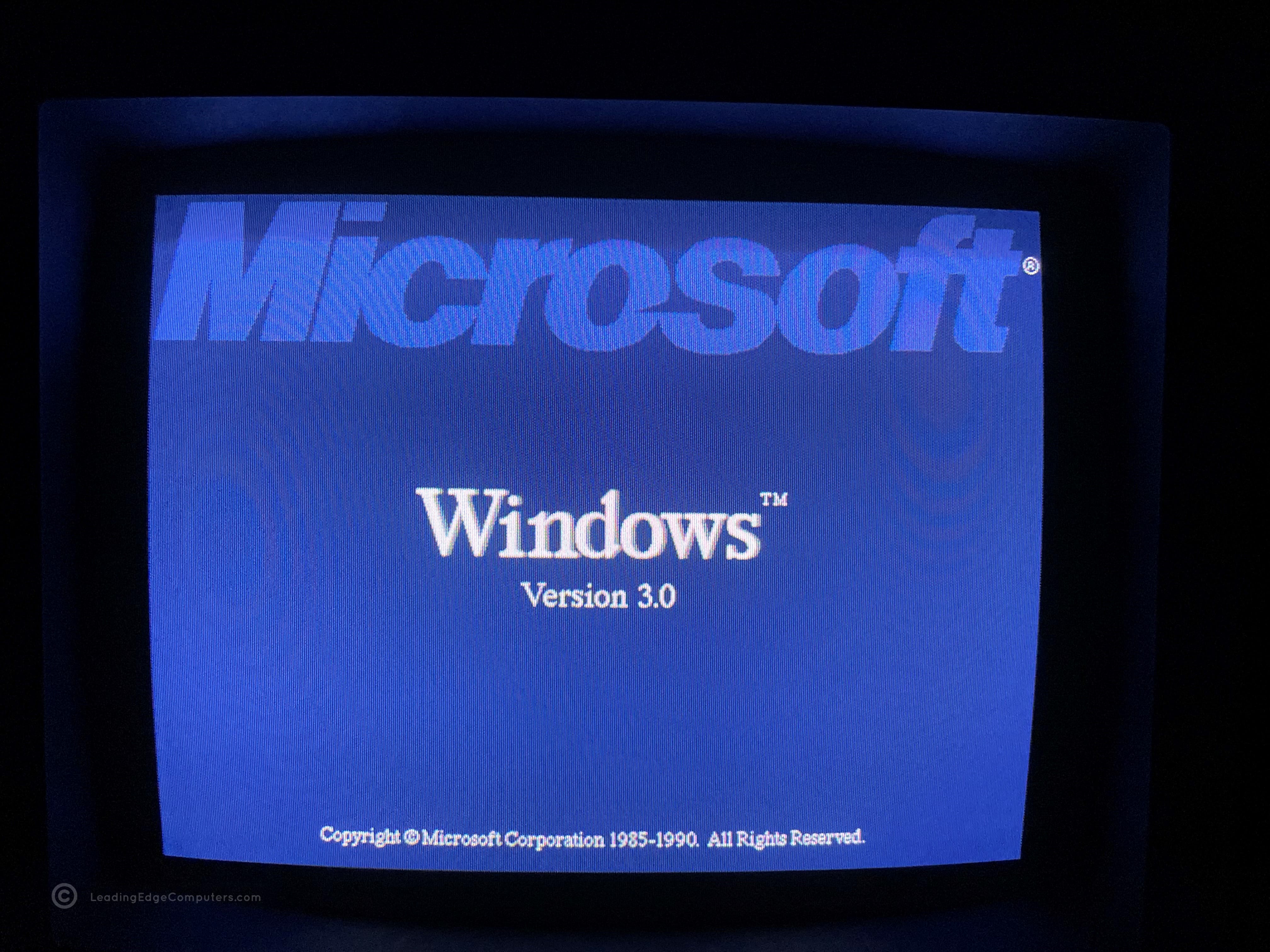
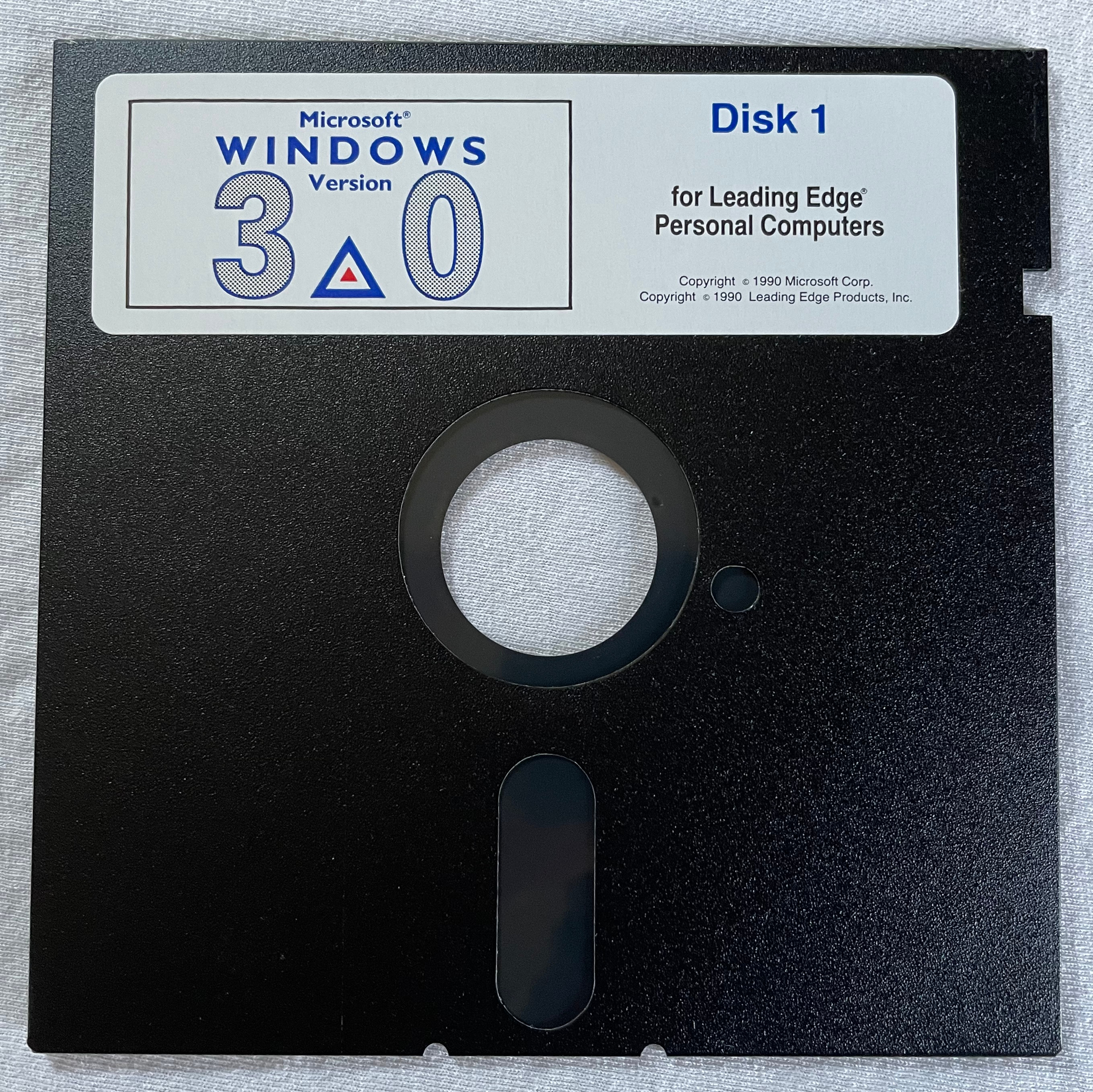
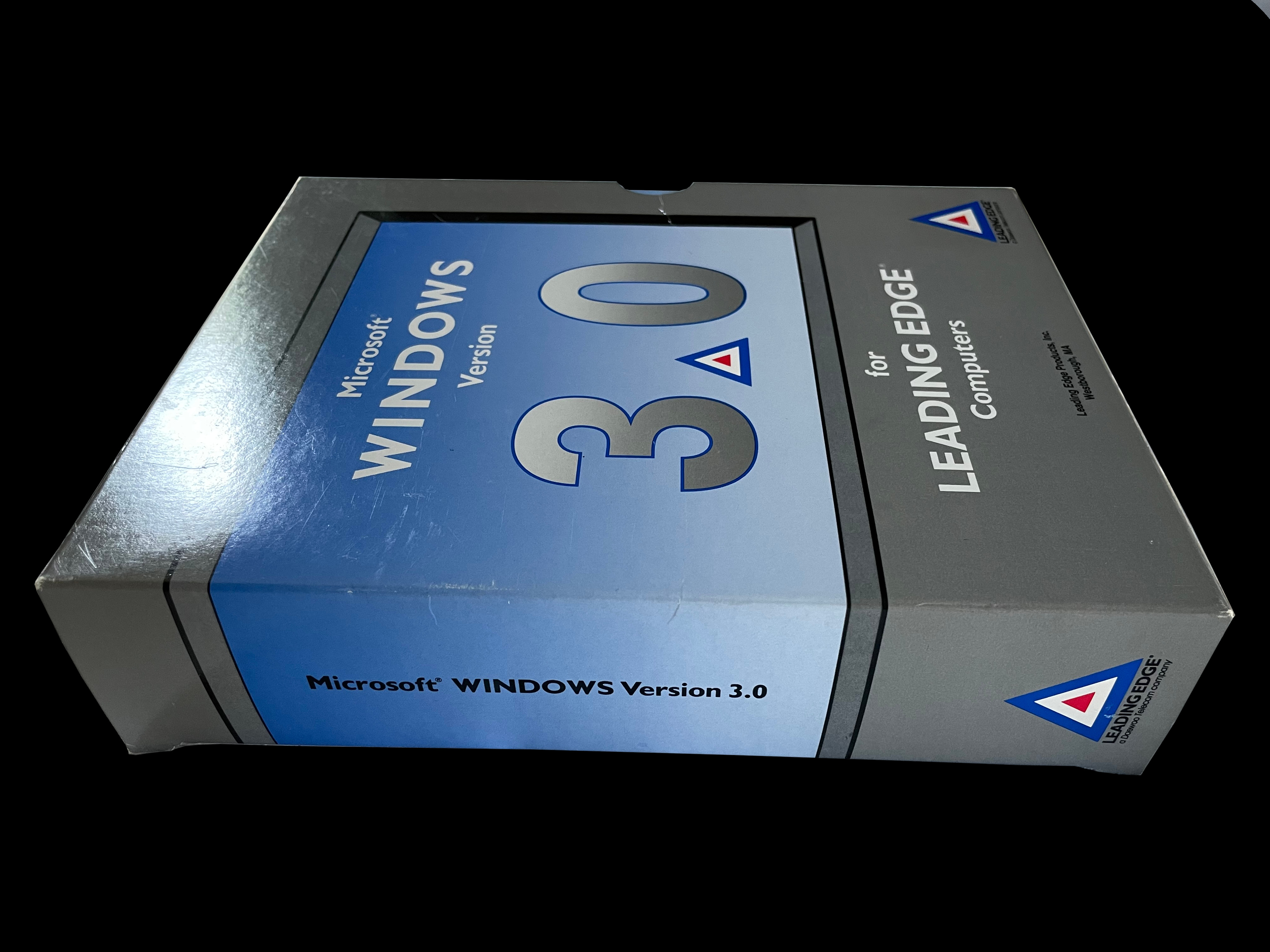
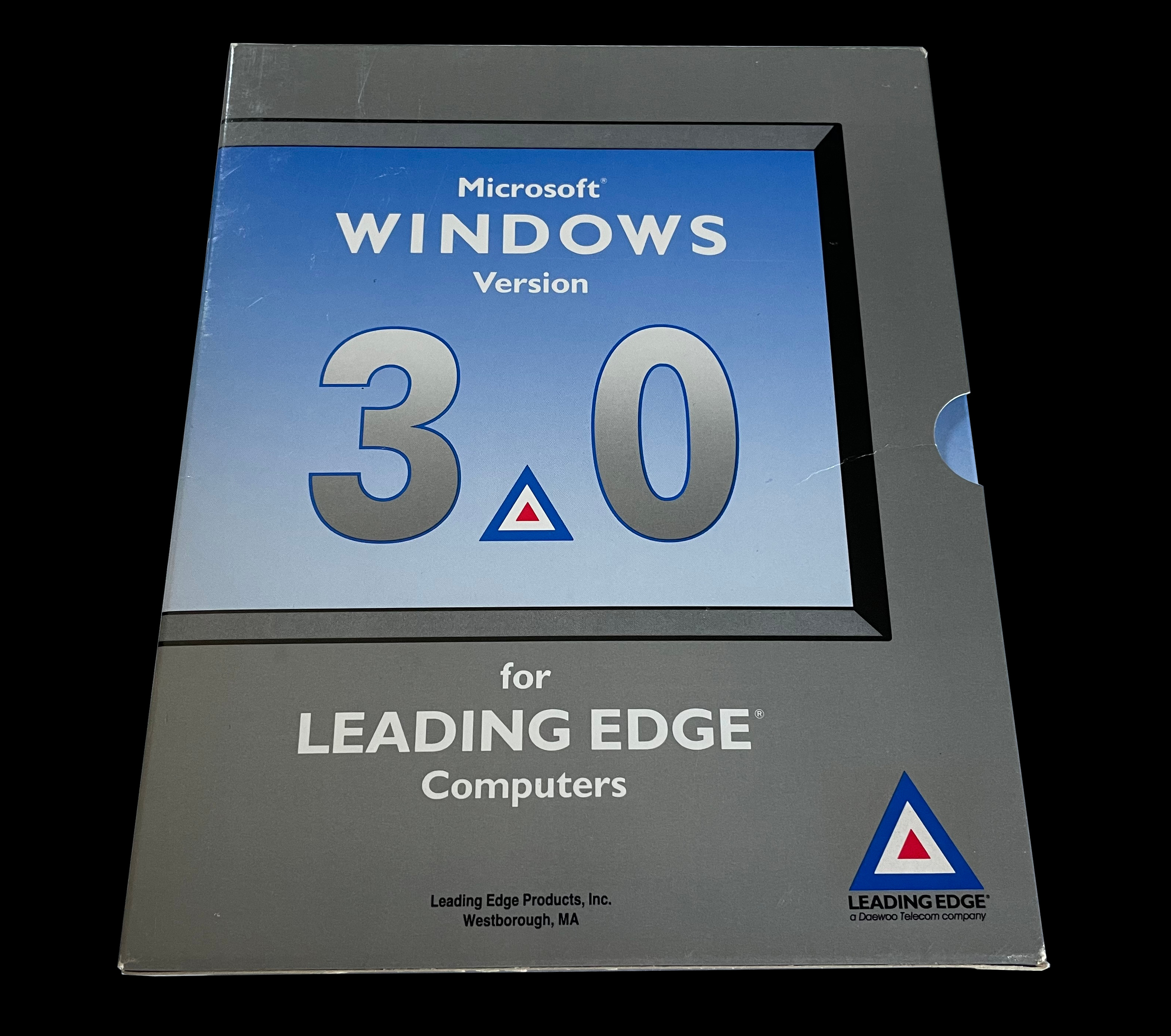
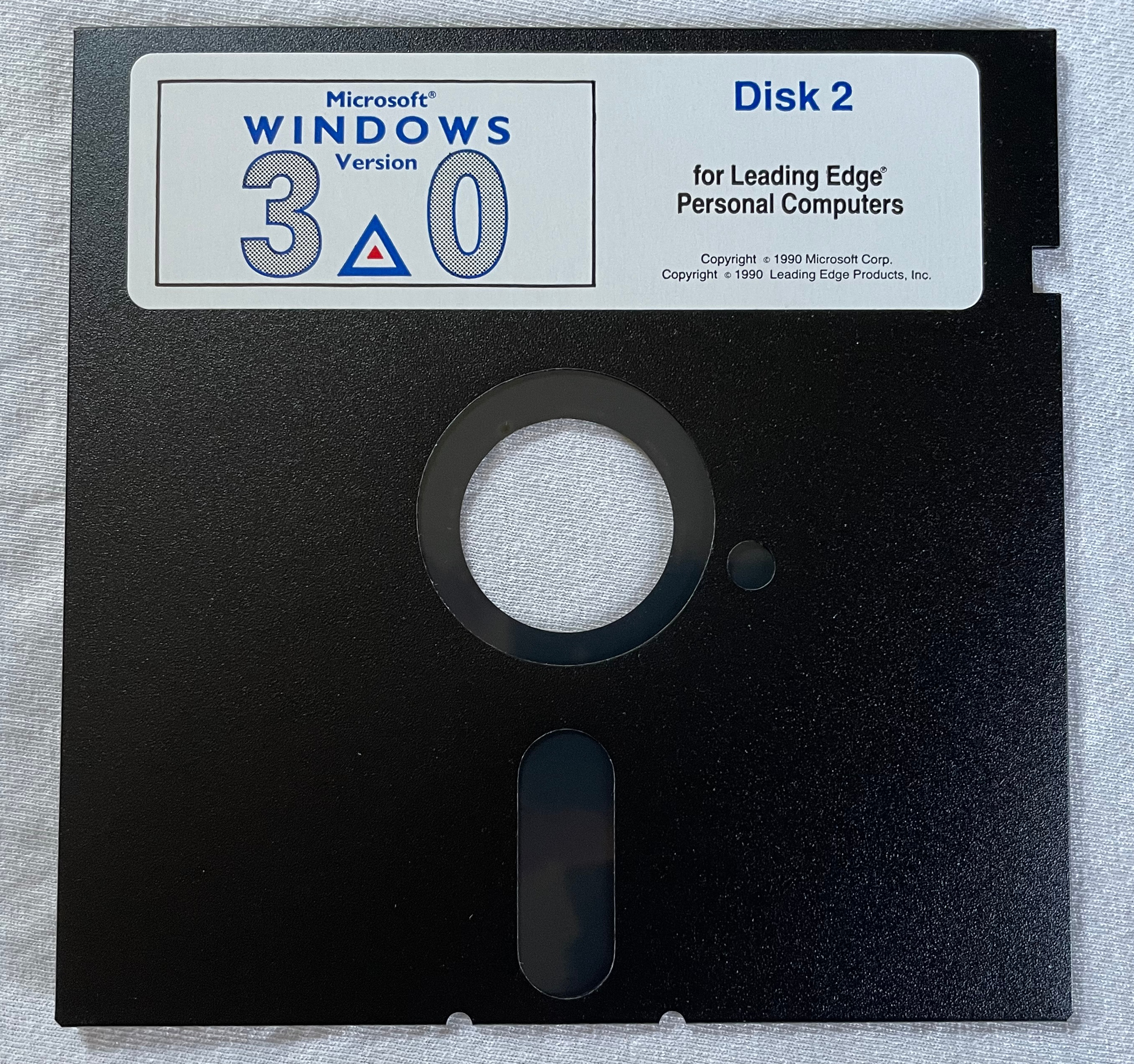
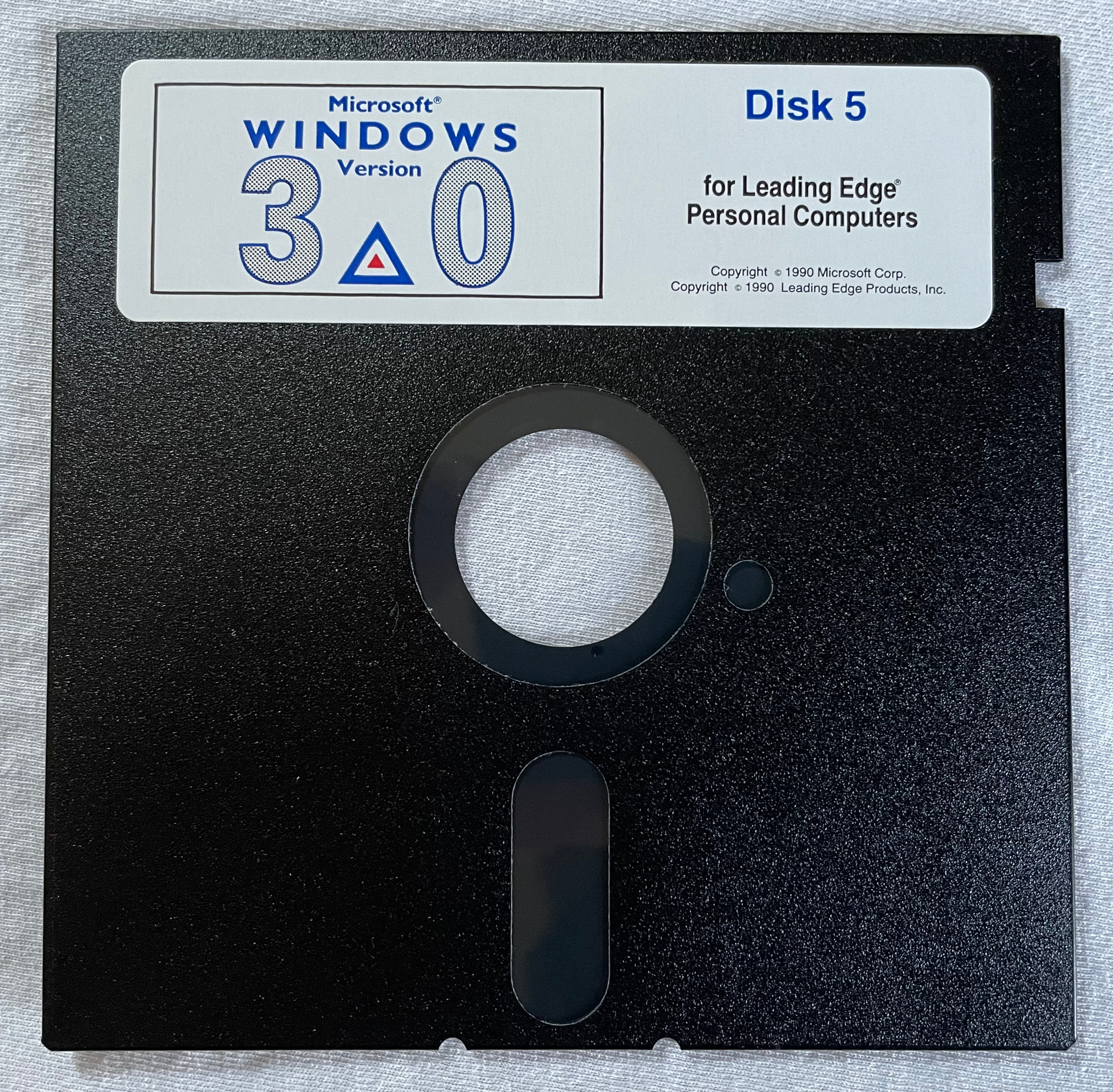
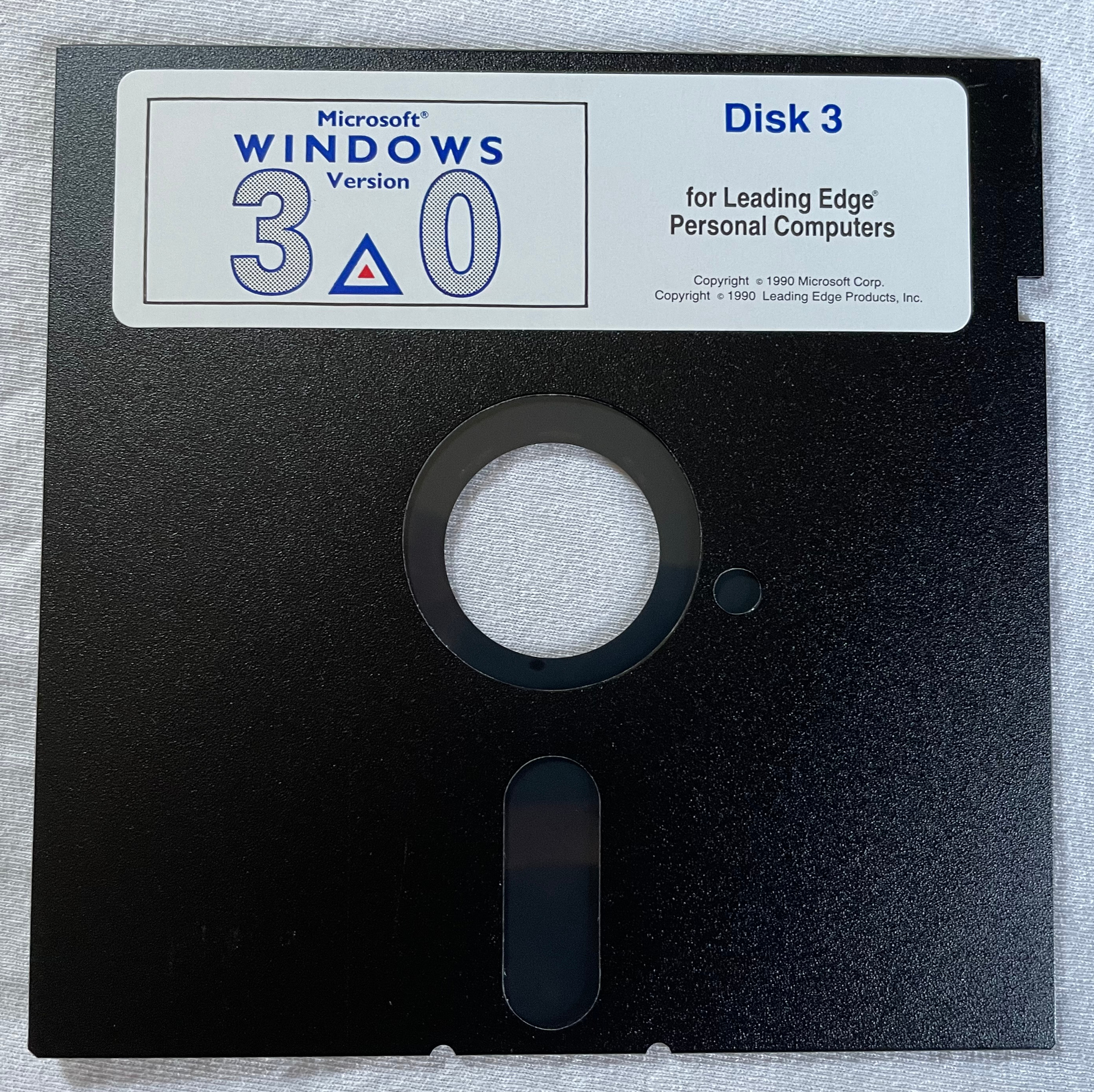
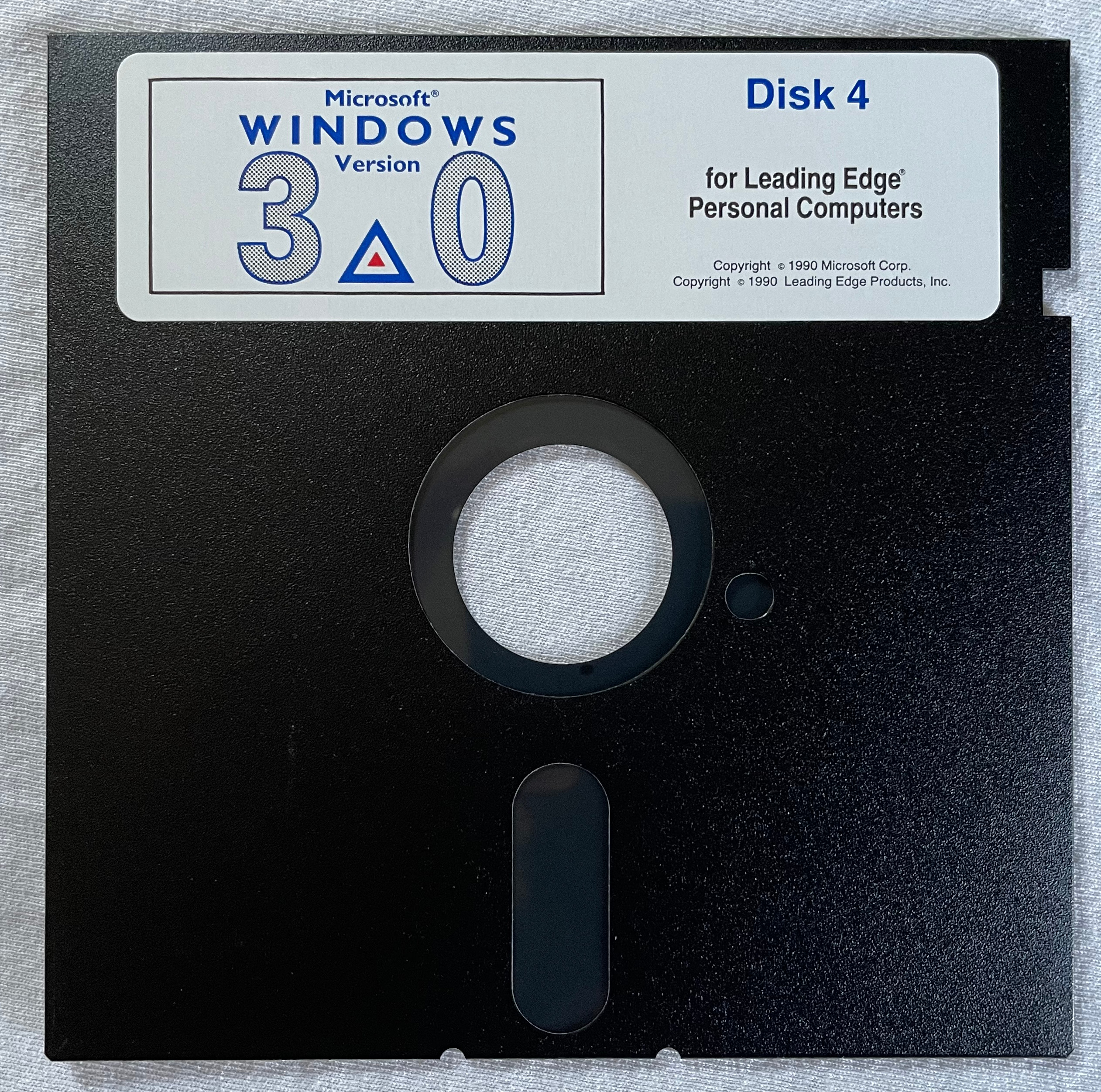
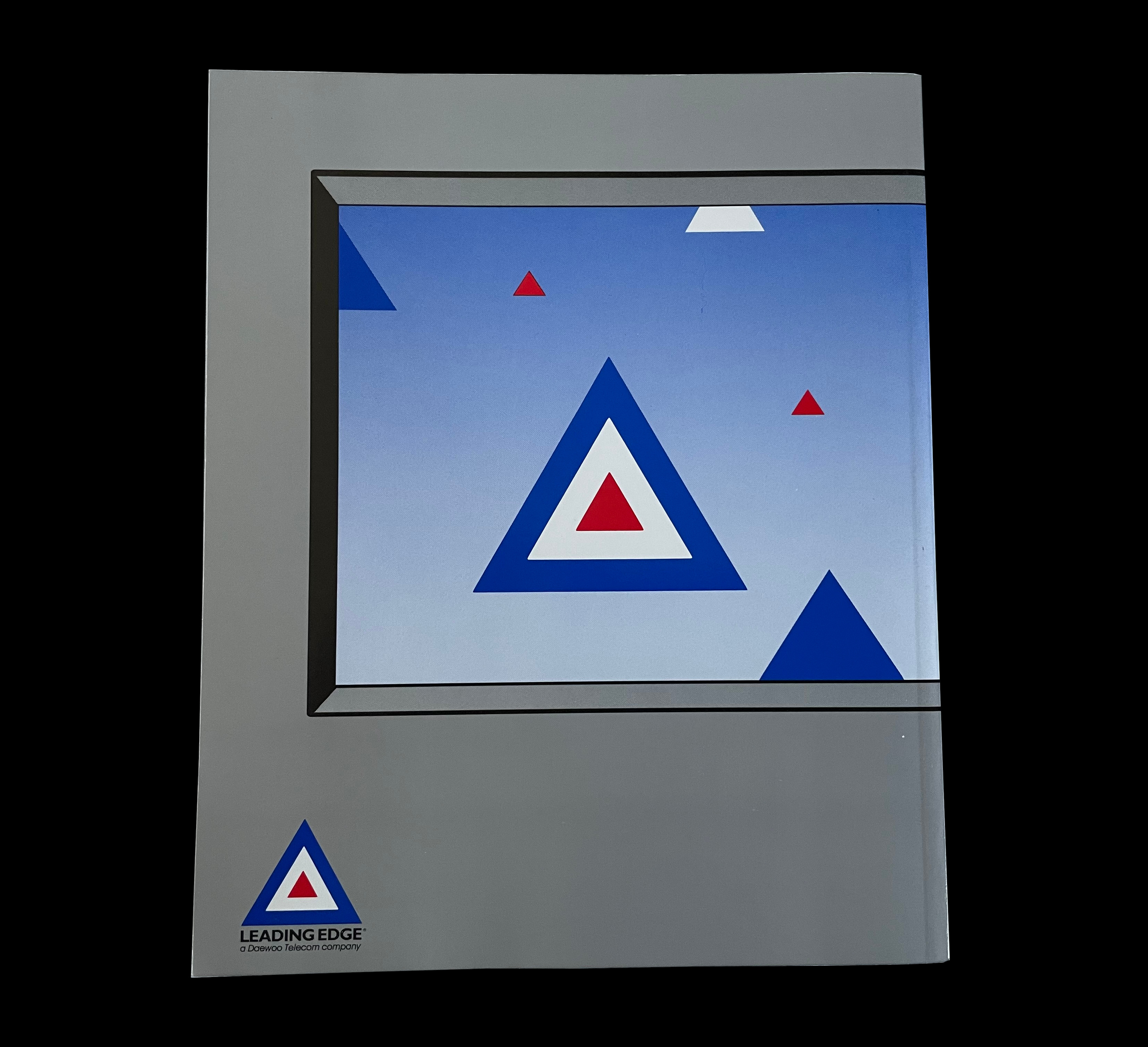
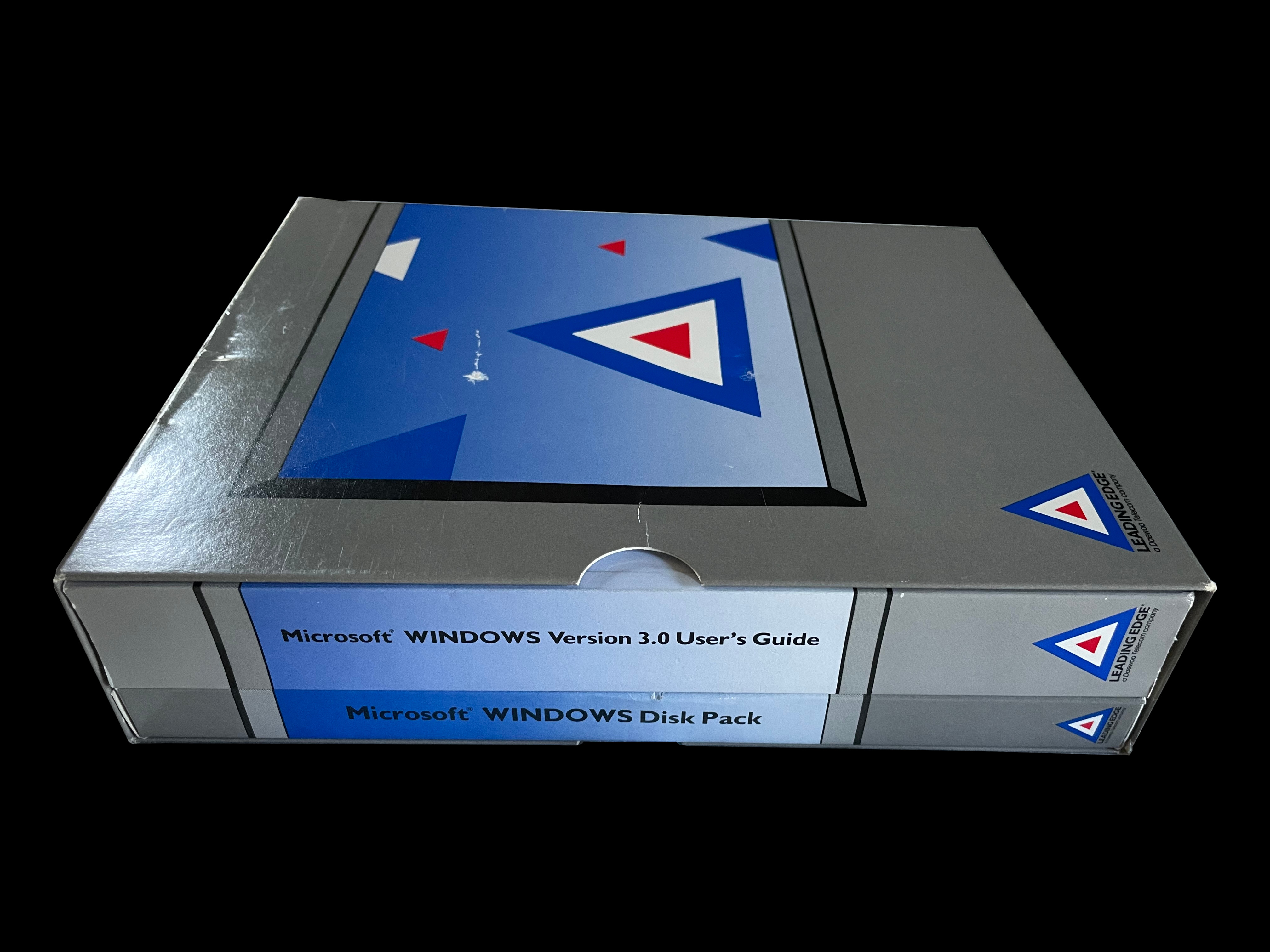
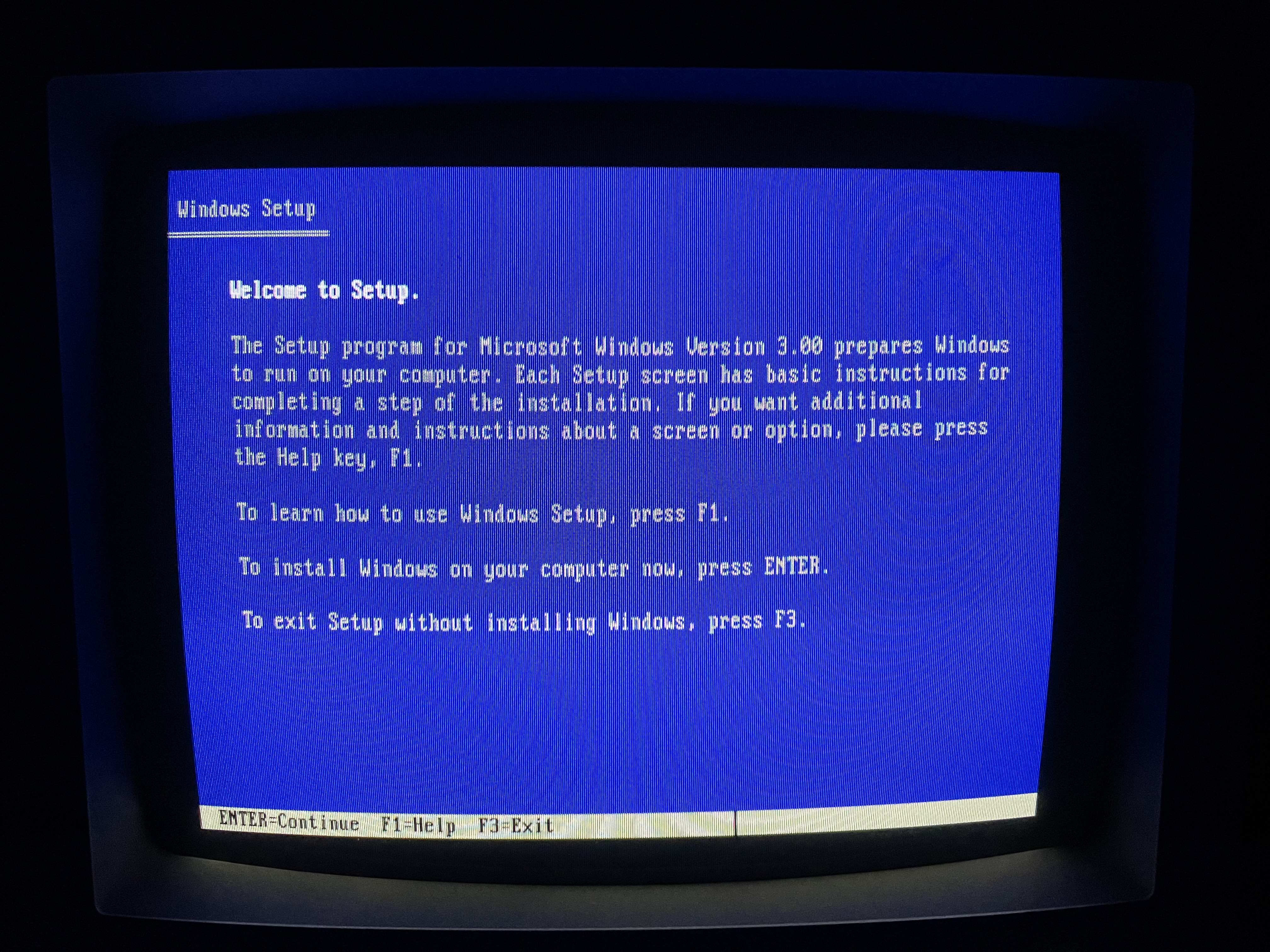
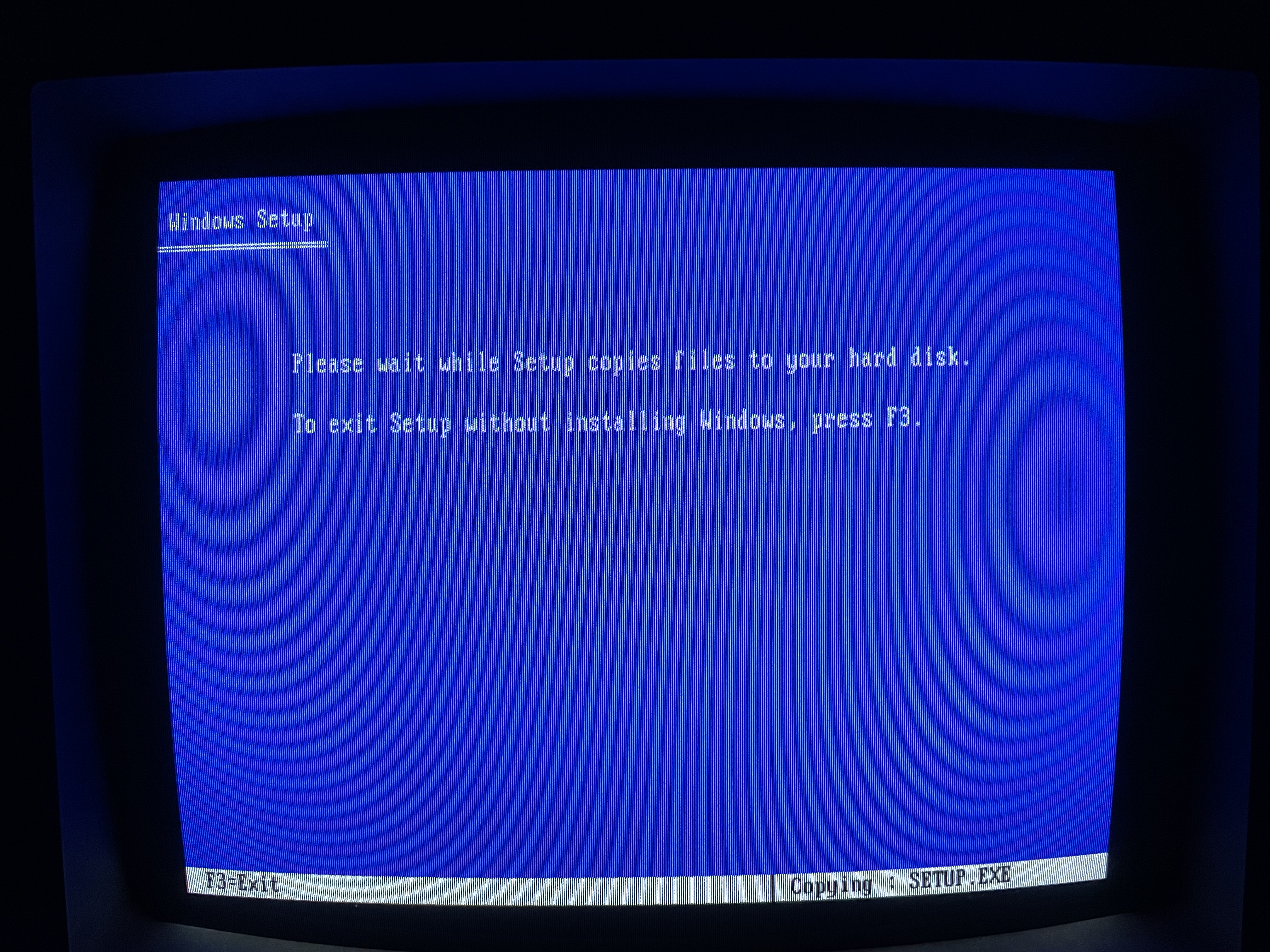
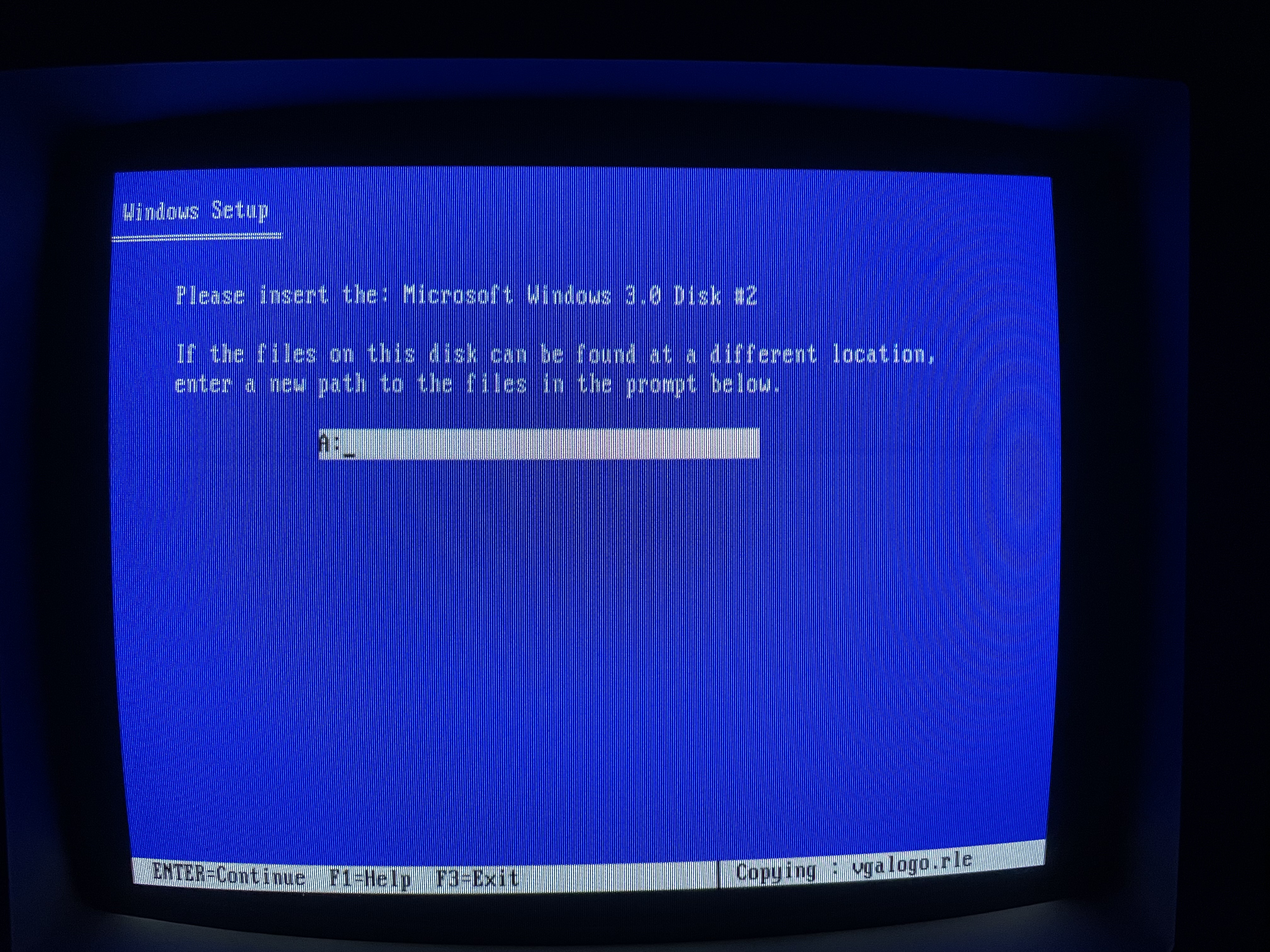
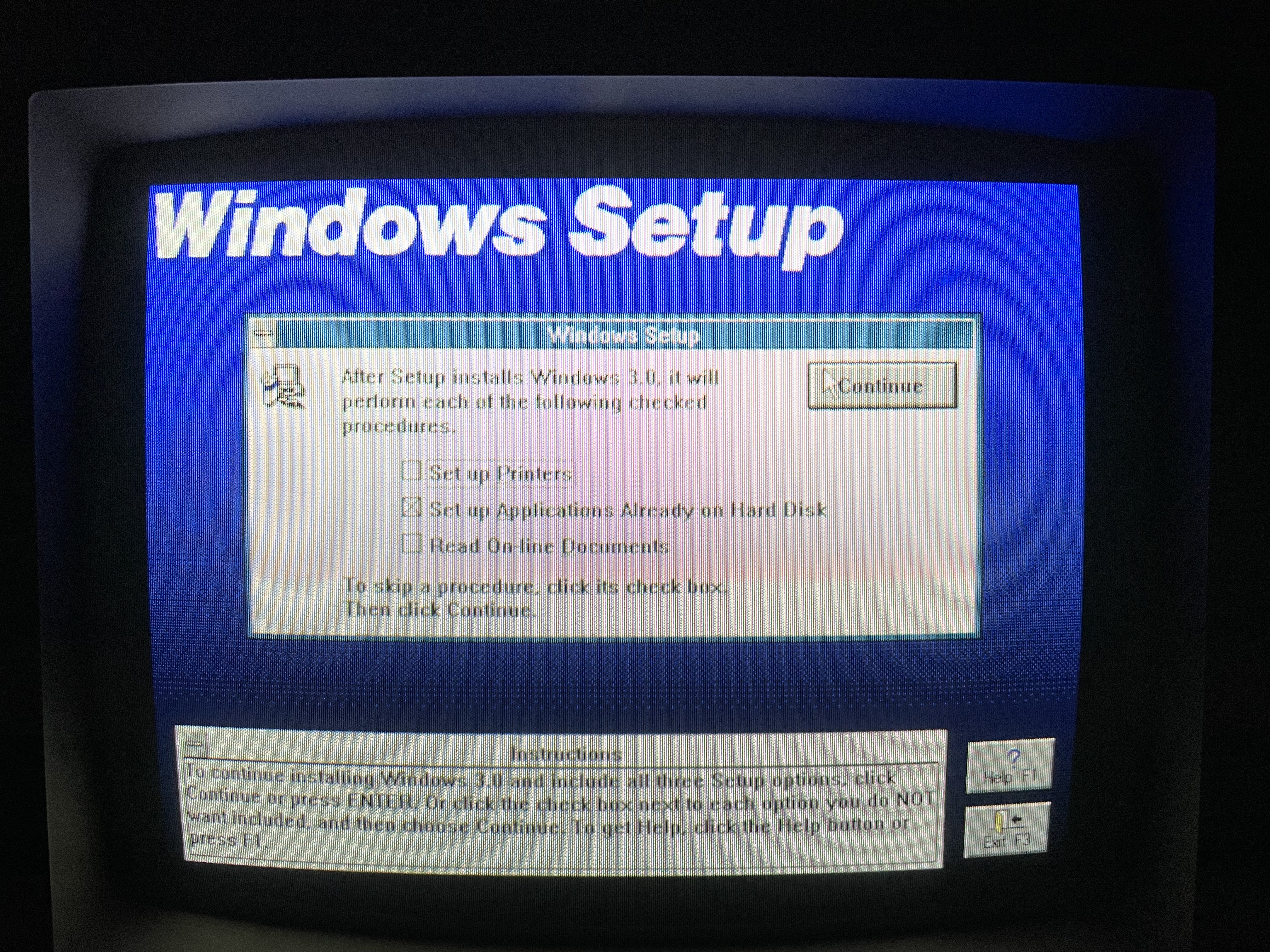
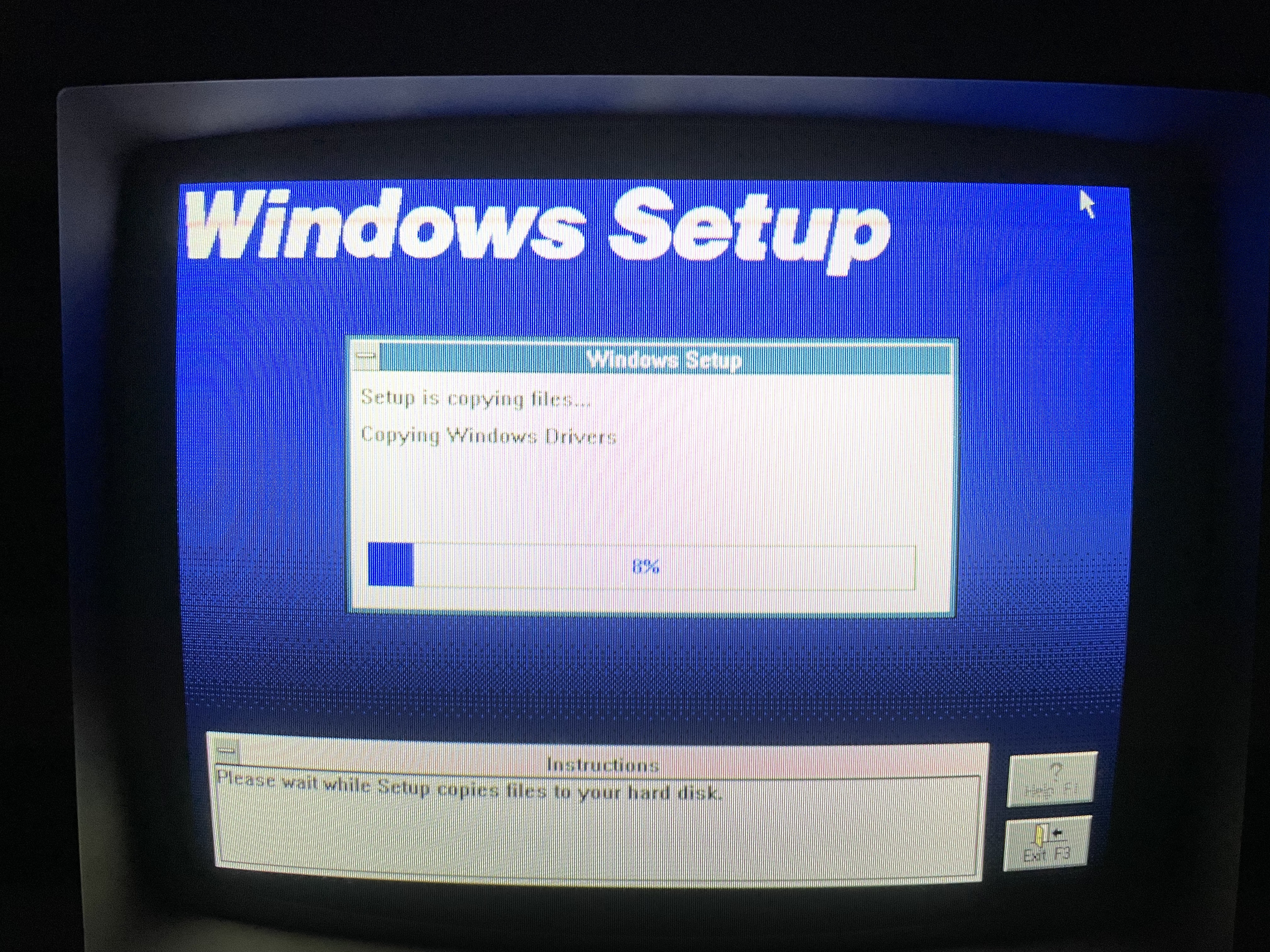
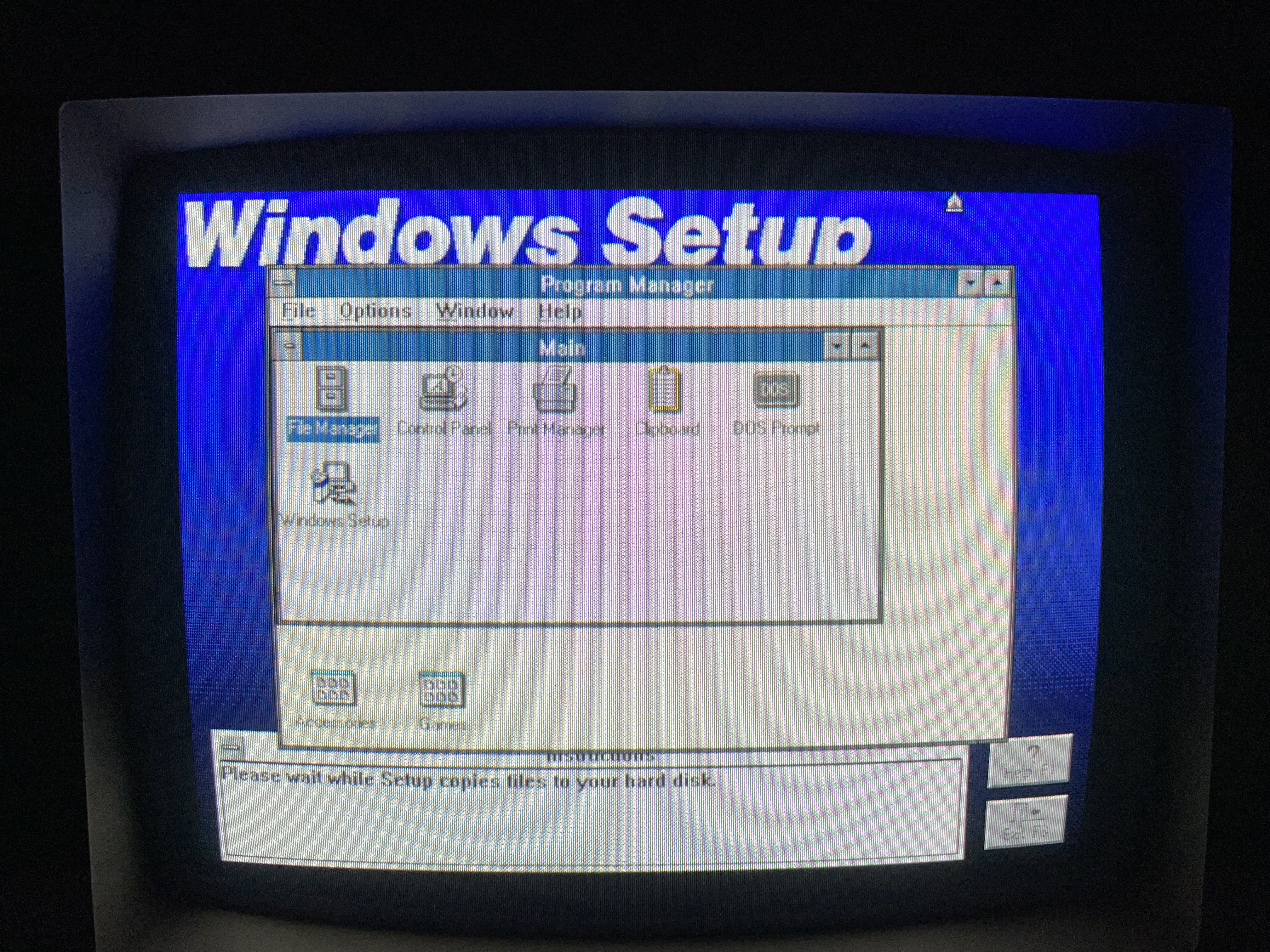
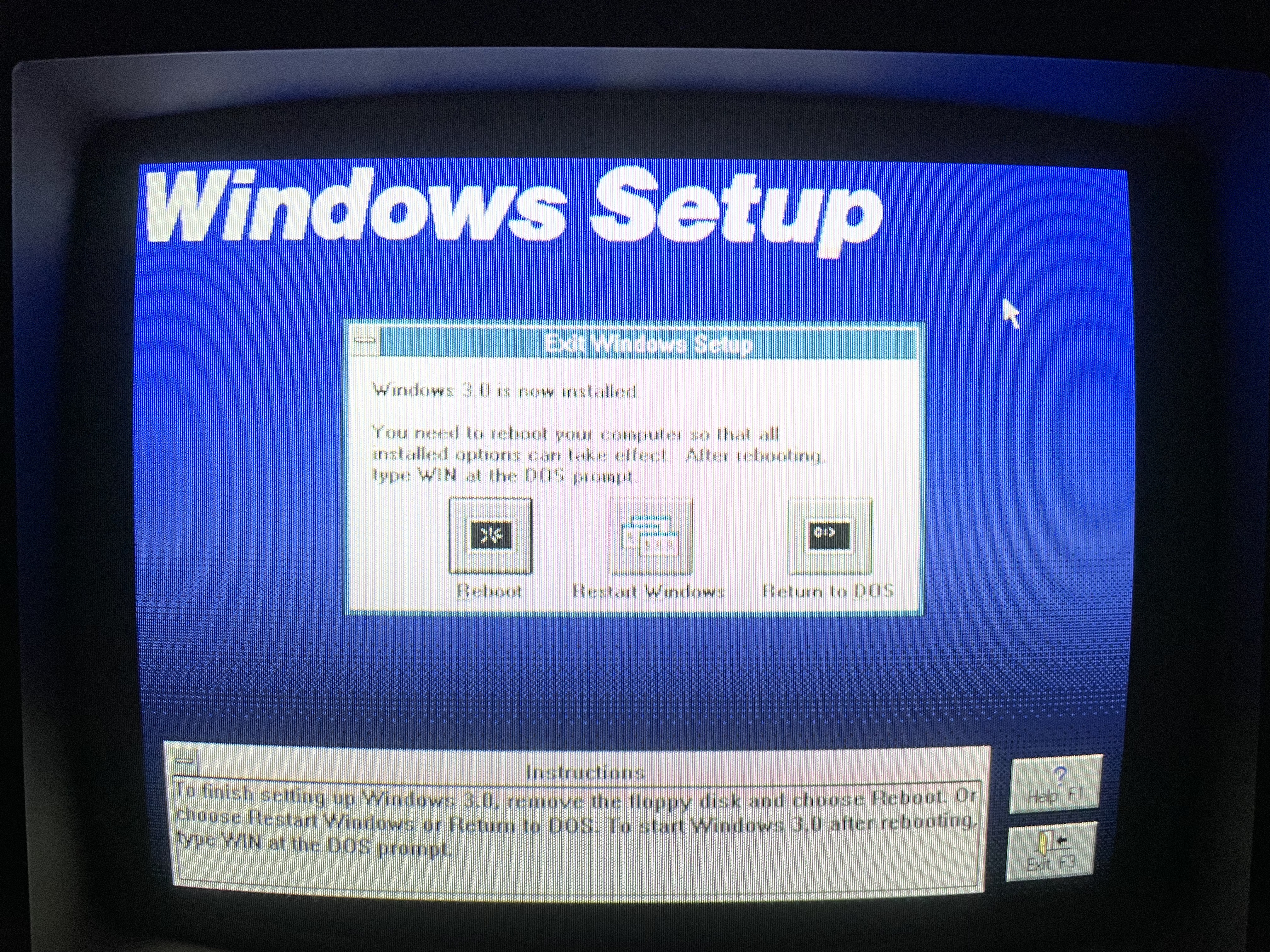
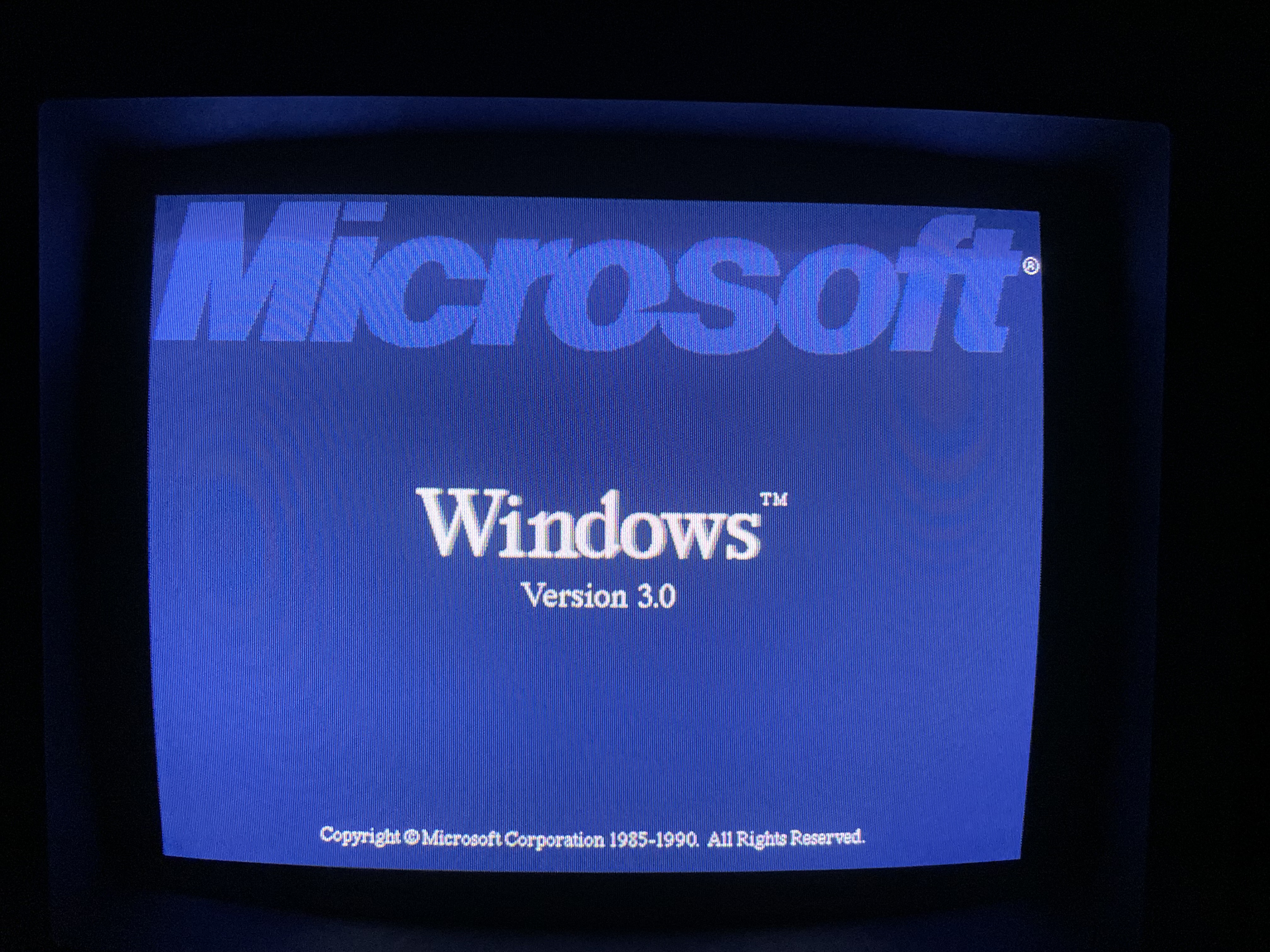
    Disk 1 of the Leading Edge version of Windows 3.0 A photo of the Leading Edge version of Windows 3.0's box showing the software license information A photo of the front and side of the Leading Edge version of Windows 3.0 A top down photo of the Leading Edge version of Windows 3.0's box Disk 2 of the Leading Edge version of Windows 3.0 Disk 5 the Leading Edge version of Windows 3.0 A photo of the floppy disk holder that is usually kept inside of the main box of the Leading Edge version of Windows 3.0 Disk 3 of the Leading Edge version of Windows 3.0 Disk 4 of the Leading Edge version of Windows 3.0 A photo of the rear of the Leading Edge version of Windows 3.0's manual A photo of the front cover of the Leading Edge version of Windows 3.0's user guide A photo of the box with manual and software holder for the Leading Edge version of Windows 3.0 A screenshot of the Leading Edge version of Windows 3.0's setup screen An alternate view of the Leading Edge version of Windows 3.0 setup The Leading Edge version of Windows 3.0 setup screen asking for disk 2 The Leading Edge version of Windows 3.0 setup asking the user to setup printers A screenshot of the Leading Edge version of Windows 3.0 setup copying files to the target drive A screenshot of the Leading Edge version of Windows 3.0 setup finalizing A screenshot of the Leading Edge version of Windows 3.0 setup telling the user to reboot or restart A screenshot of the Leading Edge version of Windows 3.0 loading screen A screenshot of the Leading Edge version of Windows 3.0 in its operating environment

     Windows 3.1

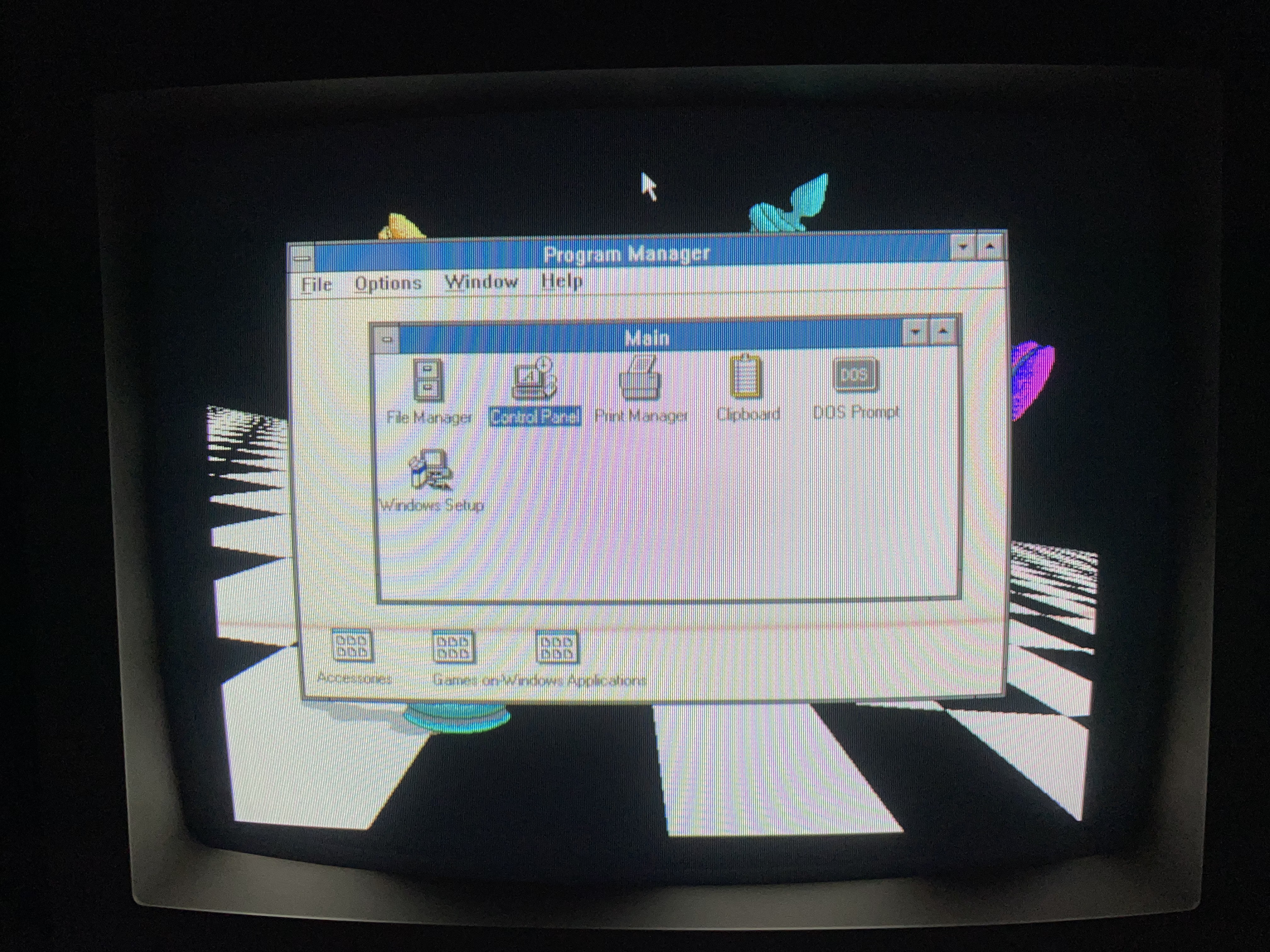
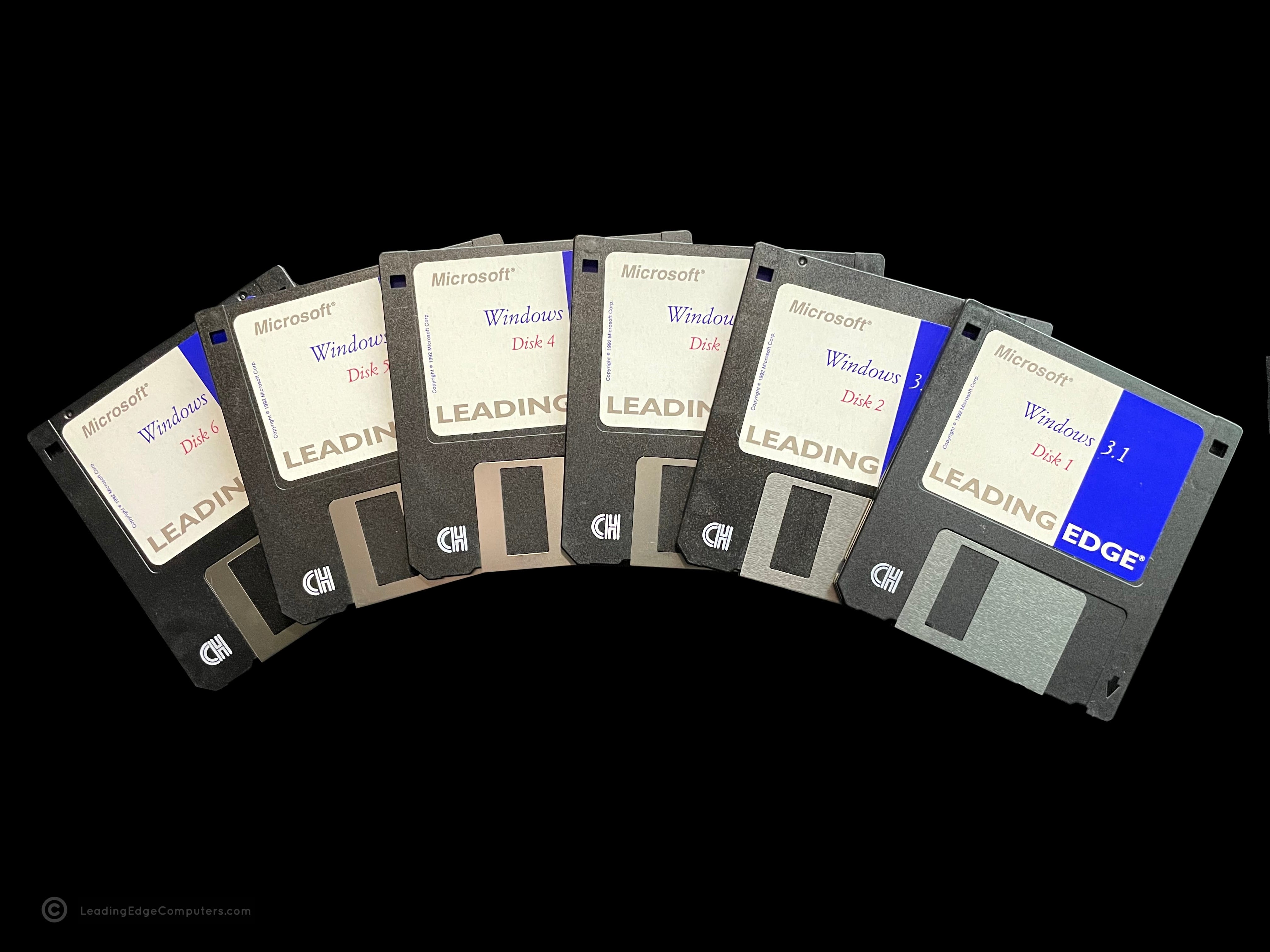
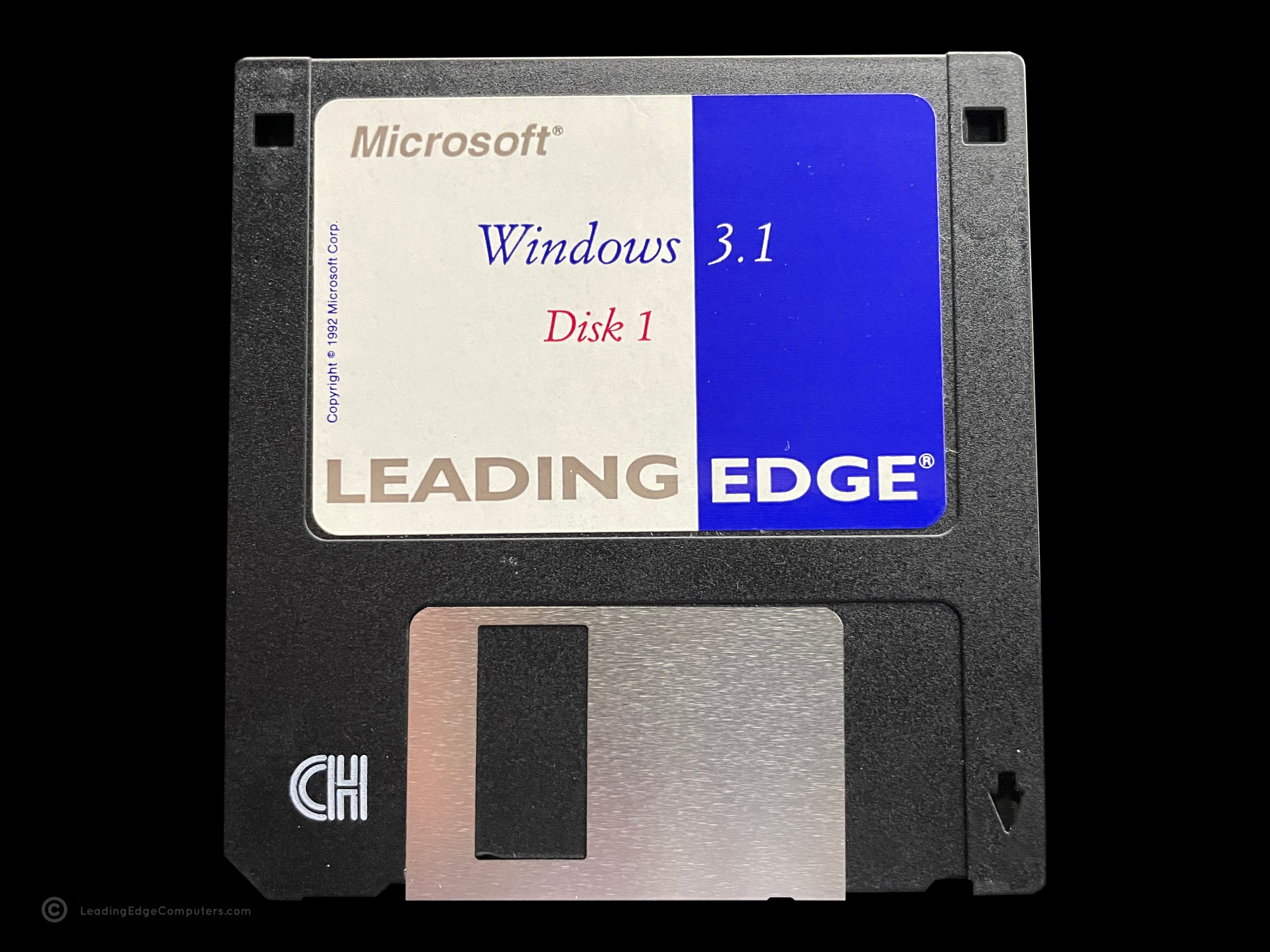
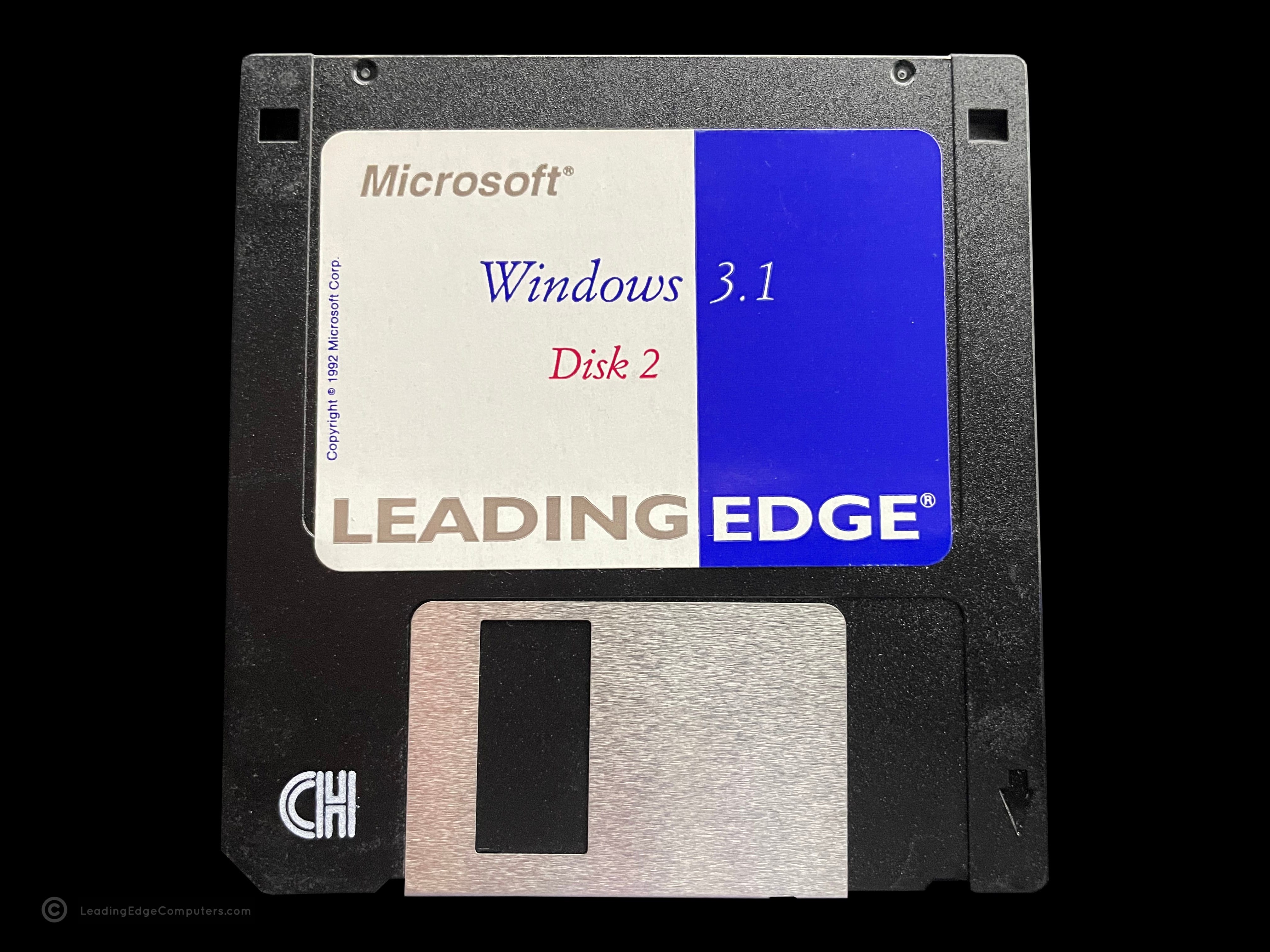
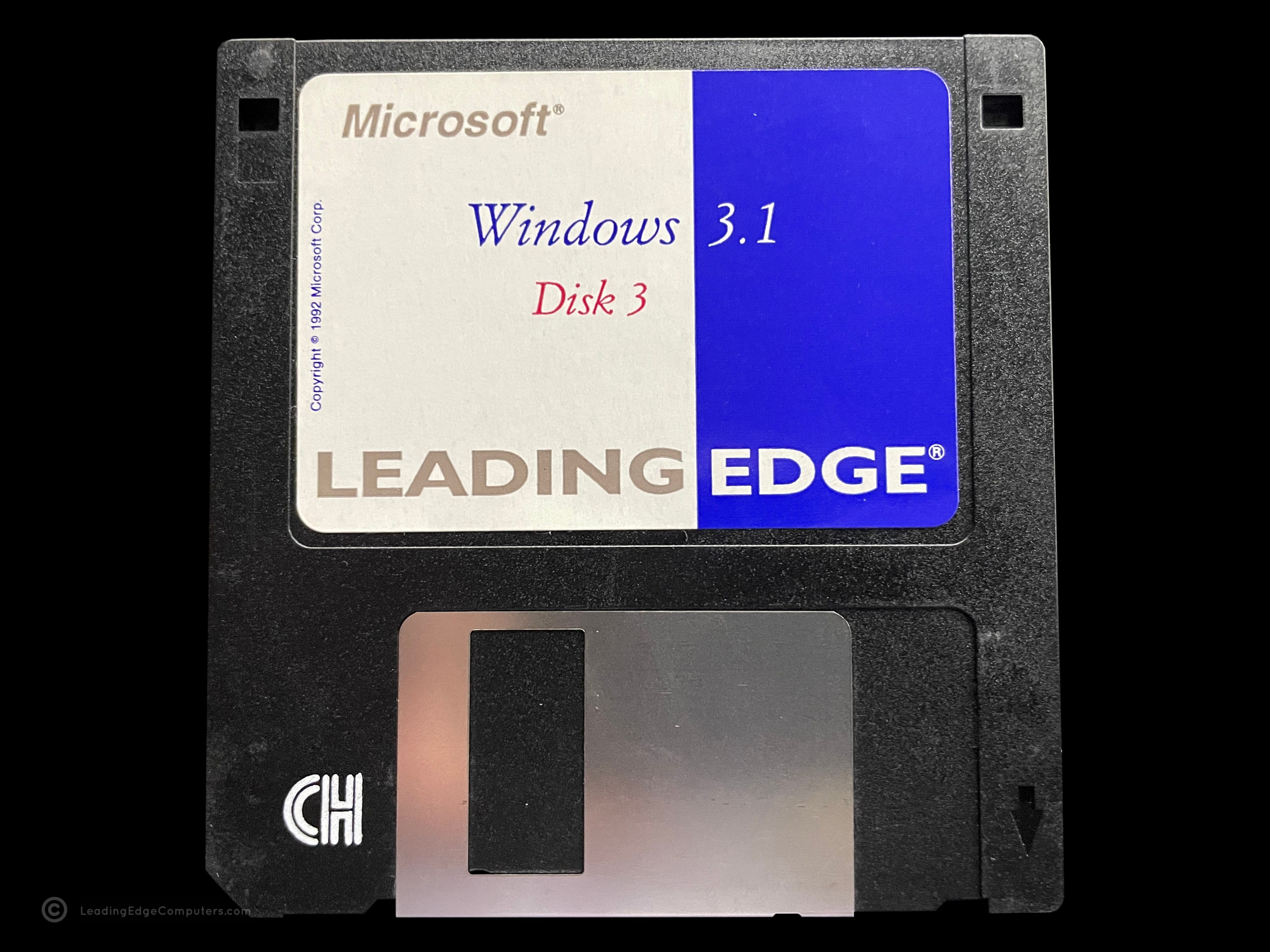
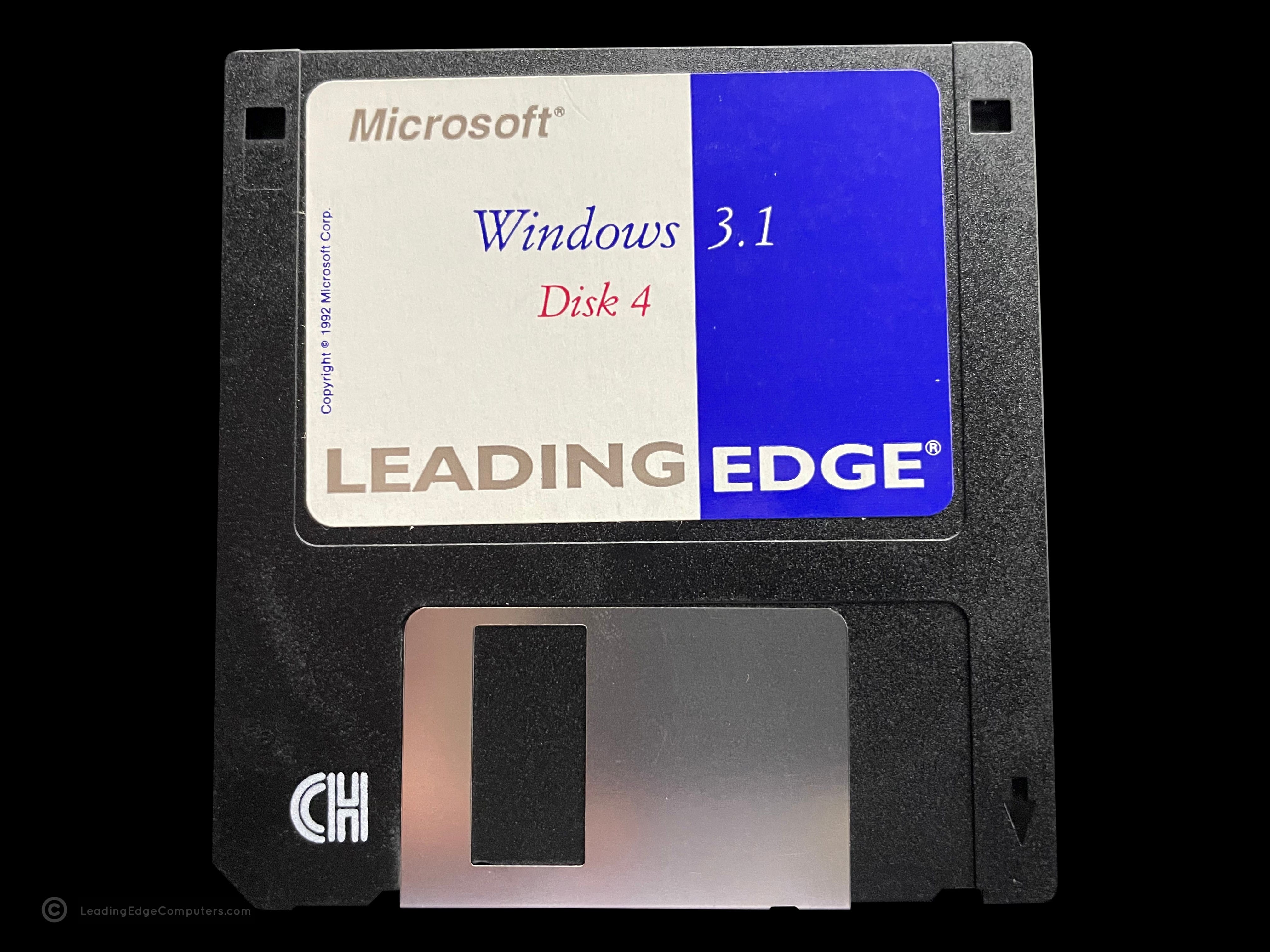
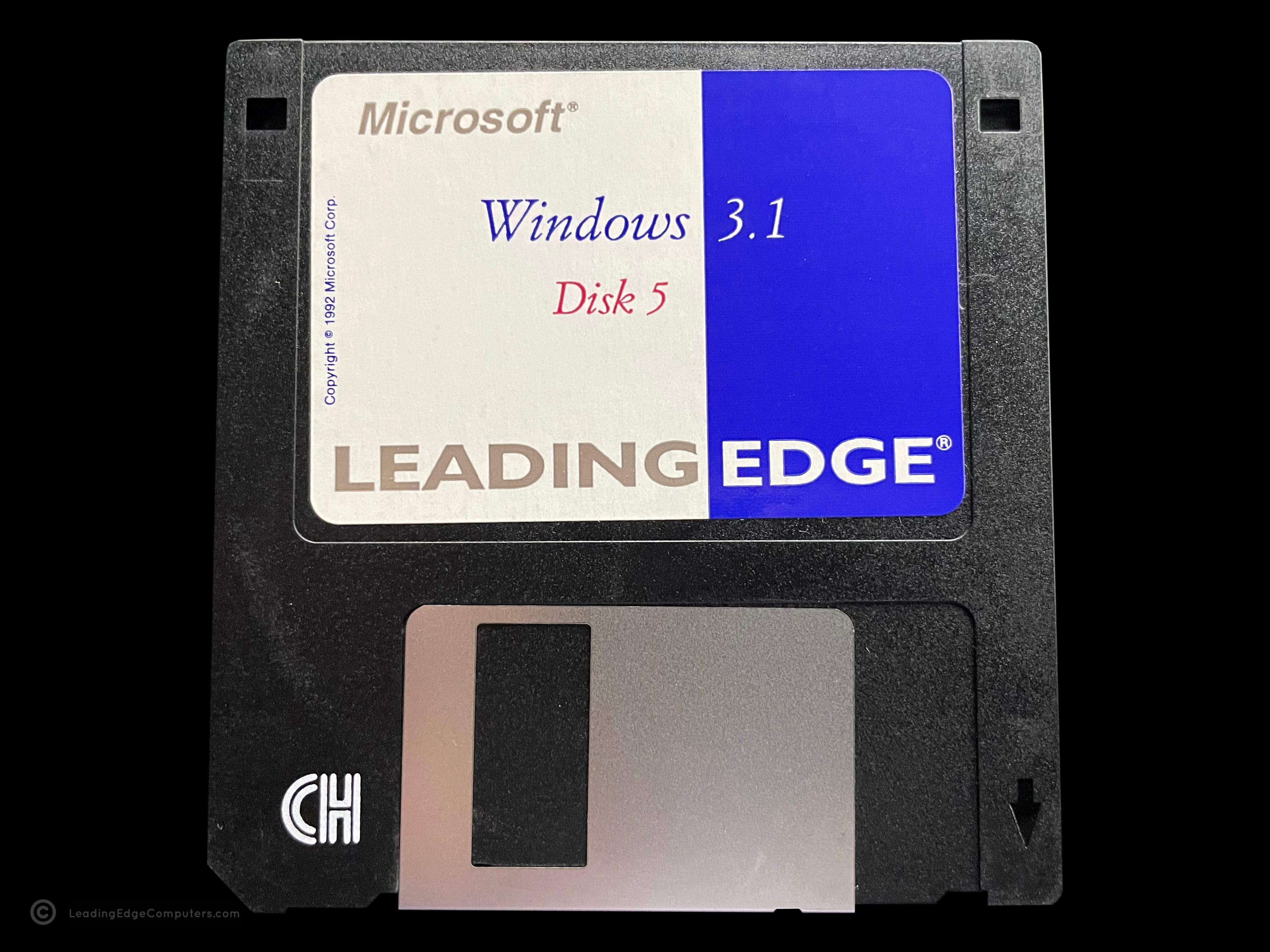
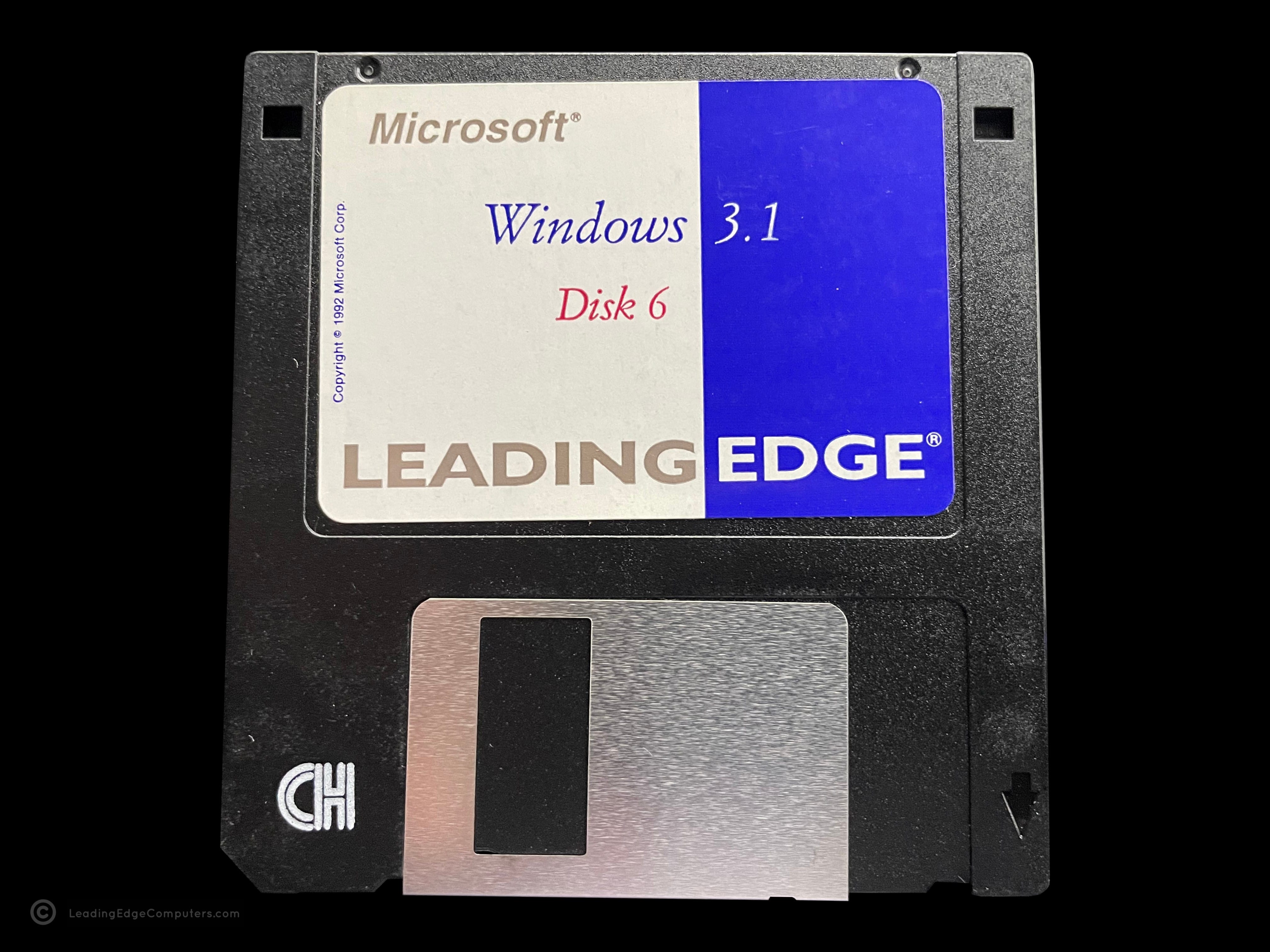
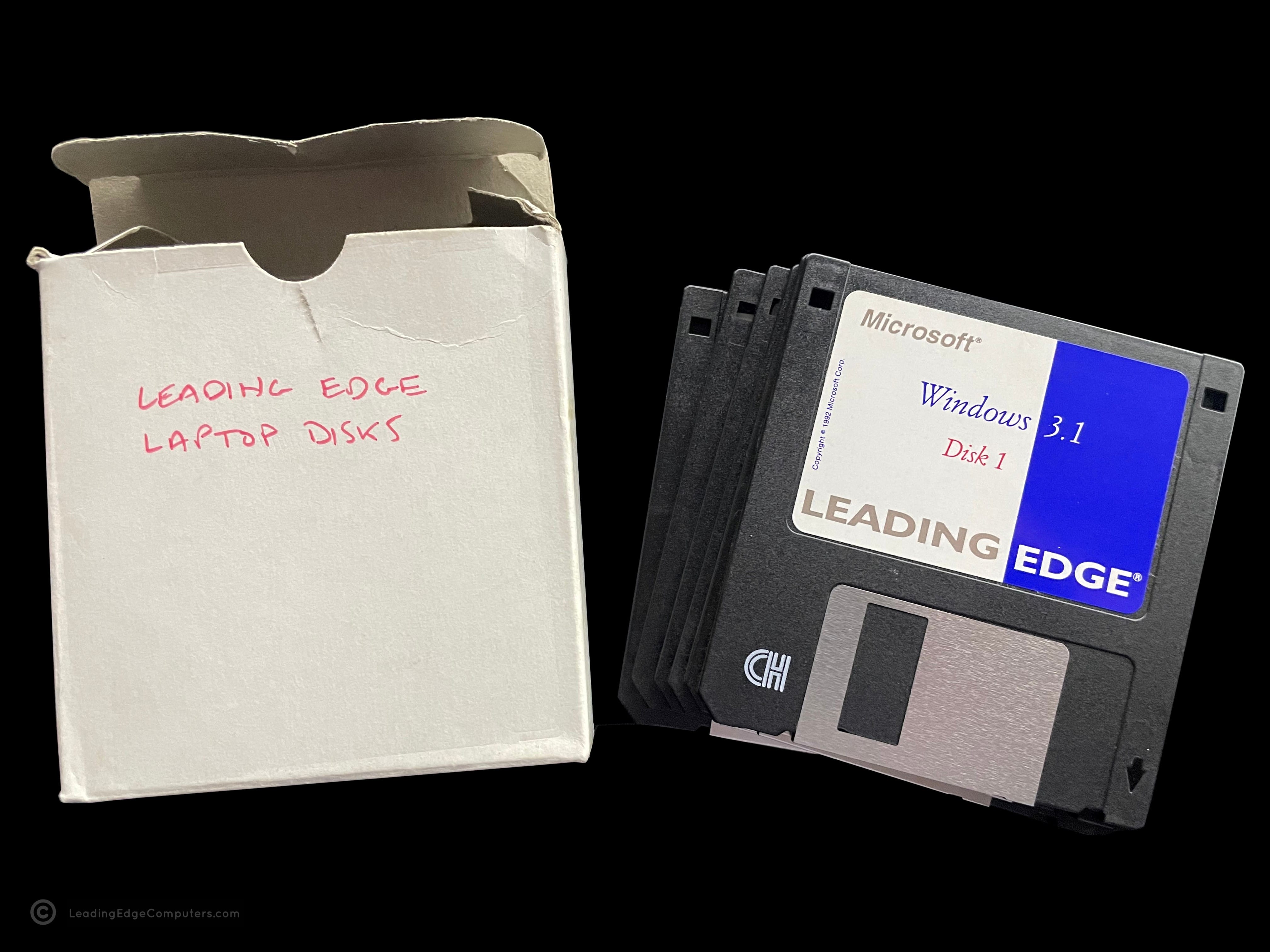
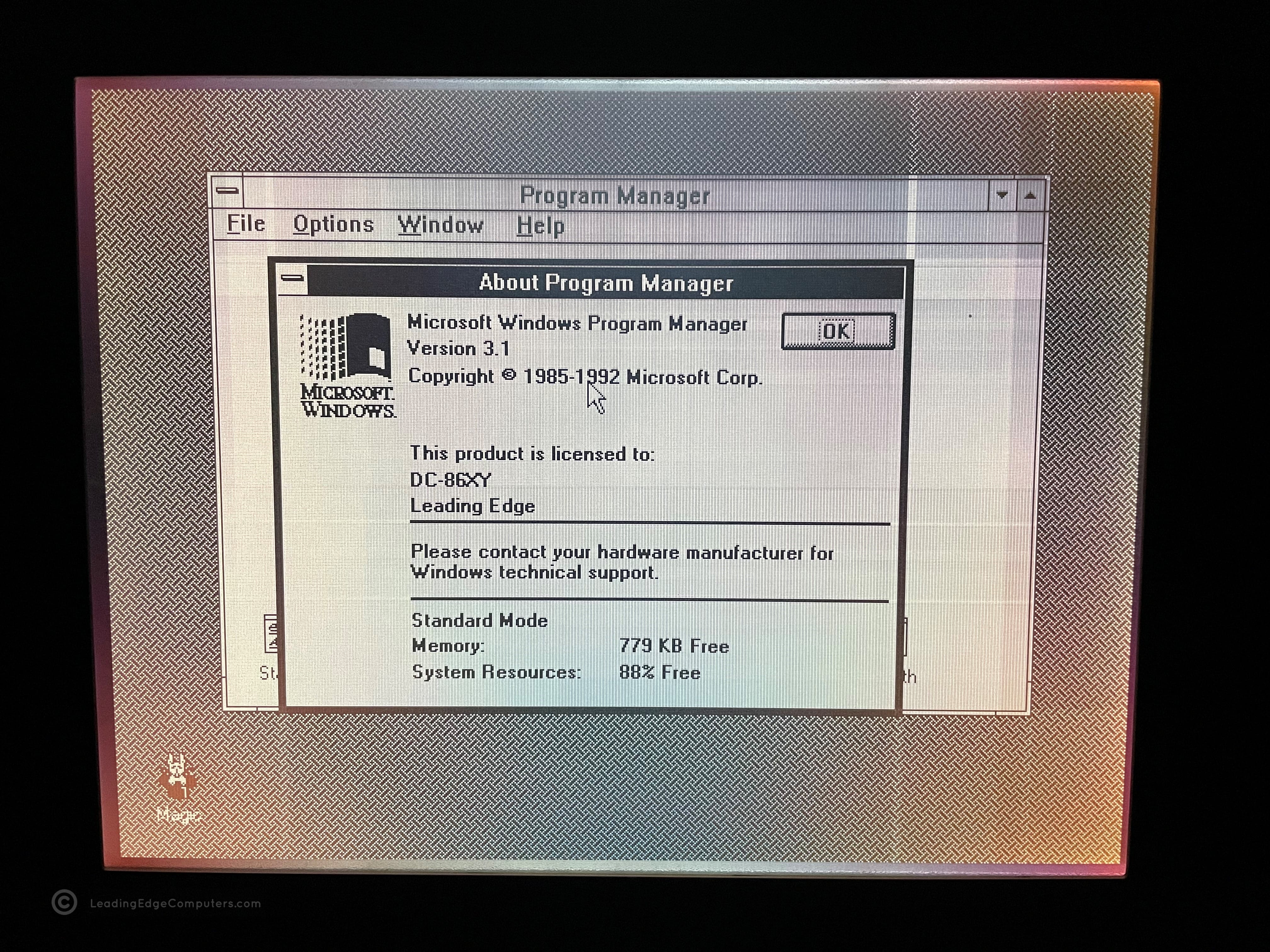
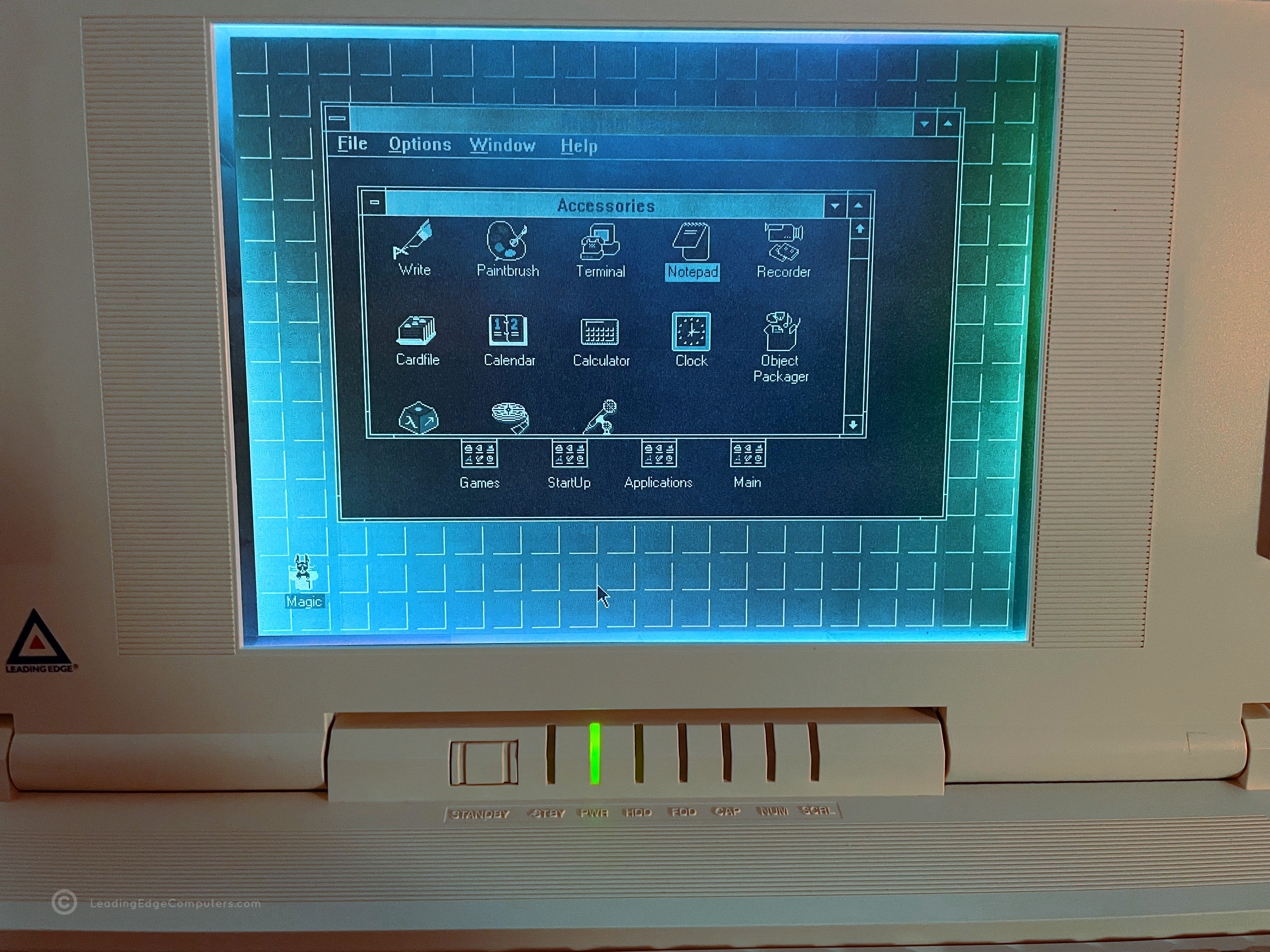
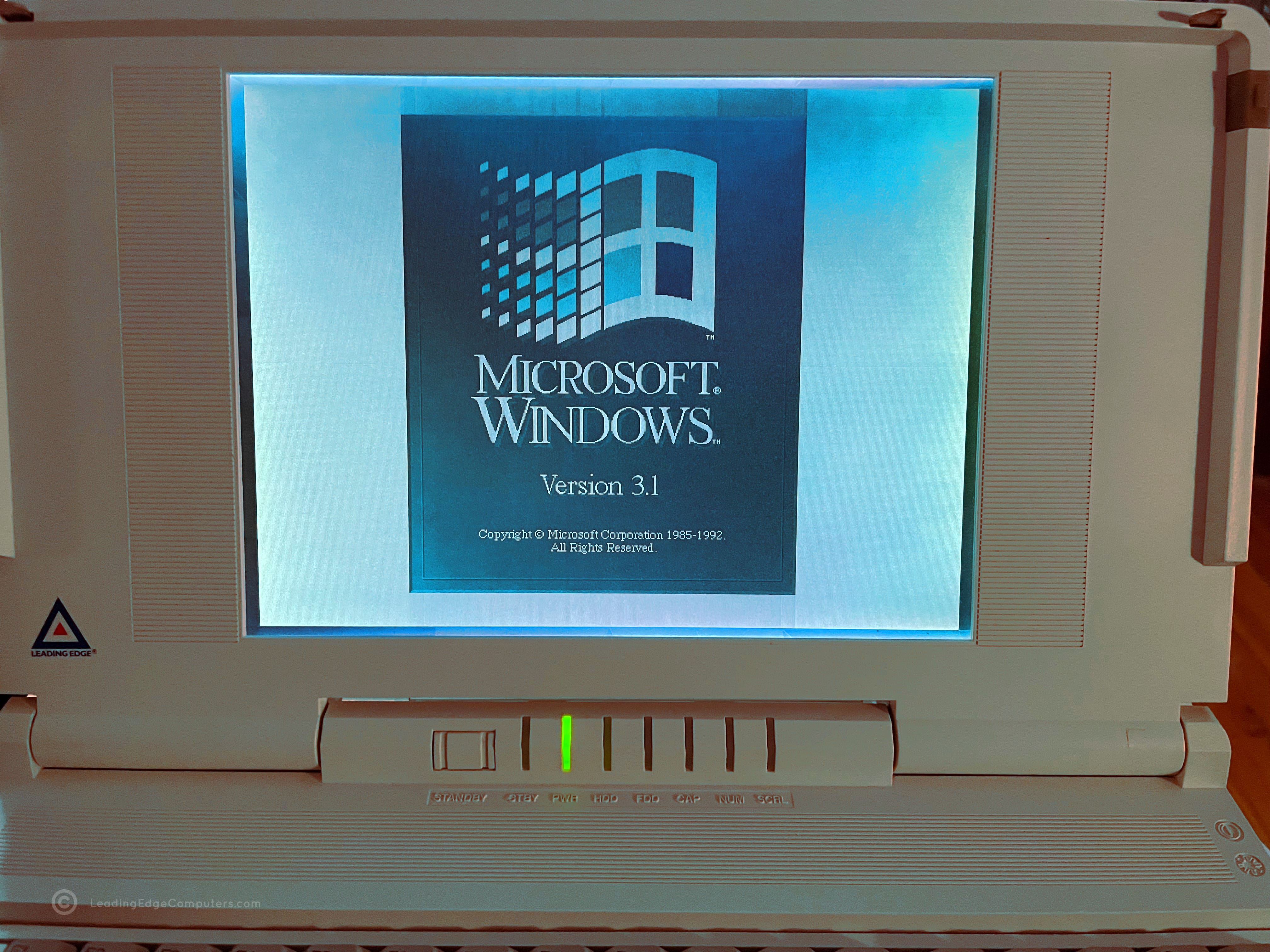
    A photo of all of the 3.5 inch disks required for a full install of the Leading Edge version of Windows 3.1 A photo of disk 1 for the Leading Edge version of Windows 3.1 A photo of disk 2 for the Leading Edge version of Windows 3.1 A photo of disk 3 for the Leading Edge version of Windows 3.1 A photo of disk 4 for the Leading Edge version of Windows 3.1 A photo of disk 5 for the Leading Edge version of Windows 3.1 A photo of disk 6 for the Leading Edge version of Windows 3.1 A photo of the box that contained the bundled Leading Edge version of Windows 3.1 A photo of the box and stack of 3.5 inch disks for the Leading Edge version of Windows 3.1 A screenshot from the 386SX Notebook showing Windows 3.1 running Program Manager A screenshot from a 386SX Notebook showing Windows 3.1's' Accessories window A photo of a 386SX Notebook computer with the Windows 3.1 startup screen

     Word Processing

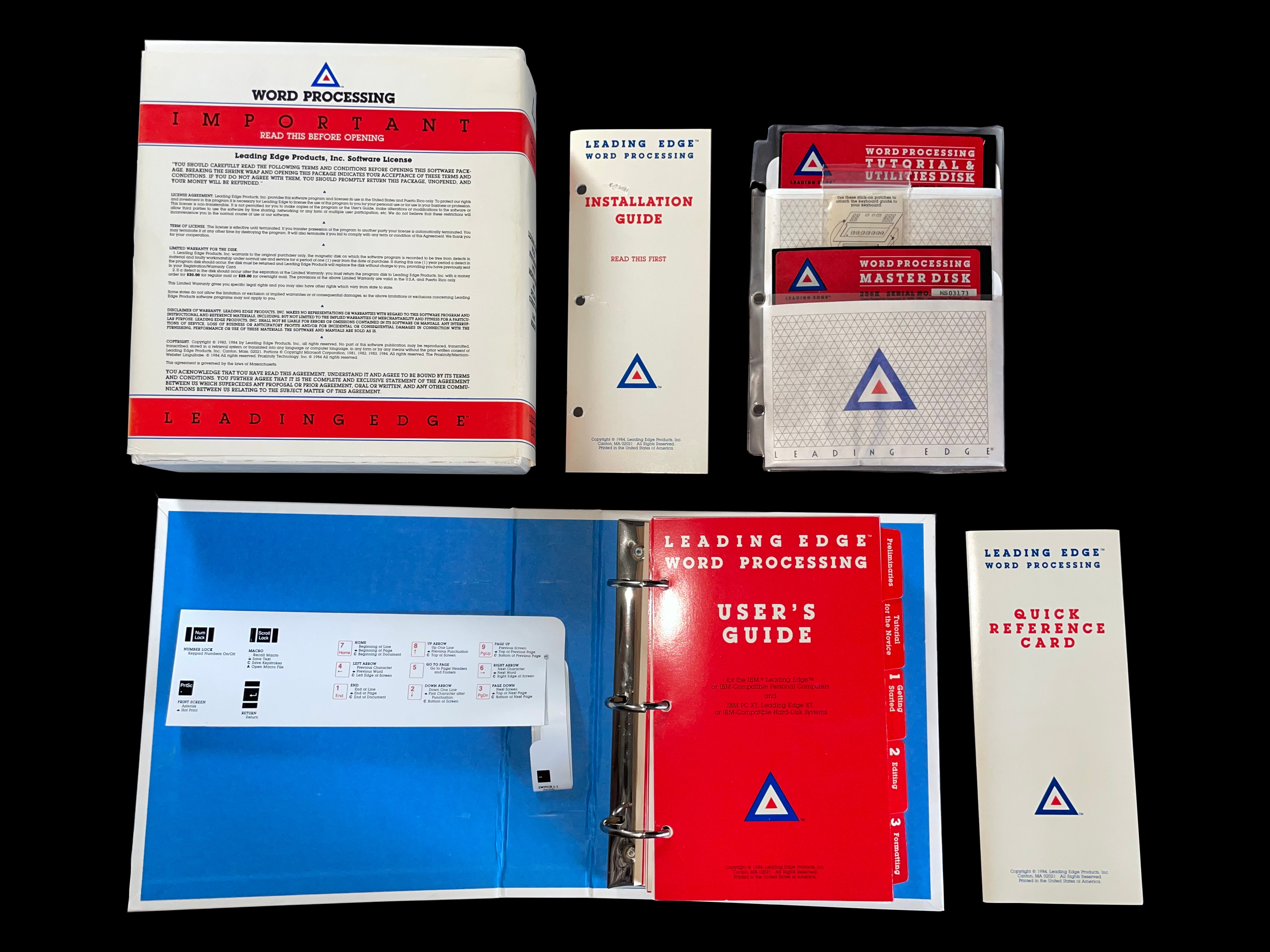
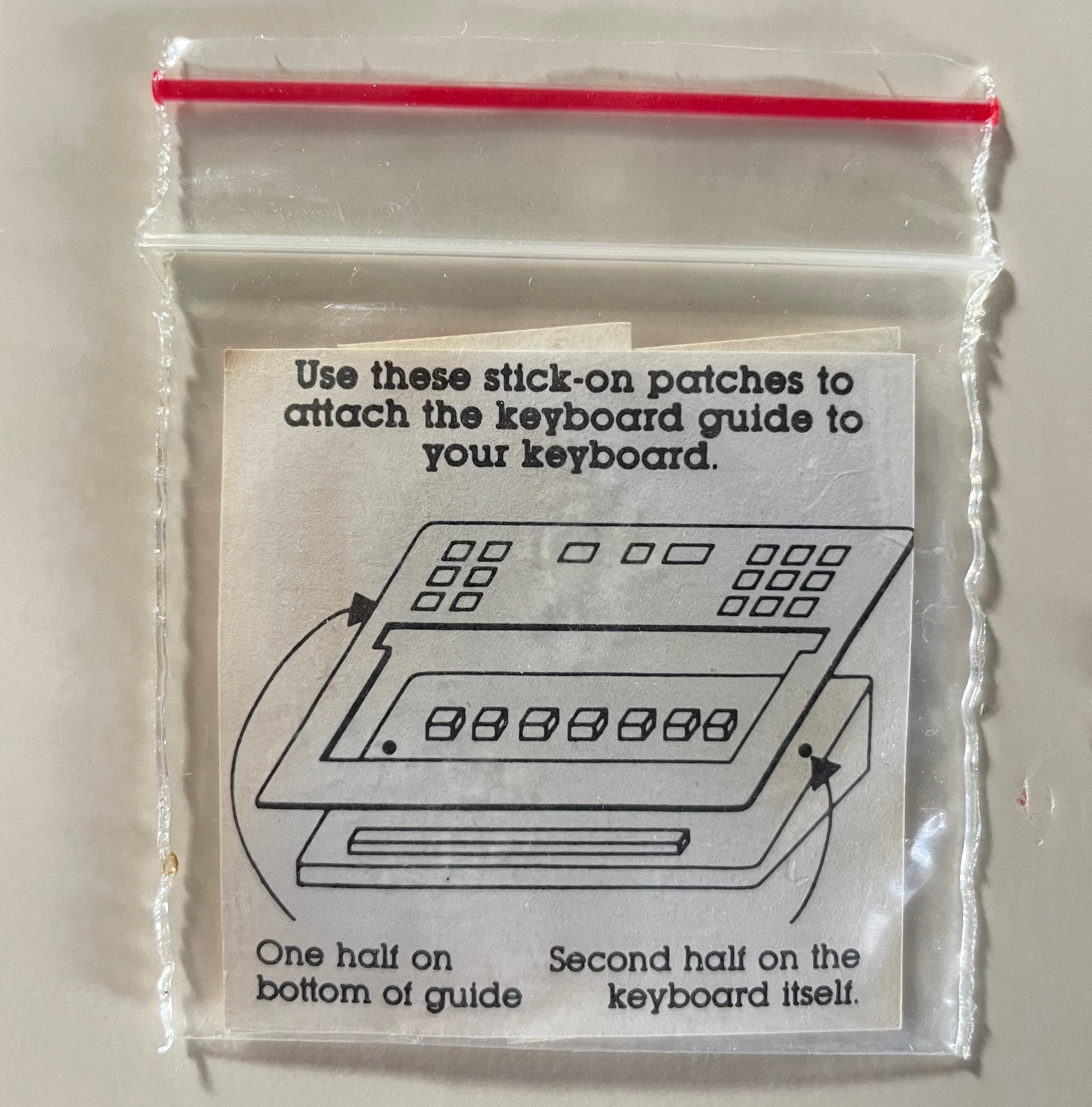
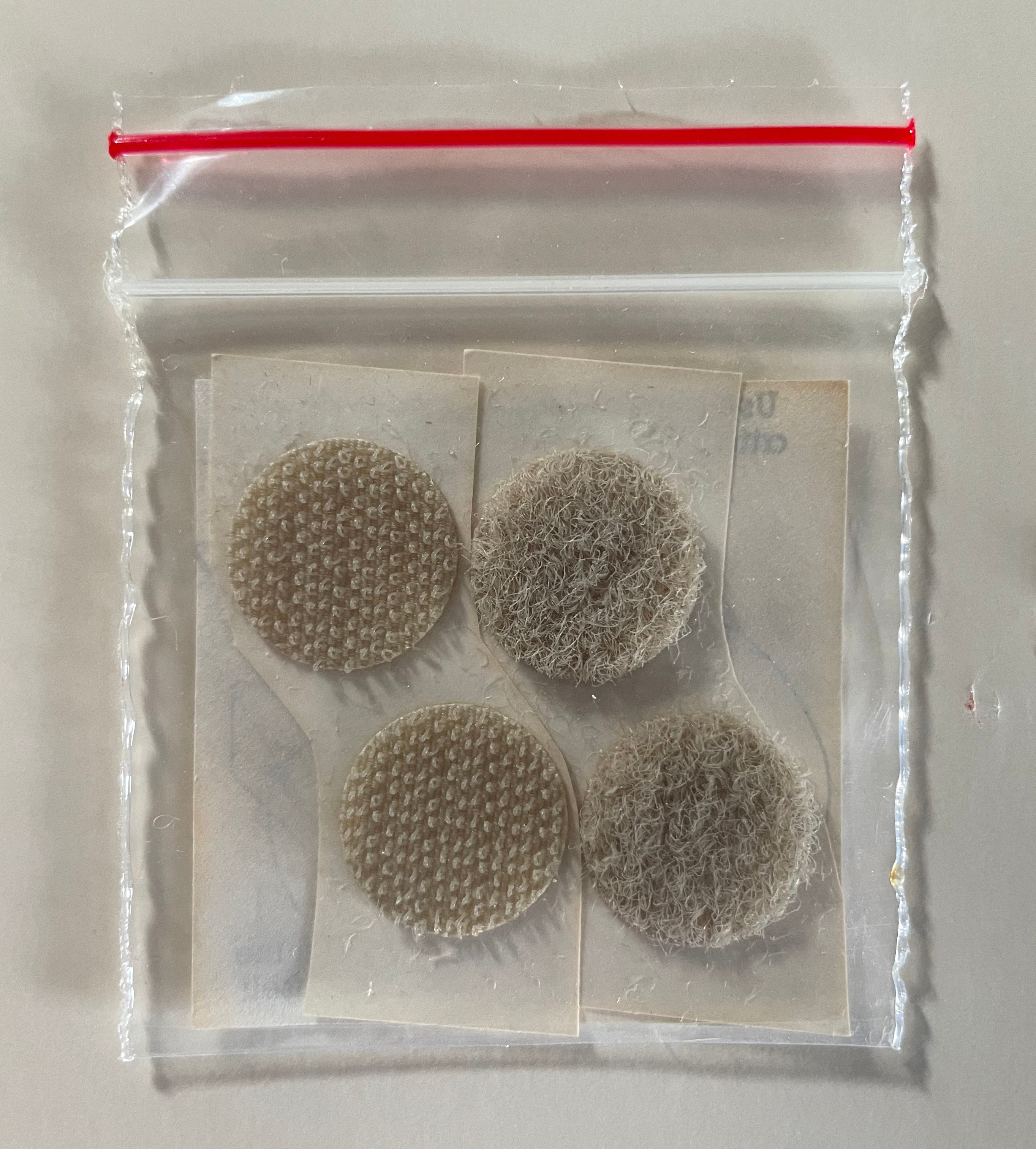
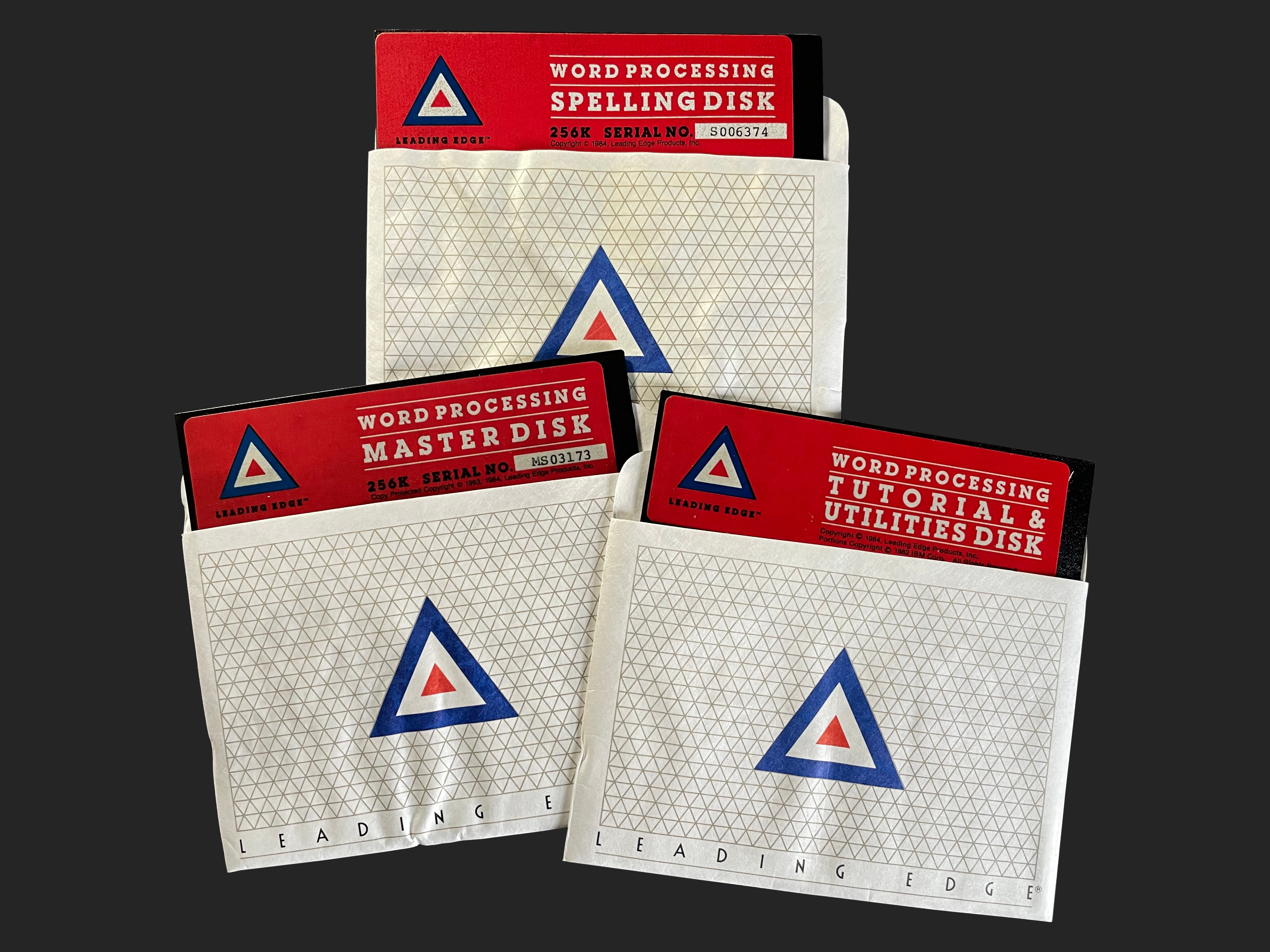
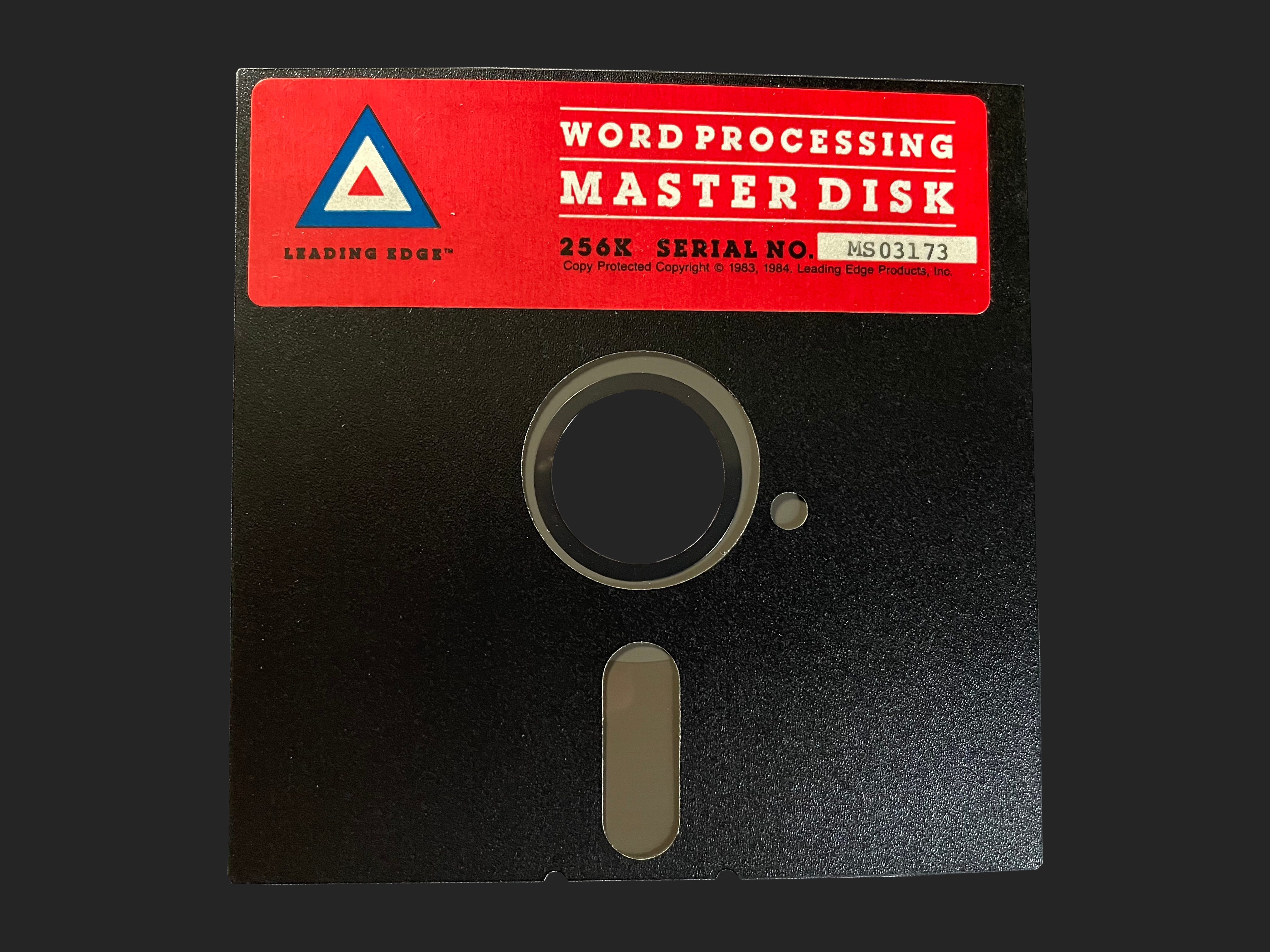
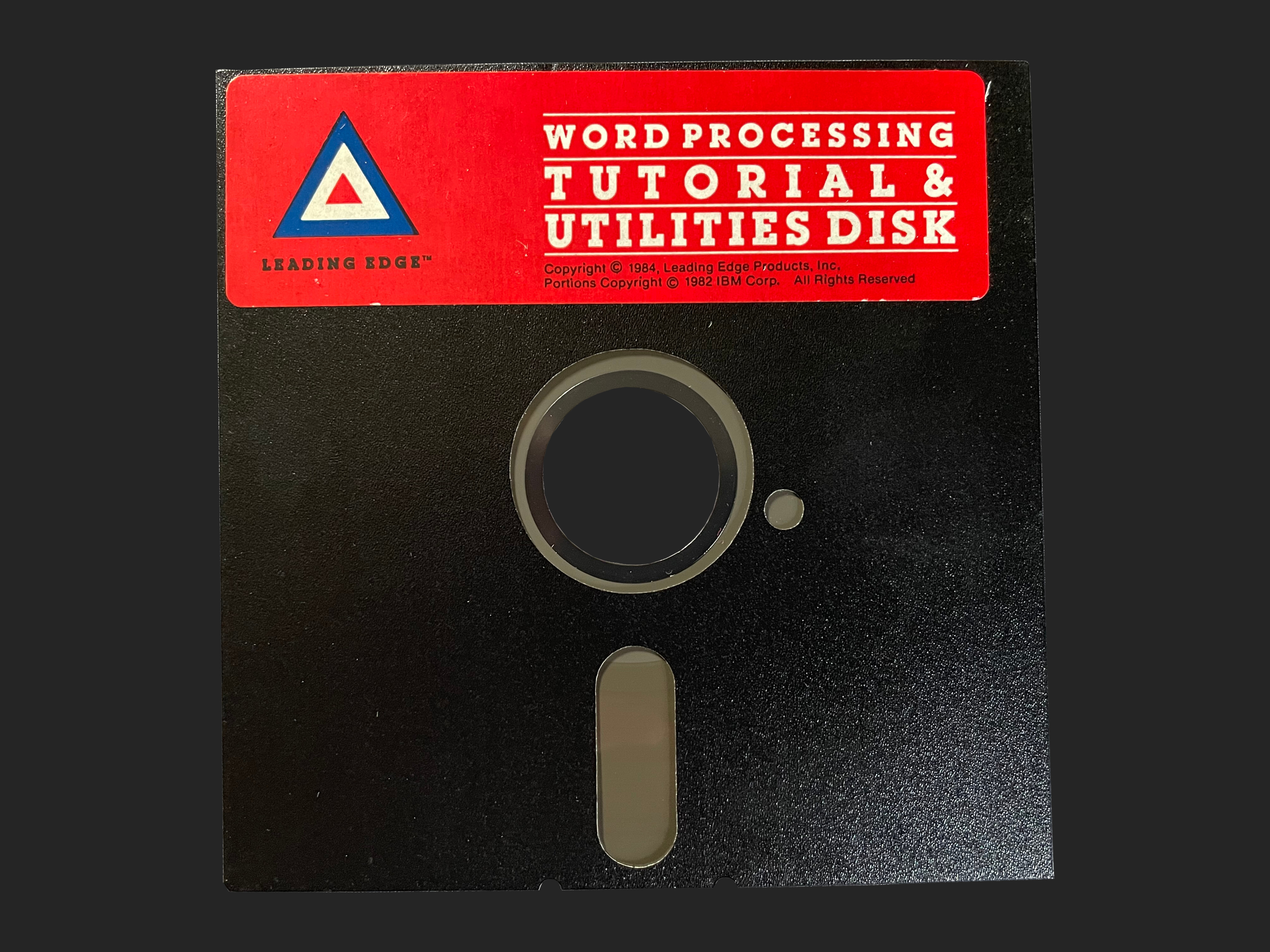
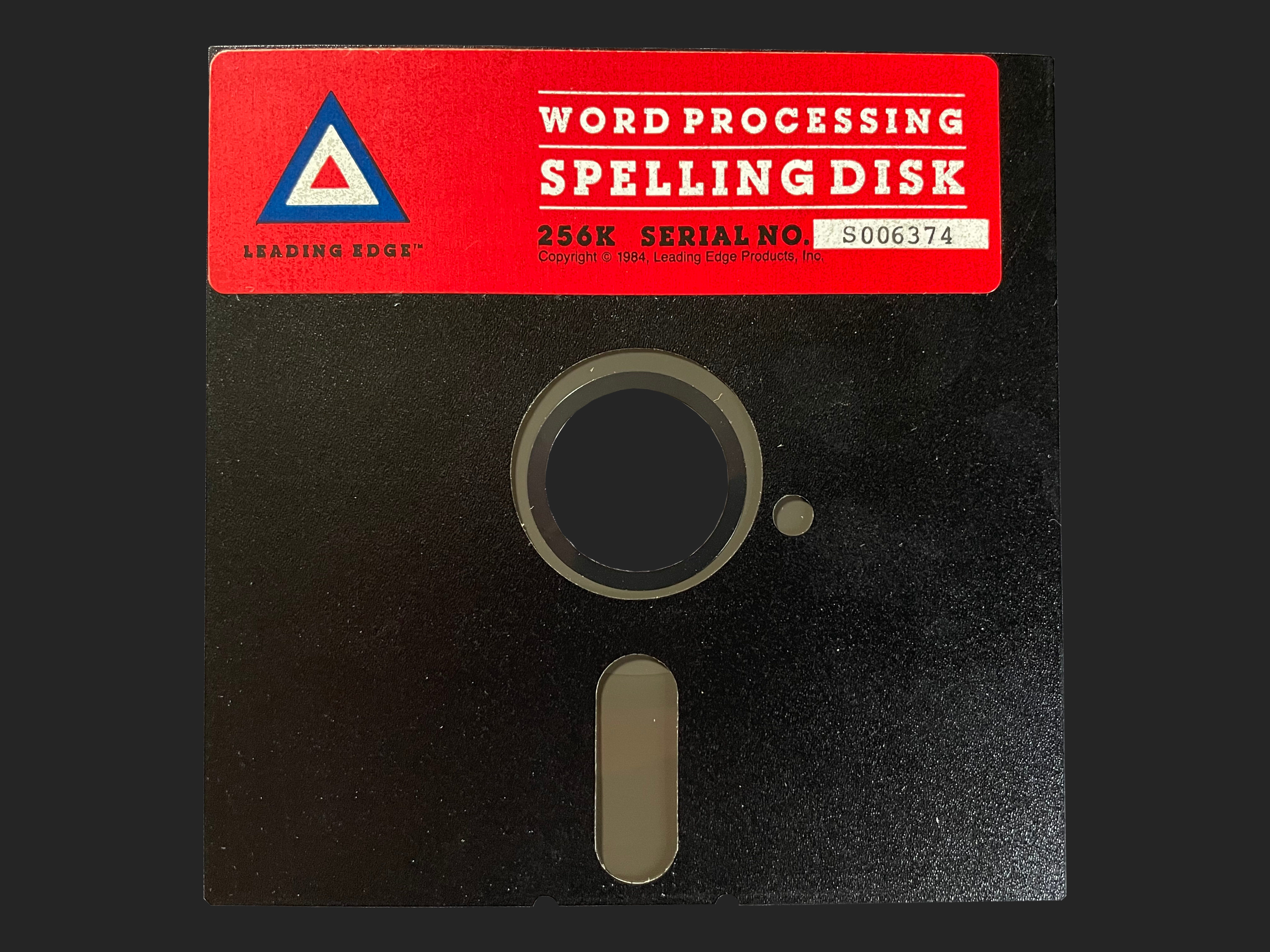
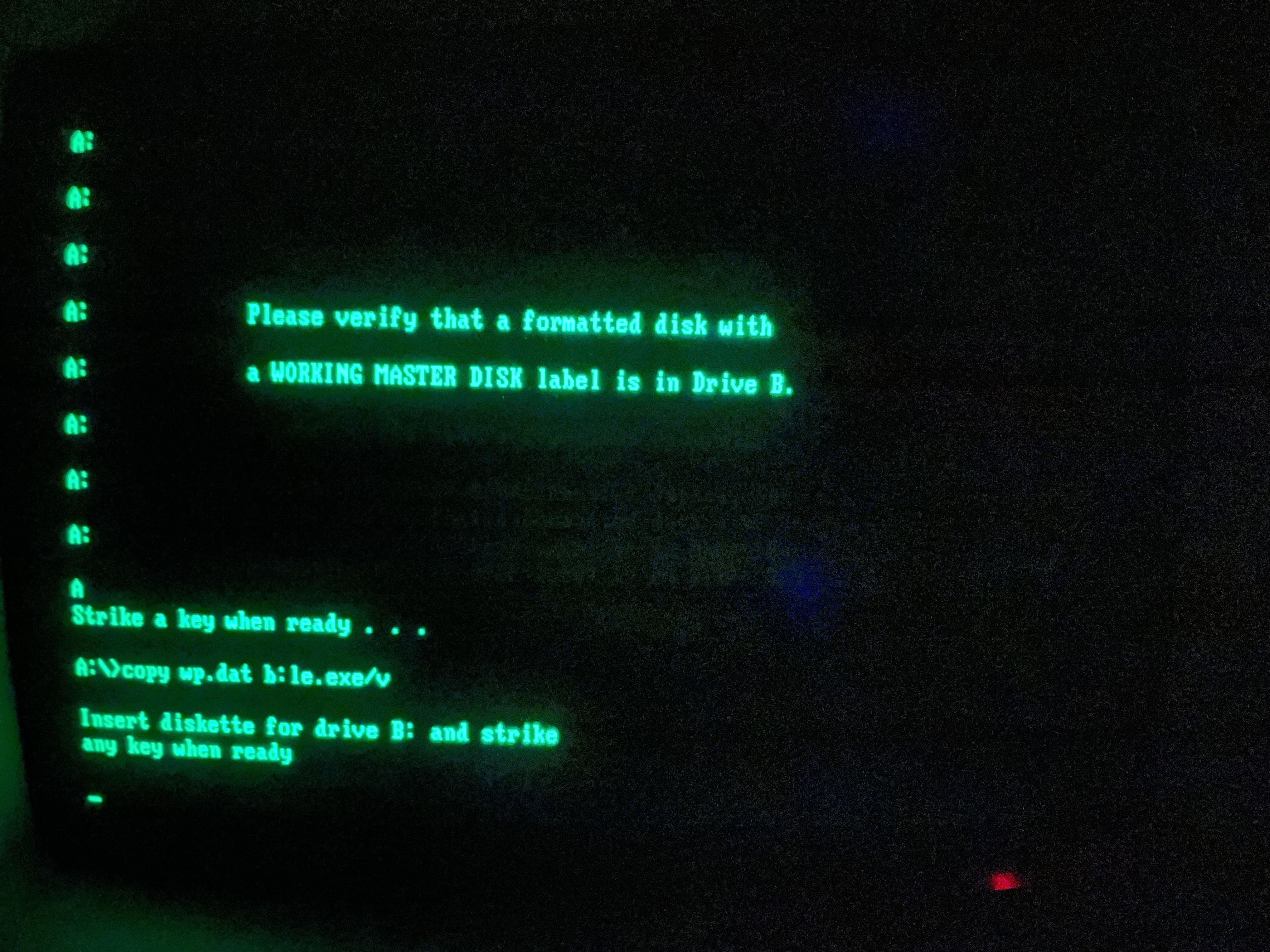
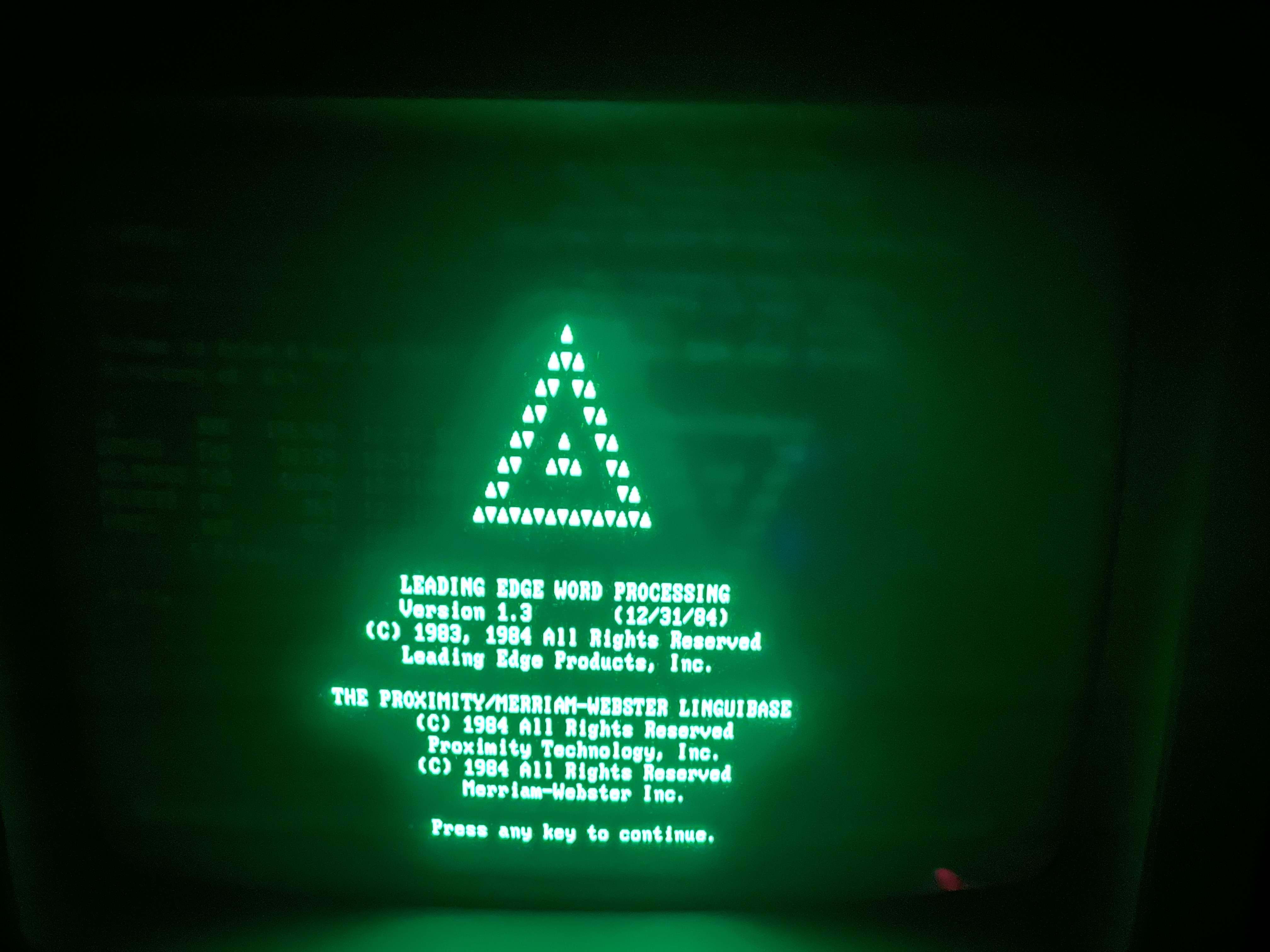
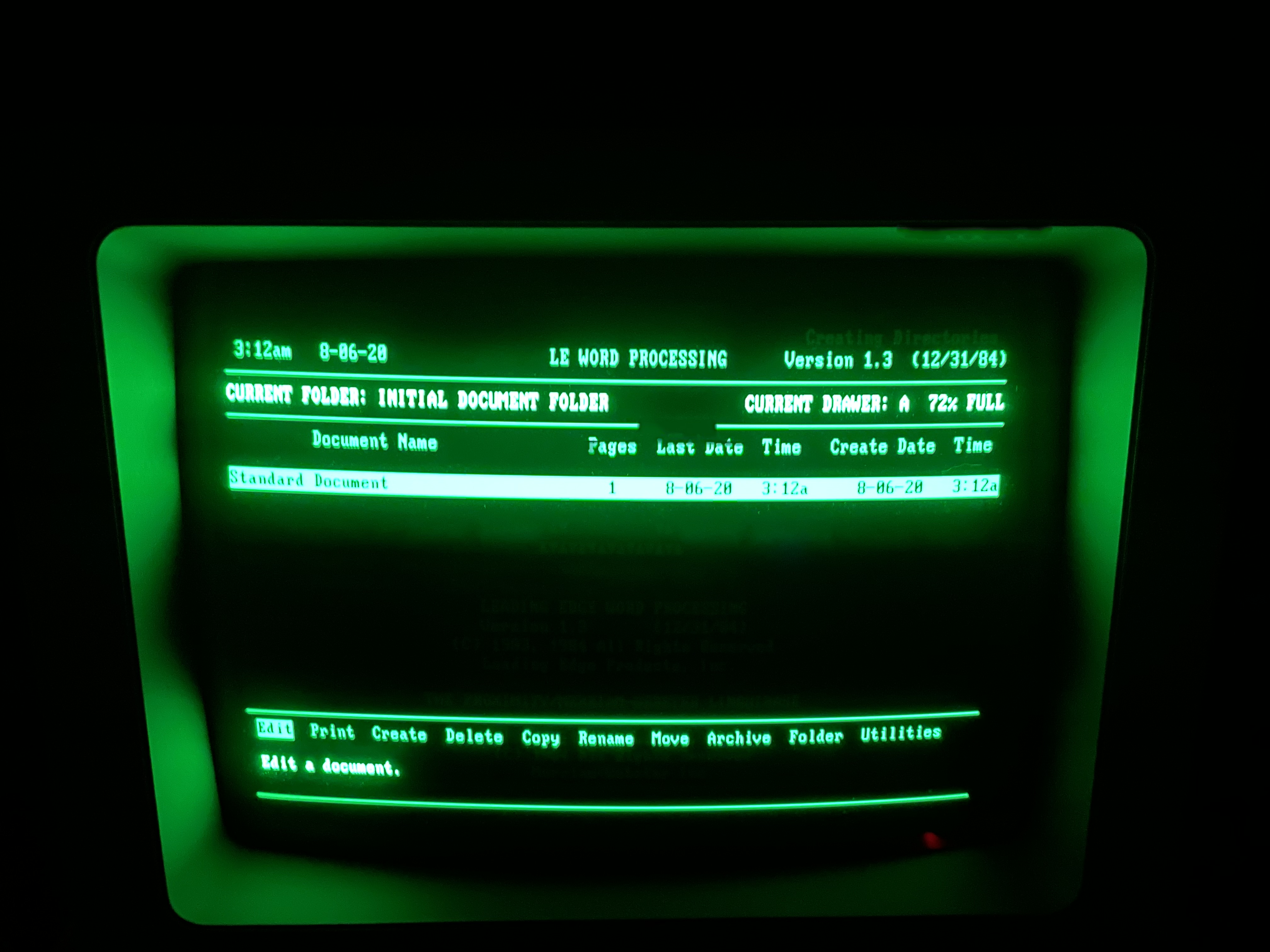
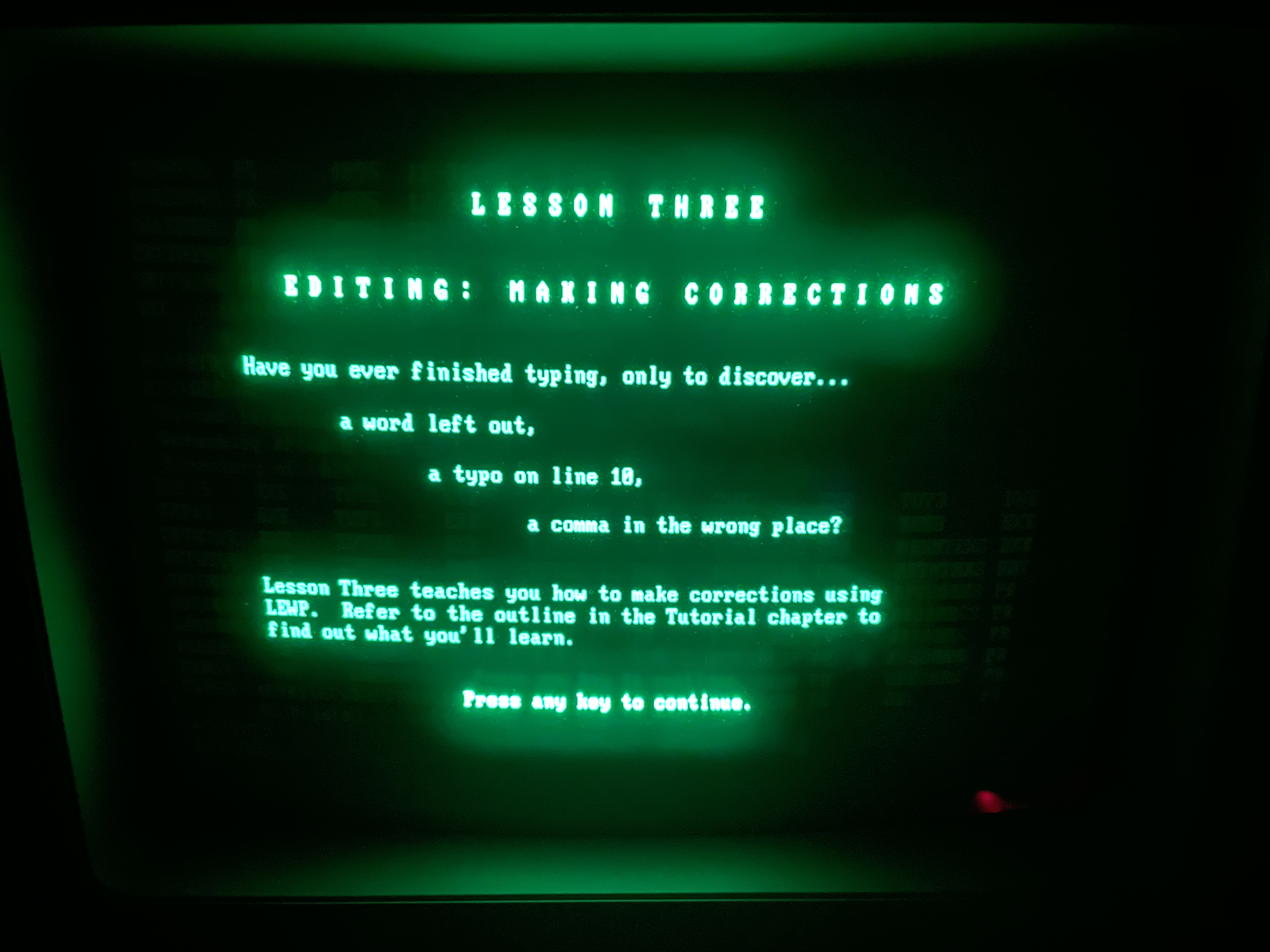
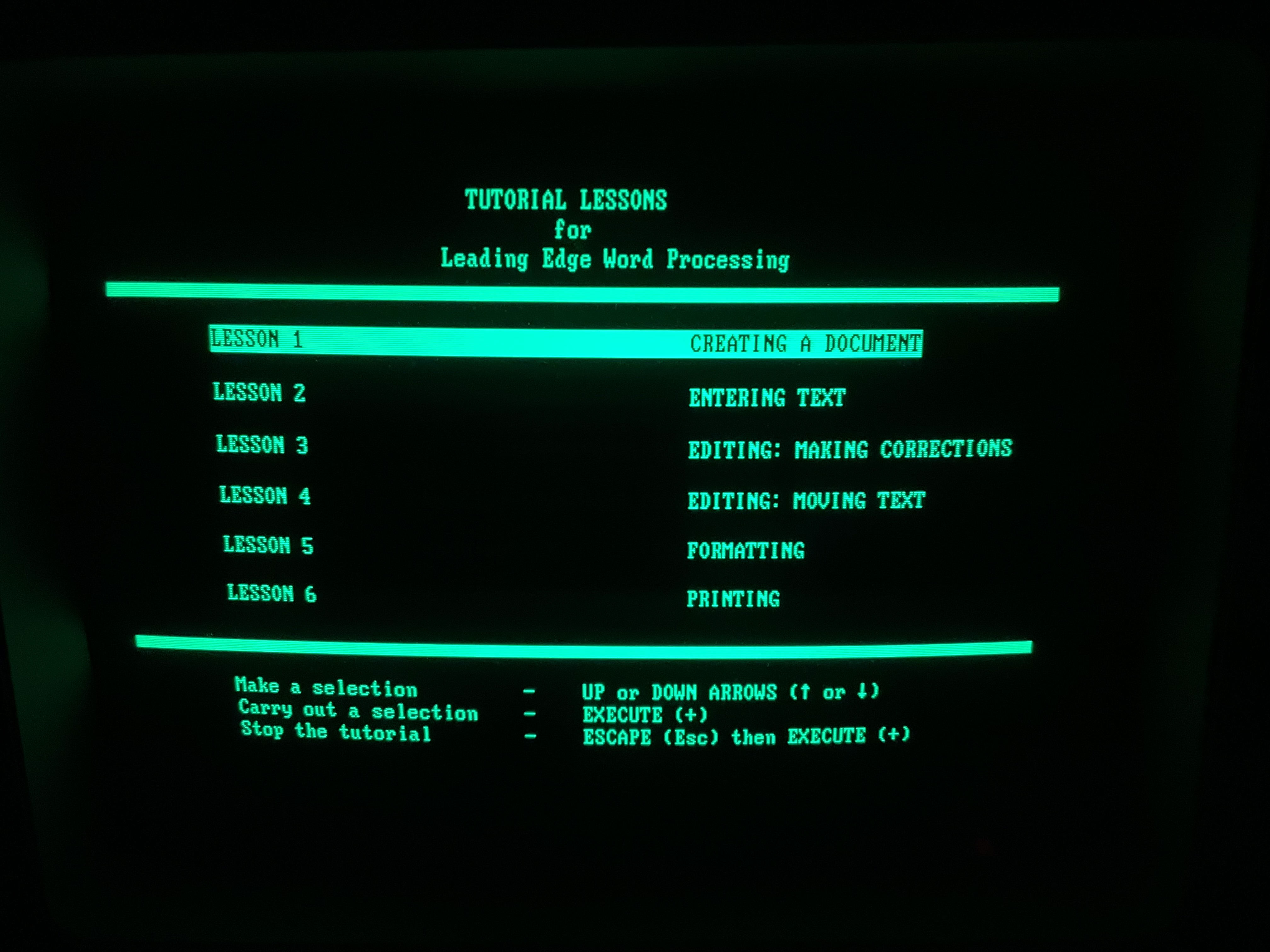
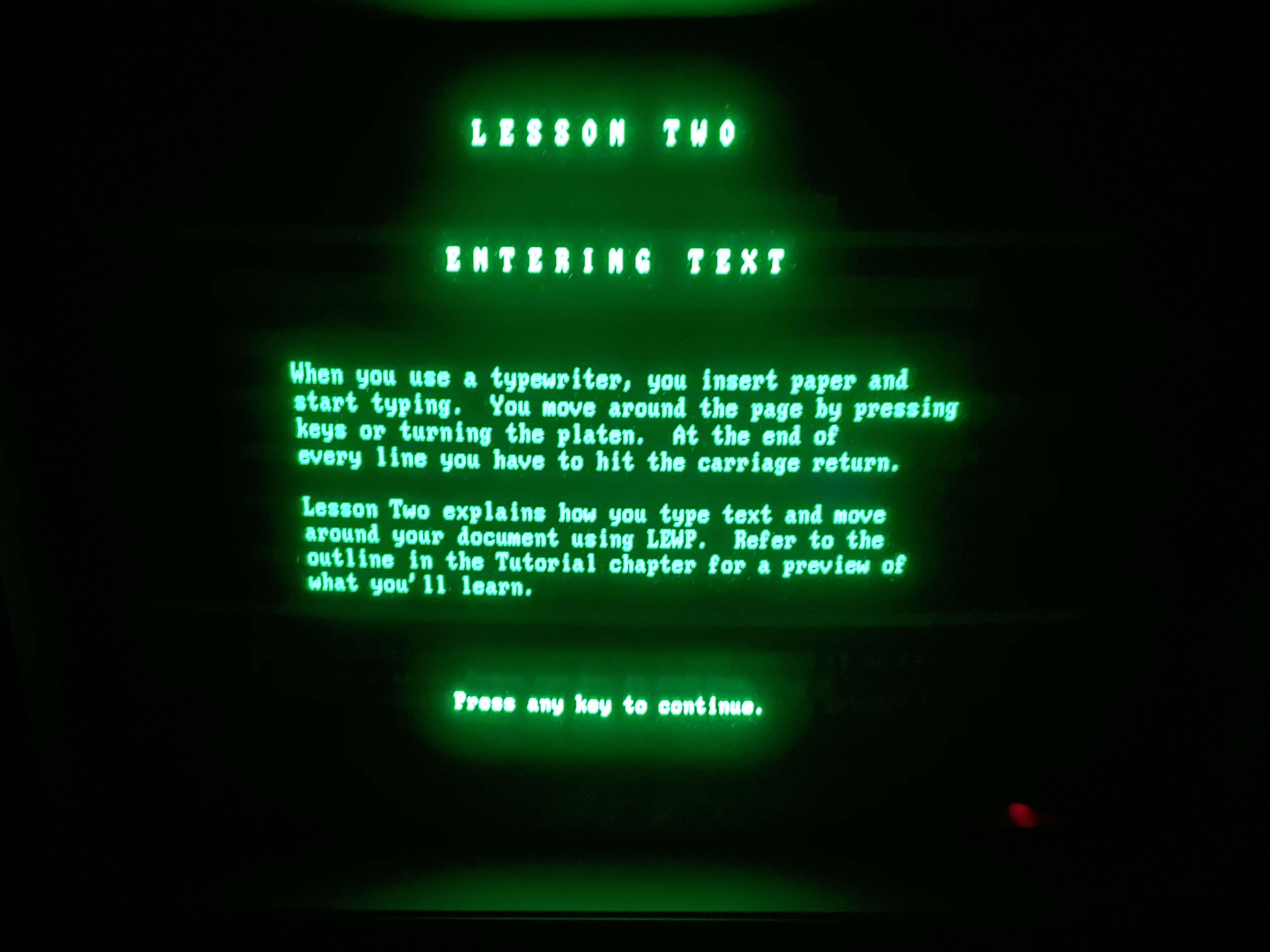
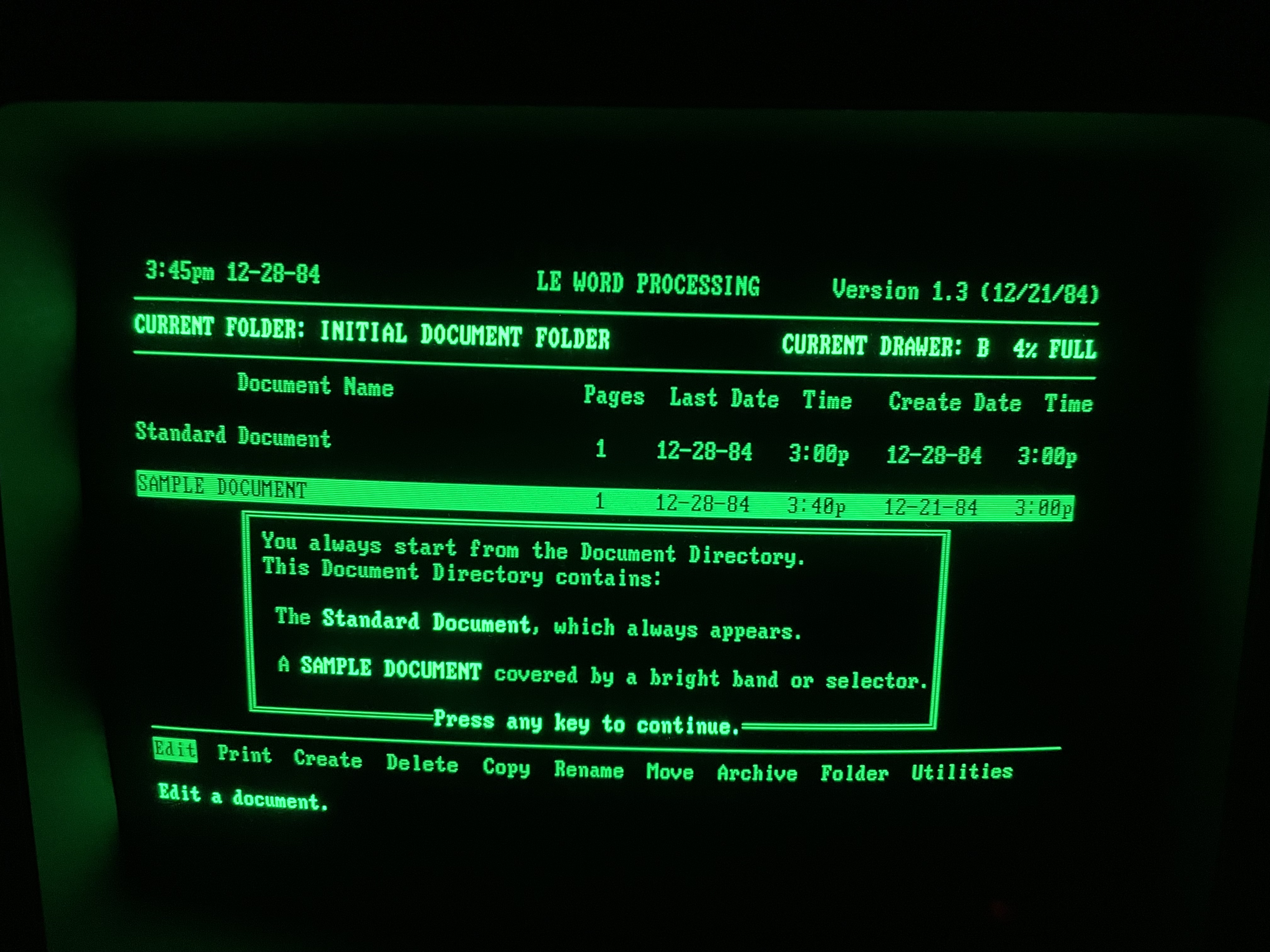
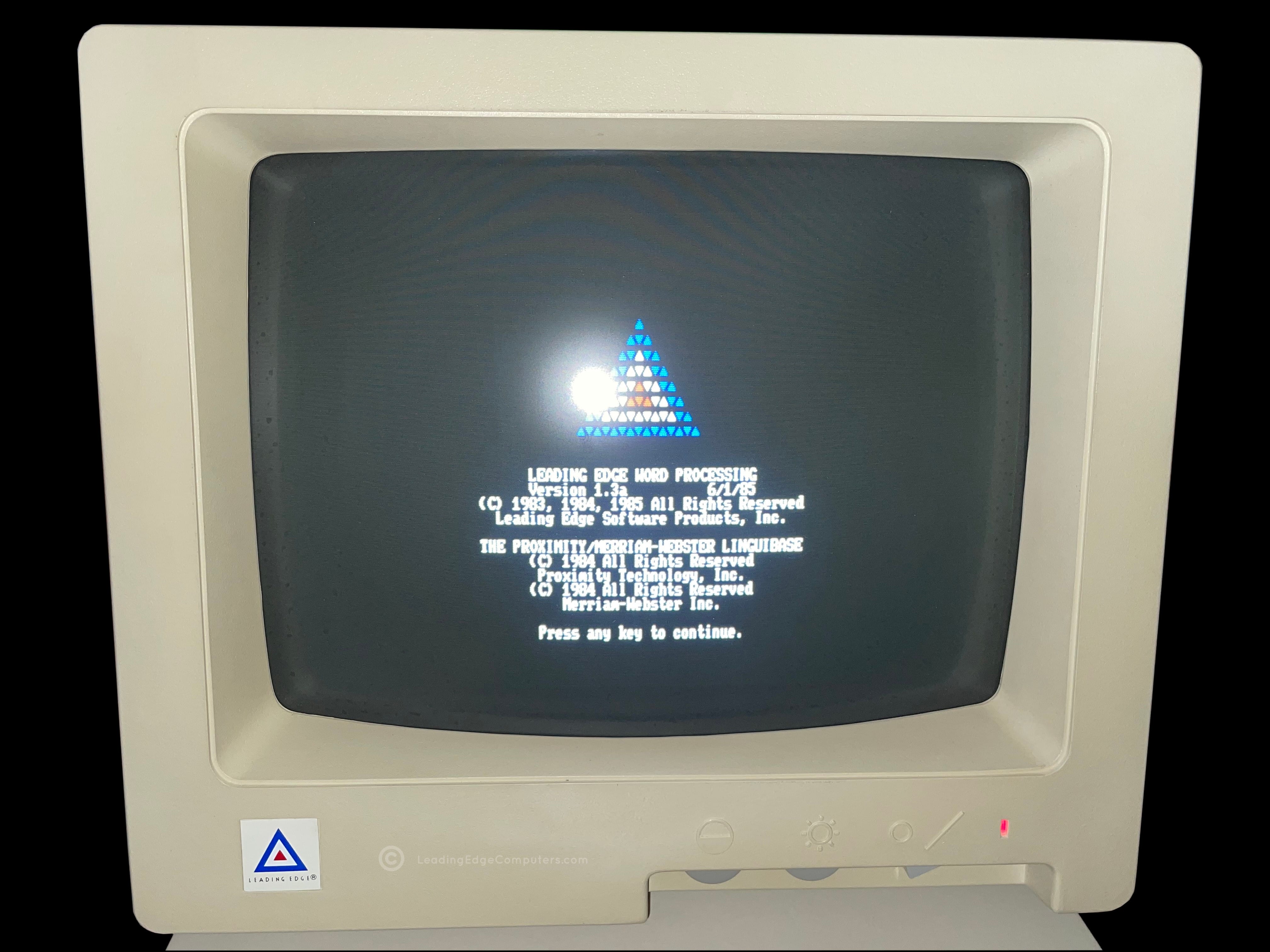
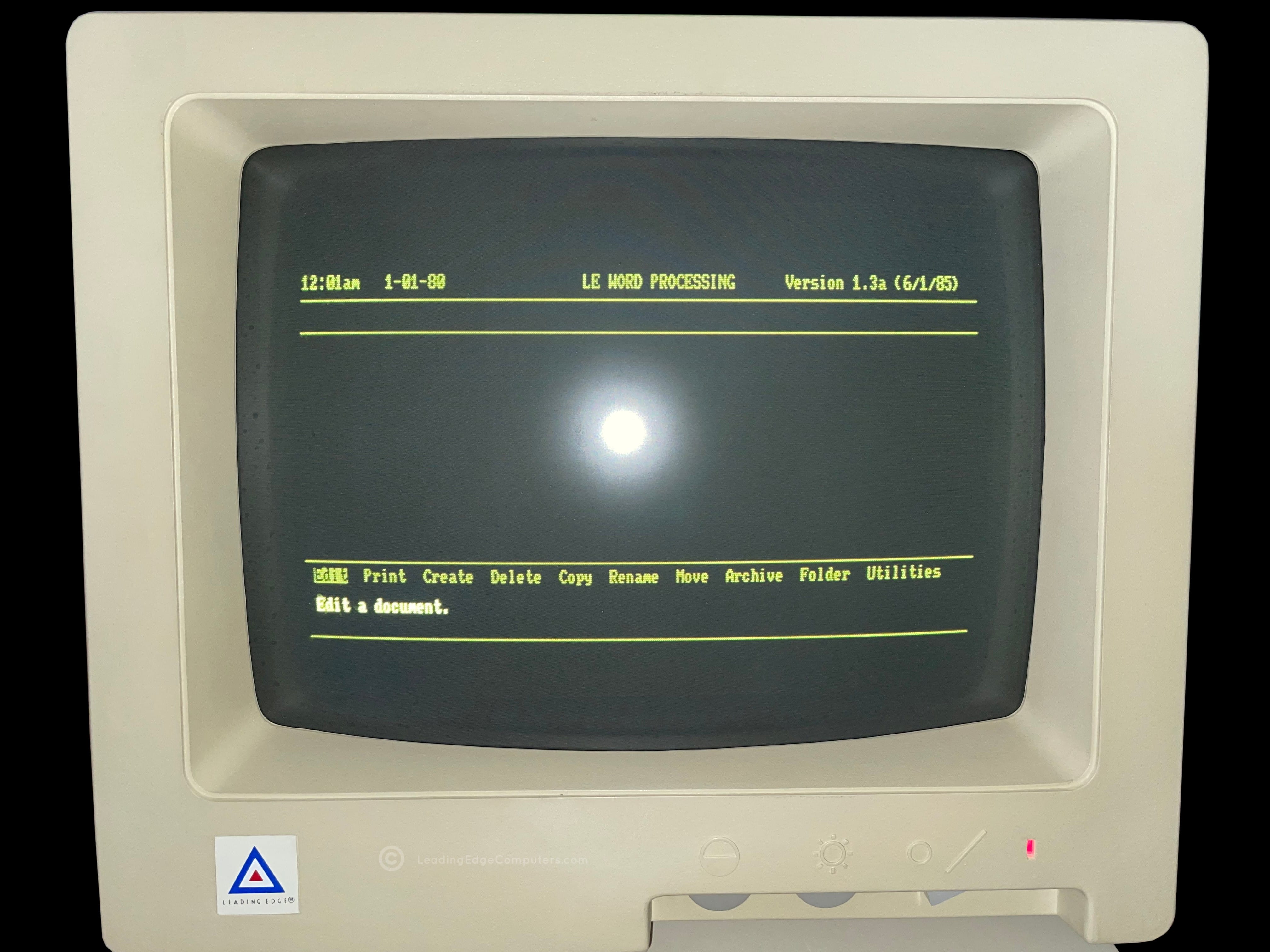
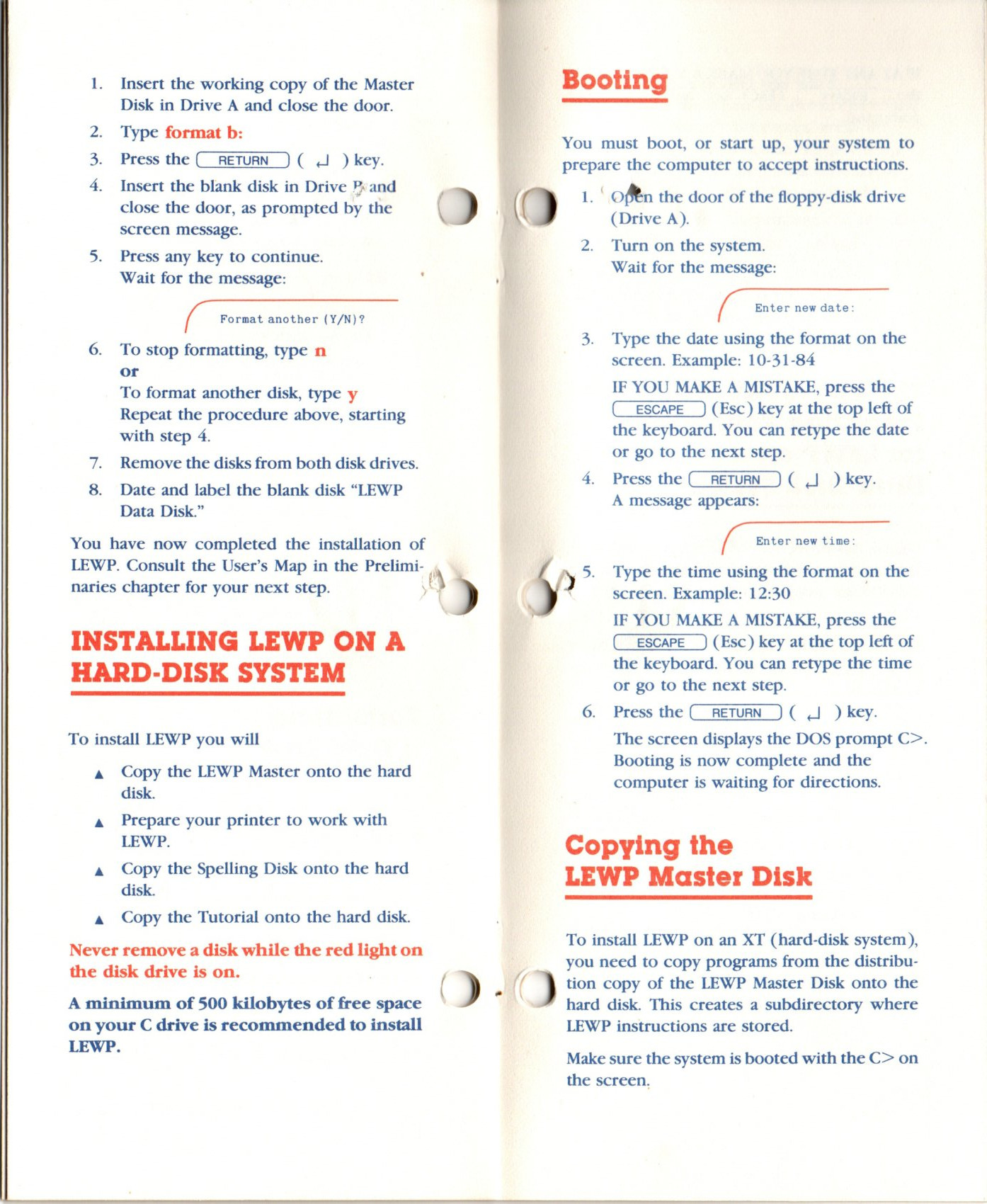
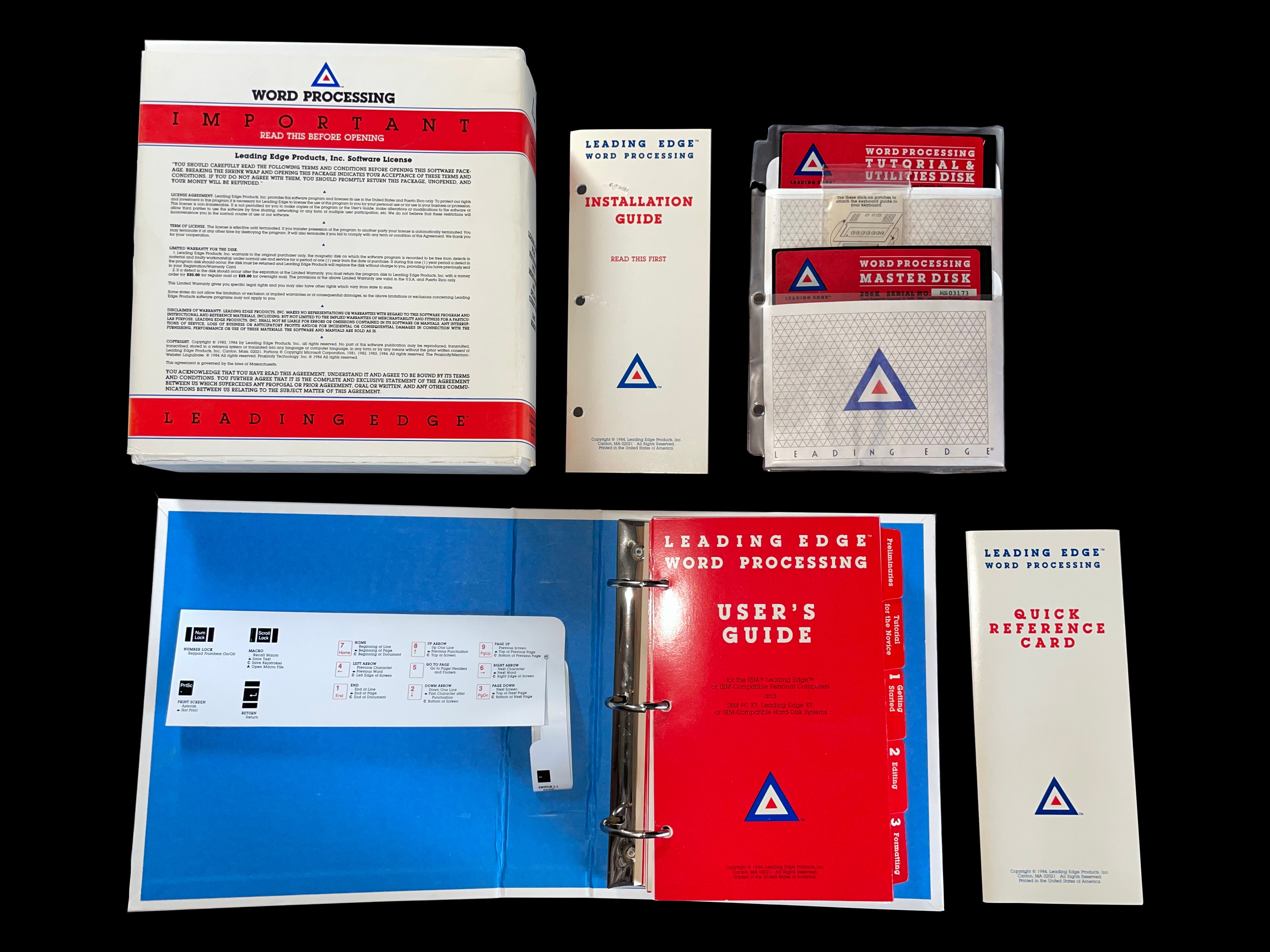
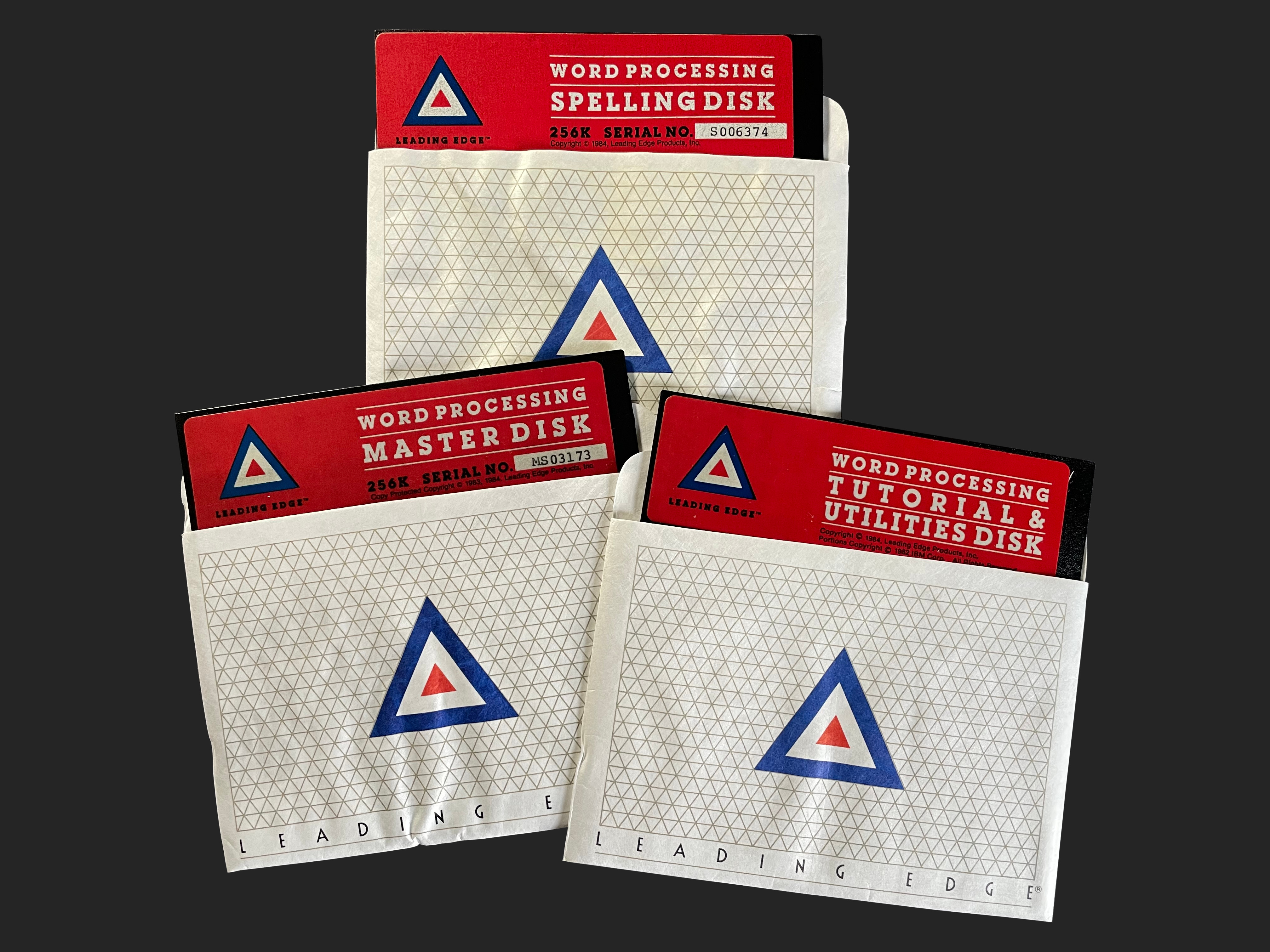
    A photo of the front of the Leading Edge Word Processing software box A photo of the rear of the Leading Edge Word Processing software box A photo of the rear of the Leading Edge Word Processing software box showing all of the fine print A photo of the side of the Leading Edge Word Processing software box An alternate photo of the side of the Leading Edge Word Processing software box showing the manual inside A photo showing the back of the Leading Edge Word Processing software's manual binder A photo showing the front of the Leading Edge Word Processing software's manual binder with the Leading Edge logo A photo showing all of the contents inside of the Leading Edge Word Processing software box A close up photo of stick-on patches for the keyboard template for use with the Leading Edge Word Processing software A close up photo of stick-on patches showing the hook and loop material for the keyboard template for use with the Leading Edge Word Processing software A photo of all three disks used for the Leading Edge Word Processing software Master disk of the Leading Edge Word Processing software Tutorial disk of the Leading Edge Word Processing software Spelling disk of the Leading Edge Word Processing software A screenshot of the Leading Edge Word Processing software asking for a blank disk to copy the master disk A screenshot of the Leading Edge Word Processing software showing the Leading Edge logo at the loading screen A screenshot of the Leading Edge Word Processing software showing the word processing interface A screenshot of the Leading Edge Word Processing software showing lesson three of the tutorial A screenshot of the Leading Edge Word Processing software showing the index for tutorial lessons A screenshot of the Leading Edge Word Processing software showing lesson two of the tutorial A screenshot of the Leading Edge Word Processing software showing a screen of the tutorial for opening files

     Word Processing Basic Version

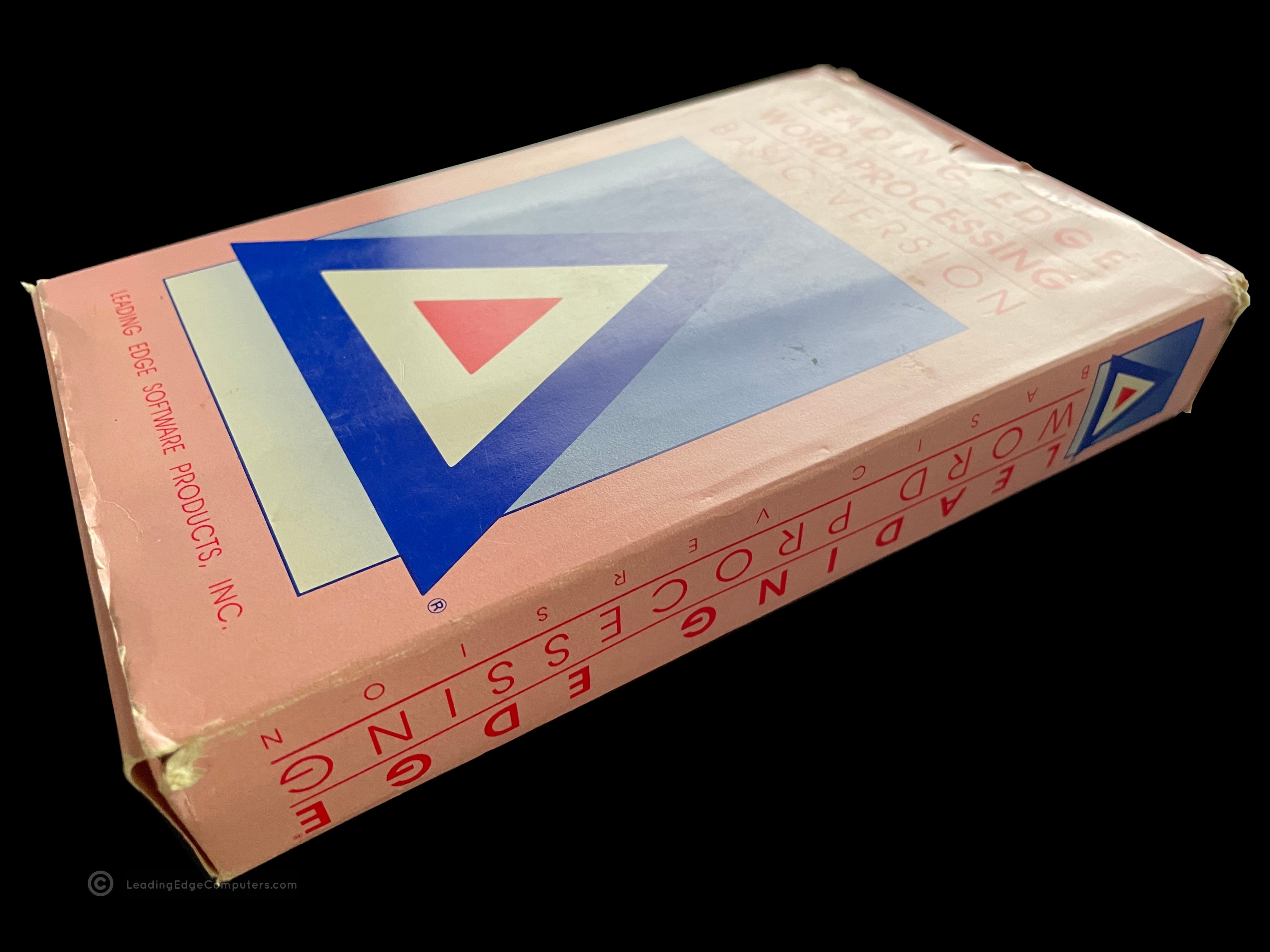
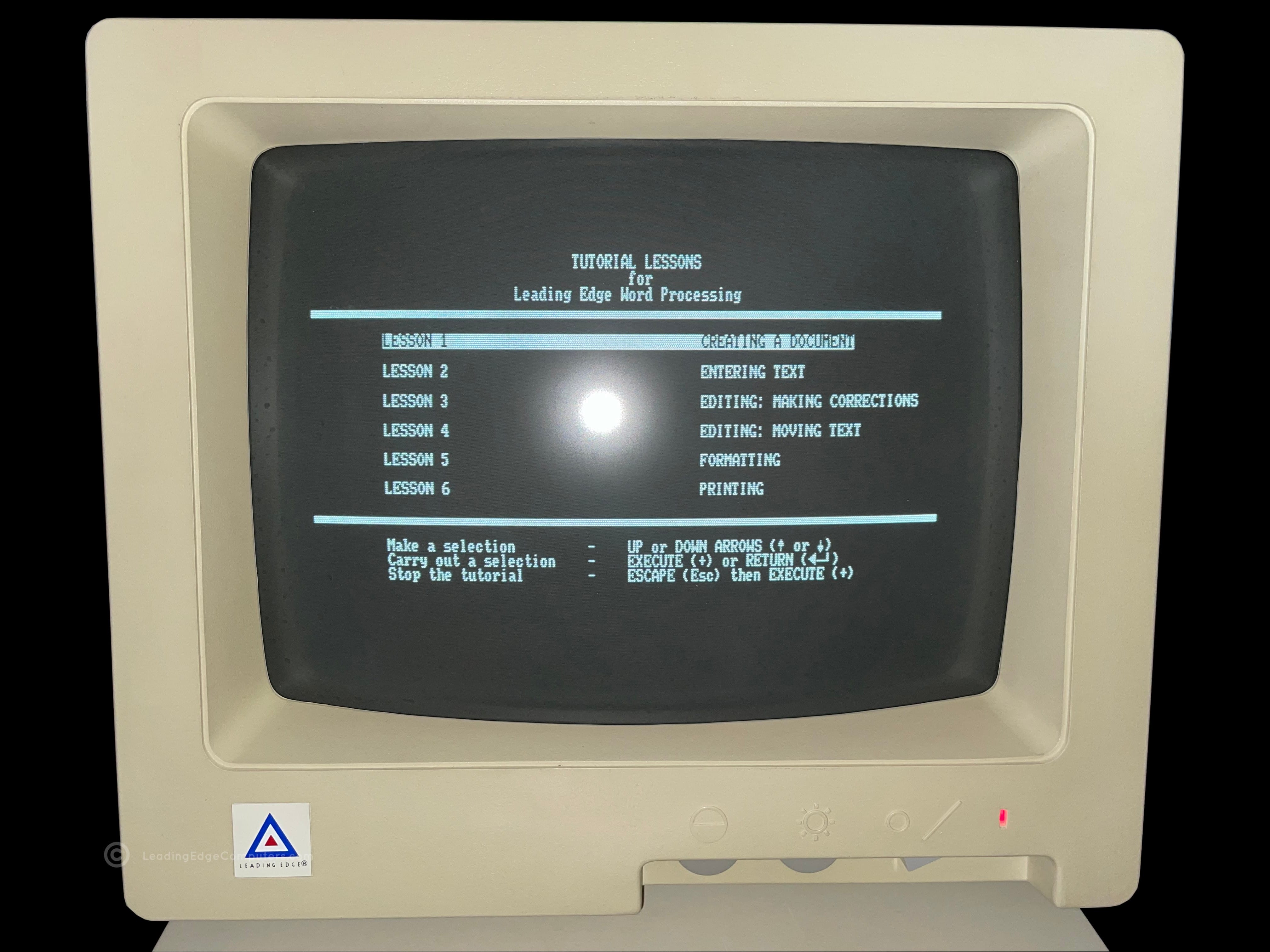
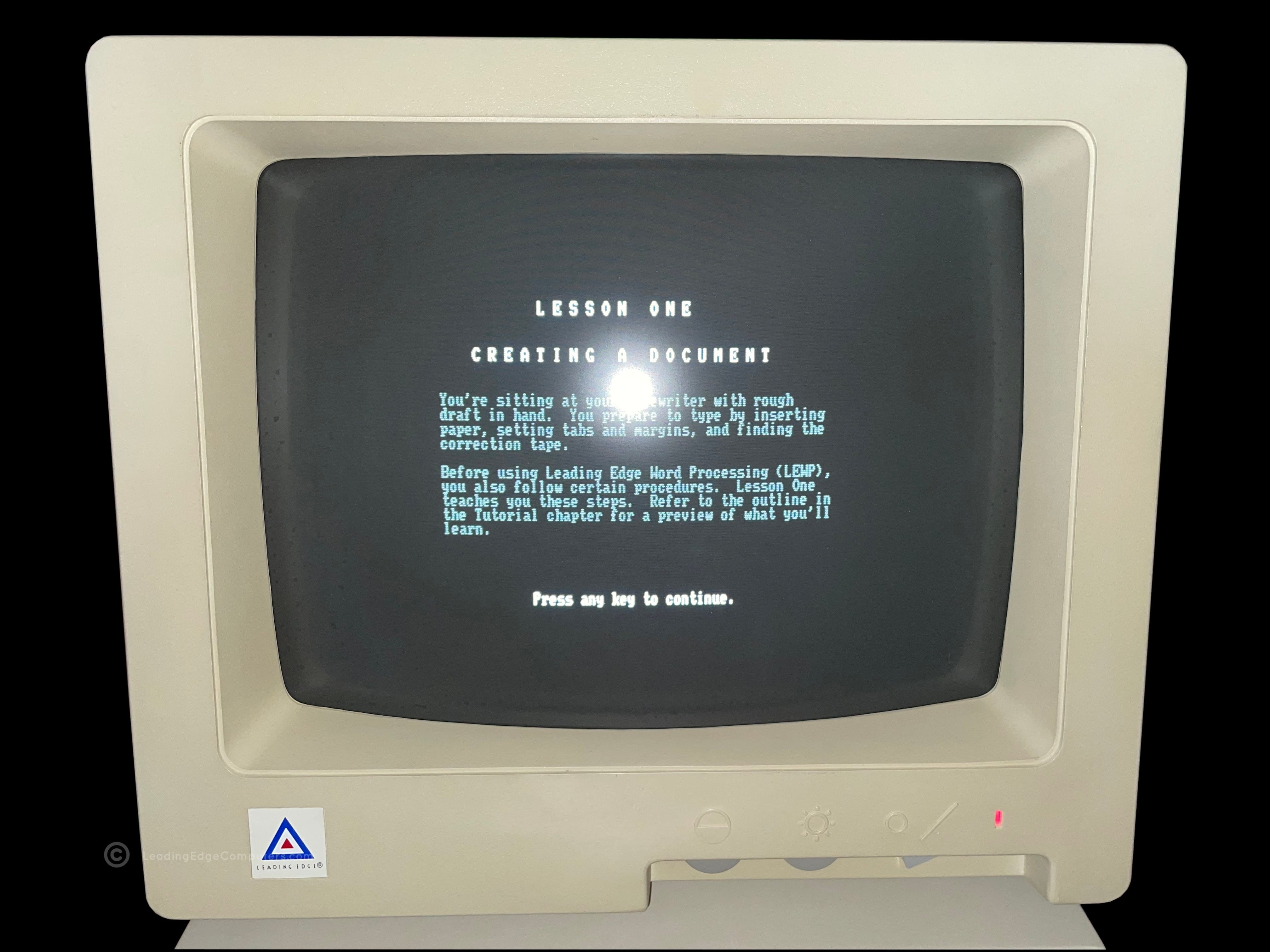
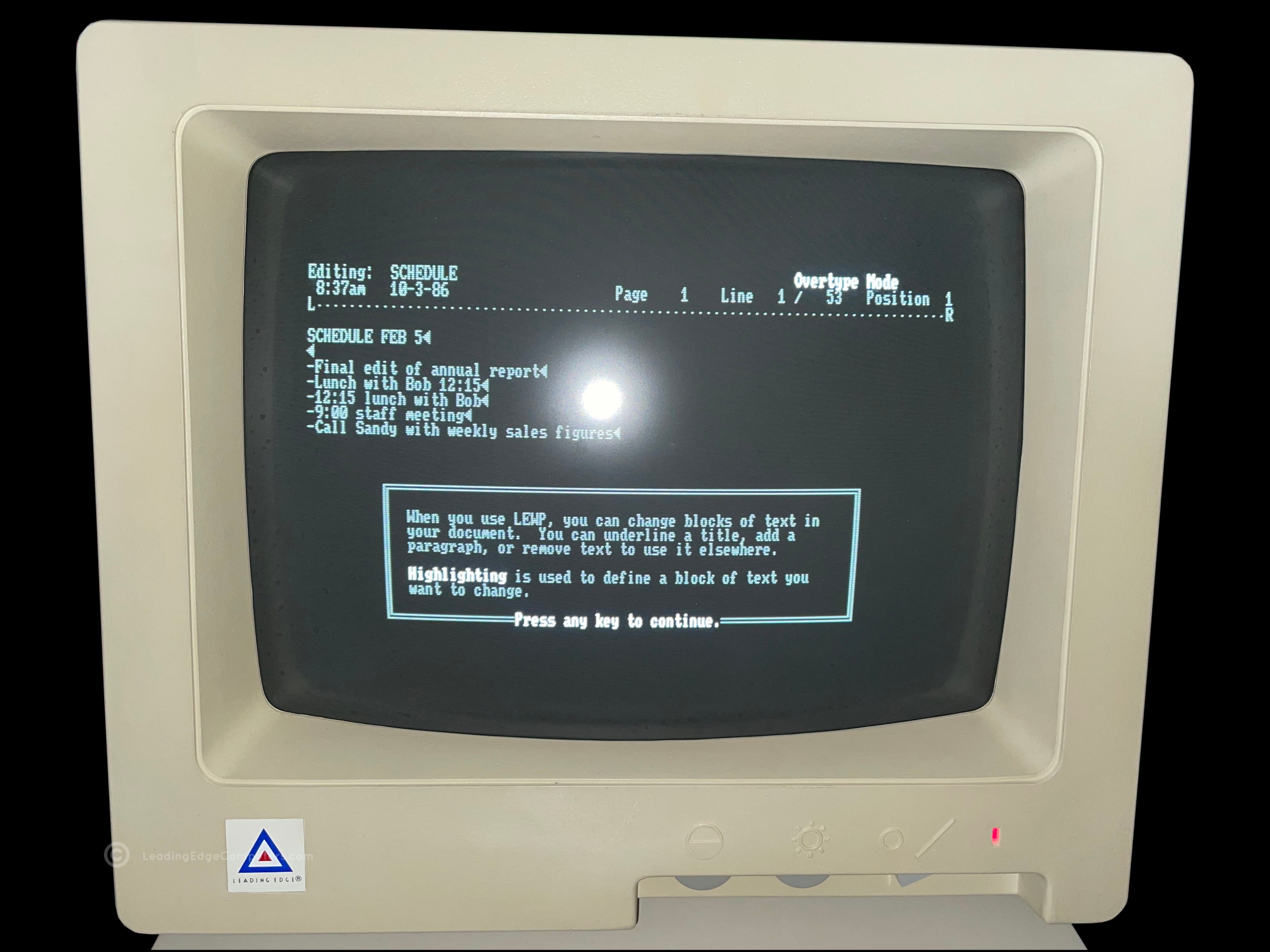
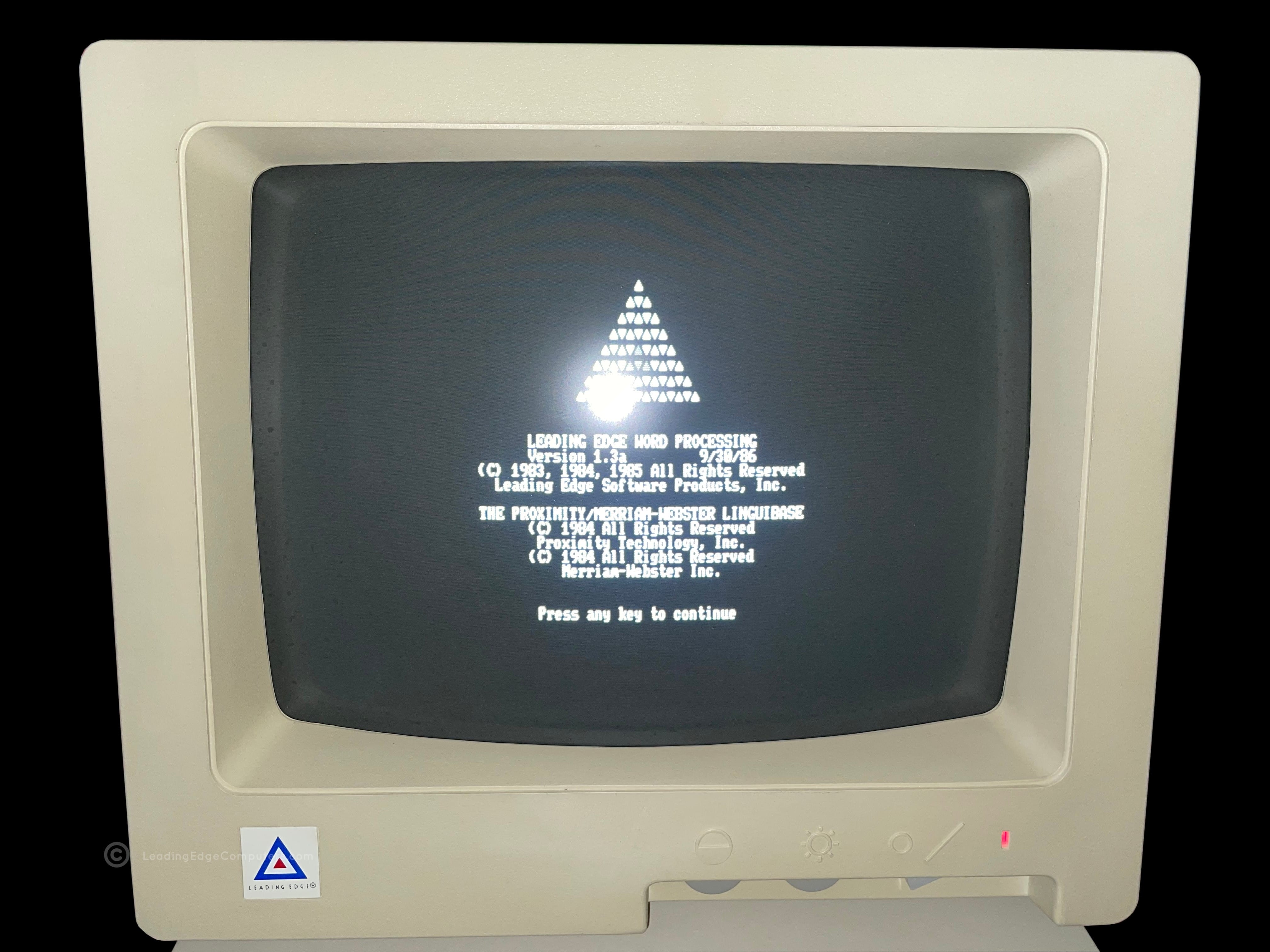
    word processing front of software pack word processing rear of software pack word processing software pack angled with sides visible word processing sofware pack opened with inner sleeve shown word processing basic version manual word processing, all of the documents included in the software pack word processing screenshot of tutorial lessons menu word processing start of tutorial lesson 1 word processing lesson one continues word processing copyright info in monochrome word processing copyright info in color word processing document editing mode

     Word Processing Installation Guide

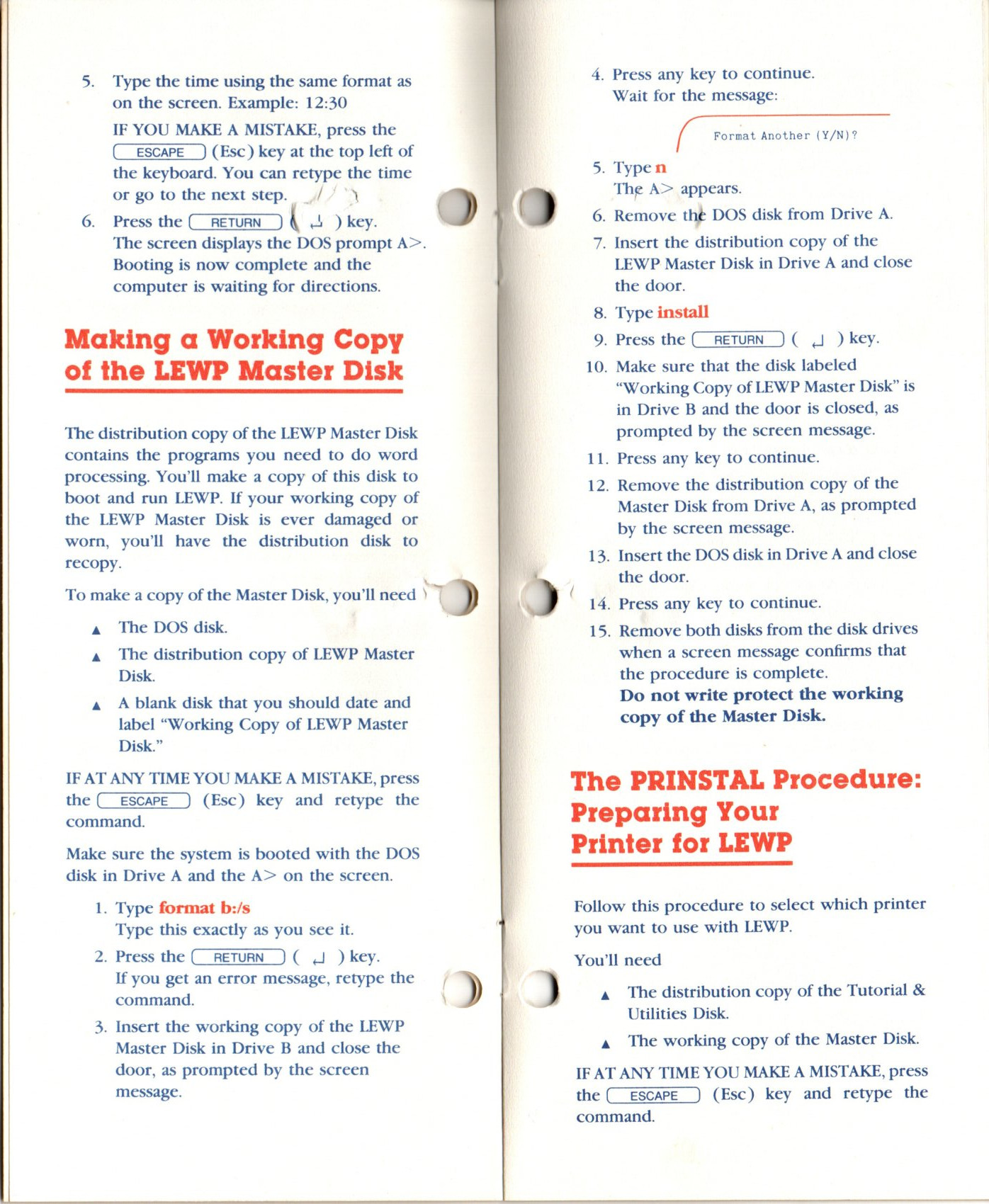
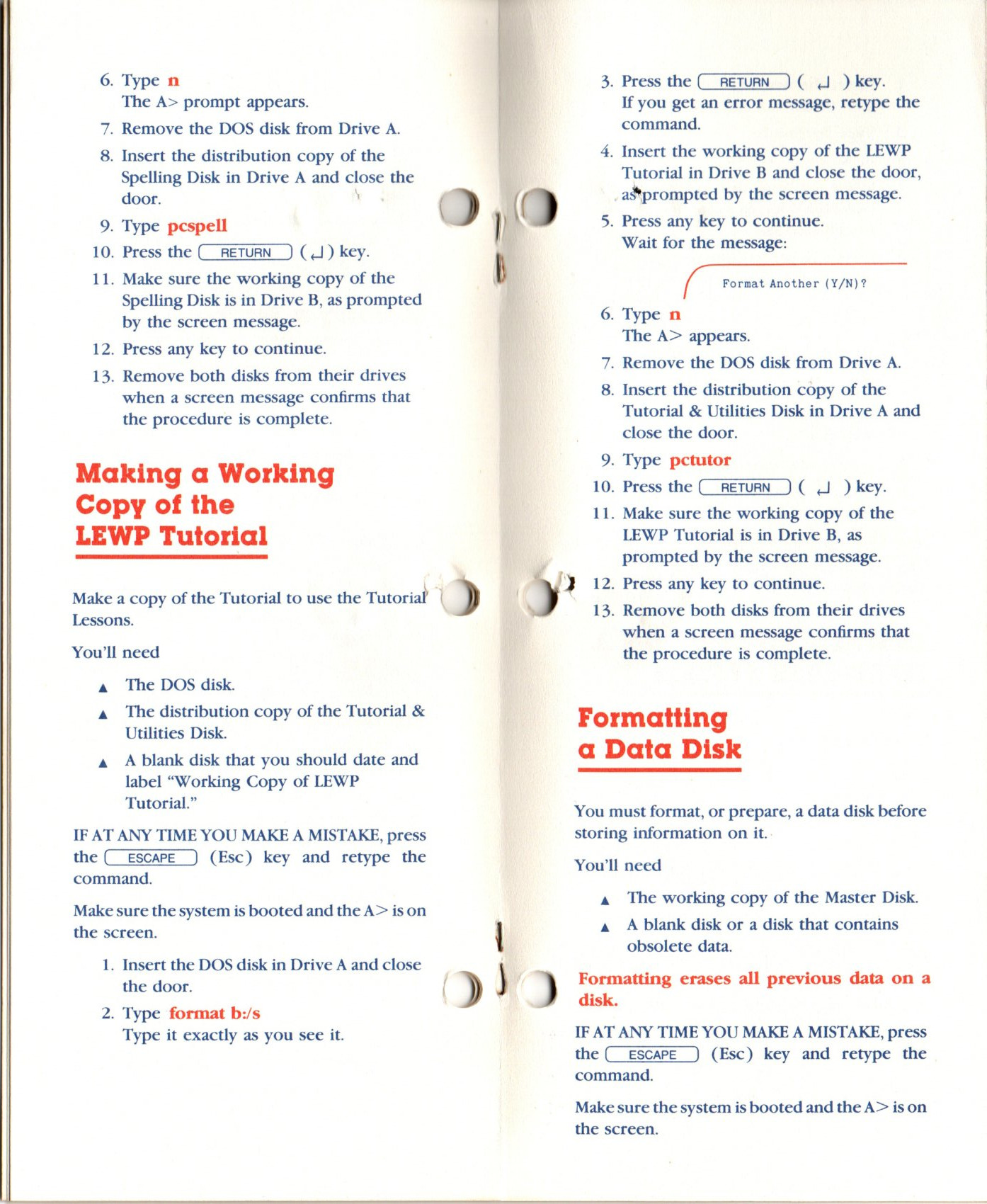
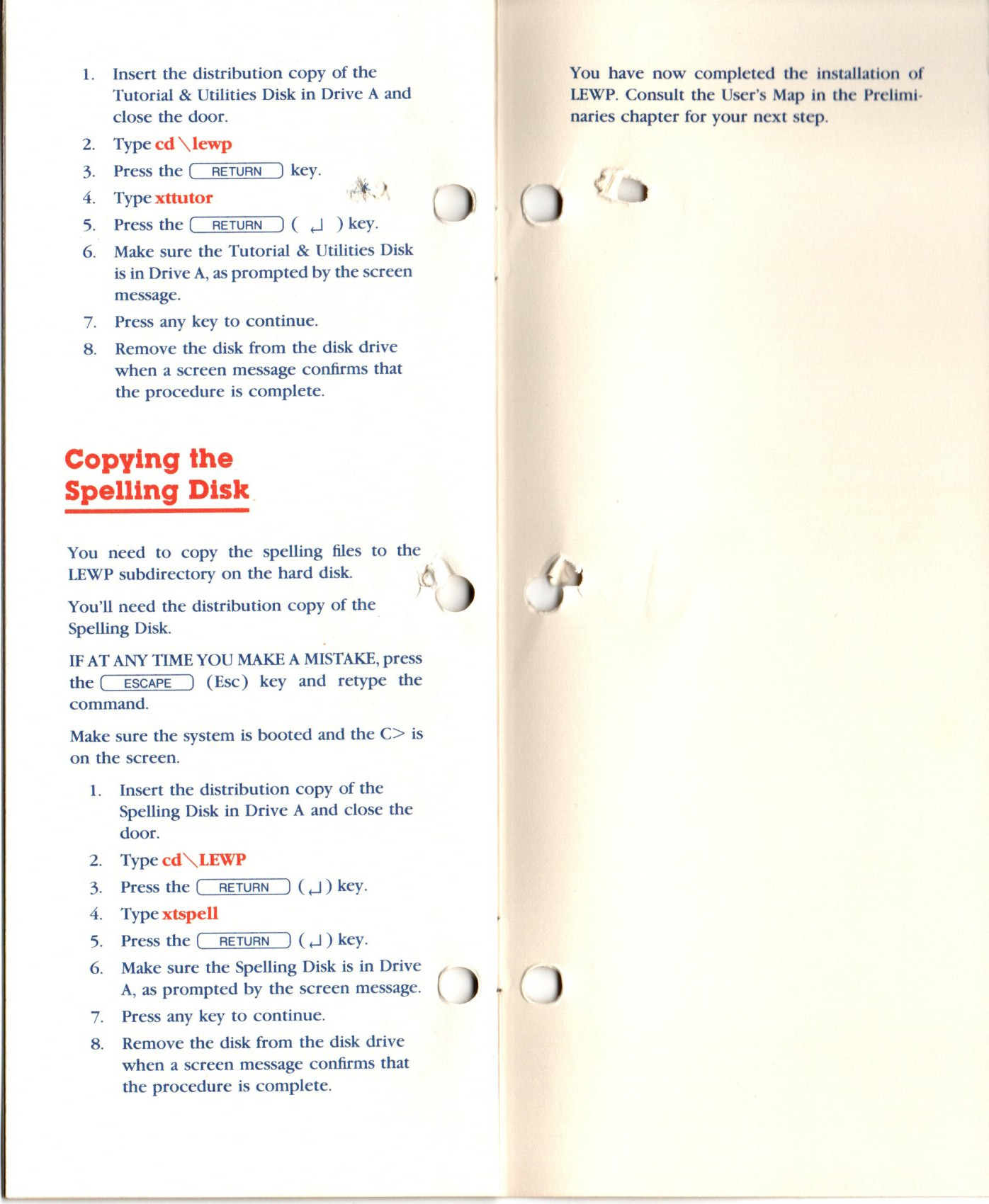
    view of the front of the word processing installation guide word processing installation guide open to the installation to floppy making a copy of the LEWP master disk making a working copy of the spelling disk making a copy of the LEWP Tutorial disk installing LEWP onto a hard drive installation of a printer for LEWP copying the spelling disk rear view of the word processing installation guide

     Consumer Channel Warranty Certificate

    main copy of the consumer channel warranty certificate back side of the carbon copy showing services available out of warranty main and carbon copies of the consumer channel warranty certificate

     DRC‐1311 Monitor

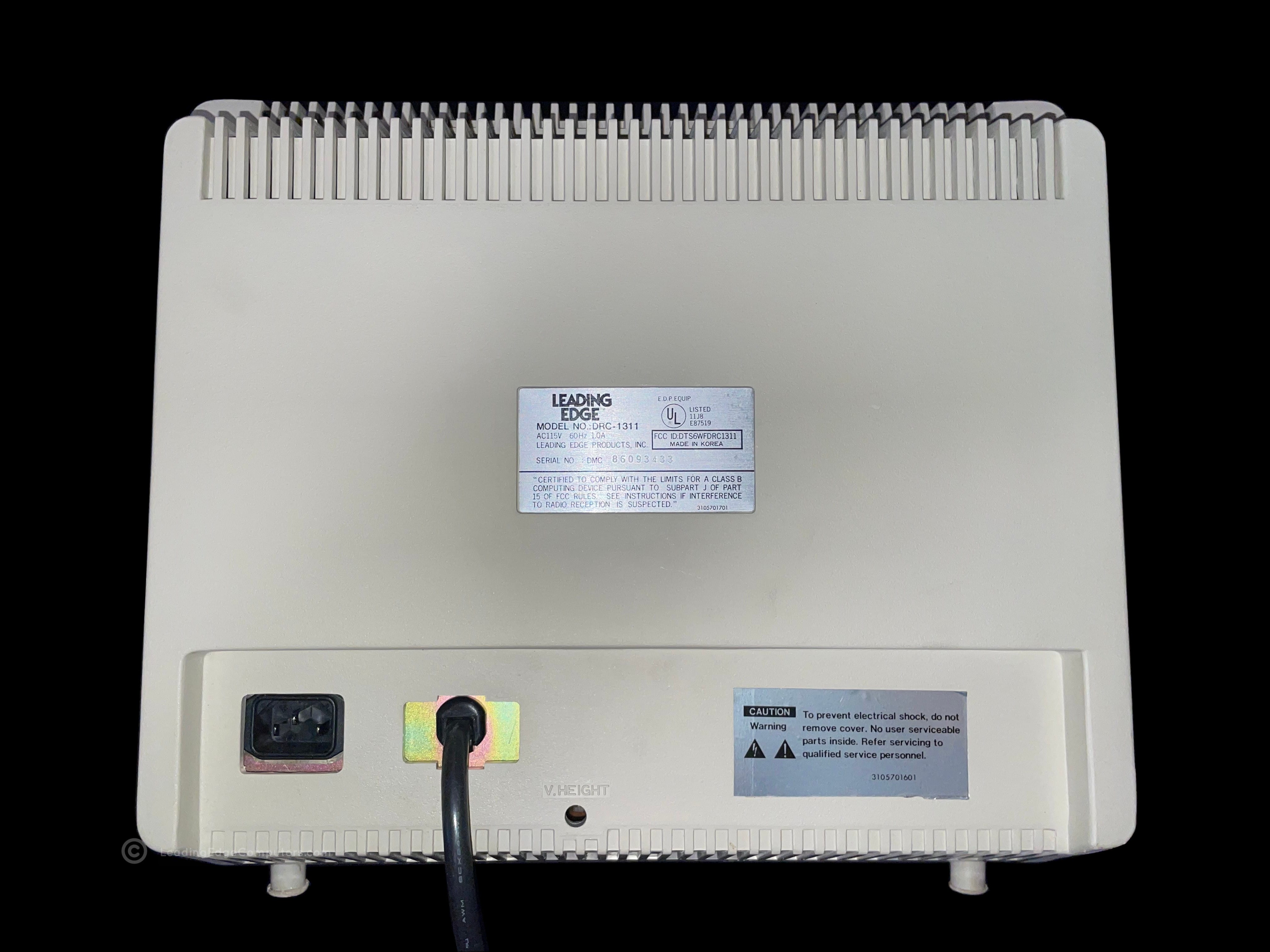
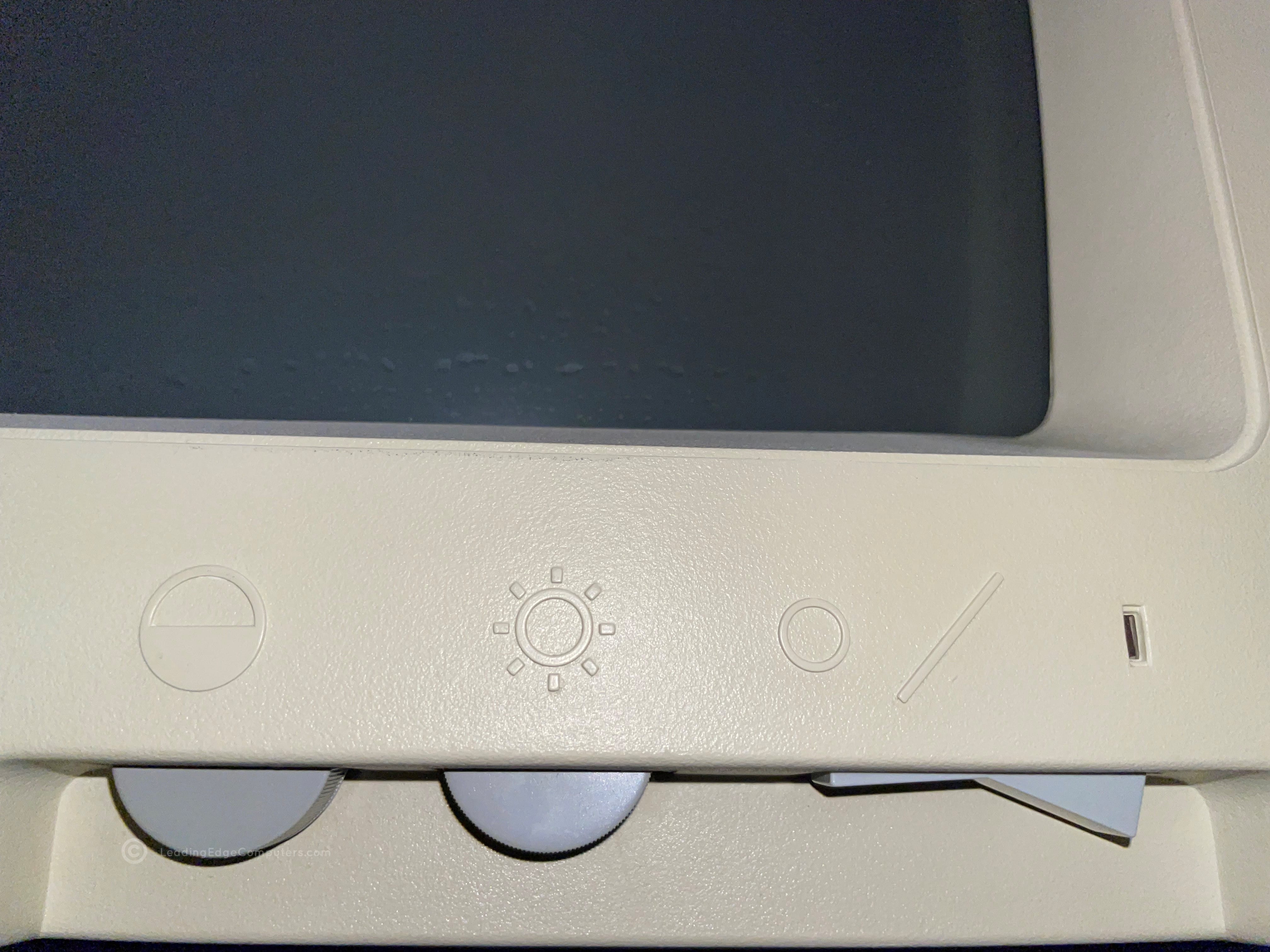
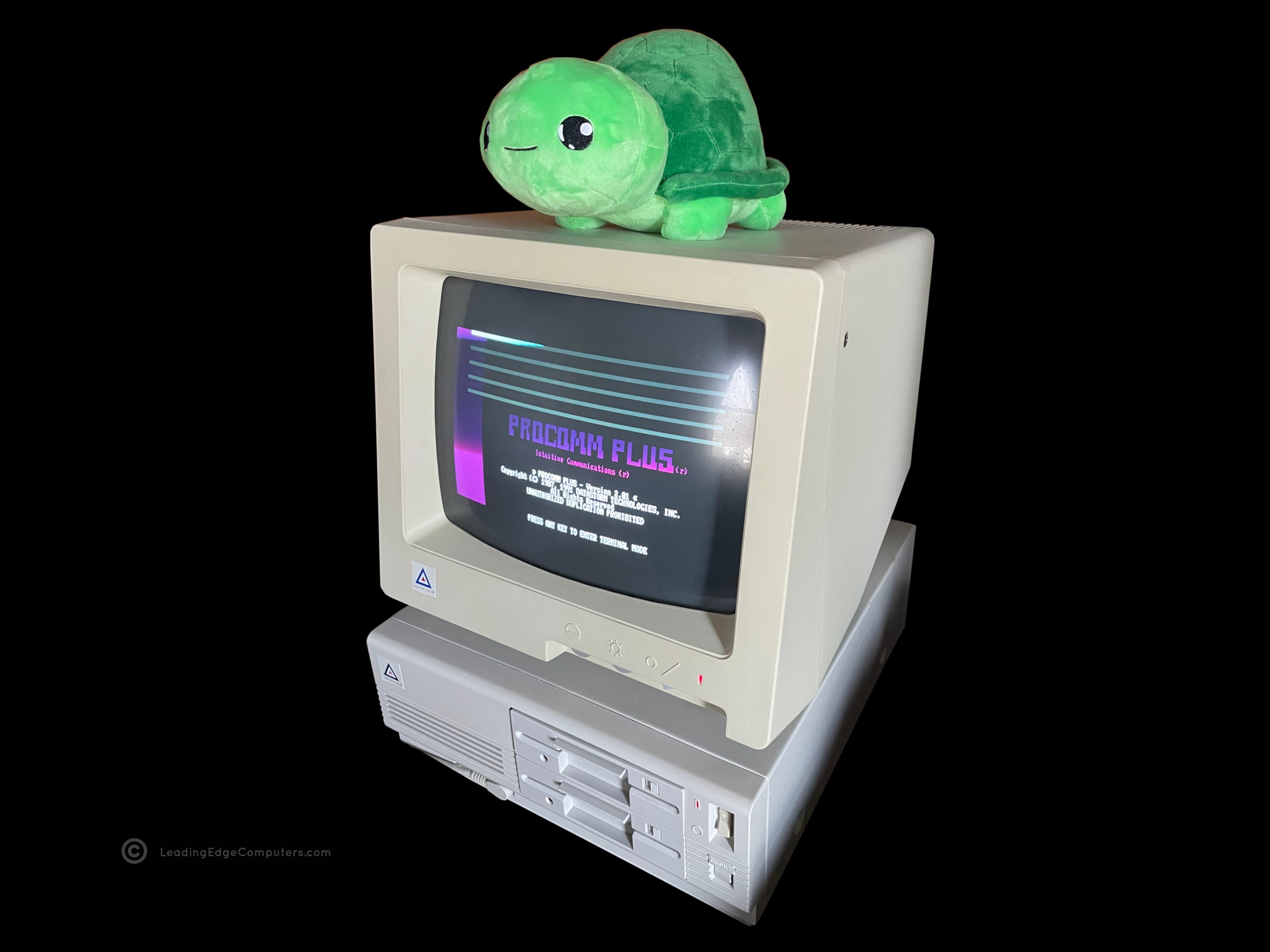
    Photo of a Leading Edge DRC-1311 monitor and it's contemporary computer, the Model D A photo of the Leading Edge DRC-1311 monitor as viewed from the front A top down photo of the DRC-1311 monitor A photo of the left-hand side of the DRC-1311 monitor A photo of the bottom of the Leading Edge DRC-1311 monitor A photo of the right-hand side of the DRC-1311 monitor A view of the rear of the DRC-1311 monitor showing the label and cables A close-up view of the DRC-1311 monitor's brightness, contrast, and power switch A photo of the Leading Edge DRC-1311 monitor running with the Model D displaying the Procom Plus

     Operator's Guide Technical Reference Manual LEPC #1

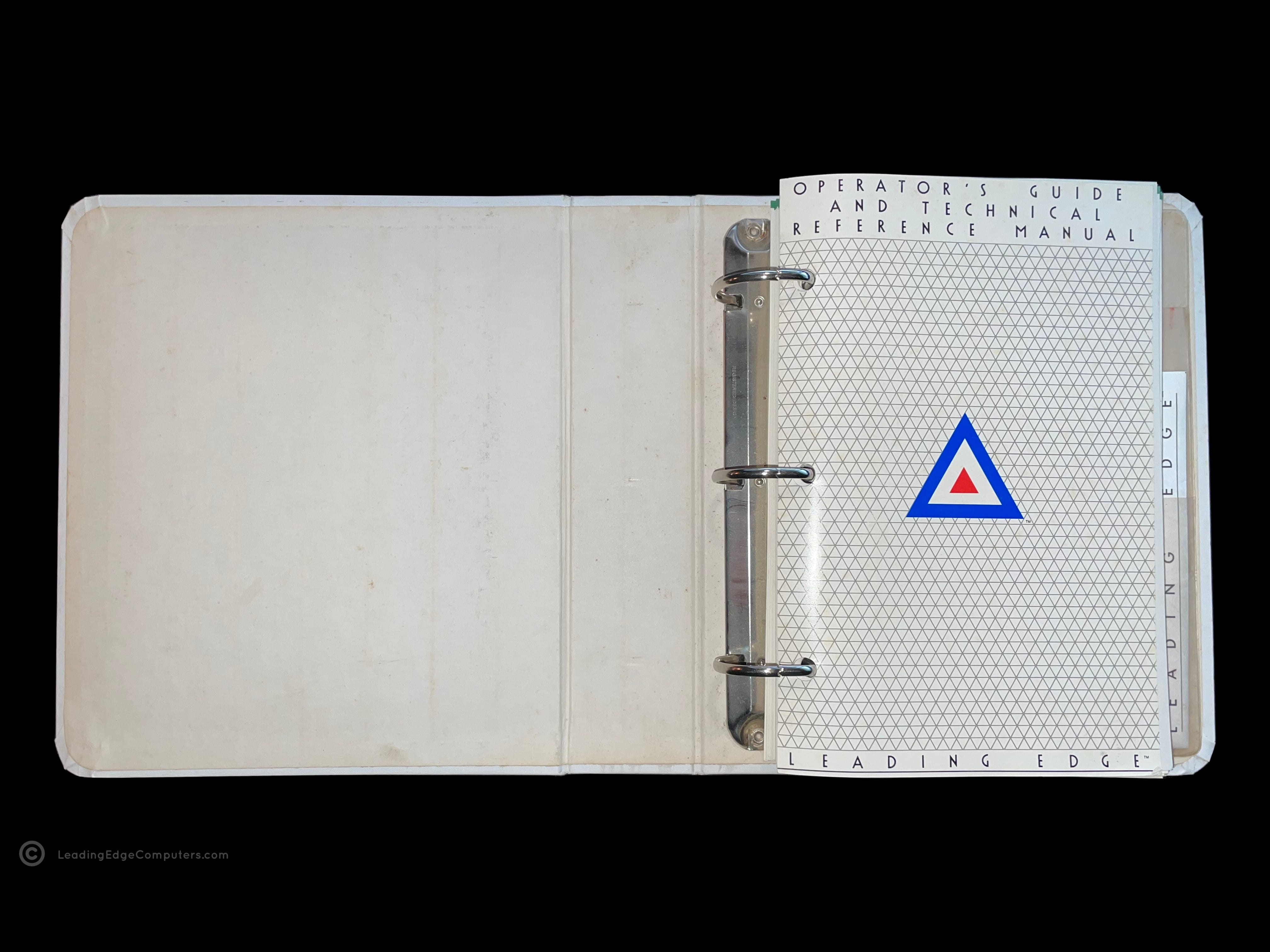
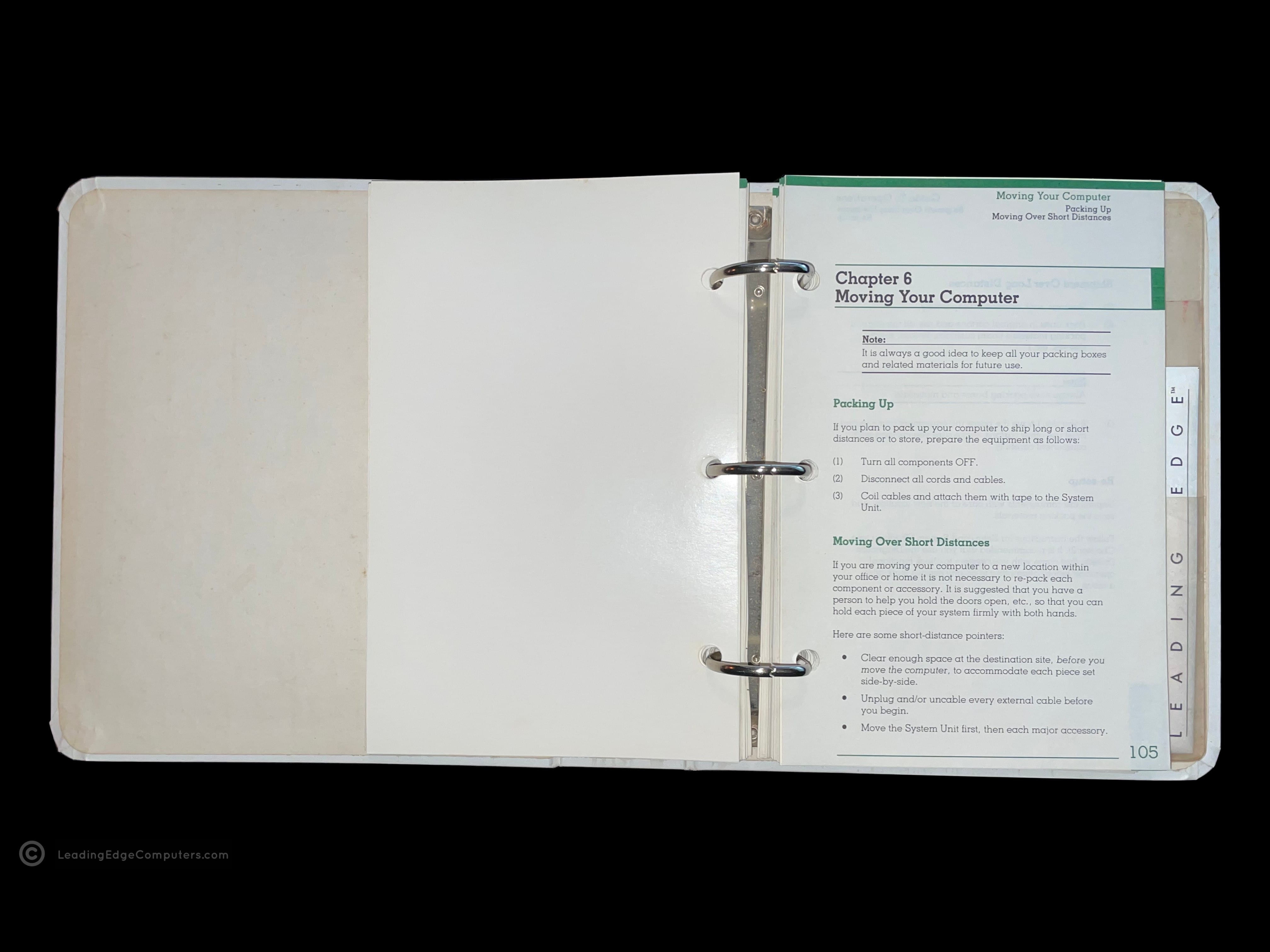
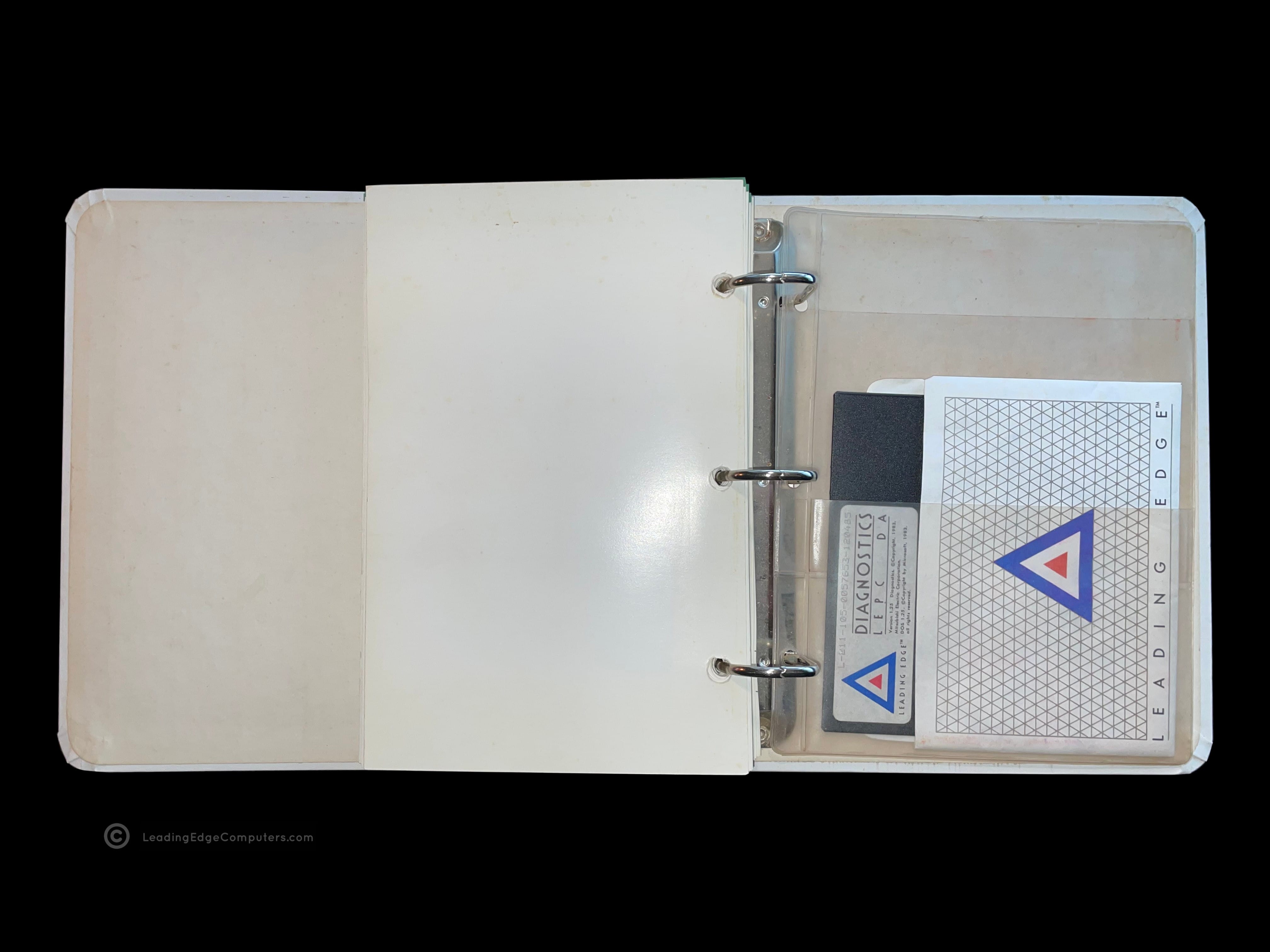
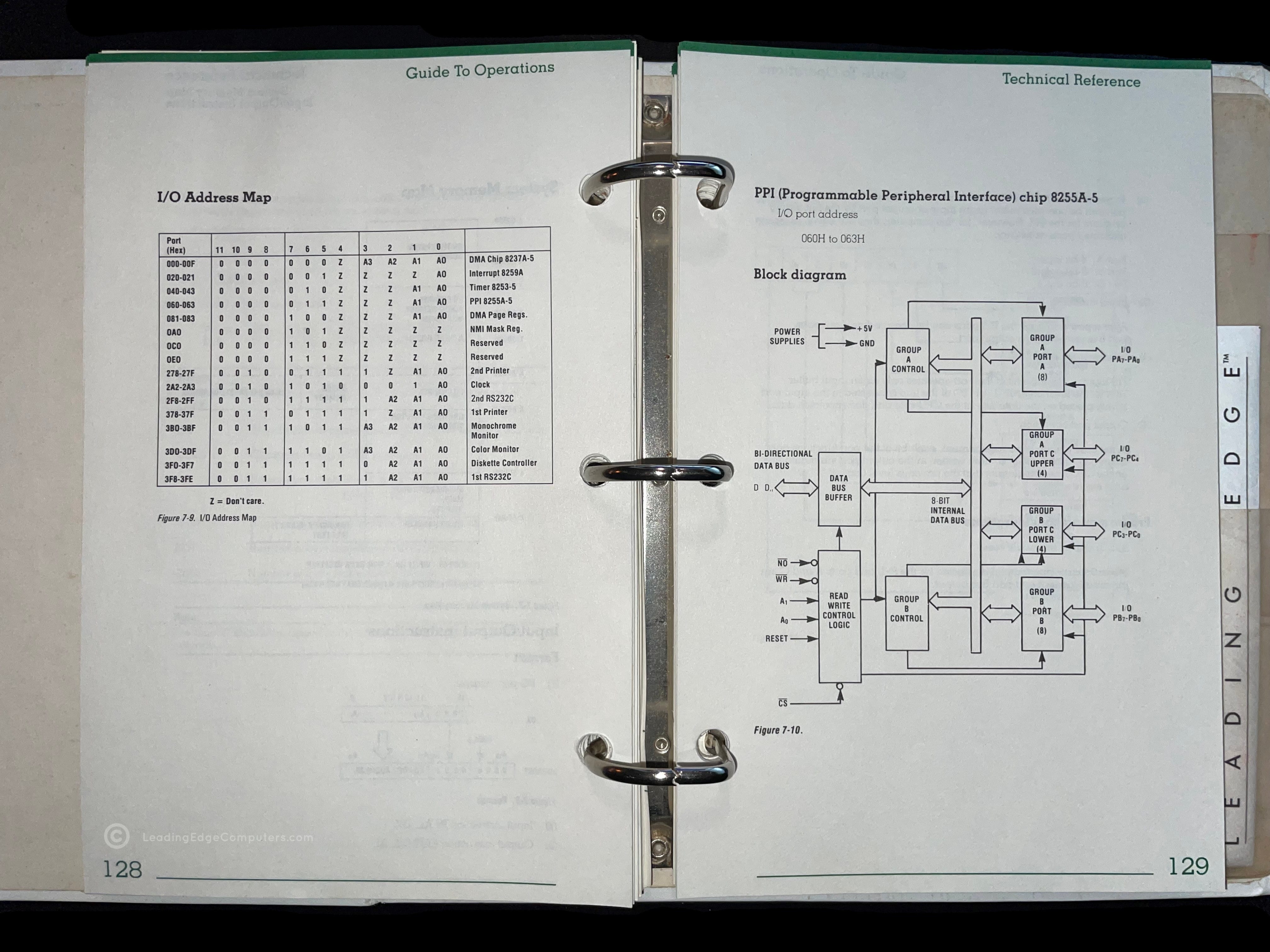
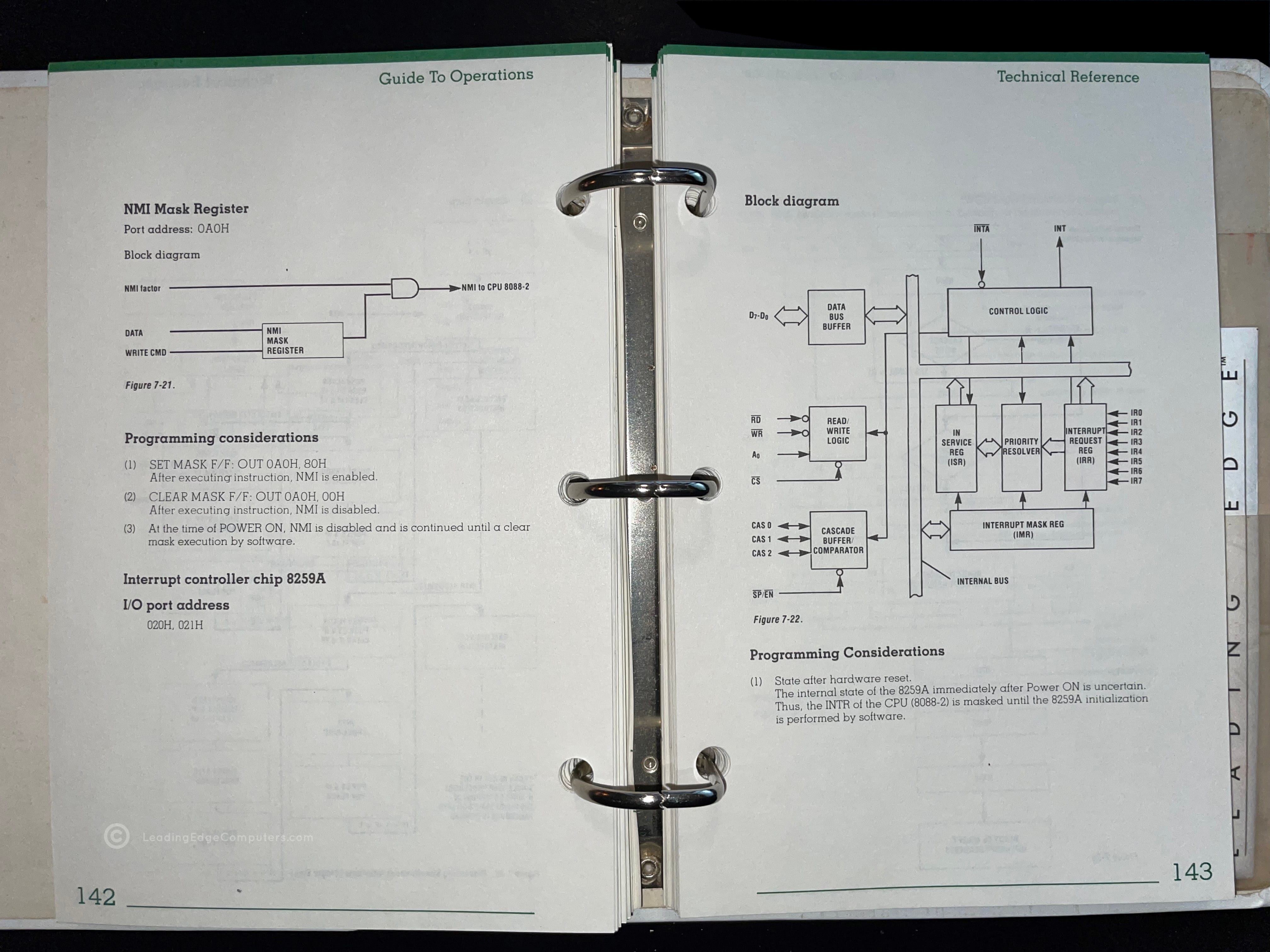
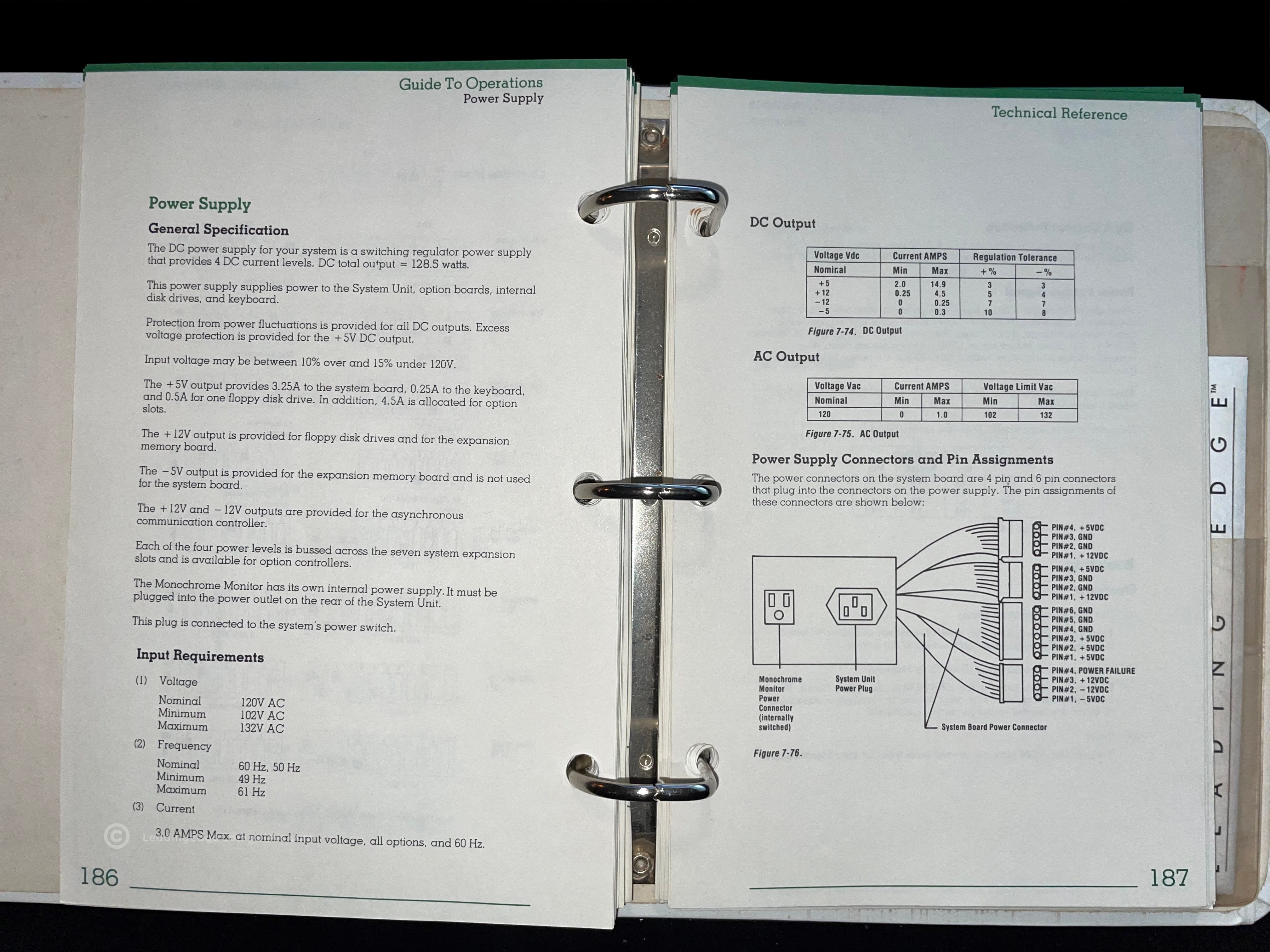
    A photo of the Leading Edge Operator's Guide Technical Reference Manual's three-ring binder cover and Leading Edge logo A photo of the Leading Edge Operator's Guide Technical Reference Manual in its sleeve A stylized angled view of the Leading Edge Operator's Guide Technical Reference Manual in its sleeve A photo of the Leading Edge Operator's Guide Technical Reference Manual opened to the title page A photo of the Leading Edge Operator's Guide page one of chapter six of the Technical Reference Manual, called moving your computer A photo of the back of an opened Leading Edge Operator's Guide Technical Reference Manual showing the plastic sleeve for housing the diagnostics disk A photo of the Leading Edge Operator's Guide Technical Reference Manual opened to page 128 showing I/O address mapping A picture of the Technical Reference Manual opened to page 142 showing a block diagram of the computer's logic A photo of the Technical Reference Manual opened to page 186, discussing the power supply for the Model M computer

     Leading Edge Philosophy Brochure

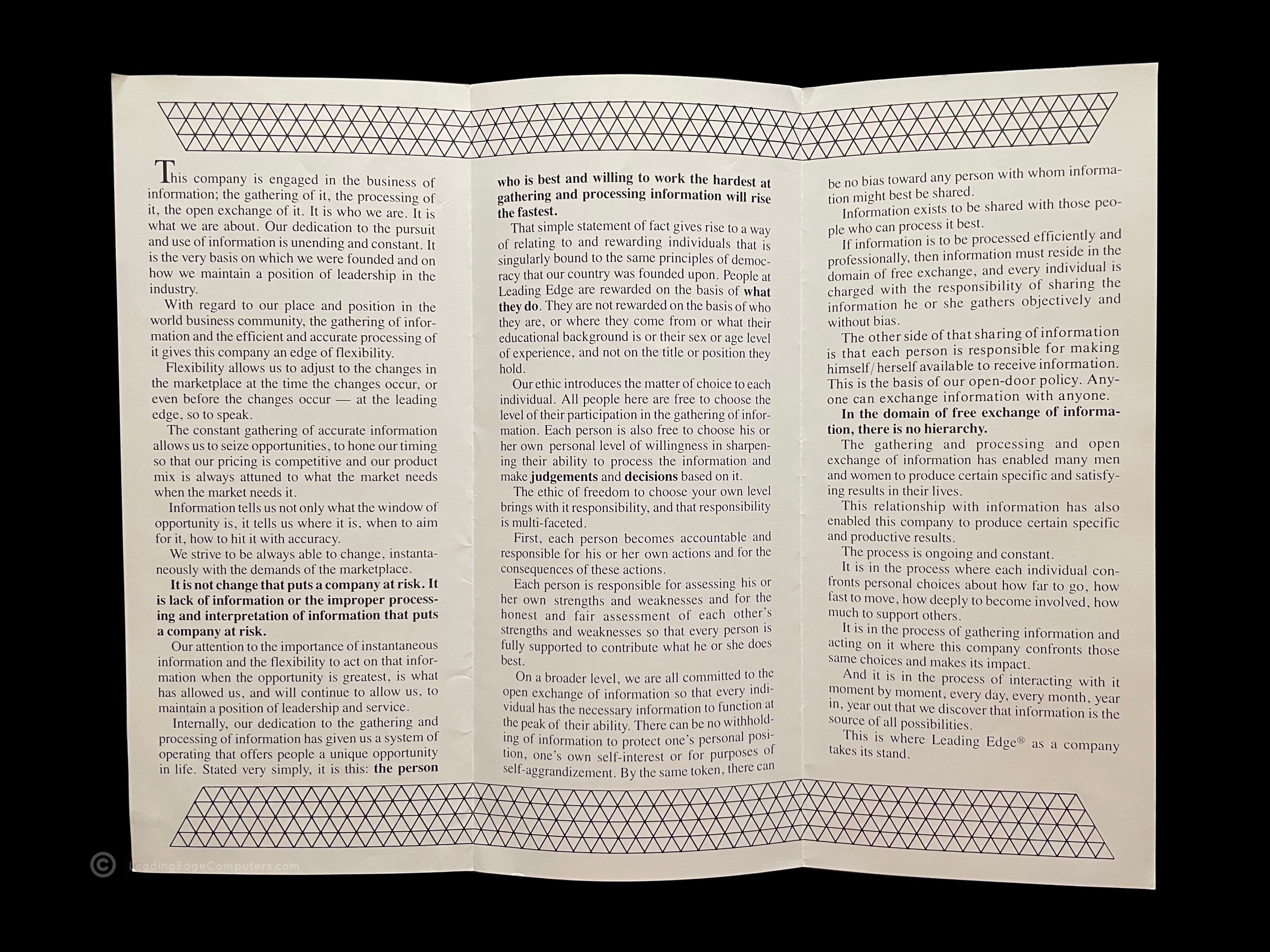
    Leading Edge Philosophy brochure in its folded up state Angled photo of the Leading Edge Philosophy Brochure Rear of the Leading Edge Philosophy brochure folded up Leading Edge Philosophy brochure partly opened Leading Edge Philosophy brochure fully opened Leading Edge Philosophy brochure fully opened back side

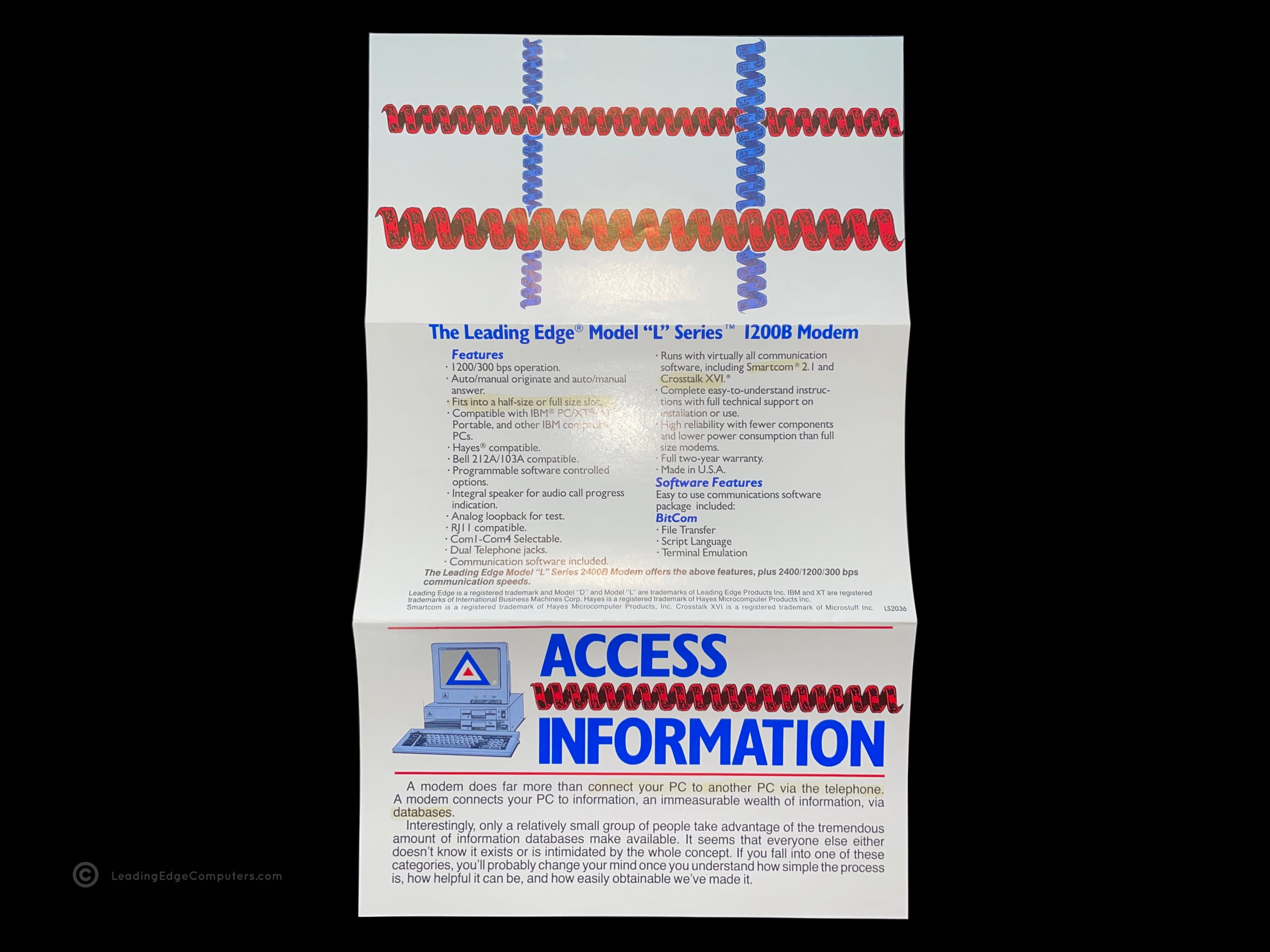
     Model L Series Modem Brochure

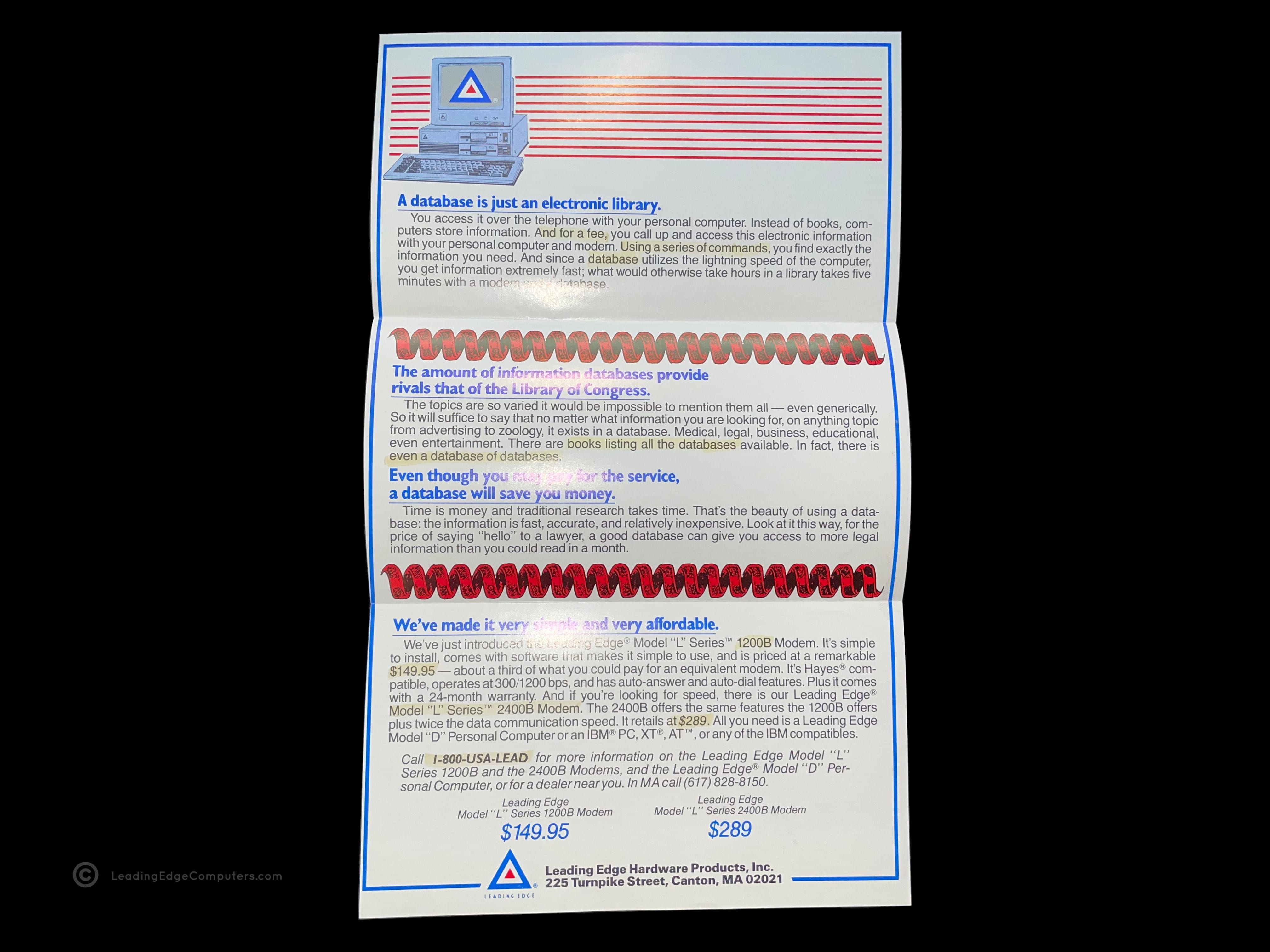
    front side view of the folded up model l series modem brochure unfolded interior view of the model l series modem brochure unfolded rear view of the model l series modem brochure

     Leading Edge Support Brochure

    front side view of the folded up leading edge support brochure unfolded interior view of the leading edge support brochure folded rear view of the leading edge support brochure

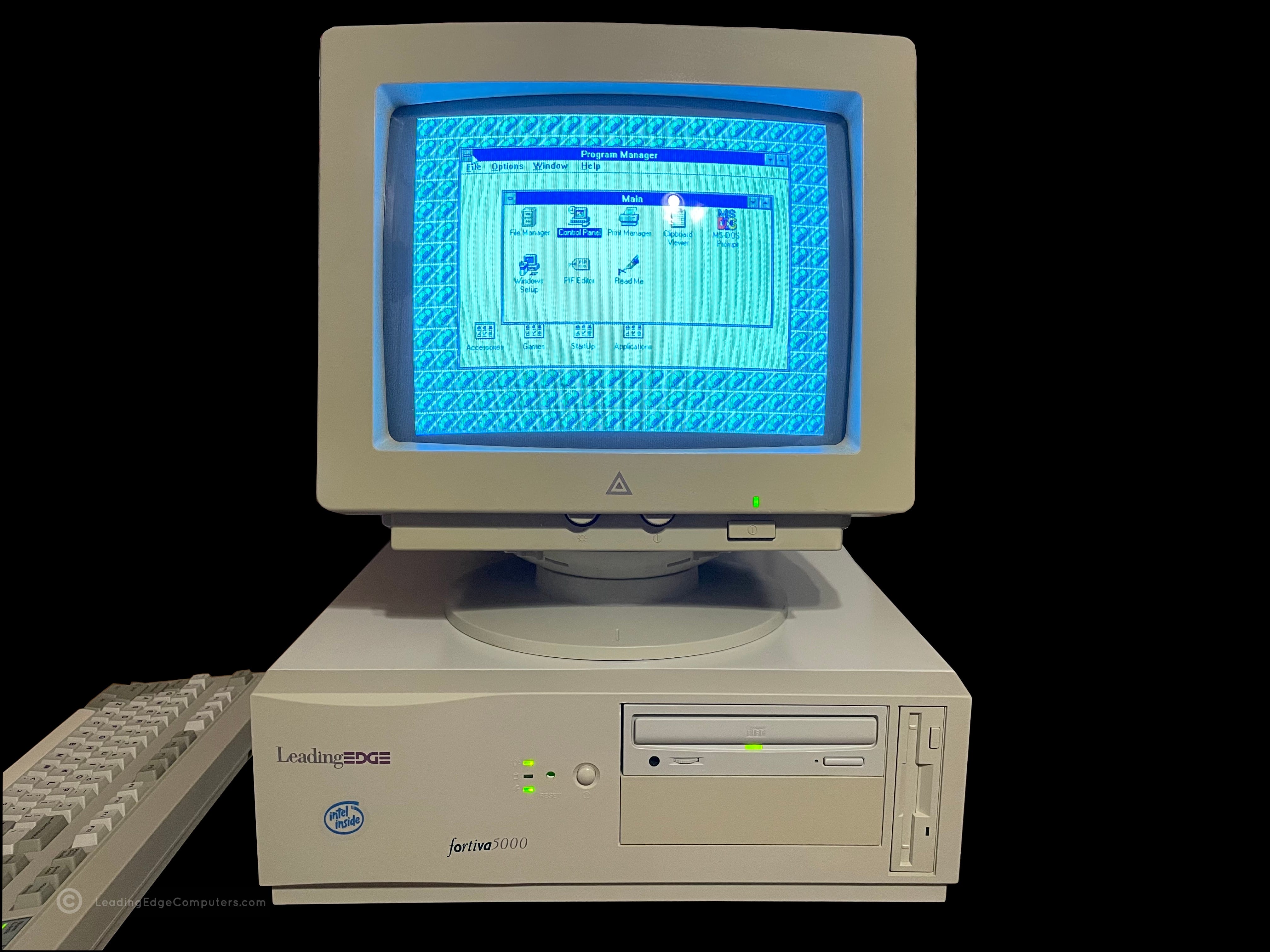
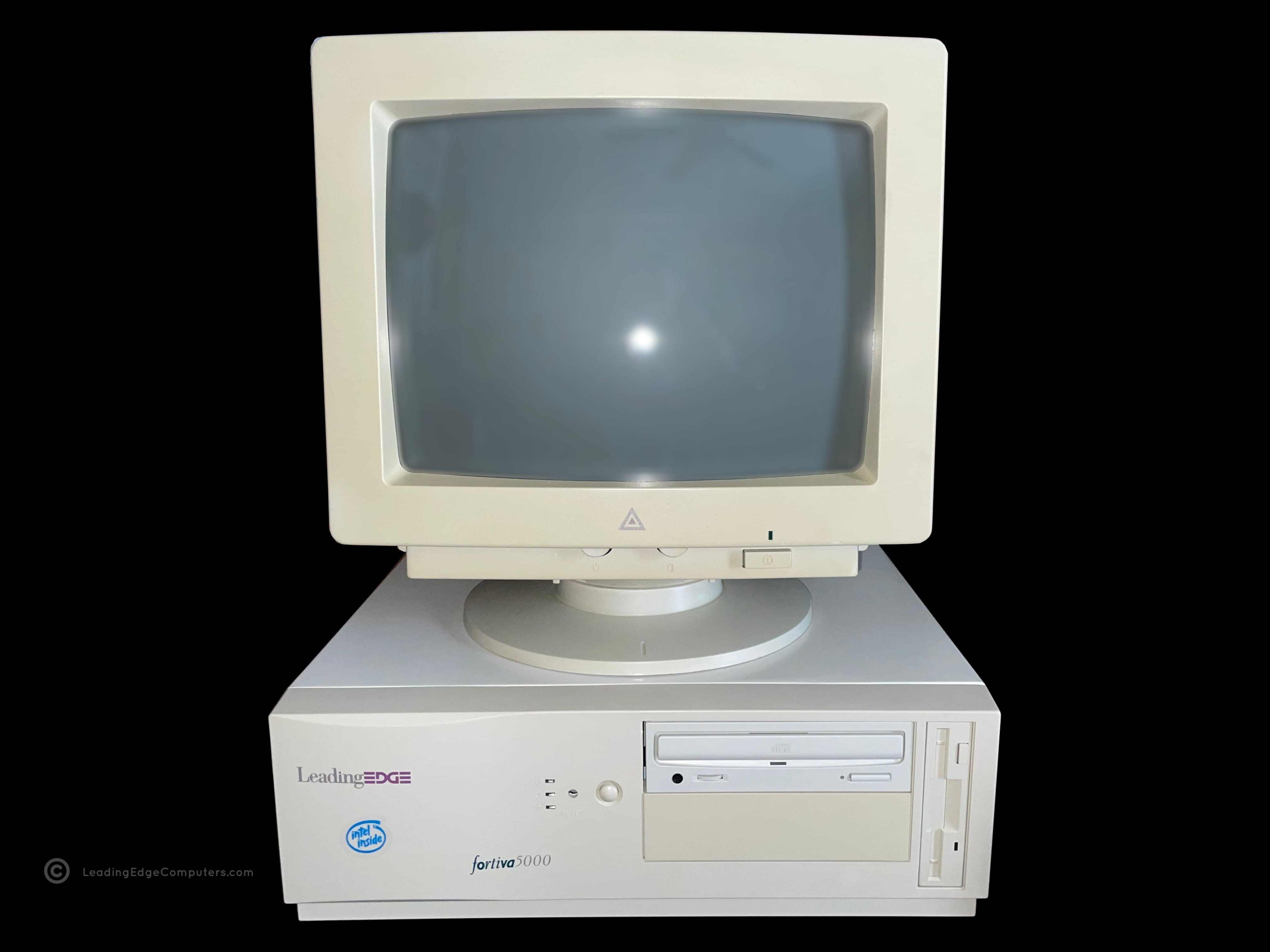
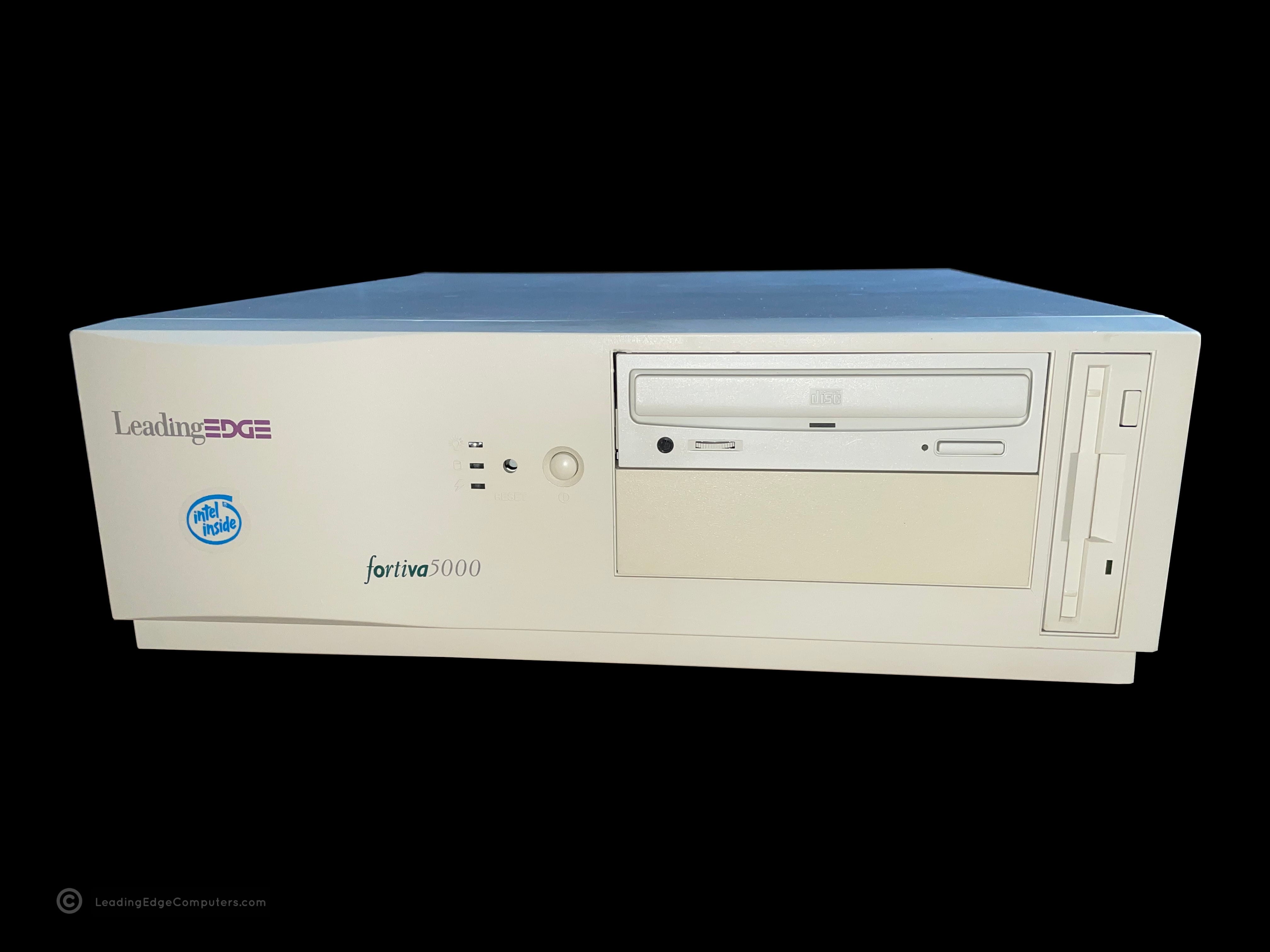
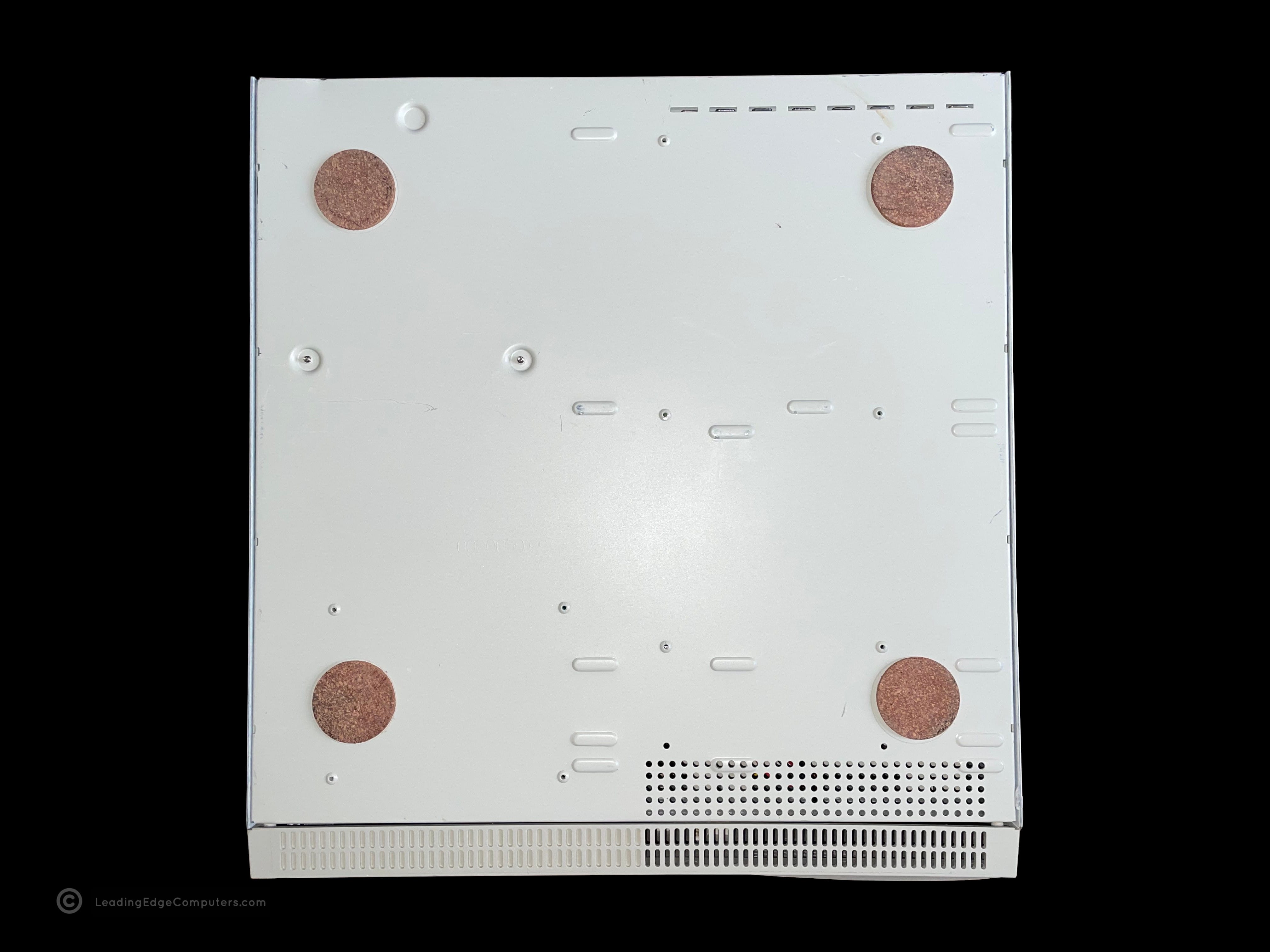
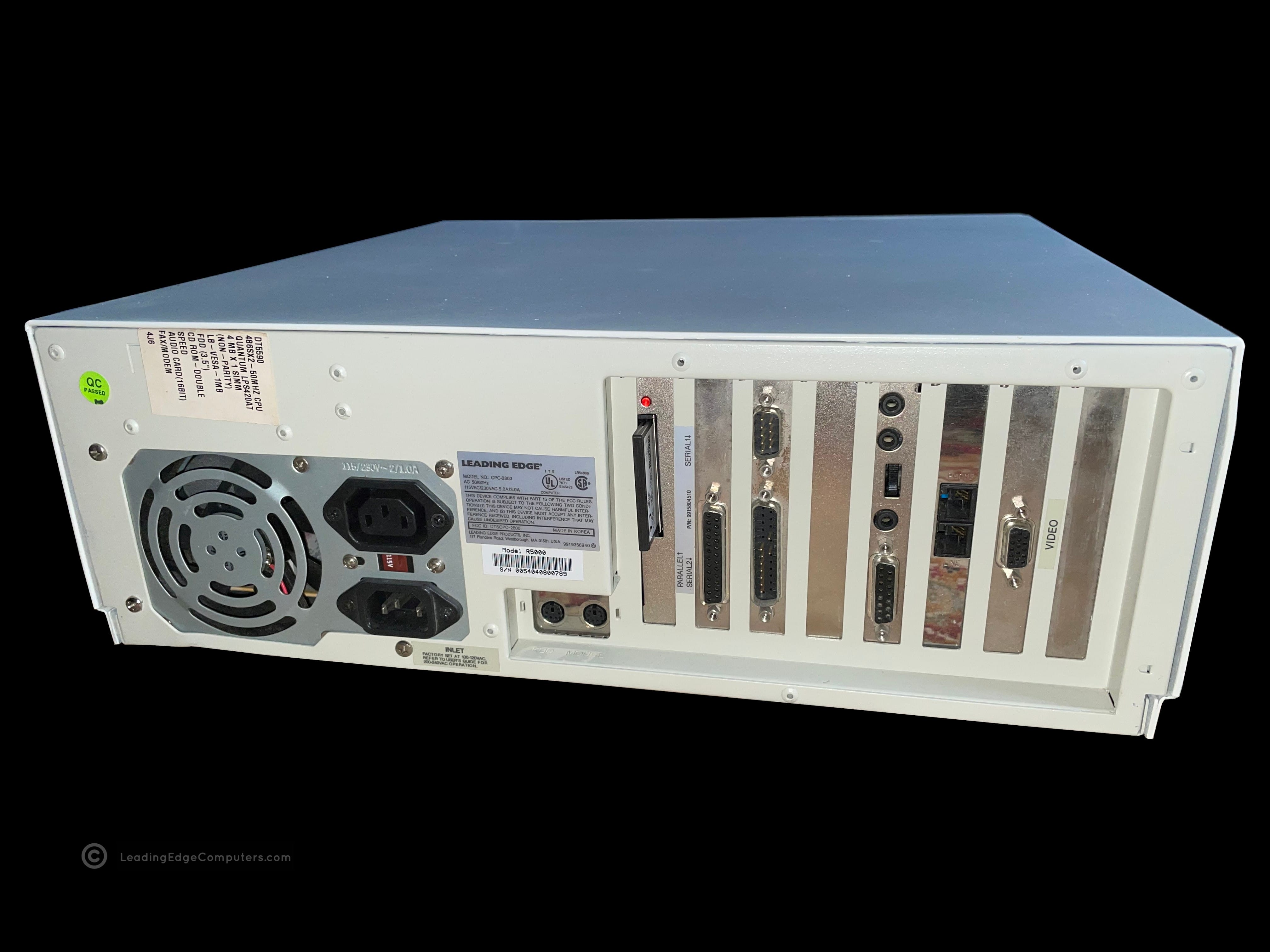
     Fortiva 5000 CPC 2800

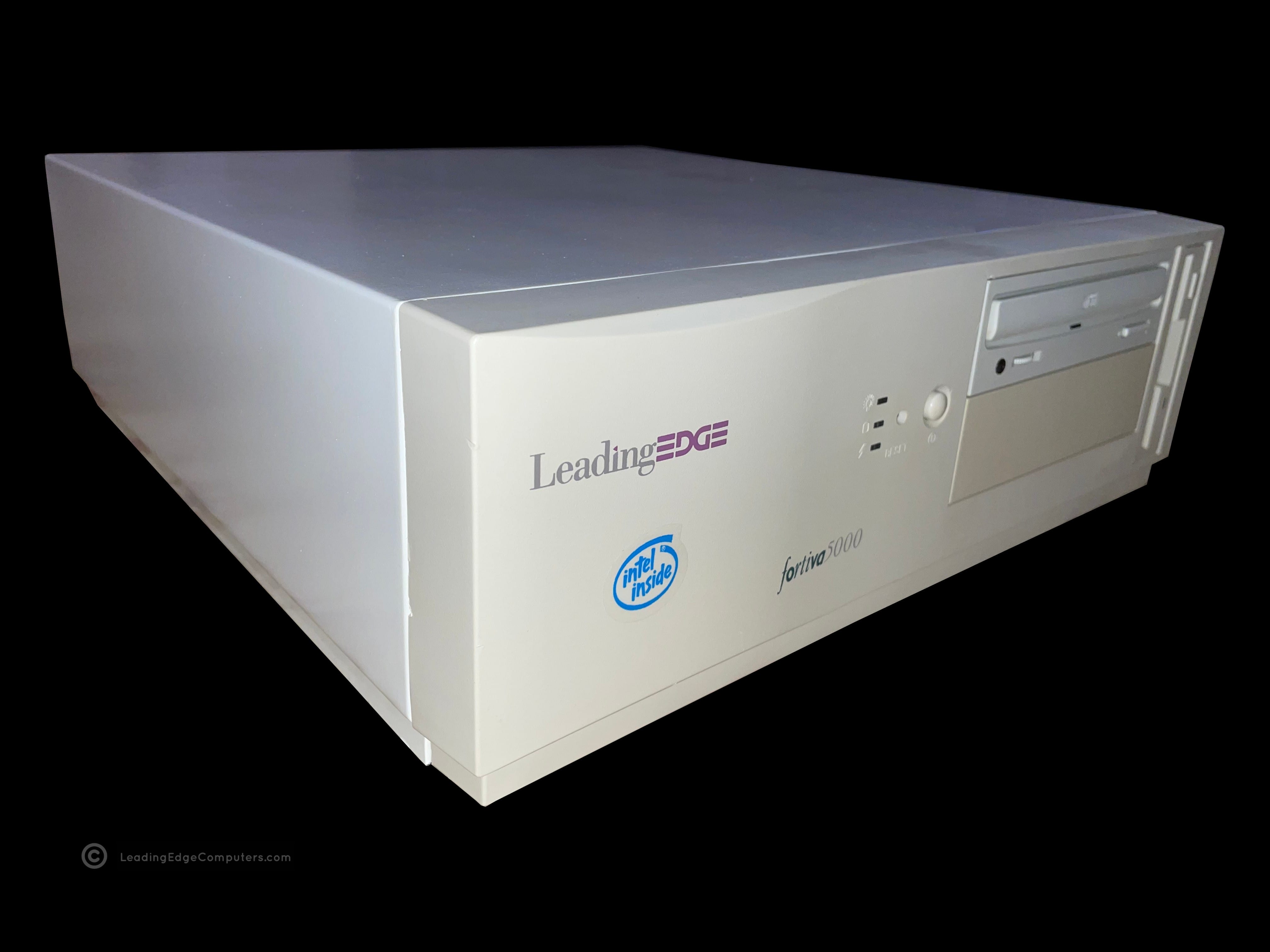
    A photo of a Foriva 5000 cpc 2800 booted into Windows 3.1 A top down view of the Fortiva 5000 cpc 2800 case A photo of a Fortiva 5000 CPC 2800 paired with a CMC 1417AE color monitor A photo of the front of a Fortiva 5000 CPC 2800 showing the revised Leading Edge logo A picture of the bottom of a Fortiva 5000 CPC 2800 computer showing the cork feet A photo of the rear of a Fortiva 5000 CPC 2800 computer showing the exhaust fan and expansion card interface A picture showing the right-hand side of a Fortiva 5000 cpc 2800 and its subdued styling A picture showing the left-hand side of a Fortiva 5000 CPC 2800 A diagonal view of the front of a Fortiva 5000 CPC 2800, showing the front and the left side of the machine

     CMC‐1417AE

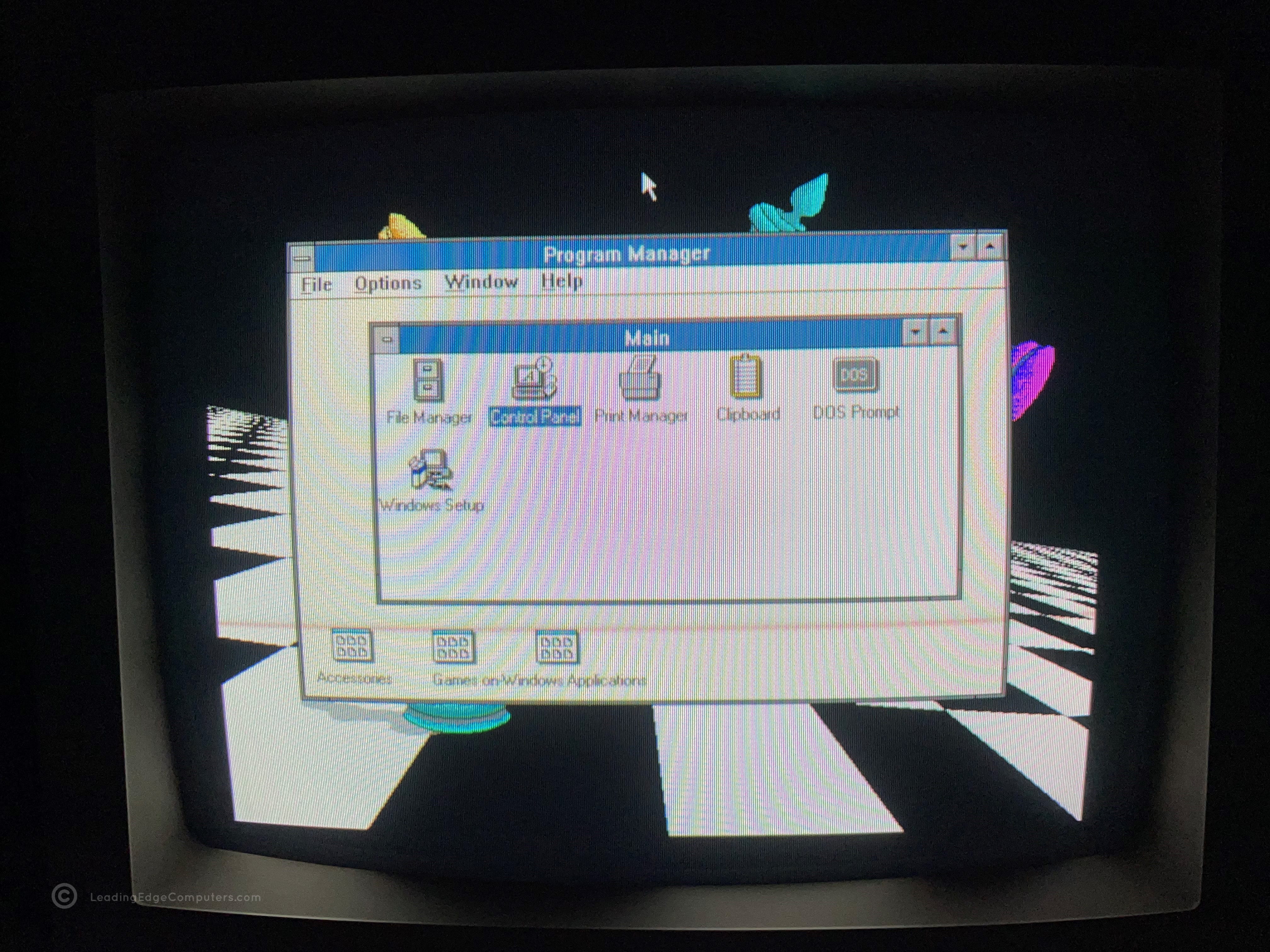
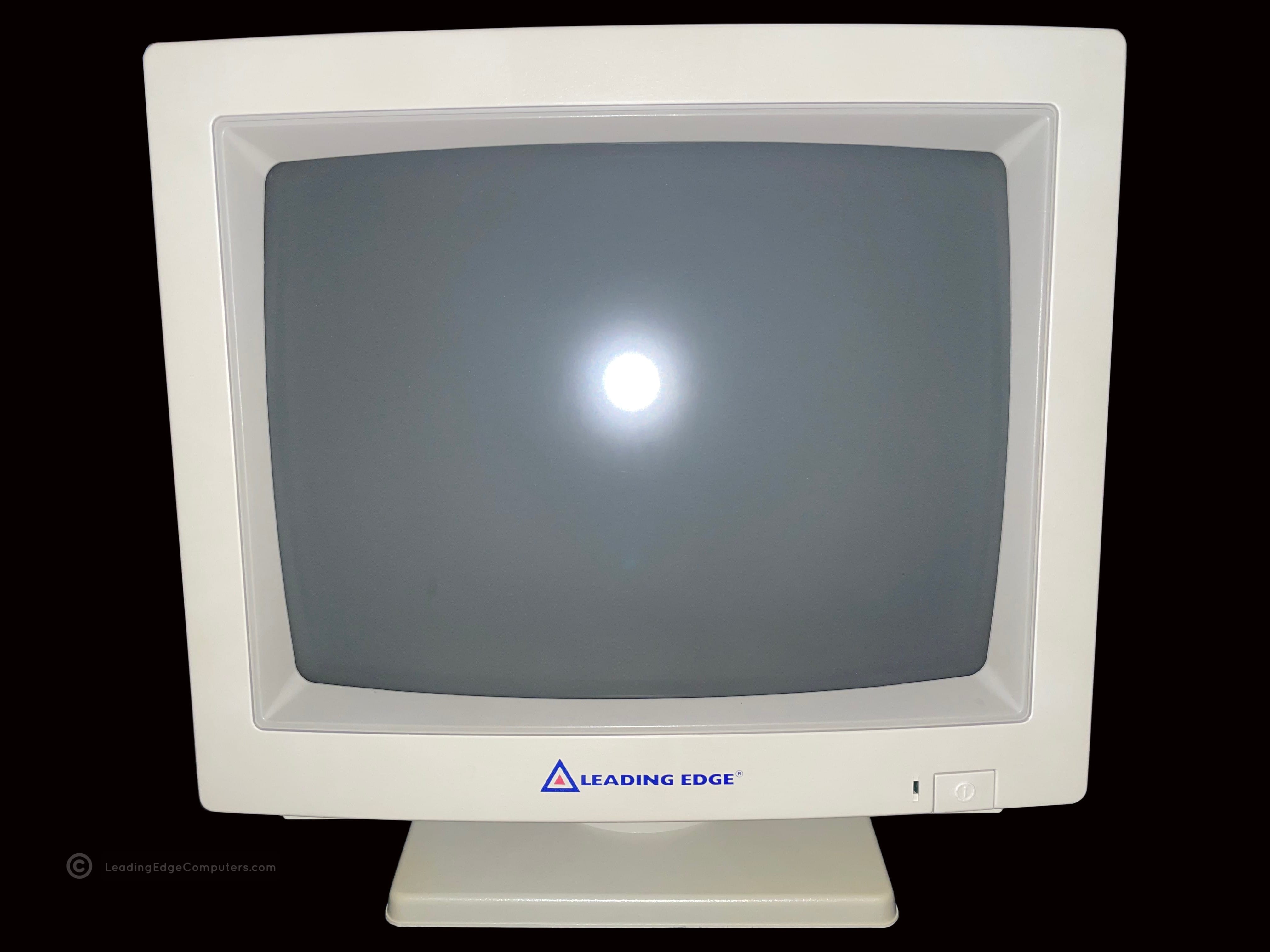
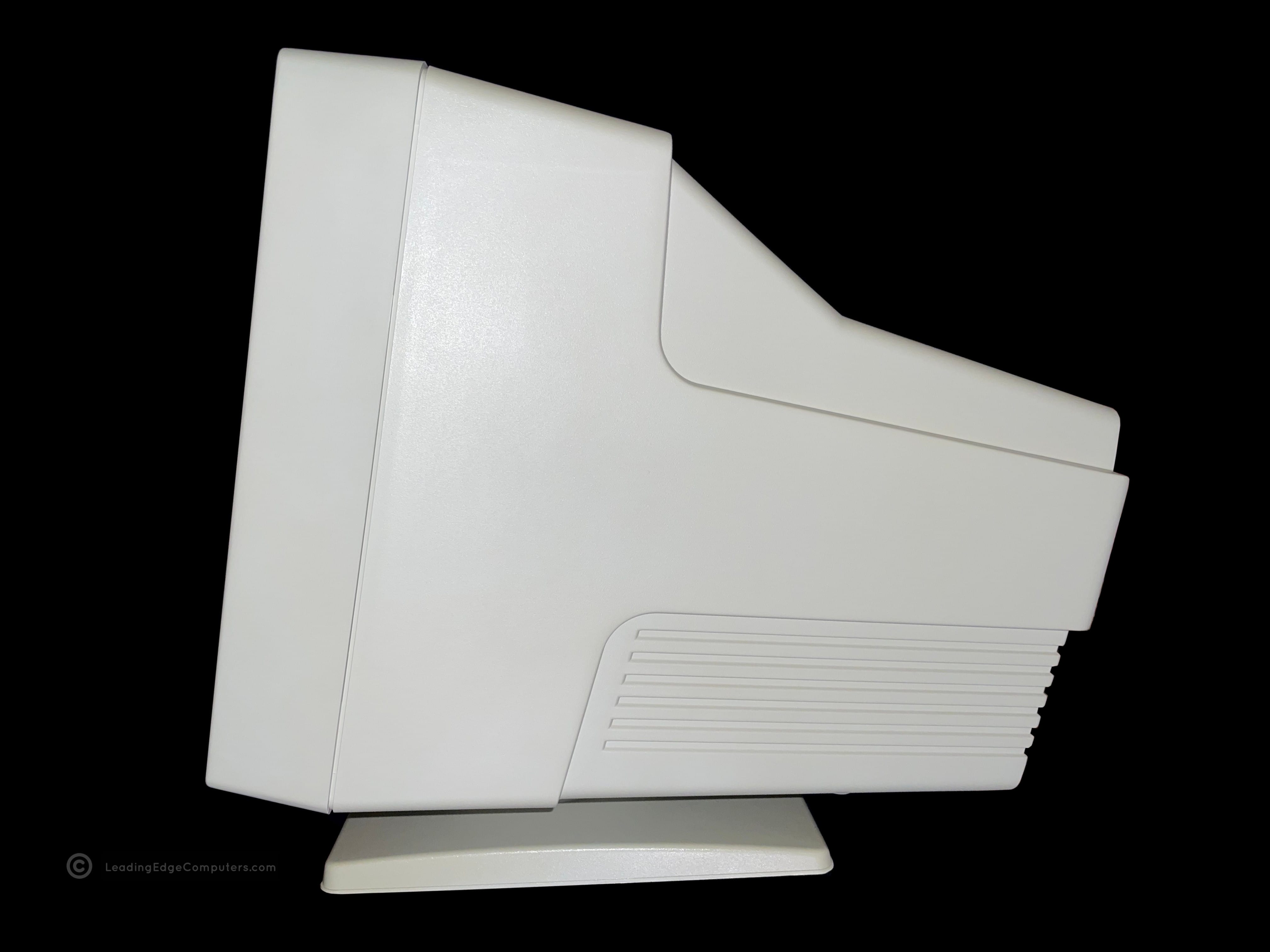
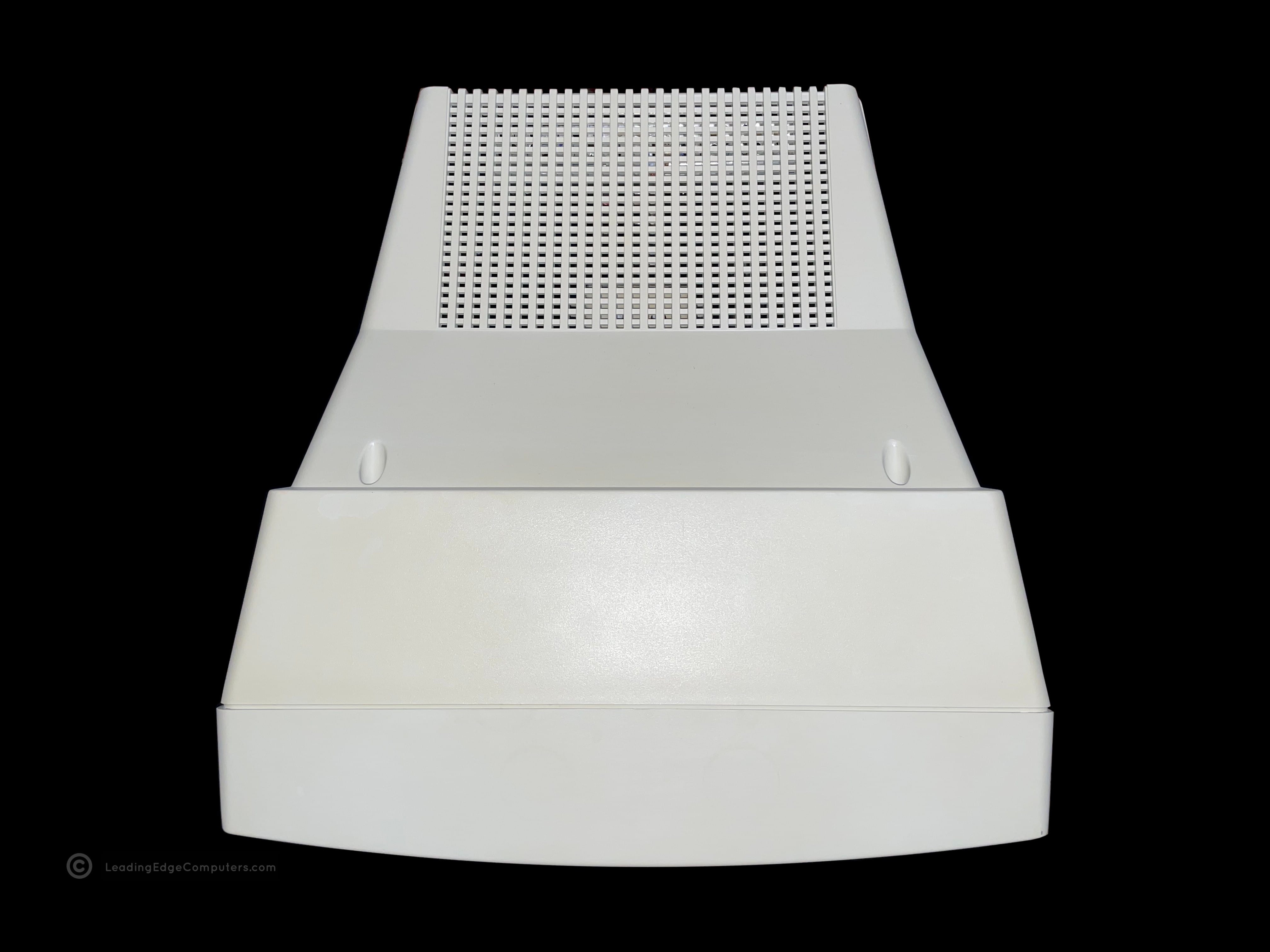
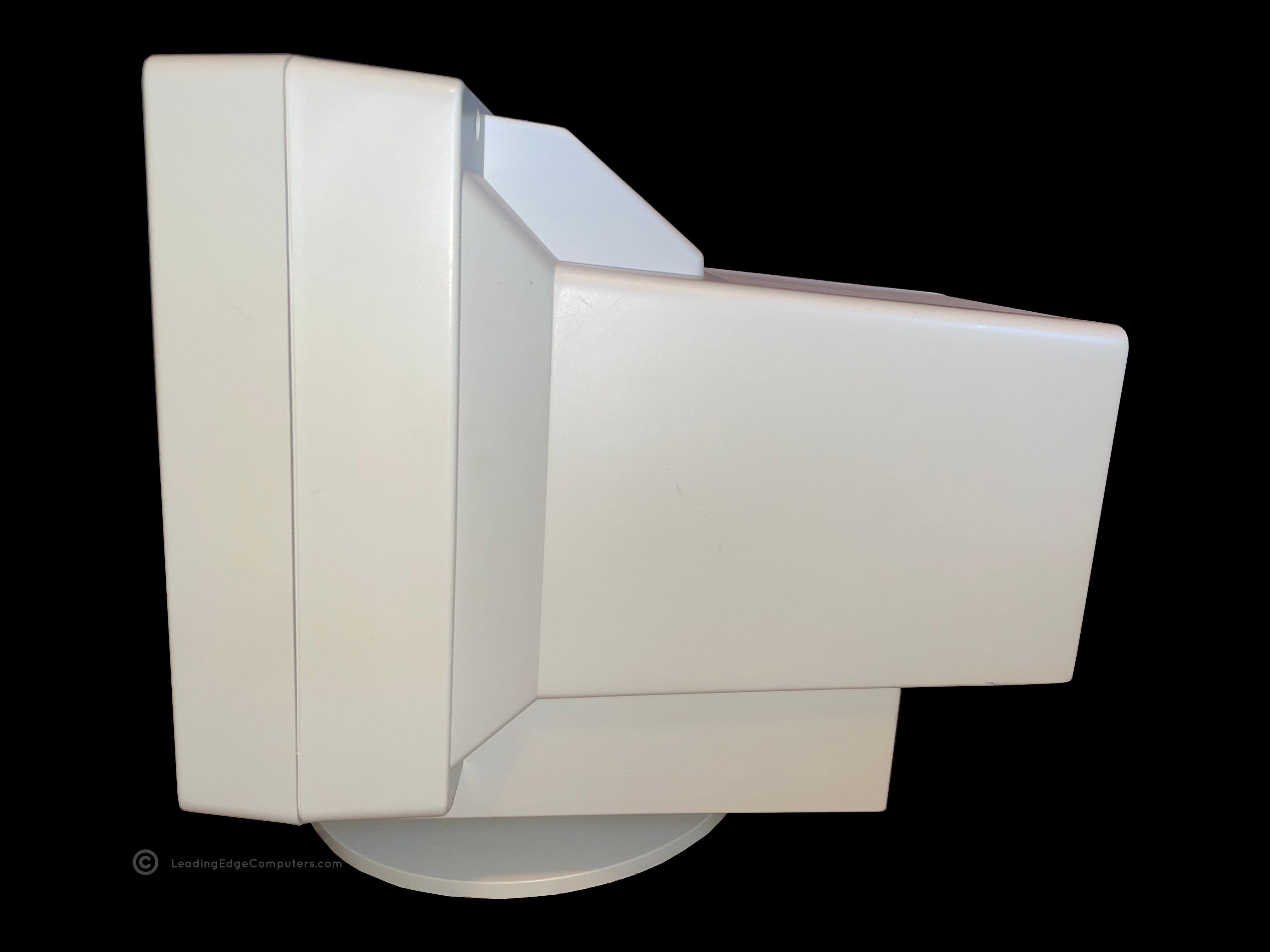
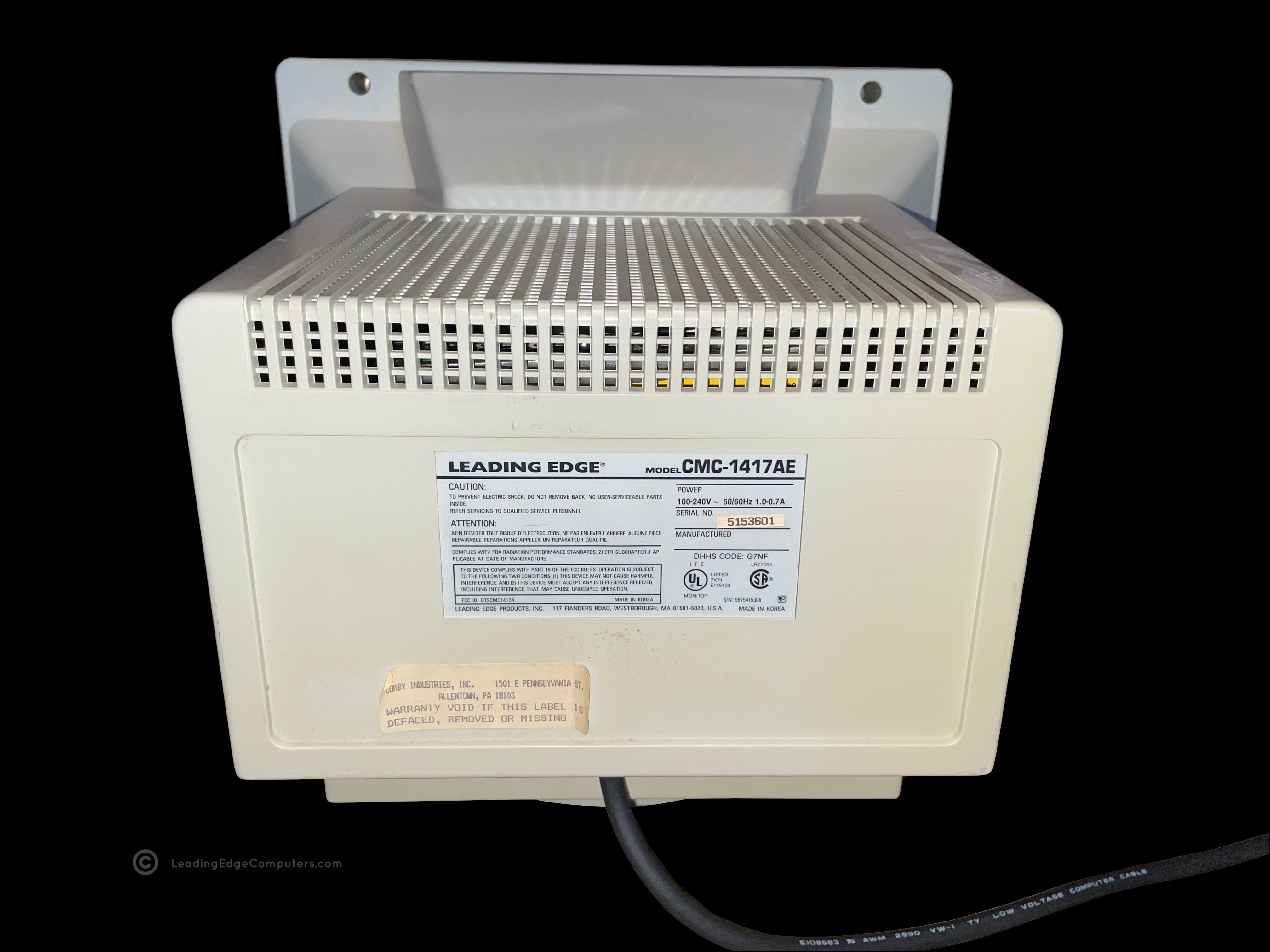
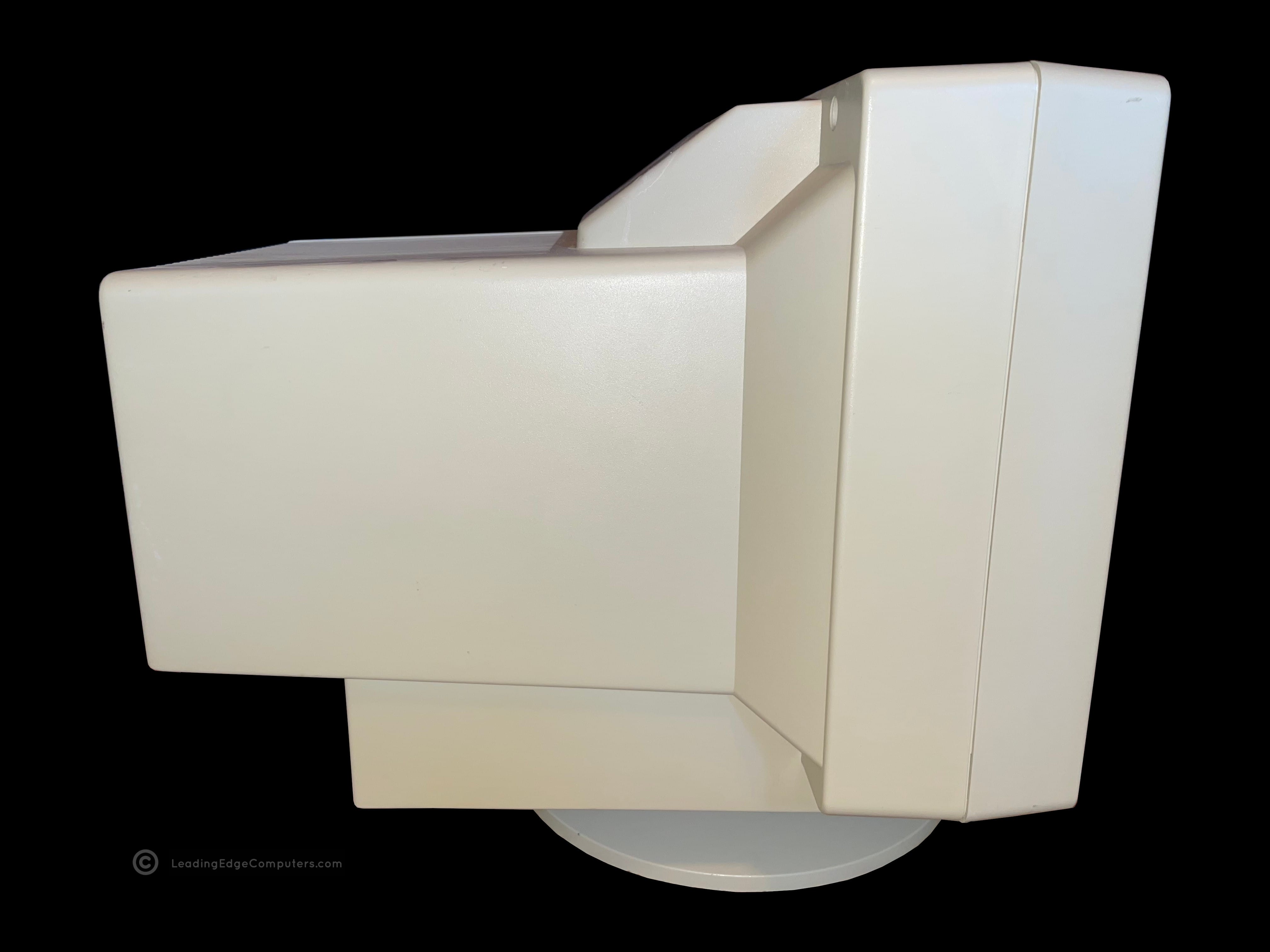
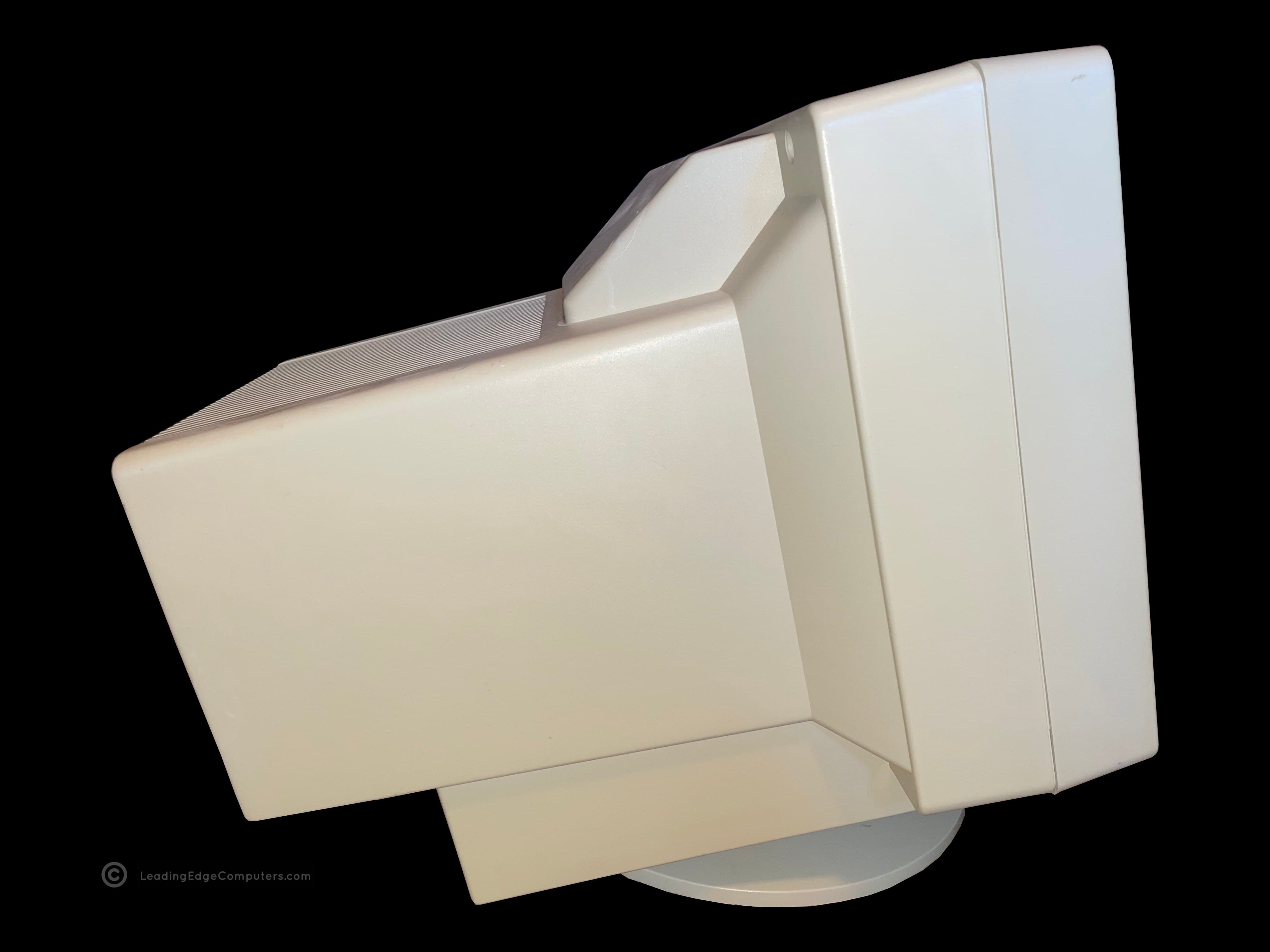
    front facing cmc 1417ae monitor top down view of cmc 1417ae right side profile of cmc 1417ae rear view of cmc 1417ae with manufacturer label left side profile view of cmc 1417ae left side profile view while tilted up of cmc 1417ae bottom of cmc 1417ae monitor with stand user adjustable dials for cmc 1417ae, contrast and brightness detail view of cmc 1417ae power plug and vga cable cmc 1417ae displaying fortiva 3000 bios cmc 1417ae displaying fortiva 3000 operating system cmc 1417ae paired with a model d2 plus computer

     CMC‐1417AE Manual Scan

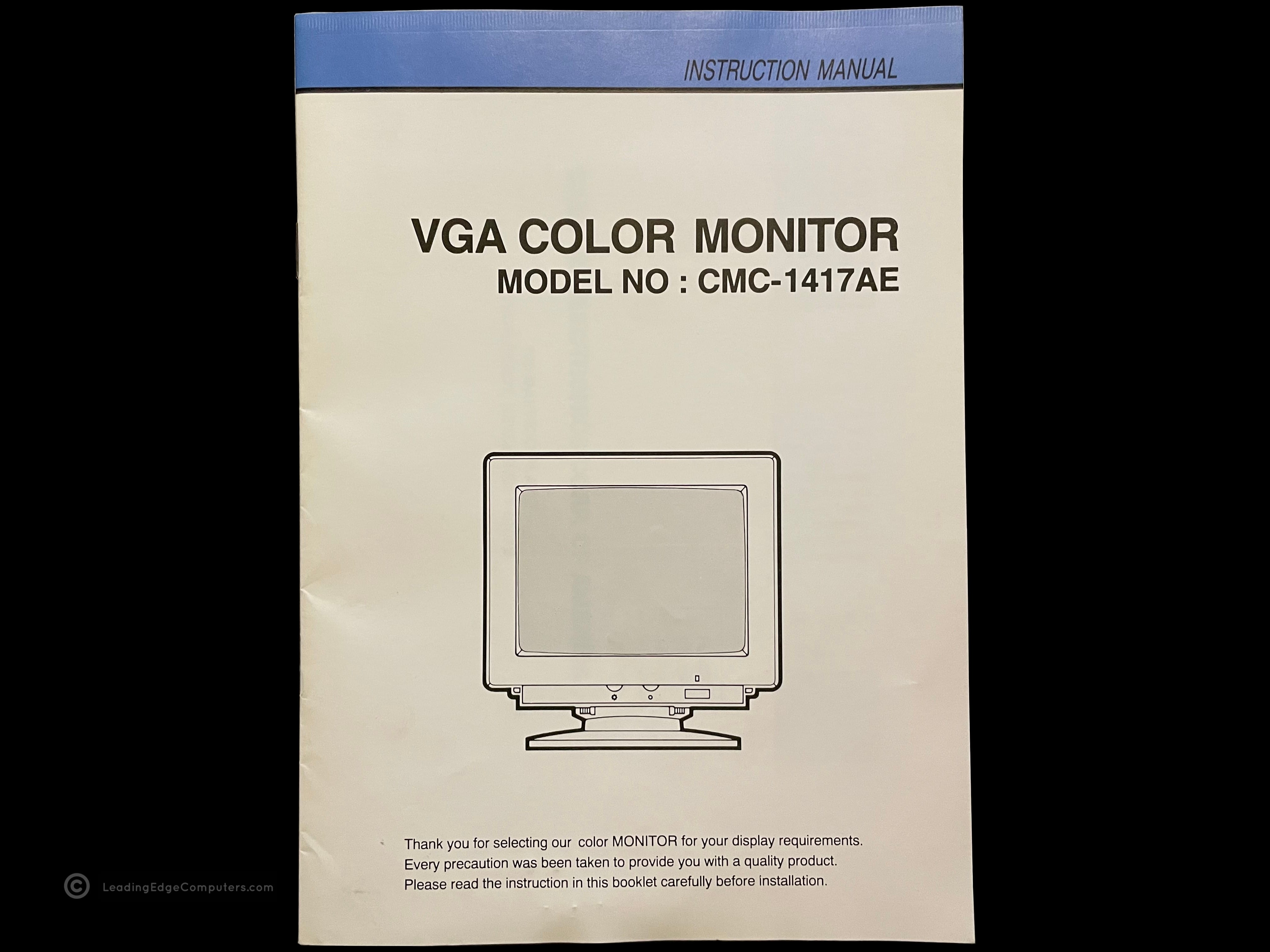
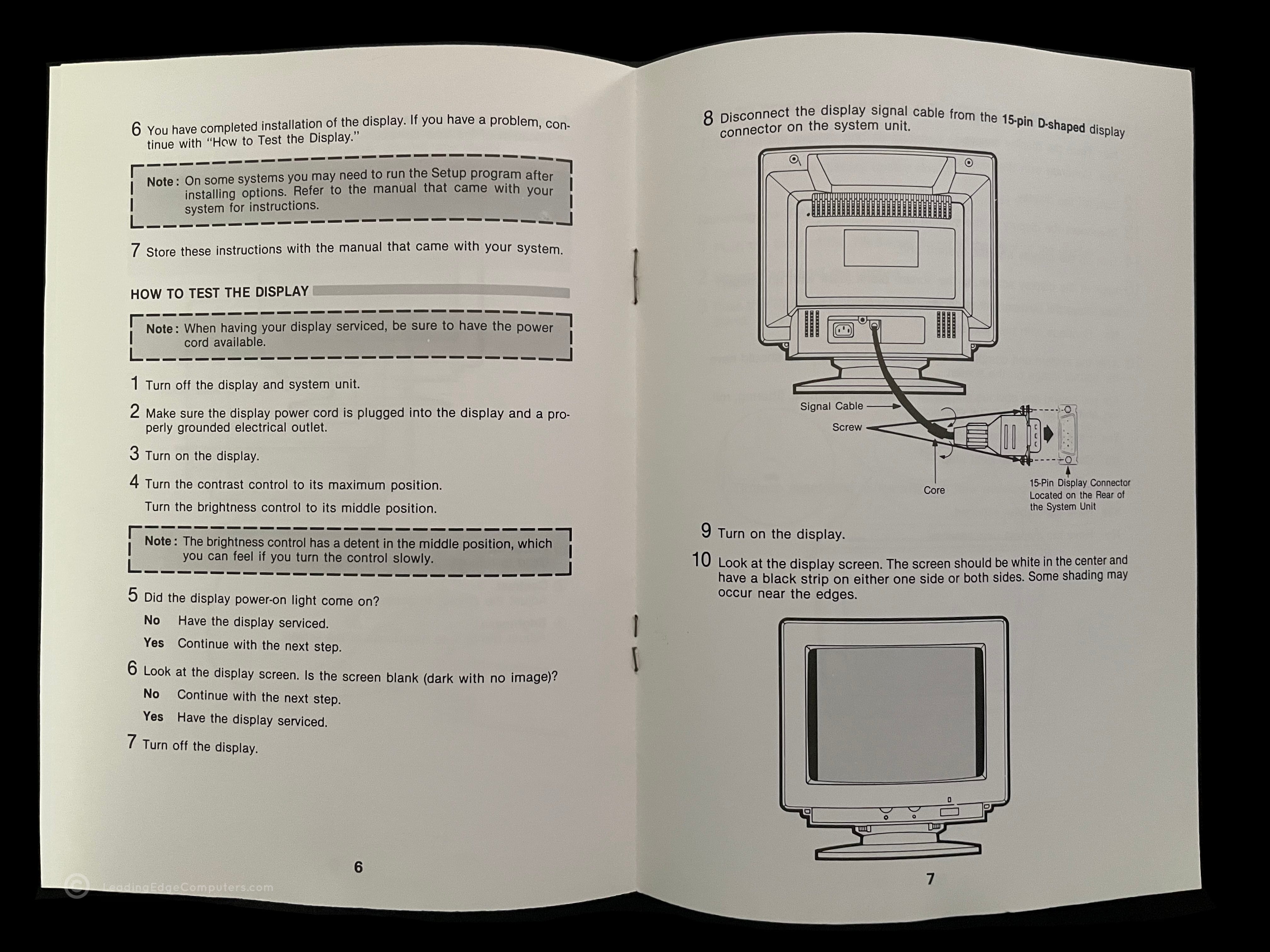
    front cover of the cmc 1417ae manual the cmc 1417ae manual opened to a random page reverse cover of the cmc 1417ae manual

     Multimedia Software

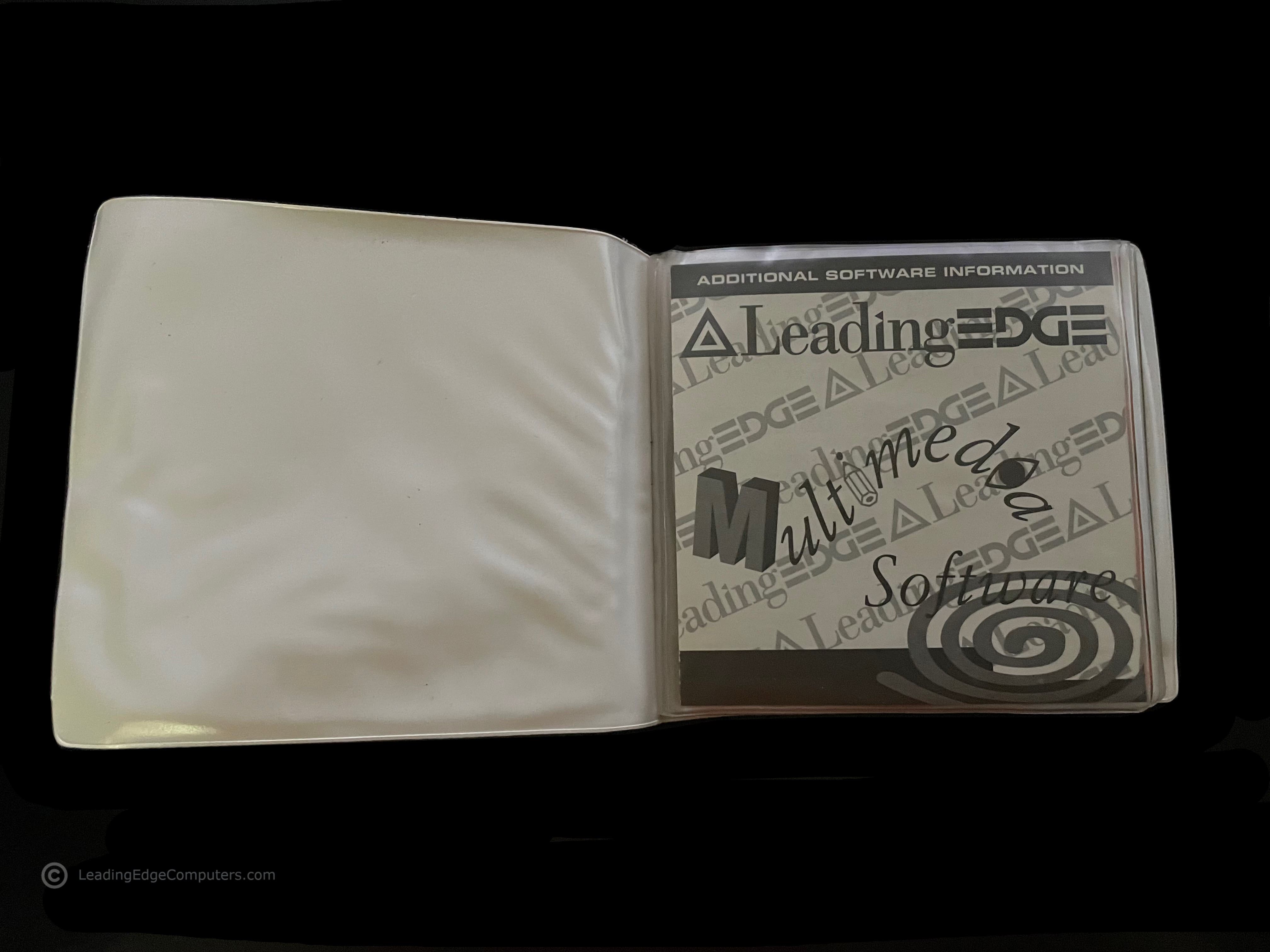
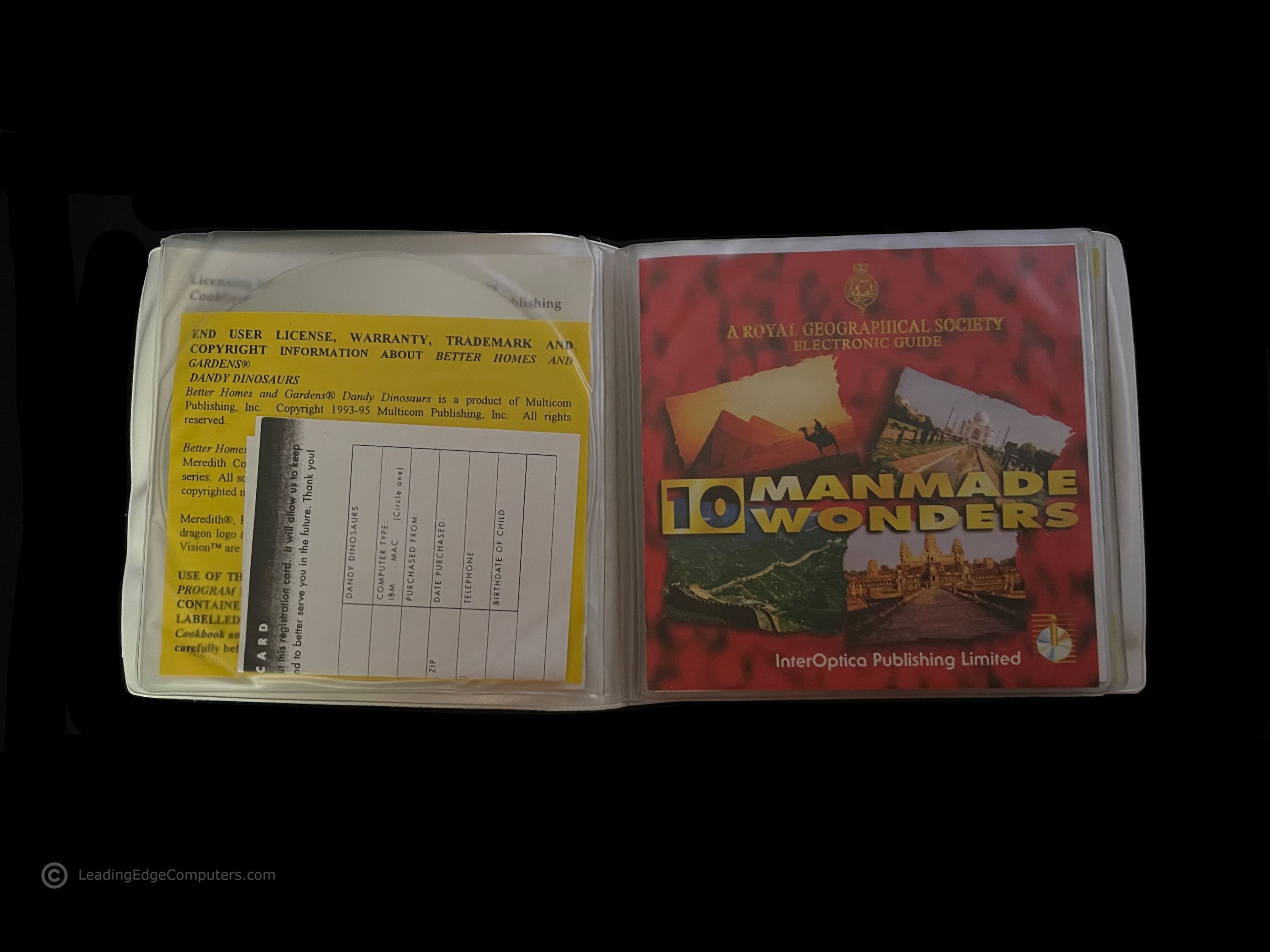
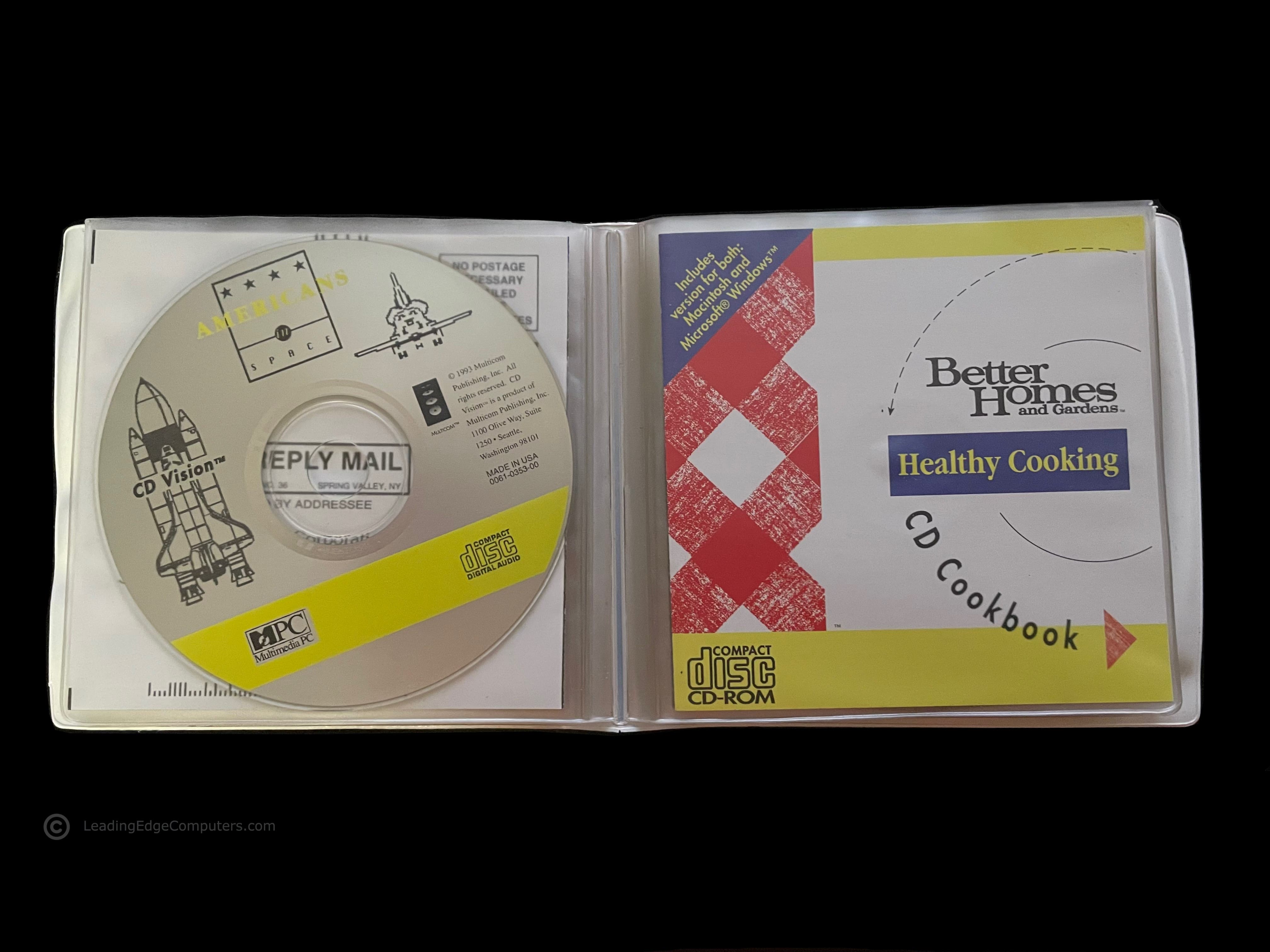
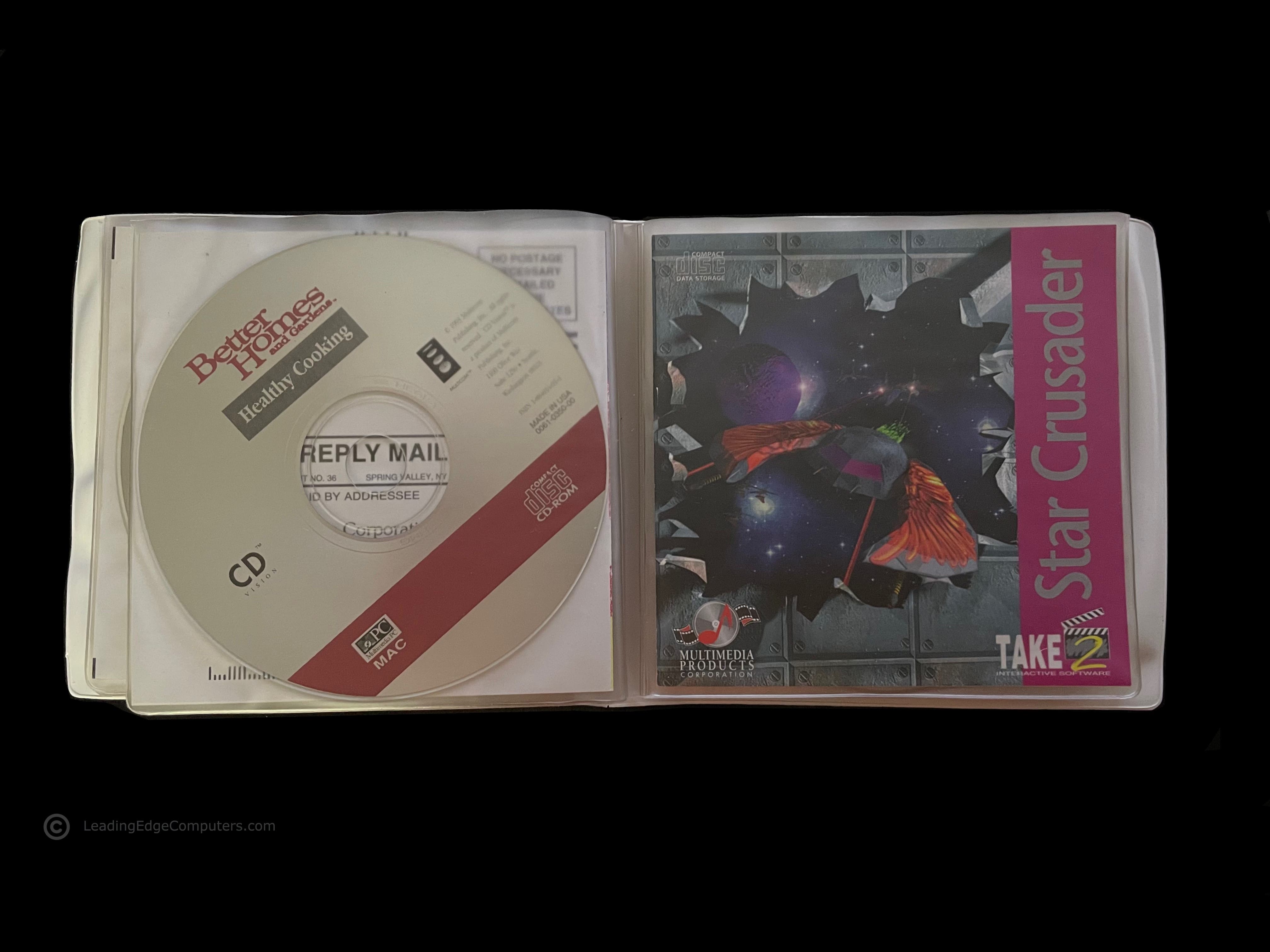
    front folio of Leading Edge's Multimedia Software pack for Fortiva personal computers Multimedia Software pack opened up to the first disc, showing the additional software information sleeve Multimedia Software pack EULA and warranty registration card and cover slip for the Royal Geographical Society Electronic Guide's 10 Manmade Wonders CD-ROM the cover slip for Infopedia software cover slip for Americans in Space CD-ROM the cover slip for Better Homes and Gardens Healthy Cooking CD Cookbook cover slip for Take 2's Star Crusader CD-ROM cover slip for Dr. T's Sing-A-Long Kids Classics CD-ROM CD-ROM labeled with Leading Edge branding with Dandy Dinosaurs, Multimedia Joke Book, and Musical Instruments of the Symphony Orchestra

     Model D Promotional Button

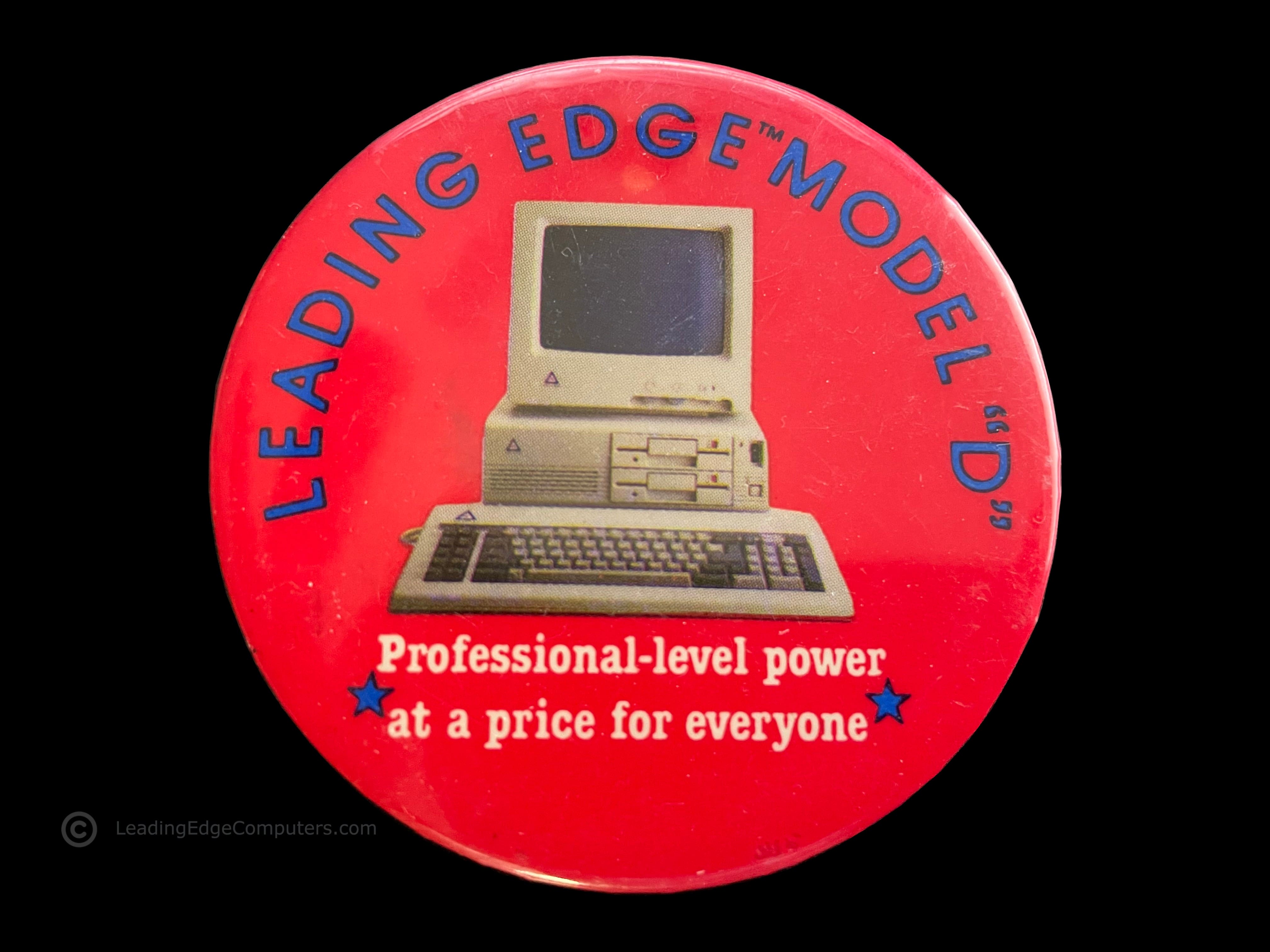
    the front of the model d promotional button showing the computer and slogan the rear of the model d promotional button showing the safety pin located at the top of the button a simple stylized photo from an angle attempting to show the thickness of the model d promotional button

     Letterhead

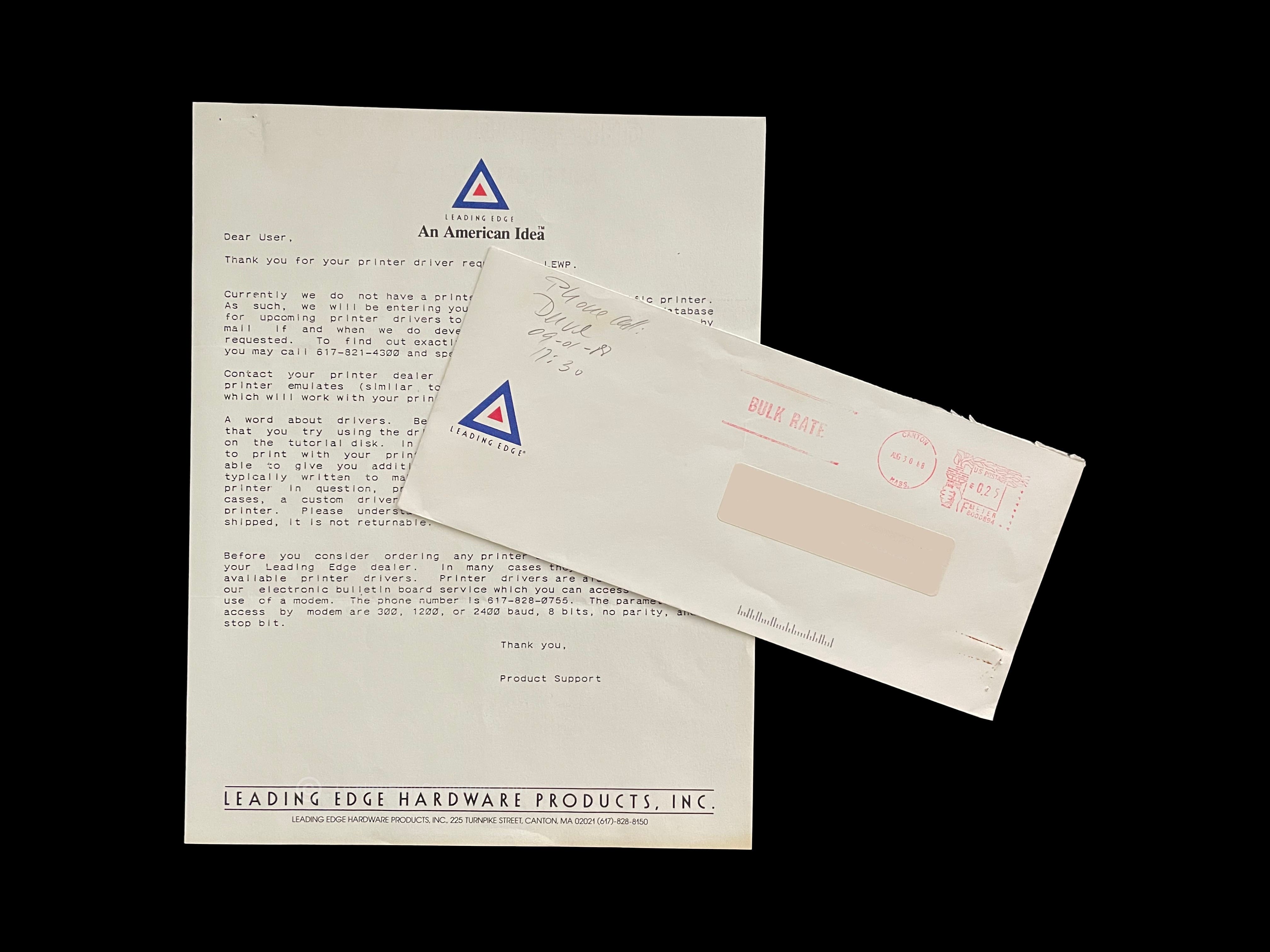
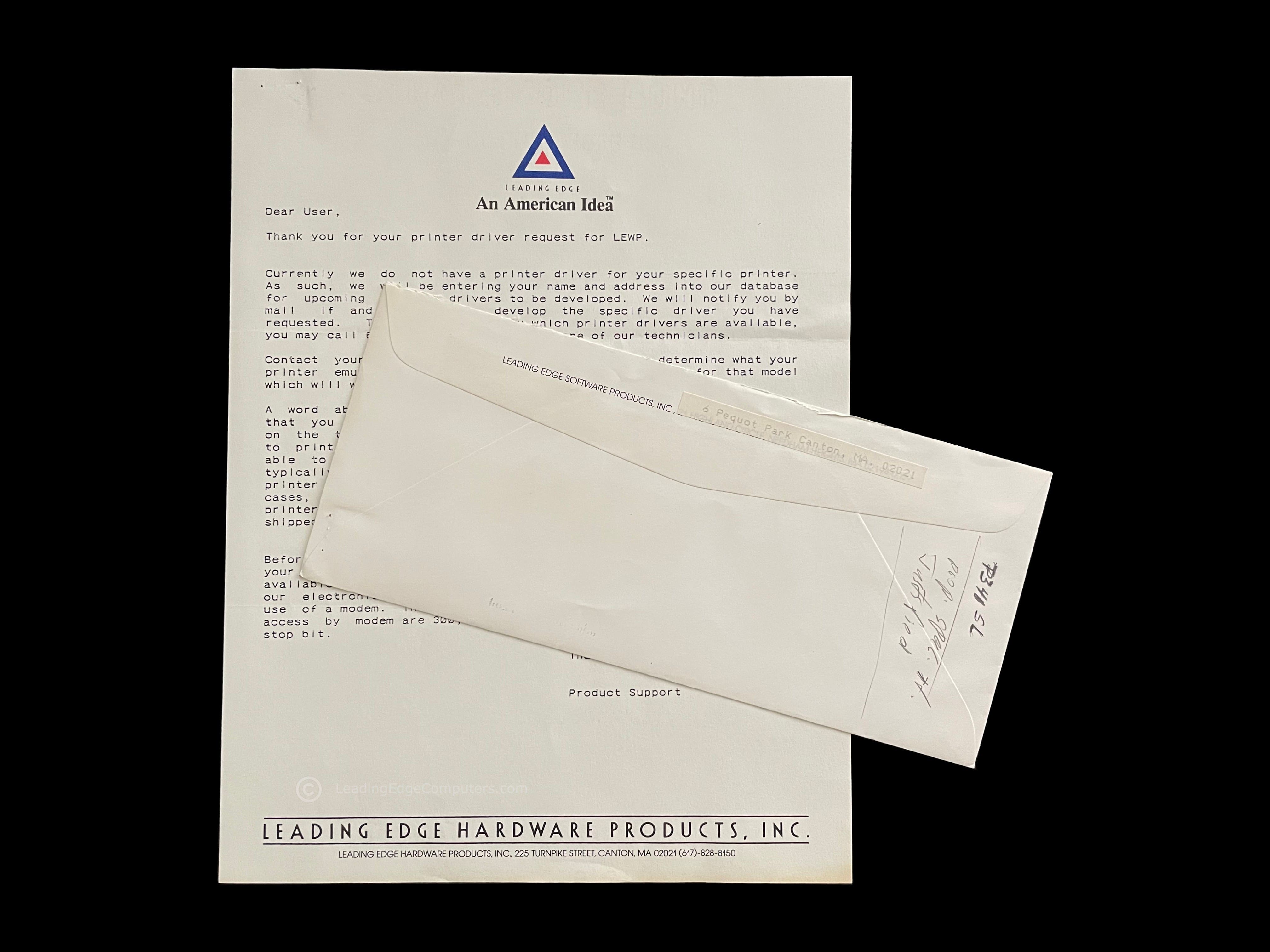
    straight down view of the leading edge letterhead with message letterhead with envelope letterhead with envelope rear

     Microsoft Multiplan Manual

    A photo of the lefthand side of the sleeve for Multiplan showing a blank side A view of Multiplan contained within its sleeve with the spine of the binder visible A photo of the rear of Multiplan's sleeve with the Leading Edge logo A photo of Multiplan's manual removed from its sleeve with large Leading Edge lettering and logo A photo of the Multiplan binder opened to the first page of the manual A photo of the Multiplan binder opened to the last page of the manual showing the 5.25 inch disk A picture of the Multiplan manual opened to the command directory section A photo of the Multiplan manual showing elite 1980s graphics capabilities A photo of the Multiplan manual opened to the second page of the manual showing a colorful Leading Edge logo and triangle pattern

     Word Processing Manual

    A photo of Leading Edge's Word Processing manual inside of the shelf sleeve A photo of the rear of Leading Edge's Word Processing manual box A top down photo of the rear of Leading Edge's Word Processing manual box A side view of Leading Edge's Word Processing manual's box An alternate side view of Leading Edge's Word Processing manual's box showing the manual's binder A photo of Leading Edge's Word Processing manual binder outside of the protective shelf sleeve A photo of the contents inside of Leading Edge's Word Processing manual box including the manual, QRC, disks, and keyboard template Another view of Leading Edge's Word Processing manual binder A photo of the three disks for Leading Edge's Word Processing

    Page:


      Back to Top To Bottom
