
Fortiva 3000 System BIOS Image Version 161
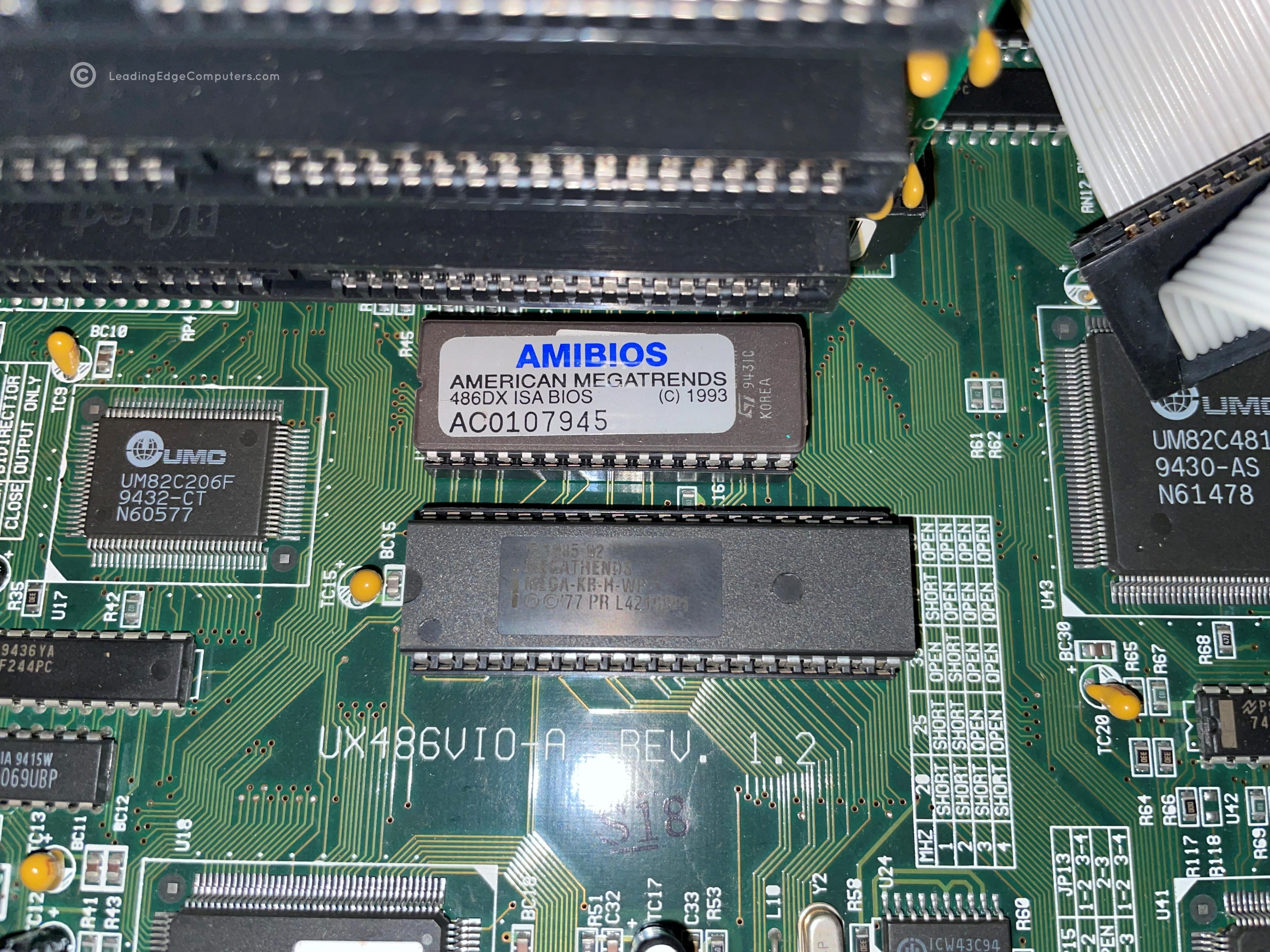
A part of LeadingEdgeComputer.com's preservation efforts is the conservation of various versions of each system's BIOS, specifically system configuration and startup ROMs. As Leading Edge began to flounder in the early 1990s, sales of their computers tanked which makes finding working computers difficult to come by today to preserve and archive for historical purposes. Our Fortiva 3000 was found as a pretty badly damaged machine which underwent extensive restoration efforts to repair overvolting damage brought about by a failed power supply. One of the first things done was to pull and dump the ROMs. Luckily, the ROMs were intact and ultimately the computer made it through the restoration.
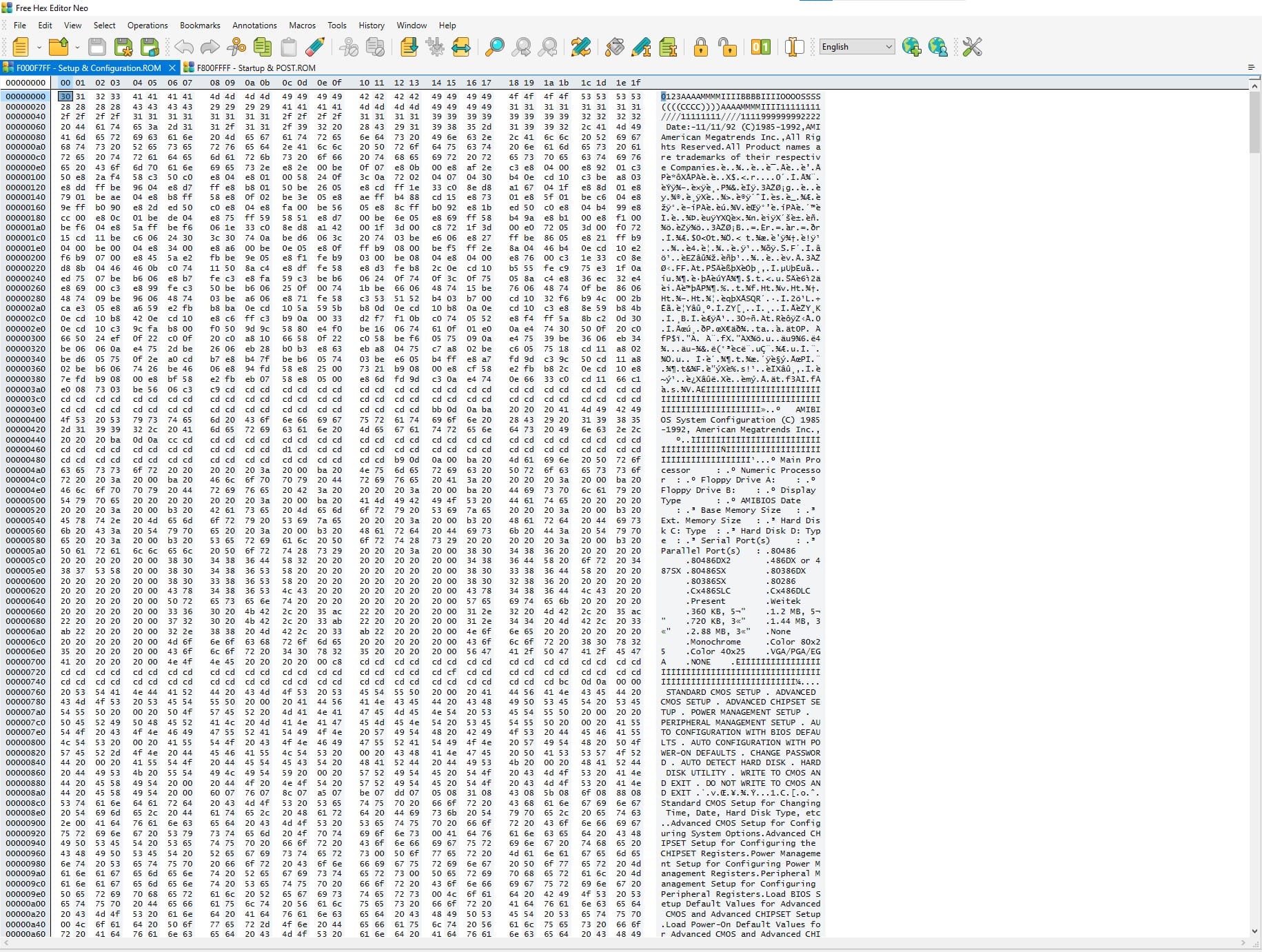
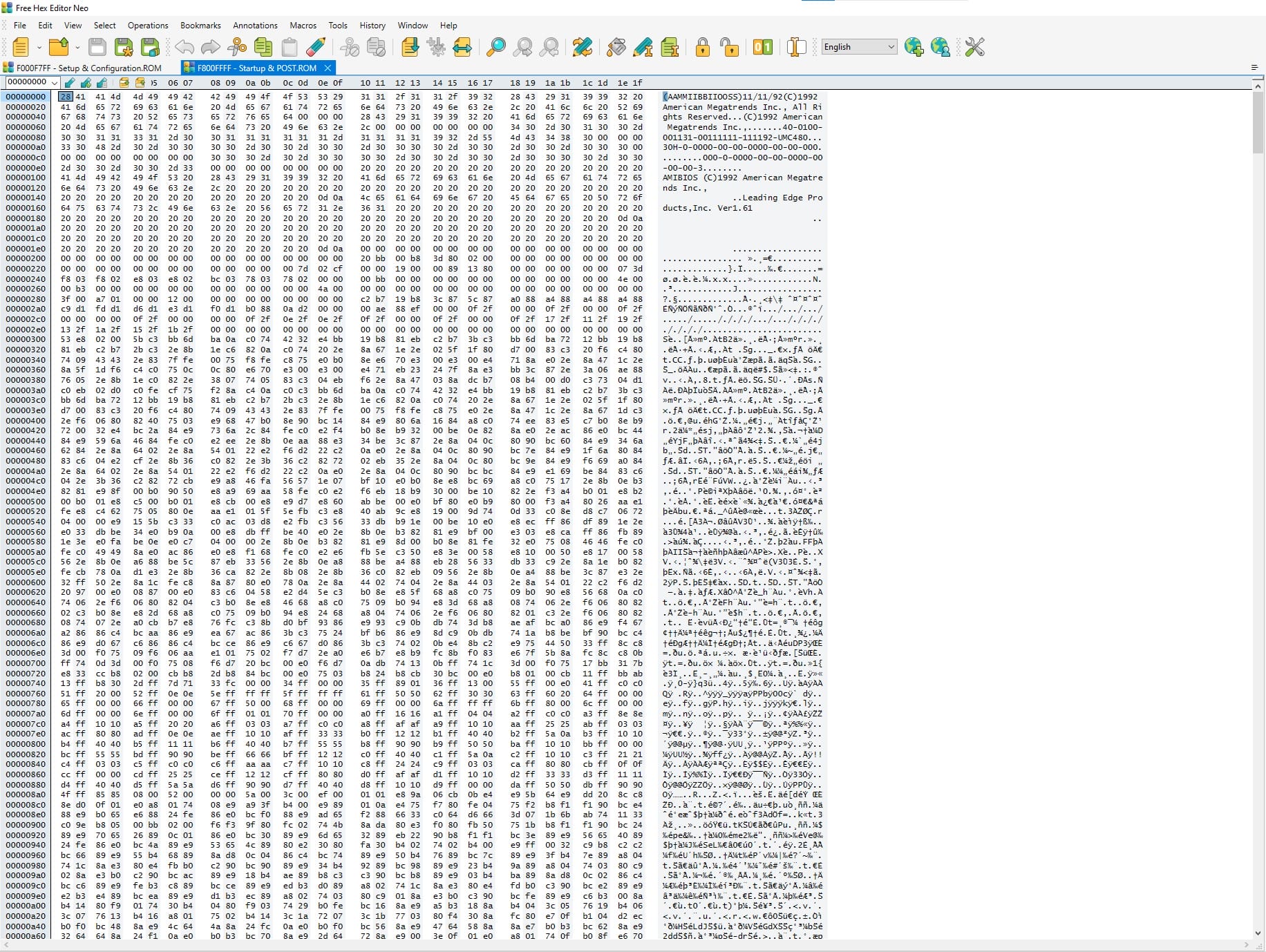
The Fortiva 3000 system BIOS version 1.61 consists of two 32K ROM files. File F000F7FF is the setup and configuration ROM while file F800FFFF is the start−up and POST ROM file. These files may be useful for those who are working to restore a Leading Edge Fortiva 3000 and have encountered a corrupted system BIOS file. Others may find the BIOS files useful as an upgrade from an earlier system BIOS to allow for support of additional hardware options or simply as an archival backup.
If you decide to upgrade from an older BIOS version, it is highly recommended to set aside your current ROM chips and work with a separate set of chips for the new BIOS, just in case something goes wrong.
See below for downloadable BIOS ROM images that can be burned to PROMs
 LeadingEdge
Downloads
Fortiva 3000 System BIOS Images Version 161
Downloadable ROMs:
BIOS Image Disclaimer
Note: LeadingEdgeComputers.com extracts BIOS images from original ROM chips. Every effort is made on our end to ensure that these images are working and complete. With that said, it must be stressed that you operate these images at your own risk, LeadingEdgeComputers.com and its associates assume no liability. If upgrading your BIOS, It is highly recommended that you make back-ups of your original ROM images or use blank PROMs and do not overwrite your originals.
